Entrance video
Video doorbell. Answer from your Ajax app.
See visitors and answer them from the Ajax app with an Ajax DoorBell video doorbell. Add suitable outdoor cameras for the driveway or another entrance. Plan the wired power, Wi-Fi connection and recording you need, then compare equipment options and prices in the configurator.

Speak to the visitor.
DoorBell combines a call button, microphone and speaker with its camera.
Notice the arrival.
Configure supported detection and notifications for the approach to the door.
Keep a useful history.
Choose an appropriate NVR or supported cloud recording route.
Stay in one app.
Bring the entrance together with the other devices in your Ajax space.
The door. The connection. The history.
DoorBell handles visitor conversation. Add a separate outdoor-rated camera if you need another angle or a wider area; an indoor camera belongs inside.
01. See and speak.
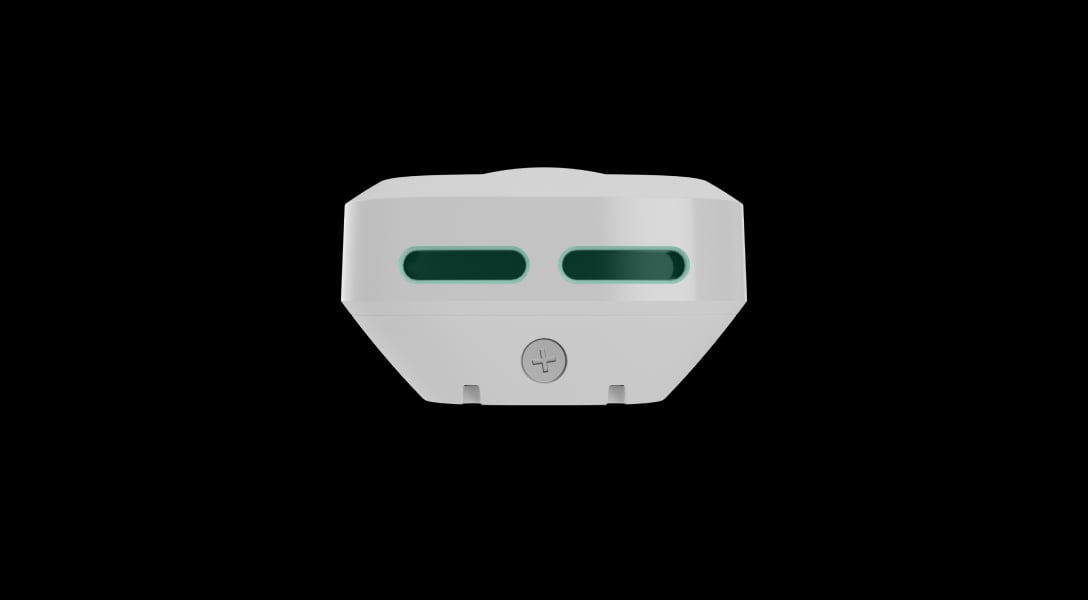
The DoorBell button can start an in-app call. Its camera, microphone and speaker let you see and answer the person outside.
Explore DoorBell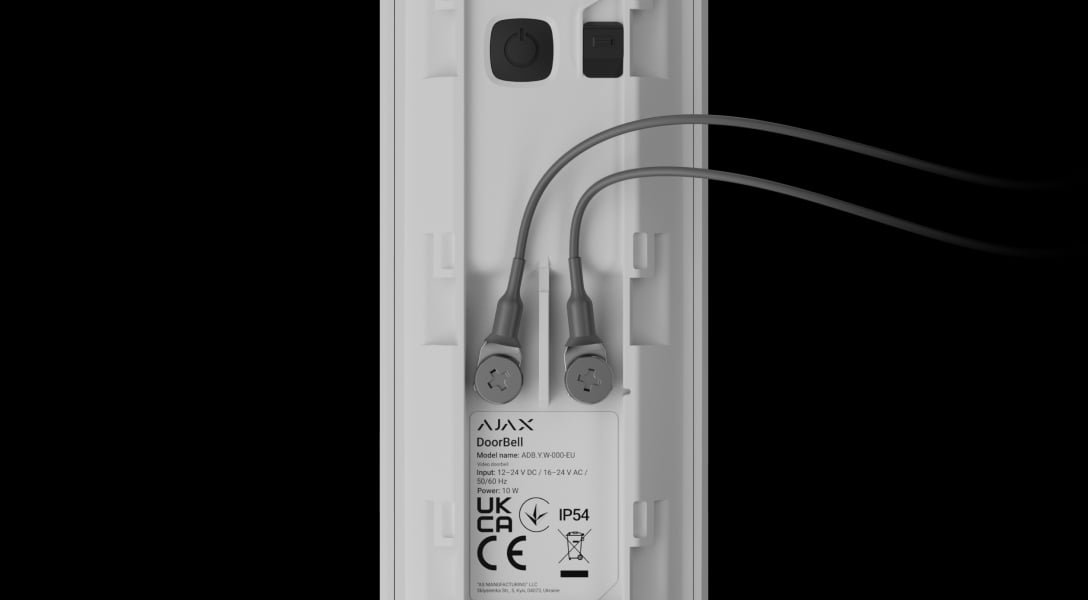
02. Plan the connection.
DoorBell uses Wi-Fi for video and a wired 12–24 V DC or 16–24 V AC supply. Check the existing doorbell circuit and chime before deciding what can be reused.
Check DoorBell requirements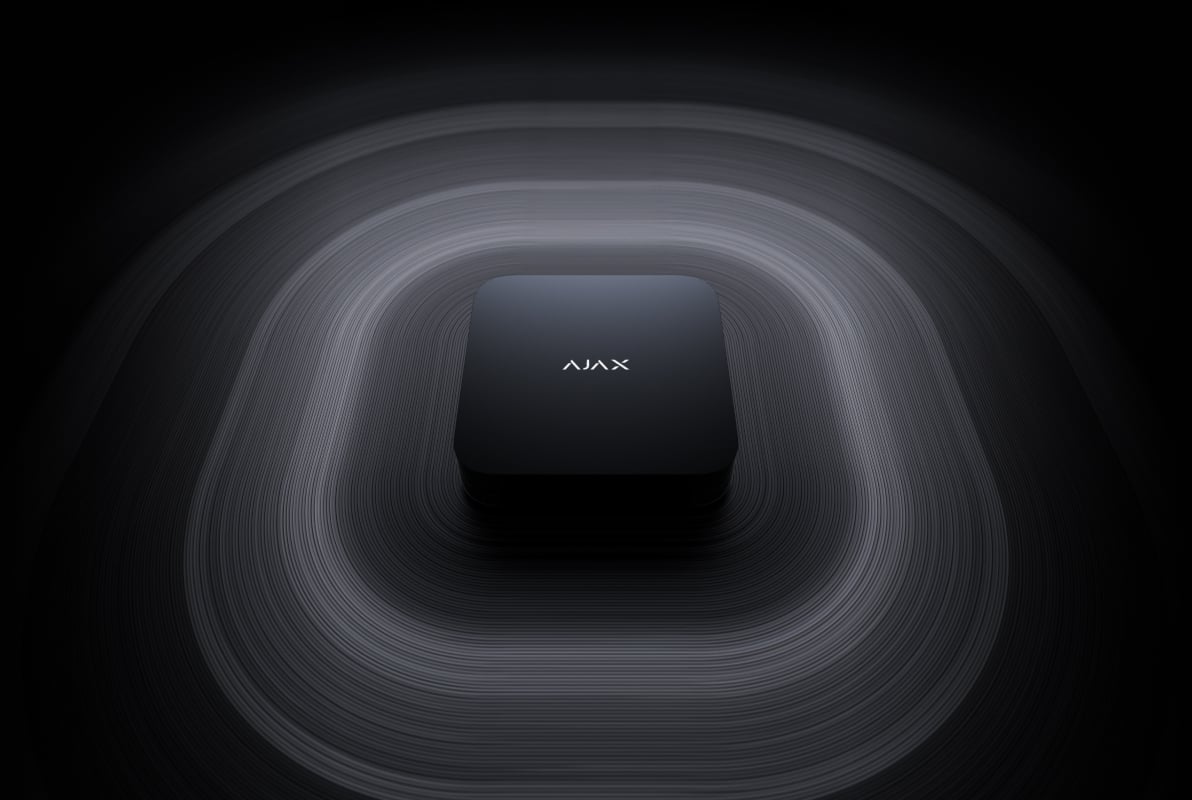
03. Choose a recording route.
An Ajax NVR with a drive can provide a local archive. Supported cloud recording is a separate service. Choose the mode and retention that fit the entrance.
Explore recording equipment
From the arrival to the answer.
Set the notifications around the entrance you actually use.
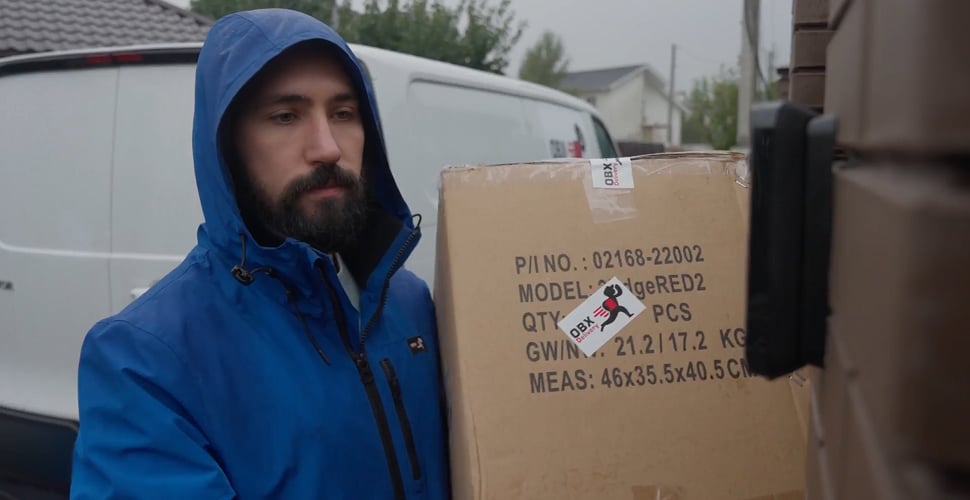
Answer in the app.
When a visitor presses DoorBell, configured users can receive an in-app call or notification and start a conversation.
A considered view of your doorway.
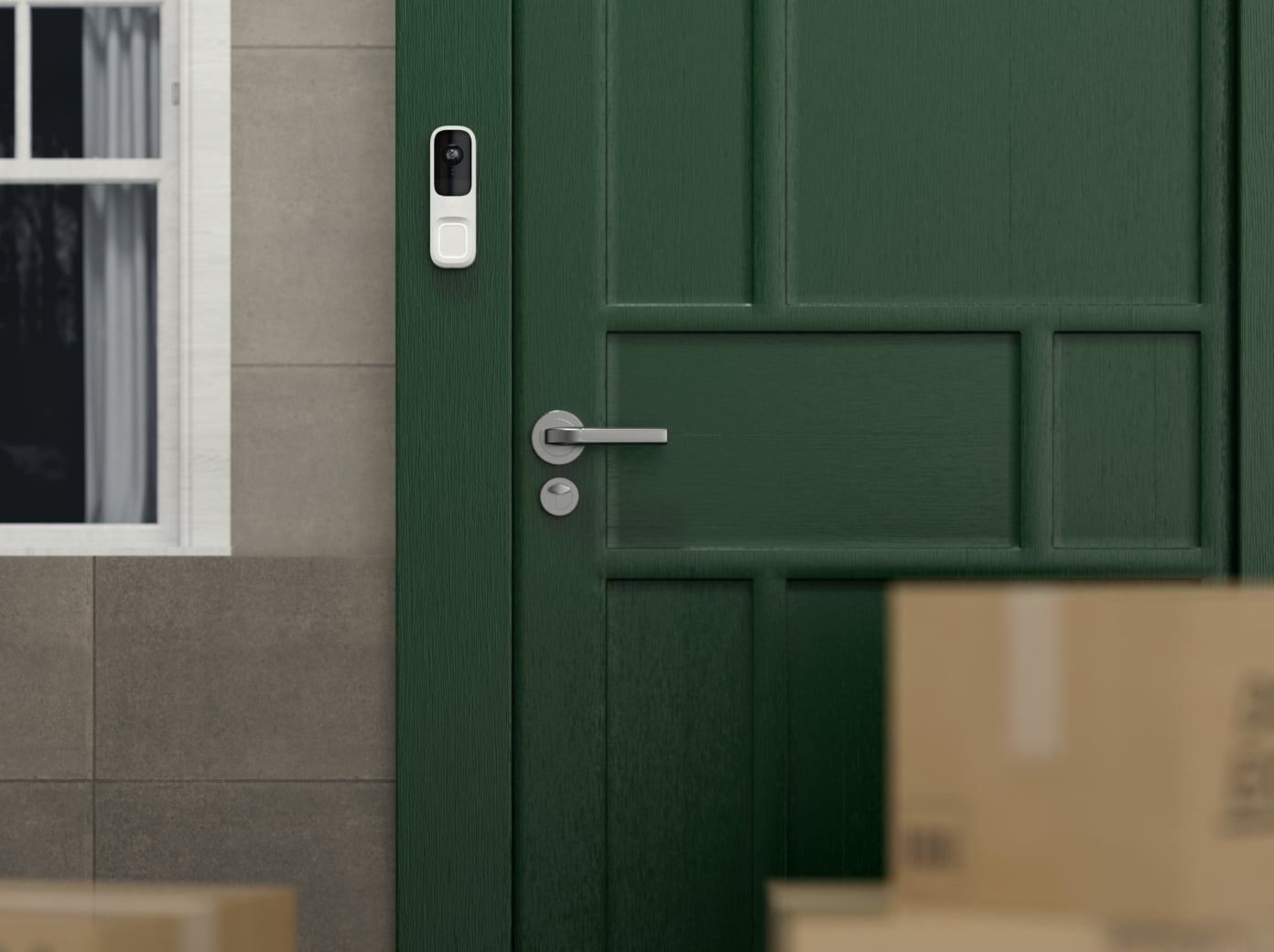
At home.
Aim the view at the approach and the person at the door, while respecting neighbouring areas.
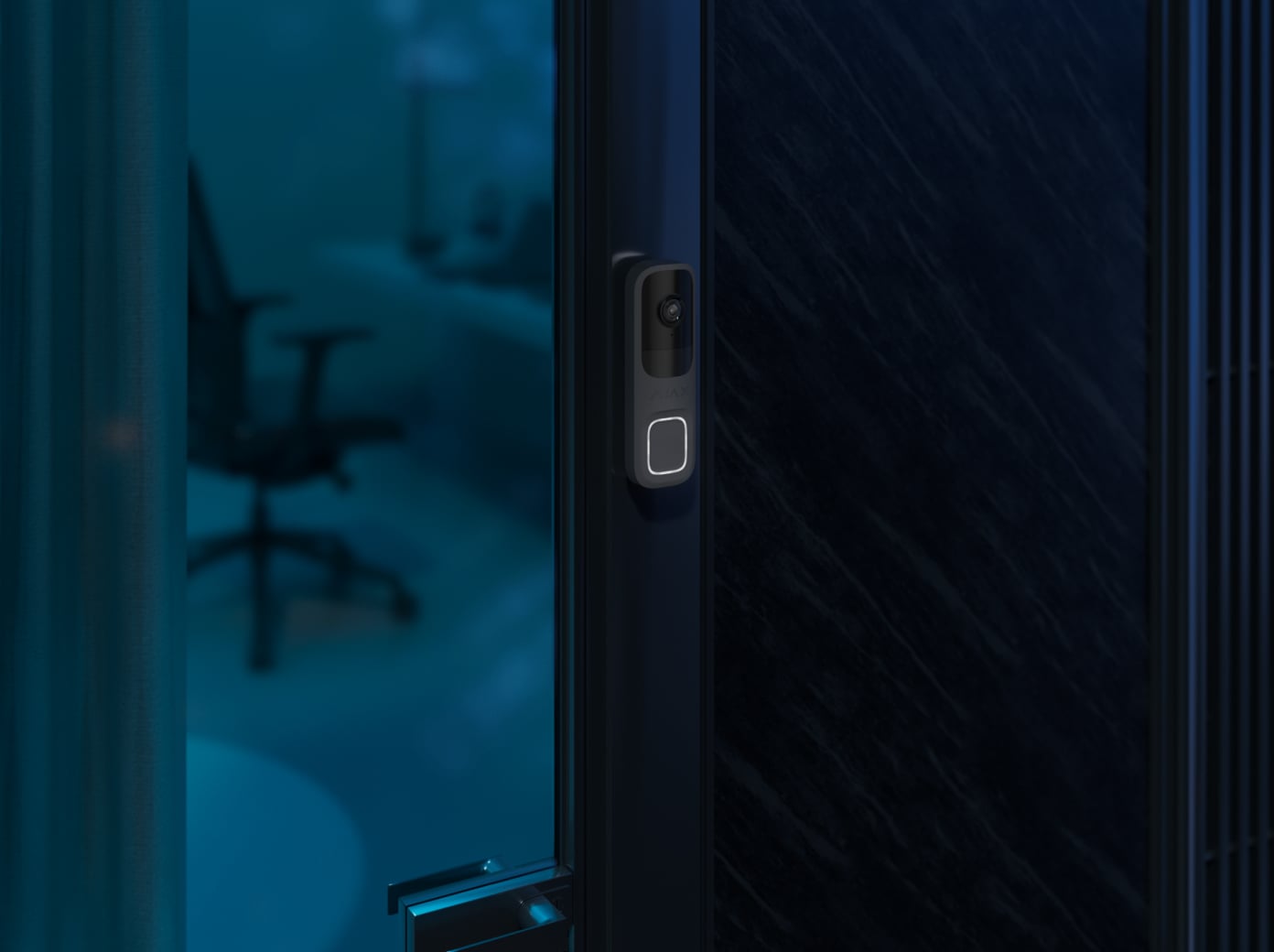
At a workplace.
Decide who receives calls and how visitor access is handled during and after opening hours.
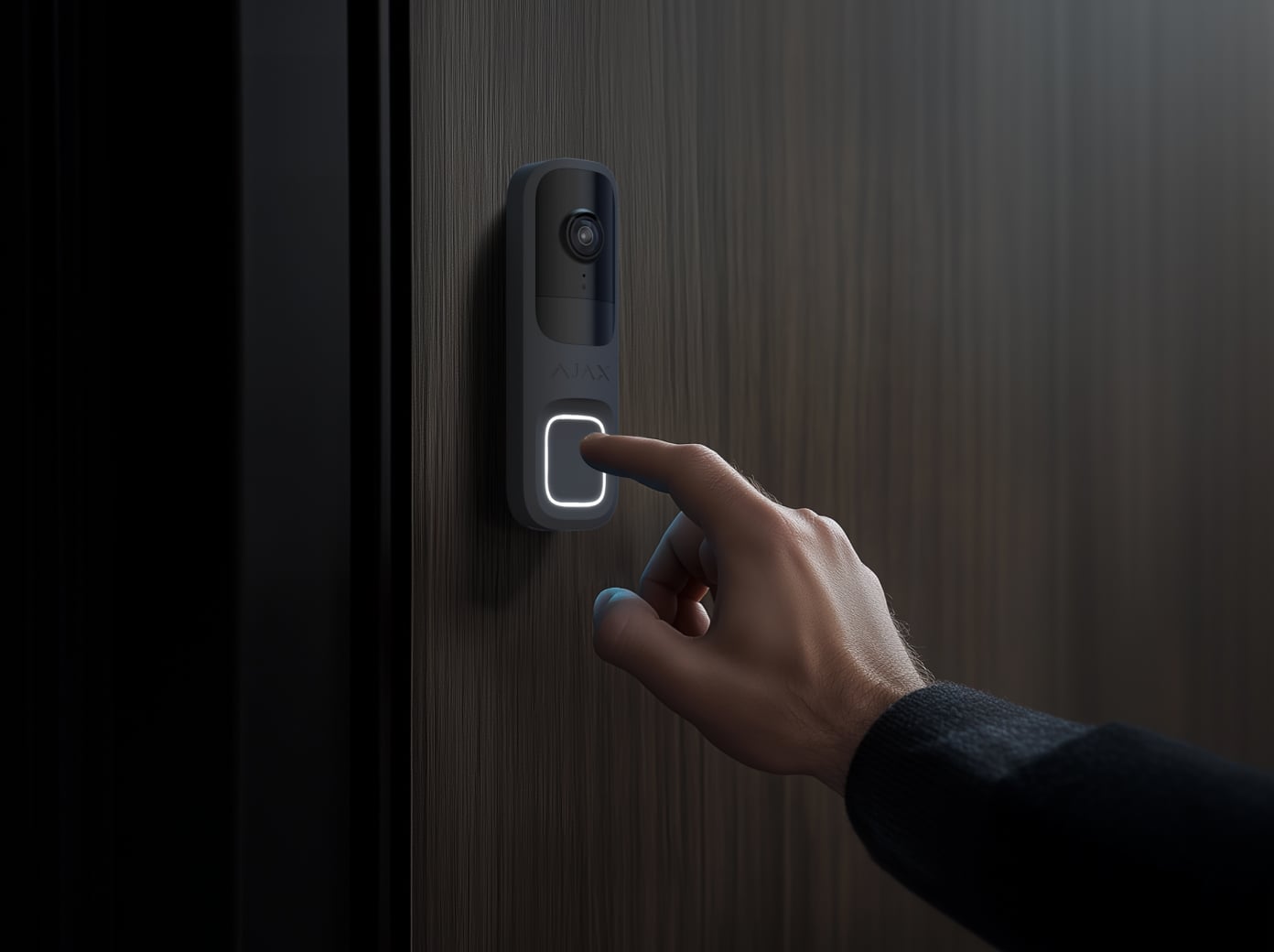
At an apartment entrance.
Check the shared-space rules, power route and permitted field of view before installation.
Your visitor history, under your control.
Recording needs to be configured before there is footage to review.
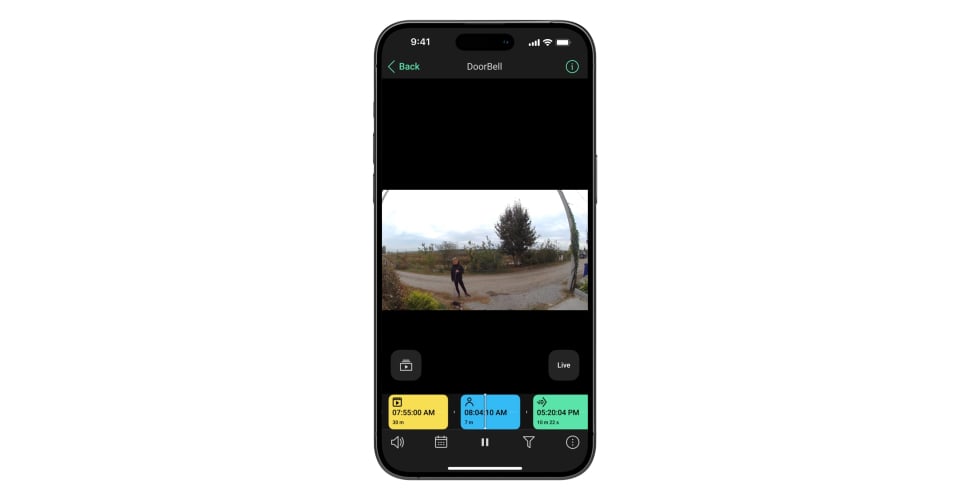
Return to the visit.
Use the recorded history to review an entrance event. Continuous DoorBell recording requires an NVR; supported cloud recording is event-based and needs separate service terms.
Make the doorway work as a whole.
Review the supply, Wi-Fi, viewing angle and chime together before installation.
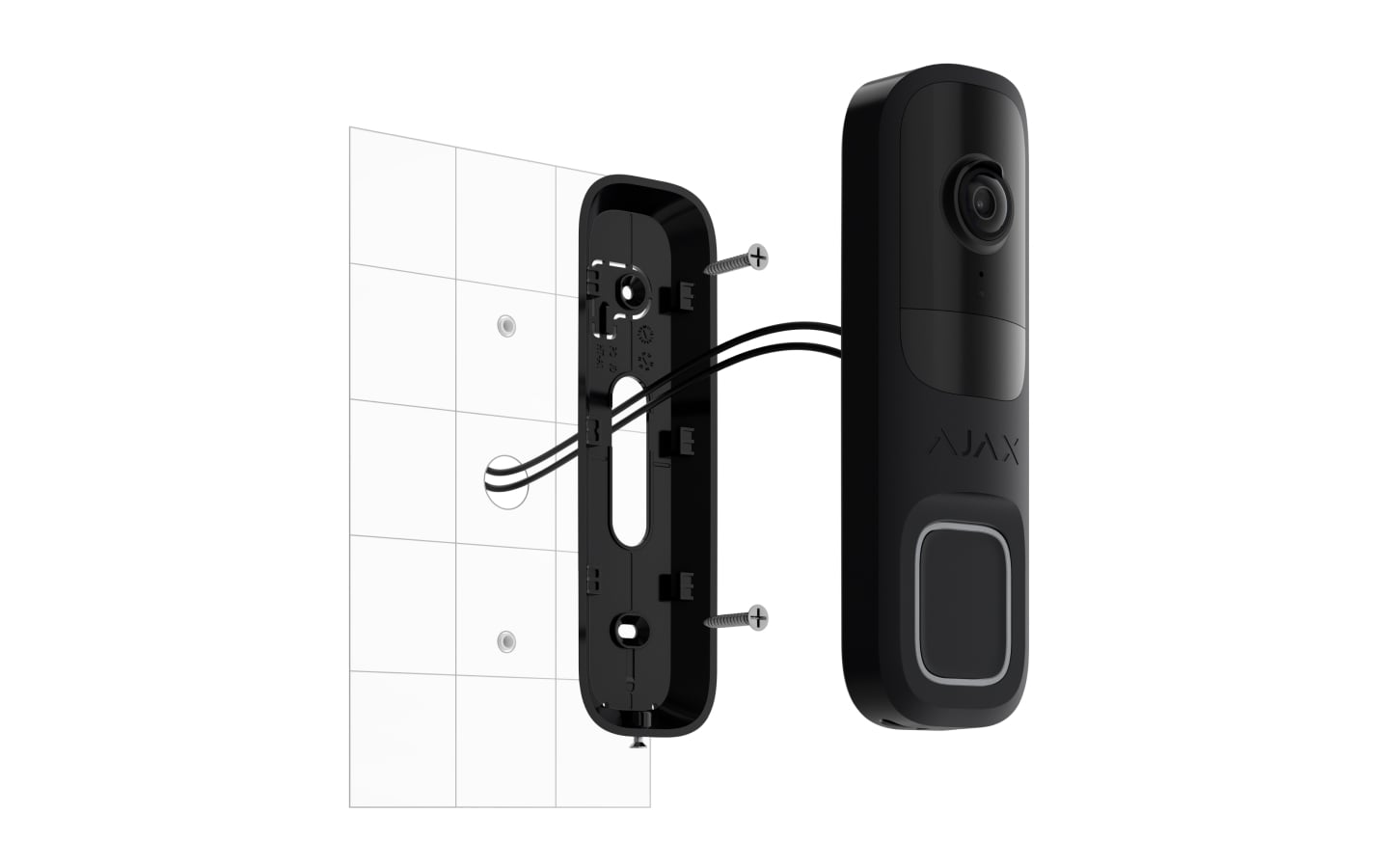
Aim the camera at the visitor.
Use SmartBracket and a suitable supplied wedge where needed. Check the fixing surface, camera view and weather exposure for DoorBell’s installation limits.
Test the Wi-Fi at the door.
Check signal and real video performance at the final position. A long open-space range specification does not guarantee the same result through walls.
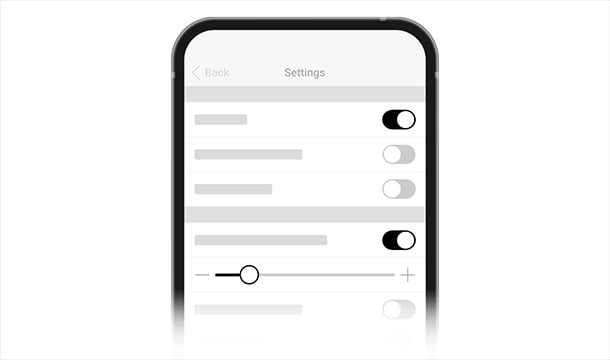
Test the complete visit.
Configure detection, calls and recording. Test an arrival, a button press, conversation and playback. Verify any compatible chime and the behaviour of the whole network during an outage.
Make it fit your space
Configure your entrance video.
Choose the entrances and other places you want to see below. Start with DoorBell alone or add cameras, then compare your video configurations in the shared project.
A few useful answers.
Is DoorBell battery-powered?
DoorBell needs its specified wired external supply. Its built-in backup battery supports limited operation during an outage; it does not replace everyday power. Wi-Fi and internet equipment need their own power.
Will my existing chime work?
Check the exact chime, transformer, circuit and DoorBell compatibility before reuse. Any required chime module or supply must be identified and quoted; it is not automatically included in the camera estimate.
Can it open my gate?
Visitor conversation and gate operation are separate functions. A gate command needs compatible relay equipment, a suitable controller interface and a configured system; knowing the gate’s actual position needs its own feedback.
Do I need a hub or an NVR just to answer?
An alarm hub is not required for DoorBell’s normal Wi-Fi video and calls. An NVR is needed for a local archive or continuous recording, rather than for simply answering a visitor.
How much does a video doorbell system cost?
The equipment price depends on the number of entrances, additional cameras and recording needs. Compare priced options in the configurator. A local DoorBell archive needs an Ajax NVR and a suitable drive; cloud recording is a separate service. Check the power supply and Wi-Fi at each installation point. Include any required power and network equipment in the estimate. Electrical work, cabling and installation are quoted separately.
The details behind the solution.
Bring the entrance into your security plan.
Combine visitor awareness with opening detection, room protection and the agreed alarm response.
A LITTLE GUIDANCE. A CLEAR NEXT STEP.
Make the next step together.
Ask about this solution. We’ll help you check the equipment and the work your space needs.
Planning for your business?
Discuss a complete project for your sites, with services agreed around your needs.
Explore Business