Home security
Ajax home alarm. Planned for the way you live.
Plan an Ajax alarm for an apartment or private house around your entrances, accessible windows, rooms and daily routines. Compare equipment options and prices in the configurator. Check the property and any existing system before choosing wired or wireless devices.
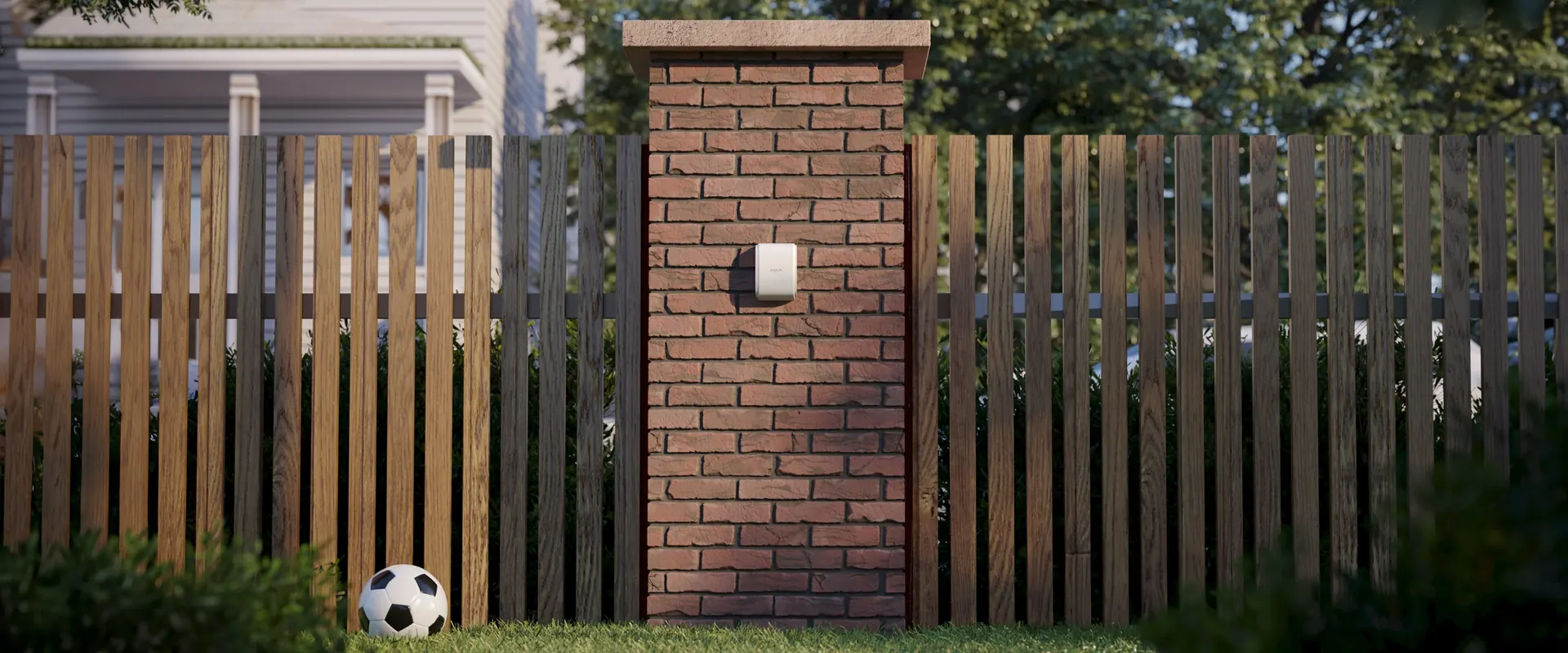
Watch the openings.
Match detection to doors, accessible windows and how each opening moves.
Cover the rooms.
Plan indoor movement detection around layout, everyday routes and pets.
Understand an alarm.
Add photo verification where you need visual context for the response.
Control your own areas.
Use whole-system, group or Night mode settings that fit the property.
Detection. Connection. A clear alert.
Choose the roles your property needs. The devices shown illustrate one wireless route; wired and Superior installations need their own compatible design.
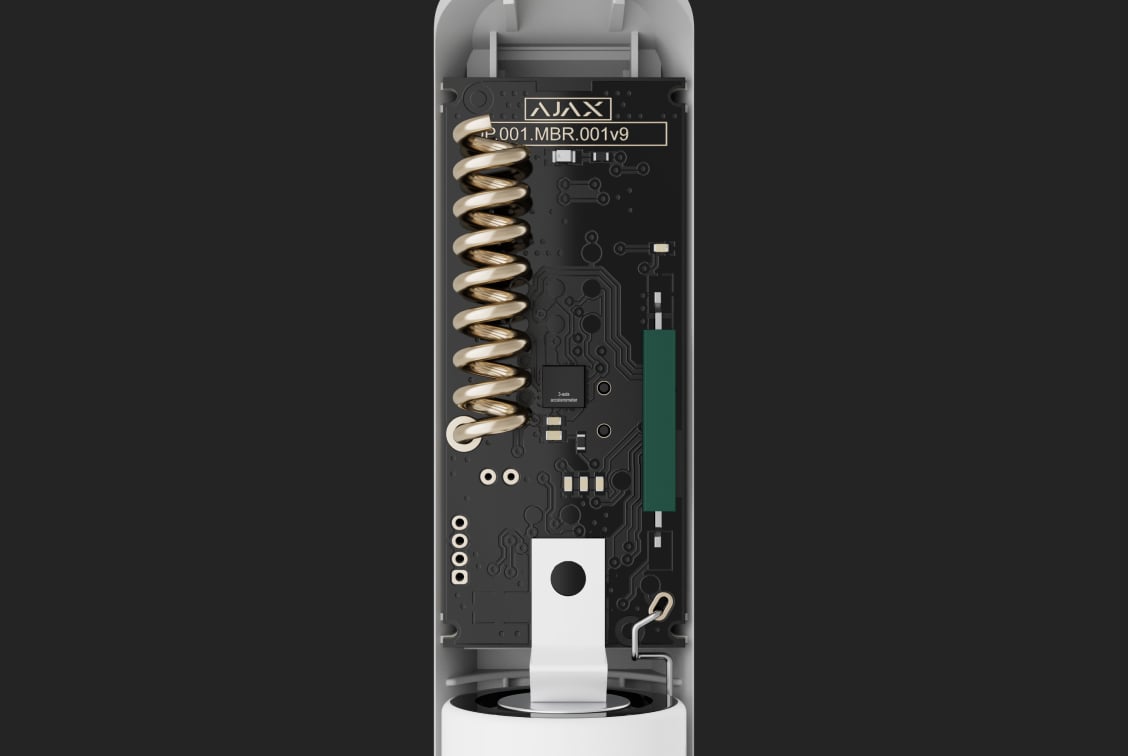
01. Notice the opening.
DoorProtect Plus detects an opening. Its shock and tilt functions can add protection when enabled and suitable for the window.
Explore DoorProtect Plus
02. Carry the event.
A hub connects the devices, runs the configured response and sends notifications through the available communication paths.
Explore Hub 2 Plus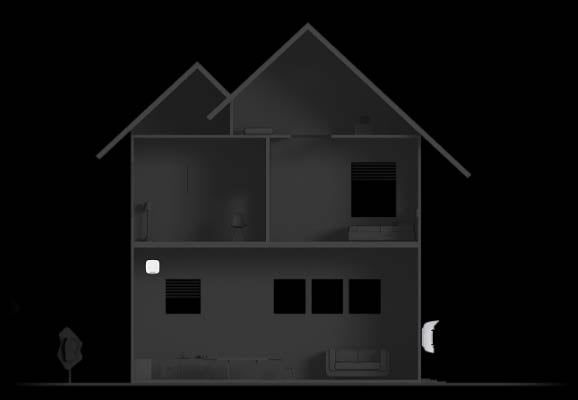
03. Make it known.
An indoor siren can sound when the configured detectors raise an alarm. Select the volume, indication and entry or exit delays for the actual space.
Explore HomeSiren
Protection that follows your routine.
Agree who can arm the system, which areas stay protected and how an alarm should be handled.
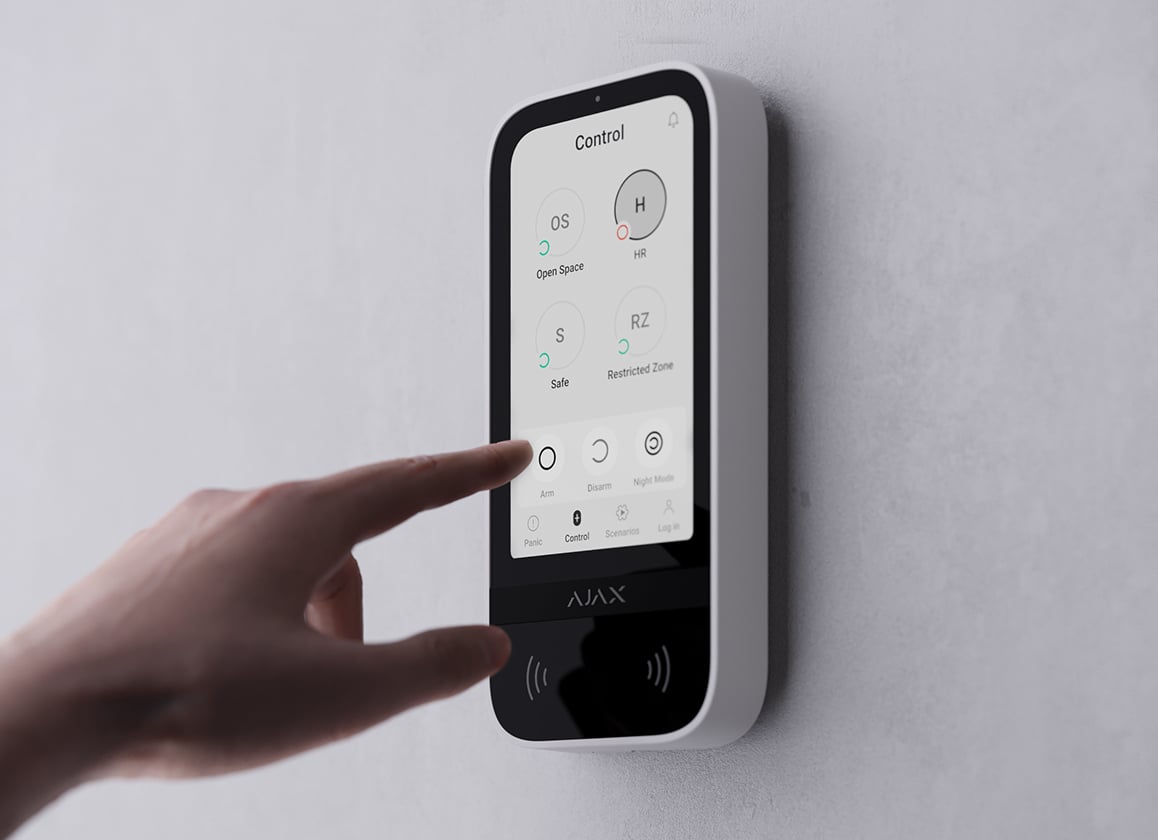
Whole property or selected areas.
Use groups to manage areas separately. Night mode arms the selected detectors while you remain at home; your routes, entry delays and detector settings are planned together.
KeyPad TouchScreen illustrates group control. Supported modes and access methods depend on the keypad, hub and configuration.
An apartment and a private house need different plans.
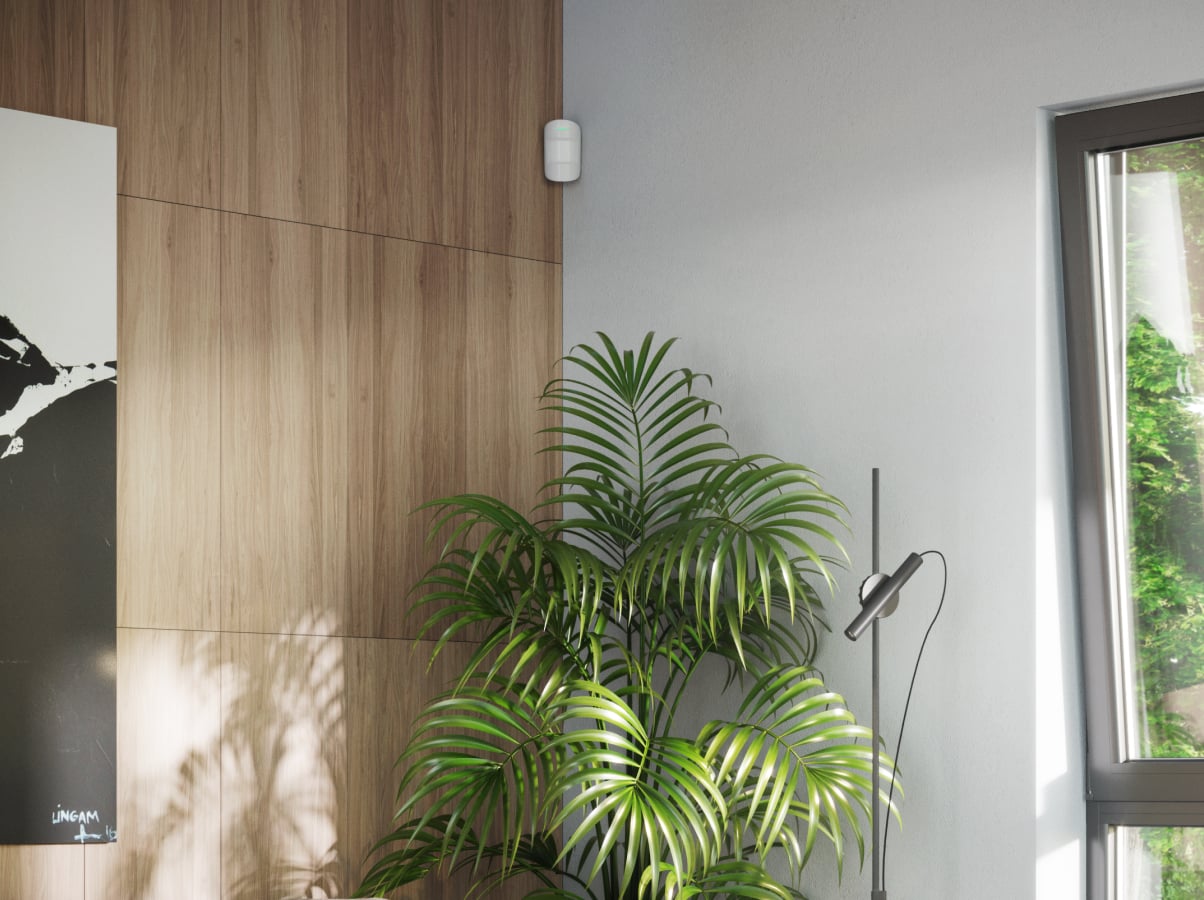
An apartment plan.
Start with the apartment entrance, accessible balcony or ground-floor openings and the rooms an intruder could reach. Count only this apartment's own levels and openings, then plan how residents move when Night mode is active.
Plan apartment security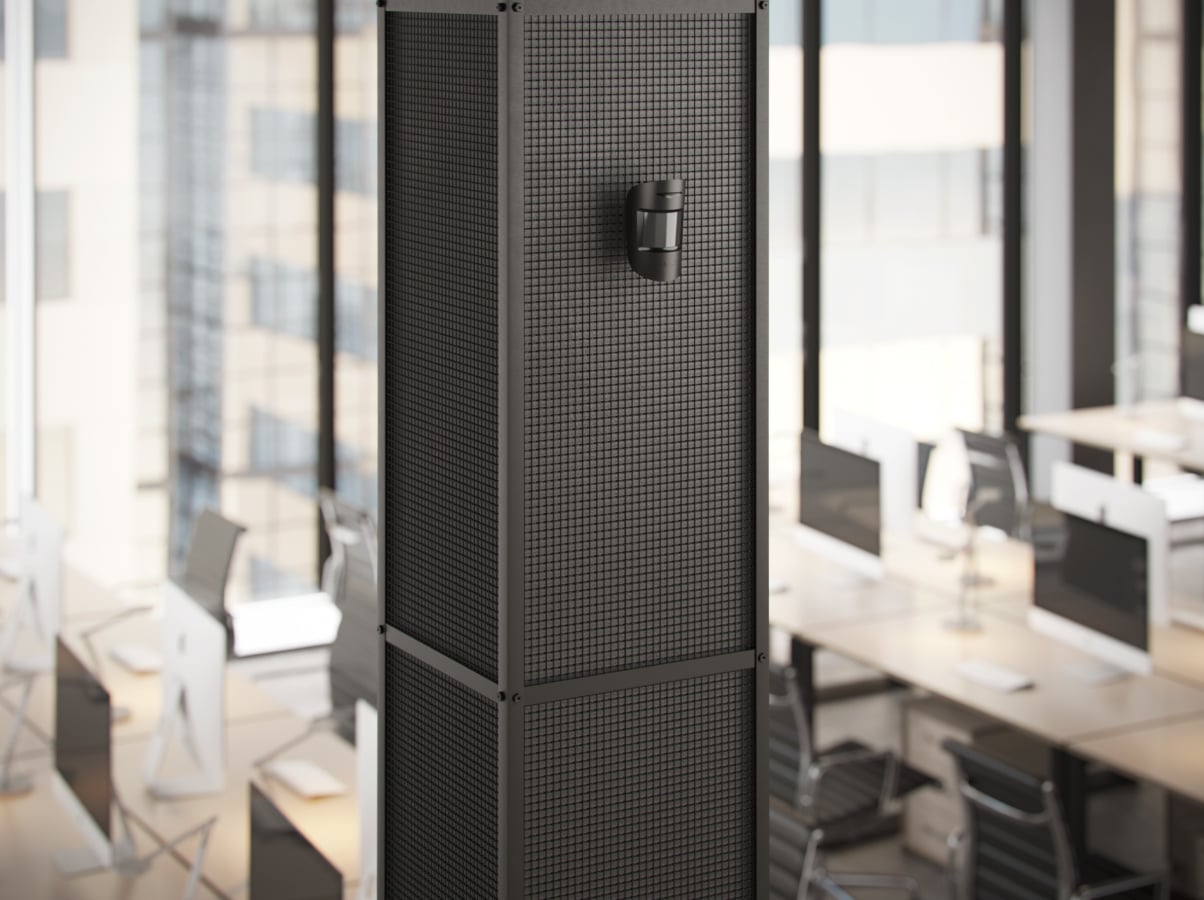
A private house plan.
Map every exterior door, accessible window, storey and adjoining garage or storage space. Review radio coverage, outdoor boundaries and whether separate areas need group control.
Plan private house security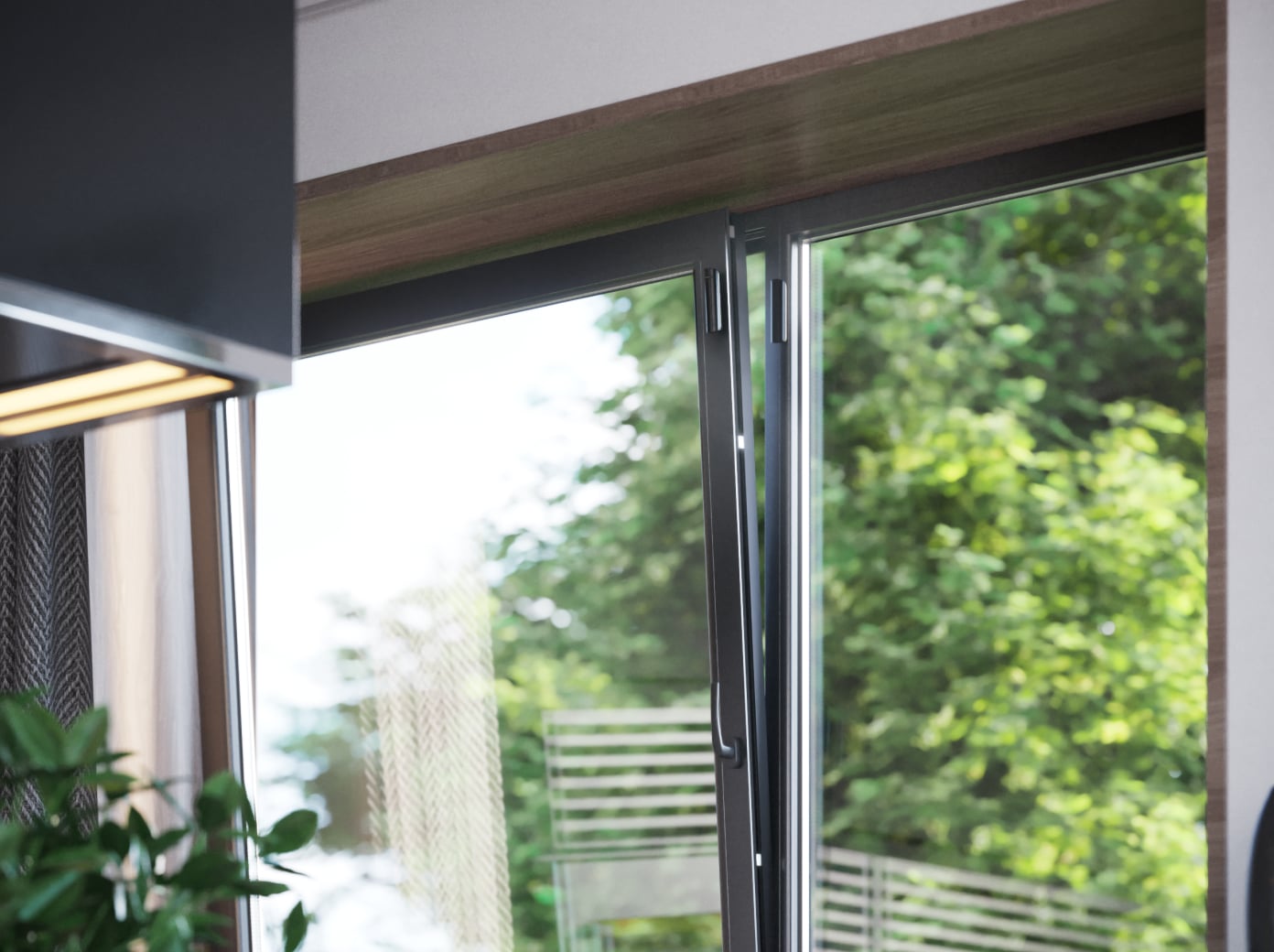
An existing Ajax system.
Record the exact hub, device models, radio region and firmware before adding equipment. A matching product name alone does not prove that a new detector or feature is compatible.
Plan additions to my systemKnow the state. Choose the response.
Authorised users can control their areas, review events and notice when a device needs attention.

Give access deliberately.
Give each person the access their role needs. Compatible keypad credentials and app permissions are configured individually; they do not need to share one code.
Designed for the space. Tested together.
A detector count is the start of a design, not a substitute for checking its final position.
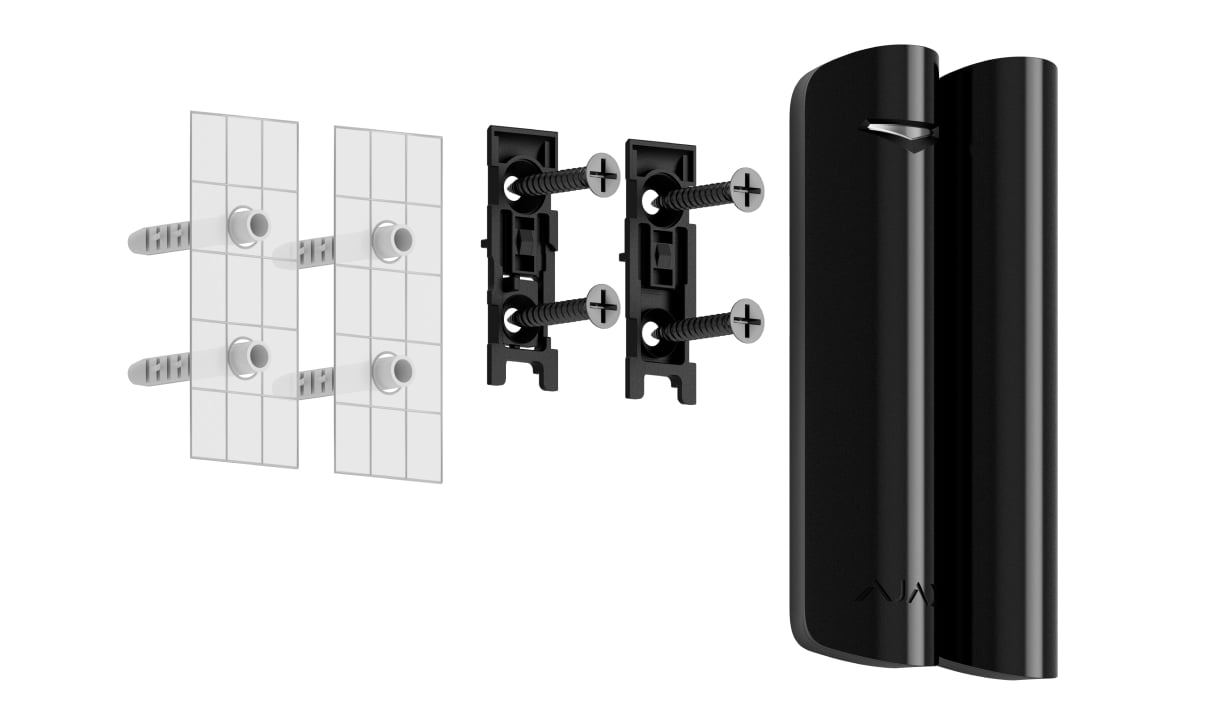
Fit each opening.
Check the frame, opening movement, magnet gap and fixing surface. Set and test additional shock or tilt detection only where appropriate.
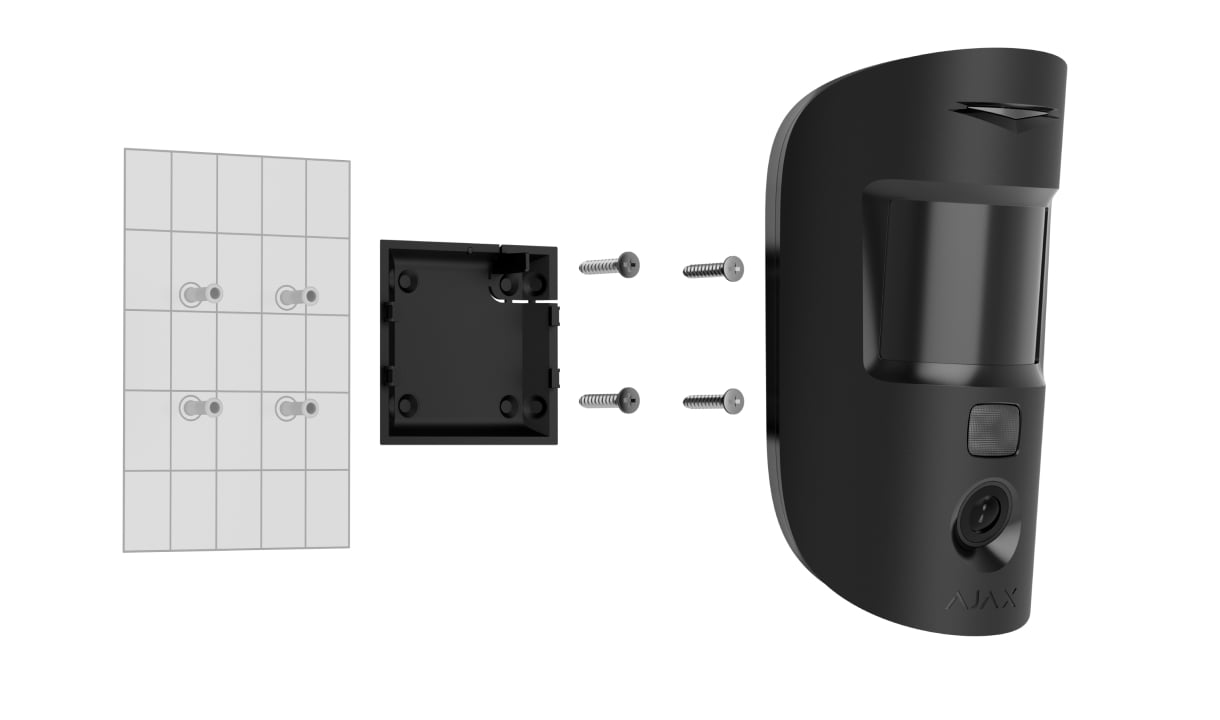
Check the detection area.
Review mounting height, the intended coverage, pets and heat sources. Test detection and radio performance at each final position.
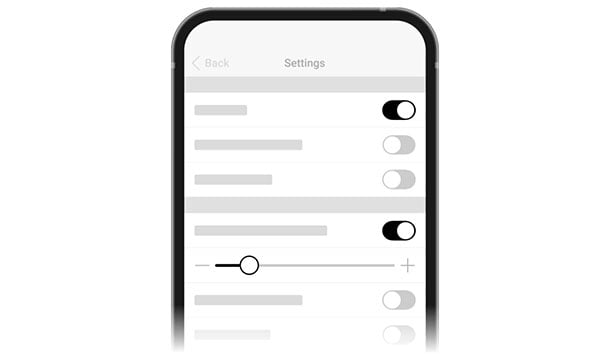
Agree the handover.
Configure users, groups, modes, delays and notification channels. Test the agreed response and record how the system will be maintained.
Make it fit your space
Configure your home security.
Answer the questions below about openings, rooms and how you use the property. Then compare your security configurations in the shared project, where you can add other solutions too.
A few useful answers.
Can I keep an existing Ajax hub?
Yes, where the exact hub, radio region, firmware and selected devices are compatible. Enter existing equipment in the planner; its limits are reviewed before additions are confirmed.
Can I protect the home while I am inside?
Night mode can arm selected detectors while leaving your agreed routes available. Group control can also separate areas. These functions need a deliberate configuration and a test with the people using the home.
Are wired and wireless systems interchangeable?
No. Fibra devices need a compatible hybrid hub and a wired design. Baseline and Superior devices also have model, radio and installation requirements; a mixed shopping list is not a compatibility guarantee.
Does an app alarm include professional monitoring?
No. App notifications and local sirens are equipment functions. Monitoring, verification and dispatch are separate services with an agreed provider and response.
How much does a home alarm system cost?
The equipment price depends on the hub, detectors and controls your property needs. Compare priced options in the configurator. The basket calculates preparation and installation for eligible wireless equipment; services for other equipment are quoted separately.
Can my system be programmed before delivery?
Yes. Choose preparation for eligible wireless equipment: we pair, program, label and test the devices before dispatch. You receive an individual installation guide with your room and device names. Preparation is available as a paid service and is included when the eligible equipment subtotal reaches €3,000 including VAT. The basket shows eligibility and the applicable price; installation is a separate choice.
The details behind the solution.
Add context to the alarm.
Explore the difference between an alarm photo and a photo requested through the app.
A LITTLE GUIDANCE. A CLEAR NEXT STEP.
Make the next step together.
Ask about this solution. We’ll help you check the equipment and the work your space needs.
Planning for your business?
Discuss a complete project for your sites, with services agreed around your needs.
Explore Business