Video surveillance
See what matters. Know what happened.
Plan home video surveillance for entrances, rooms and outdoor areas. Match each camera's view, light, network and power, then choose how recordings are stored and who can access them.

A view for each place.
Match the lens, light and installation to the entrance, room or outdoor area.
Find the useful moment.
Connect supported events with recordings, then filter and review the archive.
Choose who can see.
Set viewing permissions and privacy zones for the people and places involved.
One shared system.
Combine video with supported Ajax security and automation scenarios.
Build the view. Then the system around it.
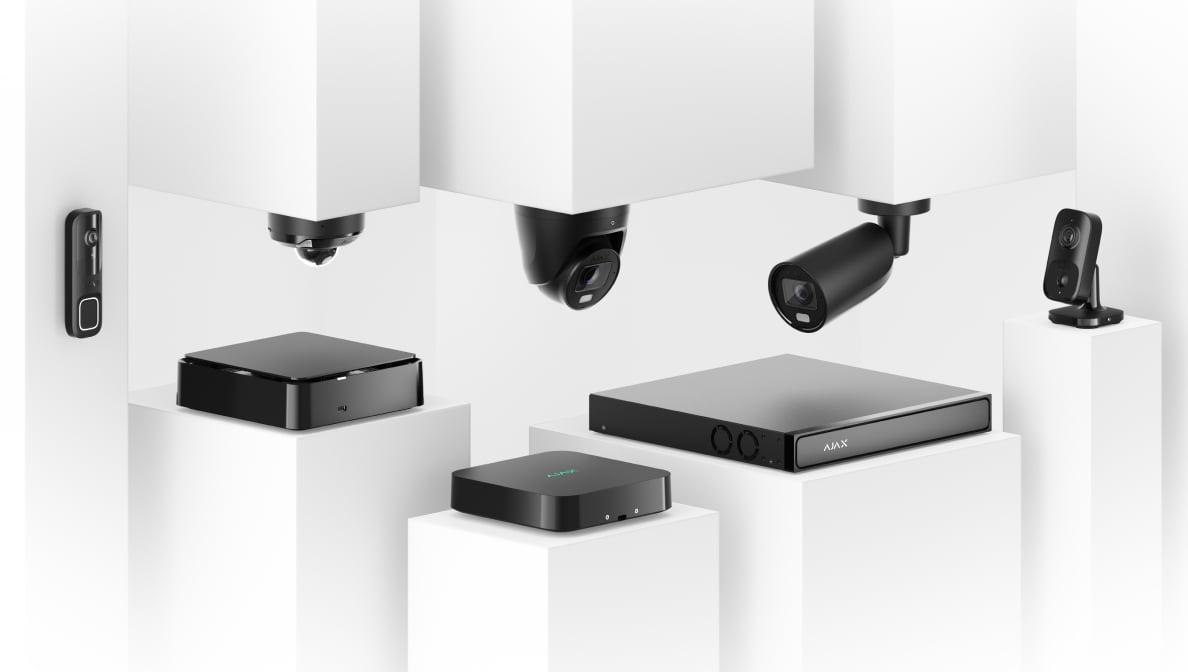
These are equipment roles, not a fixed kit. Video can work without an alarm hub; an existing suitable network or recorder may be reused.
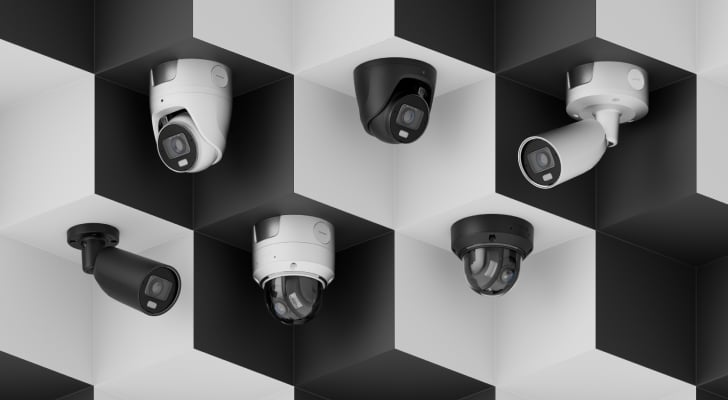
Wired cameras.
Use Ethernet for the video connection, with compatible PoE or the specified separate power supply. Lens, illumination, audio and card support depend on the exact camera.
Explore wired cameras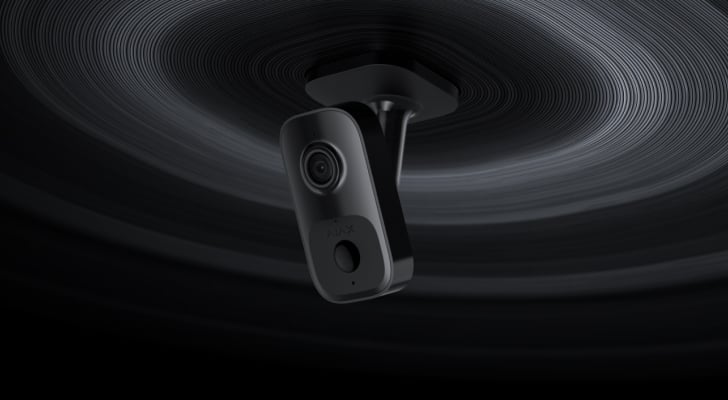
Indoor Wi-Fi video.
IndoorCam provides an indoor view and two-way conversation over Wi-Fi. It still needs power and a suitable recording route if you want a history.
Explore IndoorCam
A central recording archive.
Choose the recorder by channel count, drive capacity and total video load. HDMI output, PoE ports and onboard AI are available on particular NVR models.
Explore NVRs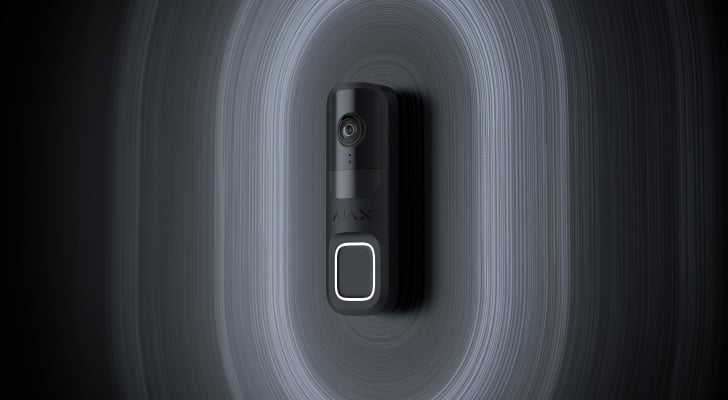
A conversation at the door.
DoorBell brings a button, camera, microphone and speaker to the entrance. Plan its Wi-Fi coverage, wired supply and any indoor chime.
Explore entrance video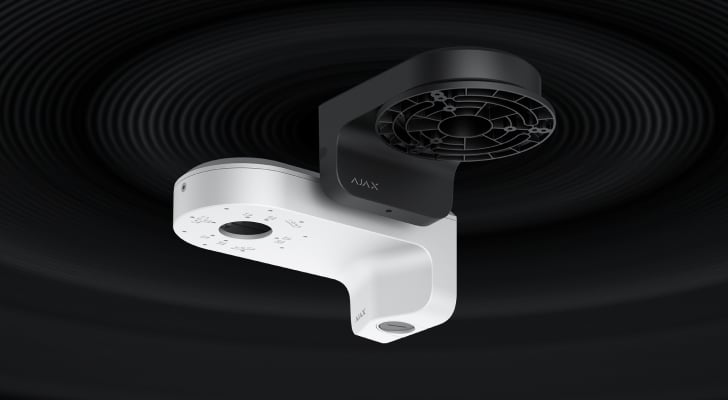
The right mounting position.
Match a JunctionBox or MountCam to the exact camera and fixing surface. Some cameras include their own mounting provision; check before adding another.
Explore video accessoriesChoose capabilities for the actual scene.
A family name is a starting point. Compare the exact model and its installation requirements before choosing your equipment.
Baseline
Core camera and recording choices, including fixed-lens and varifocal families. Compare the exact lens, lighting, audio and storage functions for your scene.
Explore Baseline video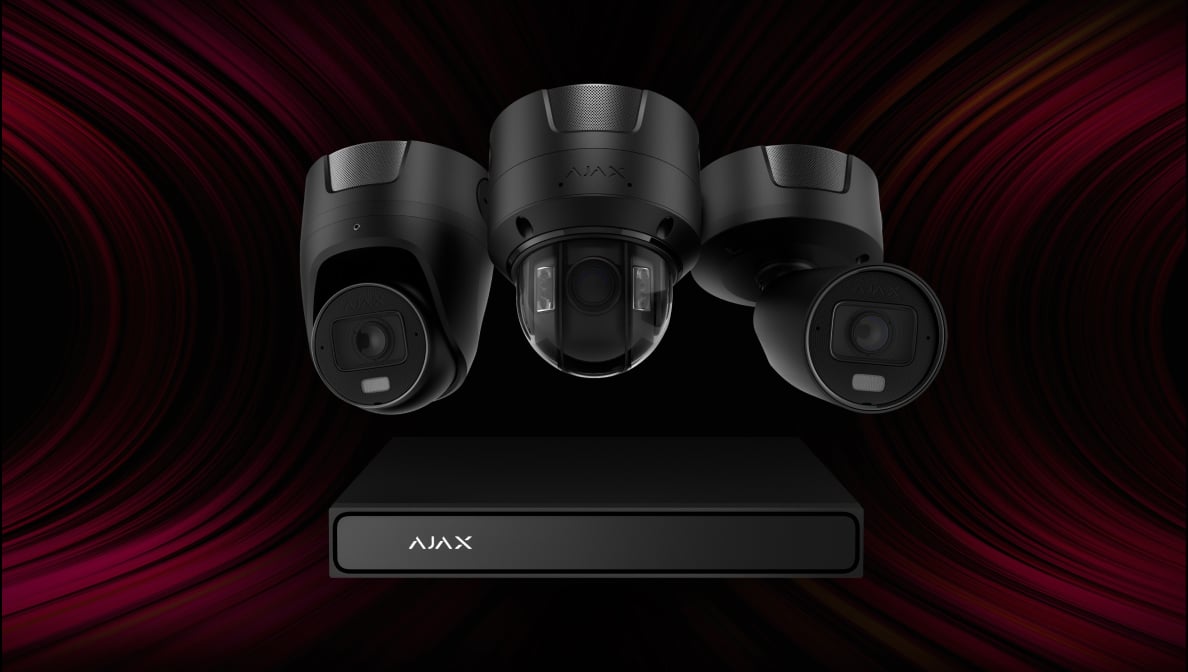
Superior
Additional imaging, integration and analytics options for demanding installations. Ajax reserves the supply, installation and maintenance of Superior products for accredited partners.
Explore Superior videoTurn an event into a useful response.
Choose the triggers and recipients deliberately. Additional security and automation equipment must support the selected scenario.

Respond across the system.
A supported camera event can trigger configured lights, sirens or relay equipment. The installer checks the compatible devices, required hub and intended action together.
An event does not automatically include monitoring, dispatch or gate access.
Keep the attention on the right activity.
Functions differ between camera families and firmware. The demonstrations illustrate supported configurations, not a promise for every model.
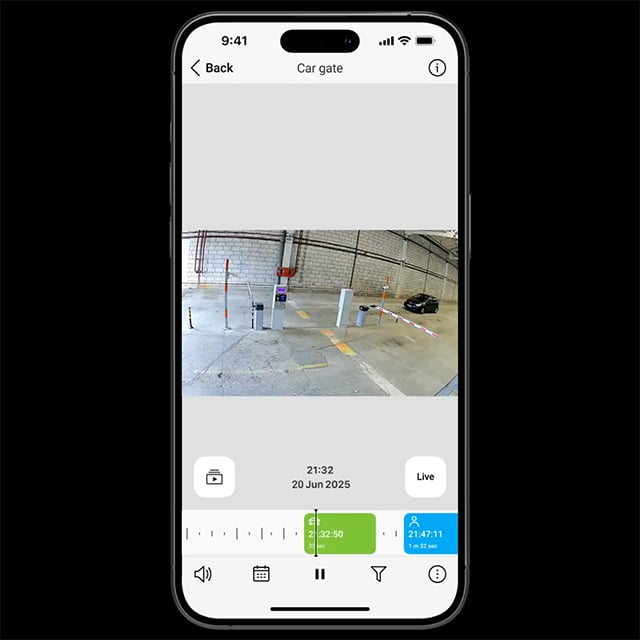
People, vehicles and pets.
Supporting cameras classify objects on the device. Choose which types should create an event, start recording or notify you.
Video that is easy to move through.
The camera, network and recording setup work together to determine the experience.
JetSparrow.
Ajax’s video technology handles streaming and archive access with encrypted peer-to-peer transmission. It keeps the live view and timeline in the same interface, while available bandwidth and the recording hardware still matter.
Your views. Together on screen.
Choose the appropriate app or a recorder with the required local viewing connections.
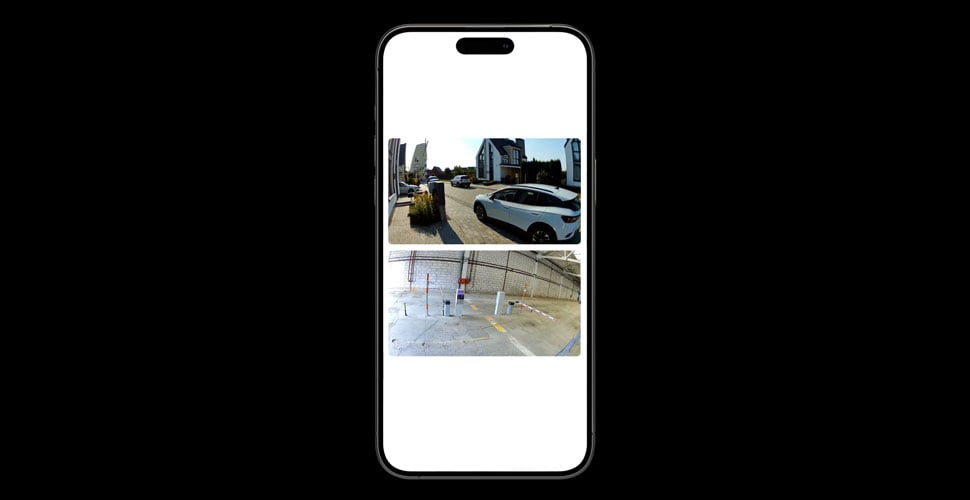
Bring the viewpoints together.
Arrange a video wall in a supporting Ajax app. Keep the important streams together and change the layout as your priorities change.
Find the moment. Keep the evidence.
Retention depends on the actual recording destination, capacity, activity and image settings. Event recording and continuous recording need different storage estimates.
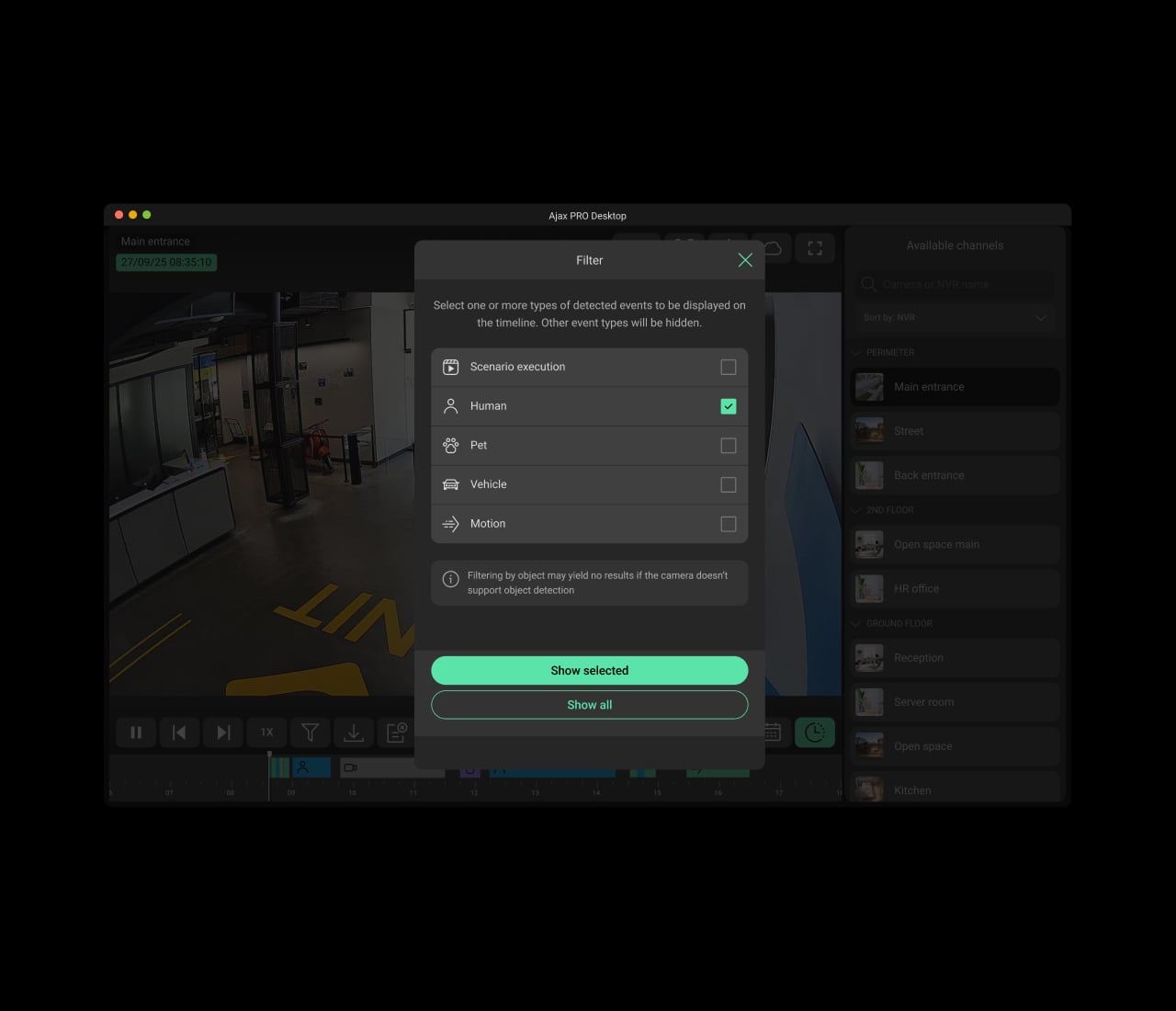
Filter the timeline.
Use supported motion, object and scenario events to narrow down the period you need.
A useful view. Deliberate access.
Set access around real responsibilities, including anyone who installs or maintains the system.
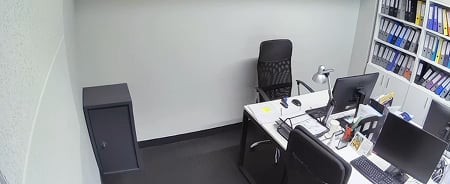
Keep private areas out of view.
Privacy zones mask selected areas. Unlike motion detection zones, their purpose is to hide sensitive parts of the image.
Build on what you already have.
Retaining existing equipment starts with its exact model, firmware and network capabilities.
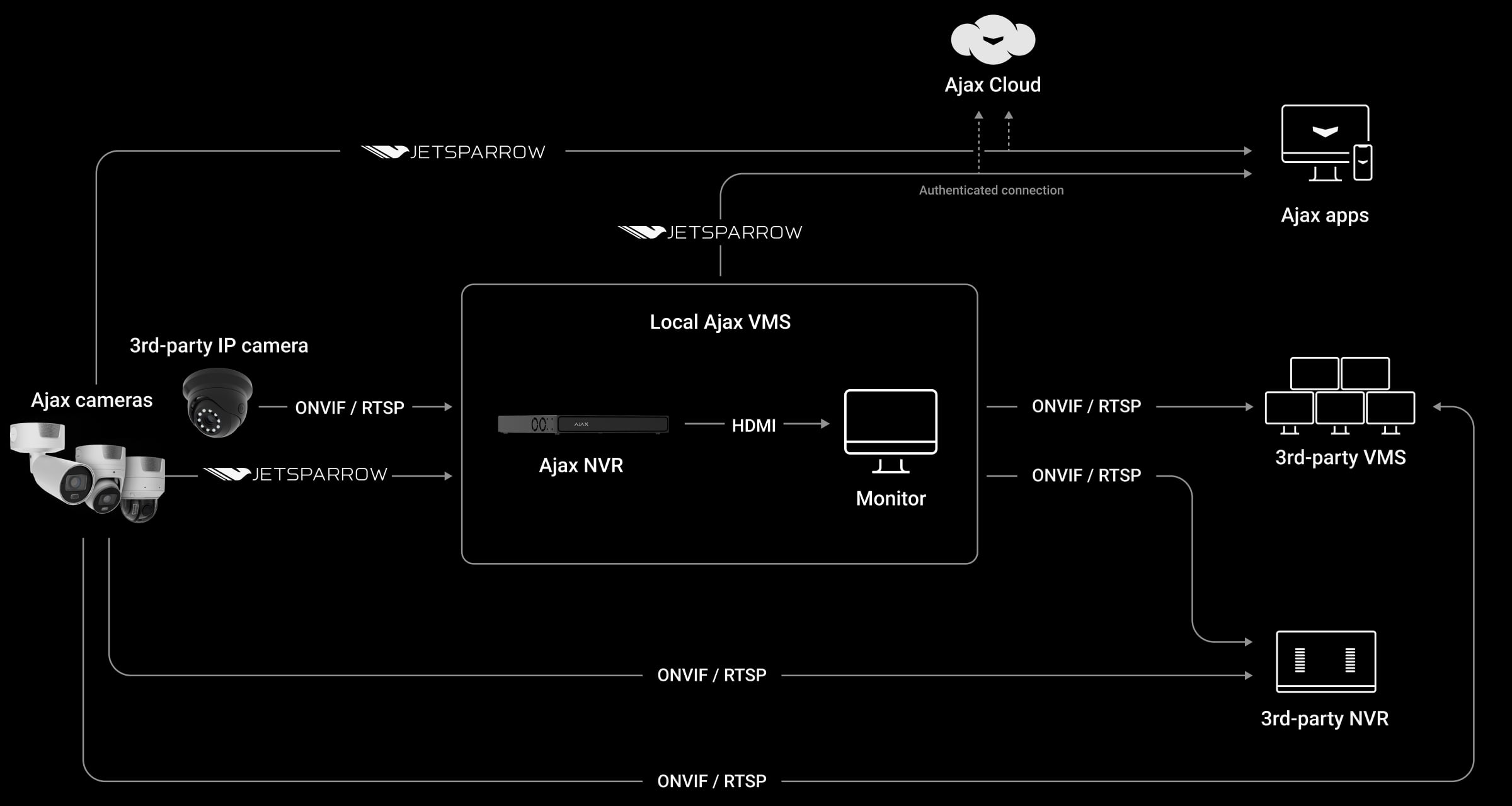
Connect compatible systems.
ONVIF and RTSP provide routes between supported cameras, recorders and third-party video software. Profiles, codecs and event support must be checked for the specific connection.
Connect it. Configure it. Test the result.
Review the day and night view, network, power and recording chain before handing over the system.
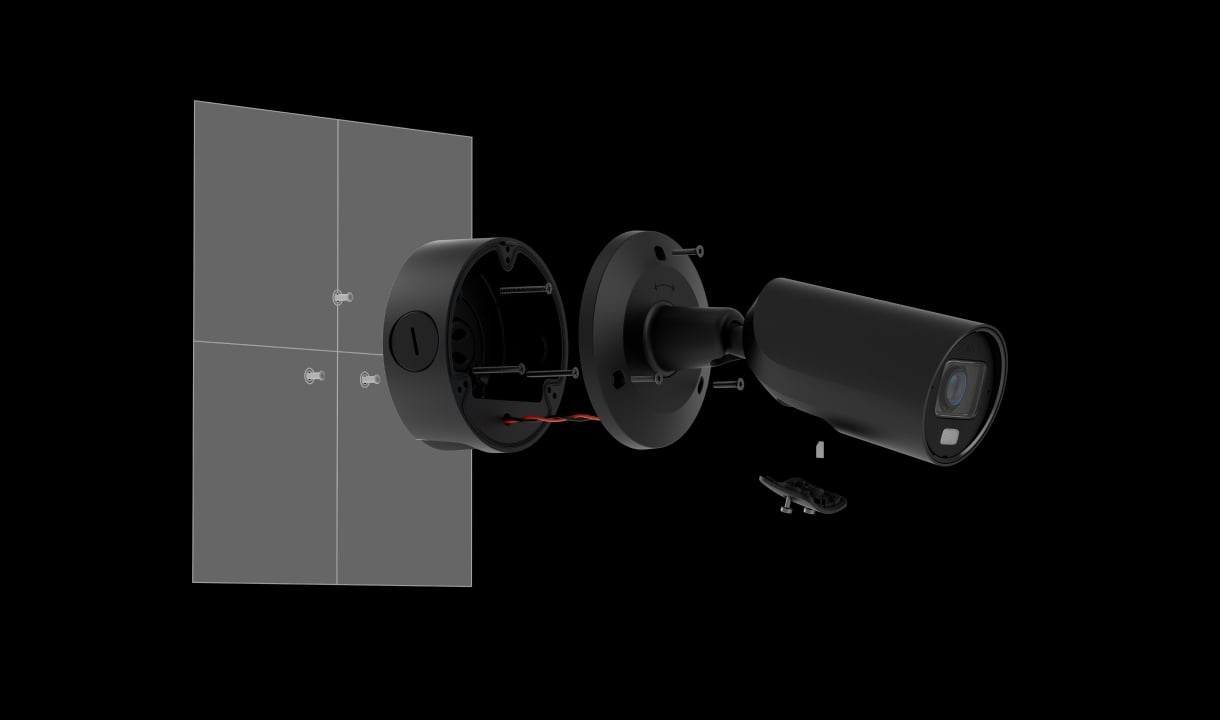
Position and connect.
Choose the final view and suitable fixing. Verify cable routes, the exact mounting accessories, PoE or separate power, and outdoor connection protection.
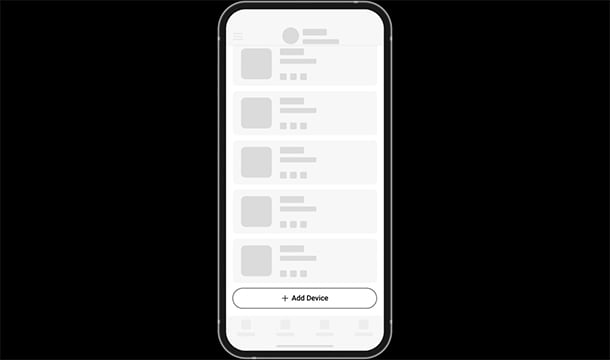
Add the devices to your space.
Connect and power the equipment, then add it through the supported Ajax app workflow. Review existing devices before creating a separate recording system.
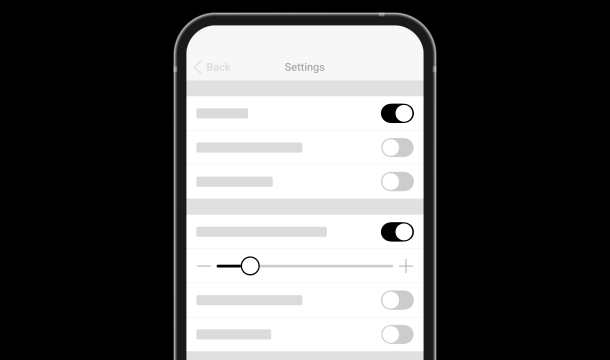
Set and verify the response.
Configure image, detection, privacy, notifications and the archive. Test an event, play back a recording and check the permissions of the people using the system.
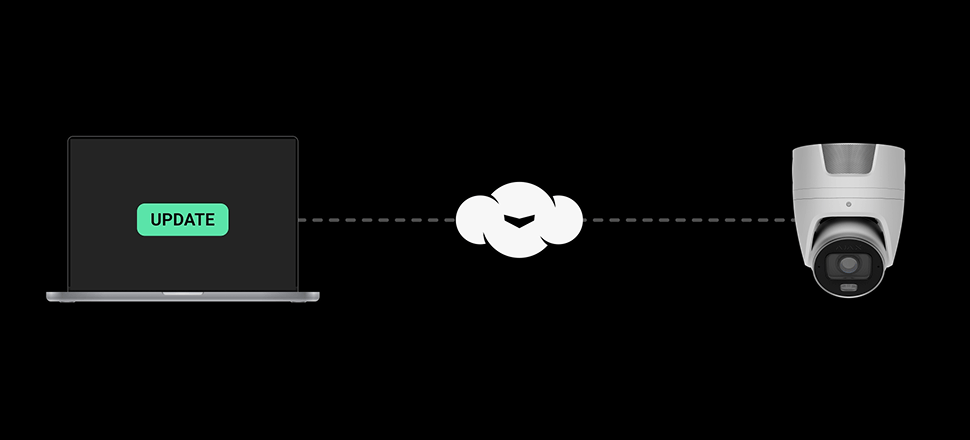
Keep the system maintained.
Review device health and available updates in Ajax apps. After changes, verify that the agreed recording and notification functions still operate.
Make it fit your space
Configure your video surveillance.
Use the existing video planner to describe the places, connections and recording you need. Compare suitable proposals, keep existing equipment in the plan and review the equipment estimate before adding it to your shared project.
A few useful answers.
Does video require an Ajax alarm hub?
No. Ajax video can work in an Ajax space without an alarm hub. A compatible hub and other equipment may be needed for particular security, radio fallback or automation functions.
Can every camera record on a memory card?
No. Card support and capacity are model-specific. DoorBell and IndoorCam use supported external archive routes; do not assume they have a microSD slot. The planner checks the exact camera and proposed recording destination.
Can I use cloud recording?
Ajax Cloud Storage is an available route for supported devices and recording modes. Availability, retention and subscription terms need to be confirmed. The planner does not sell or activate a cloud subscription.
Will every model provide colour video at night?
No. Infrared, hybrid illumination and low-light performance vary by camera family. Review the real scene, distances and permitted lighting before choosing.
What happens during a power or internet outage?
Backup must cover the complete required chain: camera, network equipment, recorder and any remote communication path. A backup battery in one device does not power the rest of the system.
A LITTLE GUIDANCE. A CLEAR NEXT STEP.
Not sure where to start?
Tell us what matters to you. A SAFE365 specialist can help you find the right starting point.
Planning for your business?
Discuss a complete project for your sites, with services agreed around your needs.
Explore Business