MAKE IT YOURS
Ajax WaterStop.
A motorised valve that acts on a leak scenario.
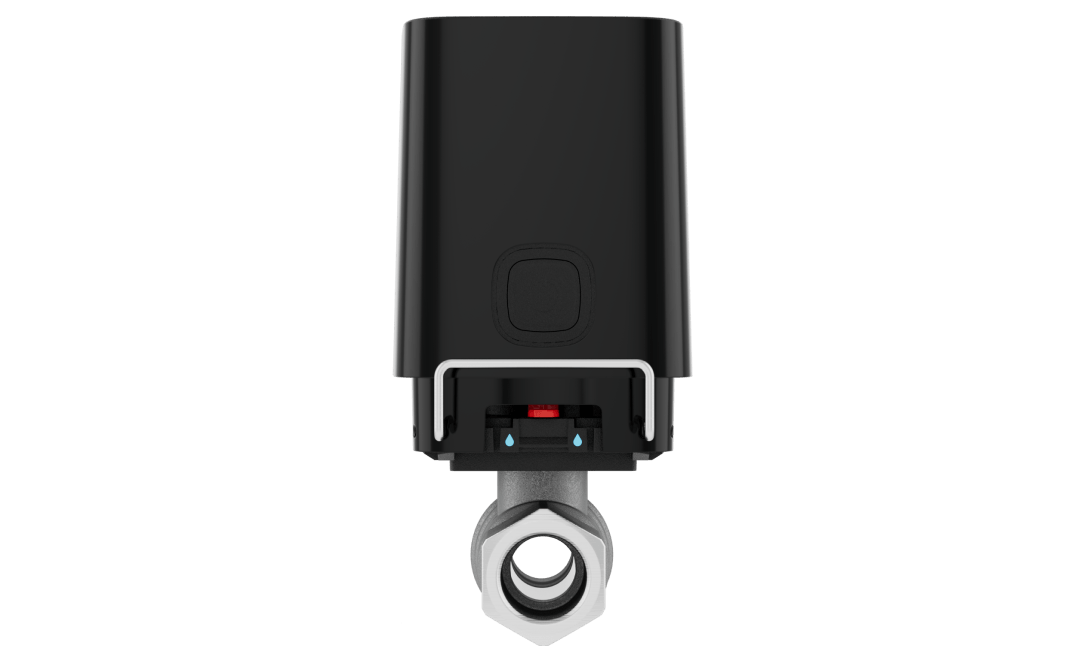
Close the water supply from the app.
Ajax WaterStop Jeweller combines a motorised actuator with a shutoff valve. You can control the water supply through the Ajax app or configure closure in response to a compatible leak detector. The valve size and installation location are selected around the pipework, making detection and shutoff part of one plan.
Key features. At a glance.
4 mounting positions
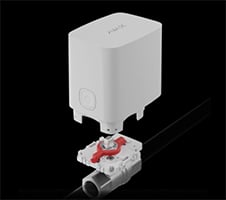

RuB valve included
ISO 5211 standard

½” (DN 15)

¾” (DN 20)

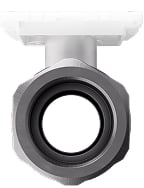
1” (DN 25)
IP66-rated dust and water resistance2

Up to 1,100 m3
of communication range with an Ajax hub or range extender
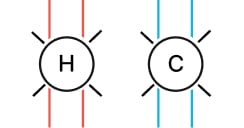
Compatible with cold and hot water pipes


Power adjustment


Anti-sabotage locker
to protect the electric actuator against dismantling
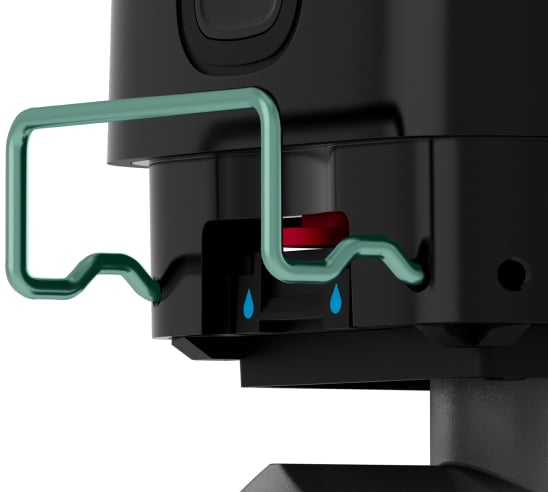
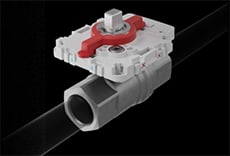
Button and lever
to shut off the water manually
Informative push notifications



Remote control and configuration
- 1Up to seven seconds under normal conditions. Valve clogging or sticking may increase the time; this is not a guaranteed total leak-response time.
- 2For devices manufactured after November 13, 2025.
- 3In open space. Range is measured in open space; walls and installation conditions reduce it.
- 49–12 V⎓ power supply unit is not included in the complete set.
Overview of this product range. Features and ratings can differ by version. Ajax product information ↗
Protection in real places.
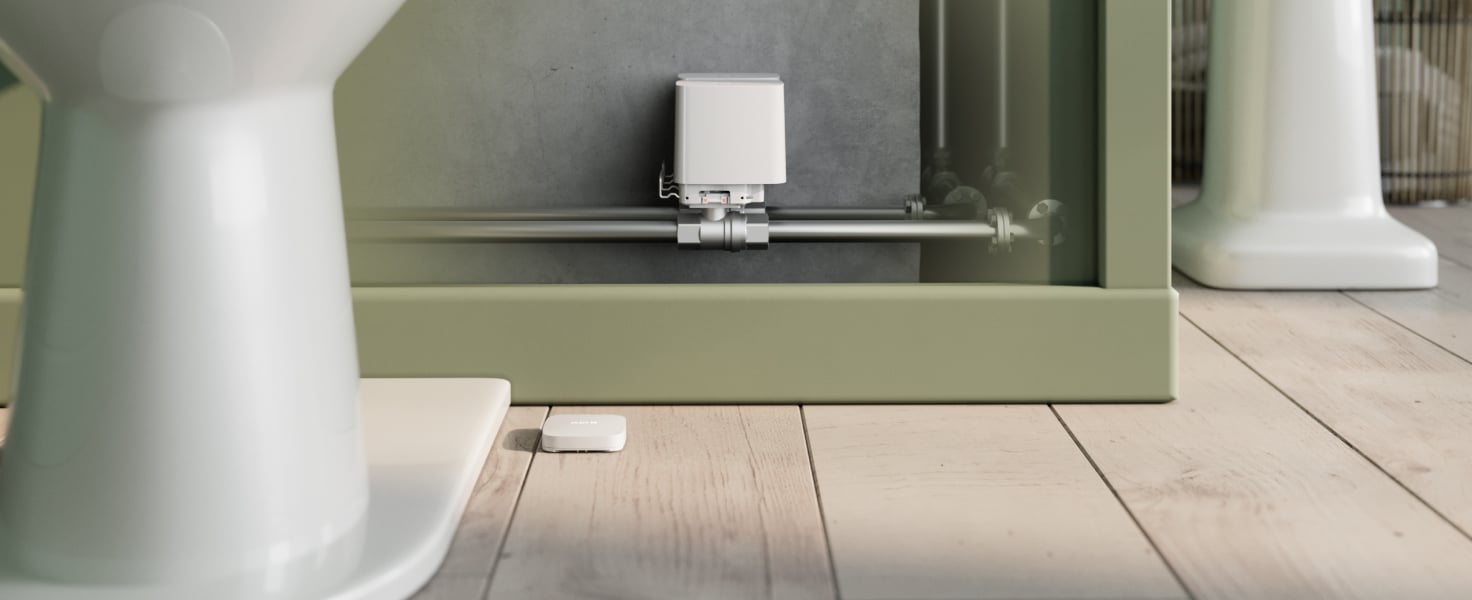
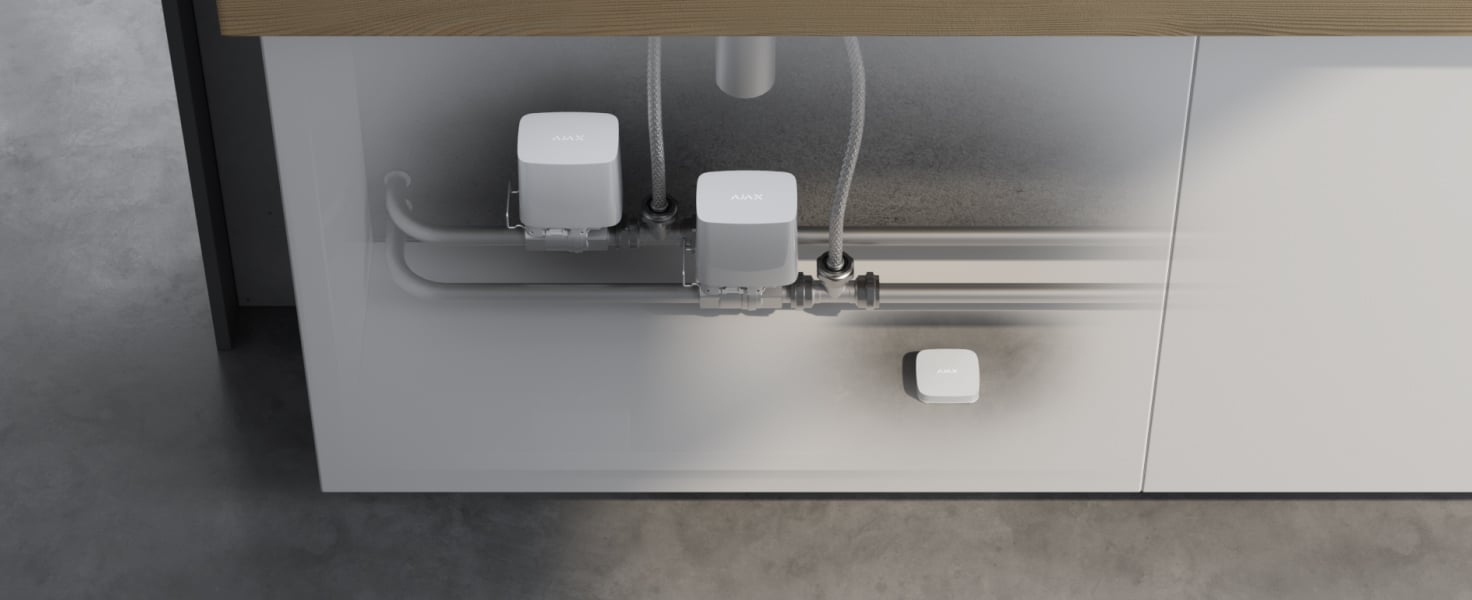
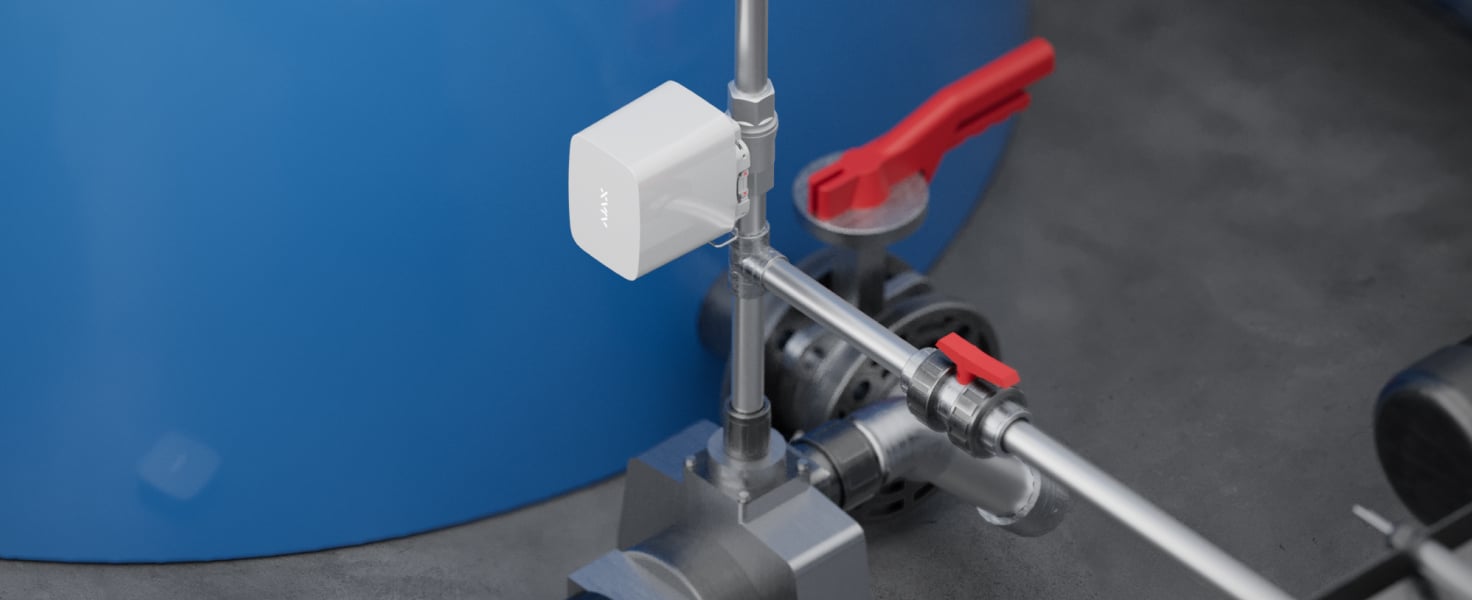
Ajax WaterStop Jeweller
Every detail has a purpose.
Explore the valve, actuator and automatic shutoff chain.
Loading detail…
A leak signal can become a shutoff command.
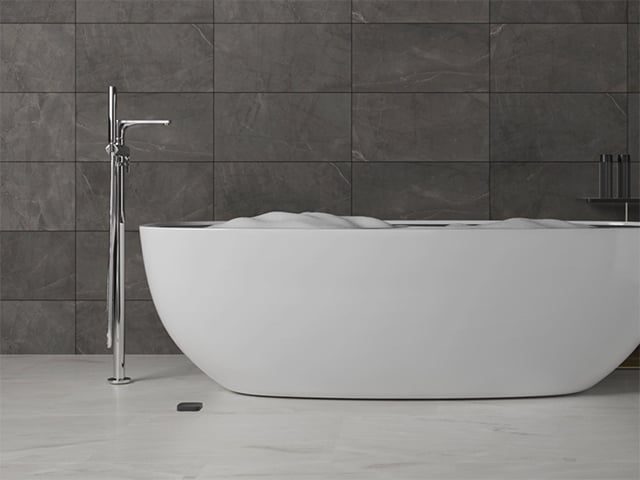
Motorised water control
WaterStop receives a command through the Ajax system and rotates its ball valve. It can respond to a configured leak scenario, a schedule or an authorised app command.
Ajax specifies up to seven seconds for valve movement under normal conditions. A clogged or stuck valve can take longer. This is not a guarantee of zero escaping water or a fixed end-to-end alarm response.
Designed for the conditions around pipework.
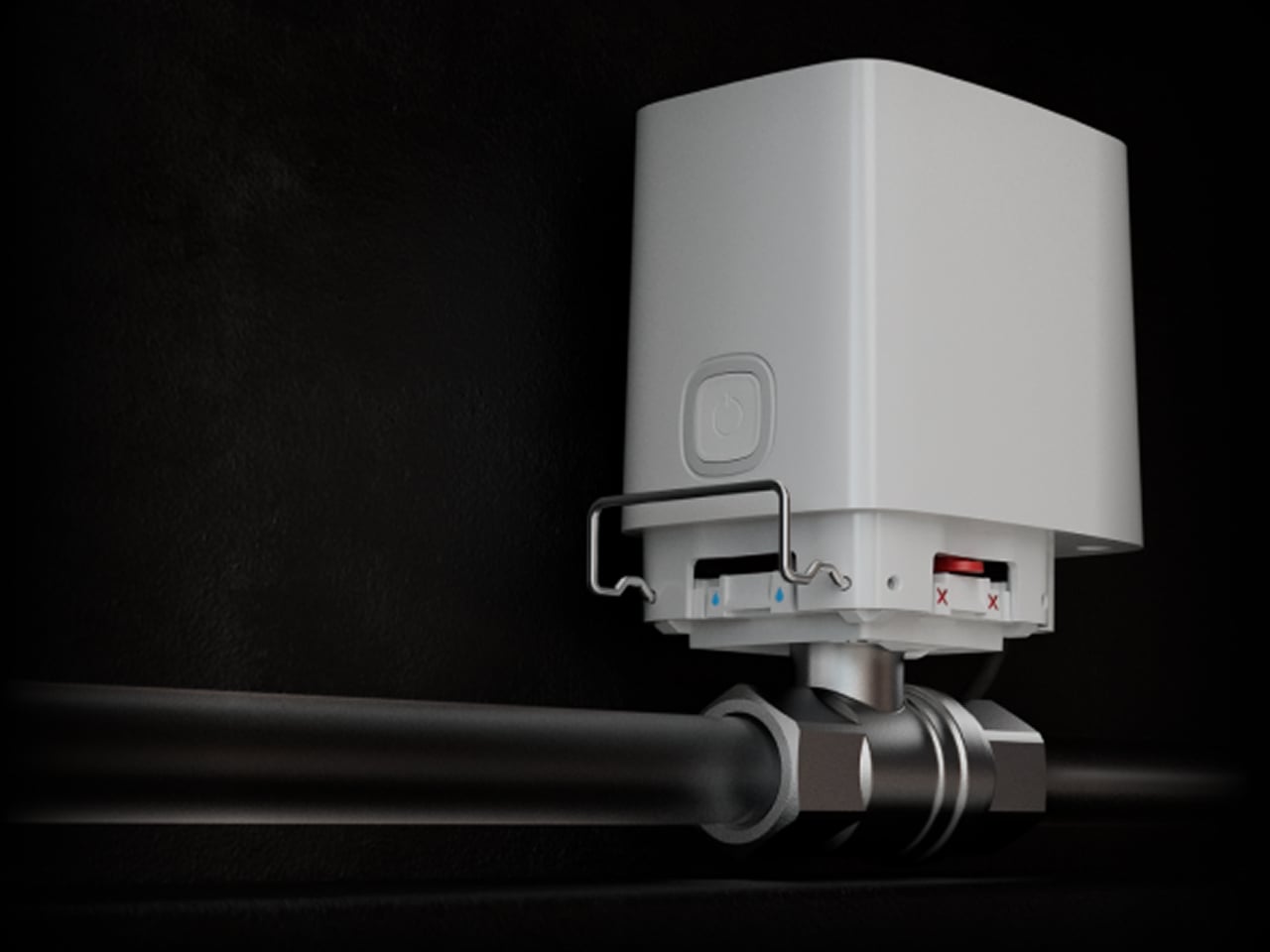
Dust and water resistance
The actuator reports overheating and a blocked rotation so a problem can be investigated. Its enclosure protects the electrical components against dust and water.
IP66 applies to devices manufactured after 13 November 2025. Install indoors at 0–60 °C, with ventilation and no risk of freezing; overheating notifications start around 60 °C. The valve still attempts the requested operation.
Match the valve to the actual pipe.

DN 15, DN 20 or DN 25
The supplied RuB brass valve is available in ½-inch, ¾-inch and 1-inch versions. The correct choice follows the feed’s pipe and thread, with room left to access the actuator and locker.
For water supplies and heating circuits, not gas. Maximum operating pressure is 10 bar. A third-party valve needs an ISO 5211 F03 mount and checked stem, dimensions and torque; matching a standard name alone is not a fit guarantee.
Battery operation, with an optional external supply.
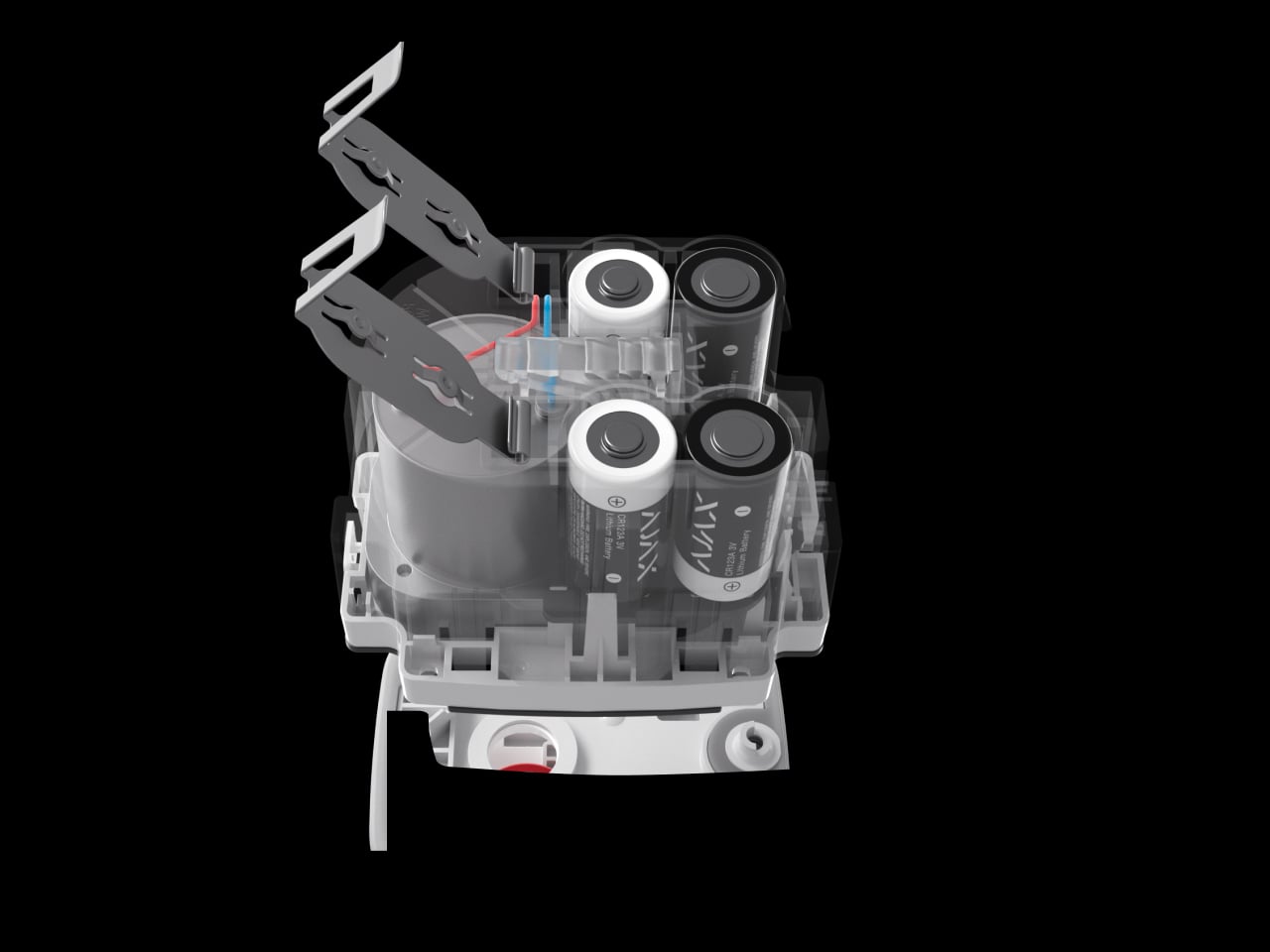
Four replaceable CR123A batteries
The included batteries can power the actuator for up to three years. Ajax apps notify you when they need replacing.
Frequent operation, radio conditions and temperature affect endurance. Service the batteries when notified; exhausted batteries cannot be relied on to operate the valve.
A supervised connection to your system.
Jeweller two-way radio
Jeweller carries device events, alarms and commands using encryption, device authentication, frequency hopping and automatic power adjustment.
Use a compatible hub and the matching regional radio version. Walls, metal and the final installation position affect reception; test the link on site. Alarm delivery and connection-loss reporting are different timings.
Plan the radio path through the building.
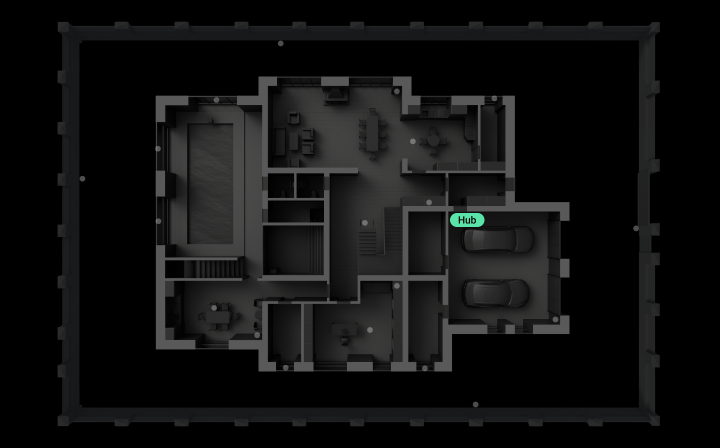
Extend coverage where it is needed
A compatible range extender can help when distance, walls or metal reduce reception. An Ethernet-equipped extender provides another route back to the hub.
WaterStop’s specified range is up to 1,100 m in open space. Extender compatibility and quantity depend on the hub; check two or three signal bars at the installed valve. A building animation is not a coverage guarantee.
Water status and control in one place.
Check and control the water supply
Authorised users can see whether the valve is open or closed and send a command from Ajax apps.
Remote access needs an internet connection. The current status also reports connection, battery and external-power conditions.
Keep a service team informed.
Device status in PRO Desktop
With the appropriate access, service teams can review water-control device status and events in Ajax PRO Desktop.
The manual distinguishes PRO Desktop events from CMS forwarding: only WaterStop communication-loss events are sent to a conventional CMS. Confirm the actual notification route.
Make water control part of the routine.
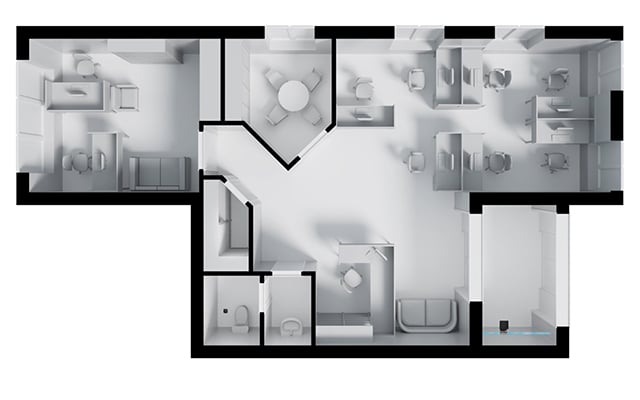
Respond to a detected leak
Use LeaksProtect or a suitable third-party detector connected through an Ajax integration module to trigger a water-shutoff scenario.
Add the required detector, hub and valve, then configure and test the complete response. A leak detector is needed for automatic leak response, not for ordinary app control.
Exercise the valve and check its response.
Configure preventive maintenance
Supported devices can periodically exercise an open valve to reduce sticking. The app offers 7-, 30- and 90-day intervals.
This setting requires WaterStop firmware 5.60.1.64 or later and OS Malevich 2.24 or later. It runs only with the valve open and no blocking condition. A failed procedure is reported; inspect and resolve the cause rather than assuming an automatic retry.
Keep a leak from being reopened accidentally.
Optional leakage response
The Leakage response setting can block reopening while a leak is detected. It is disabled by default and requires an added leak detector.
Available with OS Malevich 2.36 or later. The manufacturer says not to use this feature with water fire-suppression systems.
Protection that also watches itself.
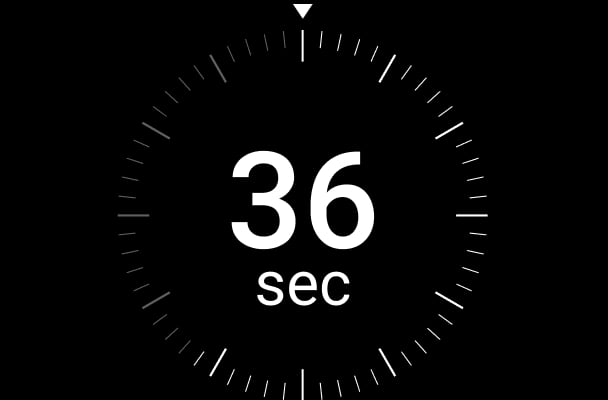
Supervise the connection
Regular polling checks that the actuator remains connected and reports a lost connection.
The illustrated 36 seconds requires a 12-second polling interval and three undelivered packets. Other settings change the timing.
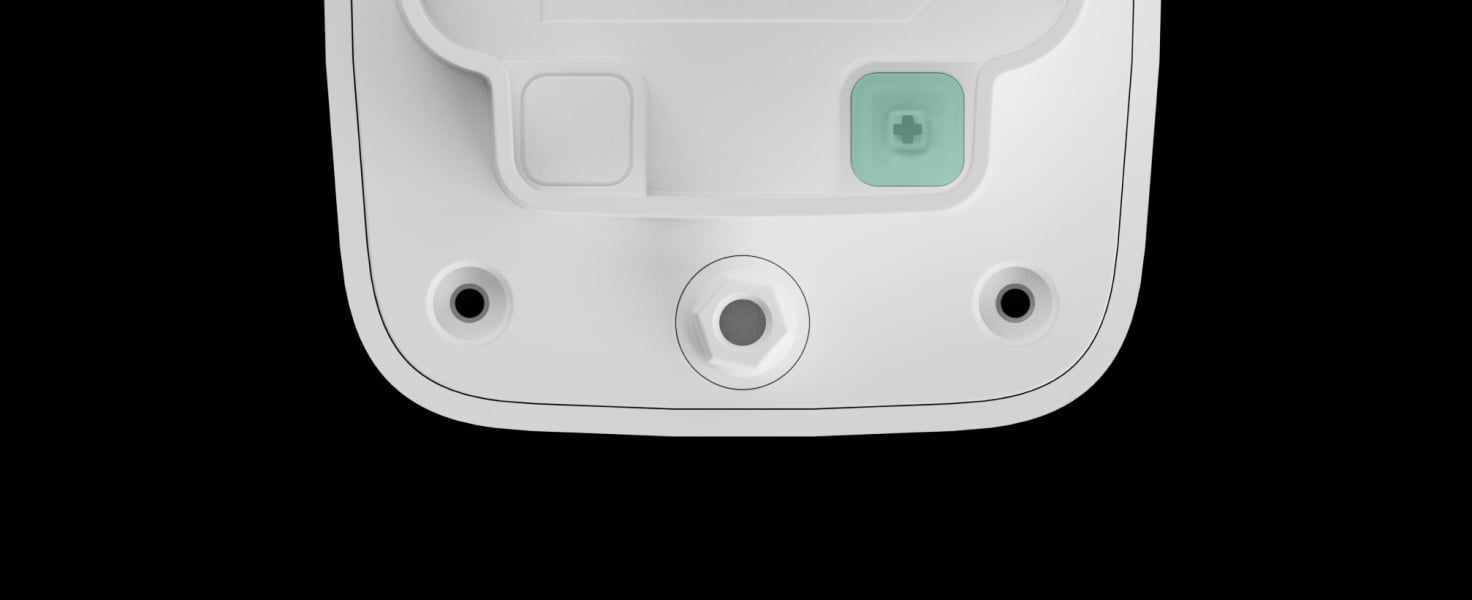
Notice removal of the actuator
The tamper button reports when the actuator is removed from its mount or the enclosure is opened.
Fit and test the mounting locker and tamper state during installation.

Control who can use the physical button
The app can lock the enclosure button against unwanted operation. Authorised app commands and configured scenarios remain available.
The mechanical lever can still be used once the actuator is removed.
Choose the appropriate mounting locker
Use the supplied anti-sabotage locker where unauthorised removal is a concern.
Installed for access as well as operation.
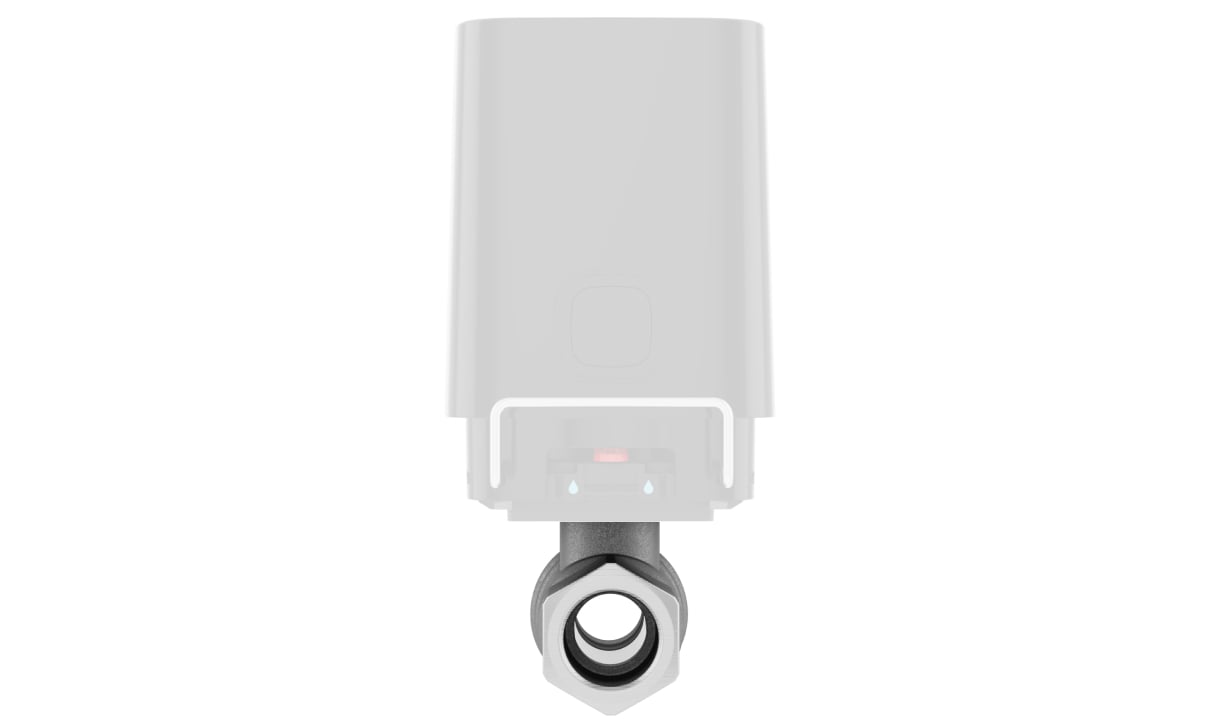
Four possible actuator positions
A plumber installs the correctly sized valve on the water feed. The actuator can then be fitted in one of four orientations and removed for service without dismantling the valve from the pipe.
Tool-free fitting refers to the actuator, not to plumbing the valve into a pressurised pipe. Keep service clearance and align the valve and actuator positions as described in the manual.
Connect, configure and test.
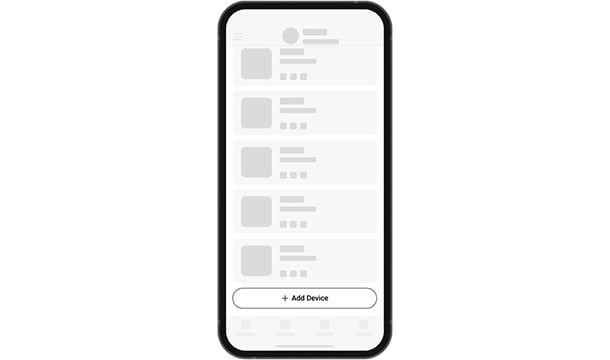
Add the device to the hub
Scan the device QR code in Ajax apps, give it a clear name and assign the room where it is installed. Check the radio signal at that location.
Find the right water valve.
Compare WaterStop DN 15, DN 20 and DN 25. Match the valve to the pipe and service space; the larger size does not add smarter water protection.
Compare water valves →Every detail, in one place.
Mechanical
- Versions
- 1/2" (DN 15), 3/4" (DN 20), 1" (DN 25)
- Mounting
- 4 positions
System
- Radio
- Jeweller
What’s in the box
- Ajax WaterStop Jeweller actuator
- 4 pre-installed CR123A batteries
- RuB valve in the selected size
- Standard and anti-sabotage mounting lockers
- Sealing nut
- Quick start guide
For your installation
- Requires a compatible Ajax hub. Automatic leak shutoff additionally needs a detector and a configured scenario.
- Valve version must match the pipe diameter of the specific feed.
- Installation into pressurised pipework is plumbing work.
Optional additions
Product documents.
Find the right protection.
LeaksProtect Jeweller
Place detectors where escaping water will reach them.
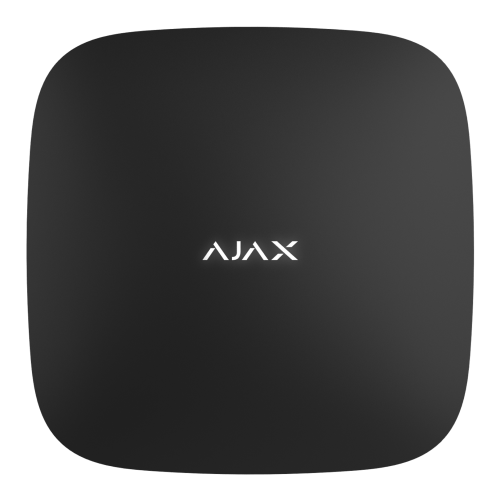
Hub 2 Plus Jeweller
Plan a compatible hub and test the complete response.