Leak protection
Water leak protection. Choose how to respond.
Plan Ajax leak detection for the kitchen, bathroom and other places where water could collect. Choose alerts with LeaksProtect, or add WaterStop for automatic shutoff on selected water supplies. Compare equipment options and prices in the configurator.
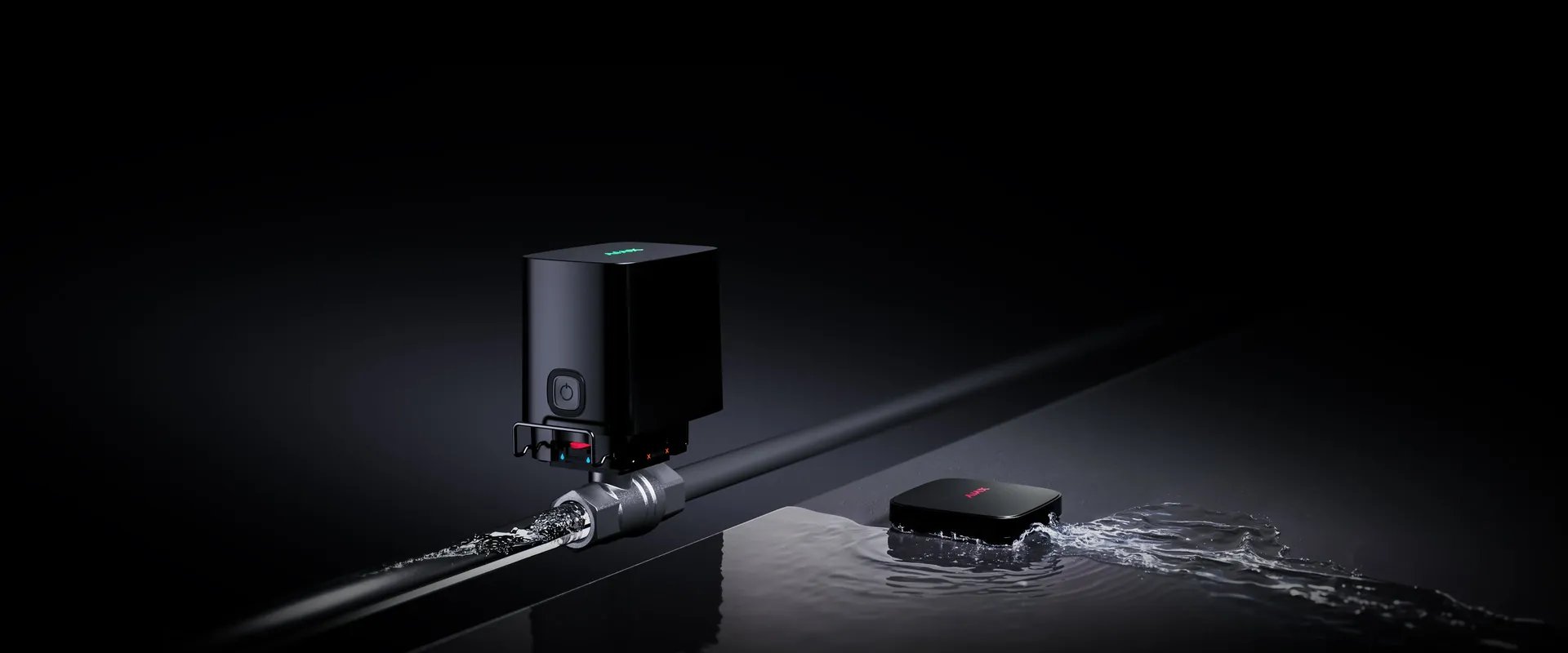
Detect early.
Place wireless detectors at the points where water can collect.
Close the right supply.
Add WaterStop and a scenario for the feed that needs protection.
Stay informed.
Receive location-specific events and check device status in the app.
Build on your system.
Reuse a compatible hub and extend coverage when your layout needs it.
Three roles. One coordinated response.
Start with detection and alerts. Add a valve when you want the system to shut off the supply as well.
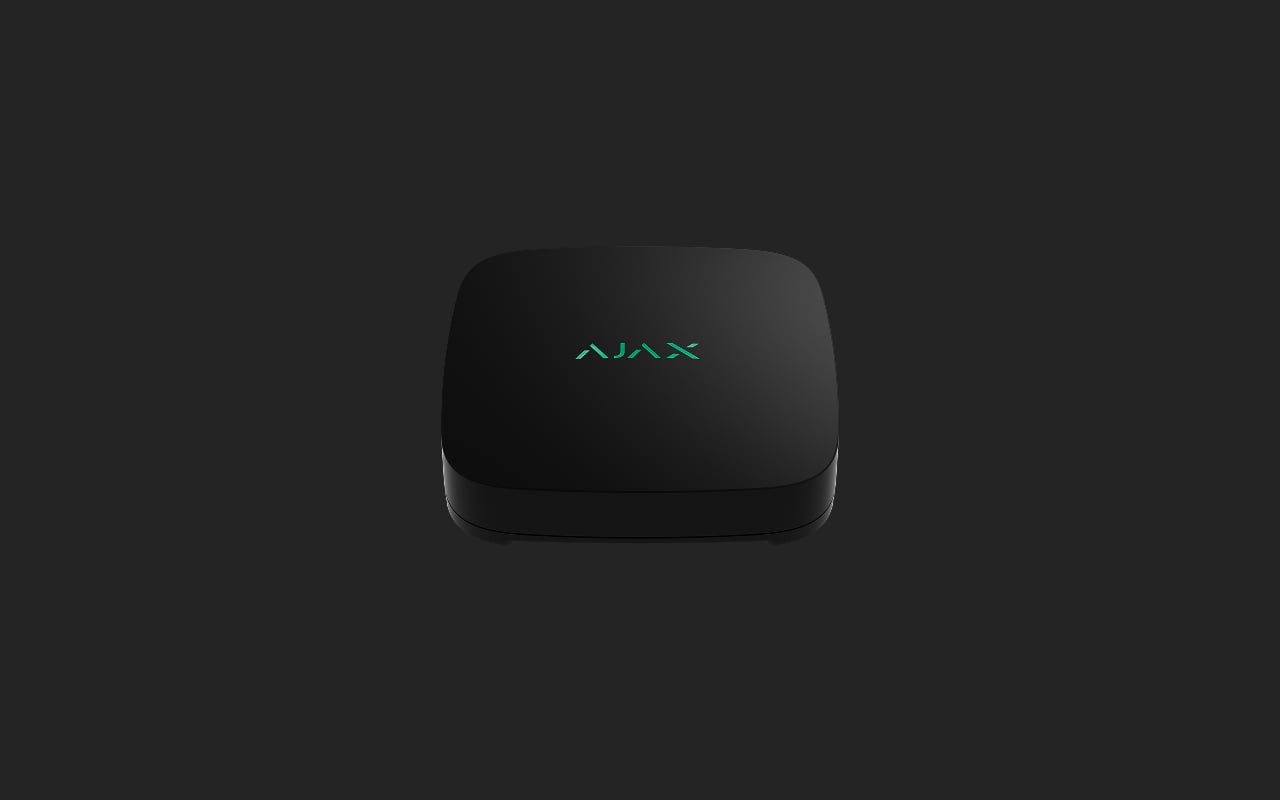
01. Detect.
LeaksProtect watches for water reaching its floor-level contacts, whether intrusion protection is armed or disarmed.
Explore LeaksProtect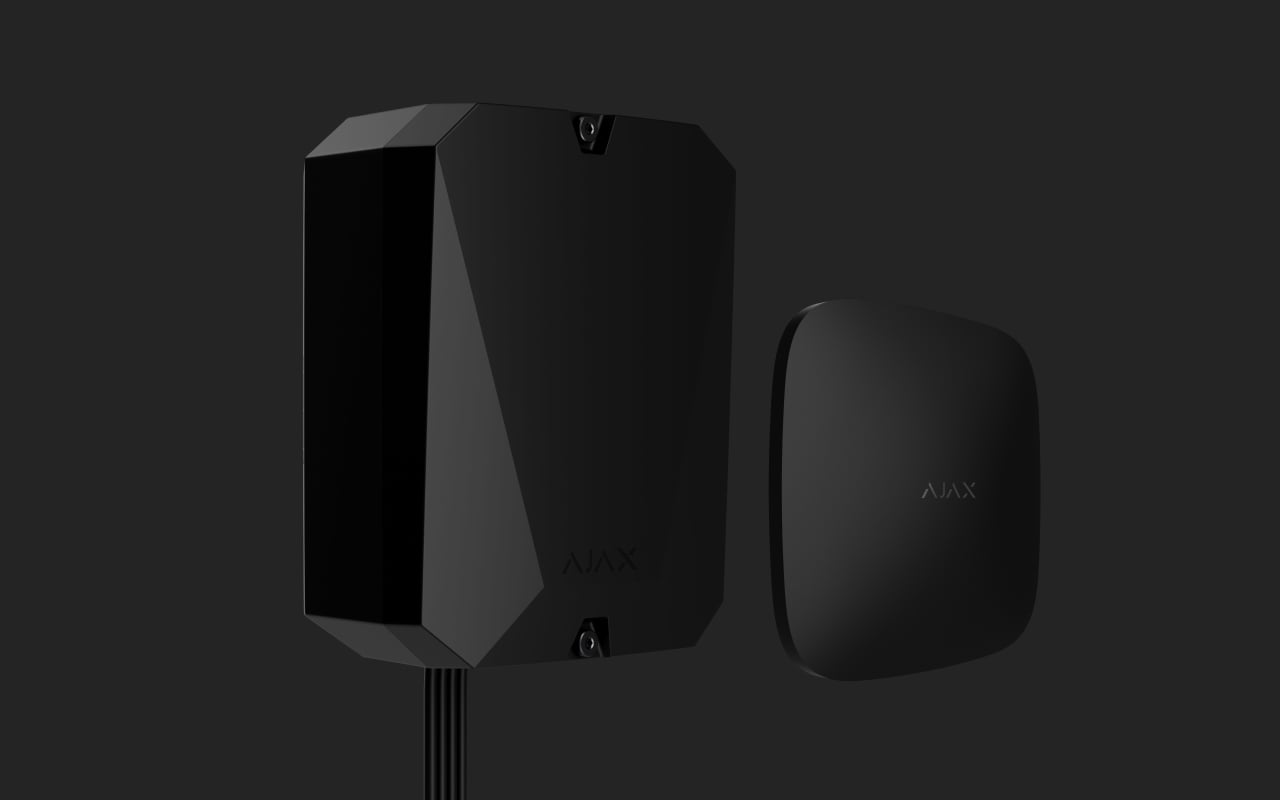
02. Connect.
A compatible Ajax hub links the devices, sends events and runs your configured scenario. Reuse your hub when it supports the chosen equipment.
Explore compatible hubs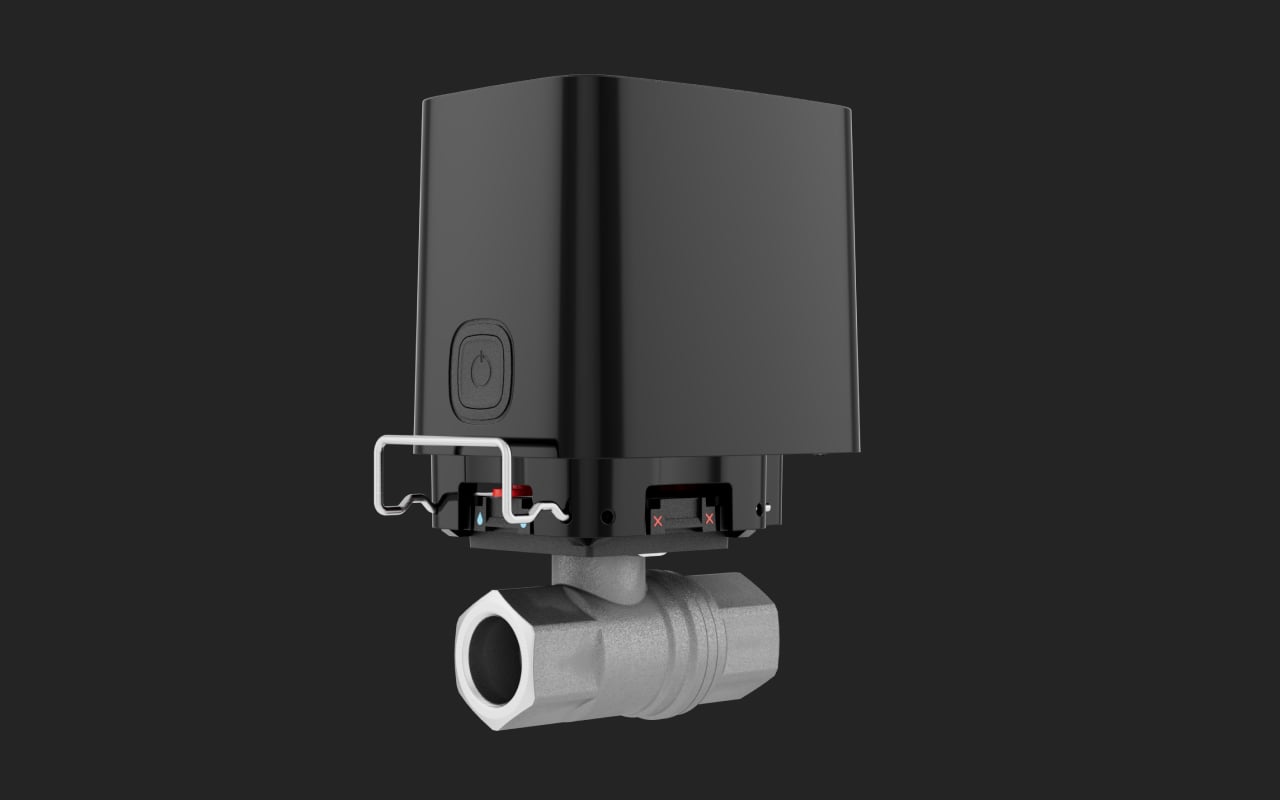
03. Respond.
WaterStop closes the relevant water supply. Select each valve for its feed and pipe size: ½″, ¾″ or 1″.
Explore WaterStop
A response that fits your routine.
Choose the actions your water supply should take. Each scenario is configured and tested for your property.
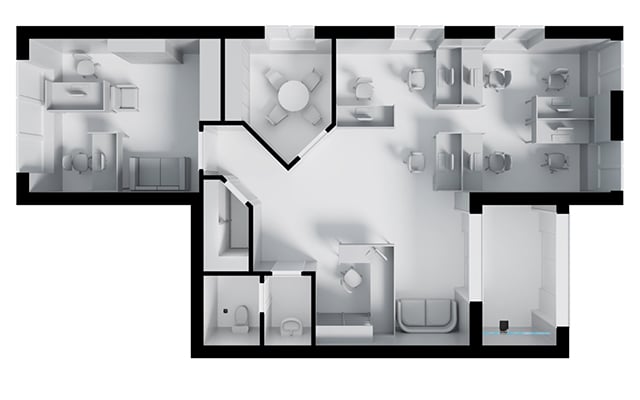
When a leak is detected.
A configured scenario links LeaksProtect to WaterStop on the relevant supply. When water reaches the detector, the system can close that valve and report the event.
Shutoff needs a compatible hub, an installed valve and a tested scenario. Detection alone does not stop the water.
Protection where water could escape.
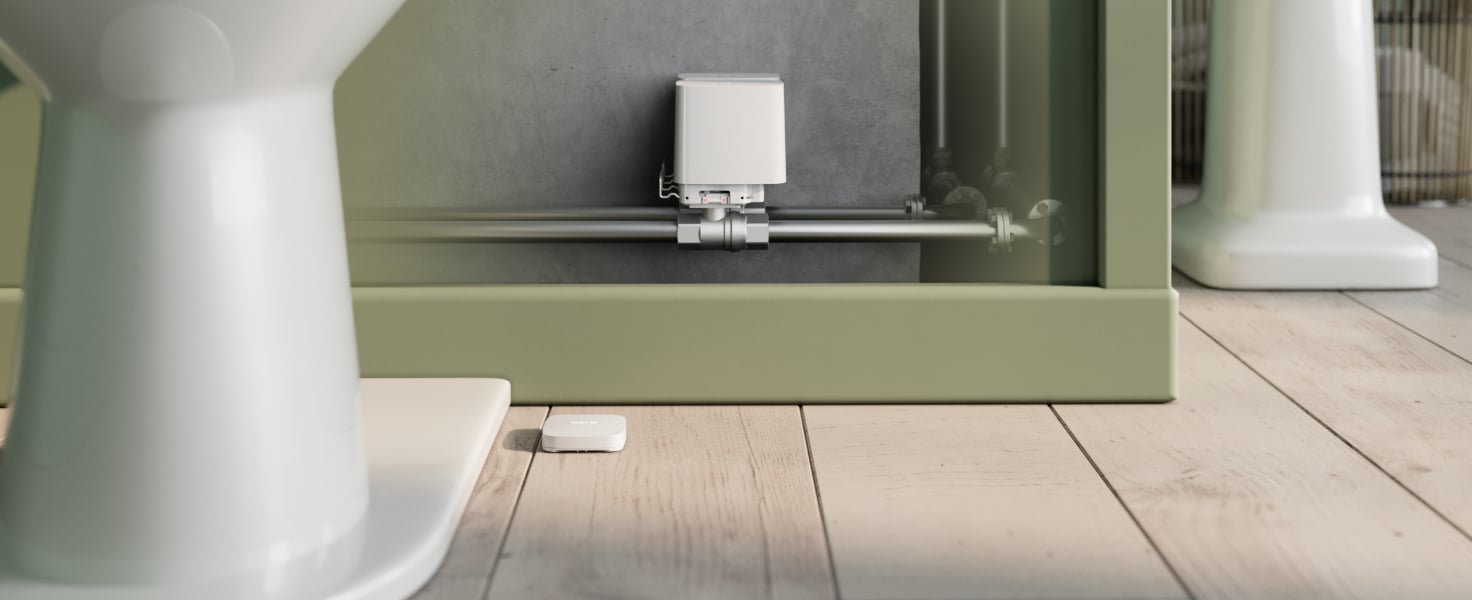
At home.
Under sinks, beside appliances and near accessible supply feeds. Plan the detector position around where water could collect.
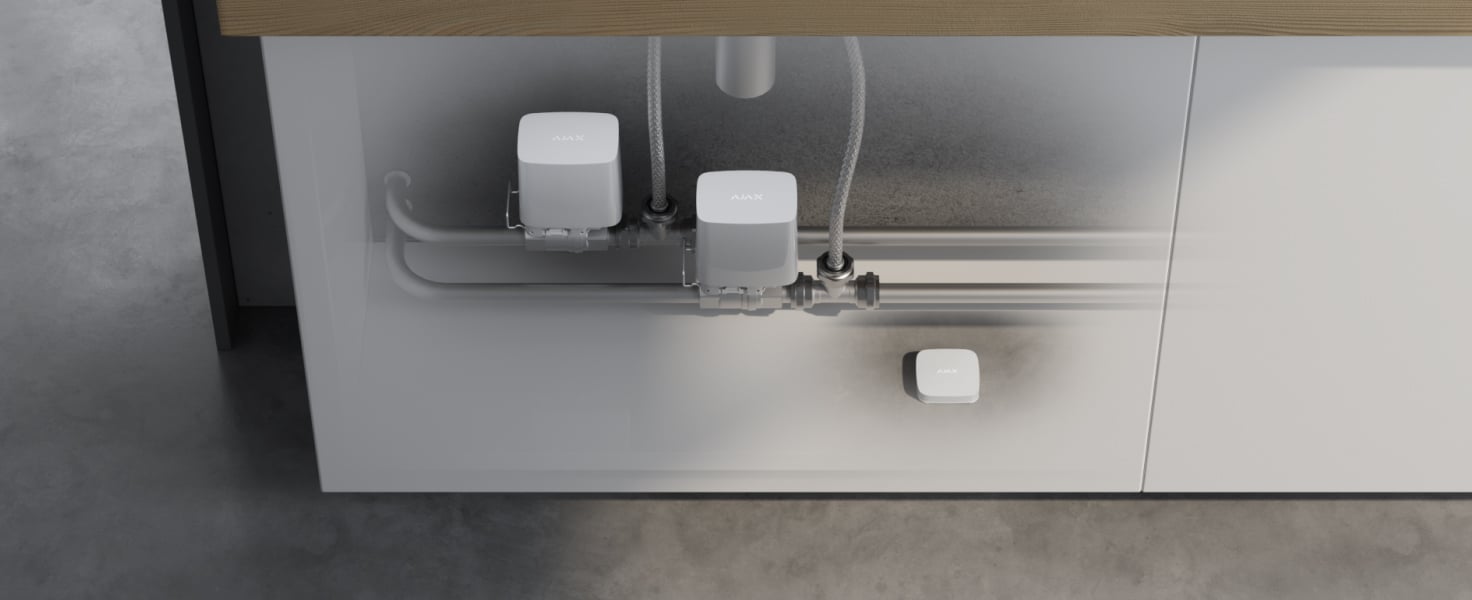
In shared spaces.
Kitchens, washrooms and service areas can form part of the same plan. Define who receives events and who may control the supply.
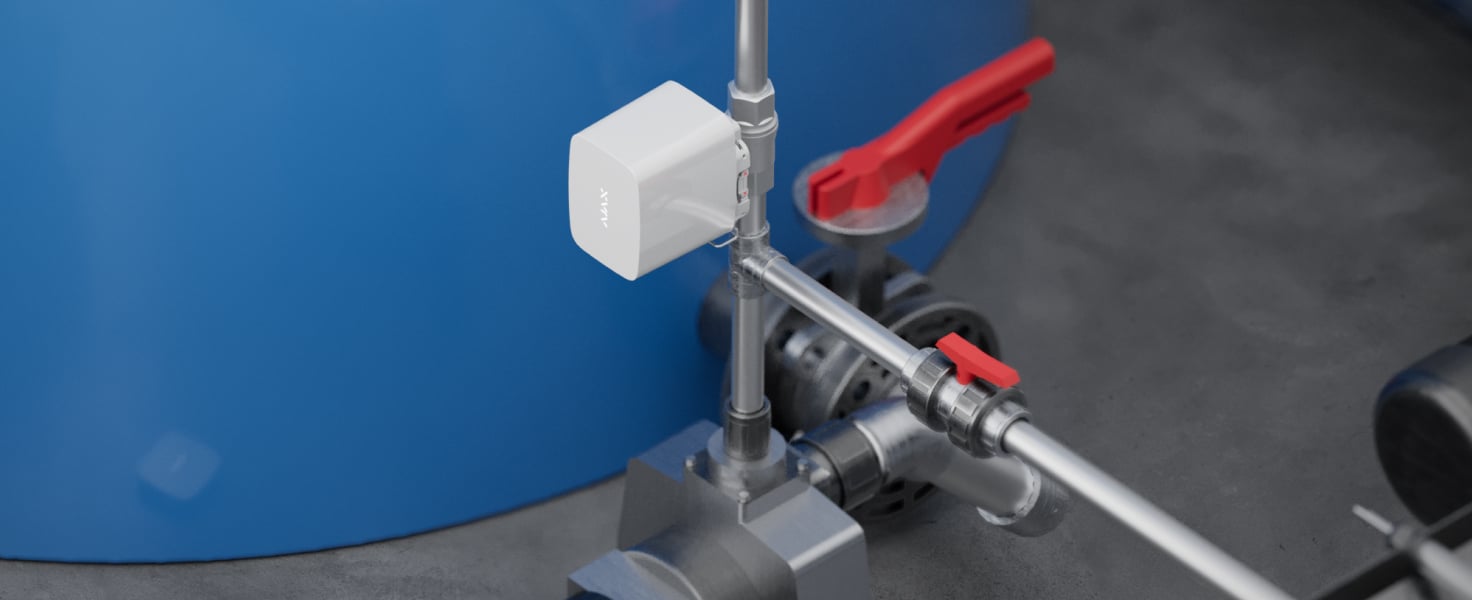
Across larger properties.
Check each feed, radio path and hub’s actual capacity. Add supported range extension only where the layout calls for it.
Know what happened. Control what happens next.
Water protection joins your connected Ajax devices in one interface. Available controls follow your equipment, software and access permissions.
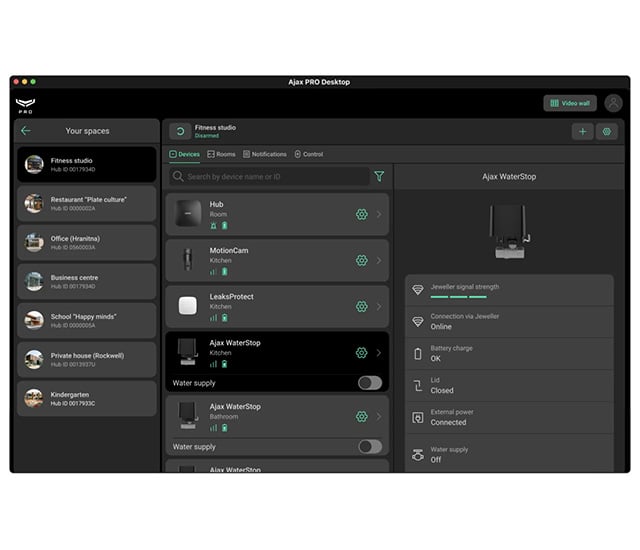
Water supply control.
Check whether a valve is open or closed and send a command in the Ajax app. Remote access requires an internet connection; the installed system runs the configured response.
Thoughtful placement. A tested response.
The detector positions and the supply feeds are planned separately. Several detectors may trigger one valve; separate feeds may need separate valves.
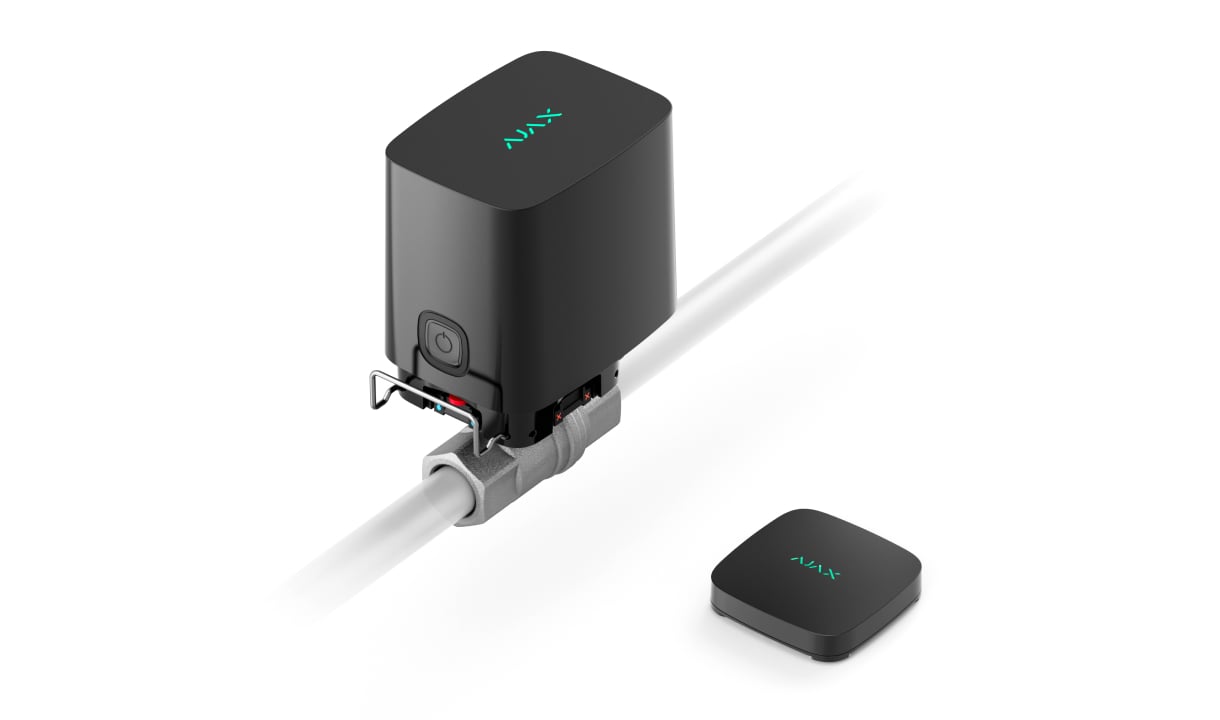
Fit the equipment to the space.
Place LeaksProtect where water can collect. A qualified installer selects the WaterStop valve size, checks the pipework and provides access for service.
WaterStop is intended for water. Check the exact model’s temperature, pressure and installation limits. An optional external power supply is separate.
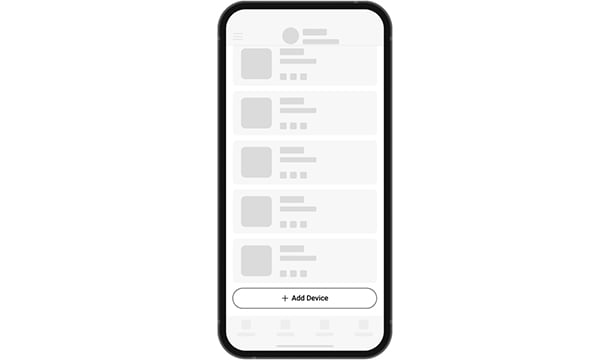
Connect to the right system.
Add the exact devices to a compatible hub, name their locations clearly and verify radio communication at the installed positions.
The original Ajax animation illustrates adding a device. The precise screens vary with equipment and app version.
Test the complete chain.
Configure the response, simulate a leak and check that the intended valve closes and the notification arrives. Confirm how the supply will be restored after a real event.
Do not use automatic water shutoff on a water-based fire-suppression supply.
Make it fit your space
Configure your leak protection.
Choose the places and response you want below. Then see your equipment configuration in the shared project. Valve sizes, installation and the final response are checked before ordering.
A few useful answers.
Can I start with alerts?
Yes. Plan LeaksProtect with a compatible hub for leak notifications. Automatic shutoff additionally needs WaterStop on the appropriate feed and a tested response.
Do I need a valve for every detector?
No. Detector quantities follow places where water could collect; valves follow the supply feeds to be controlled. Your installer checks the final relationship.
Will it use my existing Ajax hub?
We check the exact hub, regional version and software against the chosen devices. The equipment list includes reviewed models but does not replace that check.
What is included when I configure this solution?
Your answers determine the leak detectors, hub and any valves in the proposed configuration. Compare the equipment in your shared project before selecting it. Pipework, installation and commissioning are confirmed separately before ordering.
How much does water leak protection cost?
The equipment price depends on the number of detection points, the water supplies to control and whether you can reuse a compatible Ajax hub. Alerts need leak detectors; automatic shutoff also needs a suitable WaterStop valve on each supply you want to close. The configurator compares priced equipment options. Pipework, valve fitting and commissioning are assessed and quoted separately before ordering.
The details behind the solution.
Water protection is part of a bigger picture.
Bring intrusion protection into the same Ajax system, with the equipment and response chosen for your property.
A LITTLE GUIDANCE. A CLEAR NEXT STEP.
Make the next step together.
Ask about this solution. We’ll help you check the equipment and the work your space needs.
Planning for your business?
Discuss a complete project for your sites, with services agreed around your needs.
Explore Business