MAKE IT YOURS
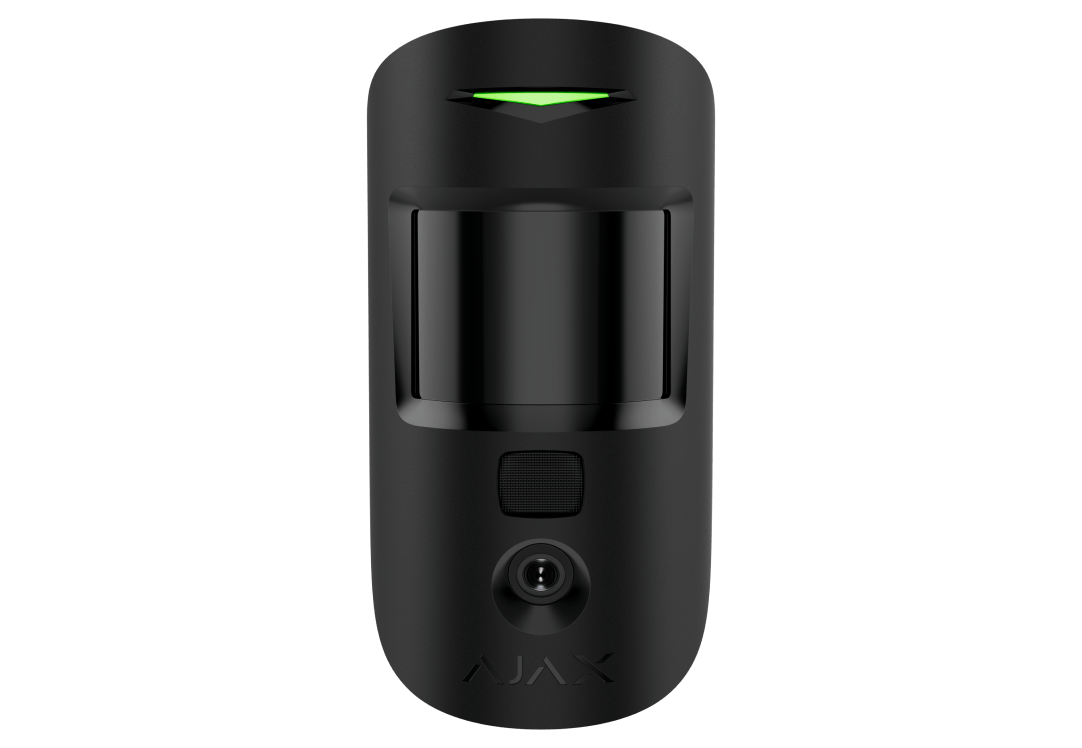
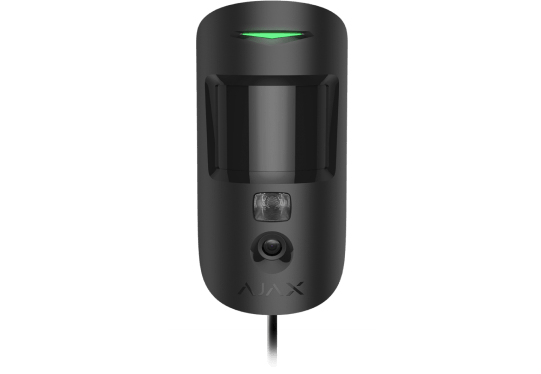
Superior MotionCam (PhOD).
Wireless PIR motion detector with extended photo verification possibilities
Standards and certifications
Superior MotionCam (PhOD) Jeweller · MC.SP.J. Manufacturer-listed marks; regional and installation conditions apply.
See the event. Check the room.
Superior MotionCam (PhOD) Jeweller combines indoor motion detection with flexible photo verification. Request a photo with the right permissions, receive images with an alarm, or configure a supported scenario. Jeweller carries events, Wings transfers photos, and two replaceable batteries power the wireless detector.
Key features. At a glance.
Several types of photo verification
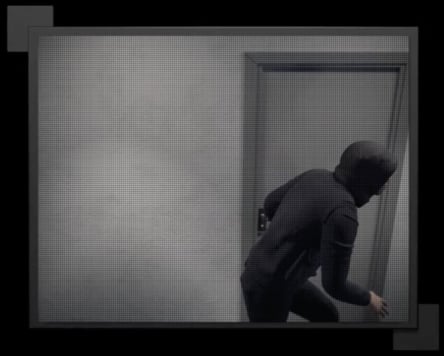
Photo by alarm
Photo on demand
Photo by scenario
Photo by schedule
Photo by arming/
9 seconds
to deliver the first photo
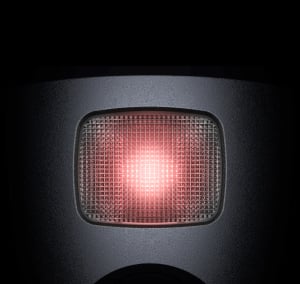
IR illumination
for low-light conditions
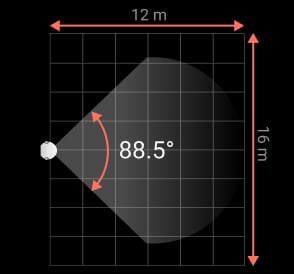
Horizontal viewing angle
Vertical viewing angle
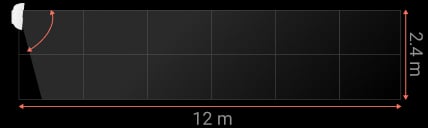
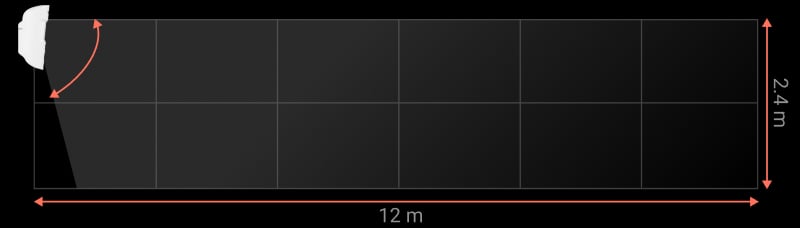
Software algorithm to prevent false alarms
Up to 12 m
motion detection distance

Up to 4 years
With pre-installed batteries, photo on demand disabled; up to 3 years when enabled.
Photo privacy protection


Informative push notifications

Pet immunity
Temperature compensation

for effective detection in heat and cold
Up to 1,700 m1
communication range with an Ajax hub or range extender



Power adjustment
Two colors
of matte enclosure


Remote control and configuration
Holding screw
to secure the detector on a mounting panel
Hassle-free installation




- 1Range is measured in open space; walls and installation conditions reduce it.
Ajax product information ↗ · Superior MotionCam (PhOD) Jeweller specifications ↗
Protection in real places.
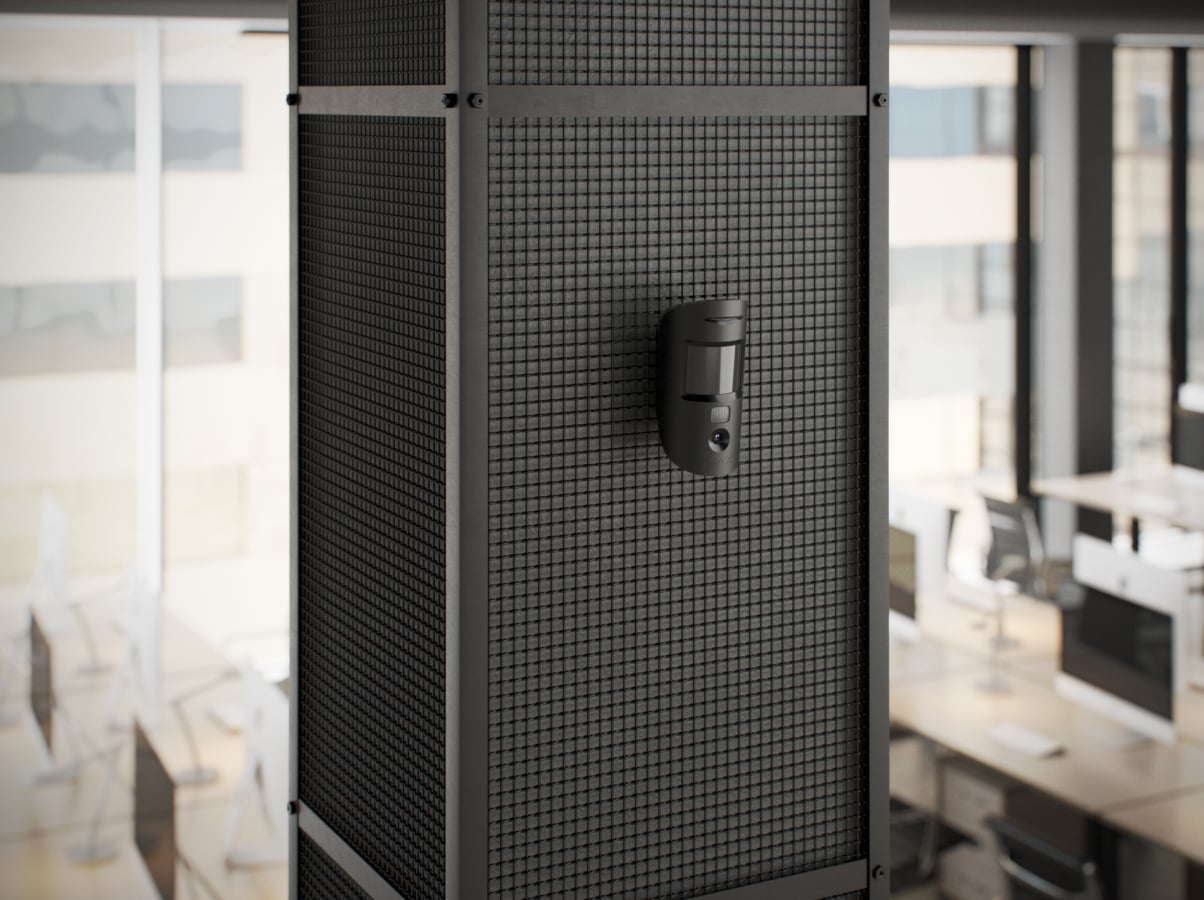
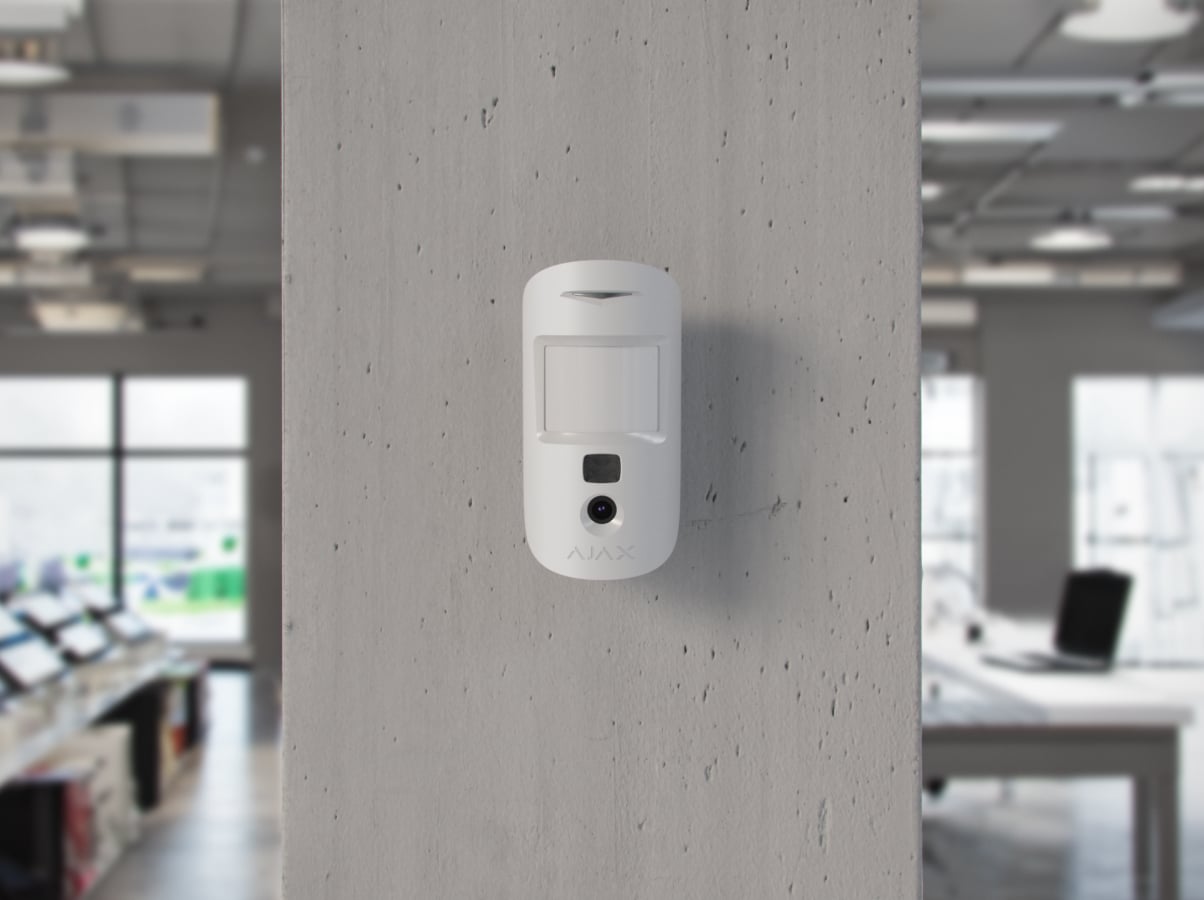
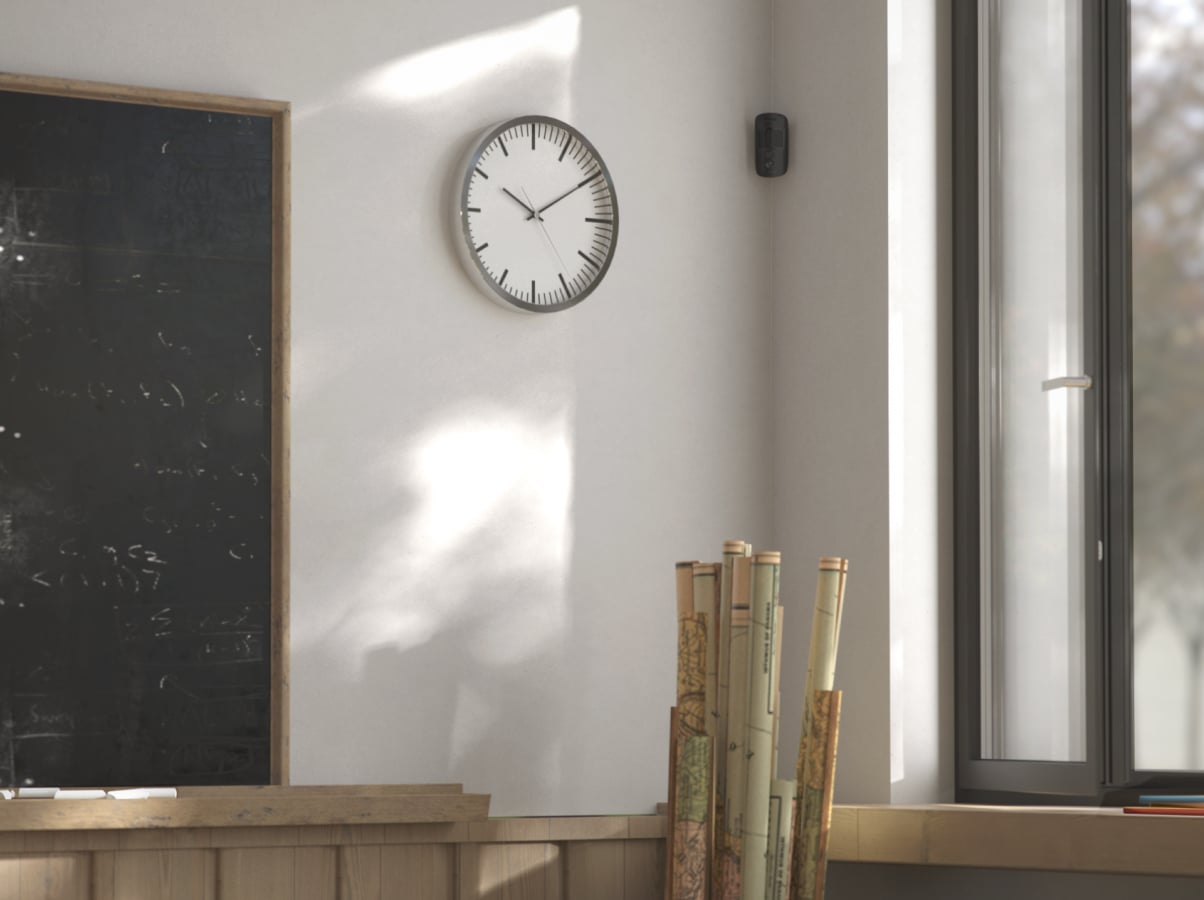
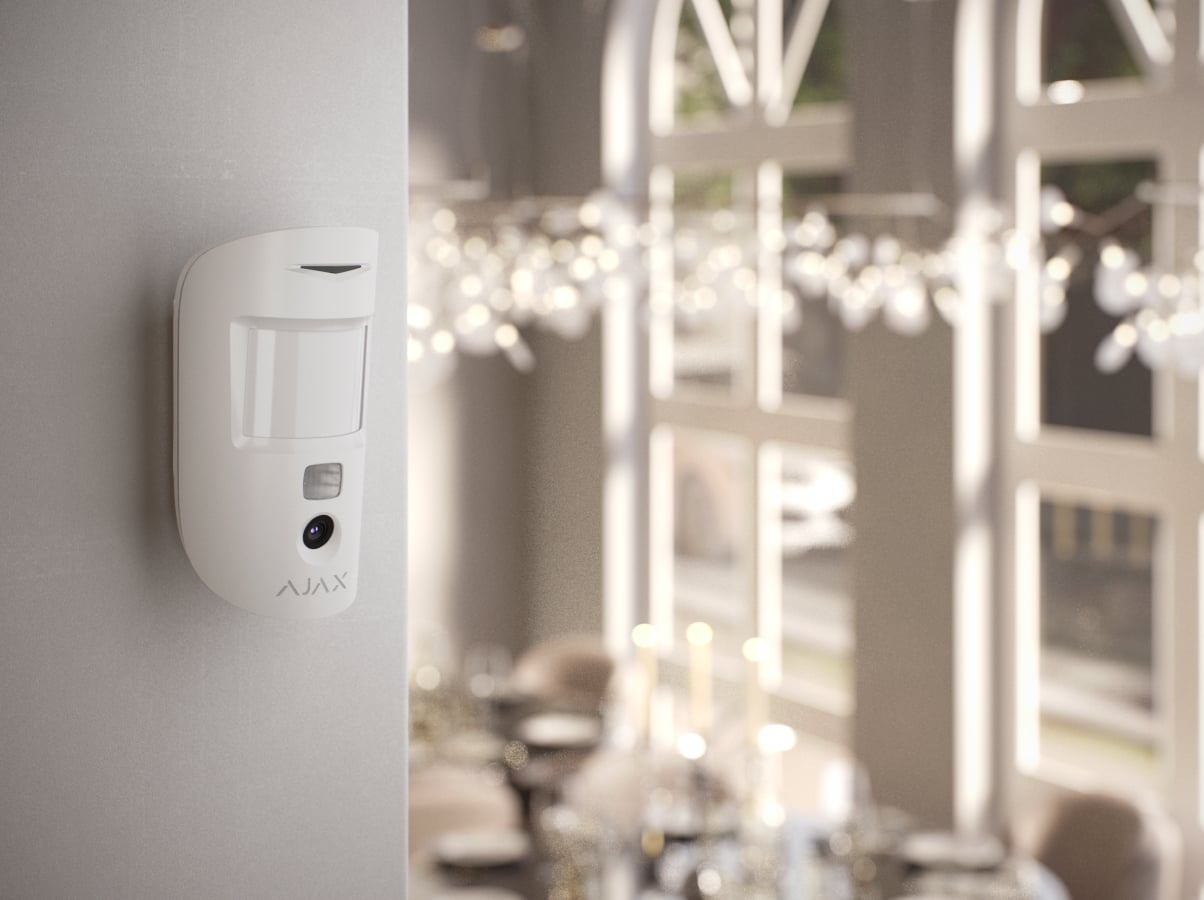
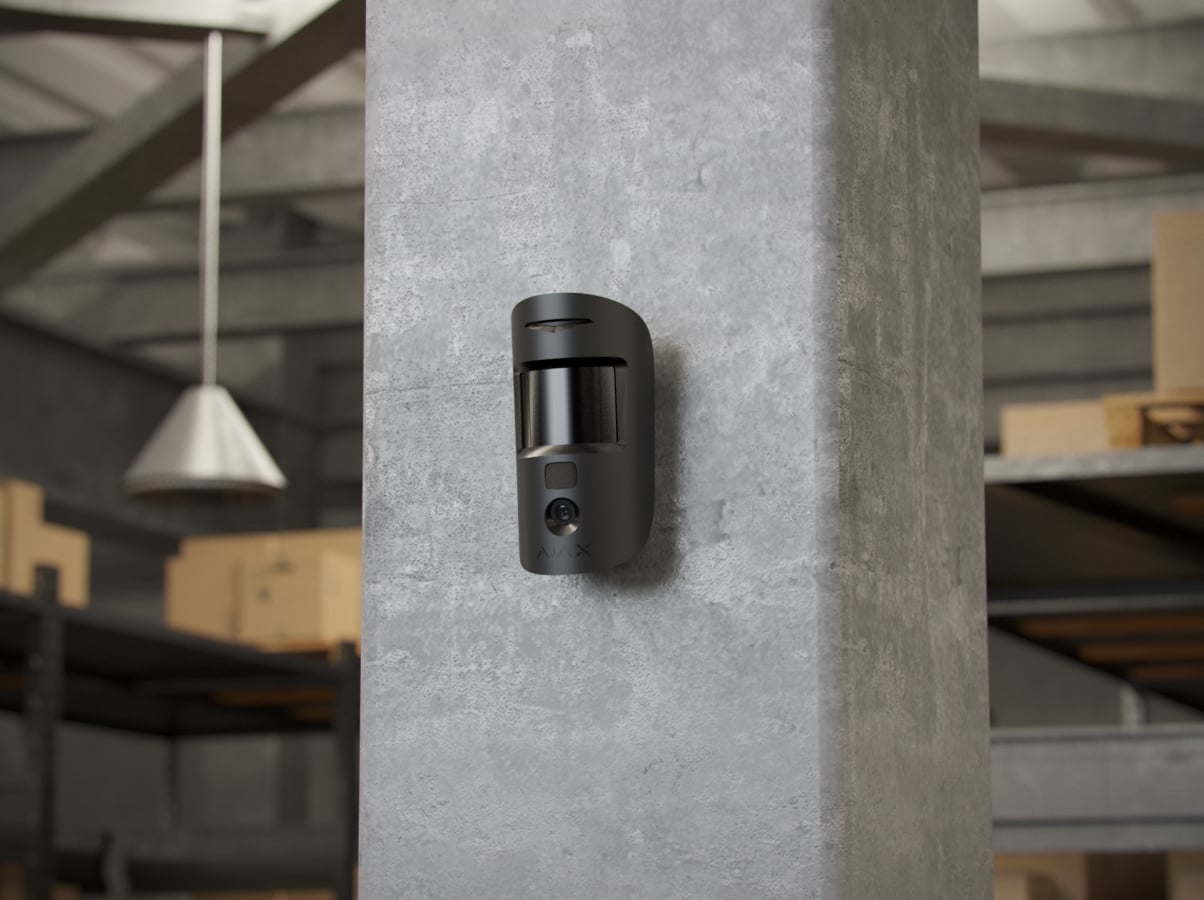
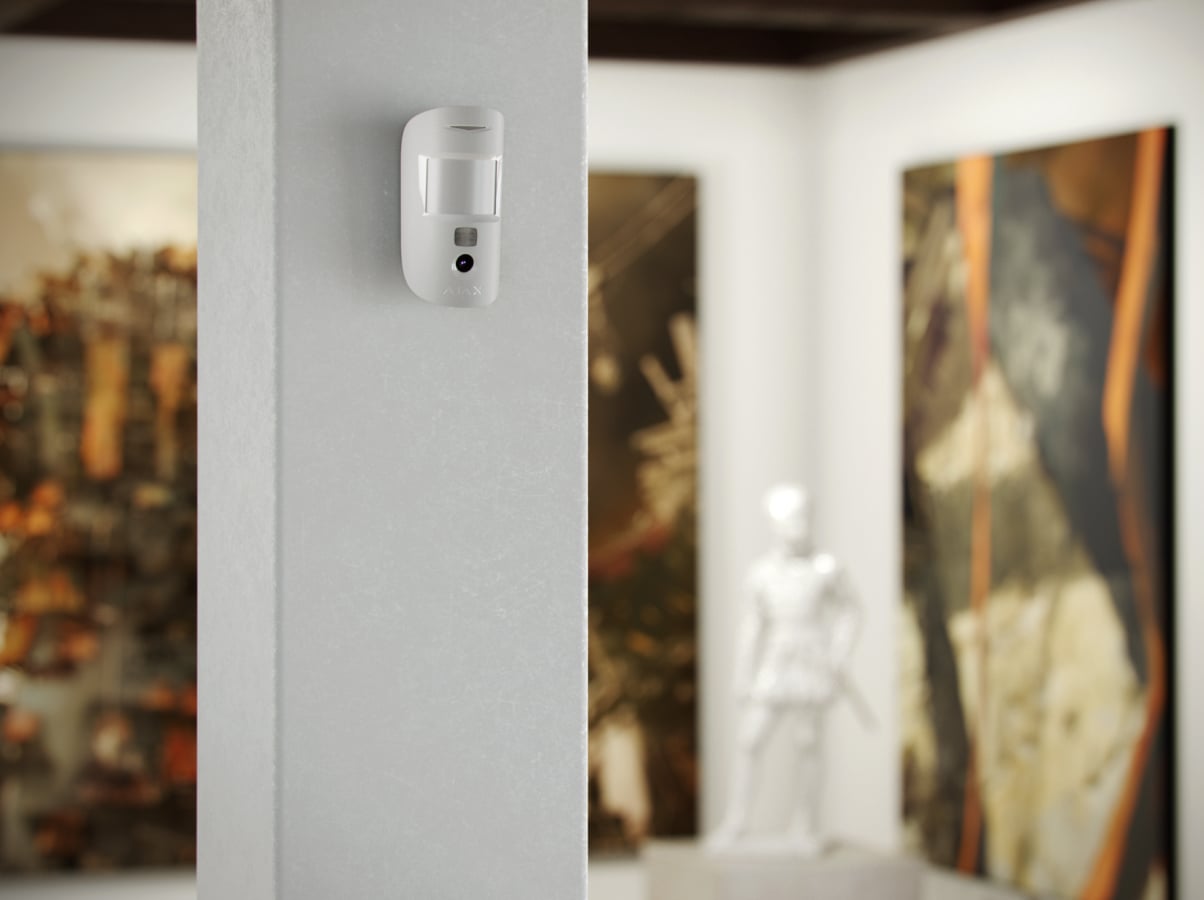
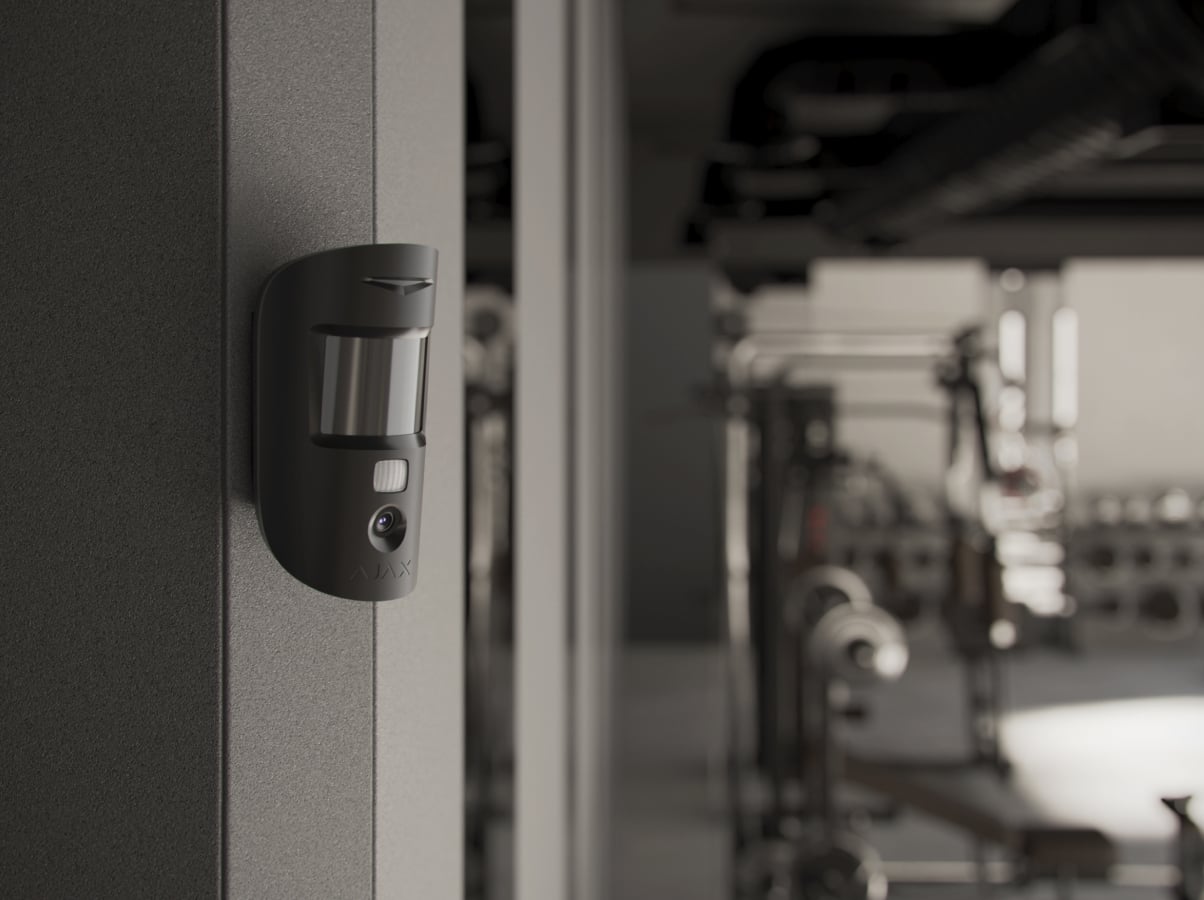
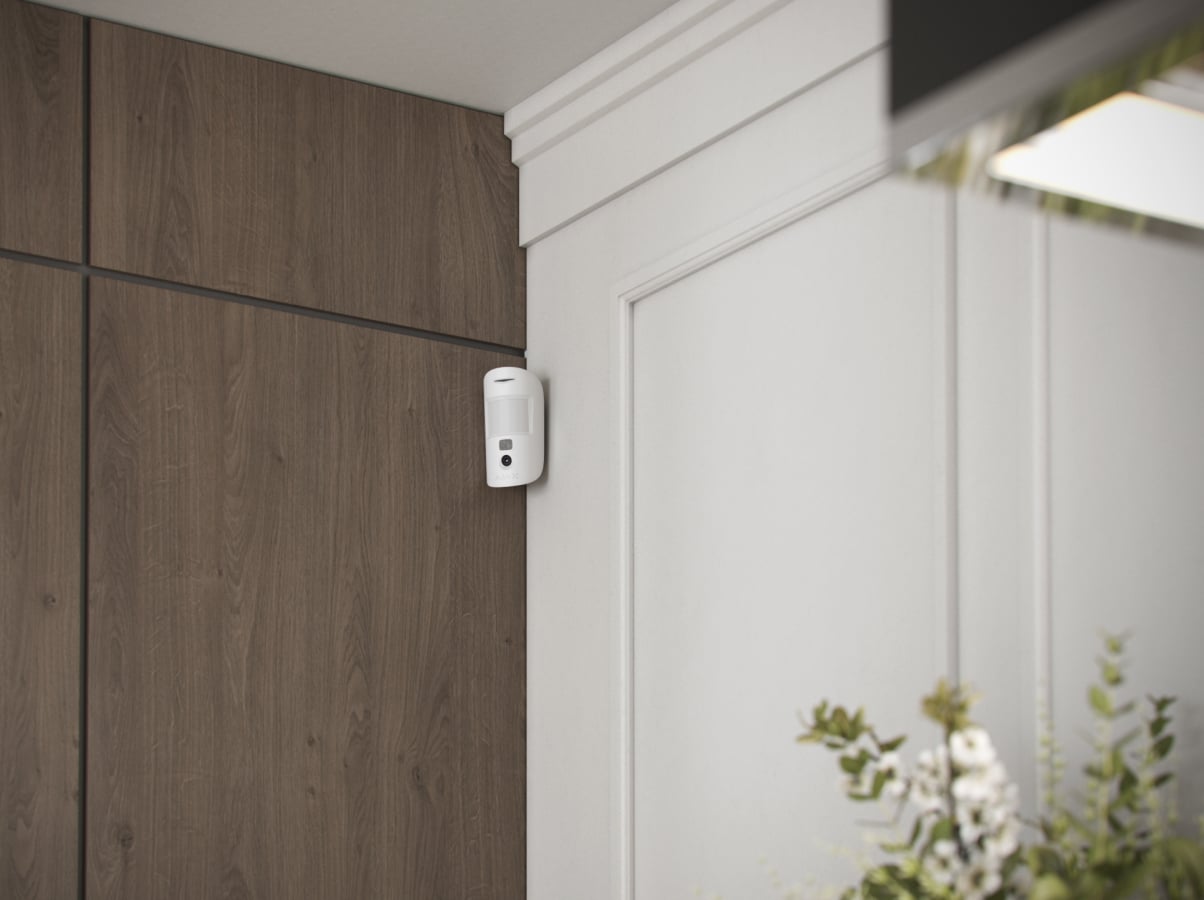
Superior MotionCam (PhOD) Jeweller
Every detail has a purpose.
Explore the function, installation and system requirements of Superior MotionCam (PhOD) Jeweller.
Loading detail…
Choose when a photo helps.
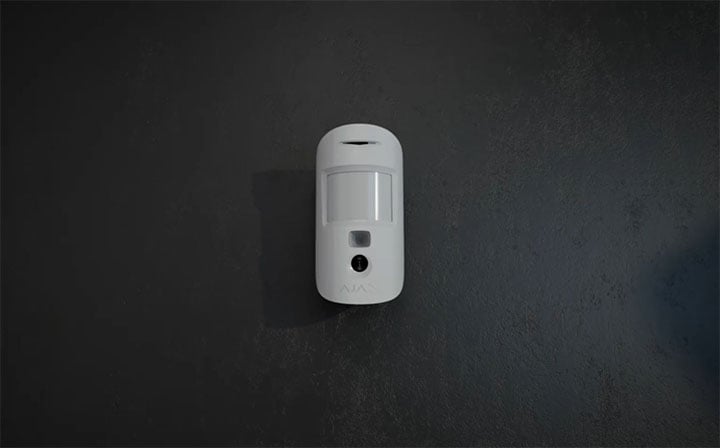
Photo by alarm
When the armed detector recognises movement, it sends an alarm and captures the configured photo series. The app presents the images with the event so an authorised viewer can assess what happened.
Control who can see the room.

Separate photo access from everyday control
Photo on demand and photo by scenario are disabled by default. A user with permission to manage privacy sets who may request and view photos and under which security modes. Review access when users or service providers change.
Check the monitoring service’s photo support
Alarm photos can accompany the event in supported monitoring software. Photo on demand is not sent to a central monitoring station. Grant access deliberately and agree who receives alarm images during commissioning.
Encrypted transfer protects the connection. It does not replace the need to define appropriate access and explain the camera’s use to occupants.
Enough detail to understand the alarm.
Choose the detail and the number of frames
Select 160 × 120, 320 × 240 or 640 × 480 pixels. A series can contain 1–5 frames at the two lower resolutions, or 1–3 at 640 × 480. The default resolution is 320 × 240; the infrared illumination supports photography in darkness.
These are event snapshots, not continuous video or live streaming. Higher resolution takes longer to deliver; check both framing and actual delivery time at the installed location.
An alarm first. Images follow.
Balance photo detail and delivery time
The manual gives up to 7 seconds for a 160 × 120 image, 9 seconds at the default 320 × 240, and 20 seconds at 640 × 480 with a direct two- or three-bar radio connection to the hub and Ethernet, Wi-Fi or 4G service at the hub. The alarm event is sent before the photos.
These timings depend on the stated signal and network conditions. Using ReX 2 changes photo delivery times; check the actual installation rather than assuming the direct-link figures.
Recognise movement. Filter thermal interference.
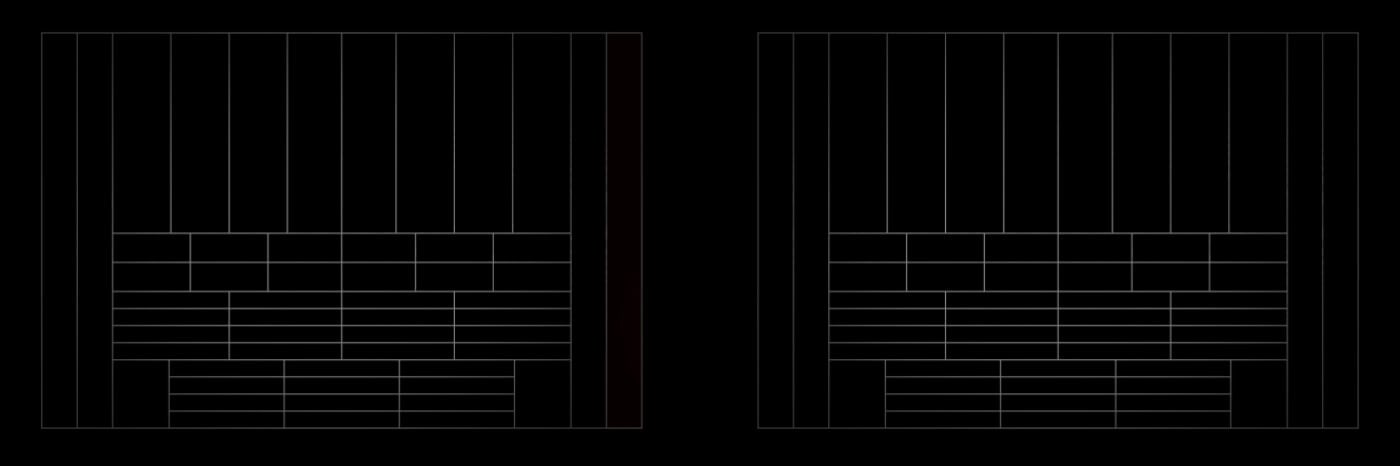
SmartDetect analyses the thermal pattern
The PIR sensor reads changes in infrared radiation. SmartDetect evaluates the size and movement of the warm area, radiation intensity and time in the detection zone to help distinguish a person from interference.
Cover the room with the right settings.
Up to 12 m from a 2.4 m mounting height
The Fresnel lens covers a horizontal angle of 88.5°. Position it across the likely movement path and keep furniture, plants, glass and heat sources out of its view. Choose from three levels: Low, Normal and High, then run the Detection Zone Test.
For an INCERT installation, the manual specifies a 10 m range at High sensitivity.
Pet immunity depends on installation
The stated limits are animals up to 20 kg and 50 cm tall, with the detector correctly positioned and configured. A pet jumping onto furniture or approaching the lens can still trigger detection. Choose sensitivity to suit the room and test the actual movement paths.
Indoor use in a suitable environment
The detector operates from −10 to +40 °C at humidity up to 75%. Its IP50 enclosure is for indoor use. Recheck both movement detection and photo framing after changing the room layout.
Separate radio paths for events and photos.
Jeweller and Wings
Jeweller carries alarms, events and commands. Wings transfers photos. Both provide encrypted two-way communication with a stated range of up to 1,700 m in open space; walls, metal and interference reduce the available range.
Use a compatible hub with OS Malevich 2.16 or later. This detector does not connect to Hub, Hub Plus, ocBridge Plus or uartBridge.
Extend the photo path as well as the alarm path.
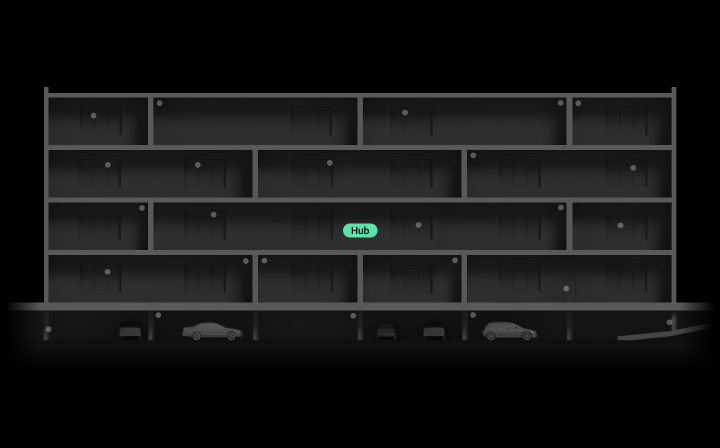
Use ReX 2 where reception needs help
ReX 2 supports both Jeweller events and Wings photos for this detector. Position the extender where it has a reliable link to the detector and hub, then test both protocols. A wired Ethernet route from ReX 2 can also carry the data to the hub.
The original ReX is not compatible with this detector. Photo delivery time depends on whether ReX 2 uses radio or Ethernet and on the signal conditions.
Two batteries. A clear service interval.
Up to 4 years with Photo on demand disabled
The current specification gives up to 4 years with the Photo on demand toggle disabled, or up to 3 years with it enabled. Two pre-installed CR123A batteries power the detector. Low-battery notifications help arrange replacement.
These are calculated maximums. Photo use, polling, radio conditions and temperature affect actual life; test the detector after replacing the batteries.
Protection that also watches its connection.

Identify a lost link
Regular exchanges with the hub monitor the device state. A missing connection raises a fault according to the configured polling and loss-detection settings, so the affected device can be investigated.
Notice interference with the mounting
A tamper switch monitors interference with the detector’s mounting. Secure SmartBracket and its holding screw, then test that removal alerts reach the app and monitoring service.
Tamper detection reports interference; it does not physically prevent damage.
Pair, position and test the complete photo path.
Add the detector by QR code
An accredited Ajax partner adds the exact detector in Ajax PRO, assigns a room and group, and verifies compatible hub software. Configure photo access in Privacy settings; a PRO Desktop company profile cannot request or view on-demand photos.
Find the right motion detector.
Compare indoor, outdoor and curtain detectors across Baseline and Superior. See what changes for the place you protect, alarm photos, animals and installation.
Compare motion detectors →Every detail, in one place.
Communication
- Jeweller communication technology
- Two-way radio link for alarm events, commands and device status.
- Frequency bands
- 868.0–868.6 MHz
- Maximum effective radiated power (ERP)
- up to 20 mW Automatic power control to reduce power consumption and noise interference.
- Radio signal modulation
- GFSK
- Radio signal range
- up to 1,700 m Between detector and control panel (or range extender) in an open space.
- Encrypted communication
- All the data stored and transmitted are protected by block encryption with a dynamic key.
- Frequency hopping
- The radio changes operating frequencies to improve resistance to interference.
- Wings communication technology
- Two-way radio link for photo delivery to a compatible hub or ReX 2.
- Frequency bands
- 868.0–868.6 MHz
- Radio signal range
- up to 1,700 m Between detector and hub or range extender in an open space.
- Encrypted communication
- All the data stored and transmitted are protected by block encryption with a dynamic key.
- Frequency hopping
- The radio changes operating frequencies to improve resistance to interference.
Detection
- Sensitive element
- PIR sensor
- Motion detection distance
- up to 12* m When installed at a height of 2.4 m. * — 10 m according to INCERT (with high sensitivity level)
- Motion detection angles
- horizontal: 88.5°
- Motion detection speed
- from 0.3 to 2.0 m/s The direction of the detector lens should be perpendicular to an alleged intrusion path into the facility.
- Sensitivity
- 3 levels Adjusted by PRO or user with admin rights in the Ajax app
- Pet immunity
- weight: up to 20 kg height: up to 50 cm
- False alarm prevention
- SmartDetect Software algorithm.
- Temperature compensation
- Effective motion detection at temperatures from −10°C to +40°C.
Photo verification
- Photo by alarm
- A built-in camera is activated if the detector is armed and motion is detected.
- Photo on demand
- The user takes pictures at any time or when the detector is armed (depending on settings). The feature is disabled by default.
- Photo by scenario
- The detector’s camera takes pictures automatically when other Ajax detectors are triggered. The feature is disabled by default.
- Photo by schedule
- The detector automatically takes photos at a specified time. This feature is available for hubs with firmware version OS Malevich 2.19 or higher.
- Photo by arming/disarming
- The detector automatically takes photos when the security state is changed.
- Adjustable photo resolution
- 640 × 480 px 320 × 240 px (by default) 160 × 120 px Adjusted by PRO or user with admin rights in the Ajax app.
- IR backlight
- For night photography and low light conditions.
- Series of pictures
- 1–5 frames at 160 × 120 or 320 × 240; 1–3 at 640 × 480. Adjusted in the Ajax app, as specified in the exact installation manual.
- Photo delivery time
- up to 7 s — 160 × 120 px resolution up to 9 s — 320 × 240 px resolution up to 20 s — 640 × 480 px resolution Photo delivery time depends on the image resolution selected in the device settings.
Sabotage protection
- Tamper alarm
- Notifications on attempts to detach the detector from the surface or remove it from the mounting panel.
- Holding screw
- to secure the detector on SmartBracket
- Protection against spoofing
- device authentication
- Communication loss detection
- after 36 s Detection time depends on the Jeweller or Jeweller/Fibra settings.
Power supply
- Batteries
- 2 × CR123A Pre-installed.
- Type
- Type C.
- Calculated battery life
- up to 4 years With Photo on demand toggle disabled. up to 3 years With Photo on demand toggle enabled.
- Detector’s operating voltage range
- 4.2−6.2 V⎓
- Detector’s nominal operating voltage
- 6 V⎓
- Quiescent detector’s current consumption at nominal voltage
- 0.058 mA
- Maximum detector’s current consumption at nominal voltage
- 18 mA
- Full capacity
- 3,300 mAh
- Low battery voltage
- 4.55 V⎓
- Low battery recovery voltage
- 4.9 V⎓
- End-of-life battery voltage
- 4.2 V⎓ Device is switched off.
- End-of-life battery capacity
- 600 mAh
- Manufacturer
- Panasonic
Enclosure
- Dimensions
- 135 × 70 × 60 mm
- Weight of the white device
- 165 g
- Weight of the black device
- 149 g
- Operating temperature range
- from −10 °C to +40 °C
- Operating humidity
- up to 75%
- Protection class
- IP50, IK04
What’s in the box
- Superior MotionCam (PhOD) Jeweller
- SmartBracket mounting panel with holding screw
- 2 × CR123A battery (pre-installed)
- Installation kit
- Quick start guide
For your installation
- Selected as part of an installer-reviewed security or automation project.
- Confirm the supported control panel, device software and regional radio version; test coverage at the final installation position.
- It is recommended to install the detector at a height of 2.4 m.
- The device is designed for indoor use only.
Product documents.
Find the right protection.
Superior MotionCam Fibra
Check this model’s photo modes, connection and power requirements.
Superior MotionCam (PhOD) Fibra
Check this model’s photo modes, connection and power requirements.