LightSwitch · European [55] range
LightSwitch (2-gang/2-way) Jeweller
Control two lighting circuits from different locations with matching 2-gang/2-way mechanisms.
Matching components and a frame where needed. Choose the layout, finish and number of complete assemblies.
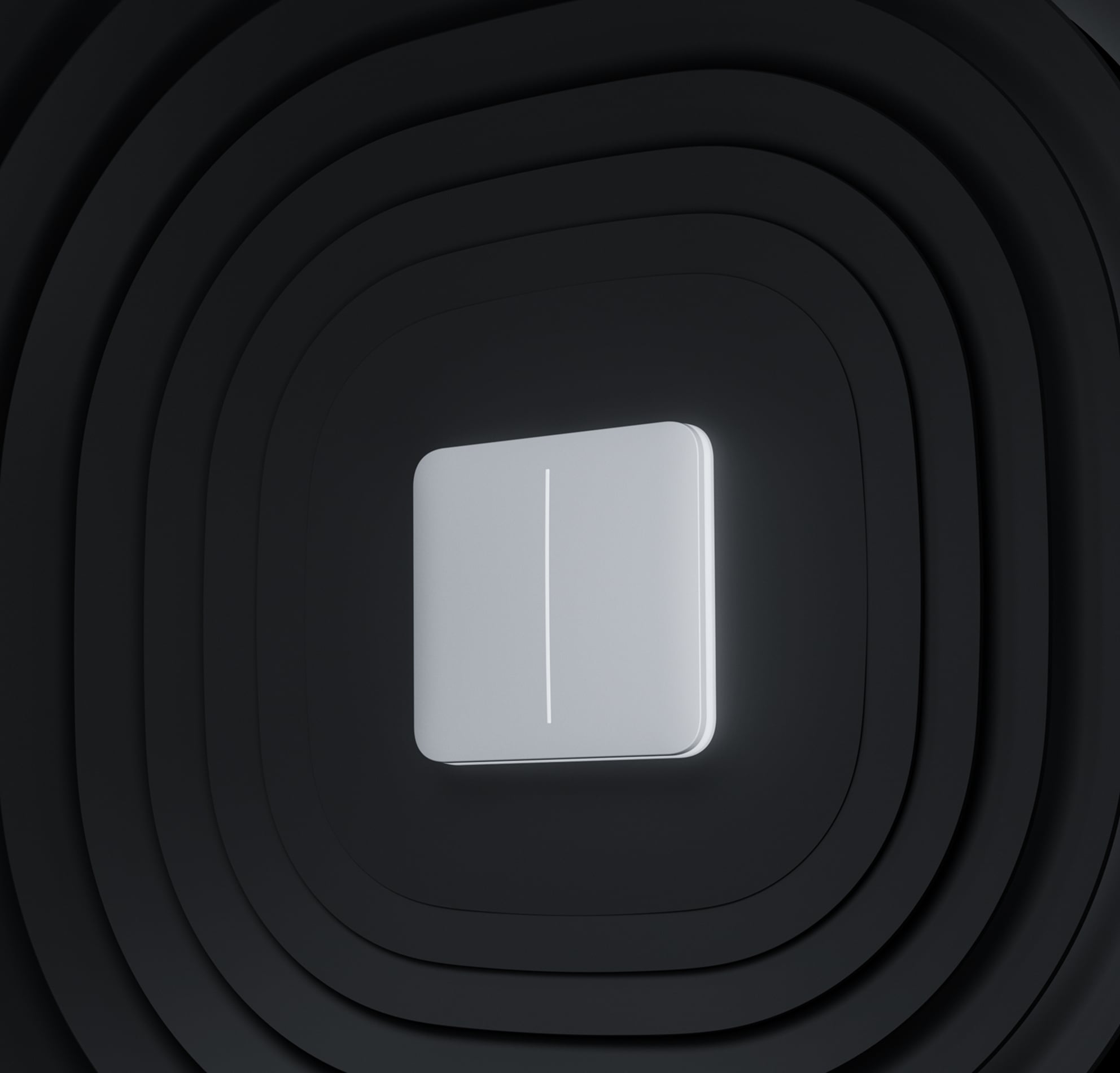
Choose layout, finish and quantity
Made for your space
Your wall assembly.
Choose what each position does. We include every matching part in one complete assembly.
1Choose the layout.
A single unit uses a Solo front. No separate frame is needed.
82.8 × 82.8 mm · Colours are a guide
2Choose the function for position 1.
12 functions
This configures one wall location. Multi-location lighting also needs matching end switches and a verified wiring design. We check the circuit before confirming your order.
4Your complete assembly.
Two-way · two circuits
Single unit — White — 1. Two-way · two circuits
€147.88 · Includes 21% VAT. All required cores, fronts and frames included; installation and wall boxes quoted separately.
Included components
Matching cores, finished fronts and a frame where needed. Quantities below cover one complete assembly.
- 1 × LightCore (2-gang/2-way)Position 1
- 1 × SoloButton (2-gang) · WhitePosition 1
What your installation needs
- One complete wall assembly. Installation and wall boxes are confirmed for your project.
- LightSwitch works by touch without a hub; app control and scenarios need a compatible Ajax hub. Lamp type and load must be confirmed.
- Multi-location lighting needs the matching end/intermediate switches and a verified wiring design. This assembly covers one wall location.
Complete assemblies in your kit. Price, availability and installation are confirmed before ordering. No payment is taken here.
The equipment price includes all matched cores, fronts and frames. If an exact component price is unavailable, we quote the complete assembly before you order.
Control two lighting groups from one position.
LightSwitch (2-gang/2-way) Jeweller brings two lighting controls into a coordinated touch interface, with access through the Ajax system. It helps organise the wall controls around the way a room is used. The exact switching arrangement and electrical components are selected for the circuits and control positions in the project.
Key features. At a glance.
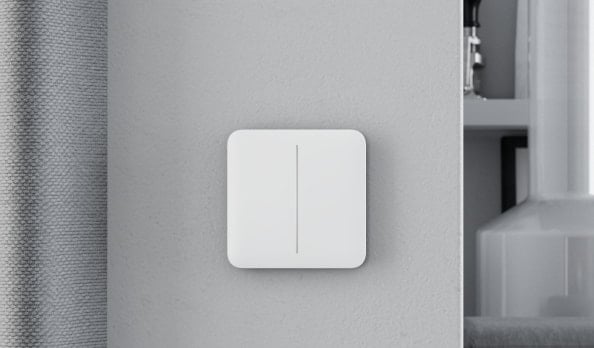
Big touch-sensitive panel

Contactless light control
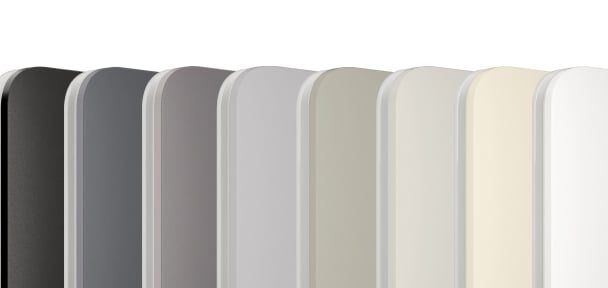
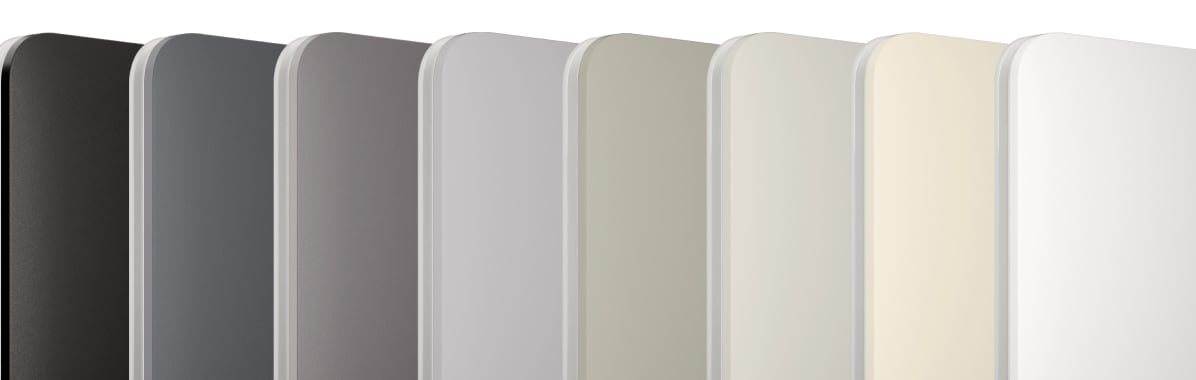
8 colours
No need for neutral wire


LED backlight
Lighting control via smartphone

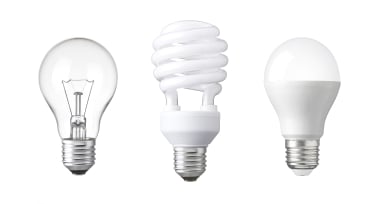
Compatibility with lamps1
from 5 to 600 W
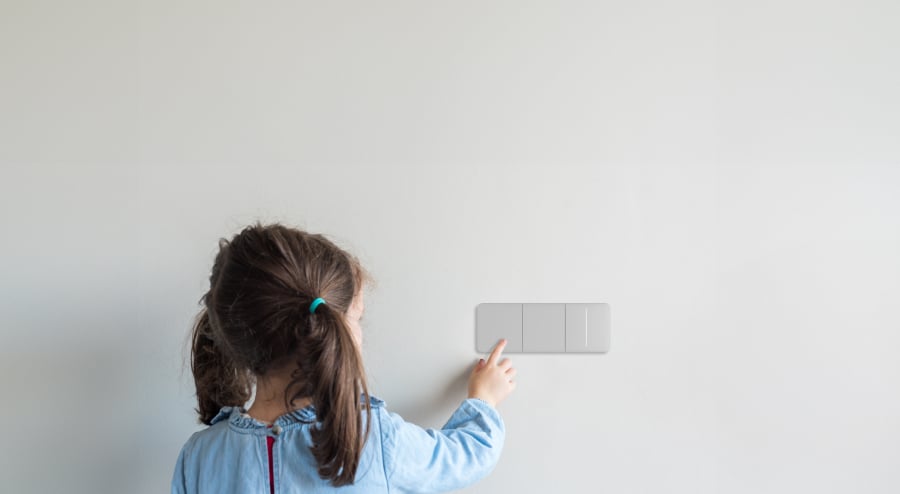
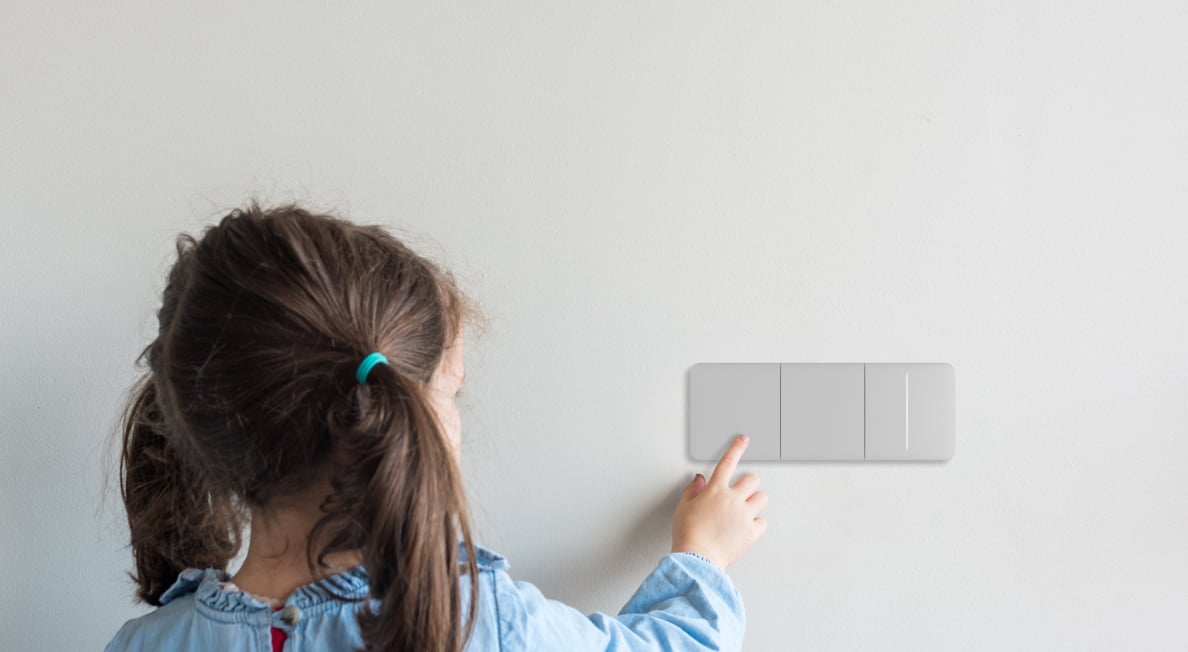
Protection for your curious little ones


Power adjustment
Remote control and configuration

Up to 1,100 m2
of communication distance with an Ajax hub
Horizontal and vertical frames
4 frame sizes for combining multiple switches
In-app notifications and event log

- 1The exact specifications give a per-segment limit; 600 W is the combined total, not the limit of either segment.
- 2Range is measured in open space; walls and installation conditions reduce it.
Designed for real spaces.
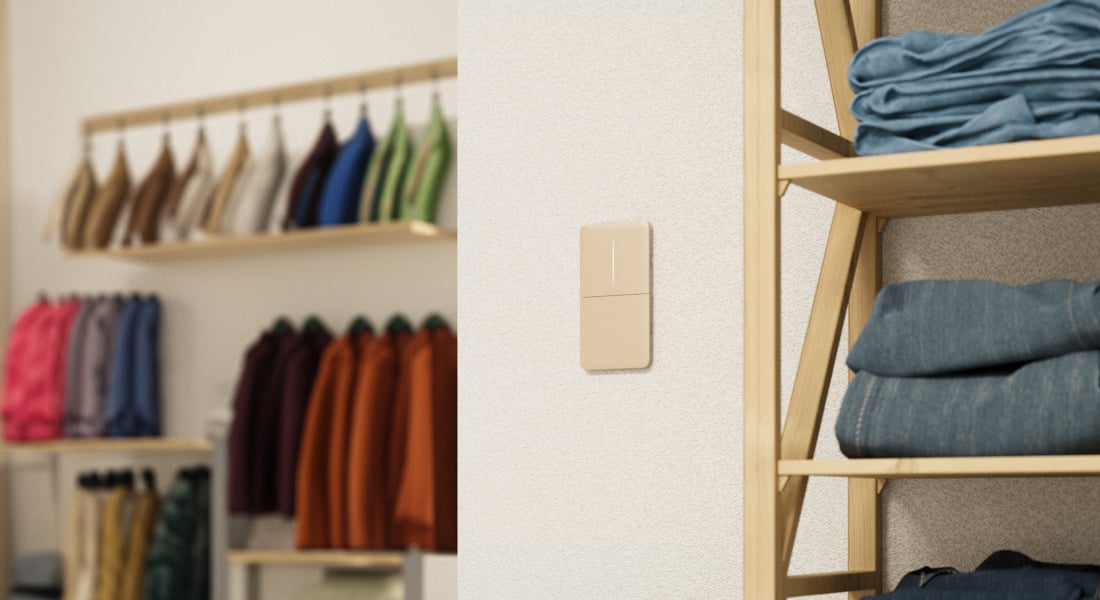
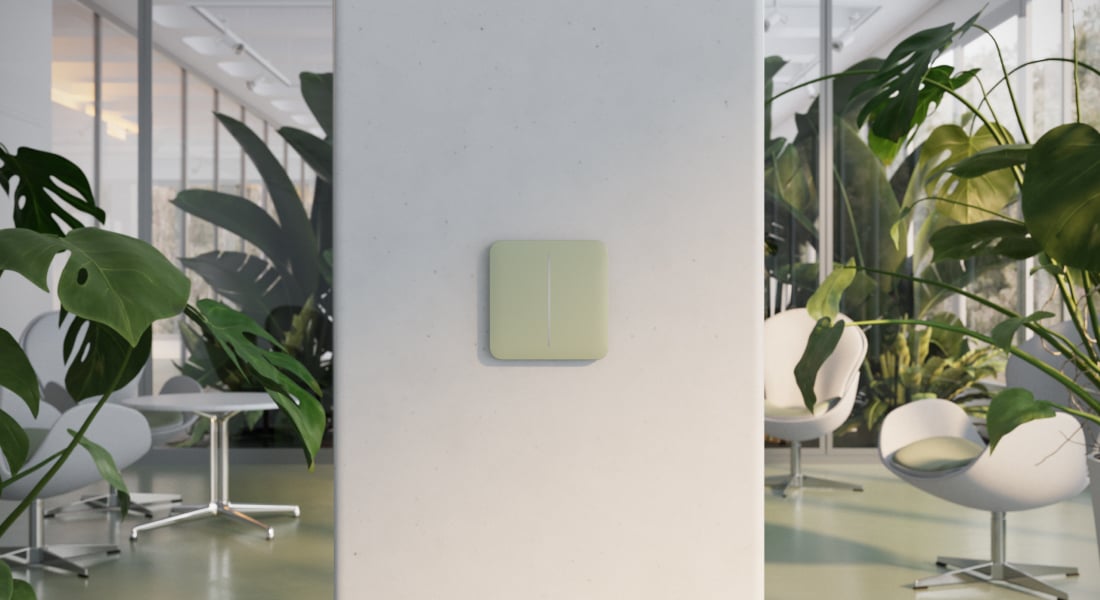
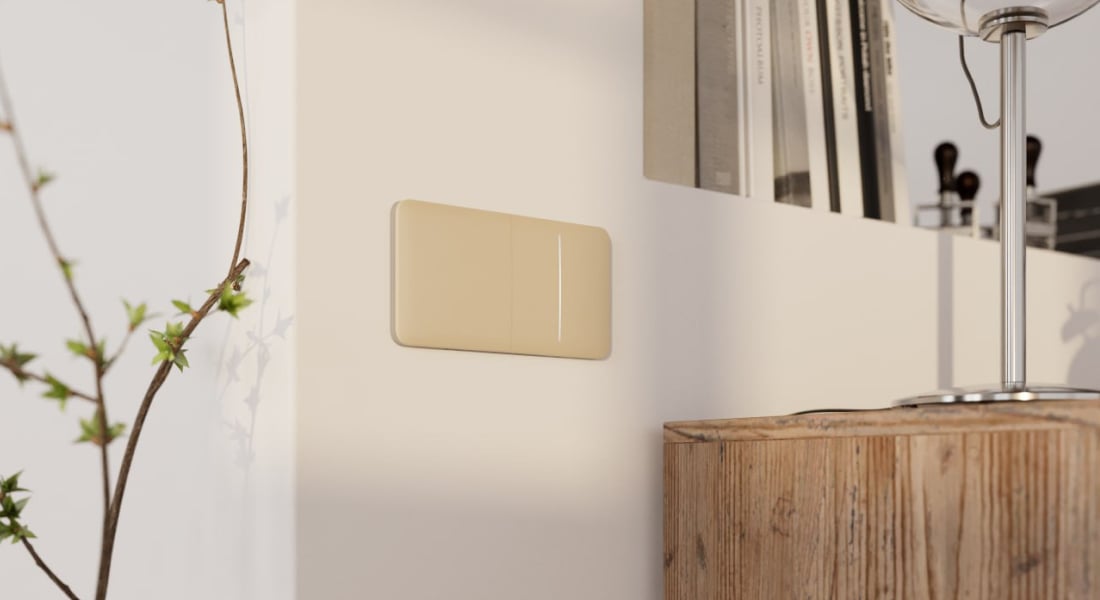
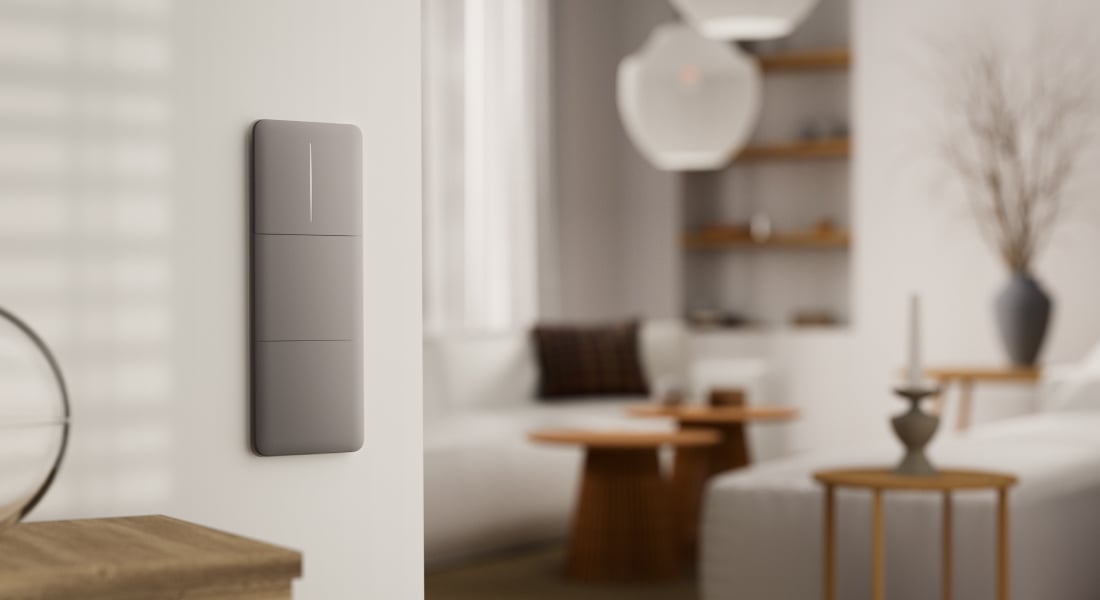
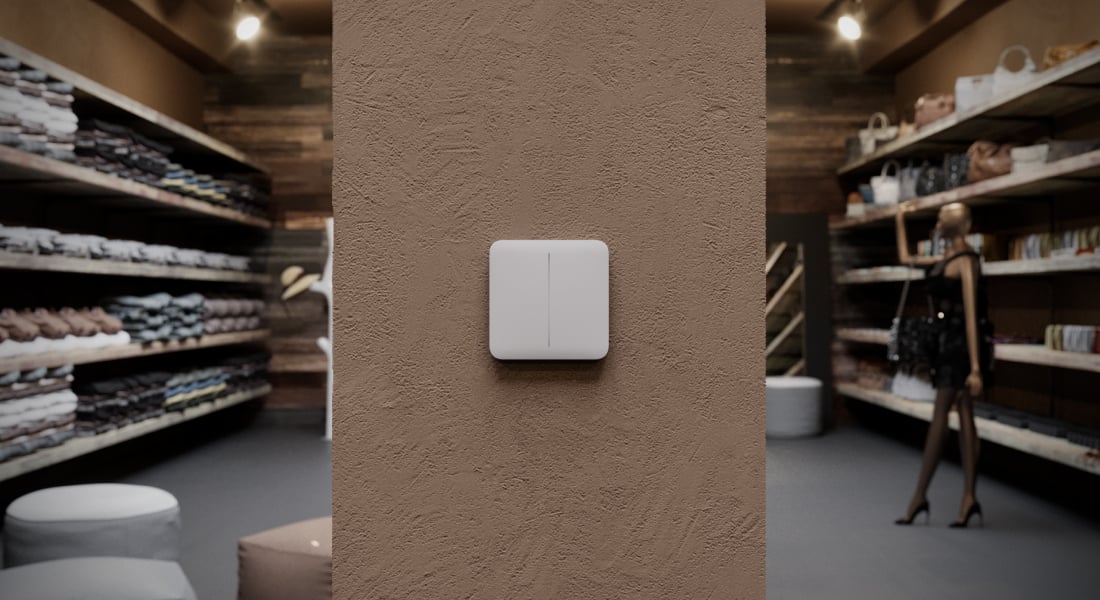
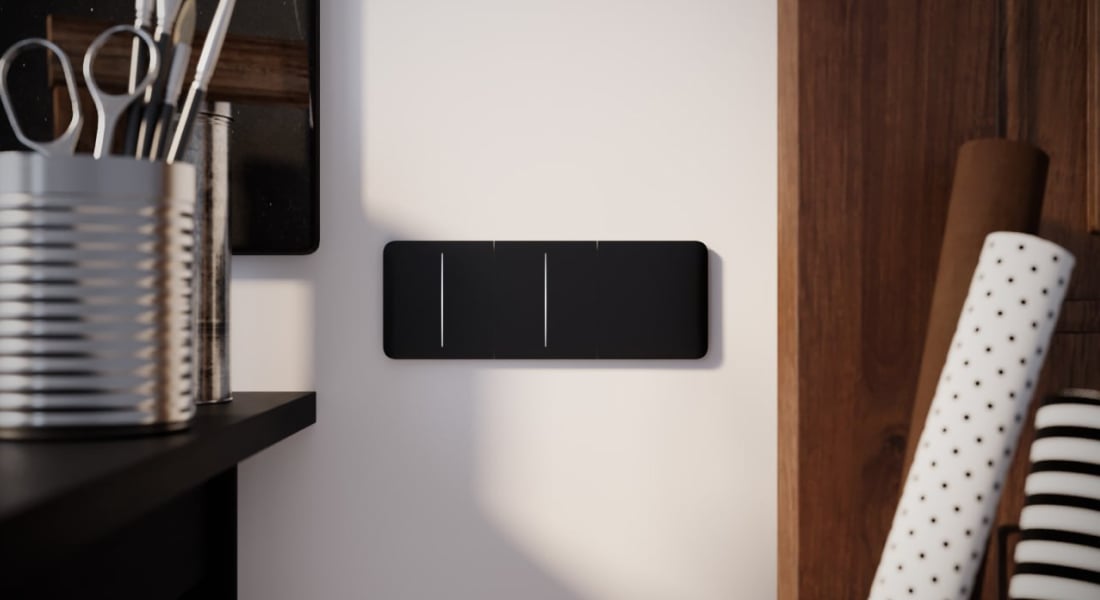
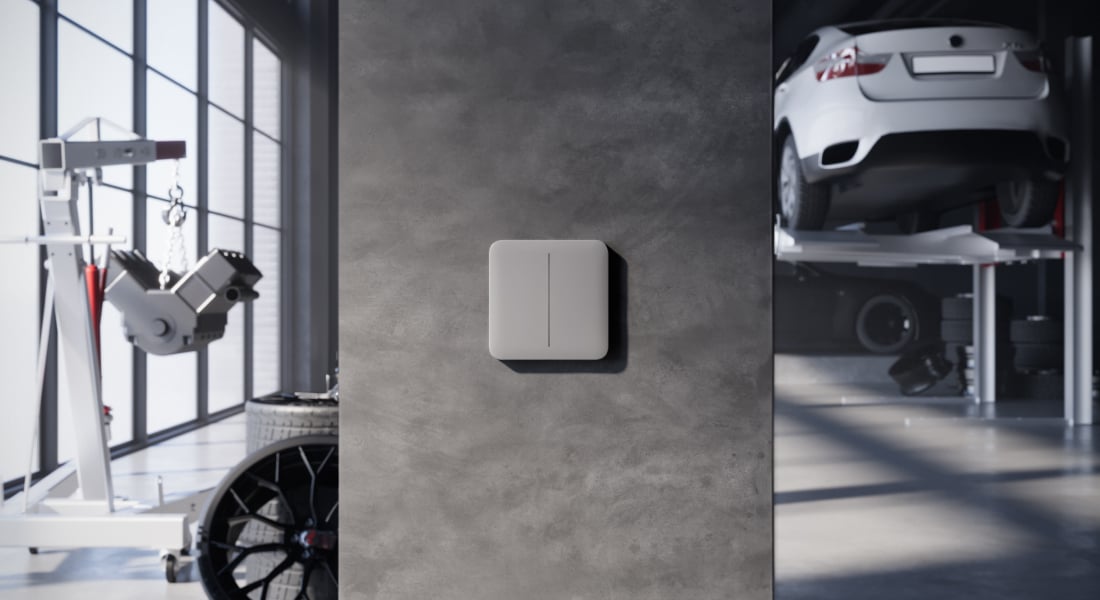
LightSwitch (2-gang/2-way) Jeweller
Every detail has a purpose.
Explore the function, installation and system requirements of LightSwitch (2-gang/2-way) Jeweller.
Loading detail…
Two circuits, with control from either end.
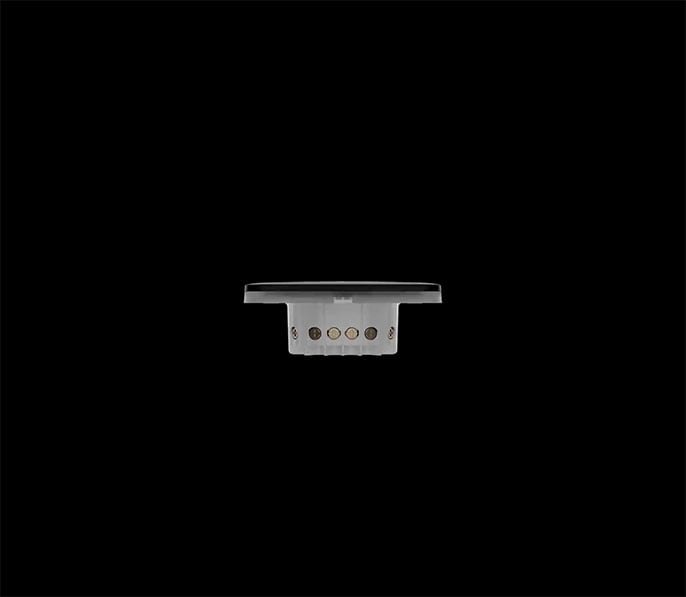
Match the mechanism to the circuit.
Control two lighting circuits from different locations with matching 2-gang/2-way mechanisms.
- Connected load: 5–300 W per segment, up to 600 W total.
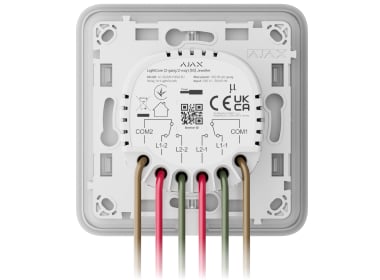
- 230 V, 50/60 Hz; no neutral wire is required at the switch.
- The two segments serve separate lighting circuits. Each multi-location circuit needs the matching end mechanism and wiring; one selected assembly is one wall position.
- Current protection uses an internal fast-blow 4 A fuse. Temperature protection switches the output off above +60 °C.
The mechanism, front and frame are selected as a complete assembly. Wiring and lamp compatibility must be checked for the actual installation.
Easy to find. Easy to use.
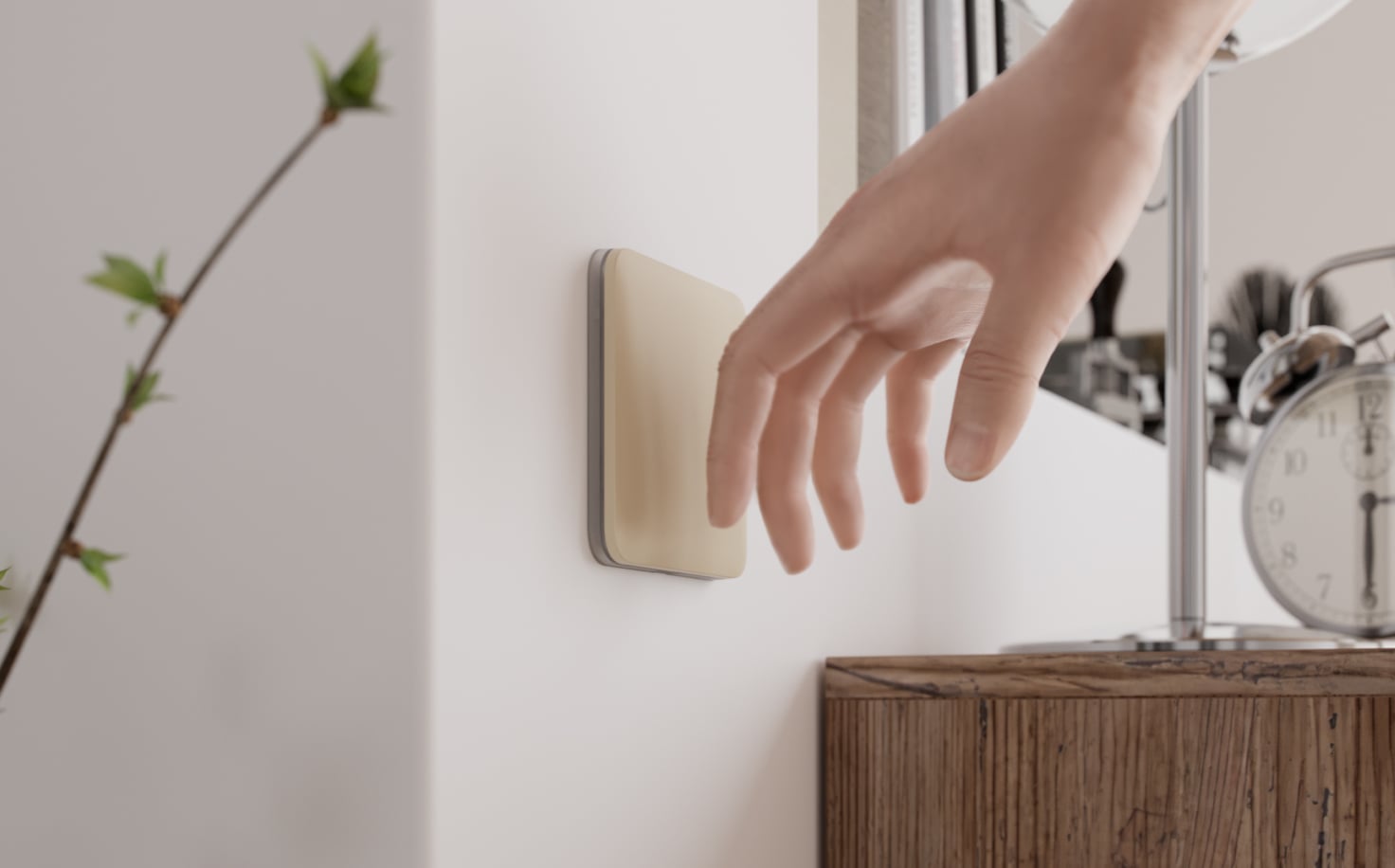
A touch, or a hand nearby.
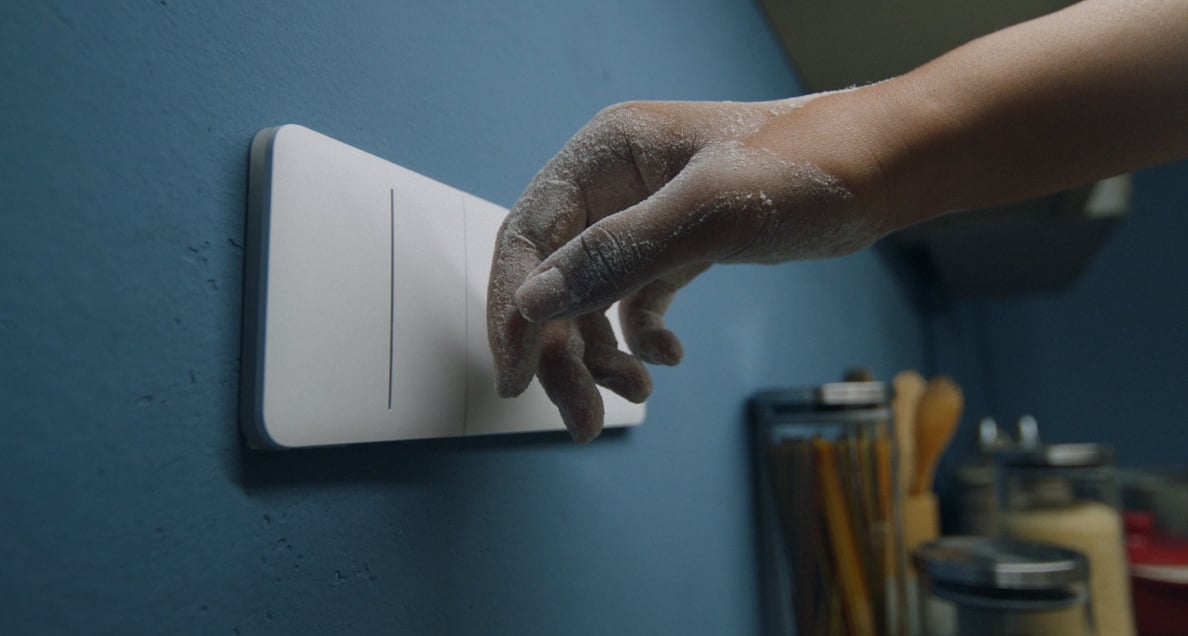
Touch the large panel, including with a gloved hand, or bring a hand within 15 mm for contactless operation. No need to aim for a small mechanical button.
Useful controls, wherever you are.
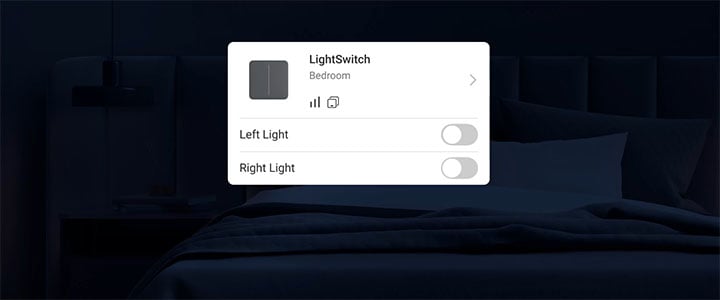
Control the connected lights in the app.
See the light state and operate it from the Ajax app. Local touch control also works without a hub; app control and automation require a compatible hub and a working system connection.
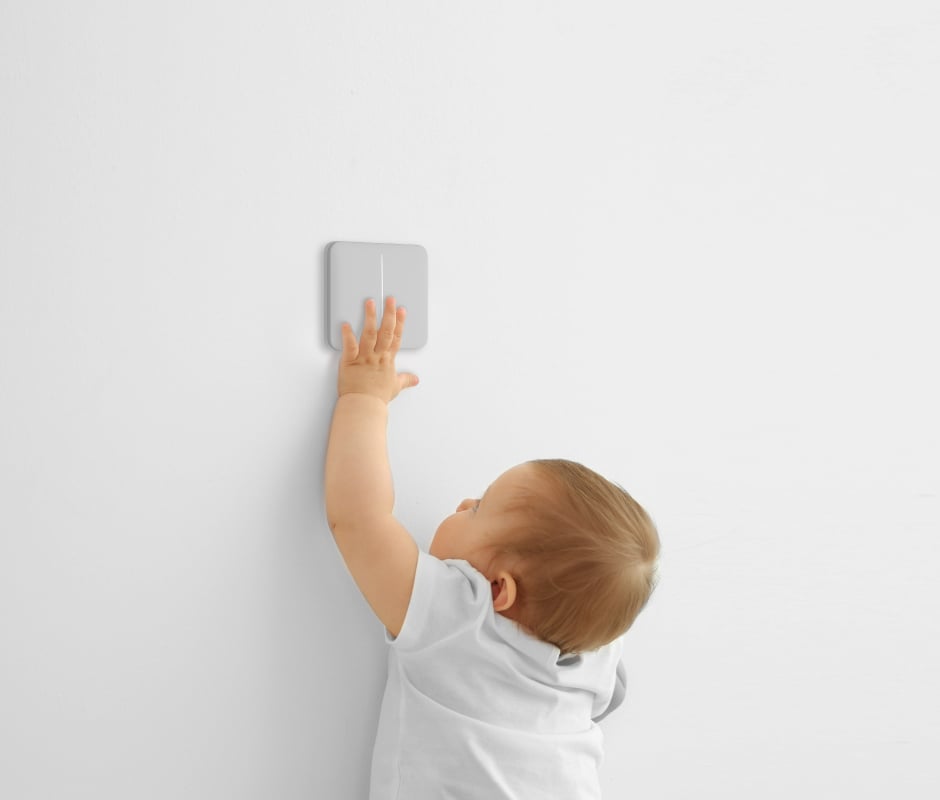
Choose when touch control is available.
Enable childproofing in the app to disable local touch operation. App commands and configured scenarios remain available.
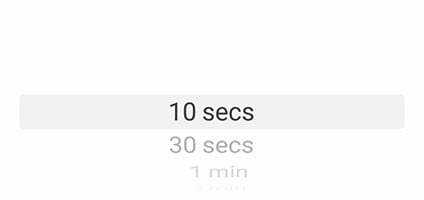
Switch off after the time you choose.
Set an automatic switch-off timer for lights that should not stay on indefinitely. The selected interval is configured in the Ajax app.
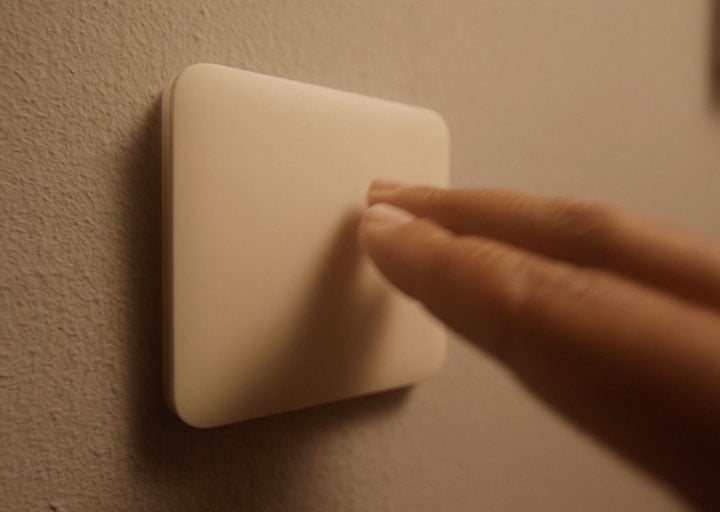
Let one action start a routine.
Use the switch as a trigger for other compatible Ajax automation devices. Each controlled load needs its own suitable actuator; a lighting output is not a direct curtain or blind motor controller.
Lighting that follows your routines.
Scenarios run through a compatible Ajax hub. Temperature, humidity and CO₂ triggers also need the appropriate sensor; humidity and CO₂ scenarios require LifeQuality.
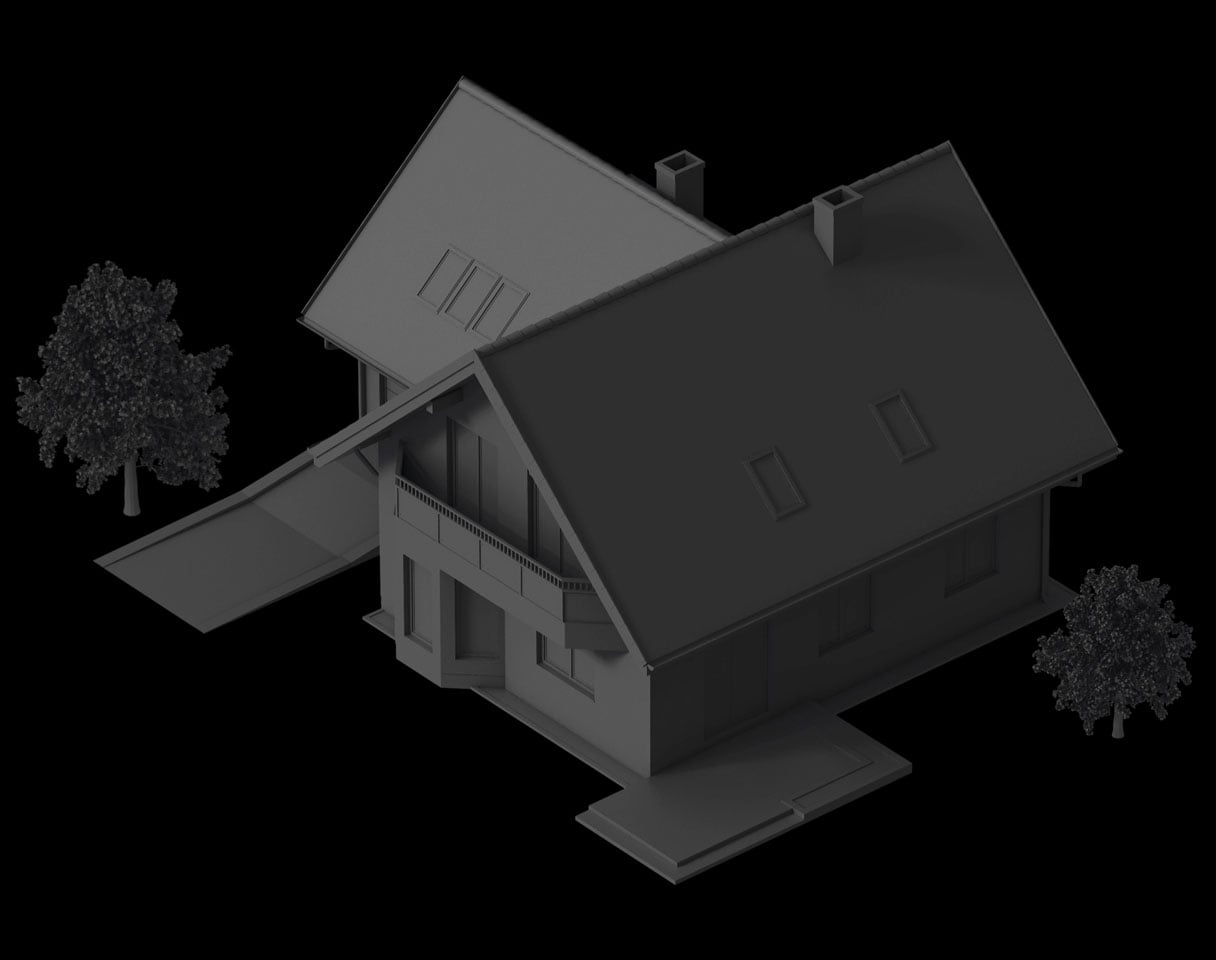
Make a home look occupied.
Schedule connected lights to turn on and off while you are away. Choose the rooms and times in the Ajax app, then check the routine at the property.
A secure link to your system.
Jeweller for events. Wings for updates.
Jeweller carries commands and events; Wings delivers firmware updates to this switch. The specified communication range is up to 1,100 m in open space.
Walls, metal and the mounting position affect coverage. Test signal strength at the installed position. Device authentication and encryption protect the link; loss-detection timing depends on the configured polling interval and missed-packet threshold.
Reach the rooms your system needs.
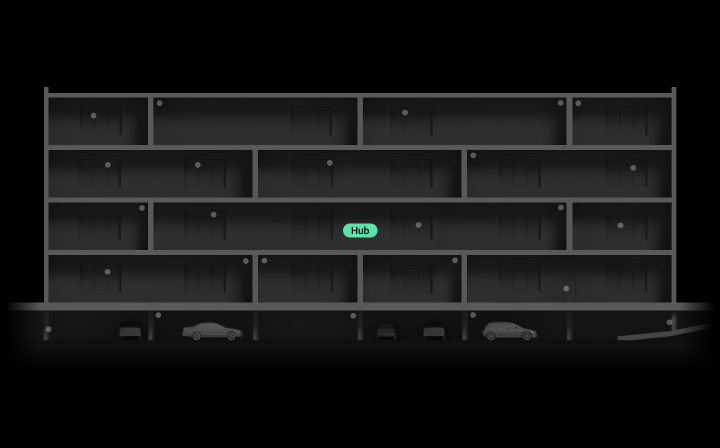
Plan the radio path through the building.
A compatible range extender can connect a switch where the hub’s direct radio signal is insufficient. ReX 2 can use Ethernet as an alternative connection to the hub. Choose a supported combination and test it at the installed position.
Hub capacity, regional radio version and the required protocols determine the supported setup. On models with Wings, verify the firmware-update path as well as event communication.
Fit the assembly. Set up the light.
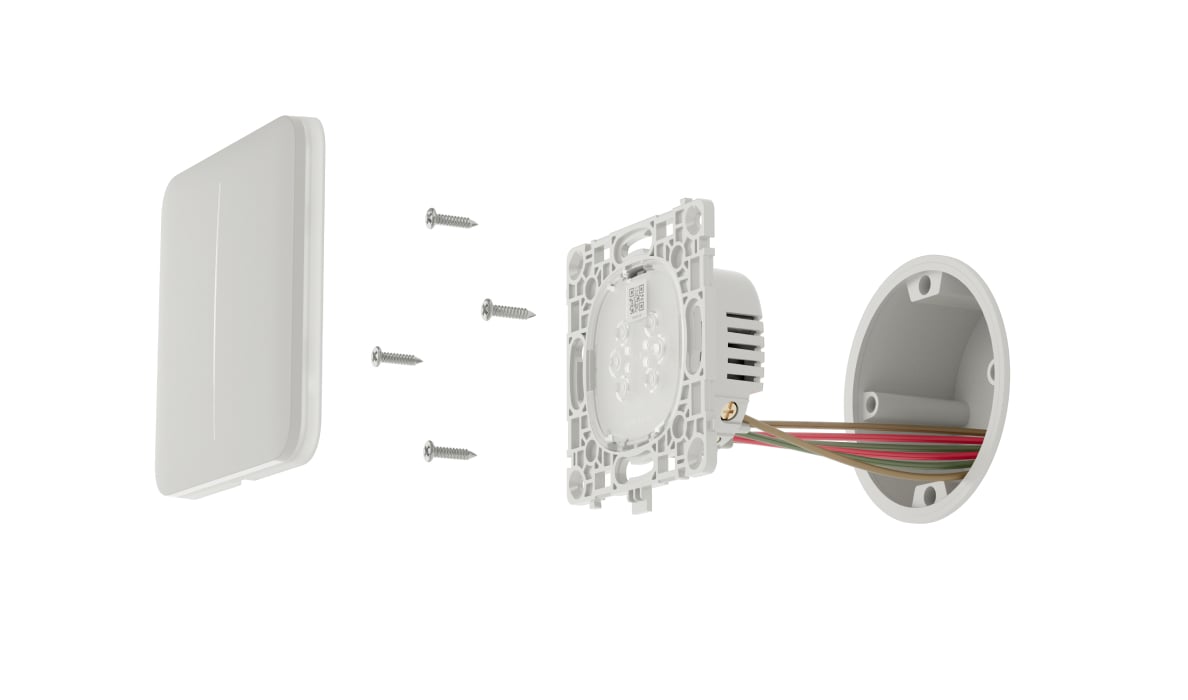
Install the correct components.
A qualified electrician should isolate the mains, verify the circuit and load, and fit the matching LightCore, panel and frame using the exact model’s wiring diagram. Fit the touch panel before testing the installed assembly.
For indoor use: −10 to +40 °C, up to 75% relative humidity without condensation, IP20. For low-power lamp issues, follow the manual’s instructions for the supplied capacitor.
Find the right light switch.
Compare LightSwitch models by the lights you want to control, the wiring at each position and whether you need dimming. European [55] and North American [120] models can be compared, but their voltage and components are not interchangeable.
Compare light switches →Every detail, in one place.
Components
- Relay
- Controls the power of a lighting device. LightCore (2-gang/2-way) Jeweller LightCore (2-gang/2-way) vertical Jeweller
- Touch-sensitive panels
- SoloButton (2-gang) It is used when the switch is installed as a separate device. SoloButton consists of the front panel and the frame, coming as one component. CenterButton (2-gang) It is used when the switch is installed between the device set. CenterButton (2-gang) vertical It is used when the vertical switch is installed between the device set. SideButton (2-gang) It is used when the switch is installed on the right or left of the device set. SideButton (2-gang) vertical It is used when the vertical switch is installed on the top or bottom of the device set.
- Frames
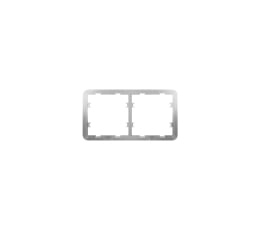
- Frames for two, three, four, and five Ajax switches and outlets in any combination¹. Frame (2 seats) Frame (3 seats) Frame (4 seats) Frame (5 seats) Frame (2 seats) vertical Frame (3 seats) vertical Frame (4 seats) vertical Frame (5 seats) vertical 1 — Combinations with smart outlets are available only in horizontal orientation.
Configuration
- Single switch
- LightSwitch (2-gang/2-way) Jeweller is installed as a separate device.
- Combined switch
- LightSwitch (2-gang/2-way) Jeweller is combined as a set with Ajax smart switches and/or Outlet Jeweller devices and installed into Frame side by side.
Communication
- Jeweller communication technology
- Two-way system communication for the functions specified for this model.
- Radio communication range
- up to 1,100 m Between the device and a hub (or a range extender) in an open space.
- Encrypted radio communication
- All stored and transmitted data are protected by block encryption featuring a dynamic key.
- Frequency hopping
- To prevent radio interference and jamming.
- Wings communication technology
- Two-way system communication for the functions specified for this model.
- Radio communication range
- up to 1,100 m Between the device and a hub (or a range extender) in an open space.
- Encrypted communication
- Encrypted device communication.
Key features
- Automation scenarios
- security mode change reactions; scheduled actions; alarm reactions; temperature scenarios; humidity scenarios²; CO₂ concentration scenarios²; by pressing another LightSwitch/Button 2 — Scenarios by humidity and CO₂ concentrations are available when LifeQuality Jeweller is added to the system.
- Operation without a neutral wire
- LightSwitch only needs a live wire to operate.
- Power of switched device
- from 5 to 300 W per segment
- Contactless touch-sensitive panel
- LightSwitch is activated when a hand gets as close as 15 mm from the panel.
- Night backlight
- Optional, can be turned off in the Ajax app device settings.
- Protection against incompatible devices
- Triggers if lighting devices have insufficient power (up to 5 W). If protection is triggered, LightSwitch turns off the power and sends a notification to Ajax apps. For low-power lighting devices, the kit includes a capacitor.
Sabotage protection
- Protection against spoofing
- device authentication
- Communication loss detection
- after 36 s Detection time depends on the Jeweller or Jeweller/Fibra settings.
Power supply
- Power supply voltage
- 230 V~, 50/60 Hz The device does not need a neutral wire to operate.
- Average consumption
- up to 200 mW
- Maximum power
- 300 W per segment (600 W in total) For LightCore (2-gang/2-way) Jeweller and LightCore (2-gang/2-way) vertical Jeweller.
- Temperature protection
- more than +60 °C If protection is triggered, LightSwitch turns off the power and sends a notification to Ajax apps.
Operating parameters
- Operating temperature range
- from –10 °C to +40 °C
- Operating humidity
- Up to 75% with no condensation
- Protection class
- IP20
- Form factor of the switch
- European type (55)
Dimensions
- Relay
- LightCore (2-gang/2-way) Jeweller — 77.5 × 72.6 × 26.7 mm LightCore (2-gang/2-way) vertical Jeweller — 72.6 × 74.2 × 26.7 mm
- Touch-sensitive panels
- SoloButton (2-gang) — 82.8 × 82.8 × 10.3 mm CenterButton (2-gang) — 82 × 70.5 × 10.3 mm CenterButton (2-gang) vertical — 70.5 × 82 × 10.3 mm SideButton (2-gang) — 82 × 76.2 × 10.3 mm SideButton (2-gang) vertical — 76.2 × 82 × 10.3 mm
- Frames
- Frame (2 seats) — 82.8 × 153.5 × 6.3 mm Frame (3 seats) — 82.8 × 224.5 × 6.3 mm Frame (4 seats) — 82.8 × 295.5 × 6.3 mm Frame (5 seats) — 82.8 × 366.5 × 6.3 mm Frame (2 seats) vertical — 153.5 × 82.8 × 6.3 mm Frame (3 seats) vertical — 224.5 × 82.8 × 6.3 mm Frame (4 seats) vertical — 295.5 × 82.8 × 6.3 mm Frame (5 seats) vertical — 366.5 × 82.8 × 6.3 mm
Weight
- Relay
- LightCore (2-gang/2-way) Jeweller — 57 g; LightCore (2-gang/2-way) vertical Jeweller — 57 g
- Touch-sensitive panels
- SoloButton (2-gang) — 46 g; CenterButton (2-gang) — 32 g; CenterButton (2-gang) vertical — 32 g; SideButton (2-gang) — 33 g; SideButton (2-gang) vertical — 33 g
- Frames
- Frame (2 seats) — 16 g; Frame (2 seats) vertical — 16 g; Frame (3 seats) — 22 g; Frame (3 seats) vertical — 22 g; Frame (4 seats) — 28 g; Frame (4 seats) vertical — 28 g; Frame (5 seats) — 34 g; Frame (5 seats) vertical — 34 g
What’s in the box
- LightSwitch is a prefabricated device, with each component available for separate purchase. Components are easily installed by attaching to each other
For your installation
- Confirm the supported control panel, device software and regional radio version; test coverage at the final installation position.
- The device is designed for indoor use only. A professional electrician should install the device.
Optional additions
Complete your installation.
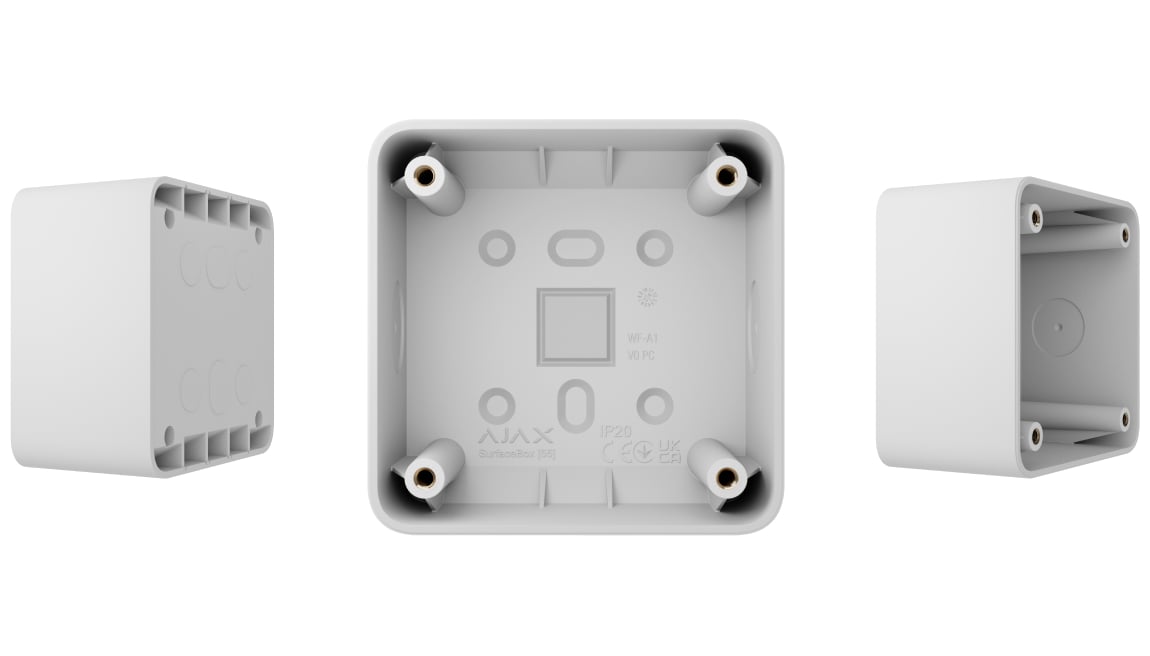
SurfaceBox [55]
Review SurfaceBox [55] when a compatible assembly cannot be recessed into the wall.