Light, power and automation
Smart switches and sockets. Control your everyday routines.
Plan Ajax light switches, sockets and appliance control for each room. Choose complete wall assemblies, plug-in smart sockets or a suitable relay connection. Compare complete wall-assembly prices in the configurator; plug-in devices and relays are selected separately.

Control it your way.
Use the wall control, the app or a configured scenario.
Set the right light.
Choose switching or dimming to match the circuit and lamps.
Understand the load.
Supported smart outlets and plugs report electrical consumption.
One complete assembly.
Match each mechanism to its front panel, frame and electrical family.
Different connections. A clear choice.
A wall switch, a smart outlet and a dry-contact relay do different jobs. Start with the circuit or appliance, then choose the appropriate device.
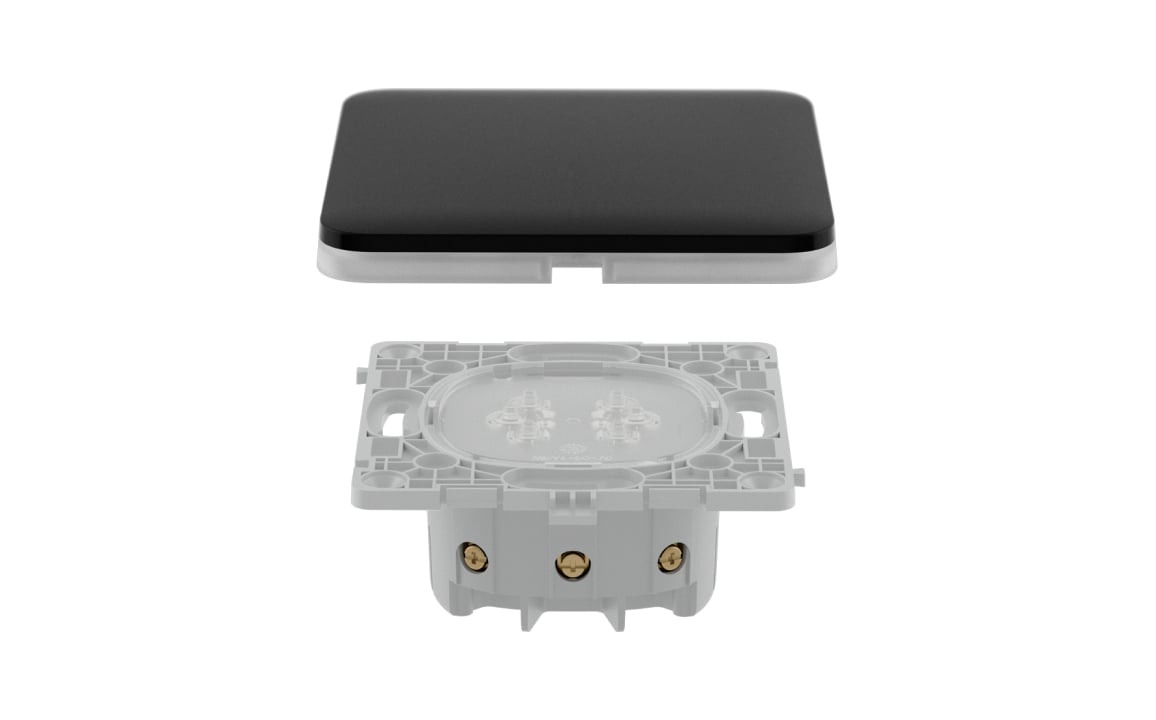
Lighting at the wall.
Choose the number of circuits and whether you need dimming or multi-way control. The finished assembly includes the matching LightCore, touch panel and frame where required.
Explore LightSwitch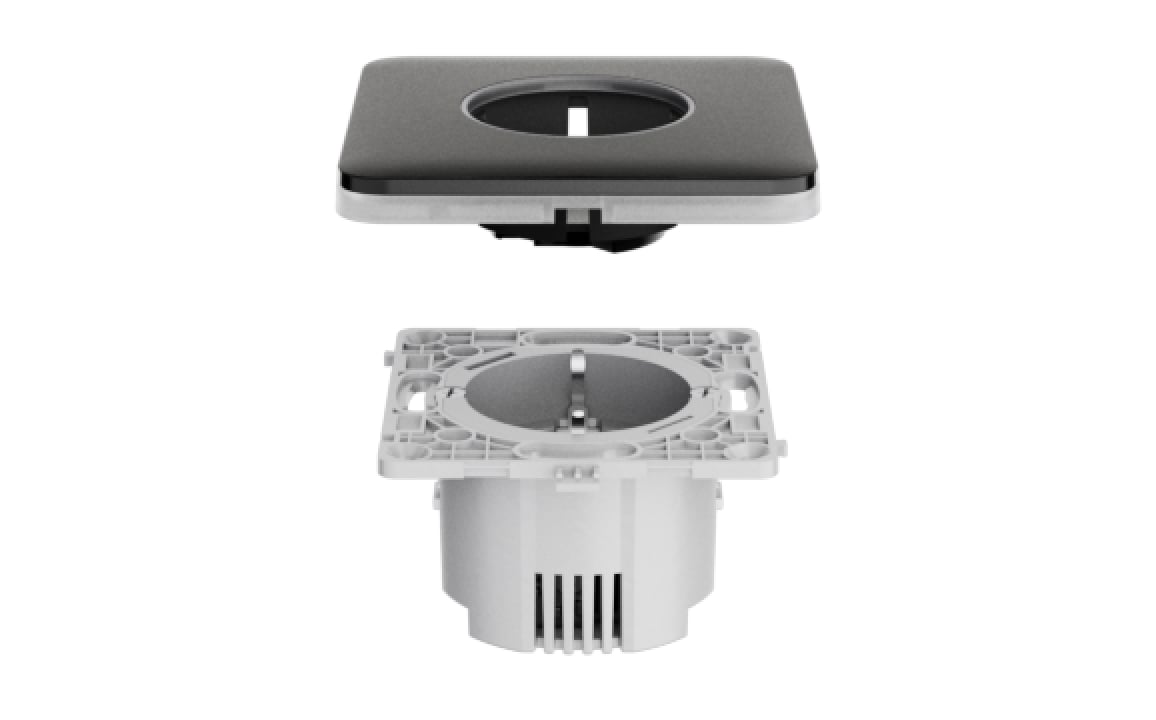
Power at the outlet.
A smart Outlet controls and monitors its connected load. Outlet Basic is a passive power outlet; Outlet LAN is a passive network connection. They do not gain app control by sharing a frame.
Explore smart Outlet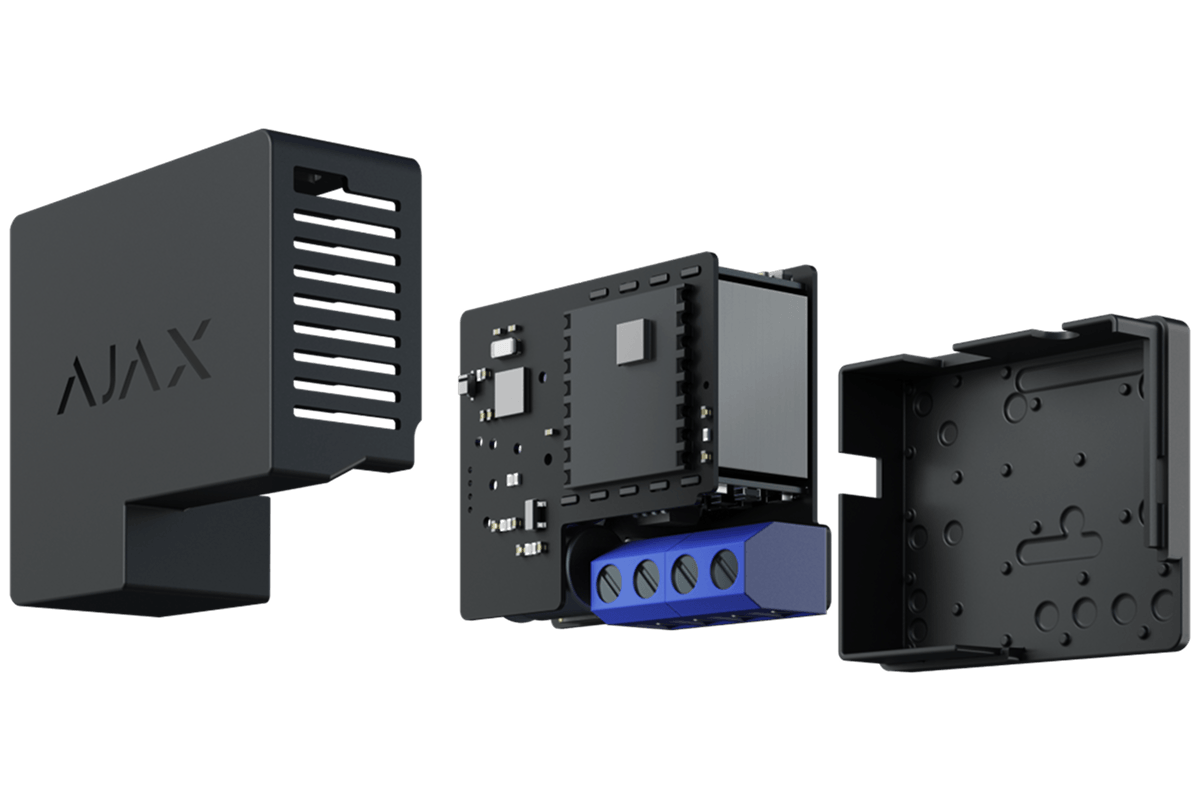
A specific control input.
Relay uses dry contacts and requires its own suitable supply. WallSwitch switches mains power; Socket is a plug-in device. Check the load, interface and exact product ratings before selecting.
Explore dry-contact Relay
Useful routines, made deliberate.
Choose which devices respond to a schedule, arming change or supported system event. Configure and test each response.
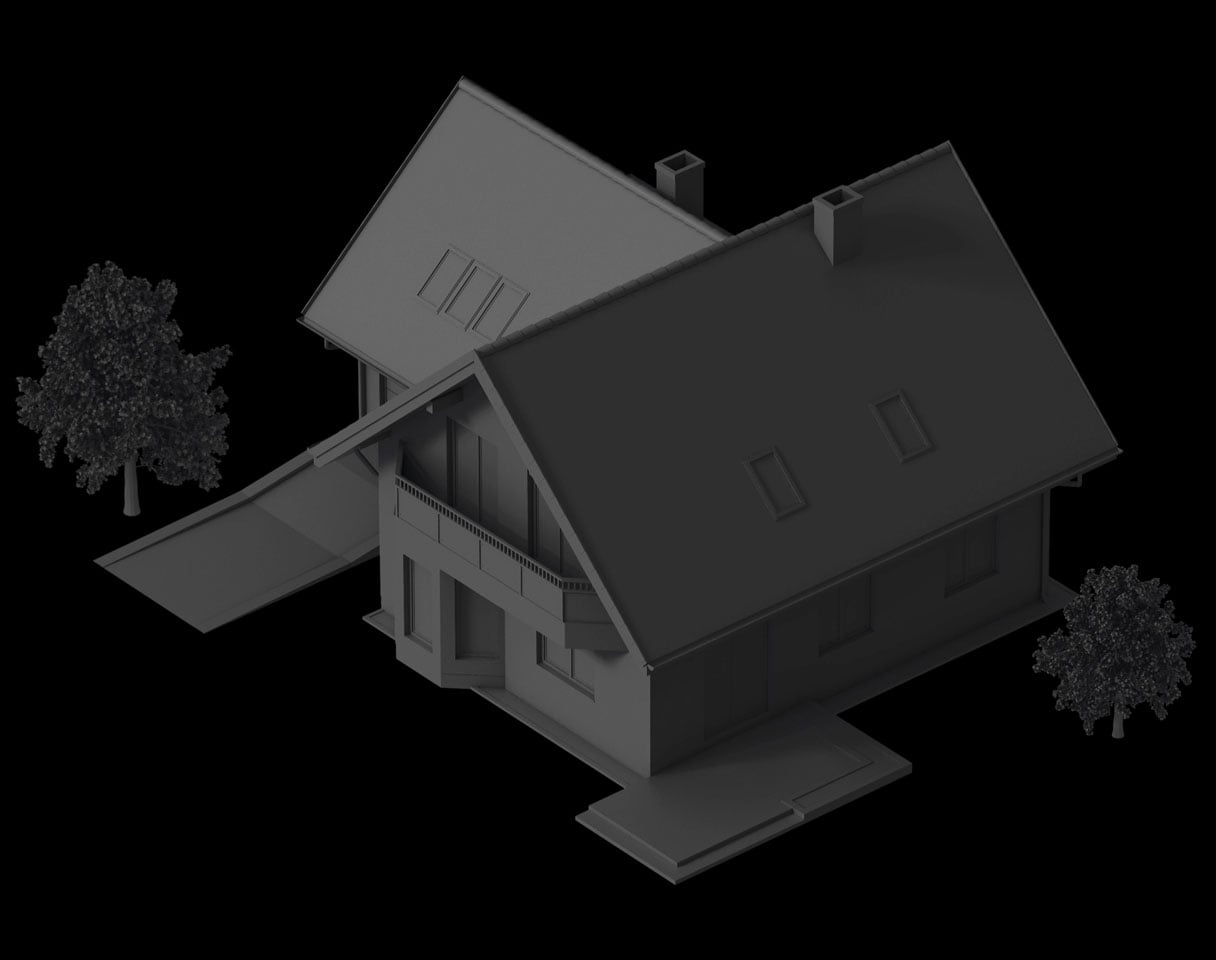
Light on a schedule.
Set selected lights to turn on and off at planned times. Review the schedule before travel and adjust it when the way you use the property changes.
Lighting that fits the room.
Choose the control function first. Confirm lamp compatibility and electrical requirements for the exact model.
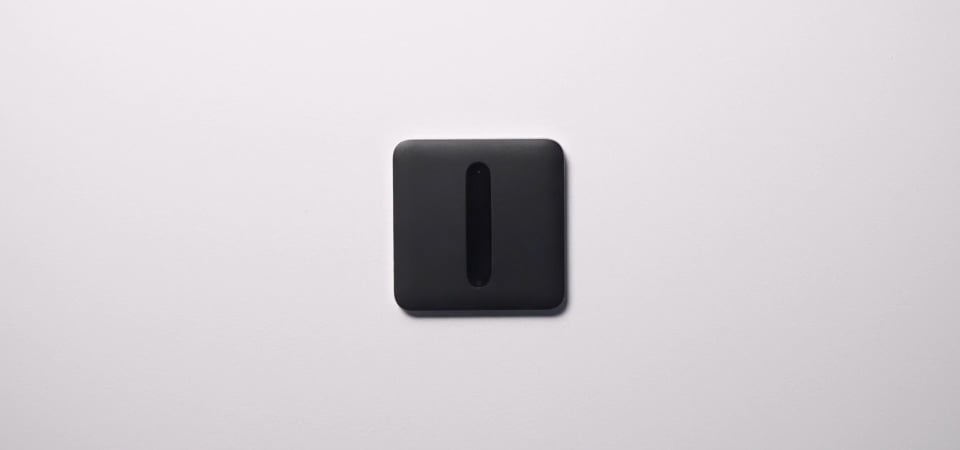
Adjust the atmosphere.
LightSwitch Dimmer adjusts compatible dimmable lighting using its slider or the app. Review the supported lamp technology and load range before installation.
Power you can see.
Smart devices can report their connected load. Passive outlets and LAN sockets cannot.
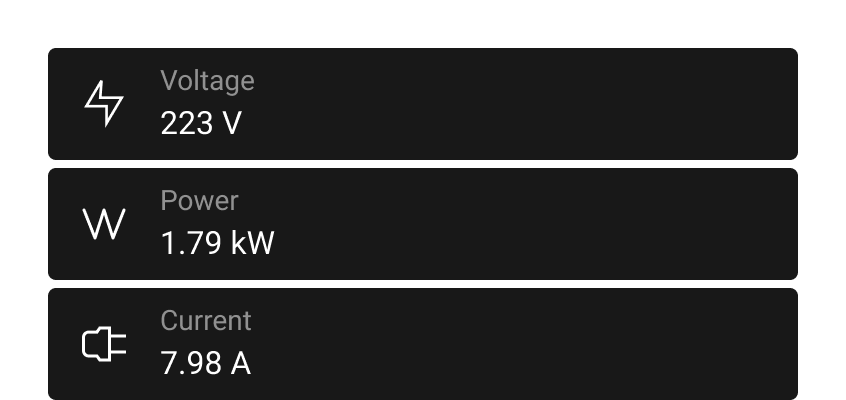
Review electrical consumption.
See the measurements supported by the smart Outlet in the Ajax app. Use them to understand the selected load; they are not a substitute for a utility billing meter.
A wall that works as one.
Build a matched [55] composition. The [120] range and Type G plug-in devices follow separate electrical and mechanical routes.
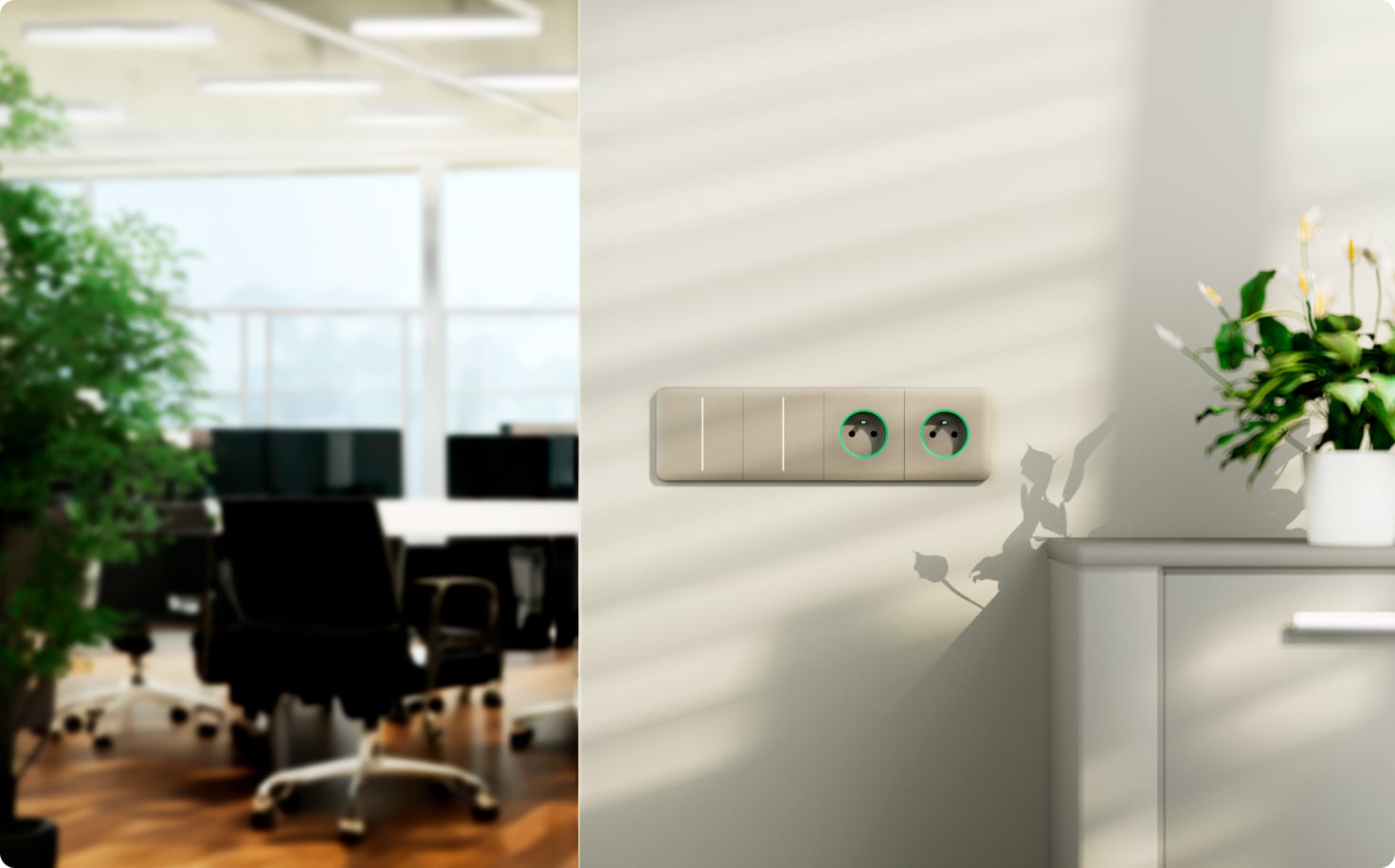
Combine the functions you need.
Bring matching LightSwitch and Outlet functions together in a shared frame. Our configurator resolves the appropriate cores, fronts and frame for the chosen layout.
The system behind the routine.
A compatible hub runs supported automation scenarios. Review device support, firmware and the actual radio path.
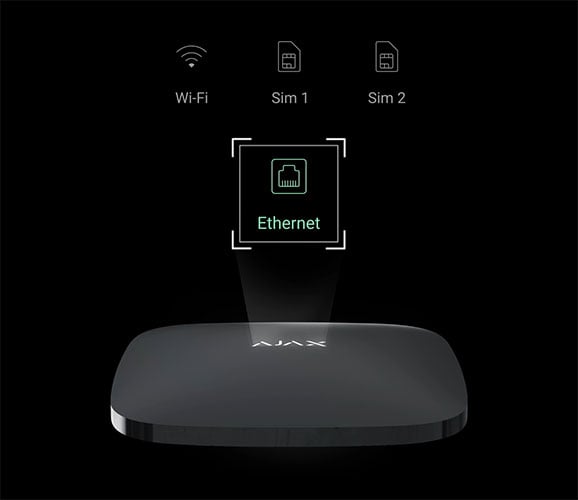
Use a compatible system.
Pair smart devices with a supported hub and give each circuit a useful name. Local controls and remote functions depend on the exact model and installation.
Designed around the way you use a space.
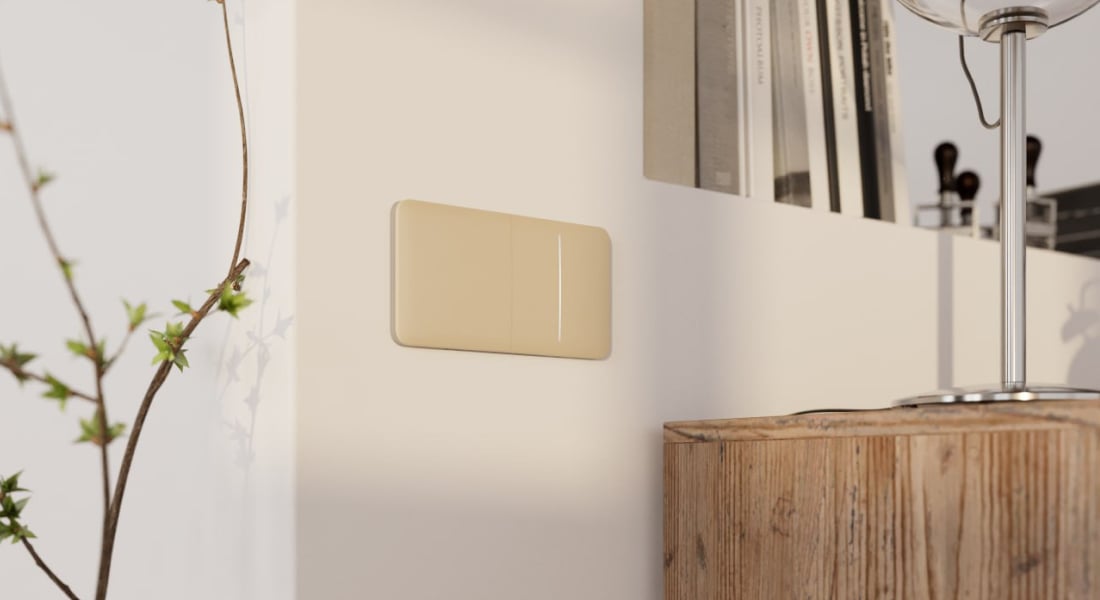
At home.
Bring lighting and appliance routines together room by room.

At work.
Give shared spaces clear controls and planned operating hours.
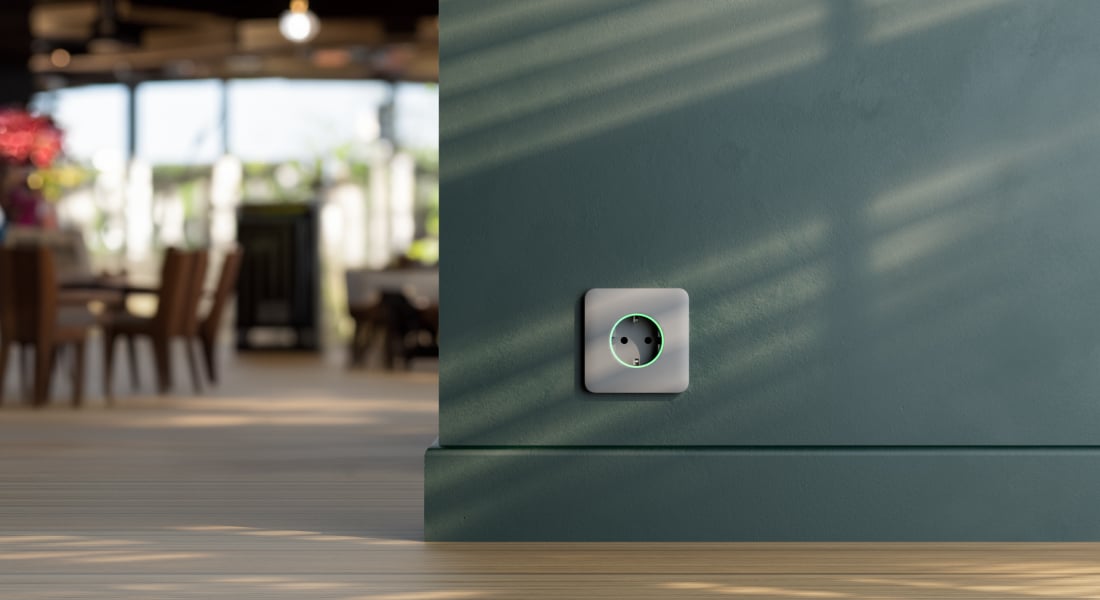
In hospitality.
Match the functions and finish to each part of the interior.
Your controls, in one app.
Name the devices by circuit or appliance and agree who can operate them.
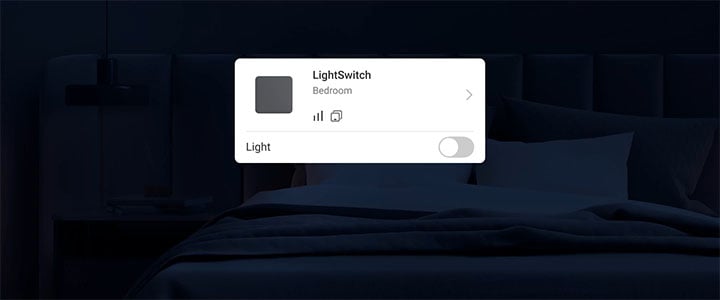
Switch the light remotely.
Review the state of supported lighting and send a command from the app. Remote access needs a working system connection.
Make the connection properly.
An electrician reviews wiring, load and mounting. The system setup then gives each device a clear role.
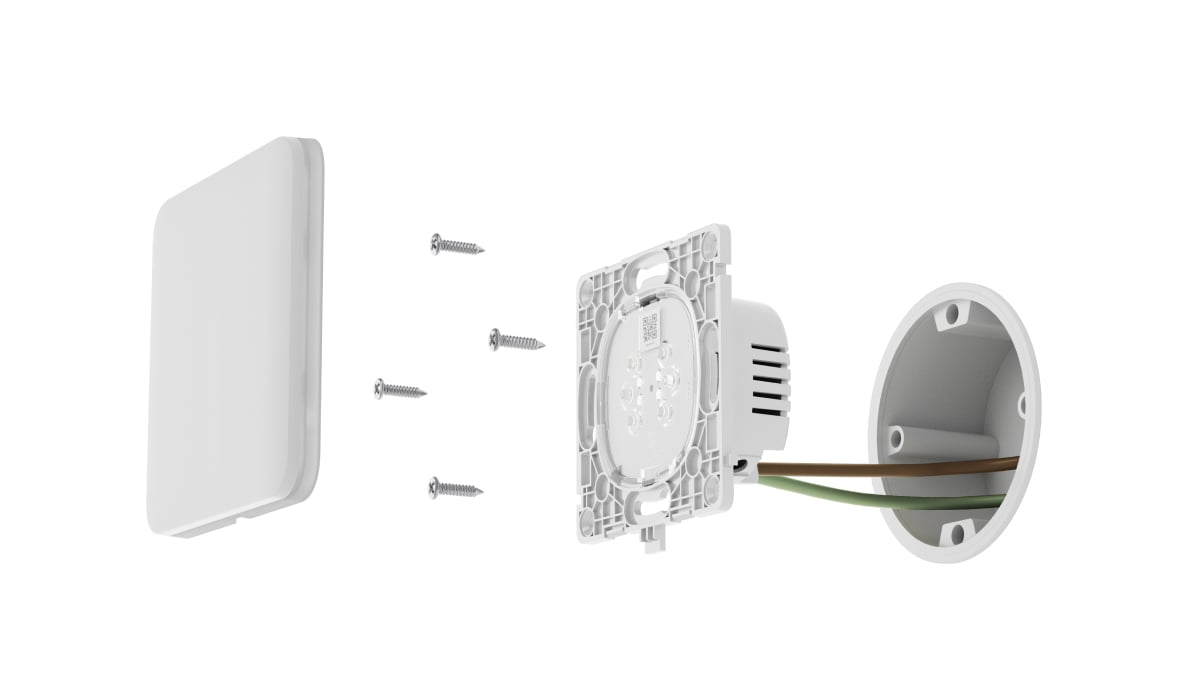
Check the circuit.
Confirm supply, load, box depth and model-specific wiring. Do not assume that every LightSwitch model uses the same neutral or multi-way arrangement.
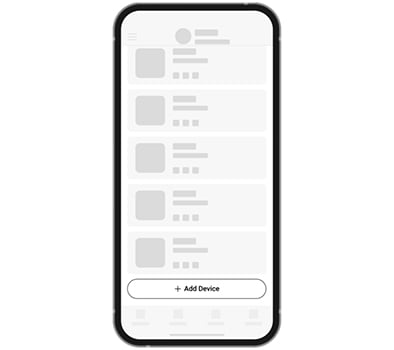
Pair the finished device.
Add the smart device to a compatible hub using its QR code and assign a name and room. Passive Outlet Basic and LAN functions do not pair with a hub.
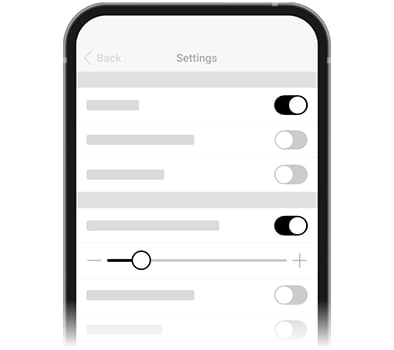
Test the real response.
Check local control, app commands and every scenario. Record the final settings and explain normal operation to the people using the property.
Make it fit your space
Configure your switches and outlets.
Build your European [55] wall assemblies below. Choose rooms, layouts, functions and finishes, then see the complete equipment offer in your shared project. Matching cores, fronts and frames are included; plug-in devices and control relays are selected separately.
A few useful answers.
Does Configure add a bare mechanism?
No. The existing assembly configurator includes matching cores, front panels and the required frame. You choose layout, functions, finish and quantity, then add the complete assembly to your project.
Are [55] and [120] parts interchangeable?
No. They are different electrical and mechanical families. This solution starts with the European [55] assembly. The North American [120] range has its own product configuration and is not mixed into these frames.
Does the pricing country select the outlet standard?
No. Choose a Type E or Type F smart or standard outlet directly in the function row for each position. The pricing country changes VAT, not the outlet type. Confirm that the selected connection suits your installation.
Can every outlet be controlled in the app?
No. Smart Outlet Jeweller and compatible Socket devices support app control. Outlet Basic, Outlet LAN and blank covers are passive functions, even when they share a frame with smart equipment.
Can Relay, WallSwitch and Socket replace one another?
No. Relay provides dry contacts with a separate low-voltage supply; WallSwitch switches mains power; Socket is a plug-in device. Verify the appliance interface, voltage, load and exact ratings before choosing.
Will configuring change my current project?
Your answers and assemblies are saved as you work. See my configurations opens your complete offer; equipment is added to the shared basket only when you select that offer. Your other solutions stay in the project, and opening this page alone adds nothing.
How much do smart switches and sockets cost?
The price depends on the functions, finish, number of positions and quantity of assemblies. The configurator includes matching mechanisms, front panels and required frames, so you can compare complete equipment options. Passive outlets and covers have no app control. A compatible Ajax hub is needed for smart functions; check whether your existing hub supports the selected devices. Electrical checks and installation are quoted separately.
The details behind the solution.
Give a leak a clear response.
Plan detection and a correctly sized shutoff valve in the same project.
A LITTLE GUIDANCE. A CLEAR NEXT STEP.
Make the next step together.
Ask about this solution. We’ll help you check the equipment and the work your space needs.
Planning for your business?
Discuss a complete project for your sites, with services agreed around your needs.
Explore Business