Residential fire safety
Smoke detectors for your home. A plan for every room.
Compare Ajax FireProtect 2 smoke, heat and carbon monoxide detectors. Choose sensors and power options for your rooms, then see equipment options and prices in the configurator.

Match the hazard.
Choose smoke, heat and CO sensors by the room and the reviewed risks.
Warn across the home.
Plan audible warning and supported interconnection between detectors.
Know which room needs attention.
With a compatible connected hub, receive device and location details in the app.
Plan the upkeep.
Review testing, power, replaceable RB batteries and the service life of the chosen detector.
Detect. Warn. Keep people informed.
These are different sensor roles. A model may combine several, but heat-only and smoke-only alarms do not detect carbon monoxide.
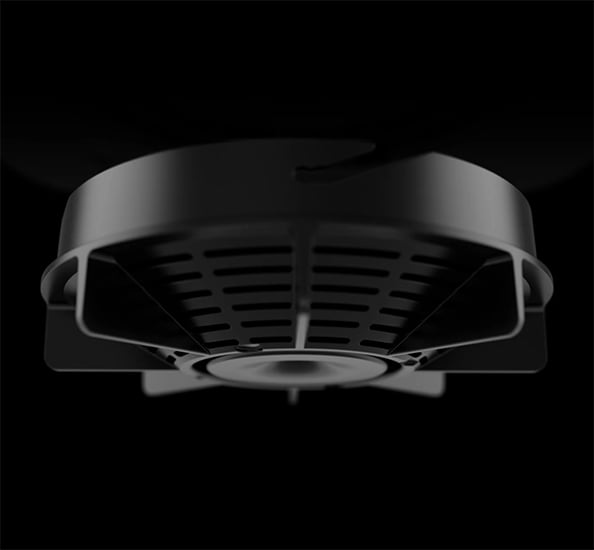
Detect smoke.
FireProtect 2 smoke models use an optical chamber and detection algorithms to distinguish smoke particles from common nuisance sources. Placement and room conditions still matter.
Explore smoke and heat detection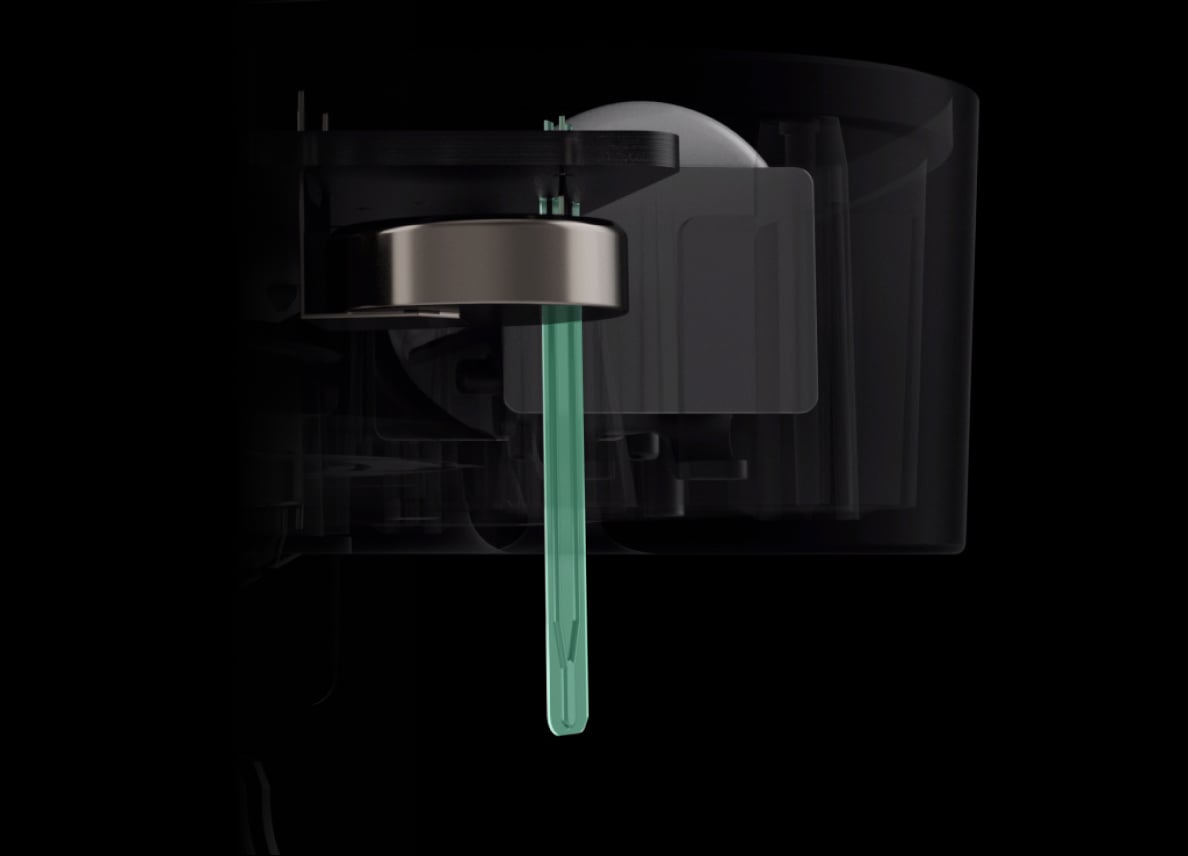
Detect a heat alarm.
Heat-capable models monitor temperature and rapid rises. Select their use and position through the room-by-room plan; a heat sensor is not a universal replacement for smoke detection.
Explore heat detection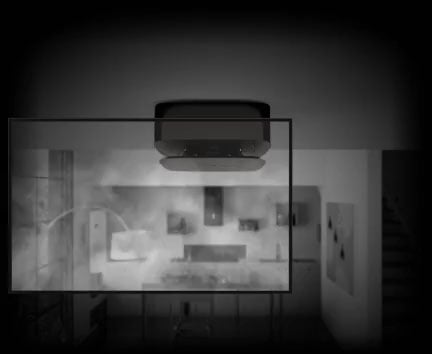
Include carbon monoxide detection.
Choose an exact CO-capable model where the reviewed plan calls for it. CO is different from the CO₂ measured by indoor-air monitors.
Explore combined CO detection
A warning that reaches the people inside.
Agree how alarms should spread through the home, then test the actual installation.
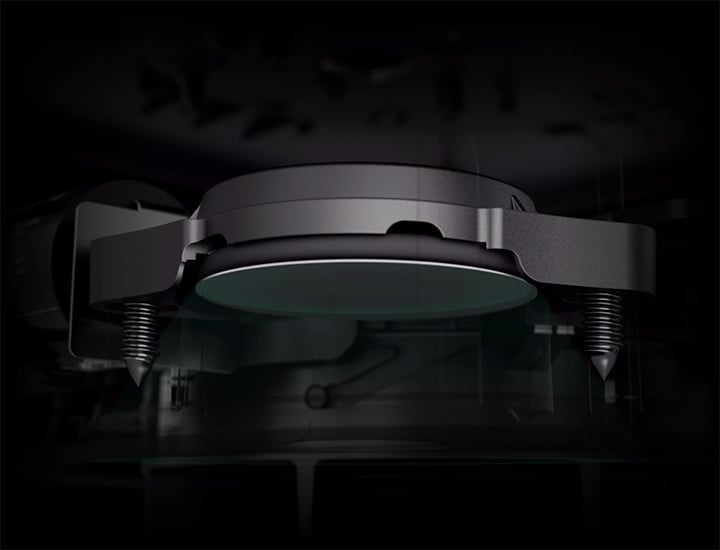
An alarm at the detector.
Built-in sound and LED indications distinguish alarm and device states. Check audibility in the rooms where people sleep and spend time.
Choose the supply around the property.
Battery and mains-powered equipment have different installation and maintenance needs.
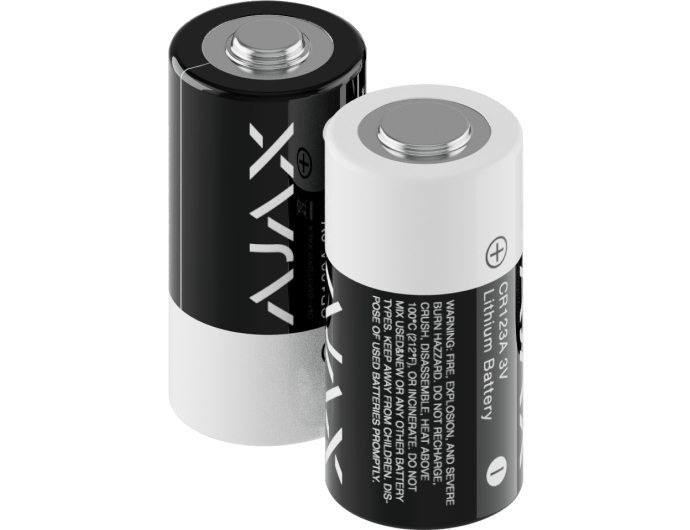
RB: replaceable batteries.
Our battery-powered FireProtect 2 selection uses RB models with replaceable batteries. Follow device warnings and the exact model’s testing, battery and end-of-life instructions.
Replacing batteries does not extend a detector beyond its specified service life.
Add context and a considered response.
These functions need the specified compatible devices, a hub and configured scenarios.
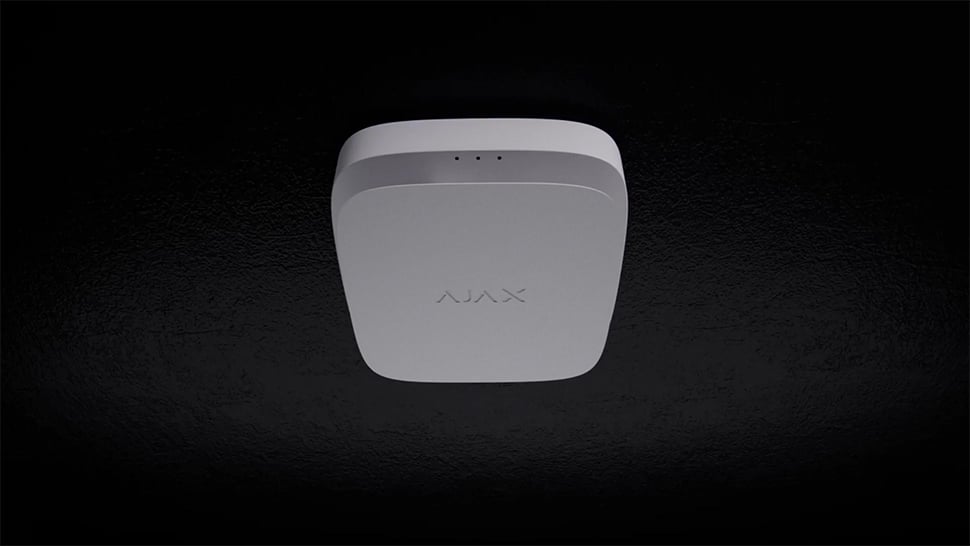
See the alarm location.
A supporting MotionCam (PhOD) can take a photo series when the configured fire scenario runs. Access and privacy permissions must be set for the people who need to assess it.
Visual verification supplements the alarm response; it must not delay evacuation.
Connect the right parts of the home.
Check the actual building rather than relying on an open-space radio range.
A supervised radio link.
Jeweller carries supported alarms and device status between detectors and the compatible hub. Connection faults need a configured notification and response.
Start with the rooms people use.
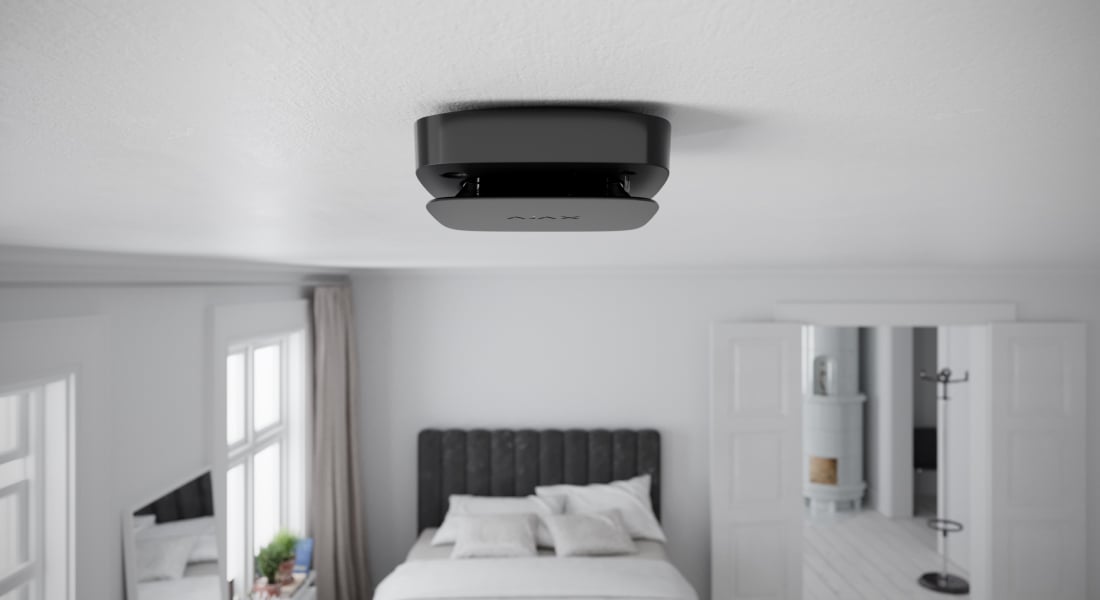
Bedrooms and sleeping areas.
Plan an audible warning and suitable detector coverage for the people sleeping here.
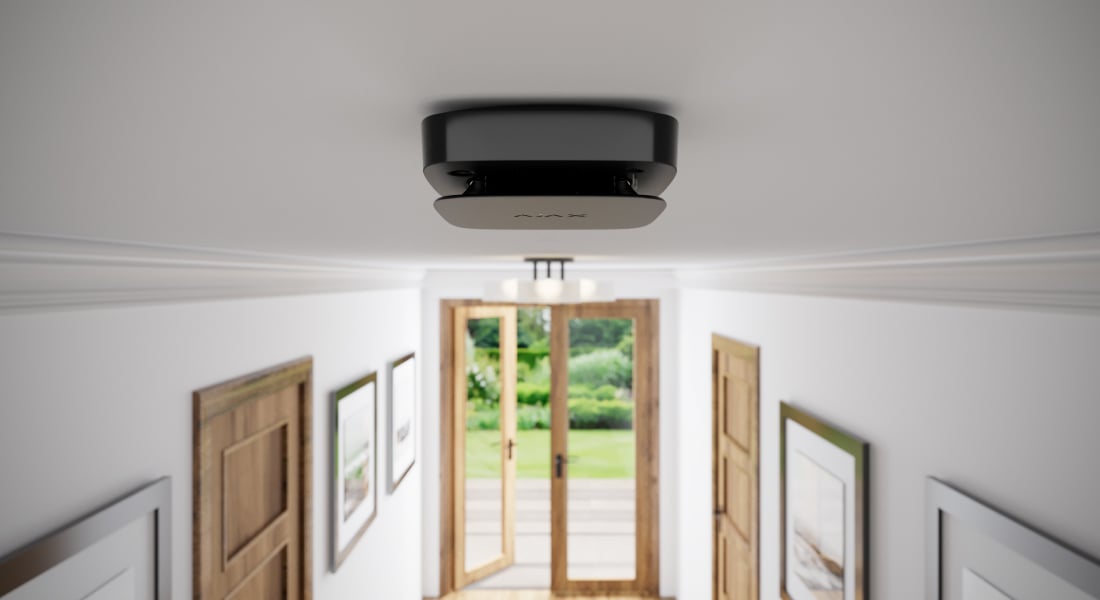
Halls and circulation routes.
Review the connected spaces, escape route and how an alarm is heard throughout the home.
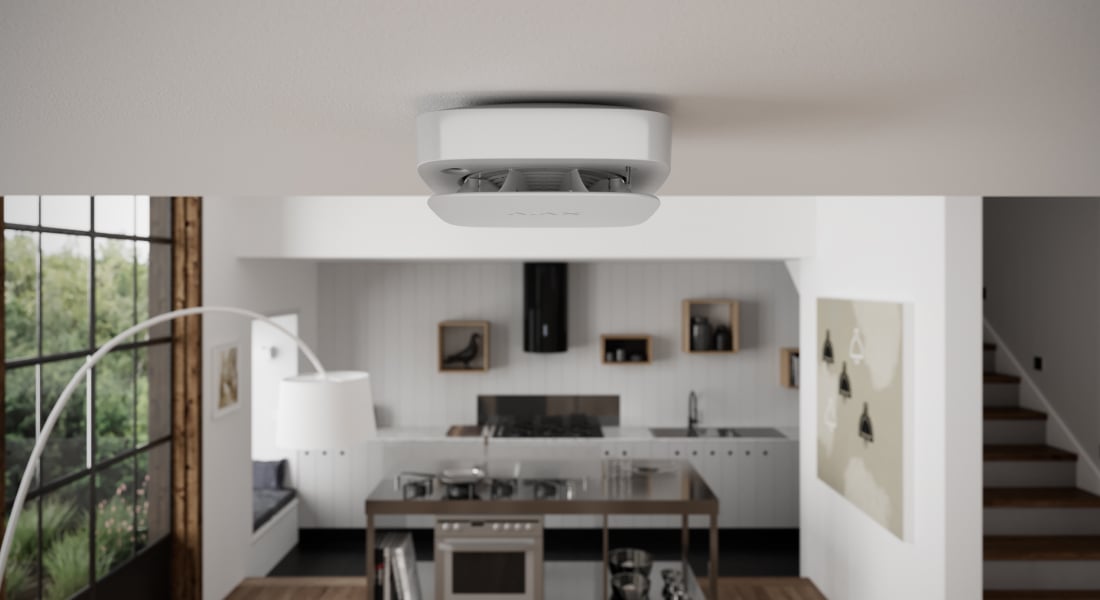
Kitchens and utility areas.
Room conditions and nuisance sources need careful consideration when selecting sensor type and placement.
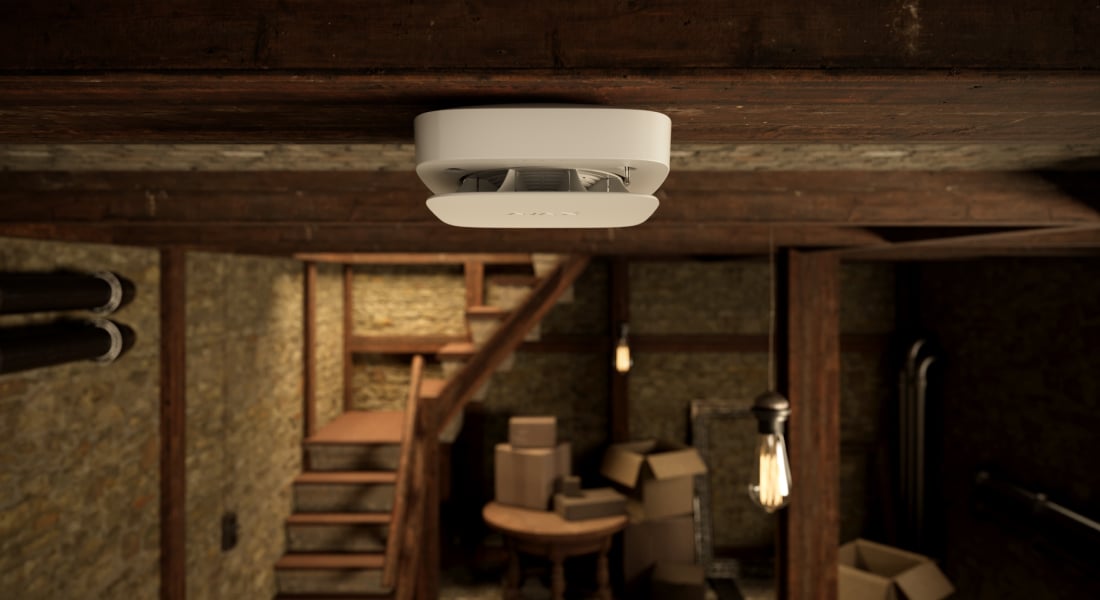
Basements and other rooms.
Check the permitted operating environment, radio coverage and any relevant CO risk.
Know what happened. Know what needs care.
Remote functions require a compatible connected hub, the right user permissions and phone settings.

Recognise the alarm.
Configured notifications identify the detector and its room, helping authorised users understand where the event began.
A complete plan includes installation and testing.
Detector positions and quantities follow the room use, manufacturer instructions and applicable local requirements.
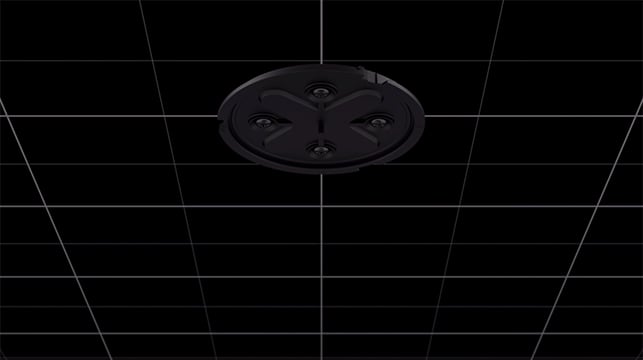
Review every location.
Check ceilings, airflow, potential nuisance sources and access for maintenance. Fit the exact mounting equipment and test communication at the installed position.
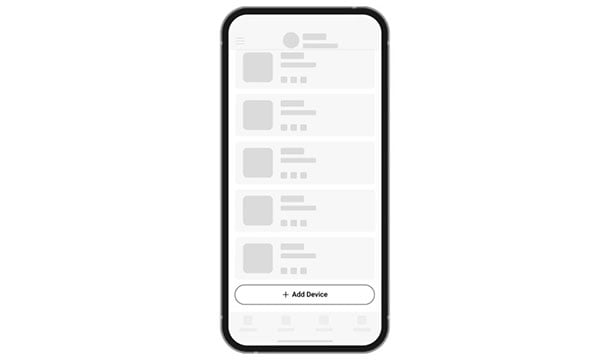
Connect when the plan needs it.
Add supporting detectors to the compatible hub and assign clear room names. Review any existing equipment and test primary and fallback interconnection where supported.

Keep the warning working.
Use the manufacturer’s prescribed tests, review fault and battery messages and plan replacement at the detector’s end of life. App self-tests do not remove the need for required on-site checks.
Make it fit your space
Configure your home fire safety.
Answer the questions below about your rooms, detection needs and notifications. Then see the equipment options in your shared project. A professionally designed fire system follows a specialist review before equipment and price are confirmed.
A few useful answers.
Can the detector work without an alarm hub?
Supporting FireProtect 2 models provide local detection and alarms without a hub. App features, hub-based interconnection and automation require a compatible system. Fallback interconnection has separate hardware, firmware, setup and coverage requirements.
Do all FireProtect 2 models have the same sensors?
No. Heat, smoke and CO combinations differ. Choose the exact sensor version for each reviewed position; the family name alone does not establish what it detects.
Which battery versions are offered here?
The battery-powered selection uses RB models with replaceable batteries. SB models are hidden from our store. AC models remain a separate mains-powered choice with a non-replaceable backup battery and their own end-of-life requirements.
Is this a commercial EN54 system?
No. Residential FireProtect alarms are a separate product line. A specified EN54 installation needs its own control panel, compatible devices, fire design and commissioning. Use our commercial EN54 page for that project route.
How much does a smoke detector system cost?
The equipment price depends on detector versions, quantity and whether a compatible hub is needed for app features. The configurator shows equipment options and prices. Preparation and installation for eligible wireless equipment are calculated in the basket; services for other equipment are quoted separately on request.
The details behind the solution.
Does the building require EN54?
Explore the dedicated commercial system and save a project brief for specialist design.
A LITTLE GUIDANCE. A CLEAR NEXT STEP.
Make the next step together.
Ask about this solution. We’ll help you check the equipment and the work your space needs.
Planning for your business?
Discuss a complete project for your sites, with services agreed around your needs.
Explore Business