Commercial EN54 fire safety
One fire system. A considered response.
Bring a dedicated control panel, addressable detection, manual alarm points and audible or visual warnings into one EN54 design. Plan the response around your building and the people who use it.

A system, with defined roles.
Choose compatible certified components around the specified fire design.
An identifiable alarm.
Device names, rooms and zones help the responsible people locate the event.
Warning people can perceive.
Plan sound, visual indication or both around the occupancy and coverage.
One managed installation.
Use the panel and authorised Ajax apps for operation, faults and maintenance.
Every part has a job.
These are system roles, not a ready-made bill of materials. Quantities, siting, power, interfaces and certification must be checked in the project.
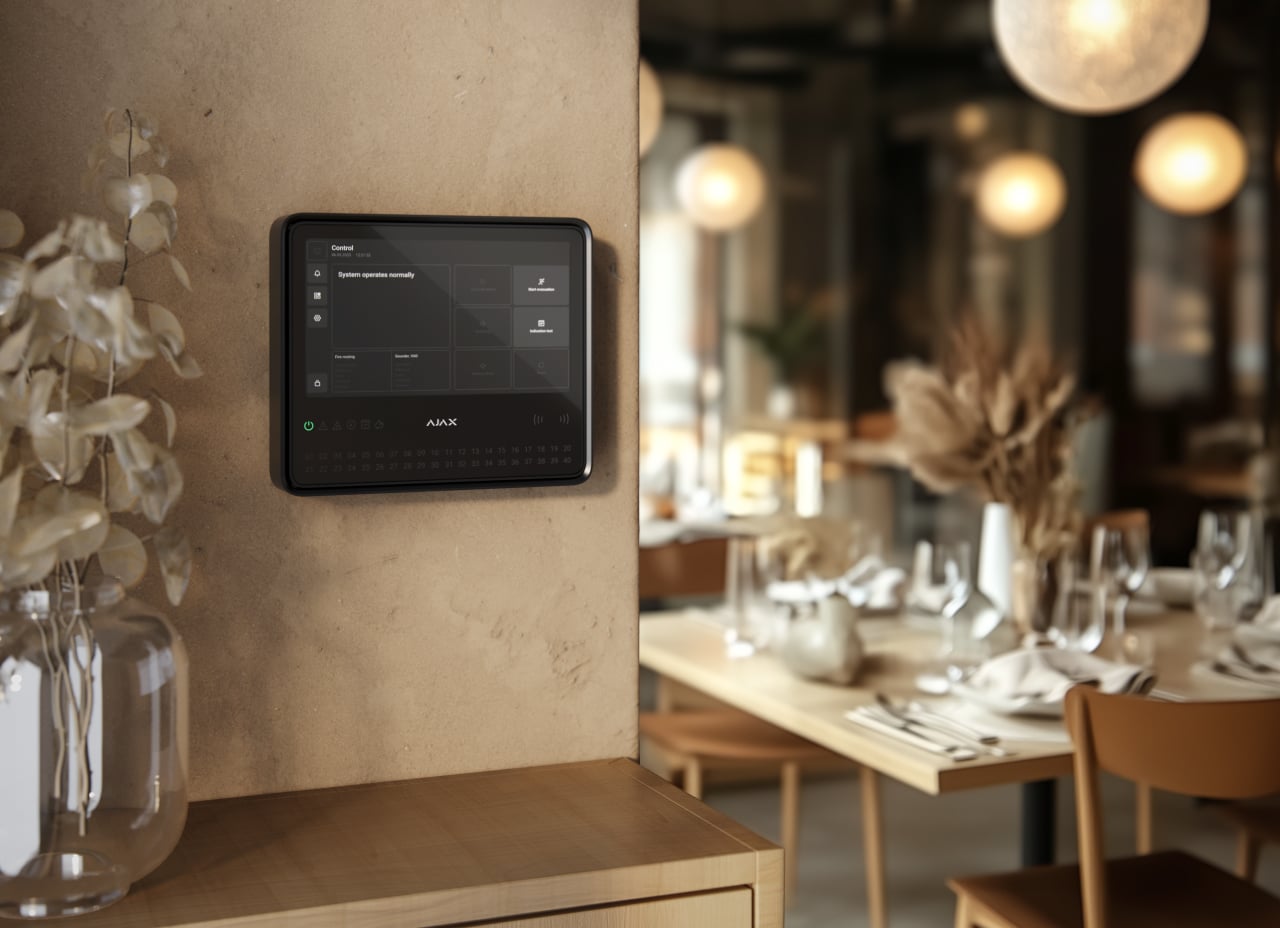
Control and indication.
EN54 Fire Hub is the dedicated control and indicating equipment. Plan the supply, the separately selected internal battery and the required communication paths.
Explore EN54 Fire Hub
Smoke or heat detection.
Choose the exact EN54 FireProtect detector and any integrated sounder according to the fire design. Detector selection follows the environment and specified detection mode.
Explore EN54 detectors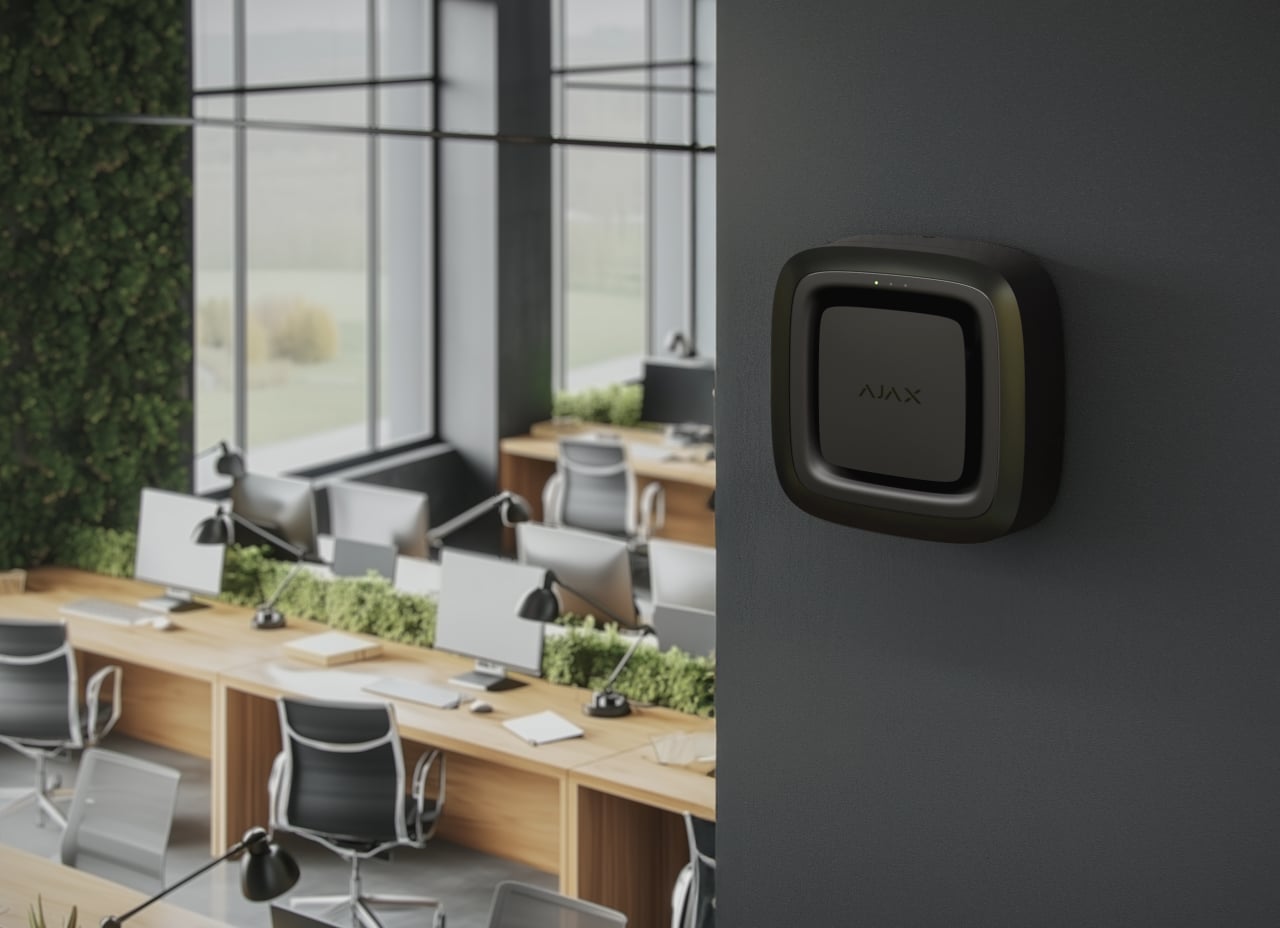
Audible and visual warning.
Sounders, visual alarm devices and combined units have different roles. Review sound levels, visible coverage and the required mounting configuration.
Explore sounders and VADs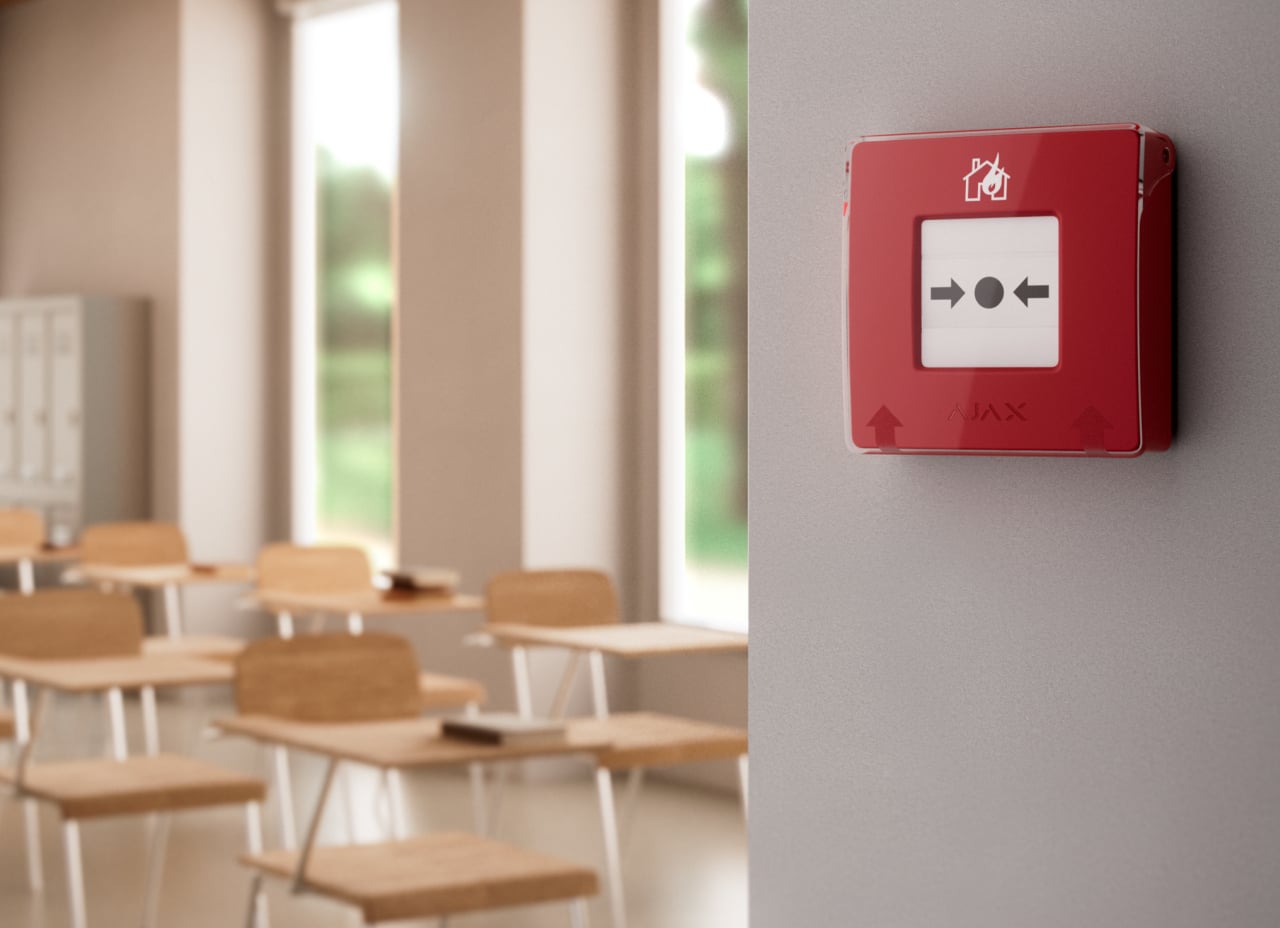
A person can raise the alarm.
Specify the supported red ManualCallPoint and its alarm behaviour. Other colour variants are not automatically equivalent fire alarm call points.
Explore the red manual call point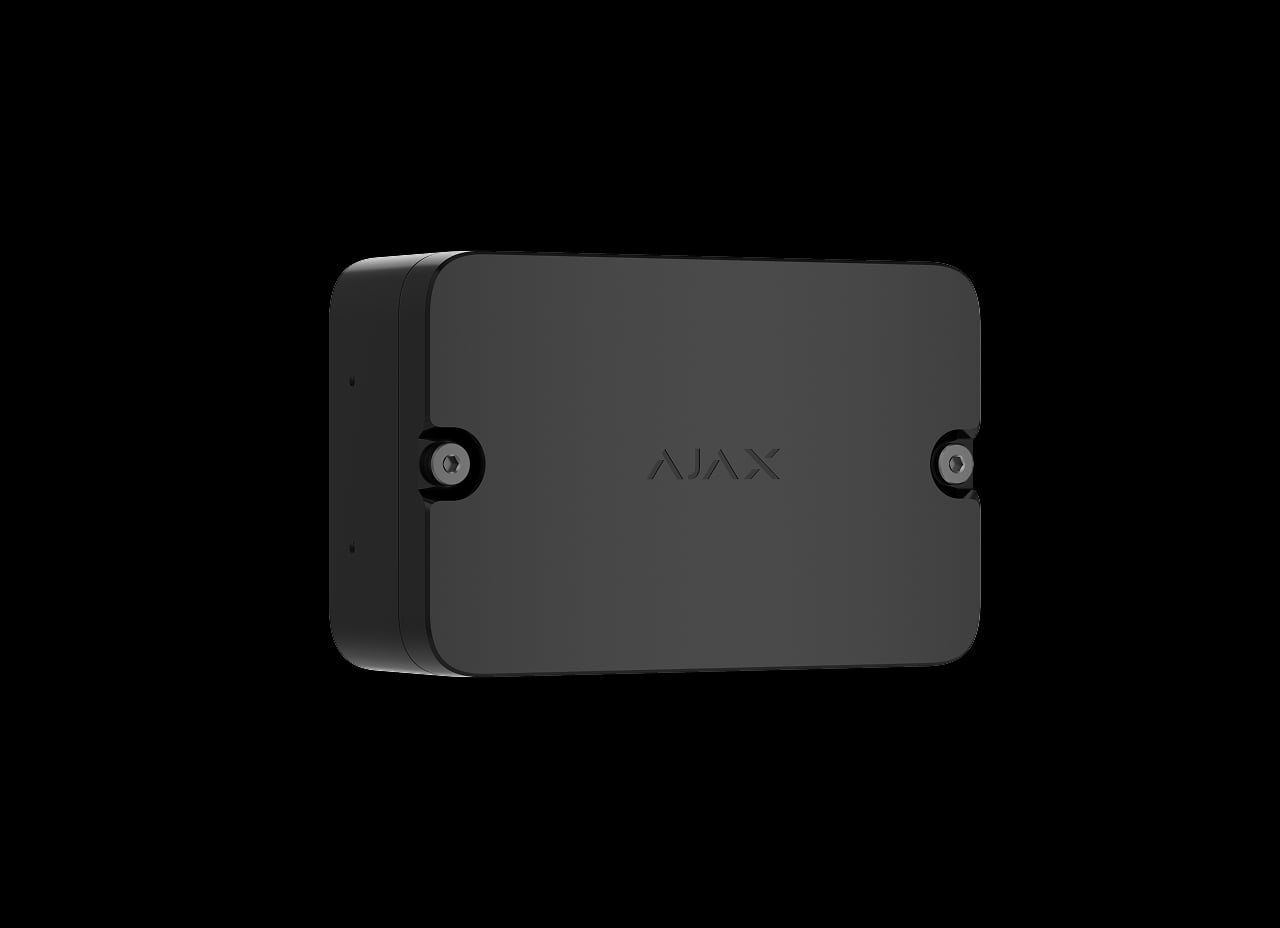
Connect the specified equipment.
EN54 I/O Module provides monitored inputs and outputs for reviewed third-party interfaces. Establish the required cause-and-effect logic before commissioning.
Explore the EN54 I/O module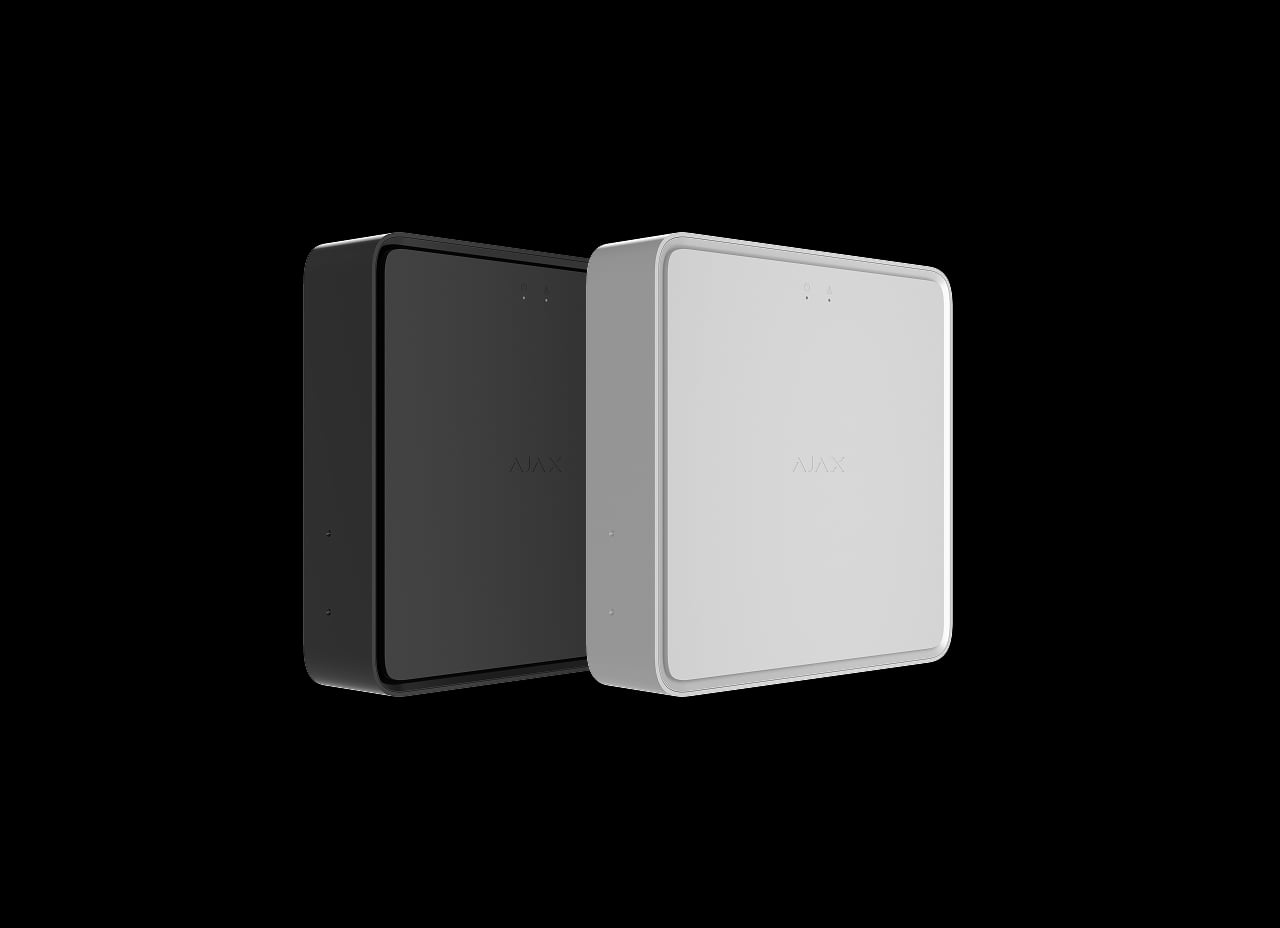
Extend the supervised network.
Use EN54 Fire ReX where the radio survey and system design require it. A supported Ethernet connection can provide an alternative link to the panel.
Explore EN54 Fire ReX
Detect the event. Deliver the warning.
The illustrations show different EN54 device functions, not features of every individual device.
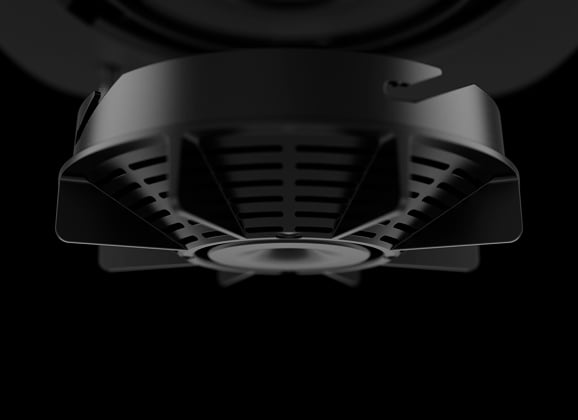
Optical smoke detection.
Smoke models combine the smoke chamber, dual-spectrum sensing and HazeFlow 2 processing. Select their use according to the environment and the required detection coverage.
A system that reports its own condition.
The approved components and their configuration matter together.
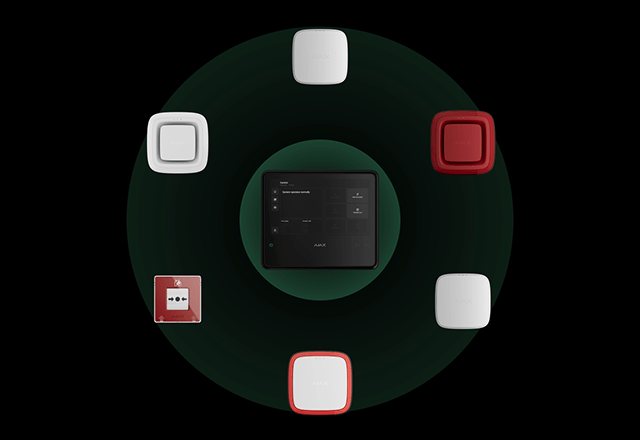
Compatibility and fault response.
Ajax lists EN54-13 certification for the system components’ compatibility and connectability. Use the applicable certified device combinations and verify the completed installation separately.
Component certification does not itself certify a building’s completed installation.
Bring other functions into the same system.
Fire safety can share the Ajax environment with supported security, video and automation while retaining its specified operation.
Keep the fire system central.
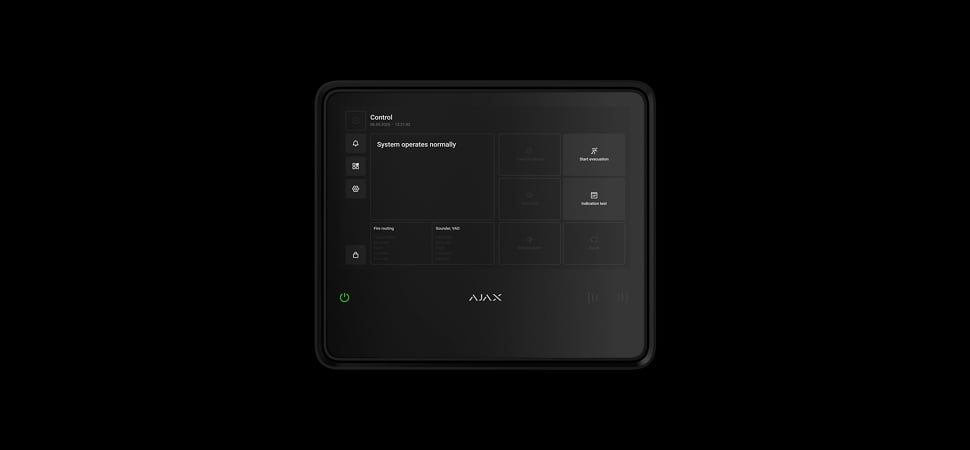
The EN54 panel can manage the dedicated fire alarm installation on its own. Other functions are additions to the design, not prerequisites for detection.
Agree what follows the alarm.
Additional devices and services are configured around the approved response.
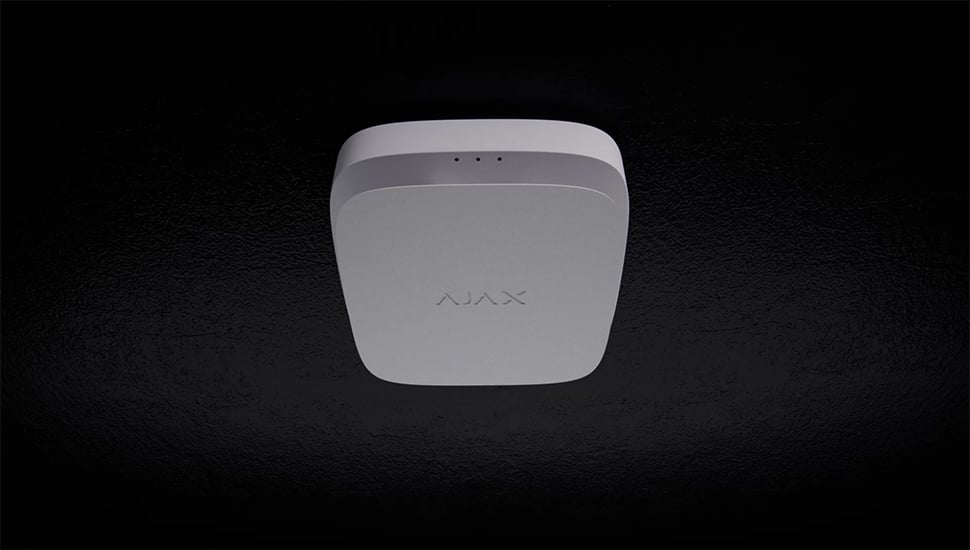
Add visual context.
Supporting photo detectors and cameras can help authorised users understand an alarm location. Agree permissions and the verification route without delaying the required fire response.
Different buildings. Different design questions.

Warehouses.
Consider coverage, obstructions and the operating environment. Original Ajax project example: Fileder Filter Systems.

Restaurants and public spaces.
Review occupancy, room conditions, audibility and visible warning. Original Ajax project example: German Doner Kebab.
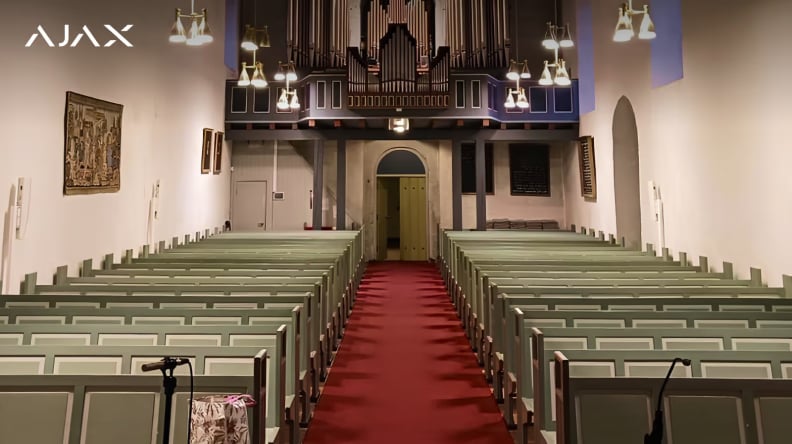
Historic and municipal premises.
Plan coverage and installation around the building fabric. Original Ajax project example: Ringerike Church Council.
Make the system understandable to its users.
Agree who operates, maintains and monitors the installation.
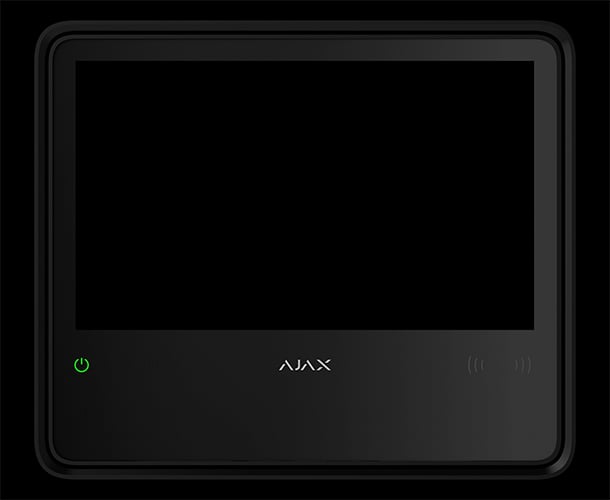
Operate at the control panel.
The touch screen provides the supported fire controls, zones and event information. Train the responsible people to recognise alarms and faults and use their authorised controls.
Design. Commission. Maintain.
Wireless communication reduces device cabling. A complete fire installation still needs a documented design, suitable power, testing and handover.
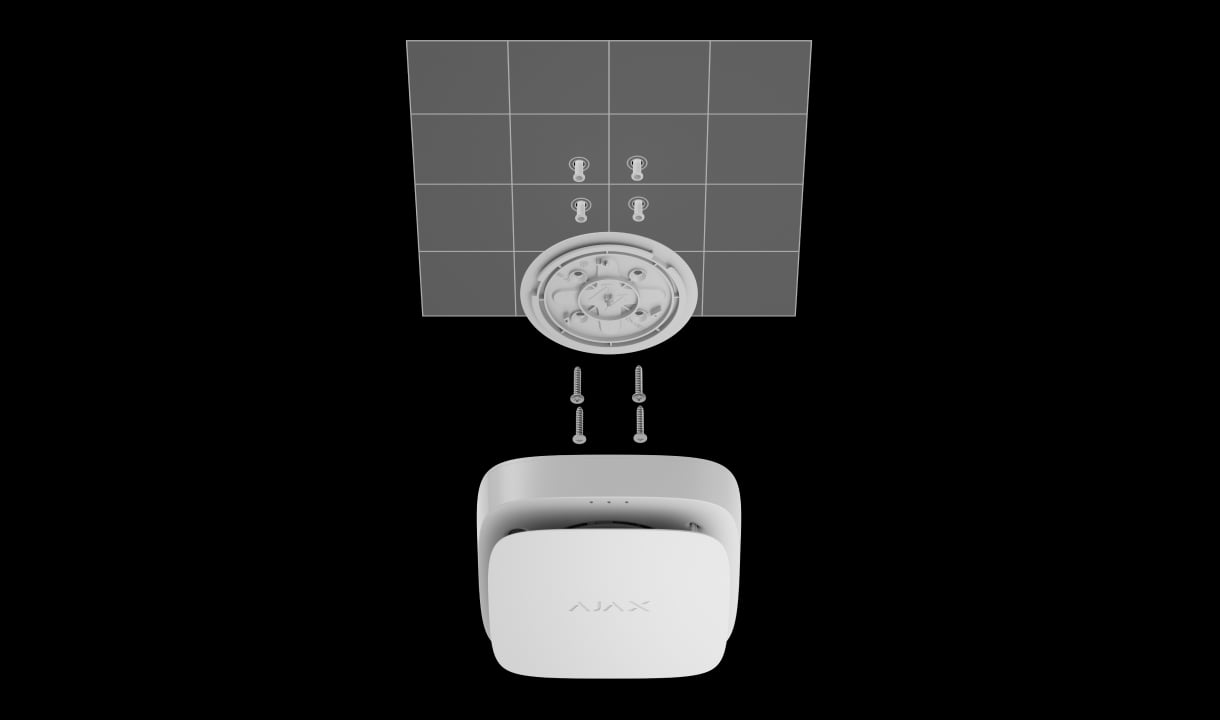
Survey and position.
Survey radio conditions, define zones and device locations, then use the specified mounting equipment. Confirm the supply and backup requirements for the panel and extenders.
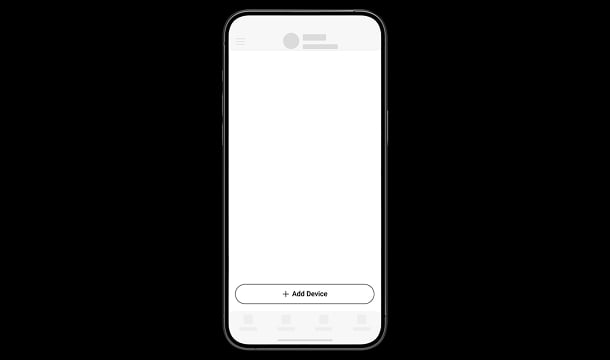
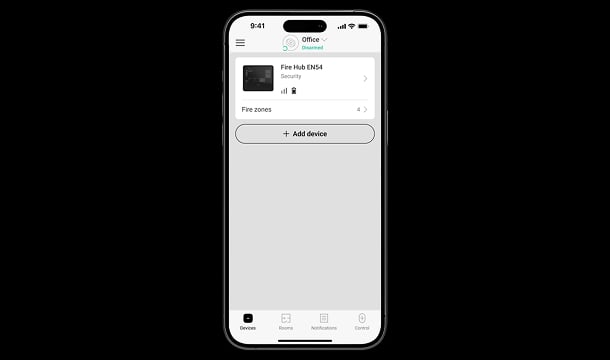
Add and identify the equipment.
Add the panel and compatible devices, then assign clear names, rooms and zones. Confirm every device is part of the intended system and the approved configuration.
Test the full response.
Verify detection, manual activation, warning, interfaces, communication faults and monitoring. Record the agreed configuration and train the responsible users.
Make it fit your space
Plan your EN54 system.
Answer the fire-safety questions below, including any professional design requirements. Continue to your shared project to review the appropriate route. EN54 equipment and pricing need a specialist design review; these answers are not a certified specification.
A few useful answers.
Can residential FireProtect detectors replace EN54 devices?
No. These are different product lines. Use the exact certified components and compatible configuration required by the specified EN54 design.
Is the panel’s backup battery included?
EN54 Internal Battery is a separate selection. The required battery, standby duration and load must be checked for the actual panel or extender and project requirements.
Does the system need cables?
EN54 devices communicate by radio, but mains supply, Ethernet where used and wired third-party interfaces still require the appropriate cabling. Review the complete installation rather than assuming every part is cable-free.
Does the brief choose the number of detectors?
No. Coverage, spacing, device types, audibility, visual warning, evacuation interfaces and local requirements require a specialist design and site review. Your saved notes make that review easier.
What is the status of an existing home fire plan?
This site keeps one shared fire brief per project. Saving this EN54 brief changes that project’s fire route to EN54. Other goals, previously entered home preferences and chosen equipment are retained for review; existing equipment is not silently removed or treated as EN54 compliant.
The details behind the solution.
Looking for home fire alarms?
Explore the residential route for room-by-room smoke, heat and CO detection.
A LITTLE GUIDANCE. A CLEAR NEXT STEP.
Make the next step together.
Ask about this solution. We’ll help you check the equipment and the work your space needs.
Planning for your business?
Discuss a complete project for your sites, with services agreed around your needs.
Explore Business