MAKE IT YOURS
Tag.
Contactless key fob to control security modes
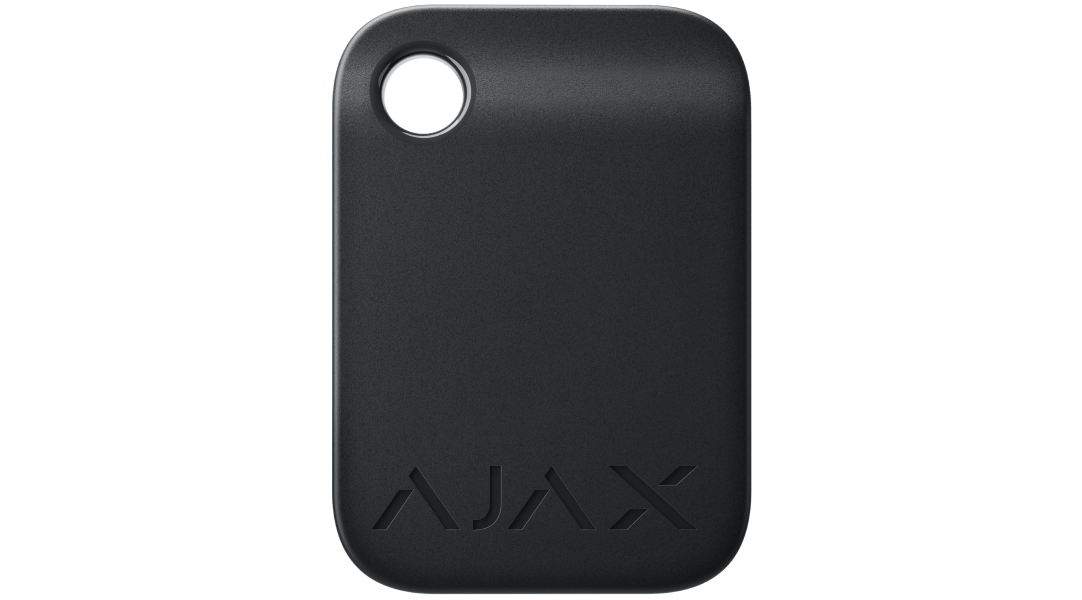
Your security access, on your key ring.
Tag puts the same contactless security functions into a compact, battery-free key fob. Present it to a compatible Ajax keypad to manage the modes or groups assigned to it. An administrator controls its permissions in the app and can disable a lost fob without having it to hand.
Key features. At a glance.
DESFire contactless
ISO 14443-A · 13.56 MHz
Individual permissions
User-bound or named guest access
Up to 13 hubs
Register separately at each site
No battery
Passive contactless credential
3, 10 or 100
Devices per selected pack
Key-ring format
45 × 32 × 6 mm
Specifications shown for Tag · pack of 3. Ajax product information ↗ · Tag · pack of 3 specifications ↗
Security control with a simple presentation.
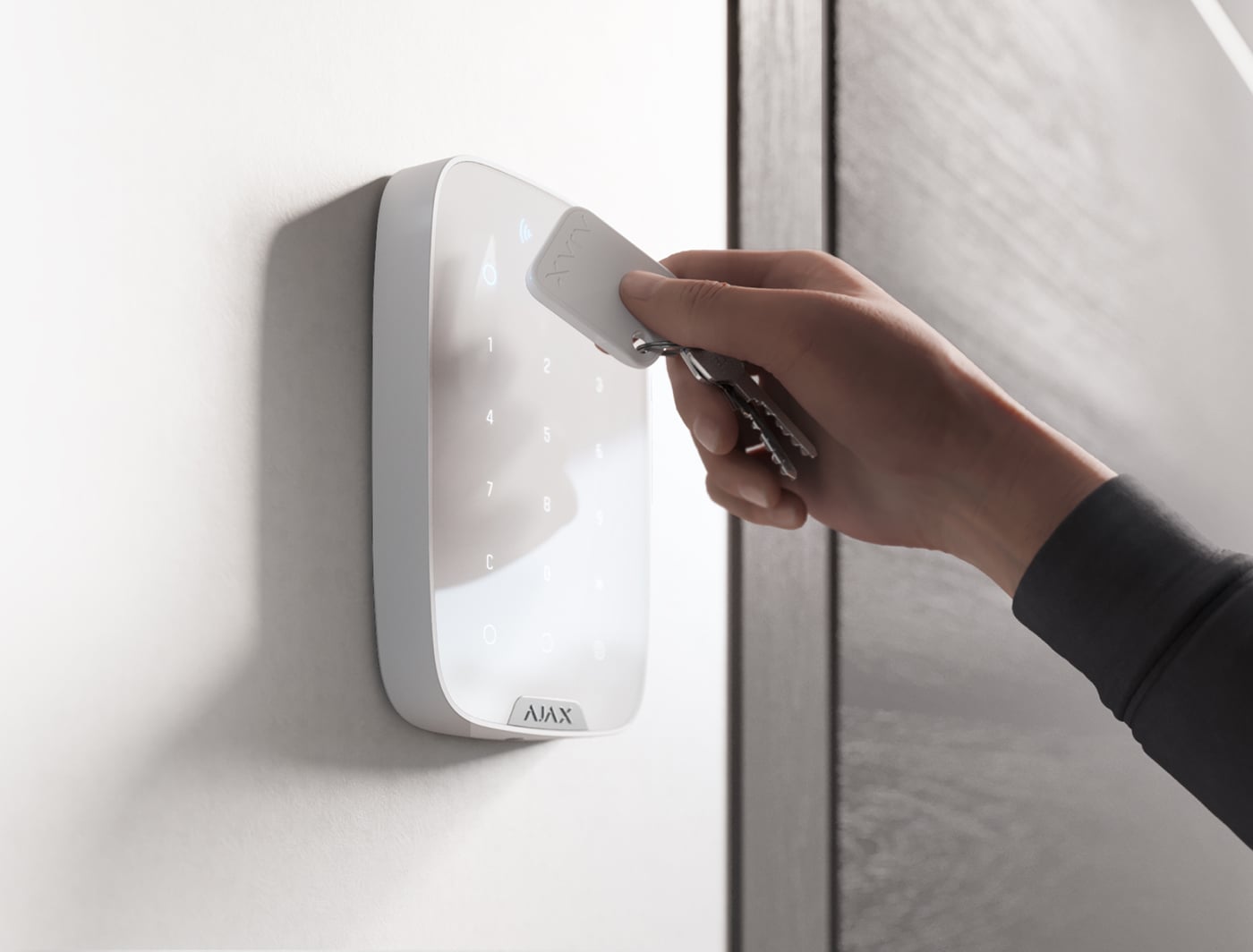
A key fob to carry with you
Tag is a 45 × 32 × 6 mm contactless key fob with a hole for a key ring or lanyard. Present it to an enabled, compatible keypad to control the security modes or groups you are authorised to manage.
The person using it does not need an Ajax account or app. An administrator must first register the credential and grant the right permissions.
Encrypted identification, without a battery.
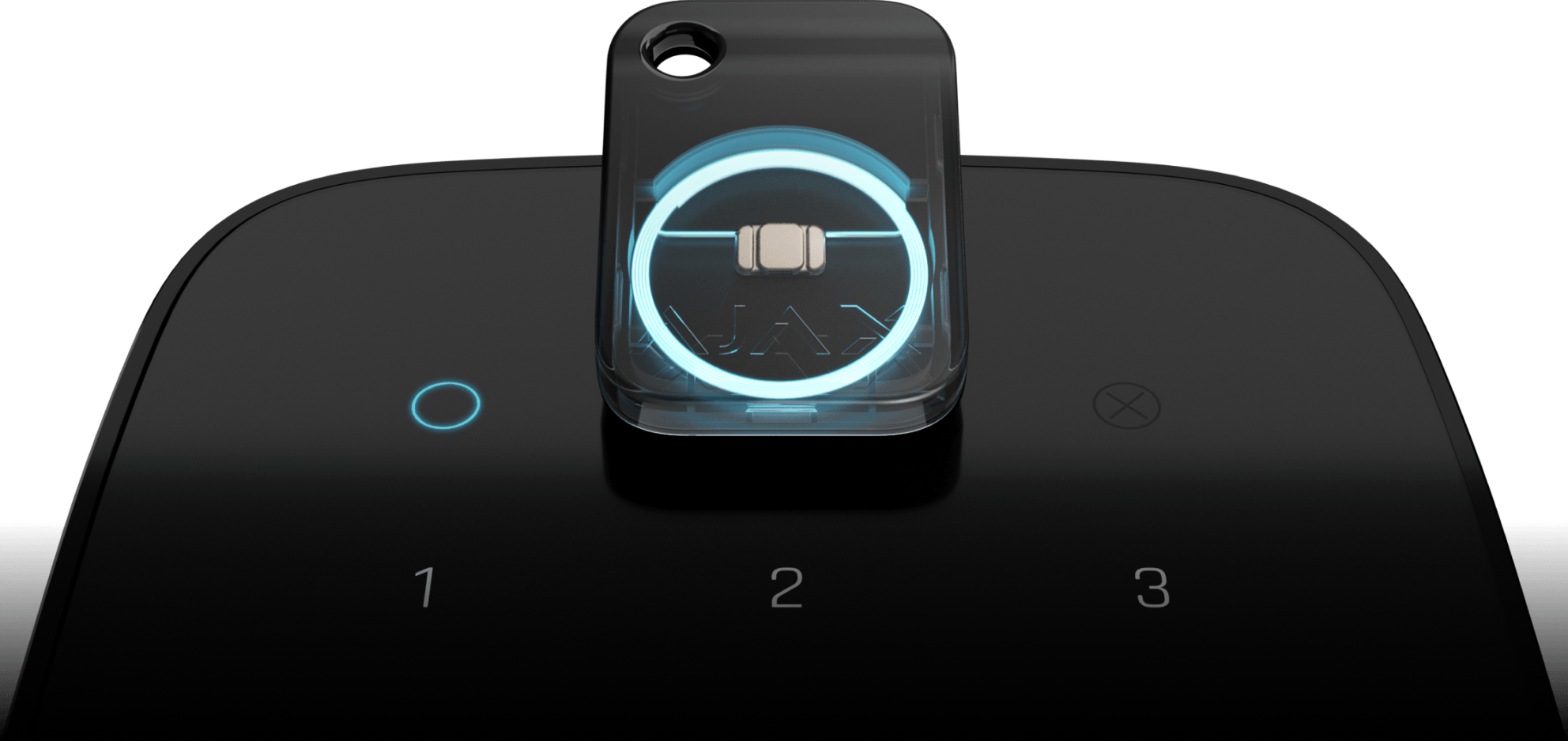
DESFire contactless technology
The credential uses DESFire at 13.56 MHz to identify itself to a compatible reader. The specification lists ISO 14443-A, Triple DES and AES hardware encryption with a 128-bit key.
Pass and Tag need no battery. They are contactless credentials, not Jeweller remotes; they do not communicate directly with a hub or unlock a door on their own.
One credential for separate places.
Register with up to 13 hubs
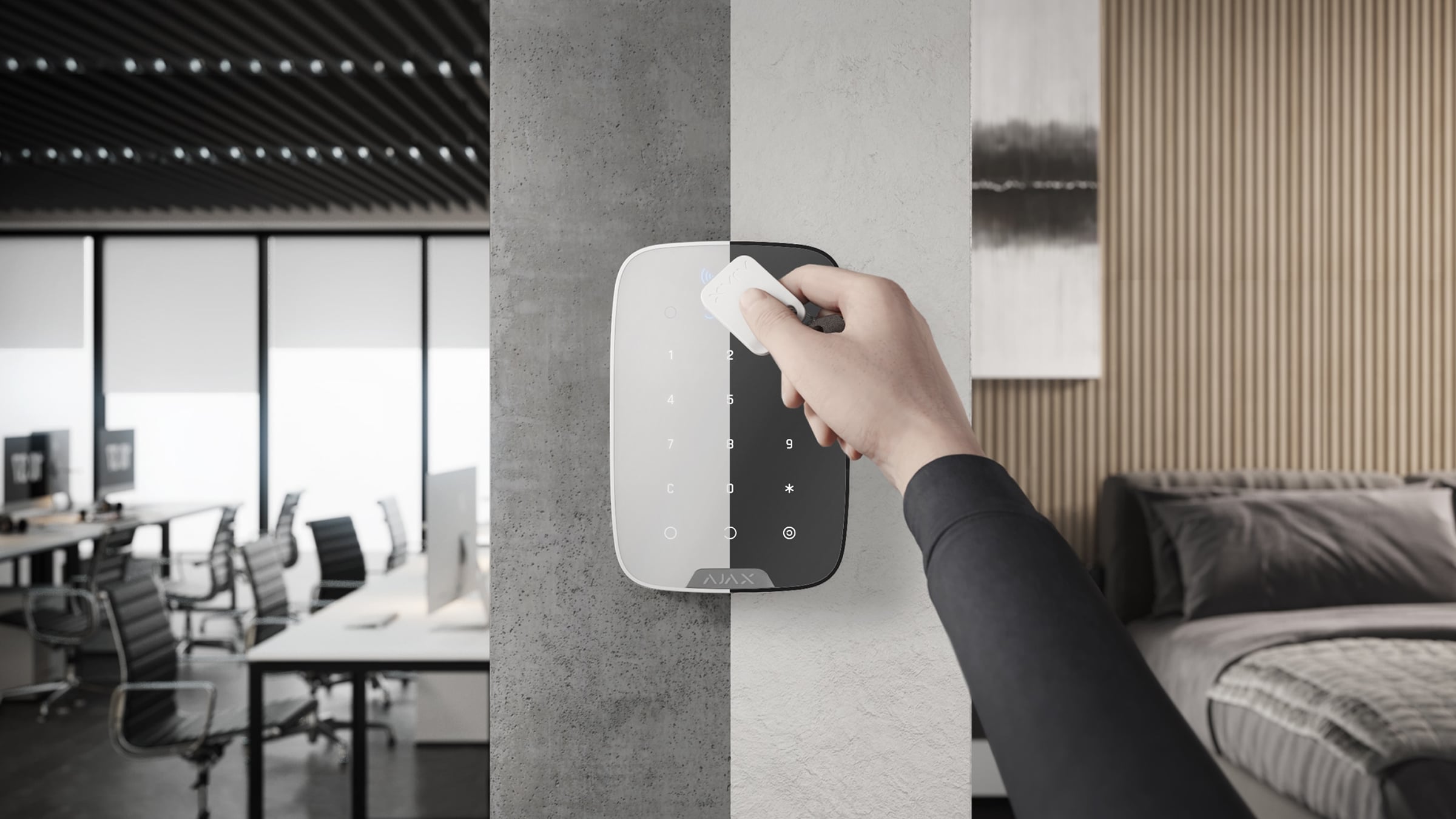
Use the same credential at home, work or another authorised site. Register it separately with each compatible hub and set the required rights at every location.
The number of credentials supported by one hub depends on that hub model. Reaching 13 registrations requires a full credential reset before adding a different hub; reset affects all registrations.
Give each person the access they need.
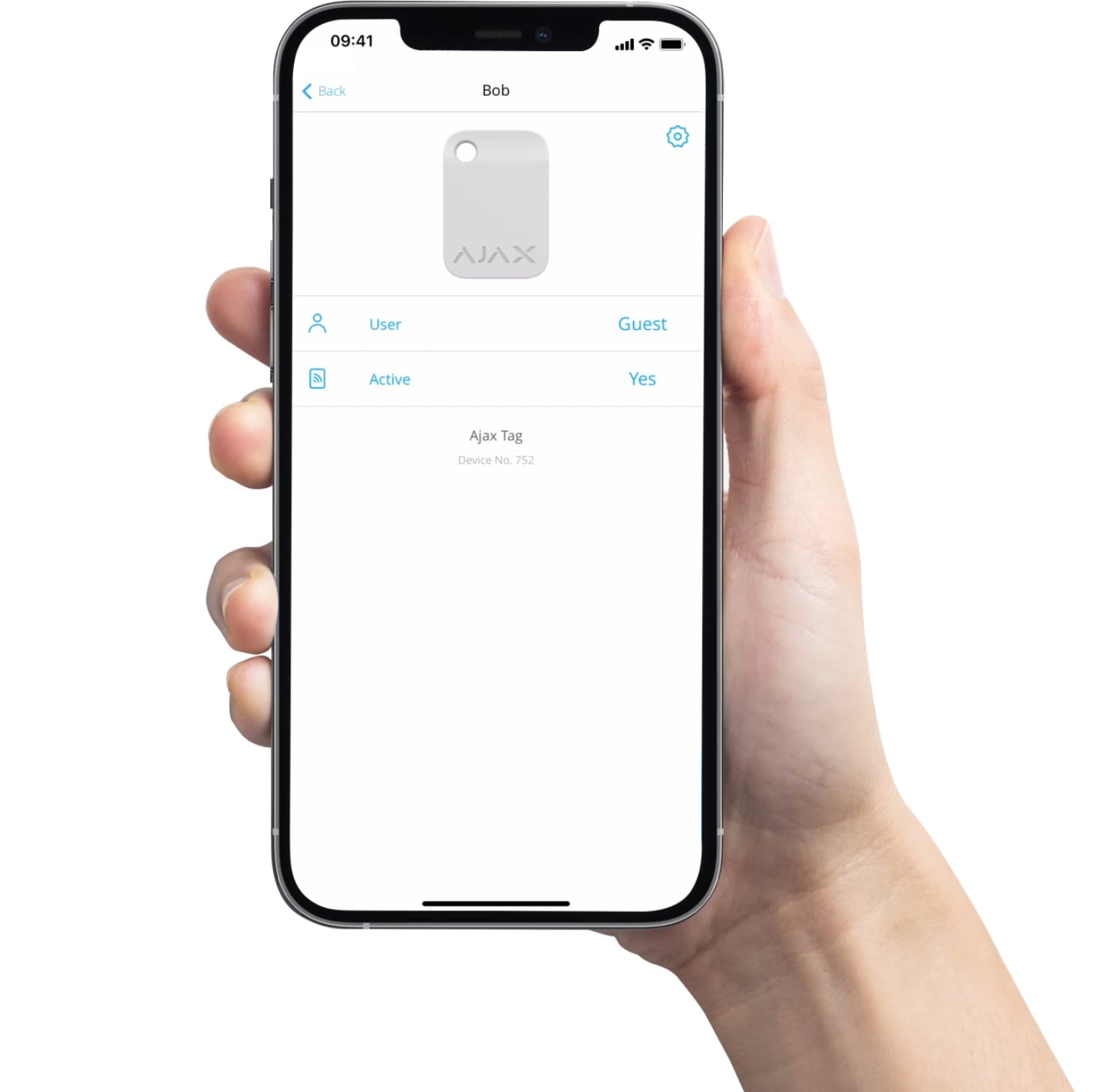
Assign, limit or revoke access
An administrator can assign the credential to a user or keep it as a named guest credential. A user-linked credential follows that user’s security-mode permissions; a guest credential can have its own allowed groups and modes.
Temporarily disable or remove a lost credential in the app. Removing it without the physical credential revokes access on that hub but does not clear that hub from the credential’s memory.
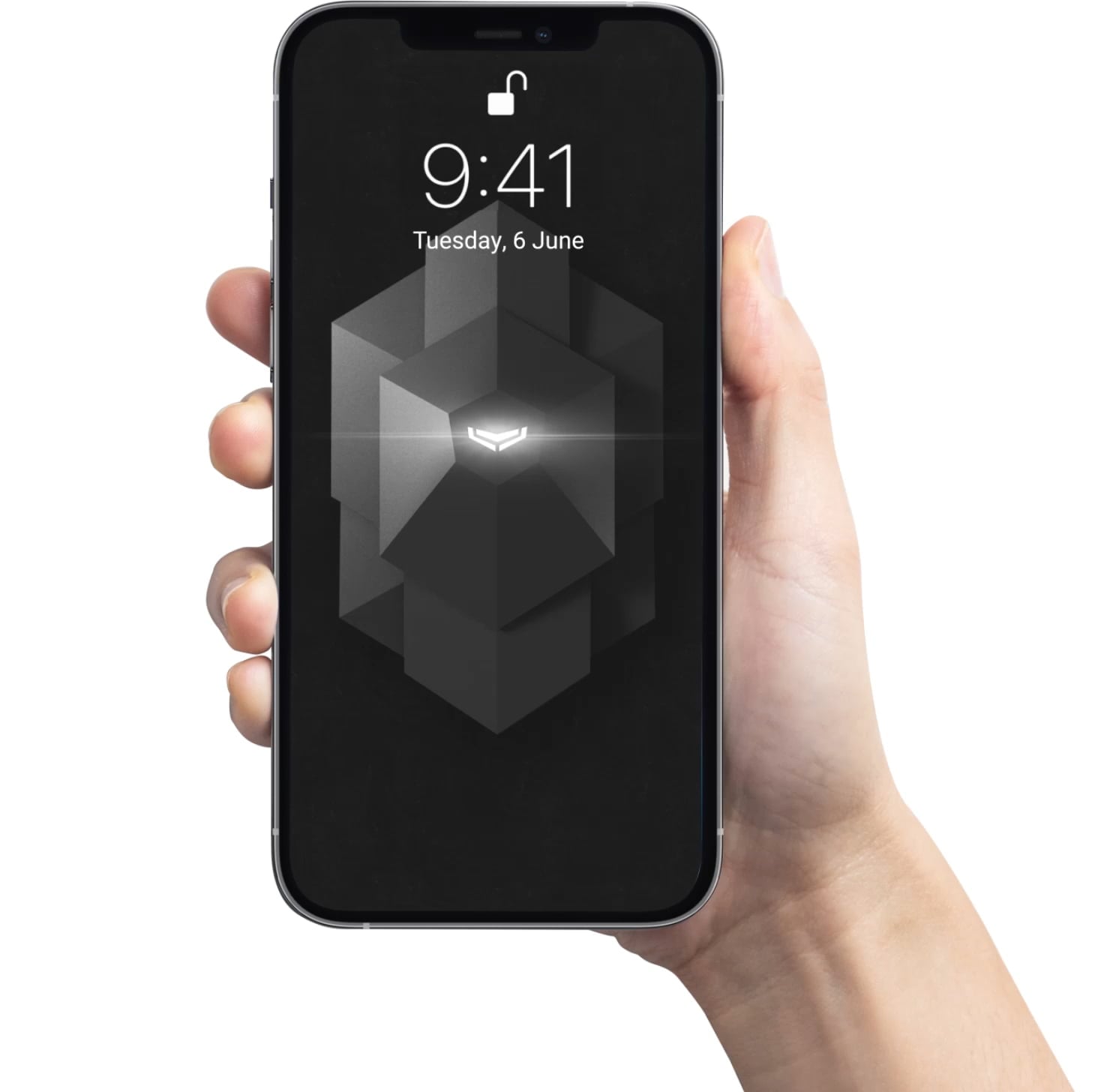
See who changed the security mode
The event feed identifies the assigned user, or the credential name when it is not linked to a user. This makes shared-site handover and access reviews easier.
Keep the register of issued cards or key fobs current. A credential removed from its user must be assigned again before it can manage security modes.
Choose a keypad with the matching reader.
Supported DESFire keypads
The current product overview and manual list KeyPad Plus Jeweller, KeyPad TouchScreen Jeweller, Superior KeyPad Plus Jeweller, Superior KeyPad TouchScreen Fibra, KeyPad Outdoor Jeweller and Superior KeyPad Outdoor Fibra.
A compatible hub and firmware are also required. Original Hub, third-party control panels, ocBridge Plus and uartBridge are not supported. The basic KeyPad has no Pass/Tag reader; check the exact model.
Register it before handing it over.
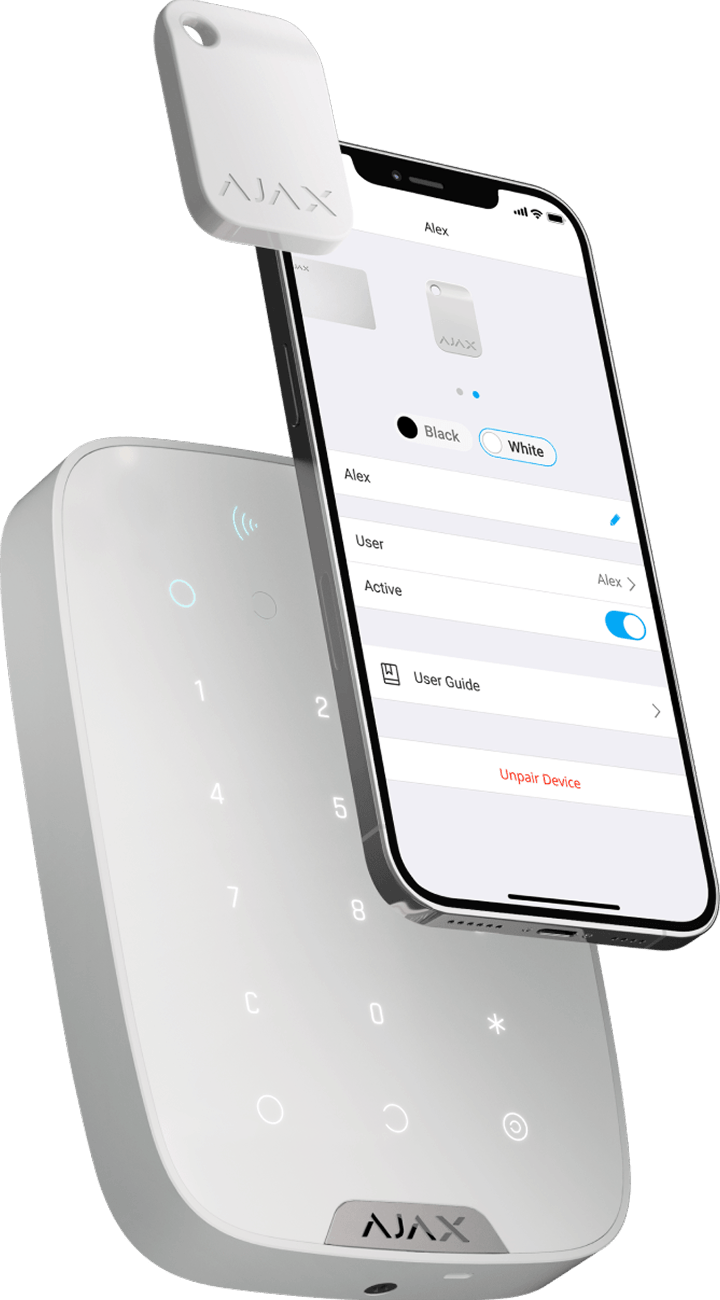
Add through the app and a compatible reader
An administrator starts Add Pass/Tag in the Ajax app, with the hub disarmed and Pass/Tag Reading enabled on a compatible keypad. Activate that keypad and present the wide face of the credential to its reader.
Test only the assigned groups and modes. Keep other contactless cards away while reading. The Easy armed mode change setting determines whether presenting the credential changes the mode directly or a mode key is also required.
Choose the number of credentials you need.
Packs of 3, 10 or 100
Each selected pack contains the stated number of Tag devices in the chosen finish. Quantity on this page counts complete packs: two packs of 10 provide 20 credentials.
The keypad and hub are purchased separately. Credentials are issued and registered individually. Both finishes use the same contactless functions; keep other cards away from the reader during use.
Find the right access credential.
Choose a card for a wallet or a fob for a key ring. Compare the exact pack size, carrying format and reader requirements; Pass and Tag provide the same access functions.
Compare Pass and Tag →Every detail, in one place.
Pack
- Pack size
- 3 credentials
Devices compatibility
- Devices compatibility
- KeyPad Plus Jeweller; Superior KeyPad Plus Jeweller; KeyPad TouchScreen Jeweller; Superior KeyPad TouchScreen Fibra
- Additional readers listed in the product overview and manual
- KeyPad Outdoor Jeweller; Superior KeyPad Outdoor Fibra
Contactless authentication
- Communication technology
- DESFire®
- Operating standard
- ISO 14443-А (13.56 MHz)
- Encryption
- Triple DES encryption and AES hardware encryption with 128-bit key.
Key features
- Possibility to assign the user
- Set the name and access permissions for each key fob in Ajax apps.
- Control security modes
- Manage security modes without a password, account, or access to an Ajax app.
- Control via smartphone
- In an Ajax app, the user can set the necessary key fob settings and view a detailed event log.
- Simultaneous work with several hubs
- One Tag can be paired with up to 13 Ajax hubs simultaneously.
Sabotage protection
- Sabotage protection
- Device authentication; Signal interception protection
Power supply
- Power supply
- Not required
Enclosure
- Dimensions
- 45 × 32 × 6 mm
- Weight
- 7 g
- Operating temperature range
- from –10 °C to +40 °C
- Operating humidity
- up to 75%
What’s in the box
- 3 × Tag
- Quick start guide
For your installation
- When using Tag, do not place other cards next to it. This may interfere with the correct operation of the device.
- Choose the exact version: sensing, power, casing, pack size or interface details can differ between the listed models.
Complete your installation.
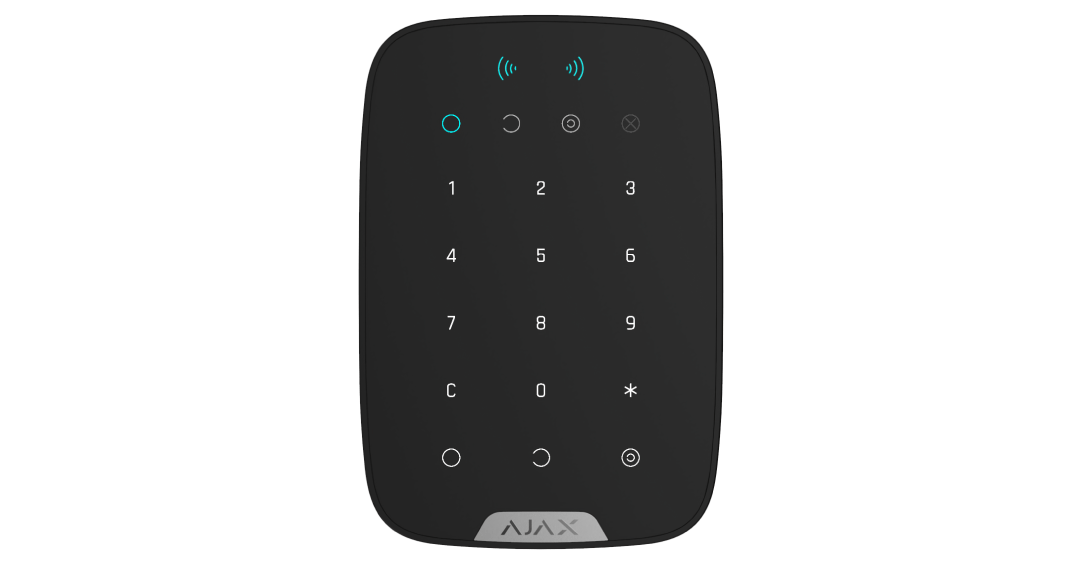
KeyPad Plus Jeweller
Manage security modes with a code or registered credential.
KeyPad TouchScreen Jeweller
Check the reader and hub requirements for your system.