MAKE IT YOURS
Superior SeismoProtect G3 Fibra.
Wired seismic detector with an additional shock sensor
Standards and certifications
Superior SeismoProtect G3 Fibra · SP.G3.F-000-Y. Manufacturer-listed marks; regional and installation conditions apply.
Protect the structure around your valuables.
Superior SeismoProtect G3 Fibra monitors vibrations and physical attacks on safes, vaults and reinforced structures. A piezoelectric sensor supports seismic detection, while an accelerometer provides a separate Shock mode and configurable tilt detection. Enclosure protection and an included self-test device help supervise the installation. The protected material, fixing method and on-site tests determine its effective coverage.
Key features. At a glance.
Detection radius
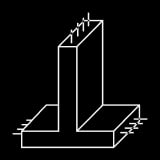
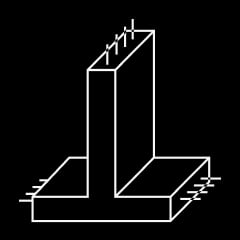
4 m for concrete
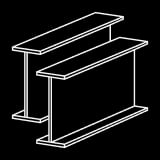
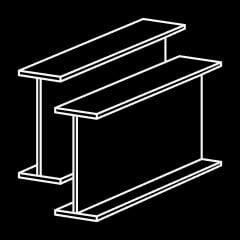
2 m for steel

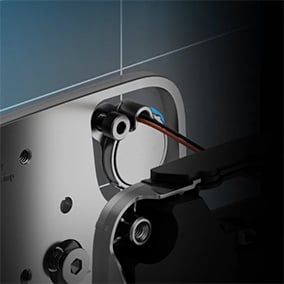
Self-test device
automatically checks the piezoelectric sensor operation
Accurate detection in any conditions
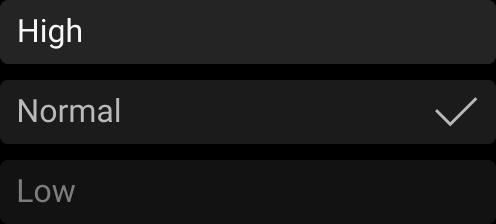
with an adjustable sensitivity level
Two operating modes:


Seismic


Shock
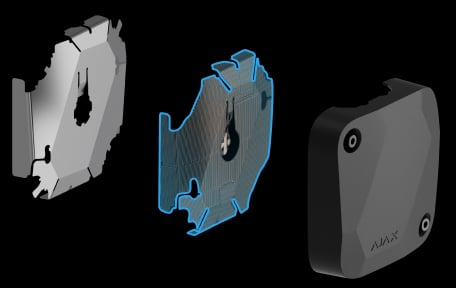
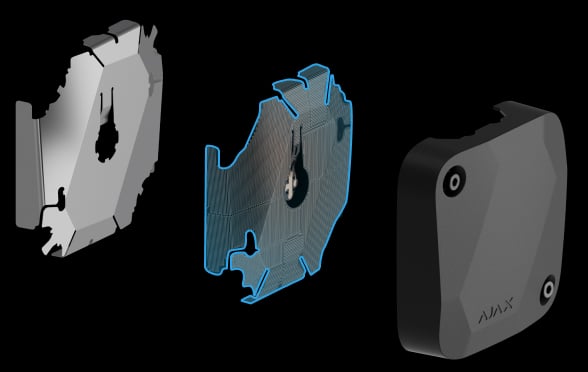
Detection of enclosure being drilled or cut
with flexible PCB inside
Informative push notifications

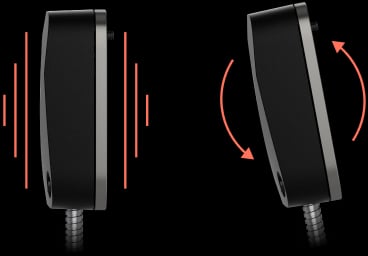
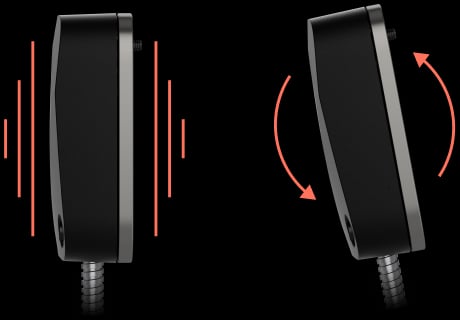
Shock and tilt detection
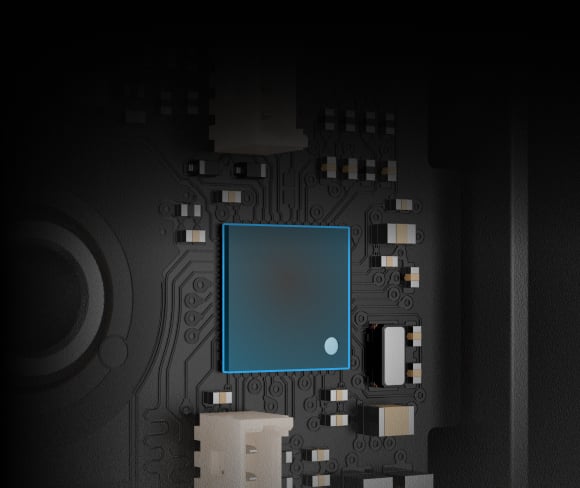
with a built-in accelerometer
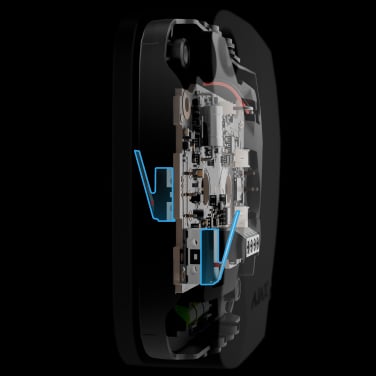
Two tampers
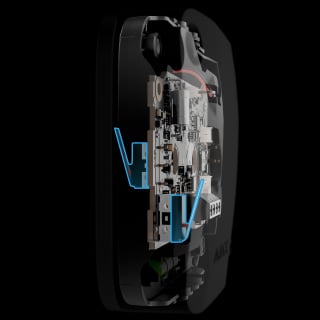
alert if the enclosure is being disassembled or detached from the surface
Digital temperature sensor
detects rapid heat rise
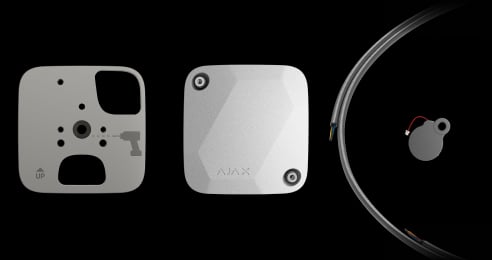
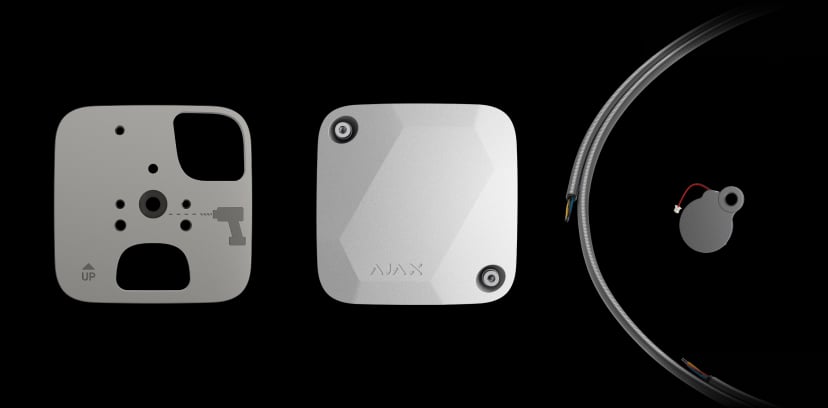
Complete set for installation
Self-test device, mounting plate, 4-core armoured signal cable, and installation kit
Two colors of matte enclosure



Power adjustment

Up to 2,000 m of wired communication1
with an Ajax hub or a module that extends a Fibra line

Remote control and configuration

- 1Wired Ajax devices have a communication range of up to 2,000 m without line extenders when using the U/UTP cat.5 twisted pair cable. Other cable types may have different values. Please use the Fibra power supply calculator to check the wired system project before installation.
Ajax product information ↗ · Superior SeismoProtect G3 Fibra specifications ↗
Protection in real places.
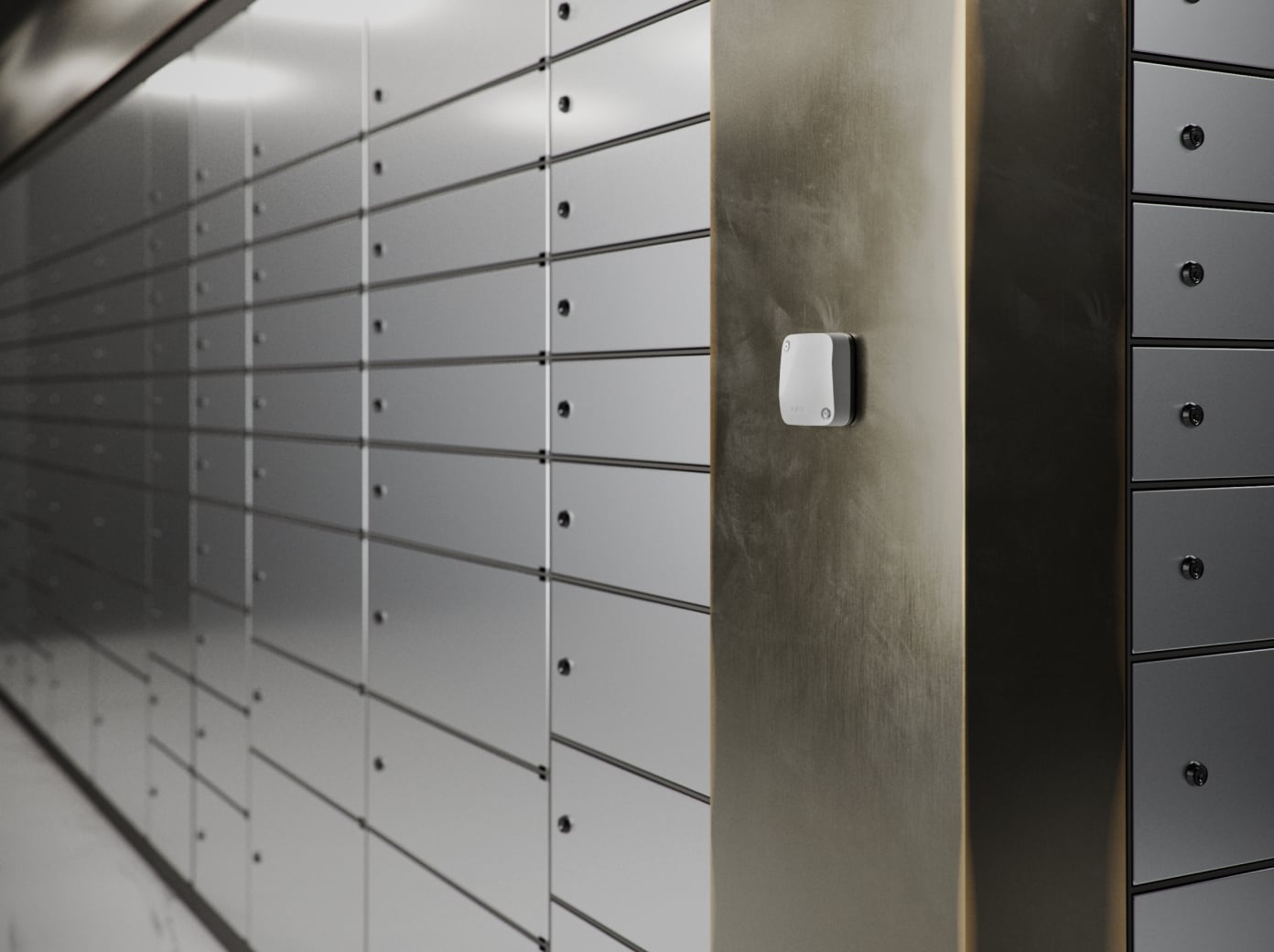


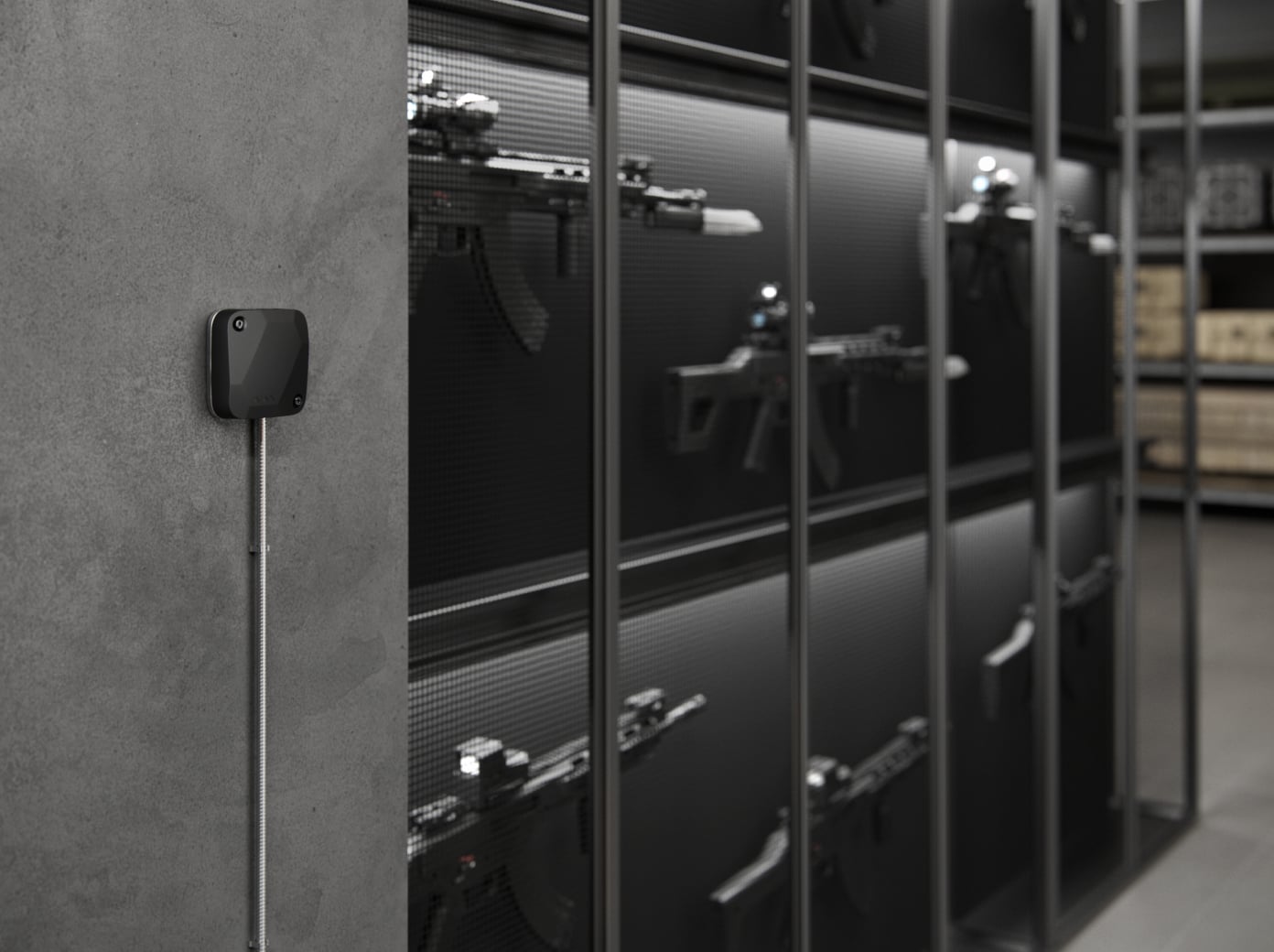
Superior SeismoProtect G3 Fibra
Every detail has a purpose.
Explore the function, installation and system requirements of Superior SeismoProtect G3 Fibra.
Loading detail…
Protect the surface that protects your valuables.

Seismic mode: vibration through solid material
The piezoelectric sensor detects vibration patterns associated with drilling, cutting, impacts and other attempts to force a wall, safe or reinforced structure. Signal processing filters patterns to help distinguish an attack from everyday vibration.
Match sensitivity to the real structure.
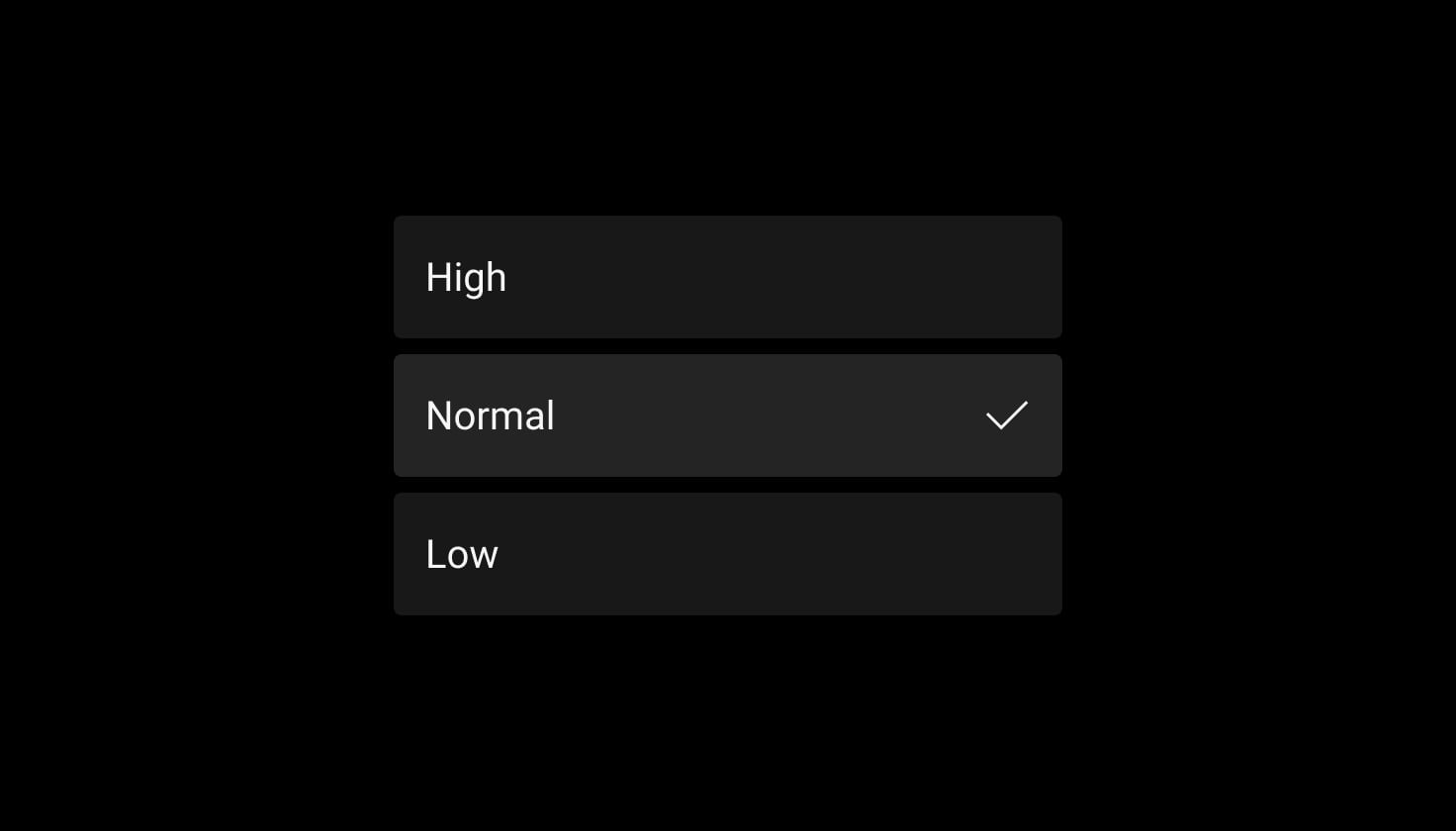
Three sensitivity levels, verified on site
The manual recommends Low for surfaces that transmit vibration well, such as metal safes and ATMs; Normal for combined surfaces; and High for reinforced concrete. Run the detection-zone test before finalising the setting and consider nearby machinery and maintenance work.
Test the sensor and its connection to the surface.
Automatic and manual self-tests
Connect the included self-test device and enable Automatic self-test. The manufacturer describes a daily vibration check; a PRO can also start a device self-test from the app. Review the result in the event feed and investigate a failed test.
On concrete, position the test device in the mounting-plate recess without touching the plate. On metal, use the manual’s specified position for the chosen mounting method. Do not let the test device directly touch the detector.
On hubs with OS Malevich 2.36 or later, the device self-test checks enabled sensors only. A disabled faulty sensor does not generate a fault warning until it is enabled.
Know the event, device and protected location.
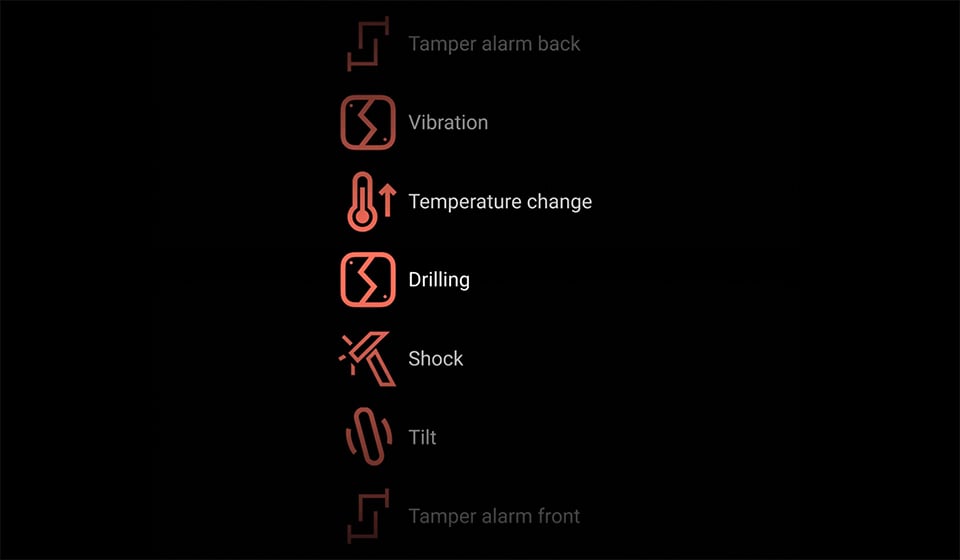
Clear events in Ajax apps
Notifications identify the event, device, protected site and room. Supported monitoring protocols distinguish seismic, shock, tilt, thermal, tamper and fault events. Assign names that let users and the monitoring service identify the affected object.
Sirens, monitoring and automation responses depend on the installed system and settings. SeismoProtect contains no camera and does not create photo or video verification.
Protection that also watches itself.

Supervise the detector’s condition
The detector reports its connection, line voltage, tamper and sensor states to the hub. Automatic diagnostics and app notifications help identify maintenance needs.
Review enabled sensors and supervision settings at handover. A passed self-test does not replace a site detection test.

Detect a lost connection
The hub monitors exchanges with the detector and reports when the link is lost. The configured polling interval and missed-packet threshold determine the delay.
The manufacturer’s 36-second example assumes a 12-second polling interval and three missed packets; it is not a fixed response time for every installation.
Monitor opening, removal and cover damage
Two tampers report opening and removal. A separate cover circuit detects drilling or cutting. Enable the required notifications, secure the specified fixing points and verify each event in the completed system.
Recognise thermal interference
The specified thermal alarm thresholds are above +70 °C, or a rise of more than 5 °C in five seconds or less. Configure rapid-temperature-rise reporting in the app.
The detector’s normal operating temperature is −10 to +55 °C. Thermal sabotage detection is not a fire-alarm certification.
A supervised wired connection.
Up to 2,000 m on a four-core line
Fibra carries commands, alarms and device status over a wired link. The maximum line length assumes U/UTP cat.5 cable; cable type, topology, connected load and the available supply voltage determine the actual design.
An accredited Ajax partner should calculate the line load and voltage drop, check hub compatibility and run the Fibra signal and power tests. The current exact-model electrical limits are listed below.
Include the detector in the line power calculation.
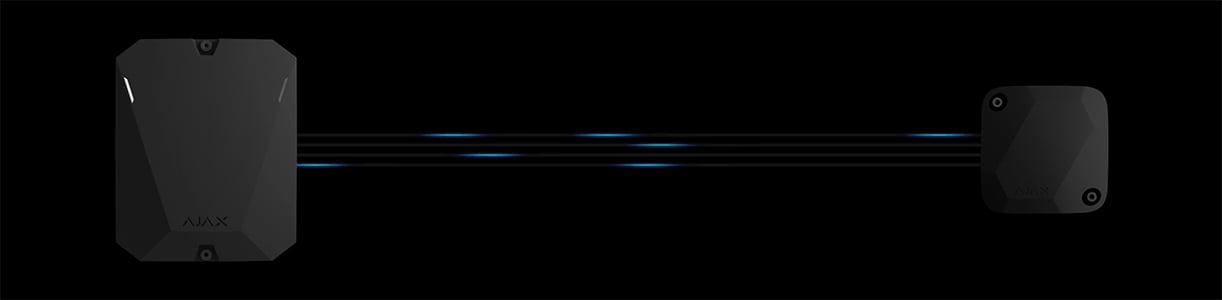
Powered through the Fibra line
The detector uses 5–30 V DC, with a nominal supply of 24 V. At nominal voltage it draws 0.3 mA in standby and up to 12 mA (approximately 0.29 W).
Check the entire route, voltage drop, other devices and the hub’s backup capacity. A separate compatible LineProtect can protect the section between itself and the hub; it is not built into this detector.
A secure mechanical connection comes first.
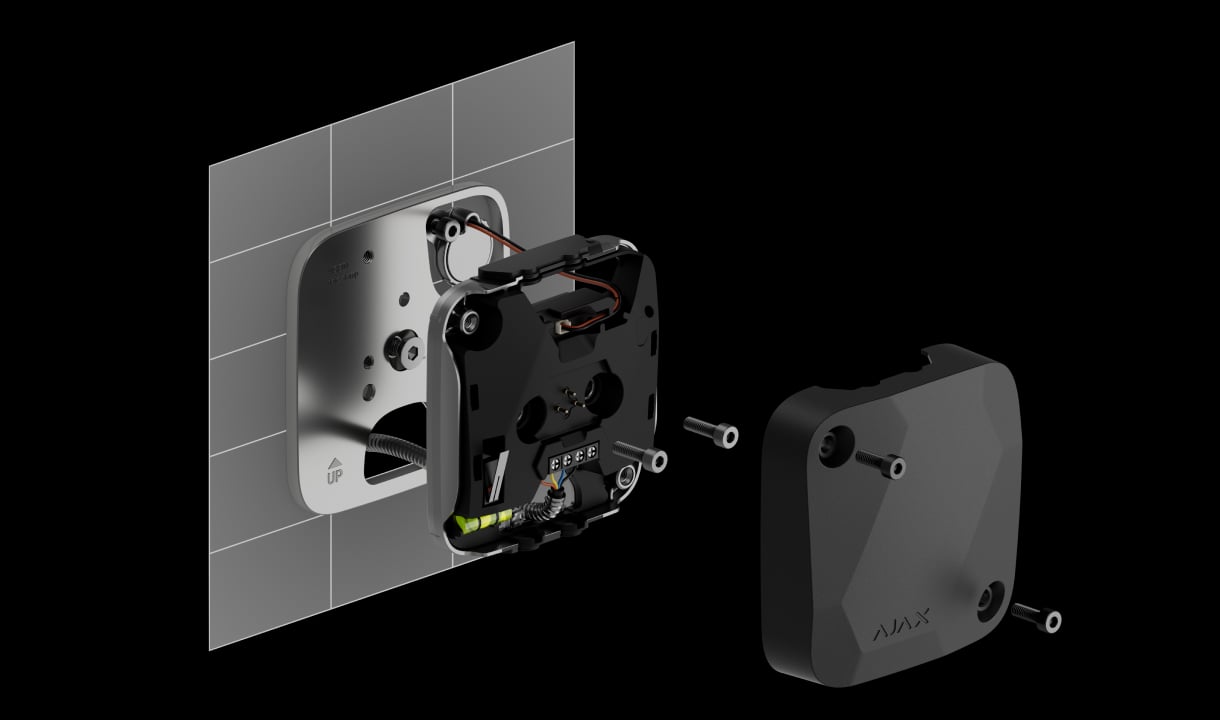
Mount for the protected material
An accredited Ajax partner prepares the surface and chooses direct fixing or the supplied stainless-steel mounting plate. The method differs for concrete, flat metal and curved or thin metal. Follow the manual’s required fasteners and screw torques.
The supplied set includes a mounting plate, self-test device, 1.5 m armoured four-core cable and fasteners. Professional installation and further site cabling are separate services.
Check the protected structure.
Check SeismoProtect for a safe, wall or other solid structure. This range has one seismic detector: review its operating mode, surface, wiring and commissioning requirements.
Check installation requirements →Every detail, in one place.
Communication
- Fibra communication technology
- Proprietary wired communication technology to transmit commands, alarms, and events. Key features: Two-way communication. Advanced anti-sabotage. Instant notifications. Remote control and configuration in Ajax apps.
- Line connection
- 4-core cable
- Connection
- to any point of the Fibra line The device can be installed behind the hub, detector, keypad, or siren.
- Fibra line length
- up to 2,000 m When using the U/UTP cat.5 twisted pair cable.
- Encrypted communication
- All stored and transmitted data are protected by block encryption featuring a dynamic key.
Detection
- Sensitive elements
- piezoelectric sensor accelerometer digital temperature sensor
- Threats that can be detected
- explosions vibrations from drilling or cutting blast waves physical force such as bending, pressing, or pushing
- Operating radius
- Concrete — 4 m Steel — 2 m The operating radius may vary significantly depending on the structure integrity.
- Tilt sensor activation threshold
- from 5° to 25° Adjusted by a PRO or user with admin rights in Ajax apps.
Key features
- Sensitivity
- 3 levels Adjusted by a PRO or user with admin rights in Ajax apps.
- Option to ignore single shock
- Adjusted by a PRO or user with admin rights in Ajax apps.
- Self-test of sensitive elements
- The device checks its sensors’ state with a self-test device and notifies if any malfunction is detected. Self-testing can be automatic or manual.
Sabotage protection
- Tamper alarm
- 2 tampers Notifications on attempts to detach the detector from the surface or open the front lid.
- Alarm in case of high temperature
- at temperatures above +70 °C To detect the impact of the thermal tool on the device.
- Alarm in case of rapid temperature rise
- when the temperature rises more than 5 °C in 5 seconds or less To detect the impact of the thermal tool on the device.
- Enclosure drilling detection
- to detect the enclosure damage
- Communication loss detection
- after 36 s Detection time depends on the Jeweller/Fibra settings.
Power supply
- Operating voltage range
- 5−30 V⎓ The hub powers the detector via the Fibra line.
- Nominal operating voltage
- 24 V⎓
- Quiescent current consumption at nominal voltage
- 0.3 mA
- Maximum current consumption at nominal voltage
- 12 mA
Enclosure
- Detector dimensions
- 88 × 88 × 20 mm The mounting plate adds 5 mm to the height above the protected surface.
- Detector weight
- 170 g
- Mounting plate weight
- 224 g
- Armored cable weight
- 130 g
- Armored cable length
- 1.5 m
- Operating temperature range
- from −10 °C to +55 °C
- Operating humidity
- up to 95%
- Protection class
- IP43 IK04
What’s in the box
- Superior SeismoProtect G3 Fibra
- Mounting plate
- Self-test device
- Armored 4-core signal cable
- Installation kit
- Quick start guide
For your installation
- Selected as part of an installer-reviewed security or automation project.
- Fibra needs a supported hybrid control panel, checked cable type and topology, termination and a complete power budget. Existing alarm cabling is not automatically suitable.
- The device is designed for indoor use only. Only professionals should install the device. The list of authorized Ajax partners is available here.
Product documents.
Find the right protection.
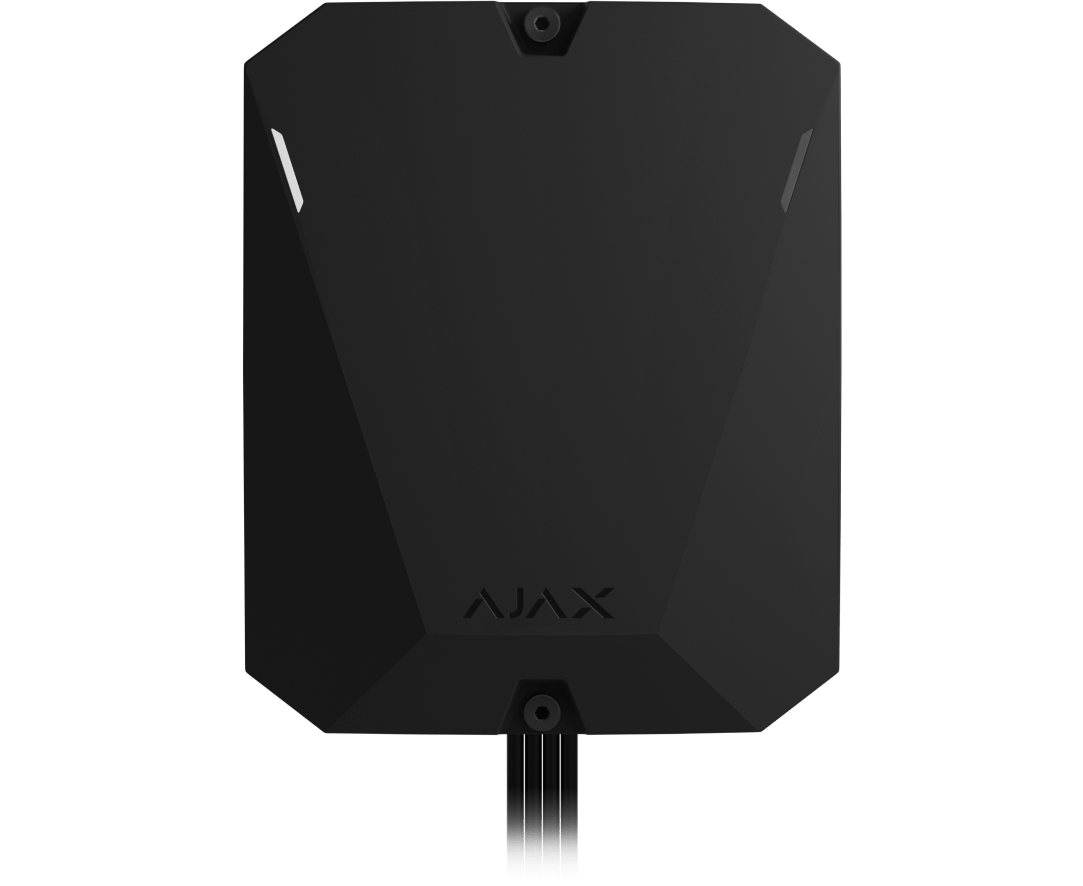
Superior Hub Hybrid
Check the exact wired hub version, firmware, line design and complete-system grade.
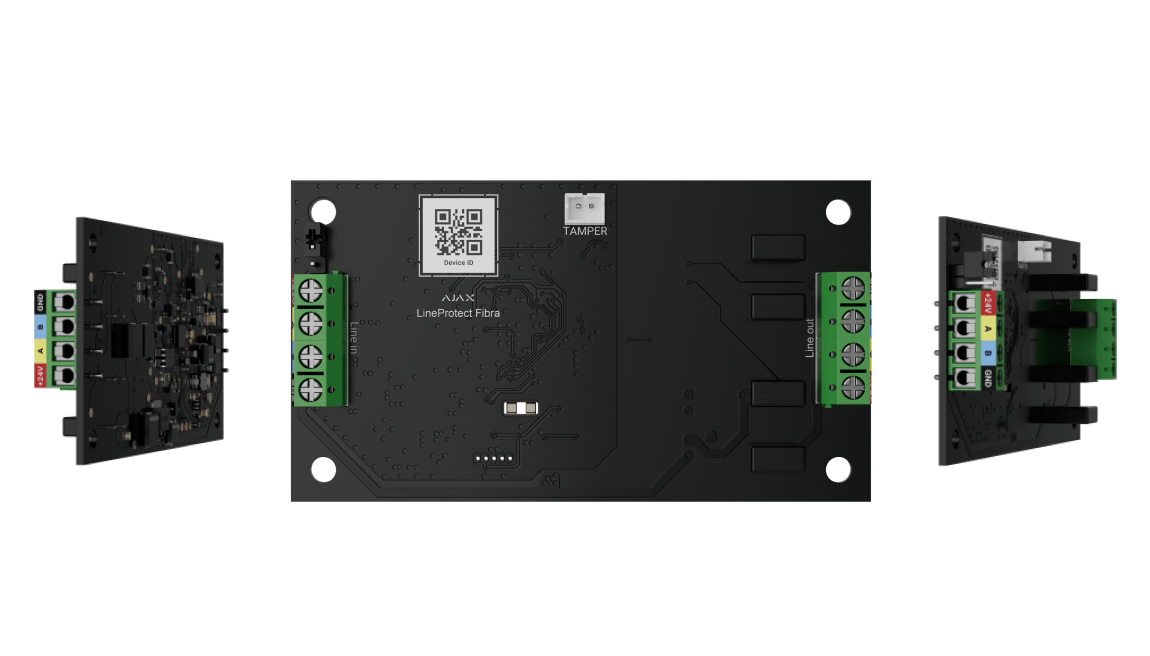
Superior LineProtect Fibra
Plan where a separate protection module belongs in the cable route.