MAKE IT YOURS
Superior ReX G3.
Wireless radio signal range extender with support for photo verification and Ethernet connection
Standards and certifications
Superior ReX G3 Jeweller · RX.G3.J. Manufacturer-listed marks; regional and installation conditions apply.
Bring distant devices into the same system.
Superior ReX G3 Jeweller extends communication between a compatible Ajax hub and devices in harder-to-reach areas. It can link to the hub by radio or the local Ethernet network and relay supported alarm photos. Choose its position, device assignments and separate backup battery as part of the whole system; it extends coverage without increasing the hub’s device capacity.
Key features. At a glance.


Ajax product information ↗ · Superior ReX G3 Jeweller specifications ↗
Protection in real places.
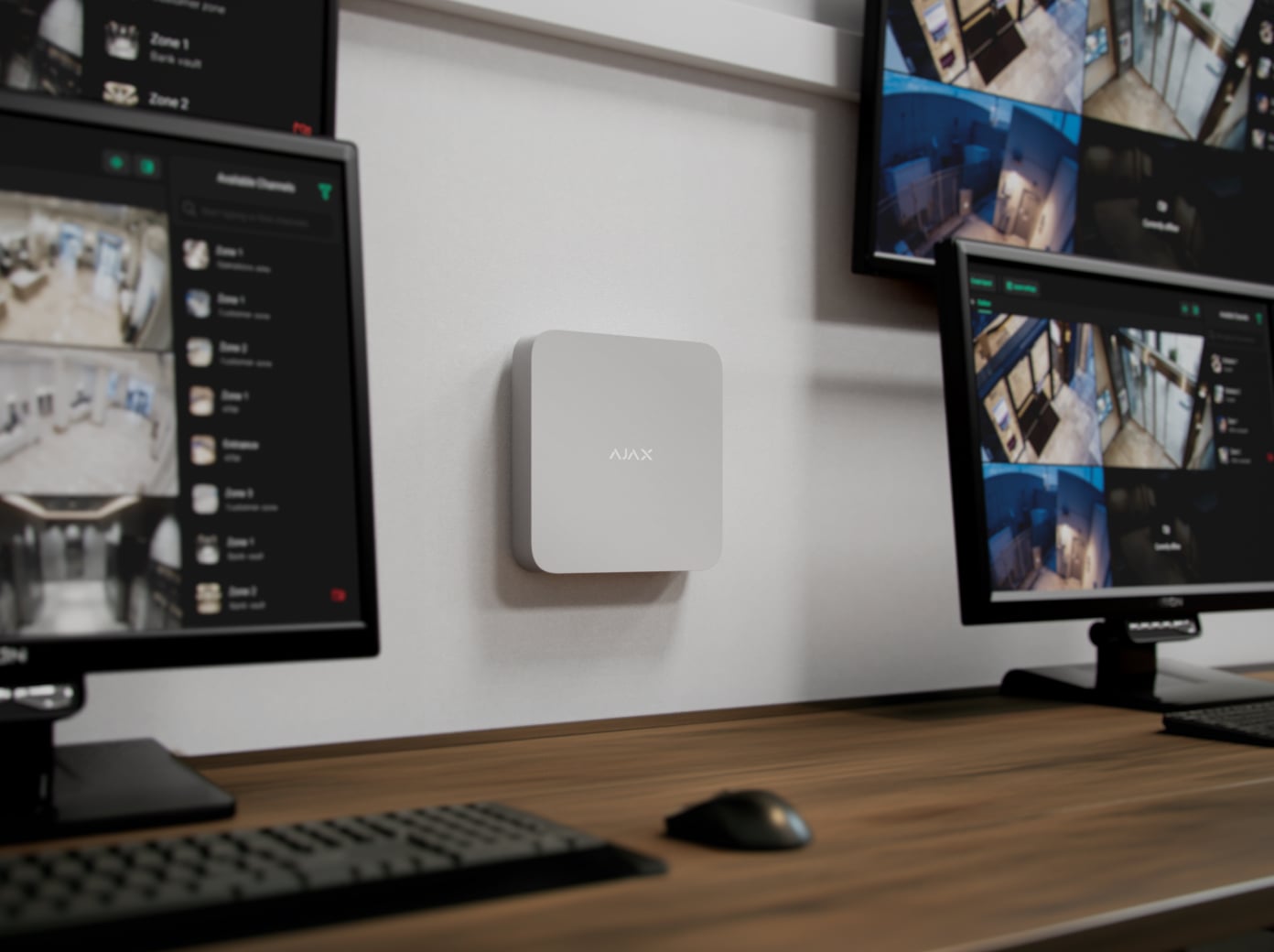
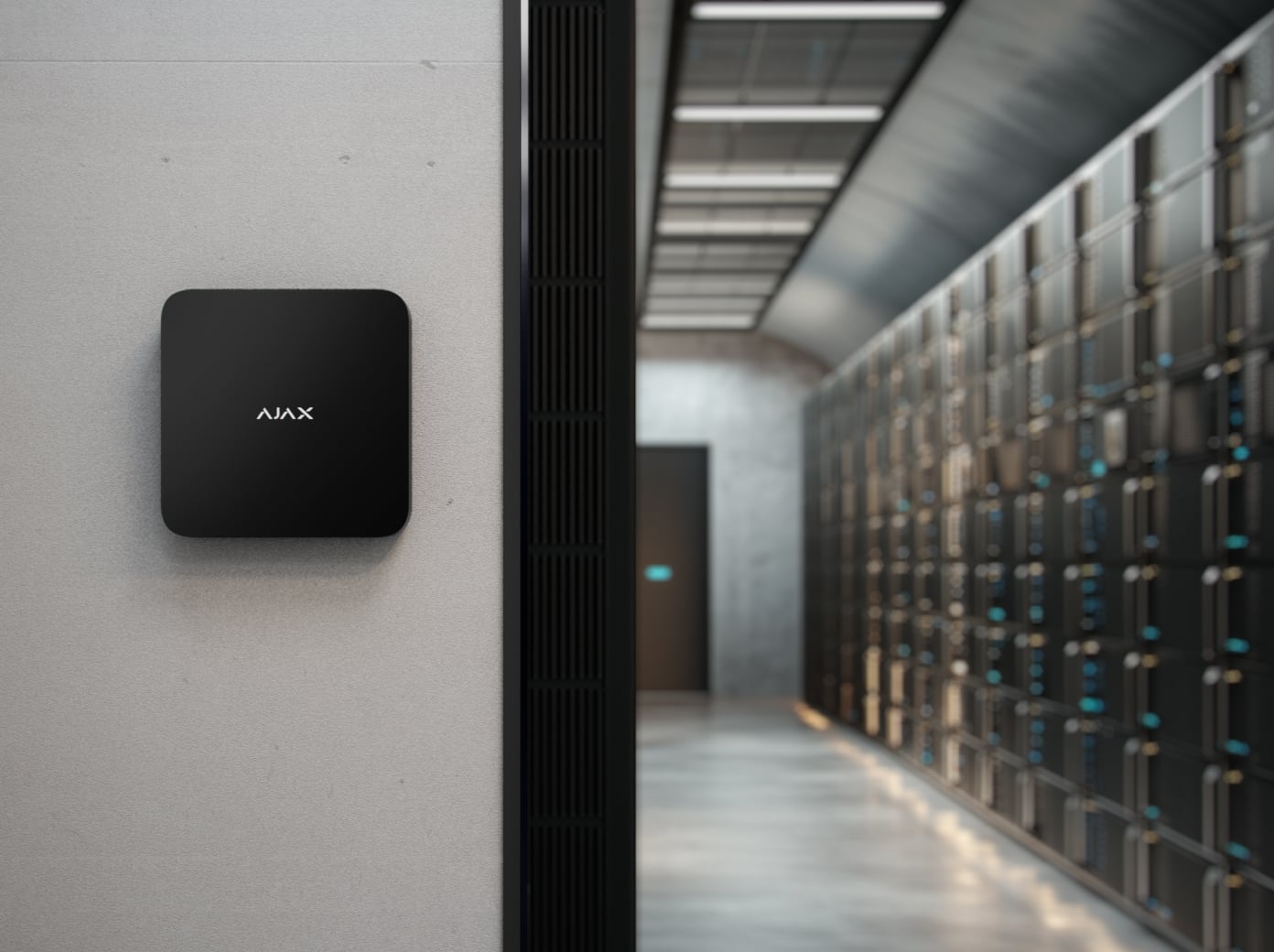
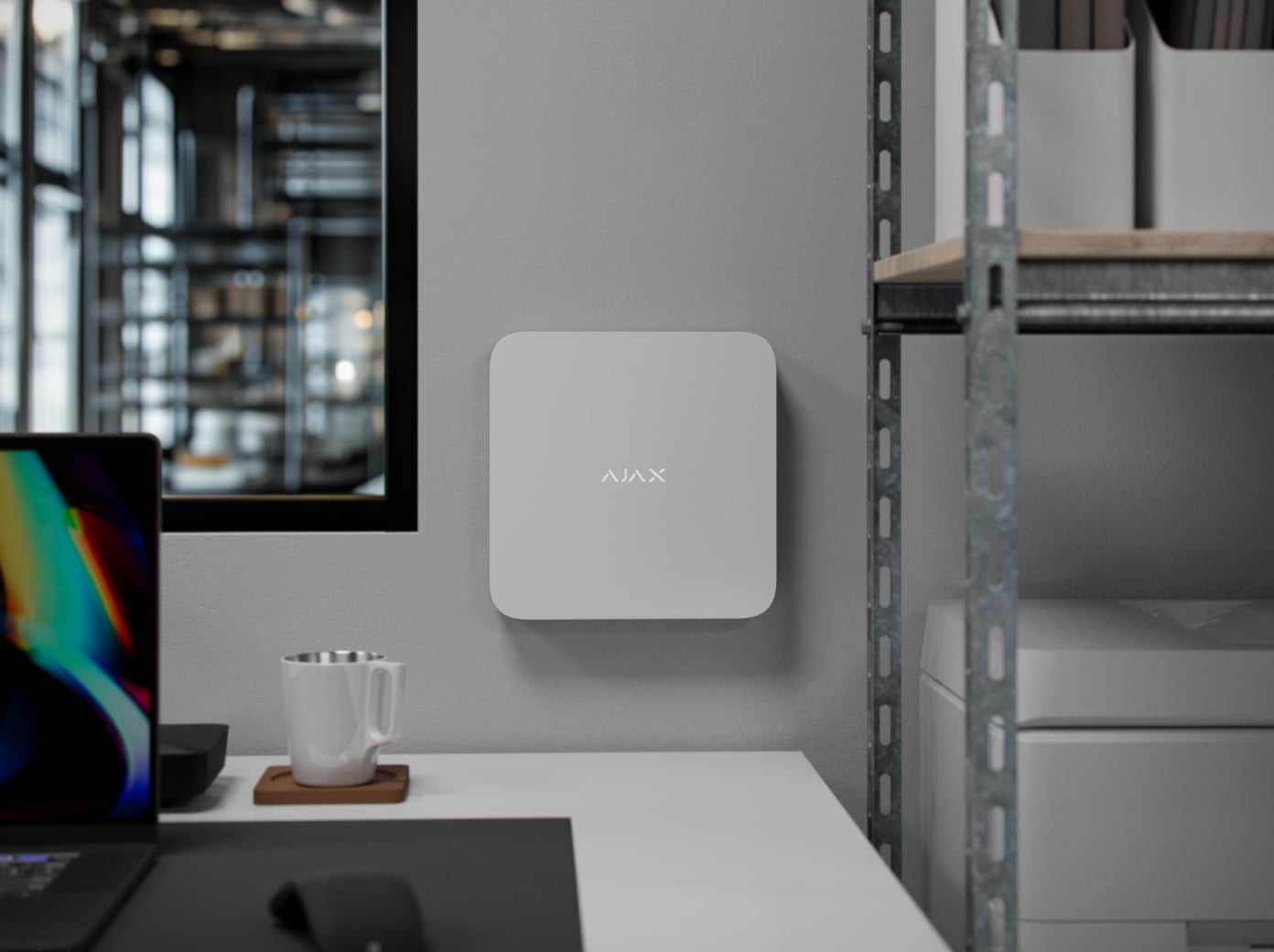
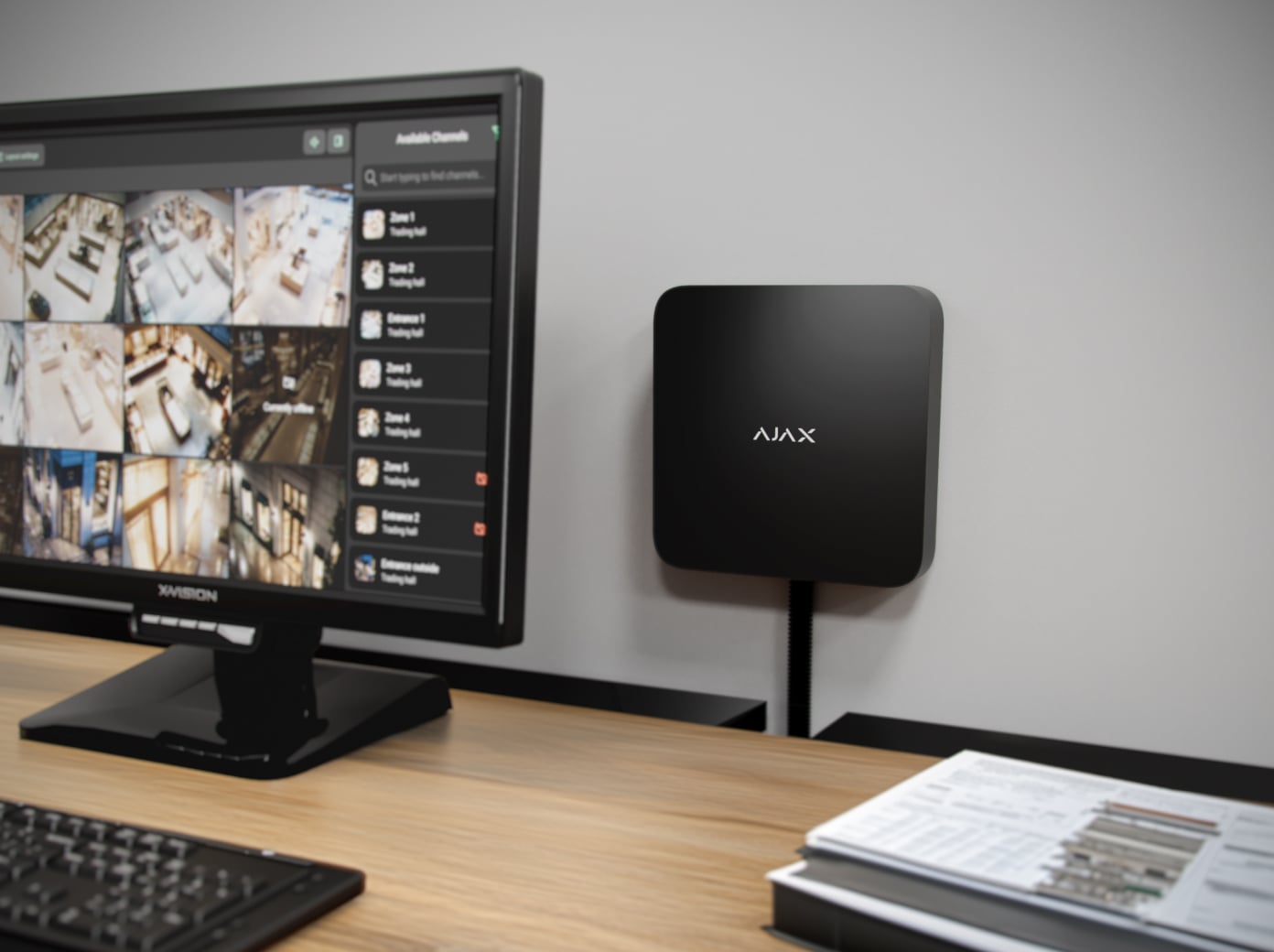
Grade 3 starts with the complete system.
Keep the radio protection consistent
Superior Jeweller provides encrypted communication and enhanced frequency hopping when every connected wireless device supports it. Adding a regular Jeweller device changes the system’s radio behaviour and limits the system to Grade 2.
Grade 3 is not guaranteed by buying one G3 device. An accredited Ajax partner must check the hub, every connected device, radio settings, installation and monitoring requirements together. Check the enhanced-hopping status in the app.
Extend coverage without changing system capacity.
Up to 5 extenders per compatible hub
An extender can serve up to 249 devices, depending on the hub. The hub’s total capacity still applies, including the extender itself.
A compatible hub with OS Malevich 2.35 or later is required. Assign devices to their intended extender in the app; a device that loses its extender does not automatically join another extender or the hub.
Choose the path back to the hub.
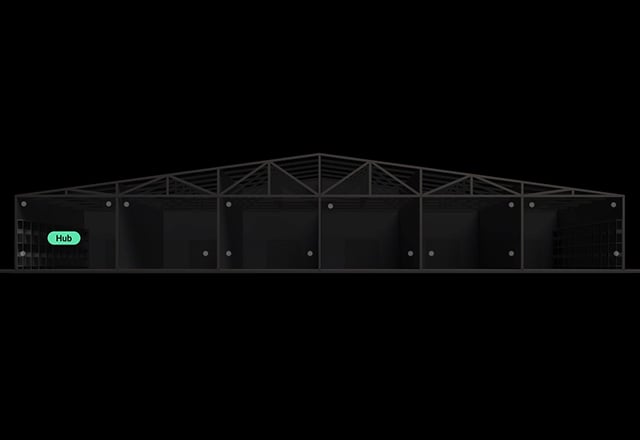
Across the local network
Ethernet can be the only link or the preferred link to the hub, allowing radio devices to serve an area behind difficult walls or in another building.
The hub and extender must use the same local network through a router. The network must allow broadcast traffic and port 4269; a direct Ethernet cable between the hub and extender is not supported. Plan backup power for the network equipment.
A supervised wireless connection.
Protocols matched to the equipment
Superior Jeweller and Jeweller carry alarms, events and commands. The current exact technical table and user manual specify Wings for photos and other large data packets.
Up to 3,500 m in open space, limited by the connected device and conditions. Match the regional radio version and test at the final position. Ajax’s overview also mentions TurboWings, but the current exact manual and technical table do not confirm it. Verify the supplied firmware and required detector before planning a TurboWings-dependent function.
Alarm photos through the same system.
Check the detector and communication path
Supported photo detectors provide a sequence of alarm images. Available triggers, image resolution and permissions depend on the exact detector and system settings.
The current technical table lists 18 seconds over Wings and 10 seconds over Ethernet, depending on settings. The manual provides detector-and-resolution-specific values; use that table when planning the required response time.
Check coverage before choosing the mounting point.
Optional ExternalAntenna
Separate antenna connectors serve Jeweller and Wings communication; Ethernet remains a separate wired path.
The Ajax antenna is sold separately. Follow the exact manual for connector selection and antenna routing, then check signal and breakage supervision at the finished installation.
Backup power you can plan and replace.
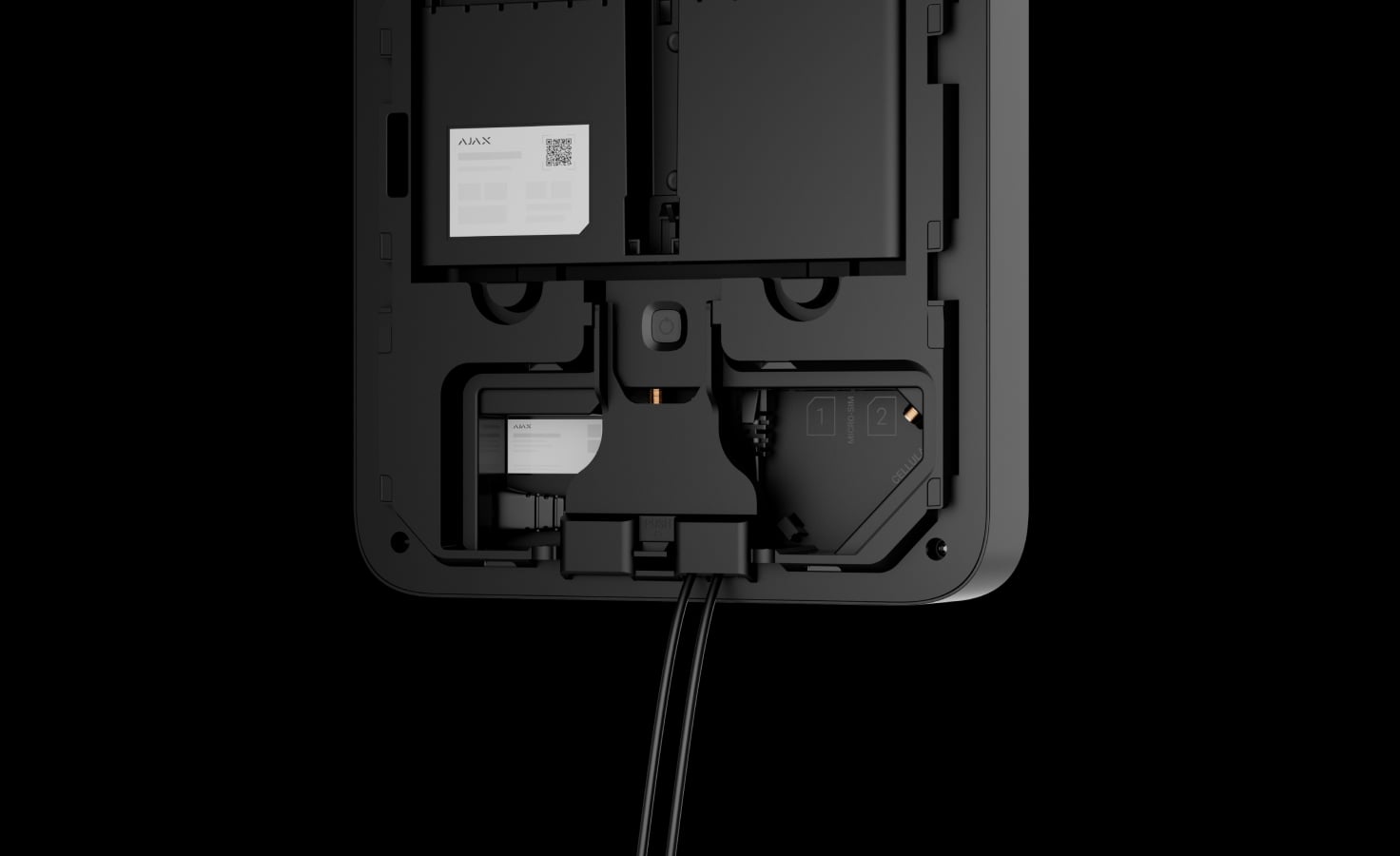
Built-in mains supply
The built-in power supply connects to 110–240 V AC, 50/60 Hz. Plan a protected indoor position, cable routing and safe mains isolation before mounting.
Protection that also checks itself.
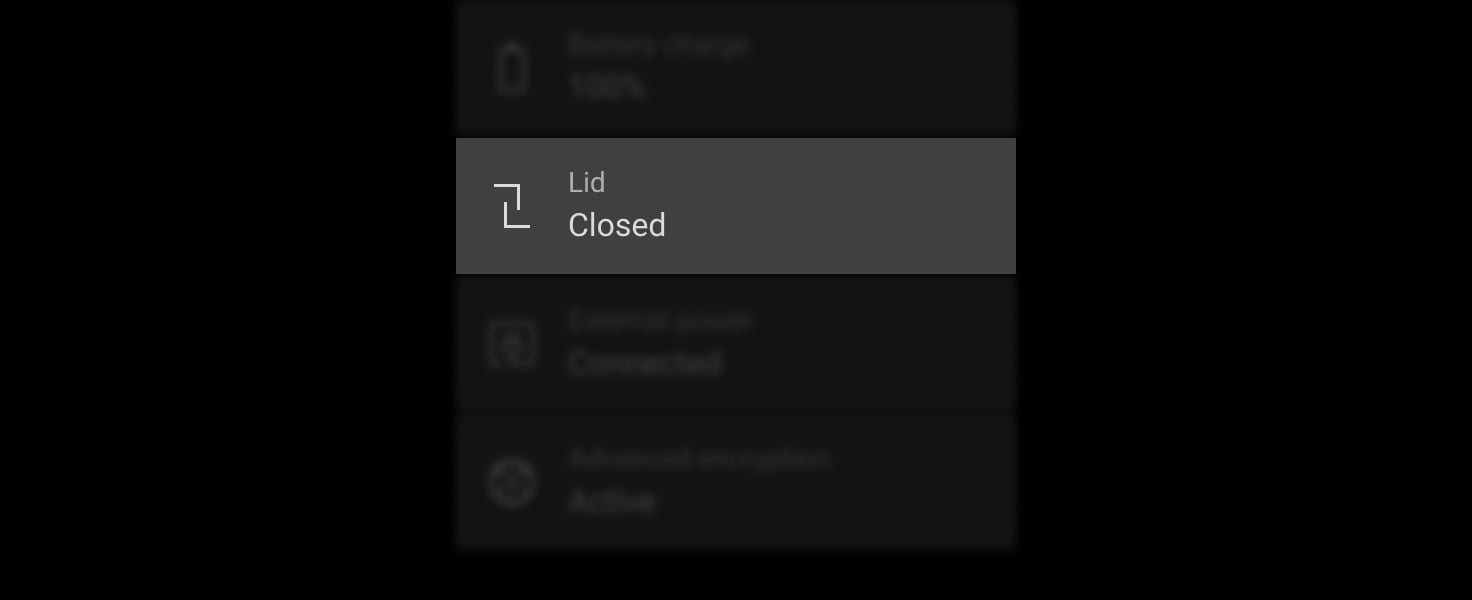
Notice removal
Tamper supervision reports attempts to detach the device from its mounting panel or surface. Secure the panel and holding screws so the tamper can operate correctly.

Detect interference
The system monitors radio interference and can report jamming. Enhanced frequency hopping requires compatible Superior Jeweller equipment throughout the system; device authentication also helps reject a substituted device.

Detect a lost link
Regular exchanges supervise connected equipment. The 36-second communication-loss example uses a 12-second polling interval and three missed packets.
The detection time changes with the configured polling interval and missed-packet threshold. Verify the settings with the installer and monitoring provider.
Manage the extender from the Ajax app.
Assignment, status and updates
Review the extender state, check signal tests and reassign supported devices through the app. OS Malevich provides the device’s operating system and supported updates.
Verify exact compatibility and firmware before adding or moving devices. After reassignment, test alarm and photo delivery from the new path; the extender is not an independent alarm control panel.
Install, connect and test the complete path.
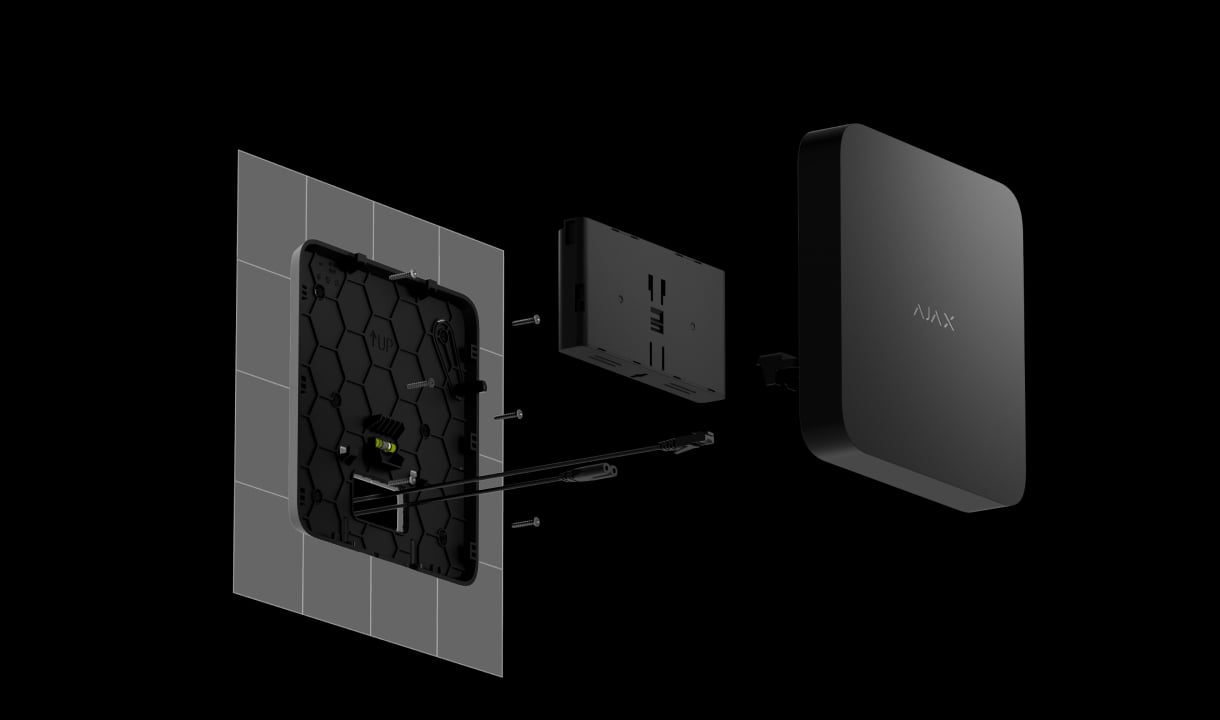
Mount securely
An accredited Ajax partner installs the device indoors using SmartBracket, checks the mounting level and secures the power and communication cables.
Find the right range extender.
Compare ReX, ReX 2 and Superior ReX G3 for the same property. Start with alarm photos, the route back to the hub and backup power.
Compare range extenders →Every detail, in one place.
Wireless communication
- Data transfer protocols
- Superior Jeweller To transmit commands, alarms, and events. An upgraded version of the Jeweller radio protocol for Ajax Superior devices, ensuring compliance with Grade 3 (EN 50131). If at least one device operates via the regular Jeweller protocol, the system will be limited to Grade 2: encryption remains, but frequency hopping is disabled. Jeweller To transmit commands, alarms, and events from devices without Superior Jeweller support. Wings To transmit large data packets, such as firmware updates, and photos.
- Frequency bands
- 865.0–868.0 MHz 868.0–868.6 MHz 868.7–869.2 MHz 869.4–869.65 MHz
- Radio communication range
- up to 3,500 m Between a hub and a radio signal range extender, or between a range extender and connected devices (in an open space). The maximum range depends on the connected device and the hub model.
- Maximum effective radiated power (ERP)
- up to 20 mW Automatic power control to reduce power consumption and radio interference.
- Radio signal modulation
- GFSK
- Advanced encrypted communication
- The communication between the device and the hub is protected by an advanced encryption scheme that ensures data confidentiality and integrity.
- Enhanced frequency hopping
- To prevent radio interference and jamming. For enhanced hopping to function, all devices in the system must use the Superior Jeweller protocol. If even one device uses the regular Jeweller protocol, hopping will be limited to only 2 frequencies.
Communication channels
- Ethernet
- 1 × 8P8C socket Up to 100 Mbps.
- External antenna connectors
- Jeweller Wings The system will notify of the damaged antenna. Ajax ExternalAntenna is sold separately.
Delivery time
- Alarm delivery time to the hub
- 0.3 s
- Photo delivery time to the hub
- 18 s Via Superior ReX G3 Jeweller using the Wings channel. Delivery time depends on the settings. 10 s Via Superior ReX G3 Jeweller using the Ethernet channel. Delivery time depends on the settings.
Sabotage protection
- Tamper alarm
- The system receives notifications about attempts to detach the device from the surface or remove it from the mounting panel.
- Protection against spoofing
- device authentication
- Frequency hopping
- The system sends notifications to all users and the security company of jamming or losing connection with the devices.
- Jamming alert
- Superior ReX G3 Jeweller analyzes the channel’s noise level and the quality of communication with added devices and sends an alert in 30 seconds.
- Communication loss detection
- after 36 s Detection time depends on the Jeweller/Fibra settings.
Power supply
- Main power supply type
- Type A.
- Device operating AC voltage range
- 110–240 V, 50/60 Hz From the main power supply. Up to 15 W of mains power consumption.
- Device operating DC voltage range
- 6.0–8.2 V⎓
- Low battery voltage
- 7.0 V⎓
- Low battery recovery voltage
- 8.135 V⎓
- End-of-life battery voltage
- 6.0 V⎓ Superior ReX G3 Jeweller is switched off.
- Minimum backup battery energy level in the charged state
- 100%
Autonomous operation
- On Superior Internal Battery (16h)
- up to 16 hours When Ethernet is enabled. Superior Internal Battery (16h) is not included in the complete set.
- On Superior Internal Battery (60h)
- up to 60 hours When Ethernet is enabled. Superior Internal Battery (60h) is not included in the complete set.
Current consumption
- Maximum at nominal voltage
- 87 mA
- Quiescent at nominal voltage*
- up to 87 mA When Ethernet is enabled. up to 29 mA When Ethernet is disabled. * From the backup battery after the loss of the main power supply.
Enclosure
- Dimensions
- 216 × 216 × 45 mm
- Weight
- 1,200 g
- Operating temperature range
- from −10 °C to +40 °C
- Operating humidity
- up to 75%
- Protection class
- IP20
What’s in the box
- Superior ReX G3 Jeweller
- SmartBracket mounting panel
- Power cable
- Ethernet cable
- Installation kit
- Quick start guide
For your installation
- Selected as part of an installer-reviewed security or automation project.
- Confirm the supported control panel, device software and regional radio version; test coverage at the final installation position.
- The device operating voltage is 110–240 V~.
- Superior ReX G3 Jeweller is designed for indoor installation only.
Optional additions
Product documents.
Find the right protection.
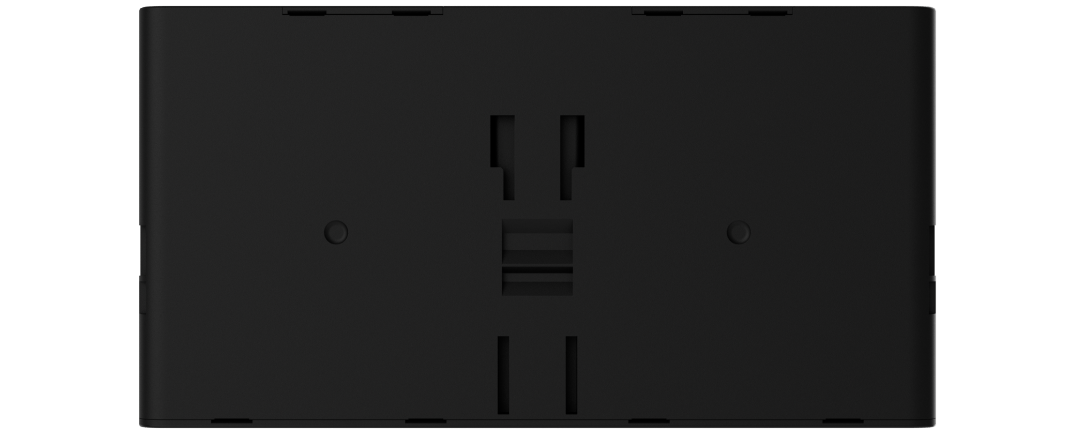
Superior Internal Battery
Choose the 16h or 60h compatible battery; it is not included.
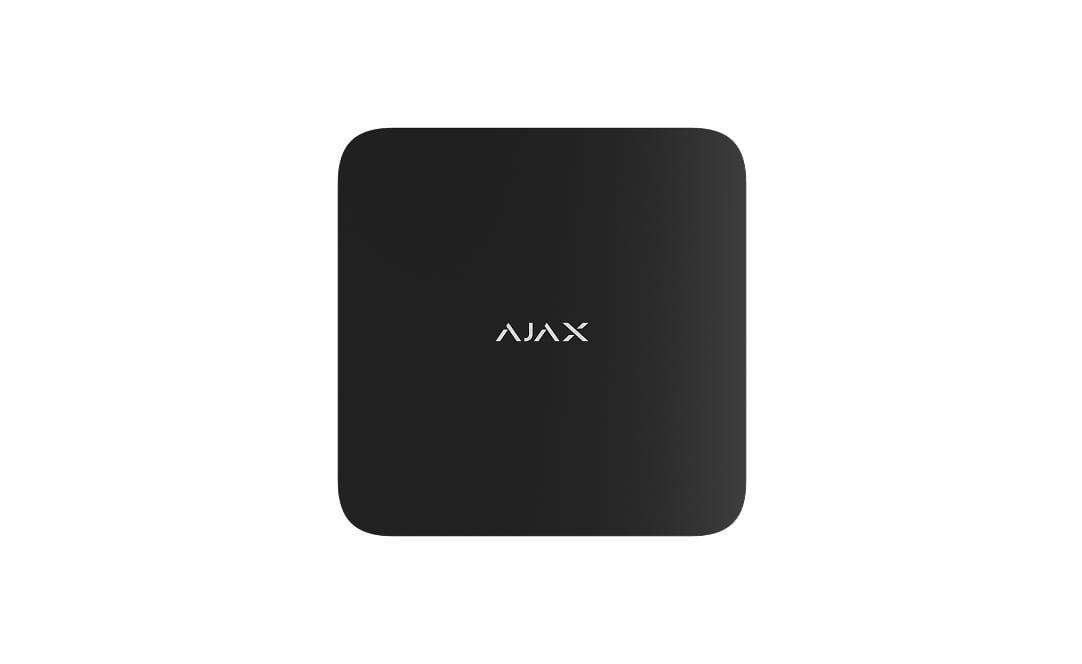
Superior Hub G3 Jeweller
Check the complete system, firmware and Grade 3 requirements.
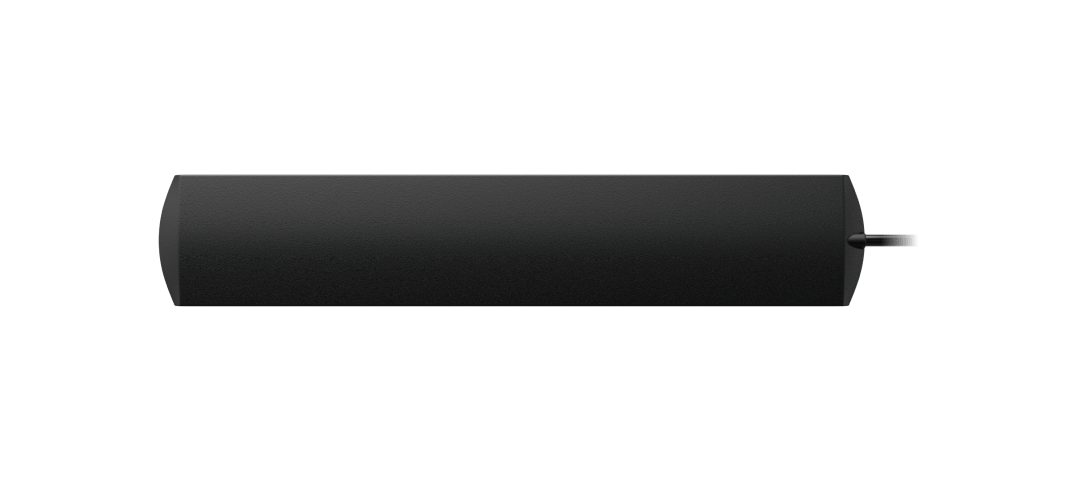
ExternalAntenna
Check the channel, cable routing and signal strength.