MAKE IT YOURS
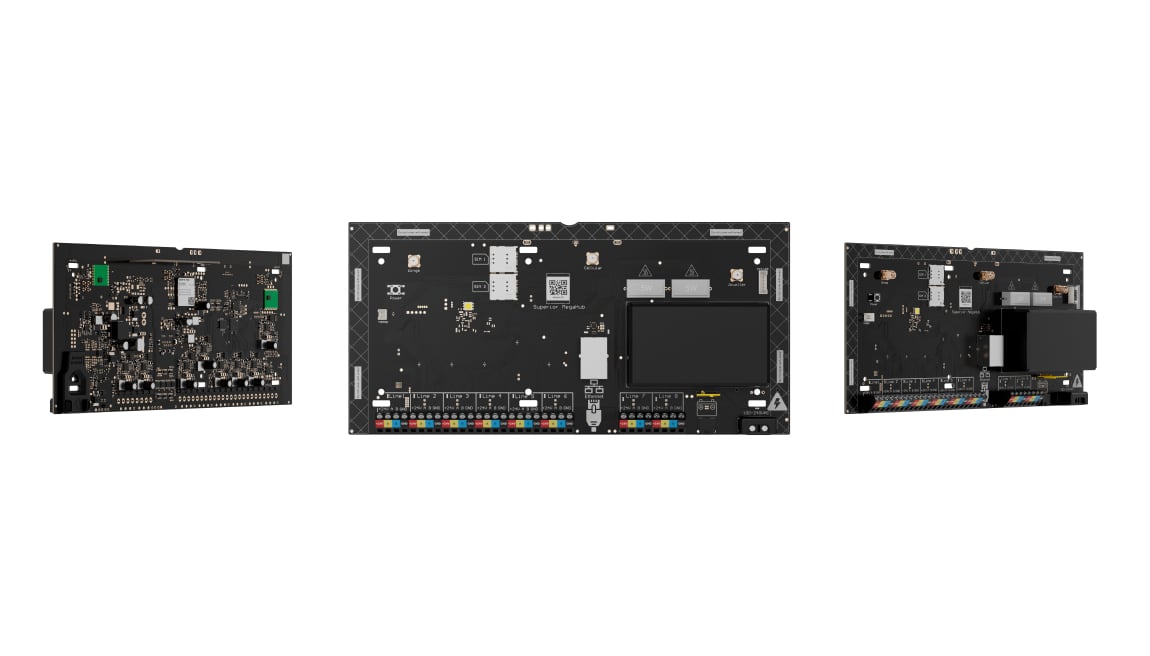
Superior MegaHub.
Hybrid control panel with Fibra and wireless device support, Ethernet, Wi-Fi and two SIM cards (2G/LTE). Capacity of up to 999 devices is subject to device firmware and OS Malevich limits.
Standards and certifications
Superior MegaHub (without casing) · SMH.WC.J. Manufacturer-listed marks; regional and installation conditions apply.
A control panel for a larger system.
Superior MegaHub brings Fibra and wireless Ajax devices into a system with up to 100 security groups, 1,000 users and 500 rooms. Ethernet, Wi-Fi and two SIM slots provide alternative internet paths. Its advertised 999-device capacity depends on device firmware and the installed OS Malevich version, so the complete project must be checked before selection.
Key features. At a glance.
Up to 999 devices1
wired or wireless — freely combined in a single system
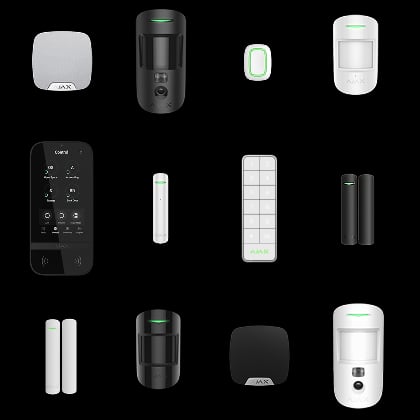
Up to 100 security groups
for flexible access management

Up to 100 automation scenarios
to control lighting, gates, and other systems

Up to 1000 users
with individually configurable permissions

Up to 500 rooms
to organize devices by zone or function

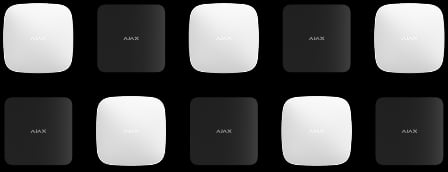
Up to 5 range extenders per hub
to expand wireless coverage across large sites
8 lines
to connect wired Ajax Superior devices
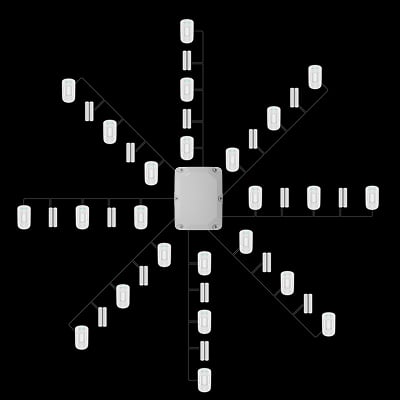
Wired and wireless range2
Fibra: up to 2,000 m · radio: up to 2,500 m

Fibra line topologies3


Beam


Ring
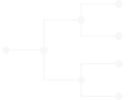
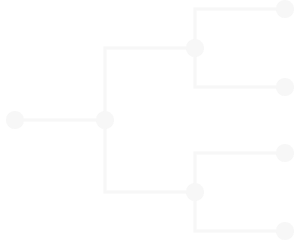
Tree
Communication with devices4

Fibra

Superior Jeweller

TurboWings

VoRF
Built-in connectivity
Ethernet
Wi-Fi
2 SIM cards
Cellular and radio modules
Power supply unit

Visual alarm verification


Security automation


Up to 60 hours of autonomous operation
on a 12 V⎓, 18 Ah backup battery
Protected casing
for the device shipped with a standard casing


- 1No more than 250 devices may use legacy firmware; devices above that count must be 999-ready. OS Malevich 2.37 supports only 250 Jeweller devices, including both legacy and updated models. Confirm the installed firmware and current compatibility before planning beyond that limit.
- 2Exact technical specifications: wired range requires the specified copper U/UTP cat.5 cable; radio range is in open space and depends on the connected device.
- 3The Tree topology is built using additional Fibra accessories: Superior LineSplit Fibra and Superior LineSupply (75 W) Fibra.
- 4Check the exact device, regional radio band and firmware for supported functions.
- 5Separate ExternalAntenna connectors serve cellular, Jeweller and Wings communication. If external radio antennas are used, connect both Jeweller and Wings channels together as specified by Ajax; a single antenna on only one radio channel will not operate correctly.
Overview of this product range. Features and ratings can differ by version. Ajax product information ↗ · Superior MegaHub (without casing) specifications ↗
Superior MegaHub
Every detail has a purpose.
Explore the function, installation and system requirements of Superior MegaHub.
Loading detail…
Make room for the whole system.
Devices, areas and users
Plan for up to 999 Ajax devices, 1,000 users, 100 security groups and 500 rooms. Groups allow authorised users to manage different areas of a site.
No more than 250 devices may use legacy firmware; devices above that count must be 999-ready. OS Malevich 2.37 supports only 250 Jeweller devices, including both legacy and updated models. Confirm the installed firmware and current compatibility before planning beyond that limit.
Keep a route for the alarm.
Built-in communication
Ethernet, Wi-Fi and two micro-SIM slots provide alternate internet paths. The exact specifications list 2G and LTE cellular bands. Plan separate providers where appropriate; Ethernet and Wi-Fi through one router still share a failure point.
An available alternate connection can take over automatically. Switching between SIM cards can take up to four minutes; two SIM slots do not provide two simultaneous cellular modems. Coverage and an active data service are required.
Plan the wiring around the building.
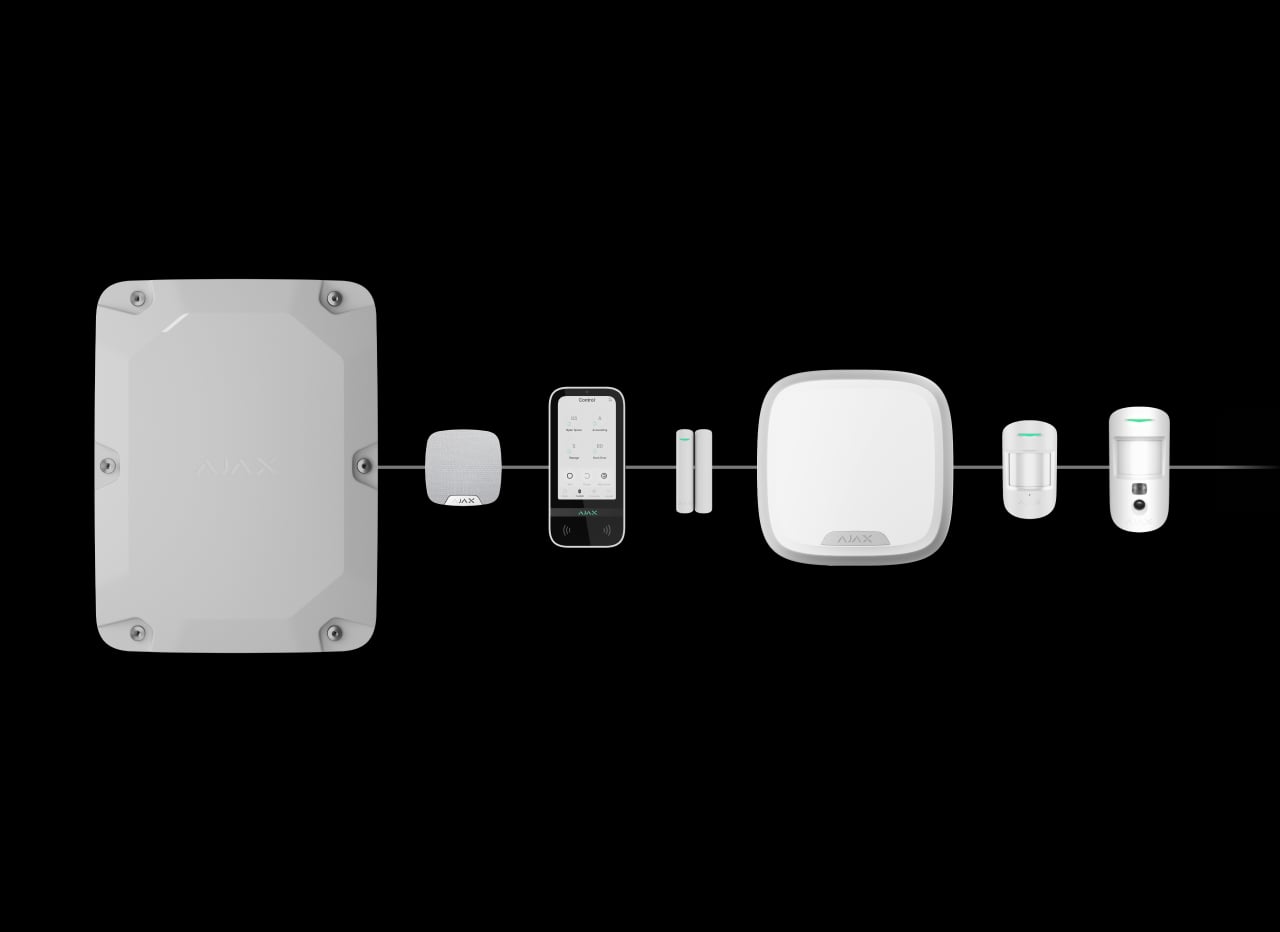
A line from the hub
A Fibra beam carries power, alarms, events and supported photo data along a four-core cable. Plan the connected load and voltage at the last device before deciding the route.
Up to 2,000 m with the specified copper U/UTP cat.5 cable, subject to the complete line calculation. Terminate a beam as described in the installation manual.
Size the load as carefully as the device count.
A power budget for the complete line
Up to 1.2 A on one Fibra line and 1.6 A across all eight lines, at the specified 22–25 V output.
Cable length and resistance, the device mix and peak demand determine the usable load. Additional power modules need their own design and backup provision. Run the manufacturer’s calculator and on-site power test before handover.
Wireless devices alongside the cable.
Separate jobs for the radio links
Superior Jeweller carries alarms, events and commands; Wings carries large data packets. The exact technical tables and manuals specify up to 2,500 m for each protocol in open space.
The connected device can impose a shorter limit. Walls, metal and interference reduce practical range. Choose matching radio-frequency regions and check each device and firmware in the compatibility table.
Place the antenna where the signal works.

Match the antenna to the exact hardware
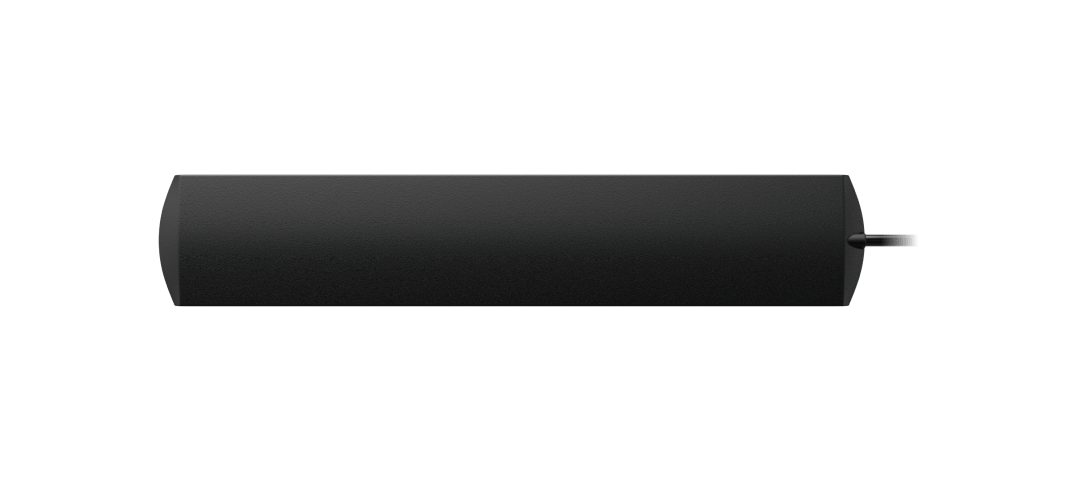
Separate ExternalAntenna connectors serve cellular, Jeweller and Wings communication. If external radio antennas are used, connect both Jeweller and Wings channels together as specified by Ajax; a single antenna on only one radio channel will not operate correctly.
ExternalAntenna is sold separately. The system can supervise its connection; install and test the correct Ajax antenna and cable arrangement.
See the context behind an alarm.
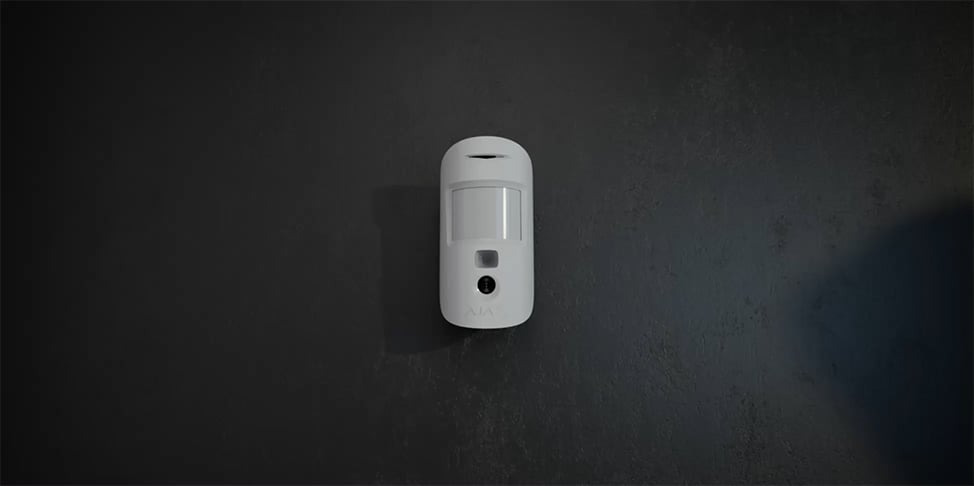
Photos from compatible detectors
Compatible photo detectors send a series of images with the alarm. Supported PhOD models can also provide photos on demand or in configured scenarios, with separate access permissions.
Available triggers, resolution and delivery time depend on the exact detector, firmware and connection. Cameras and NVRs use their own network and storage; this hub is not a continuous video recorder.
Let the system respond to a plan.
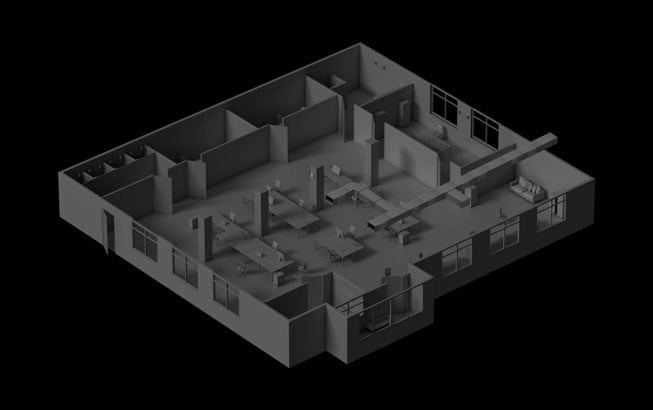
Actions across connected devices
Use up to 100 automation scenarios with compatible equipment. Supported triggers include alarms, schedules, security modes, environmental measurements and a configured button.
The connected device determines the available action. Plan the electrical load and any required safety interlocks separately, then test the scenario on the completed installation.
Plan for normal operation and a power cut.
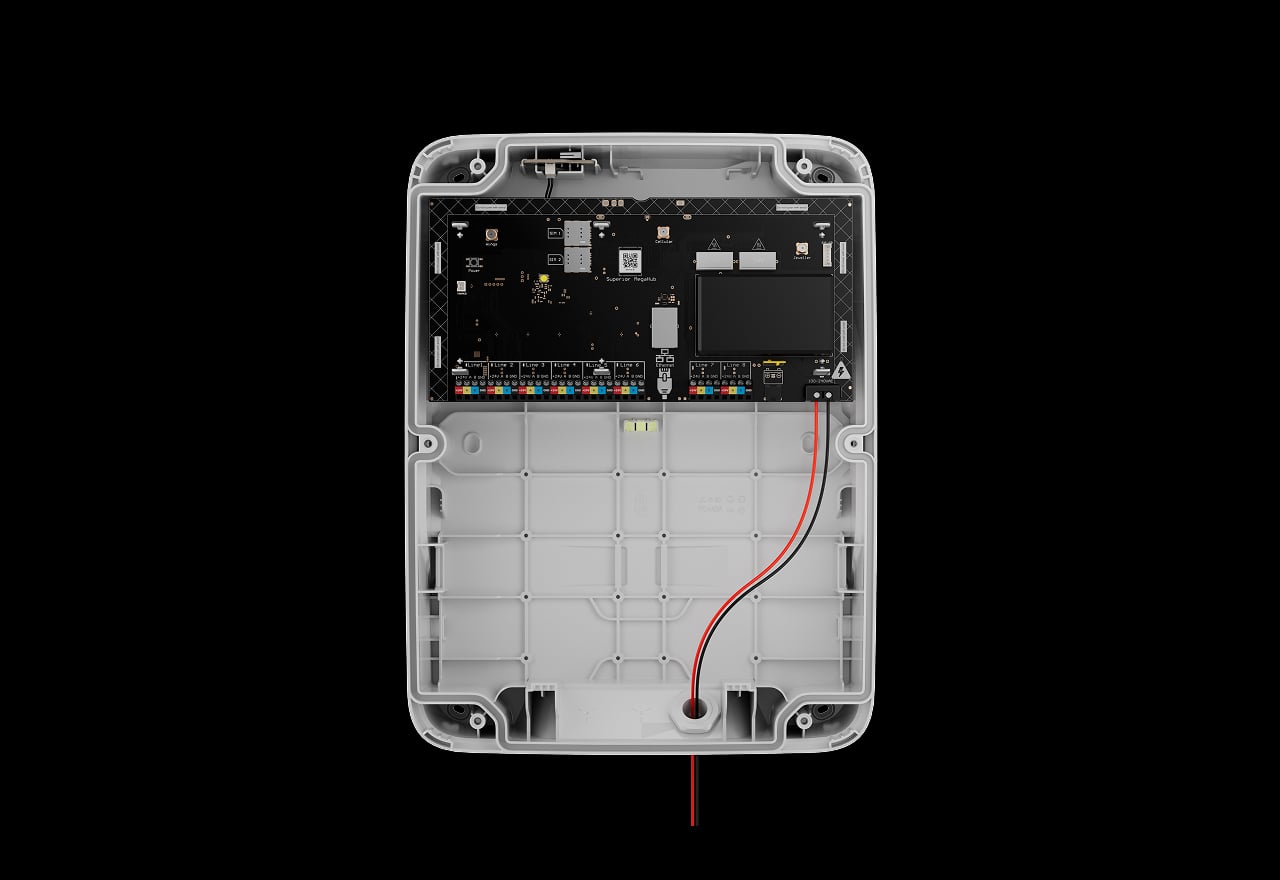
Main power
The built-in power supply connects to 100–240 V AC mains. A qualified installer plans isolation, wiring and cable protection together with the hub position.
Longer standby, with a different connection pattern.
Battery Power Saver
The supported battery-saving mode can put the hub into standby after mains power is lost. It temporarily disables external connection channels and wakes for events or the configured server checks.
During standby the hub is not continuously connected to Ajax Cloud or the monitoring station, and app configuration and arming controls are unavailable. Ajax states that enabling this mode does not comply with EN 50131 Grade 2 or 3. Decide with the installer and monitoring provider whether the mode suits the installation.
Protection that also checks itself.
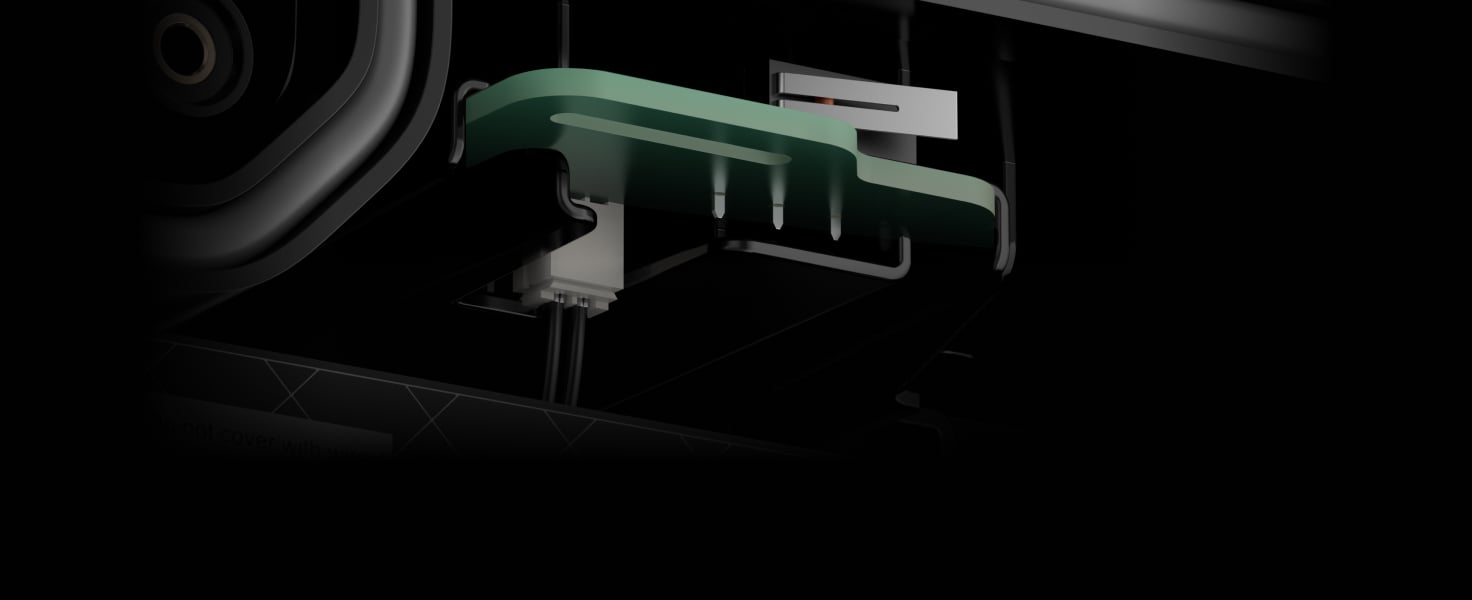
An enclosure that reports interference
Tamper supervision can report an opened or detached enclosure. Cased versions use their specified tamper arrangement; a board installation needs the compatible Case tamper connected and tested.
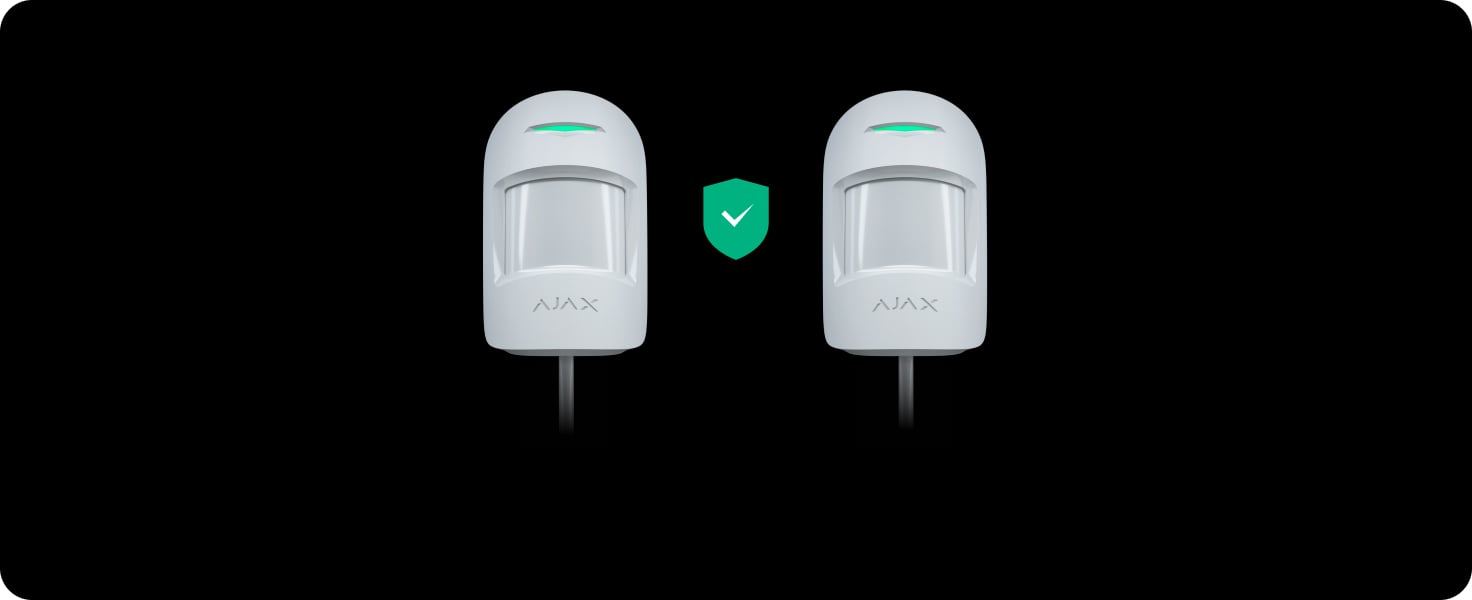
Recognise the connected device
Device authentication and encrypted communication help prevent a substituted device from being accepted as part of the system.

Notice a lost connection
The hub regularly polls connected equipment and reports a missing link according to the configured interval and missed-packet threshold.
The illustrated 36-second example is configuration-dependent. Device polling is adjustable from 12 to 300 seconds, and a shorter interval can reduce the supported wireless device count.
One interface, with access for the right people.
Users, installers and monitoring
Ajax apps bring devices, events and permitted controls together. PRO access allows system configuration, while user and group permissions define which areas each person can manage.
Remote management requires the hub’s connection to Ajax Cloud. Photo permissions are separate. OS Malevich updates and device compatibility must be checked before enabling a new function; a shared enclosure does not imply identical electronics.
From a planned circuit to a tested system.
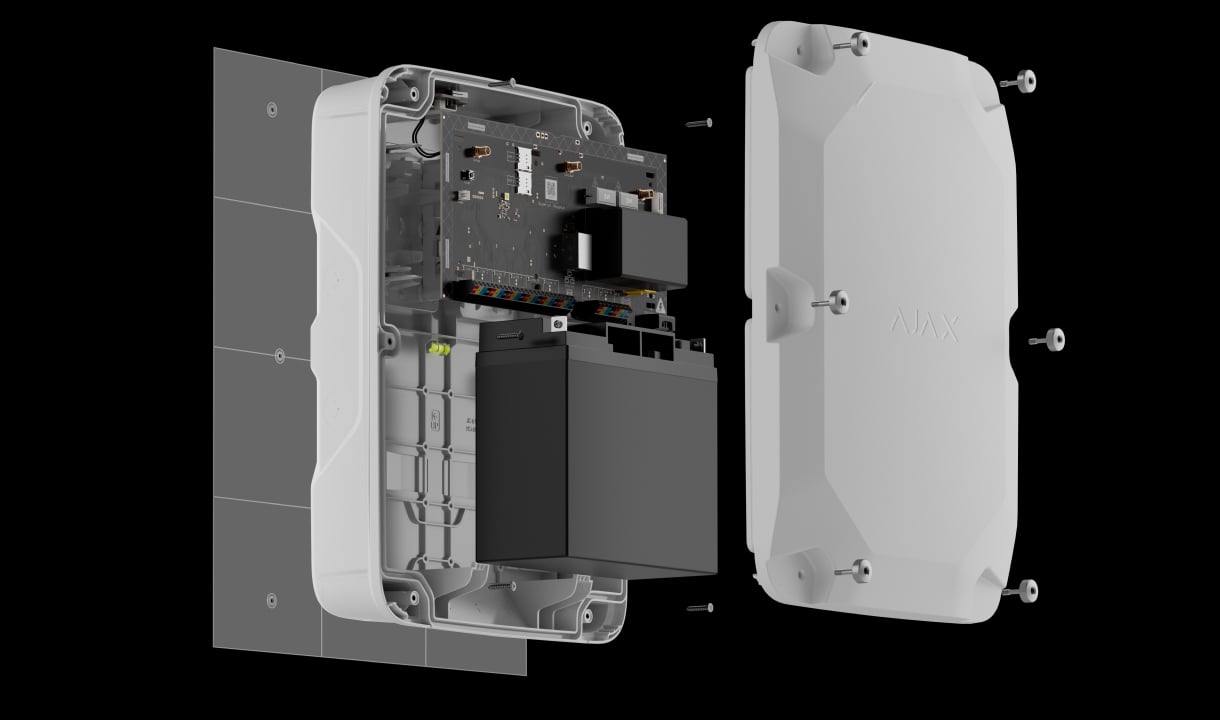
Install the correct enclosure
An accredited Ajax partner mounts the supplied casing or the board in its compatible Ajax Case. Plan mains isolation, cable entry, battery space and tamper protection before connecting equipment.
Find the right hub.
Choose the control panel for your alarm system. Compare device connections, alarm photos, internet routes and power for the exact hub version.
Compare hubs →Every detail, in one place.
Capacity
- Ajax devices
- up to 999 1 Specifically, up to 5 range extenders. 1 The hub supports both devices with the new firmware version (i.e., with the “999-ready” label) and devices with the legacy firmware version. However, no more than 250 devices with the legacy firmware can be added to the hub. The remaining devices within the 999 limit must have the new firmware version. The hub running OS Malevich 2.37 supports up to 250 Jeweller devices , including those with upgraded and legacy firmware. This is a temporary limit that will be removed in future updates.
- Users
- up to 1,000 Any number of admin users within the hub limit. PRO accounts for installers. PRO accounts for installation and monitoring companies.
- Access codes
- up to 1,000
- Access control devices
- up to 1,000 Tag key fobs and Pass cards
- Automation scenarios
- up to 100 By alarm. By schedule. By arming/disarming. By temperature, humidity, CO 2 concentration. By pressing Ajax Button. By actuating Ajax LightSwitch.
- Security groups
- up to 100
- Rooms
- up to 500
- Event log
- up to 1,000 events Events are saved in non-volatile embedded flash memory.
Wired communication
- Fibra communication technology
- Proprietary wired communication technology to transmit commands, alarms, and events. Key features: Two-way communication. Advanced sabotage protection. Instant notifications. Remote control and configuration via Ajax apps.
- Line connection
- 4-core cable
- Input
- 8 Fibra lines Compatible with Fibra devices only.
- Fibra line length
- up to 2,000 m When the U/UTP cat.5 4×2×0.51 mm (24 AWG) cable with copper conductor is used.
- Power supply of devices
- up to 1.2 A per one Fibra line up to 1.6 A in total for all Fibra lines For all connected wired devices.
- Output voltage range
- 22–25 V⎓
- Topologies
- Beam (Radial wiring) Ring Tree If the line breaks, the ring splits into two independent beams, allowing connected devices to continue operating normally, and the system notifies a monitoring company and users of the incident.
- Device polling interval
- 12 to 300 s Adjusted by a PRO or user with admin rights in Ajax apps.
- Encrypted communication
- All stored and transmitted data is protected by block encryption featuring a dynamic key.
Wireless communication
- Superior Jeweller communication technology
- Proprietary wireless technology for transmitting commands, alarms, and events. Superior Jeweller is an upgraded version of the Jeweller radio protocol for Ajax Superior devices, ensuring compliance with EN 50131 (Grade 3). Key features: Two-way communication. Advanced sabotage protection. Enhanced block encryption featuring a dynamic key. Instant notifications. Remote control and configuration in Ajax apps.
- Frequency bands
- 865.0–868.0 MHz 868.0–868.6 MHz 868.7–869.2 MHz 869.4–869.65 MHz
- Maximum effective radiated power (ERP)
- up to 25 mW Automatic power control to reduce power consumption and radio interference.
- Radio signal modulation
- GFSK
- Radio communication range
- up to 2,500 m Between a hub and connected devices (in open space). The maximum range depends on the connected device.
- Device polling interval
- 12 s to 300 s Adjusted by PRO or user with admin rights in Ajax apps.
- Encrypted communication
- All stored and transmitted data is protected with advanced encryption, ensuring both confidentiality and integrity.
- Frequency hopping
- To prevent radio interference and jamming.
- Wings communication technology
- Proprietary wireless communication technology to transmit large data packets. Key features: Two-way communication. Advanced sabotage protection. Block encryption featuring a dynamic key. Data packet reload in case of transmission errors. Photo delivery check.
- Frequency bands
- 865.0–868.0 MHz 868.0–868.6 MHz 868.7–869.2 MHz 869.4–869.65 MHz
- Maximum effective radiated power (ERP)
- up to 25 mW Automatic power control to reduce power consumption and radio interference.
- Radio communication range
- up to 2,500 m Between a hub and connected devices (in open space). The maximum range depends on the connected device.
- Encrypted communication
- All stored and transmitted data is protected with advanced encryption, ensuring both confidentiality and integrity.
- Frequency hopping
- To prevent radio interference and jamming.
Communication channels
- Ethernet
- 1 × 8P8C socket Up to 100 Mbps.
- Cellular
- 2 × micro SIM slot
- Cellular bands
- 2G GSM900/DCS1800 (B3/B8) 4G (LTE) FDD B1/B3/B5/B7/B8/B20
- Wi-Fi
- 802.11 b/g/n module Up to 72 Mbps.
- Automatic switching between communication channels
- Switching between SIM cards — up to 4 minutes. Switching between 4G and 2G networks on one SIM card — instantly. Switching between Ethernet, Wi-Fi, and a SIM card — instantly.
- Communication channels prioritization
- Ethernet Wi-Fi Cellular connection Communication channels work in parallel to increase system reliability. Most of the data is transmitted via Ethernet.
- External antenna connector
- Jeweller Wings 4G (LTE) The system will notify users if ExternalAntenna is damaged. ExternalAntenna is sold separately.
- Alarm transmission system categories
- SP2, SP5, DP3
- Control panel operation method
- pass-through
- Signaling security
- S2 Substitution security.
- Information security
- I2
- Encryption algorithm
- AES 128
Notifications
- Notification types
- Push notifications SMS Calls
- Event types
- Alarms Video detections Malfunctions Armed modes System events Non-security alerts Automation devices Smart lock events Doorbell ringing Notification types are configured individually for each user. Notifications can be customized for A–F schemes according to EN 50131 requirements.
Photo verification
- Photo verification types
- By alarm By scenario On demand By schedule By arming/disarming By masking attempt By tamper alarm By magnetometer alarm
- Photo delivery time
- up to 9 s By default.
- Photo resolution
- up to 960 × 720 pixels Depends on the detector type.
- Number of photos in a series
- 1 to 5
Monitoring
- Supported protocols
- SIA DC-09 (SIA-DCS) SurGard (Contact ID) ADEMCO 685 Other proprietary protocols
- Event types
- System alarms and events Panic button coordinates Photo verification
Sabotage protection
- Tamper alarm
- The board has a connector for attaching a tamper board. The tamper board detects when the Ajax Case lid is opened and notifies of attempts to detach Ajax Case with the installed hub from the surface.
- Protection against spoofing
- device authentication
- Frequency hopping
- The hub sends notifications of jamming or connection loss with the devices to all users and the monitoring company.
- Jamming detection
- The hub analyzes the noise level in the channel and the communication quality with added devices and sends a notification within 30 seconds.
Power supply
- Main power supply type
- type A
- Device operating AC voltage range
- 100–240 V, 50/60 Hz From the main power supply. Maximum current consumption is up to 1.8 A.
- Device operating DC voltage range
- 10.5–15 V⎓
- Autonomous operation
- up to 60 hours with a separate 12 V, 18 Ah battery. Runtime depends on the connected load and configuration; the manufacturer does not specify the reference device load in the current technical table.
- Low battery voltage
- 11.7 V⎓
- Low battery recovery voltage
- 12.7 V⎓
- End-of-life battery voltage
- 10.5 V⎓ Superior MegaHub switches off.
- Maximum output peak-to-peak ripple voltage
- 1.2 V⎓
- Minimum backup battery energy level in the charged state
- 100%
Current consumption
- Maximum at nominal voltage
- 220 mA
- Quiescent at nominal voltage 2
- up to 178 mA When GSM and Ethernet are enabled. up to 170 mA When Ethernet is disabled. 2 From the backup battery if the main power supply is lost.
Board
- Dimensions
- 130 × 270 × 60 mm
- Weight
- 410 g
- Operating temperature range
- from −25 °C to +55 °C
- Operating humidity
- up to 95% without condensation
What’s in the box
- Superior MegaHub (without casing)
- Power cable
- Battery connection cable
- LED board
- LED board connection cable
- Ethernet cable
- 8 terminating resistors (120 Ω)
- Quick start guide
For your installation
- Selected as part of an installer-reviewed security or automation project.
- Fibra needs a supported hybrid control panel, checked cable type and topology, termination and a complete power budget. Existing alarm cabling is not automatically suitable.
- The hub board can be installed in Case E (395) (coming soon) or Case D (430), which are sold separately. Case E (395) is designed for indoor and outdoor use, while Case D (430) is intended for indoor use only.
- Choose the exact version: sensing, power, casing, pack size or interface details can differ between the listed models.
Optional additions
Product documents.
Find the right protection.
ExternalAntenna
Check the exact hub revision, connector and installation requirements.
Superior LineSupply Fibra
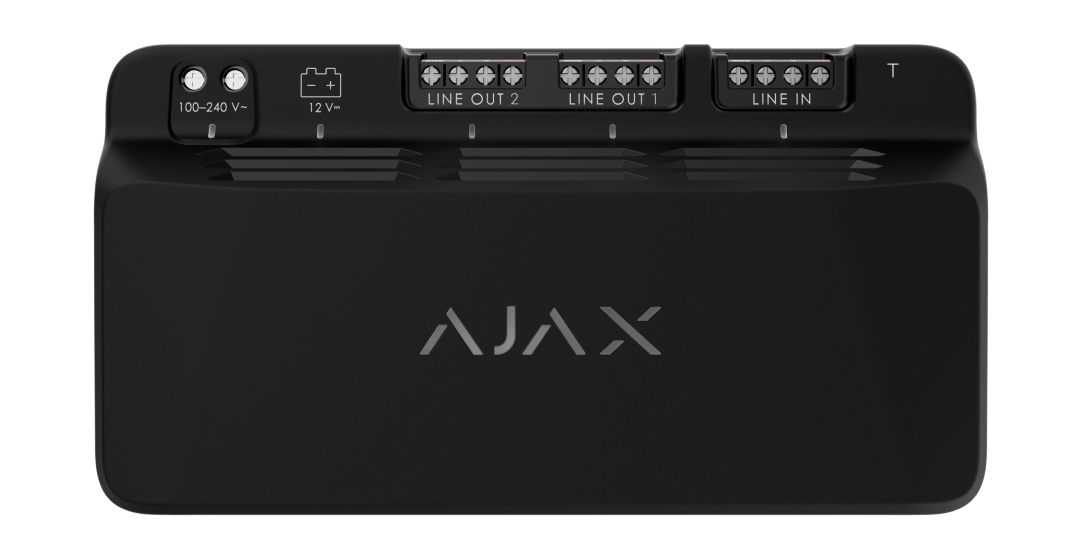
Review a compatible power module as part of the complete Fibra load calculation.