MAKE IT YOURS
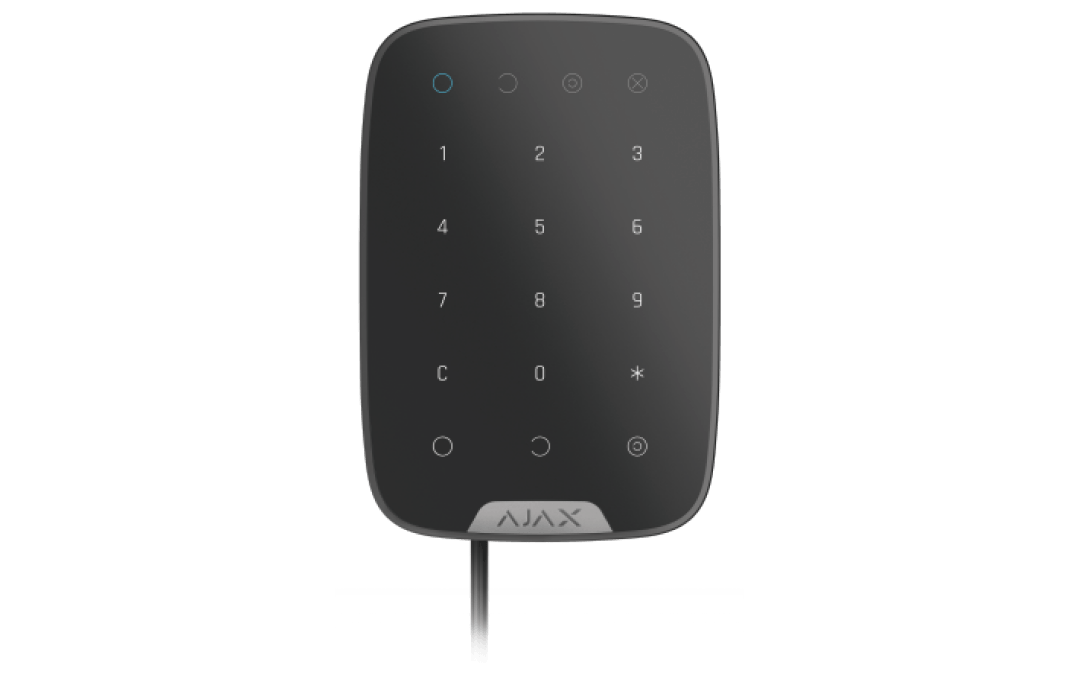
Superior KeyPad Fibra.
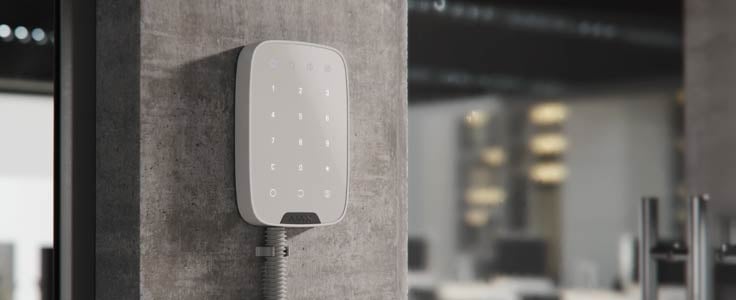
Wired keypad with touch buttons
Standards and certifications
Superior KeyPad Fibra · KP.Y.F. Manufacturer-listed marks; regional and installation conditions apply.
See Ajax for the certified model and installation conditions.
Wired control. A clear way in and out.
Superior KeyPad Fibra puts code-based security control beside the entrance. Its touch panel can arm or disarm the system, control assigned groups and activate Night Mode. A supervised Fibra line supplies power and carries events, while personal access and duress codes help the system distinguish routine use from an emergency.
Key features. At a glance.
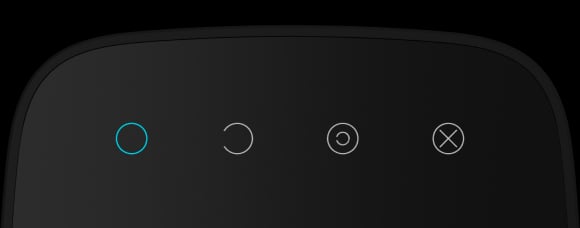
Security mode indication

Four types of access codes
Keypad code
User codes
Unregistered user codes
RRU codes
Duress codes
to activate a silent alarm

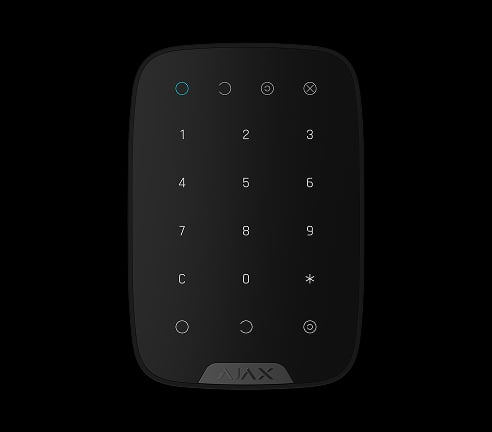
Touch panel
Informative push notifications



Power adjustment

Up to 2,000 m1
of communication range with an Ajax hub or Fibra line extension module

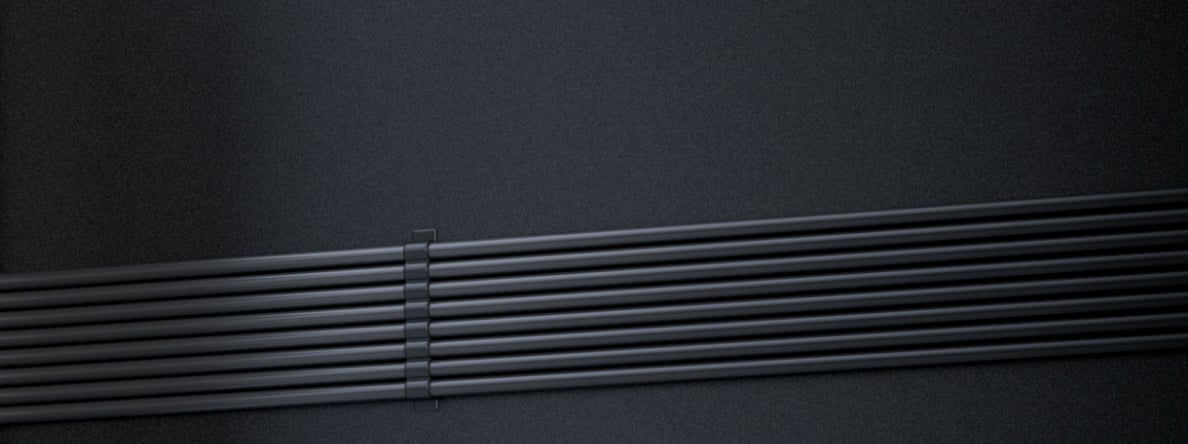

Two colors
Built-in panic button


Remote control and configuration
Connection with other Fibra devices on the line


Tamper alarm
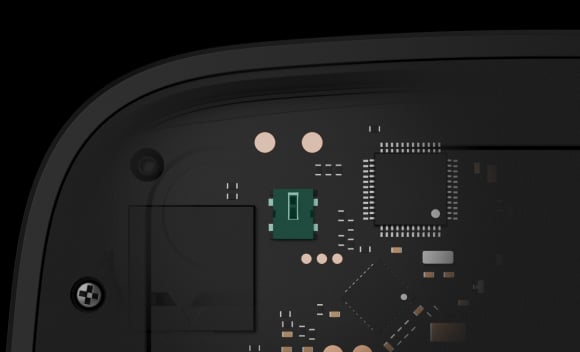
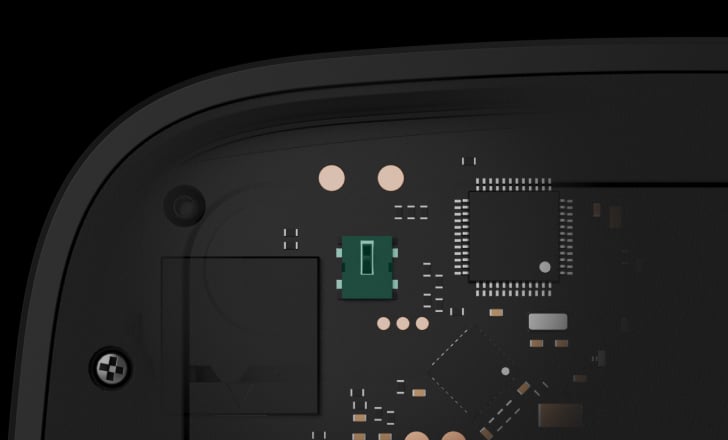
Holding screw
to secure the keypad on the mounting panel
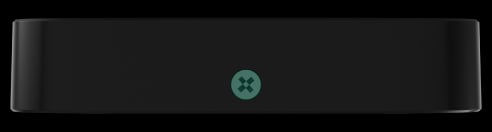
- 1With U/UTP cat.5, 4×2×0.51 mm cable. Other cable types may have different values. Please use our Fibra power supply calculator to check the wired system project before installation.
Ajax product information ↗ · Superior KeyPad Fibra specifications ↗
Protection in real places.
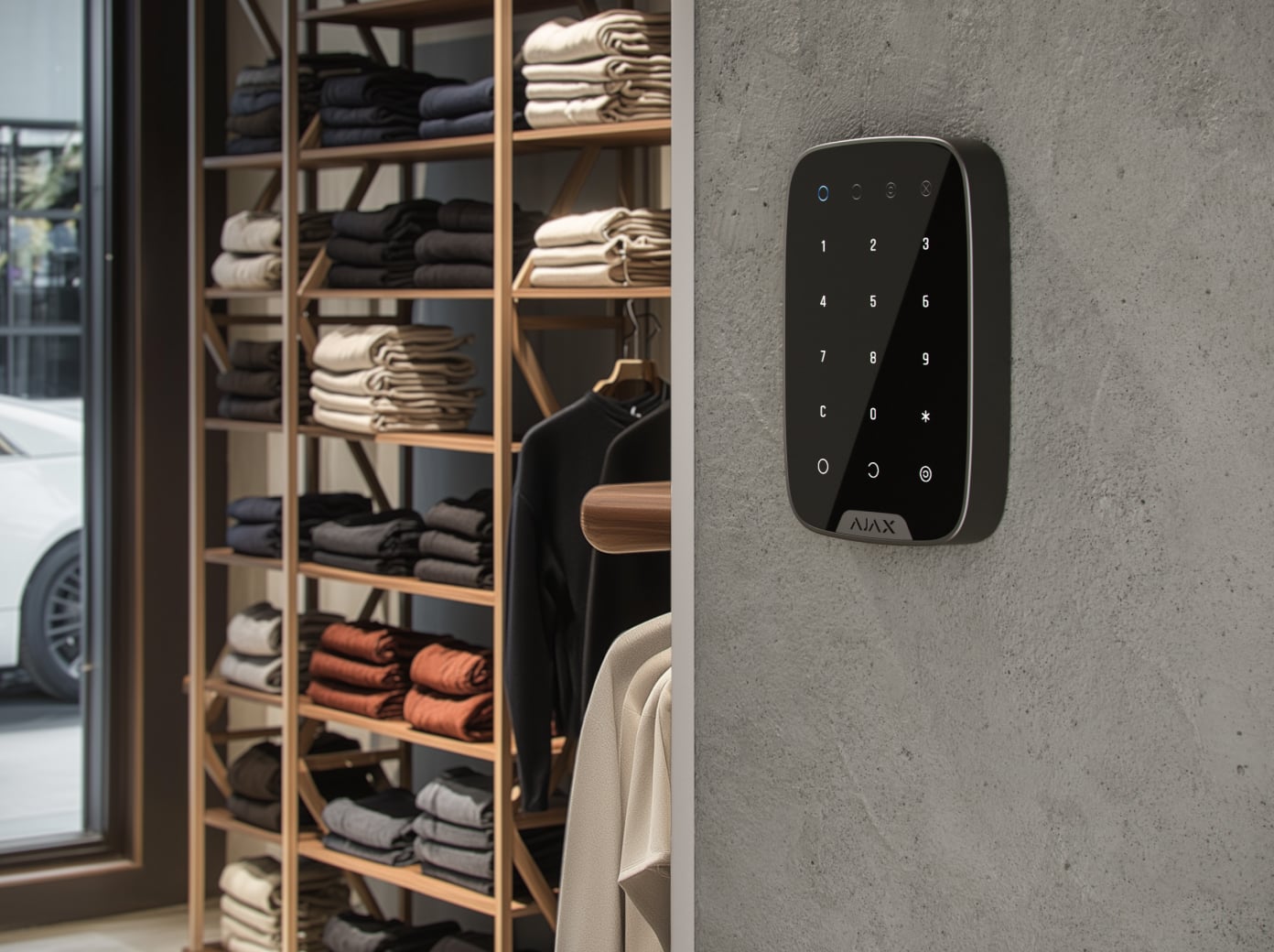
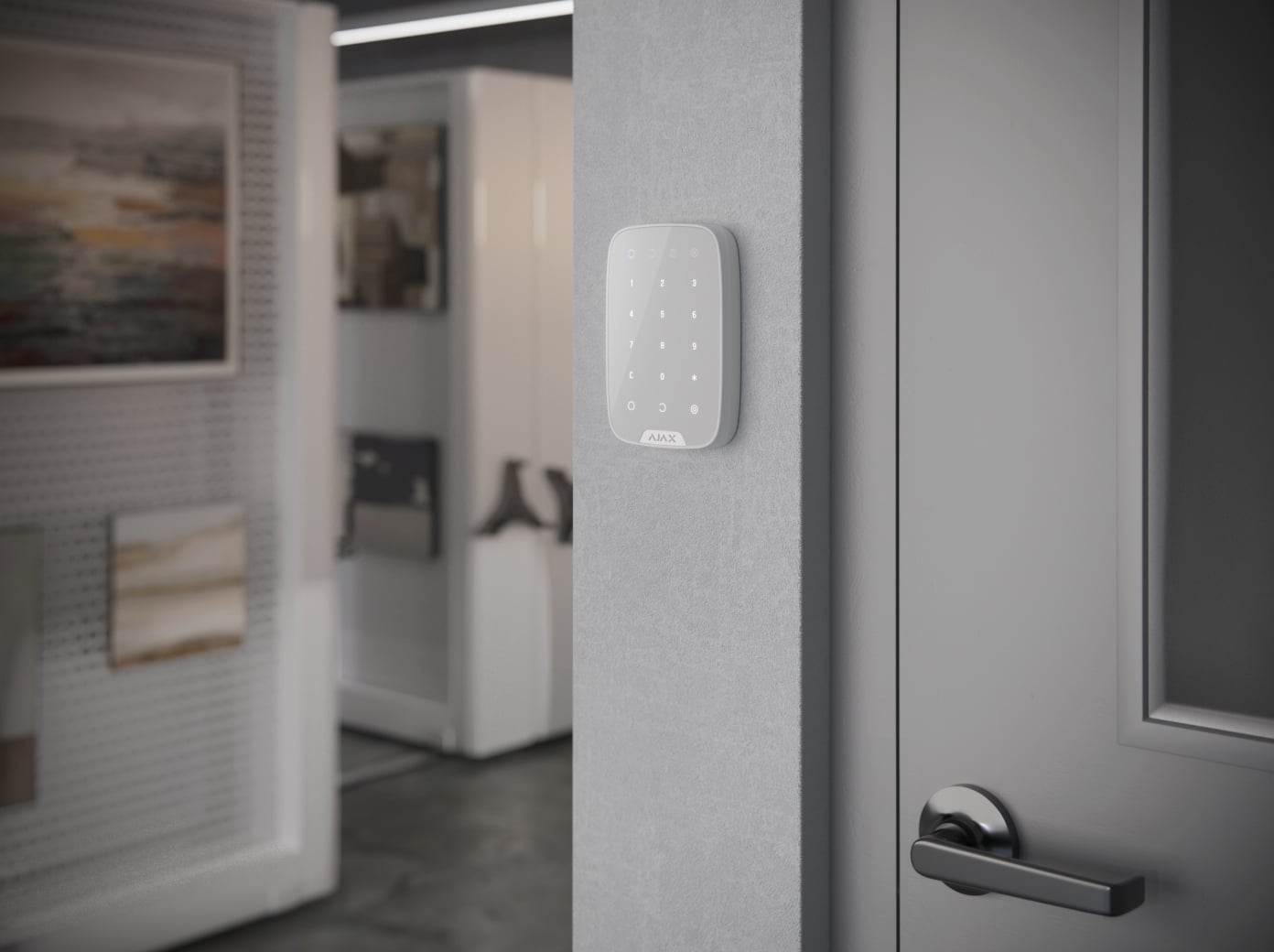
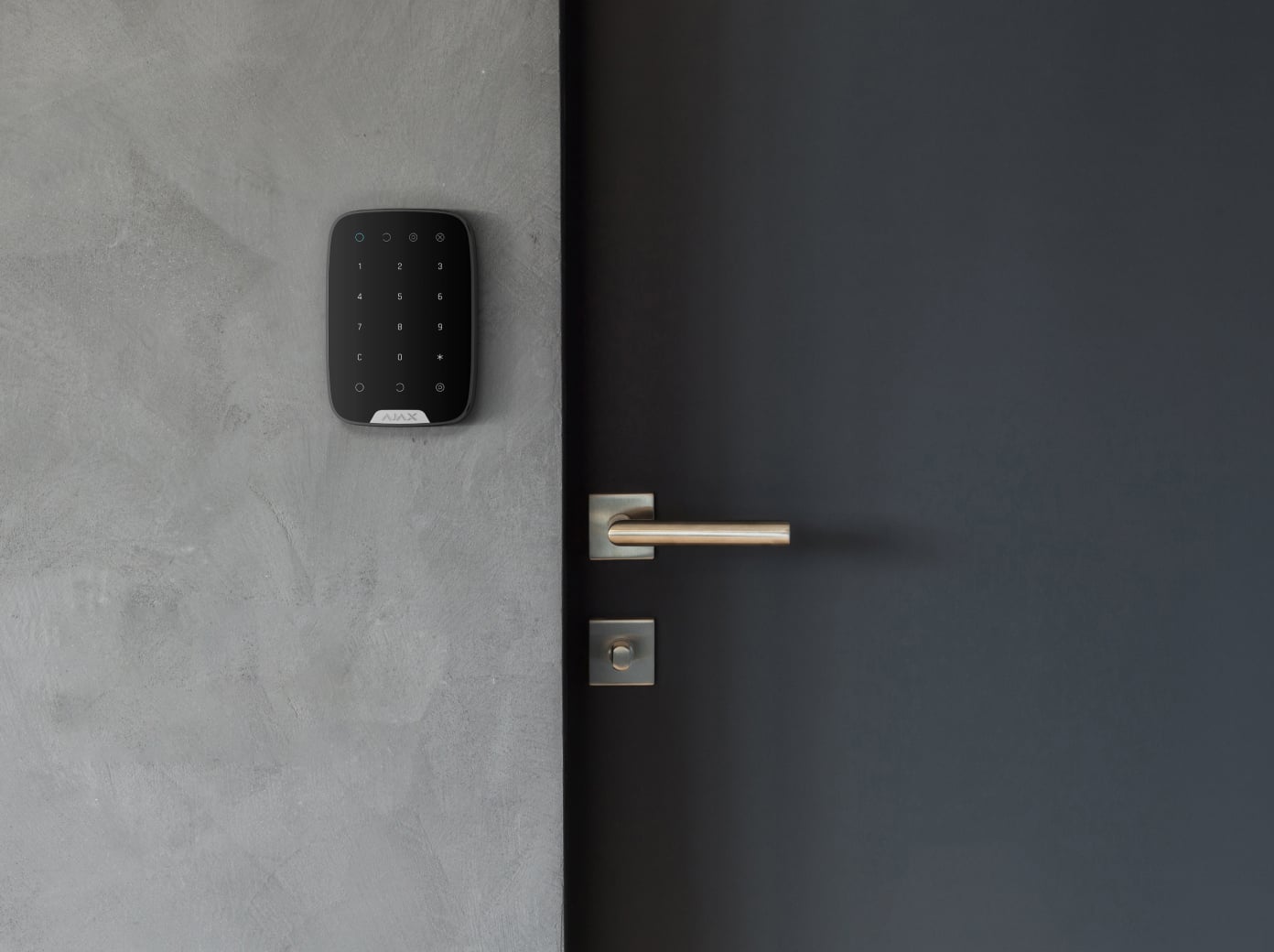
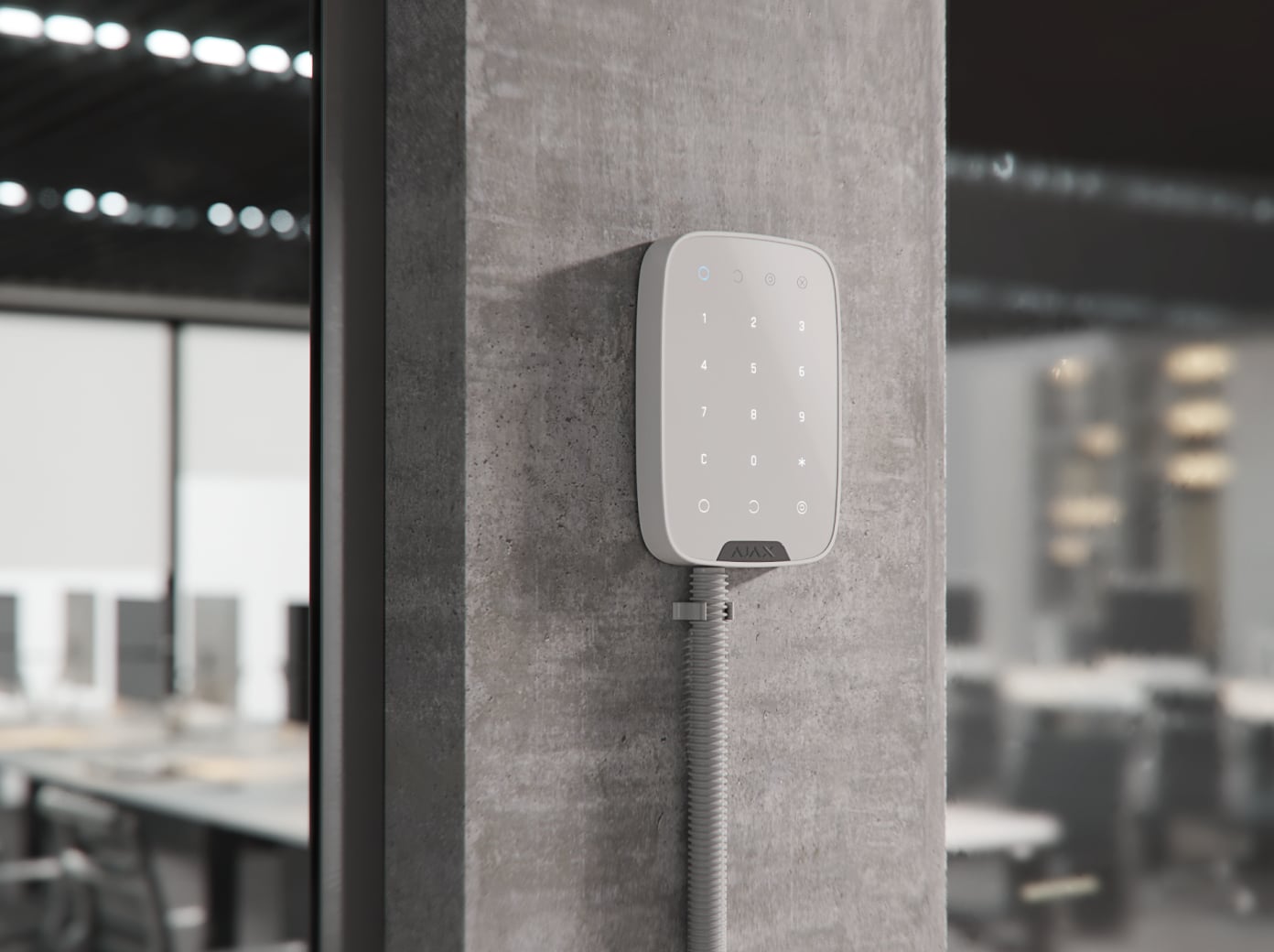
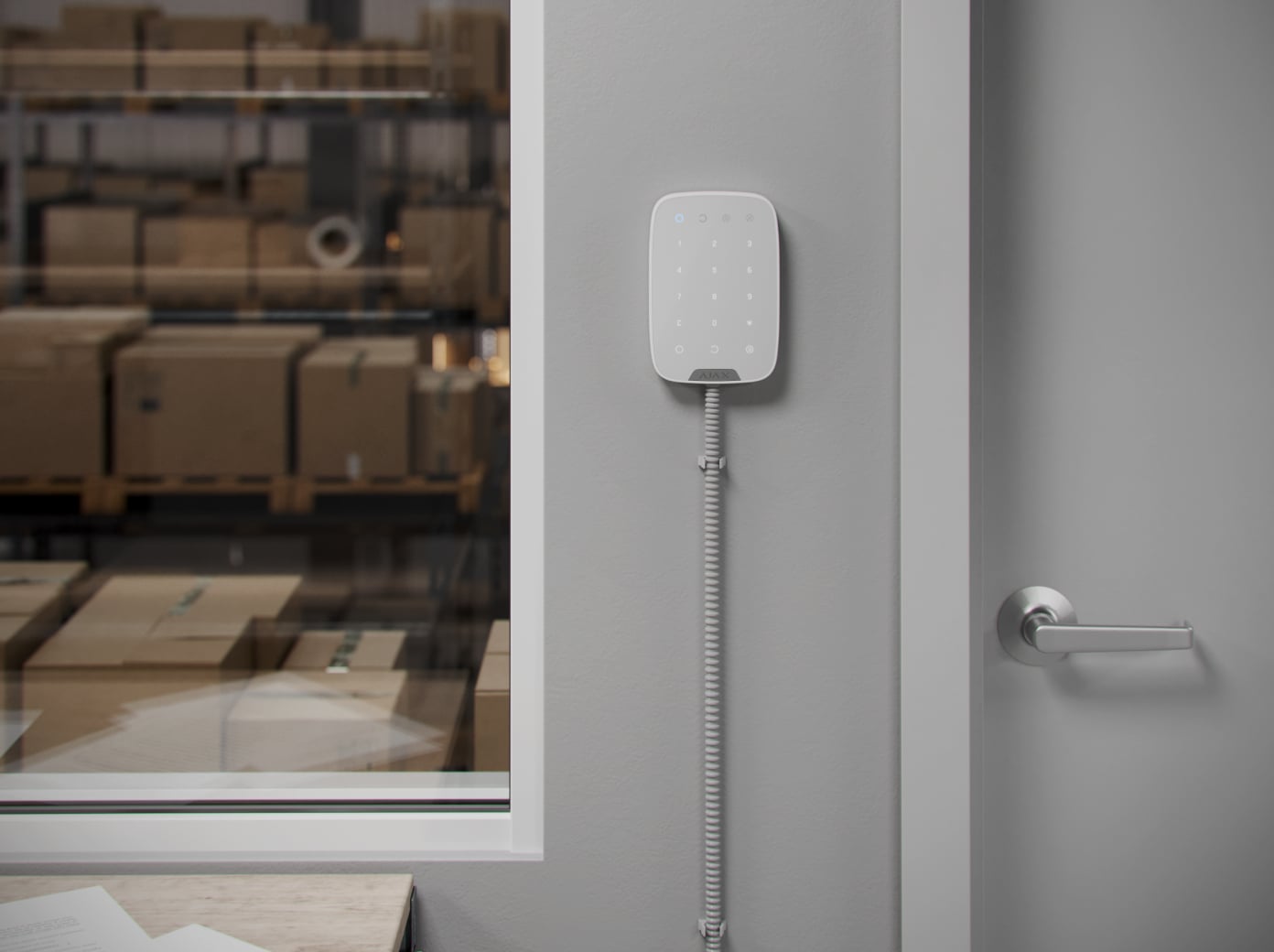
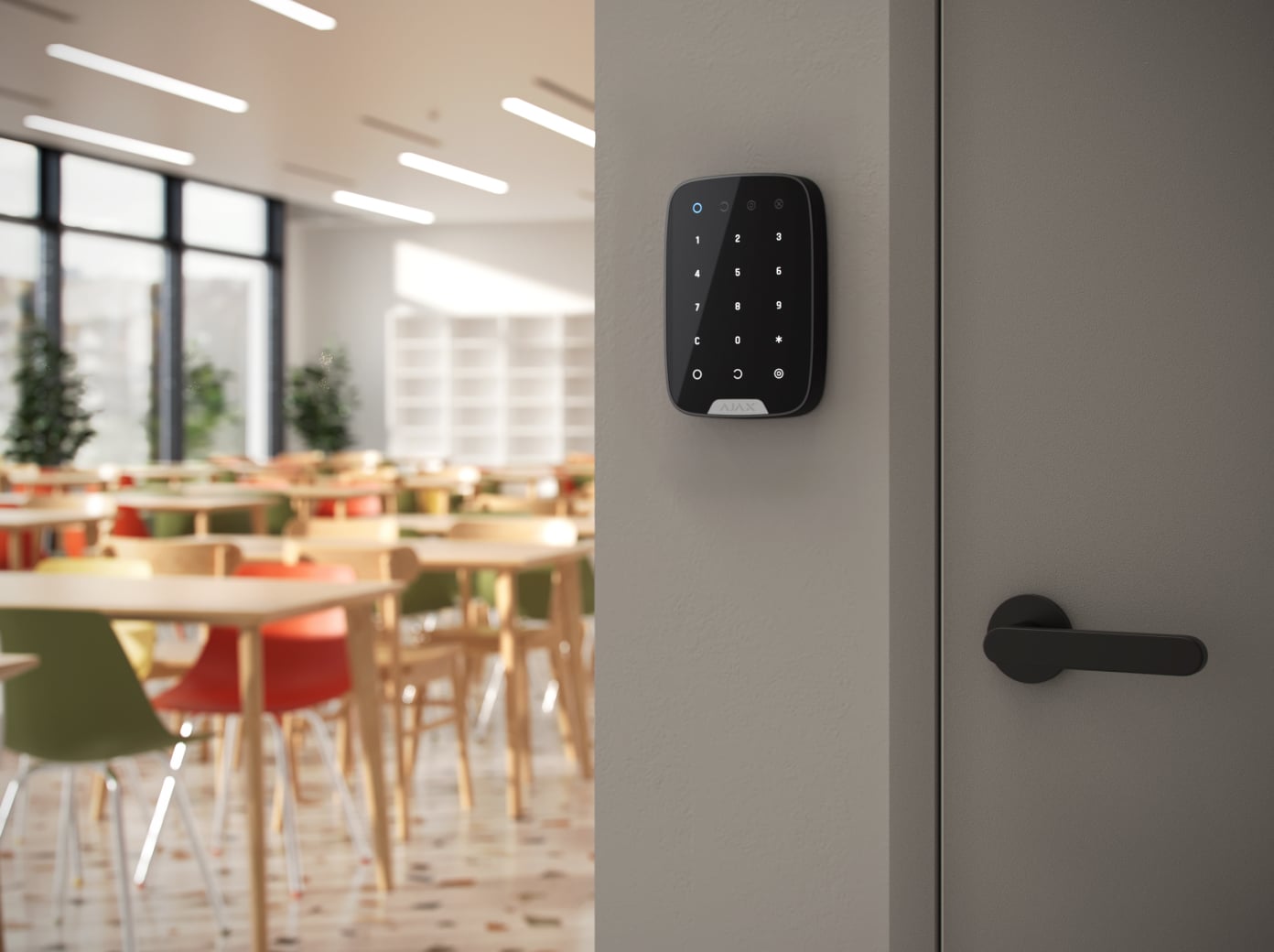
Superior KeyPad Fibra
Every detail has a purpose.
Explore the function, installation and system requirements of Superior KeyPad Fibra.
Loading detail…
Make daily security control straightforward.
Security groups and Night Mode
Arm or disarm the assigned system or groups and activate Night Mode. Personal credentials help identify who changed the state; a shared keypad code suits situations where individual attribution is not required.
Status when the keypad is active
Wake the touch panel to enter a code and see its security and malfunction indicators. Configure the function key for a panic alert or supported fire-alarm muting, then explain its purpose to the user.
Codes for different kinds of access.
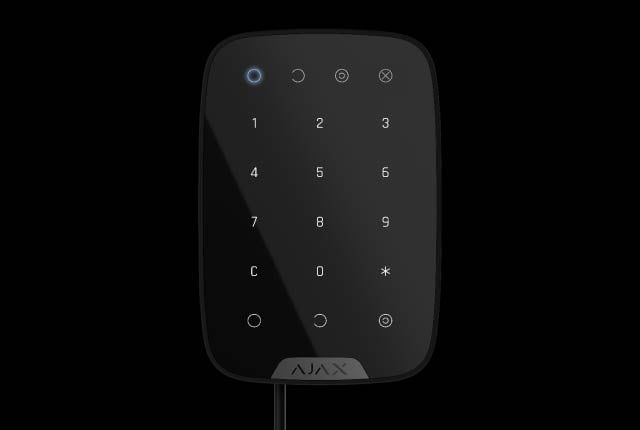
Personal code
Use an individual code for a registered user and assign only the required group permissions.
Give each person the access they need.
Personal, shared and temporary access
Assign a personal code to identify a registered user, a keypad code for shared access, or a separate code for someone without an Ajax account. Rapid response unit codes have their own access conditions. The number of users and codes depends on the connected hub.
Change permissions from the app
Assign access to the intended security groups and revoke it when a person no longer needs it. Personal credentials make the event history more useful than a shared code. Review access rights with the owner during handover.
A keypad controls the Ajax system. A code or access device does not by itself turn it into a standalone door-lock controller.
A discreet way to report an emergency.
A separate code for a coercion event
A duress code performs the apparent security action while notifying the configured users and monitoring software of the emergency. Agree the response procedure in advance and test the event route without triggering an unintended dispatch.
Configure who receives the alert
Panic and duress notifications need the correct permissions, recipients and monitoring arrangements. The keypad cannot guarantee a response time. Show users which action generates an emergency event and which action only changes the armed state.
A supervised wired connection.
Up to 2,000 m on a four-core line
Fibra carries commands, alarms and device status over a wired link. The maximum line length assumes U/UTP cat.5 cable; cable type, topology, connected load and the available supply voltage determine the actual design.
An accredited Ajax partner should calculate the line load and voltage drop, check hub compatibility and run the Fibra signal and power tests. The current exact-model electrical limits are listed below.
Power from the Fibra line.
5–26 V from the supervised line
The current specification lists up to 487 mW and 20.3 mA at 24 V. Include the keypad in the hub’s line-power calculation and verify voltage at the most distant device. It is not a battery-powered keypad.
Protection that also watches itself.

Limit repeated authentication attempts
Enable automatic lockout after repeated failed attempts and choose a suitable lock duration. The system reports the event; an authorised user or PRO can manage the lockout in the app. Test the configured behaviour with the owner.
Monitor the mounting and connection
Tamper protection reports interference with the mounting. Regular exchanges let the hub supervise the connection and identify the affected device and room. The loss-reporting delay depends on the configured polling settings.
A connection-loss example of 36 seconds requires a 12-second polling interval and three missed packets. Verify the installed configuration.
Install in the intended surroundings.
Indoor placement
Use indoors from −10 to +40 °C and up to 75% humidity. The enclosure is rated IP50/IK04; IP30 is the tested rating in the CNPP/NF A2P context.
Install for everyday use. Test every access method.
Choose the height and fix SmartBracket
An accredited Ajax partner checks the location, fixes the specified mounting points and secures the enclosure. Test tamper reporting and leave enough room to reach the controls and present an access device.
Find the right control device.
Compare keypads, key fobs and panic buttons across ranges. See how people arm the system, identify themselves, operate a routine or ask for help.
Compare control devices →Every detail, in one place.
Communication
- Fibra communication technology
- Two-way supervised wired communication for commands, alarms and device status. Supports remote configuration through Ajax apps.
- Line connection
- 4-core cable
- Fibra line length
- up to 2,000 meters When using the U/UTP cat.5 twisted pair.
Key features
- Sensor type
- Capacitive
- Security mode indication
- Only when Superior KeyPad Fibra is active.
- Duress code
- 50 personal codes One per each user. 1 general code One per Superior KeyPad Fibra.
- Functional button
- Panic button To activate an alarm. Mute fire alarms To mute interconnected fire detectors alarms.
- Codes
- 50 personal codes One per each user. 1 general code One per Superior KeyPad Fibra.
- ACE Type
- Type B
Anti-sabotage protection
- Code guessing protection
- Superior KeyPad Fibra locks for 3–180 minutes if an incorrect code is entered more than 3 times in a row within 1 minute. The lock time is adjusted by PRO or user with admin rights in the Ajax app.
- Tampering alarm
- Alerts of attempts to detach the detector from the surface or remove the mounting panel.
- Protection against forgery
- device authentication
Power supply
- Keypad’s operating voltage range
- 5−26 V⎓, up to 487 mW The keypad is powered by the control panel.
- Keypad’s nominal operating voltage
- 24 V⎓
- Quiescent keypad’s current consumption at nominal voltage
- 0.16 mA
- Maximum keypad’s current consumption at nominal voltage
- 20.3 mA
- Maximum output peak-to-peak ripple voltage
- 220 mV
Enclosure
- Dimensions
- 150 × 103 × 20 mm
- Weight of the white device
- 181 g
- Weight of the black device
- 165 g
- Operating temperature range
- from −10 °C to +40 °C
- Operating humidity
- up to 75%
- Protection class
- IP50, IK04 IP30 tested by CNPP according to NFa2P.
What’s in the box
- Superior KeyPad Fibra
- SmartBracket mounting panel
- Installation kit
- Quick start guide
For your installation
- Selected as part of an installer-reviewed security or automation project.
- Fibra needs a supported hybrid control panel, checked cable type and topology, termination and a complete power budget. Existing alarm cabling is not automatically suitable.
- Device is designed for indoor use only.