MAKE IT YOURS
Superior DoorProtect G3 Fibra.
Wired reed-switch opening detector with shock, tilt, and masking sensors
Standards and certifications
Superior DoorProtect G3 Fibra · DP.G3.F. Manufacturer-listed marks; regional and installation conditions apply.
See Ajax for the certified model and installation conditions.
Watch the opening. Check the magnetic field.
Superior DoorProtect G3 Fibra combines opening, shock and tilt detection with a sensor that recognises attempts to substitute the normal magnetic field. Its magnetometer is calibrated at the installation site, while two tampers supervise the enclosure and mounting. The G3 design suits installations with higher security requirements, but correct placement, calibration and the capabilities of the complete system remain essential.
Key features. At a glance.
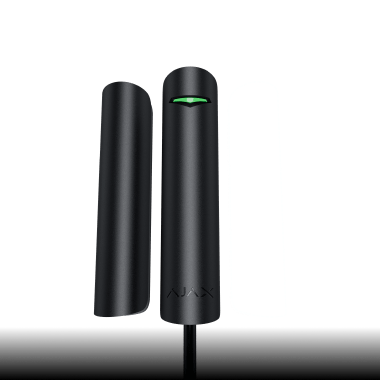
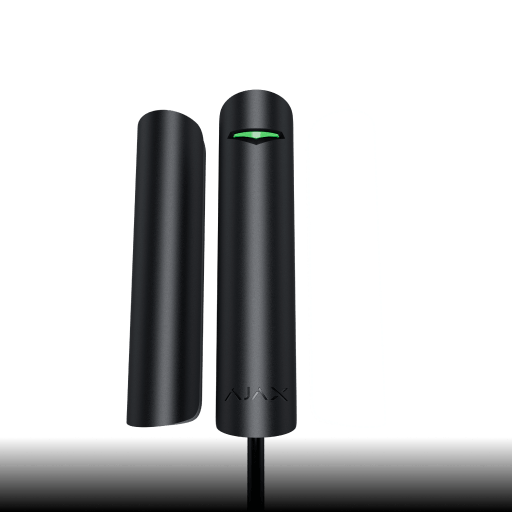
Two reed switches
the magnet can be placed on the left or right side of the detector

Shock and tilt detection
with a built-in accelerometer
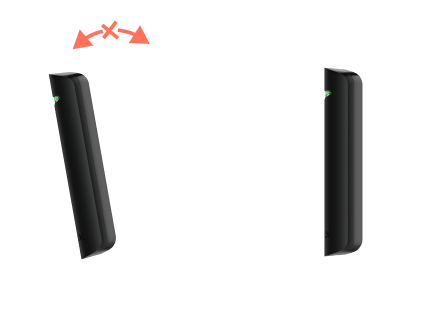
Adaptable to any facility
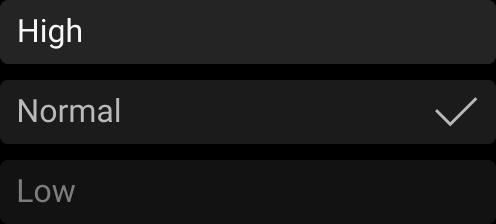
adjustable magnetometer, shock and tilt sensors
Protection against magnet spoofing
with a built-in magnetometer
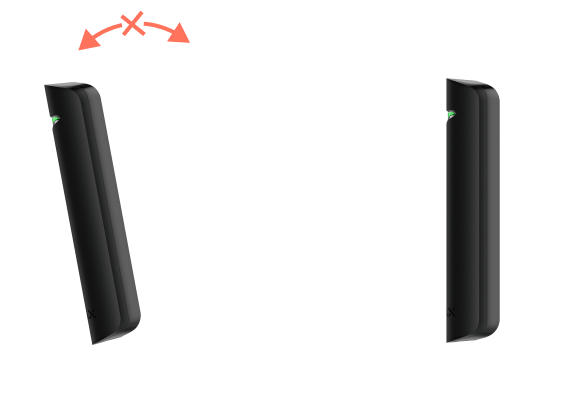
180° rotation
of the front panel is possible during installation
Chime feature1
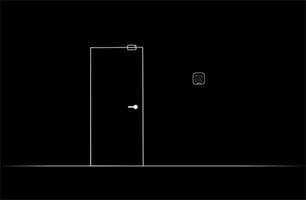
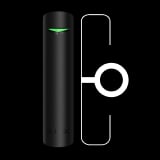
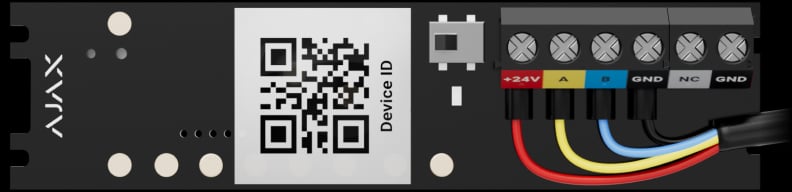
Terminals to connect a third-party NC detector
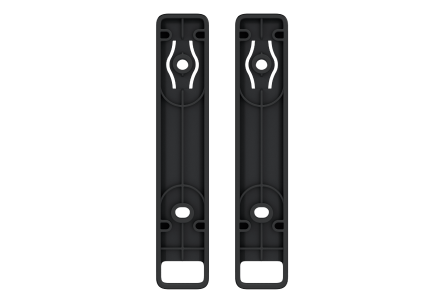
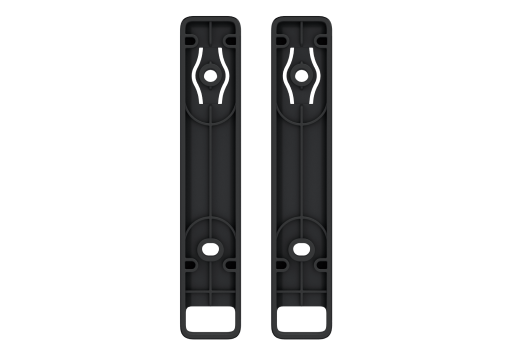
No impact from metal surfaces
on the magnet and reed switches, thanks to plastic spacers
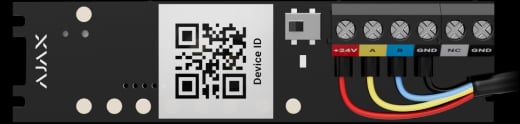
Easy wiring
with removable device board

Remote control and configuration
Informative push notifications



Power adjustment

Up to 2,000 m2
communication range with an Ajax hub or a module that extends the Fibra line

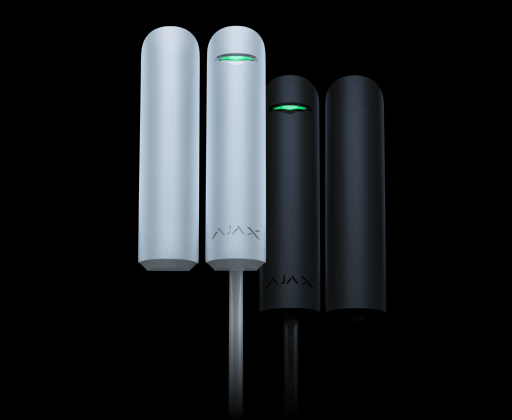
Two colors
of matte enclosure
- 1The Chime feature requires an Ajax siren to operate. Learn more about Chime.
- 2With U/UTP cat.5 4×2×0.51 mm (24 AWG) cable. Other cable types may have different values. Use the Fibra power supply calculator to check the system project.
Ajax product information ↗ · Superior DoorProtect G3 Fibra specifications ↗
Protection in real places.
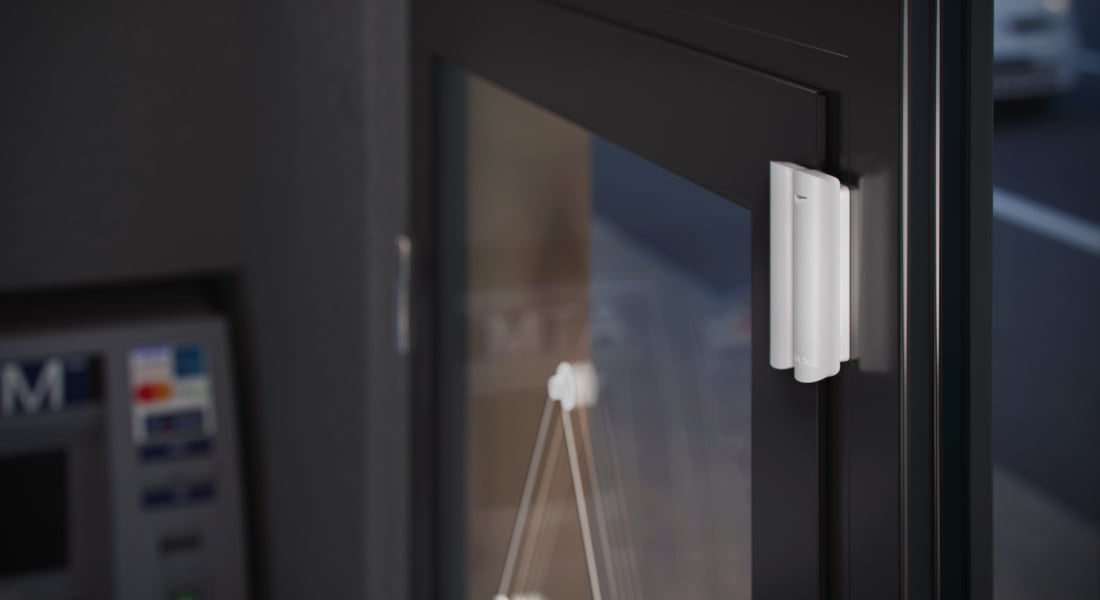
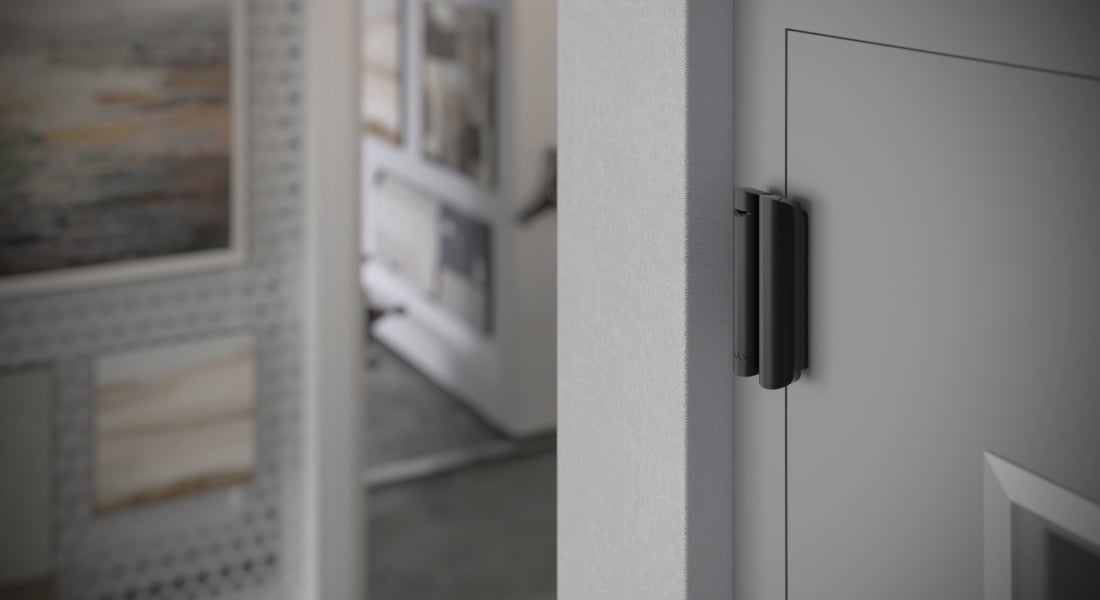
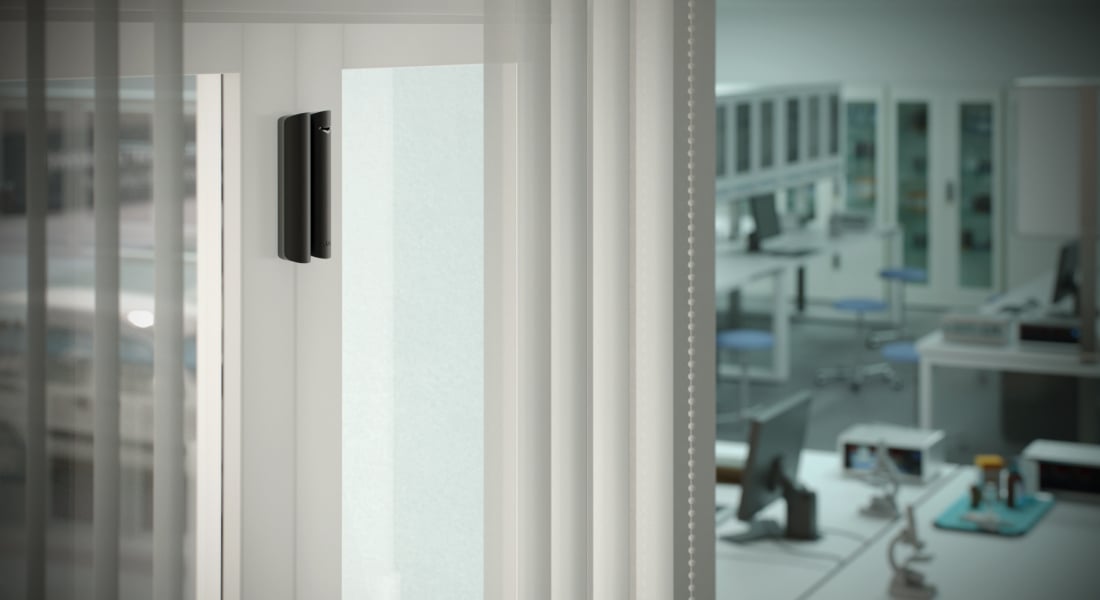
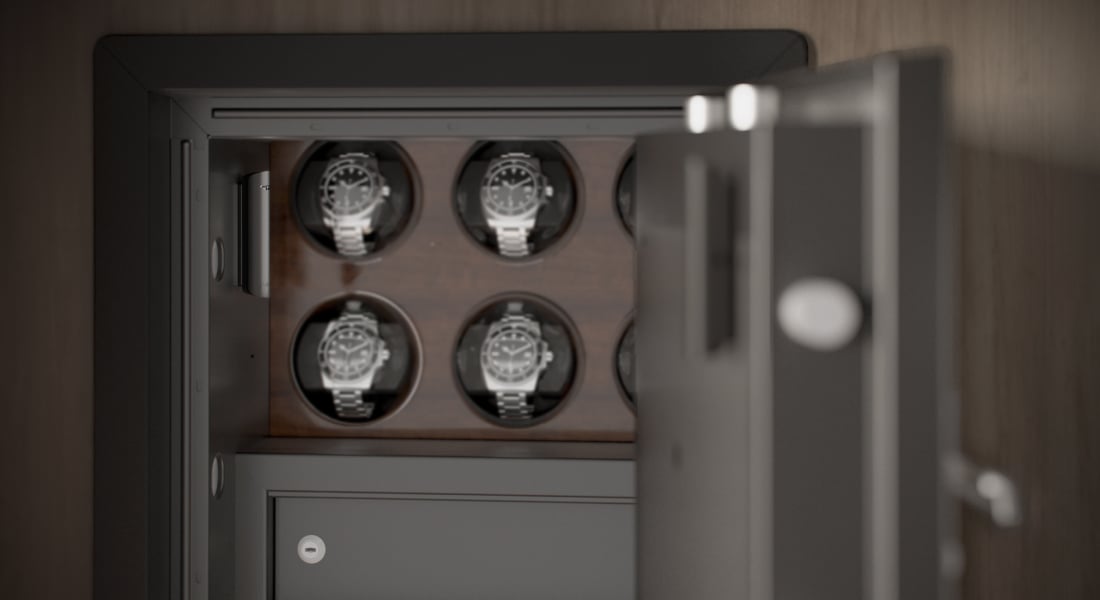
Superior DoorProtect G3 Fibra
Every detail has a purpose.
Explore the function, installation and system requirements of Superior DoorProtect G3 Fibra.
Loading detail…
Know what changed at the entrance.
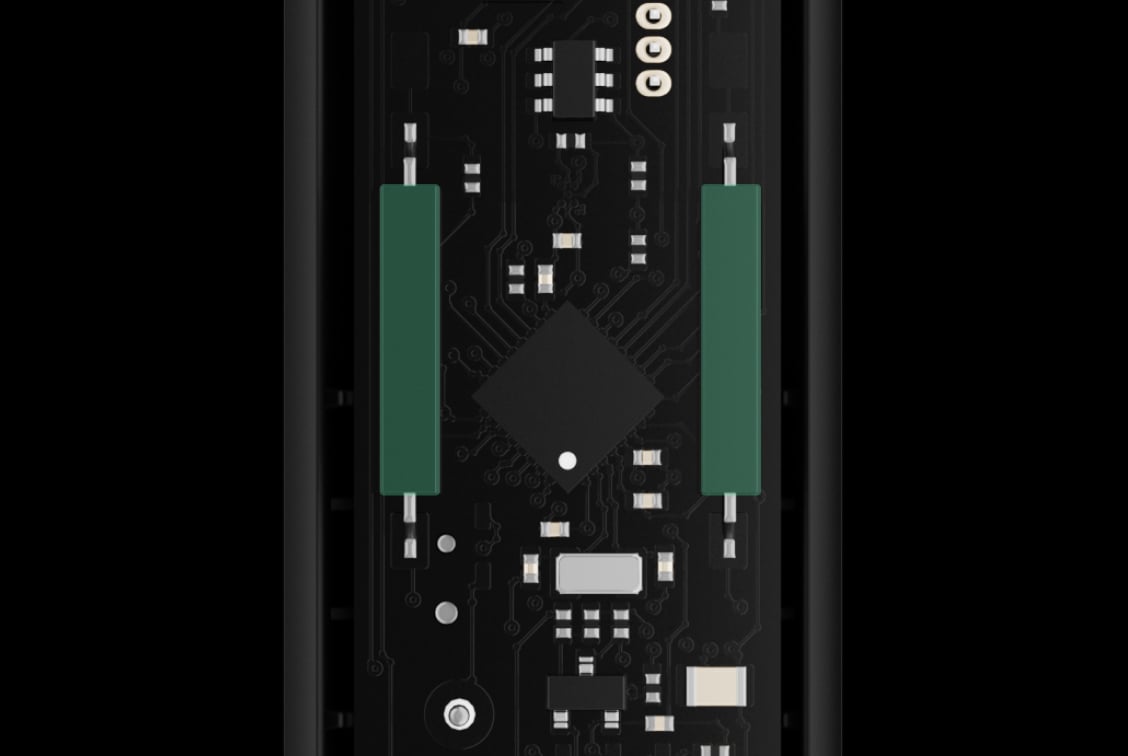
A magnet on either side
Two reed switches let the installer place one magnet to the left or right of the detector. When the protected door or window opens, the magnet moves away and the detector reports the change.
Use one magnet on one side only. Installing magnets on both sides can prevent correct opening detection.
Detect an attempt to replace the magnet.
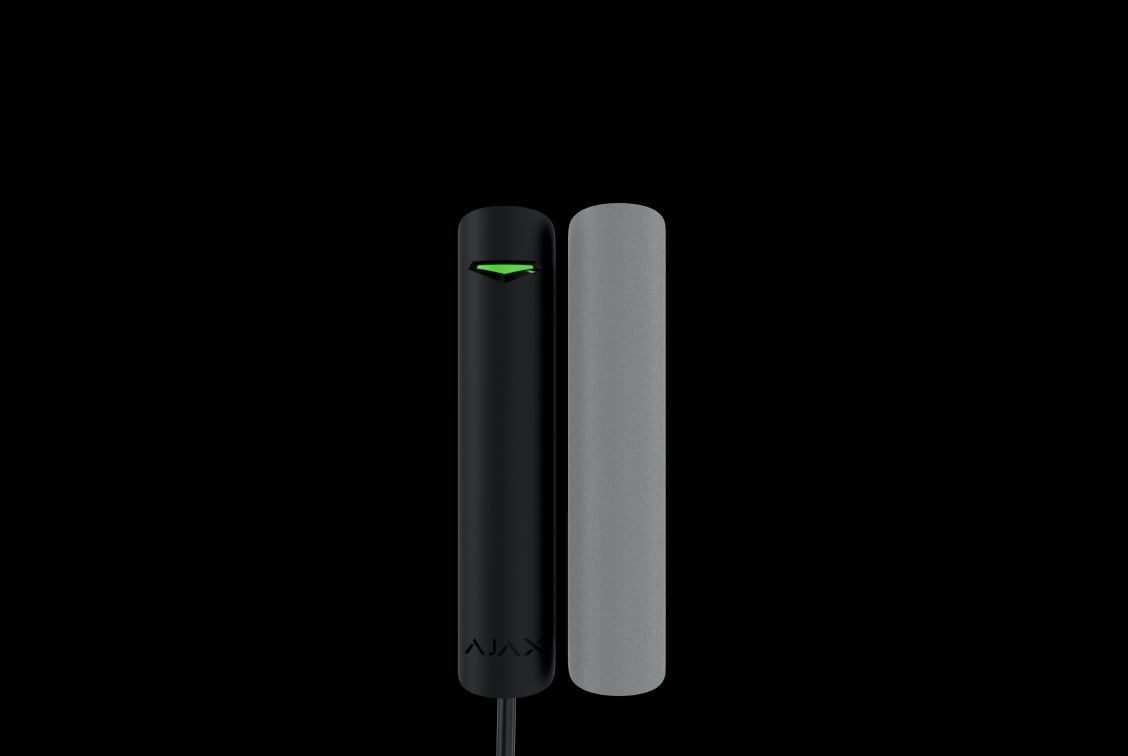
Calibrate the magnetic field at the site
The magnetometer compares the surrounding field with its calibrated reference and reports a masking attempt. Calibrate with the opening closed after installation and again after moving the detector.
Opening detection must be enabled. OS Malevich 2.19 or later allows the installer to choose detection always or only while armed. Check the required security configuration before changing this setting.
Match sensitivity to the opening
Test normal opening and closing as well as the masking response. The manual advises against High masking sensitivity near a door closer. Sliding arrangements can need a different setup if the magnet passes along the detector for an extended time.
Do not disable magnetic masking and still treat the installation as providing that protection. A Grade 3 detector alone does not establish the grade of the complete system.
Fit the detector to the real frame.
Metal frames and safes
Use the supplied spacers when mounting on a metal surface and keep the closed-position gap between detector and magnet at 5 mm or less. Check the manual’s direction-specific movement distances and verify every opening.
Keep the detector more than 1 cm from a third-party electromagnet, such as one in a door closer.
Wooden or plastic frames
On a non-metallic surface, keep the gap at 1 cm or less; spacers are optional. The enclosure’s front panel can be rotated 180° during installation to suit cable routing.
One magnet and two spacers are included. Test after final fixing and recalibrate the masking sensor if the installation position changes.
Include a nearby wired contact.
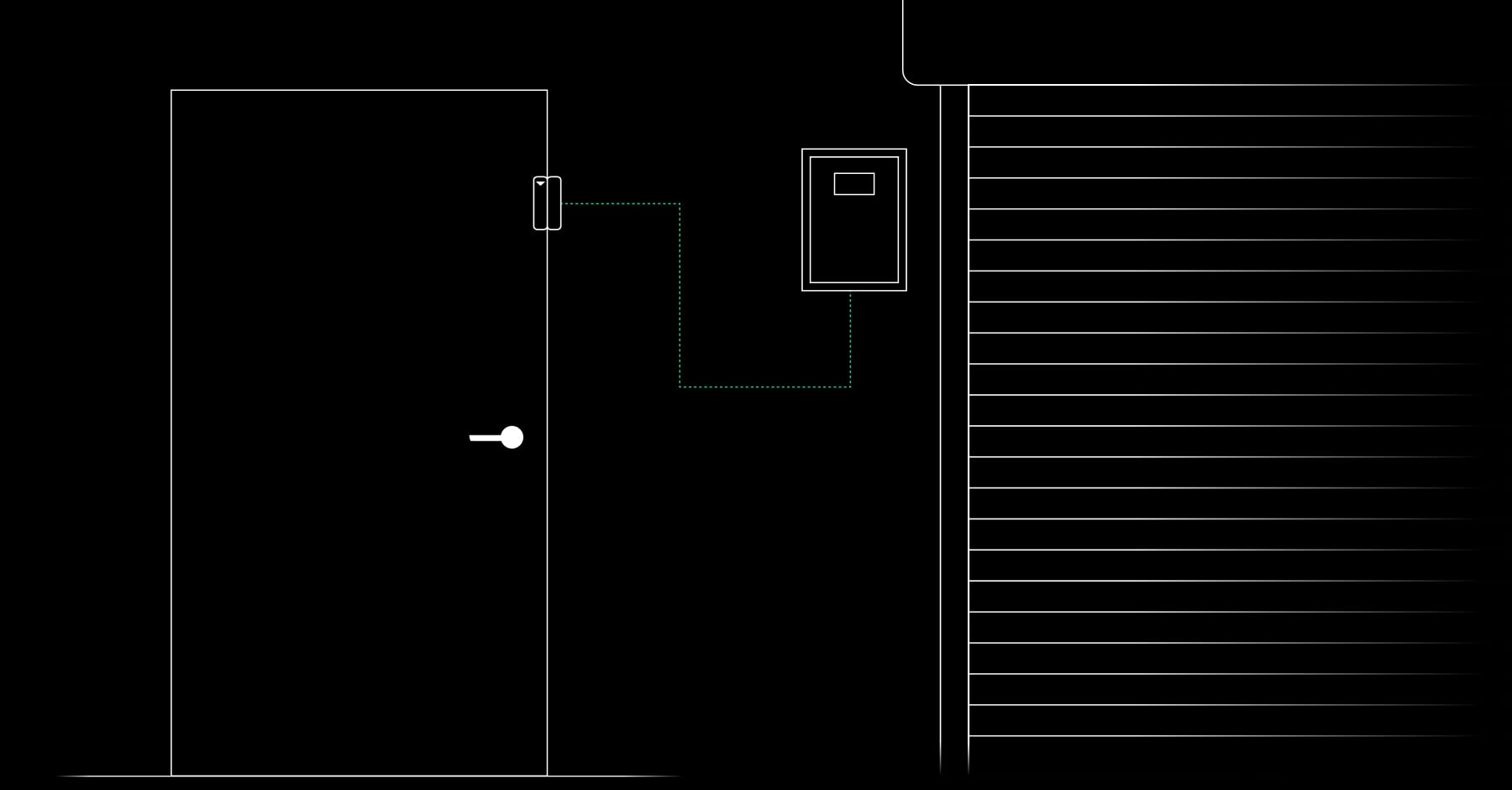
Bring an additional contact into the system
The terminals accept a supported normally closed (NC) detector. Position it no more than 1 m from the DoorProtect unit, enable the external contact in the app and test the alarm path.
The DoorProtect terminals do not power the additional detector. Any power it requires must be supplied separately.
Hear an entrance while the system is disarmed.
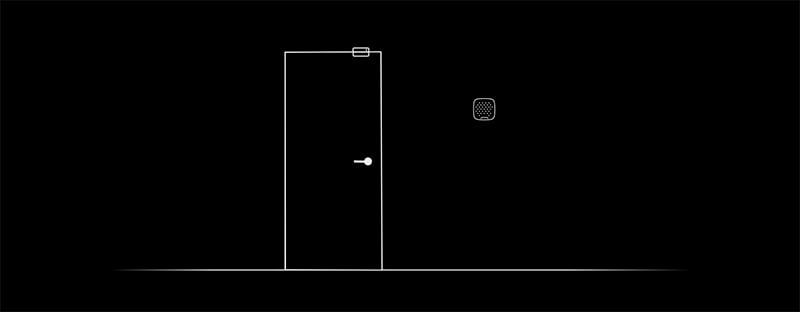
Chime through an Ajax siren
A compatible Ajax siren can give a short sound when the door opens while the system is disarmed. Choose the sound and volume in the app, and use different patterns for different entrances.
Chime requires an Ajax siren, purchased separately. The opening detector does not contain a doorbell speaker.
A wired connection to the whole system.
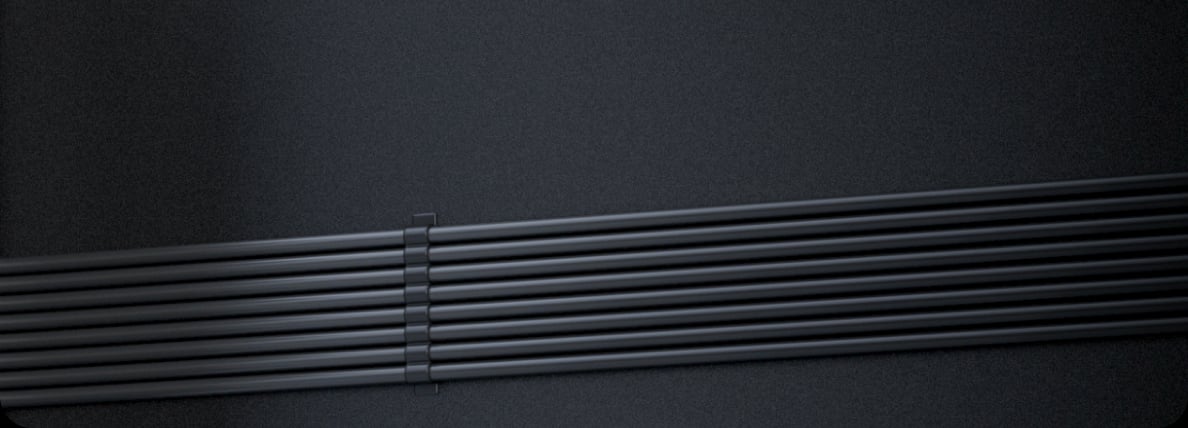
Fibra carries power and events
A four-core Fibra cable connects the detector to a compatible wired Ajax hub. Two-way communication, encrypted data and device authentication help protect the connection. The detector has no camera and requires the hub to manage the system.
Up to 2,000 m on a beam with U/UTP cat.5 4 × 2 × 0.51 mm (24 AWG) copper cable, subject to the complete cable and load calculation. Check the selected hub, topology and firmware; a ring has different limits.
Include every device in the power plan.
Power and backup come from the wired system
The detector receives its supply through the Fibra cable. There is no replaceable detector battery; standby depends on the hub and any separately powered modules in the cable route.
Operating input: 5–30 V DC, with 24 V DC nominal. Use the current Ajax power calculator to size the complete line, including its cable losses and other connected devices.
Protection that also watches itself.
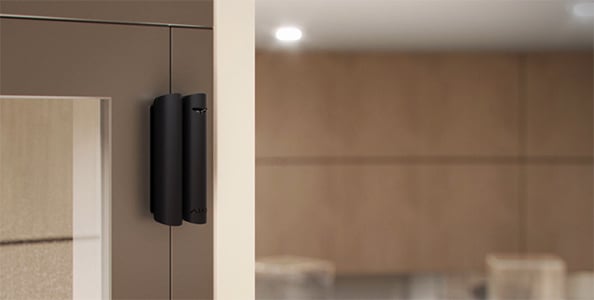
Know when the connection needs attention
Regular exchanges let the hub supervise the detector and report a lost connection. Device and room names help identify where the problem occurred.
Fault-detection time depends on the polling settings. A short-circuit warning is not the electrical-sabotage isolation provided by a separate LineProtect module.
Opening and removal alerts
Tamper switches report opening the enclosure and detaching the detector from its mounting surface. Secure the specified fixing points and holding screw, then test both events before handover.
Fit it, add it and test the actual opening.
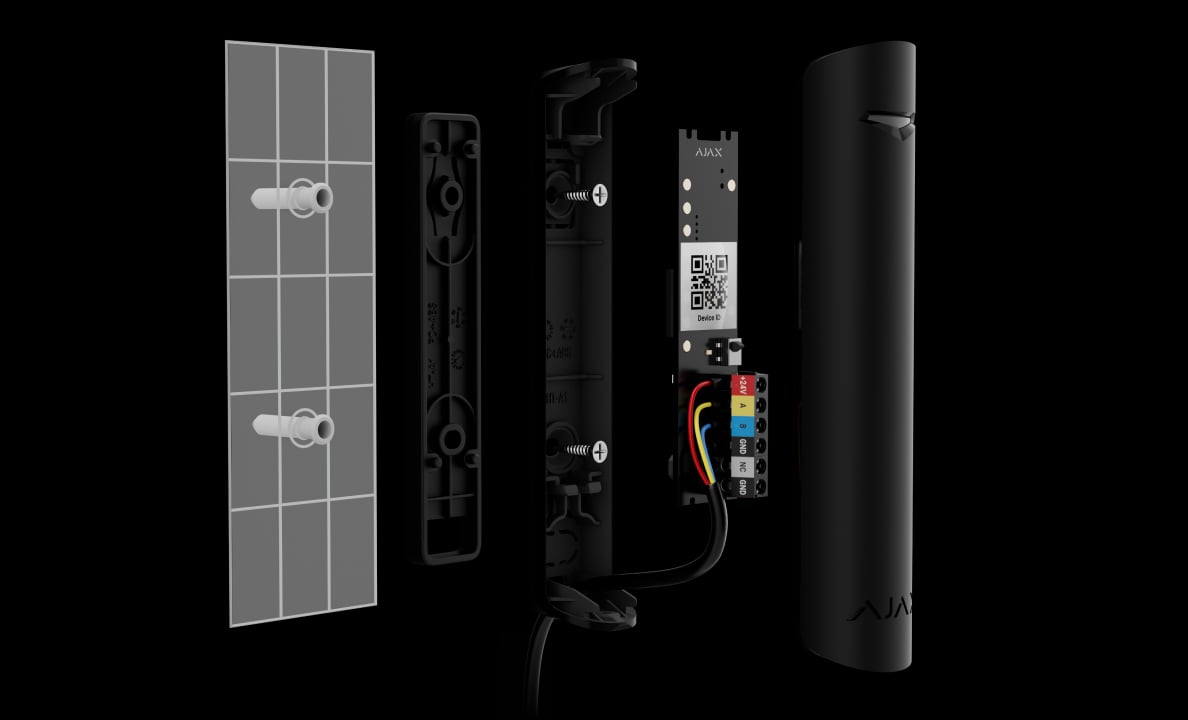
Prepare the cable and mounting
A removable board and cable-routing openings give the installer access to the terminals. Plan the cable route and permitted magnet gap before fixing the detector, then use the supplied fasteners and holding screw.
Find the right opening detector.
Compare protection for doors and windows across Baseline, Superior and Fibra. See which events a detector can notice and how it fits your frame, wiring and everyday use.
Compare opening detectors →Every detail, in one place.
Communication
- Fibra communication technology
- Two-way system communication for the functions specified for this model.
- Line connection
- 4-core cable
- Fibra line length
- up to 2,000 meters When using the U/UTP cat.5 twisted pair cable.
Detection
- Sensitive elements
- 1 accelerometer 1 magnetic masking sensor 2 reed switches
- Protection against reed switch chattering
- The detector ignores vibrations lasting up to 0.15 s. Reed switches The magnet can be installed to the left or right side of the detector.
- Input to connect an additional detector
- Wired detector with the normally closed (NC) contact type. Additional detector connection
- Shock sensor sensitivity
- 3 levels Adjusted by a PRO or a user with admin rights in the Ajax app. The detection radius depends on the material type: Framed glass window — 1.2 m (high sensitivity level), 1 m (low sensitivity level). Wooden plate — 1.2 m (high sensitivity level), 1 m (low sensitivity level). Concrete plate — 0.75 m (high sensitivity level), 0.5 m (low sensitivity level). The smoother and cleaner the detection surface is, the better the detection radius is.
- Option to ignore single impact
- Adjusted by a PRO or a user with admin rights in the Ajax app.
- Tilt sensor activation threshold
- from 5° to 25° Adjusted by a PRO or a user with admin rights in the Ajax app. Tilt and shock sensitivity
- Spacers
- 2 pcs. Are needed to install the detector or the magnet on a metal surface, as they help to reduce the distance between the detector and the magnet. You can use one or two spacers at once.
- Chime
- When the system is disarmed, the siren makes a special sound to notify that the opening detectors are triggered.
Sabotage protection
- Tamper alarm
- 2 tampers Notifications on attempts to detach the detector from the surface or open the front lid.
- Magnetic masking sensor
- The device detects an attempt to mask the main magnet of Superior DoorProtect G3 Fibra with a fraudulent magnet.
- Holding screw
- to secure the detector on the mounting panel
- Protection against spoofing
- device authentication
Power supply
- Detector’s operating voltage range
- 5−30 V⎓ The detector is powered by the hub.
- Detector’s nominal operating voltage
- 24 V⎓
- Quiescent detector’s current consumption at nominal voltage
- 120 μA
Enclosure
- Detector dimensions
- 102 × 21 × 19.5 mm
- Magnet dimensions
- 102 × 21 × 19.5 mm
- Weight of the white device
- 68 g
- Weight of the black device
- 60.7 g
- Operating temperature range
- from −10 °C to +40 °C
- Operating humidity
- up to 75%
- Protection class
- IP30, IK04
What’s in the box
- Superior DoorProtect G3 Fibra
- Magnet
- Spacers — 2 pcs.
- Installation kit
- Quick start guide
For your installation
- Selected as part of an installer-reviewed security or automation project.
- Fibra needs a supported hybrid control panel, checked cable type and topology, termination and a complete power budget. Existing alarm cabling is not automatically suitable.
- Do not install the detector using both magnets at the same time. The detector recognizes only one magnet on one side of the detector — left or right. The device is designed for indoor use only.
Product documents.
Find the right protection.
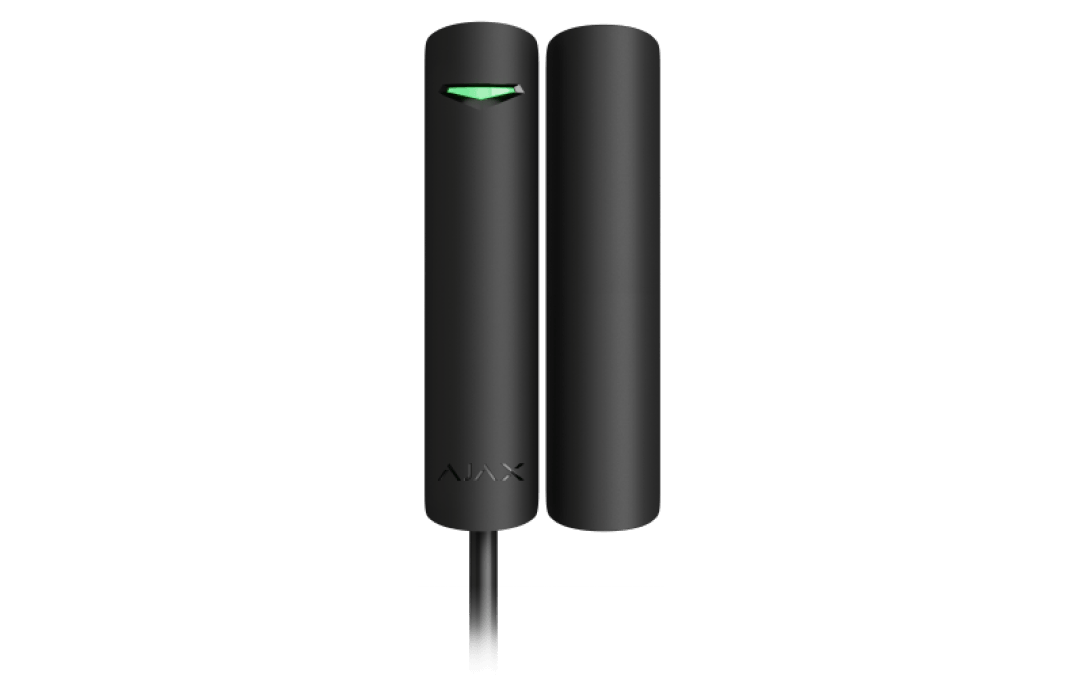
Superior DoorProtect Fibra
Know when a door or window opens.
Superior DoorProtect Plus Fibra
Opening, impact and a change in angle.
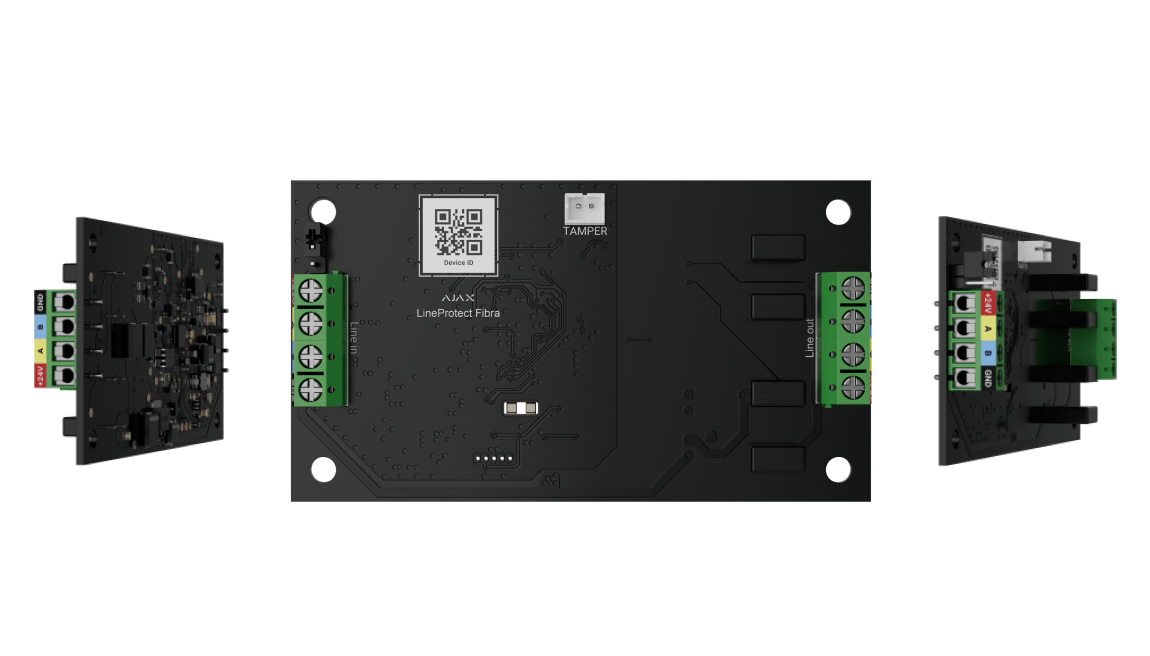
Superior LineProtect Fibra
Plan electrical-sabotage isolation before accessible equipment; it does not protect the attacked detector itself.