MAKE IT YOURS
Ajax NVR.
Central recording for your camera system, viewed and managed in the Ajax apps.
Standards and certifications
NVR (8-ch) · NVR.8.B. Manufacturer-listed marks; regional and installation conditions apply.
Bring your cameras and archive together.
Ajax NVR brings compatible IP cameras into one place for live views, event review and local recording. Choose 8 or 16 channels and an AC or low-voltage DC version. A separately purchased SATA drive stores the archive; Ajax apps provide viewing and management. Recording depth depends on your cameras, bitrates and schedule.
Key features. At a glance.
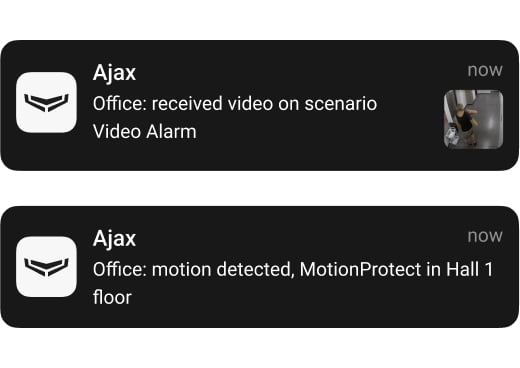
Instant alarm verification in high resolution
Fast archive navigation with dual streaming technology


Conformance with ONVIF Profile G and S
RTSP support


Configurable motion detection for cameras
Archive synchronization with system events
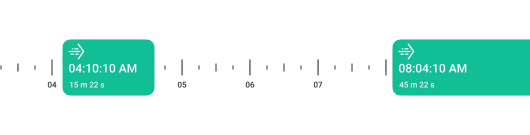
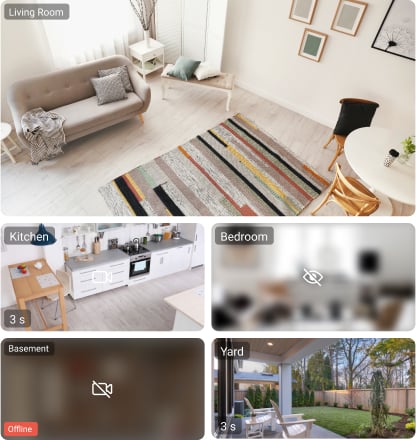
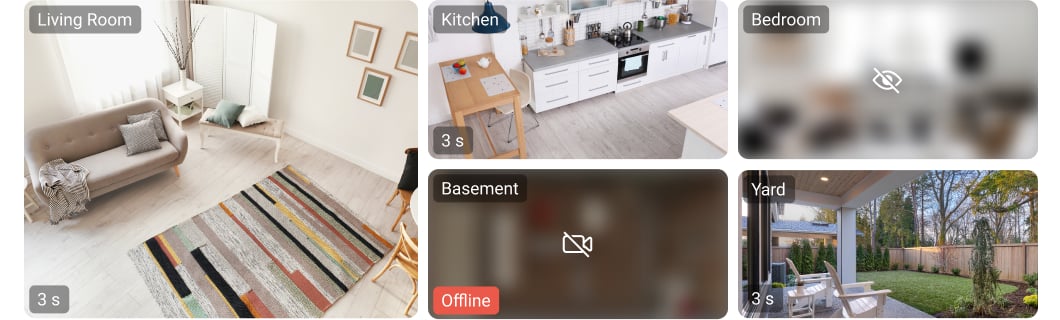
Customizable virtual video wall
HDD status notifications in Ajax apps

Automatic search for cameras in the network for fast connection
SmartBracket mounting panel that triggers tamper when removed
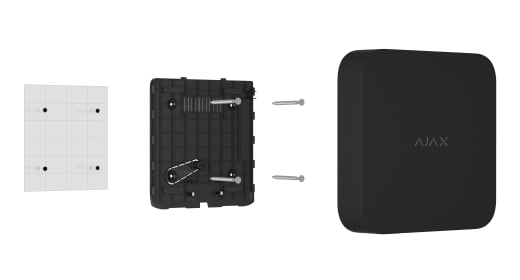
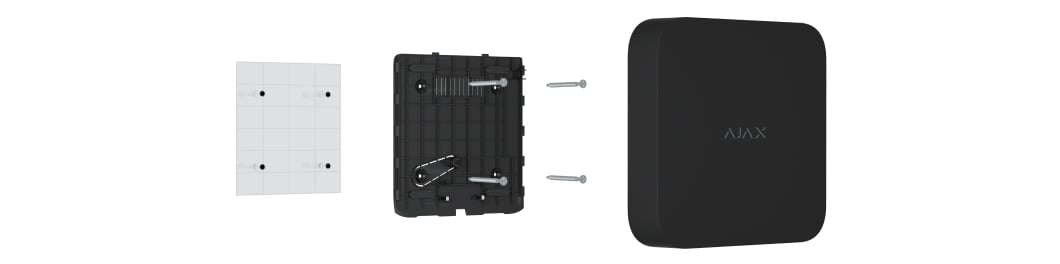


Two power supply options: AC or low-voltage DC
Support for SATA HDD up to
16 TB
Multi-tiered account security

H264/H265 video compression standards

Remote control and configuration
Two colors
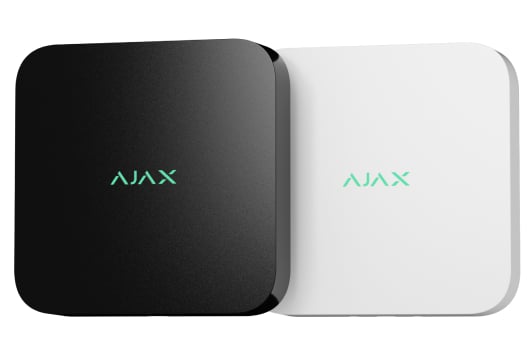
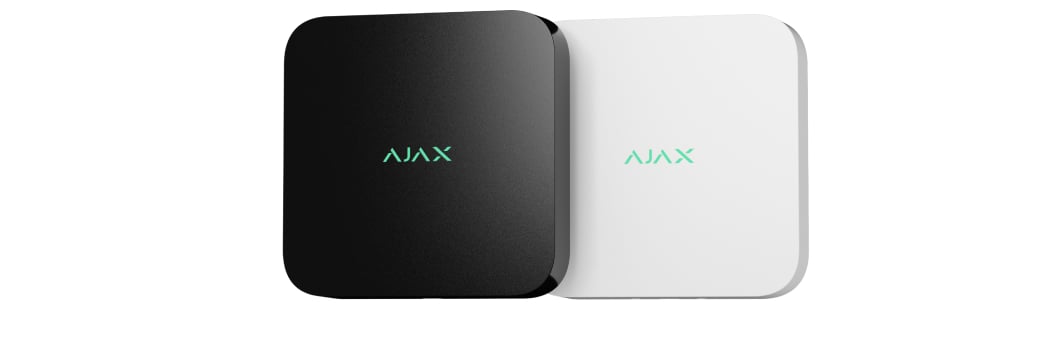
Overview of this product range. Features and ratings can differ by version. Ajax product information ↗ · NVR (8-ch) specifications ↗
Recording, in real places.
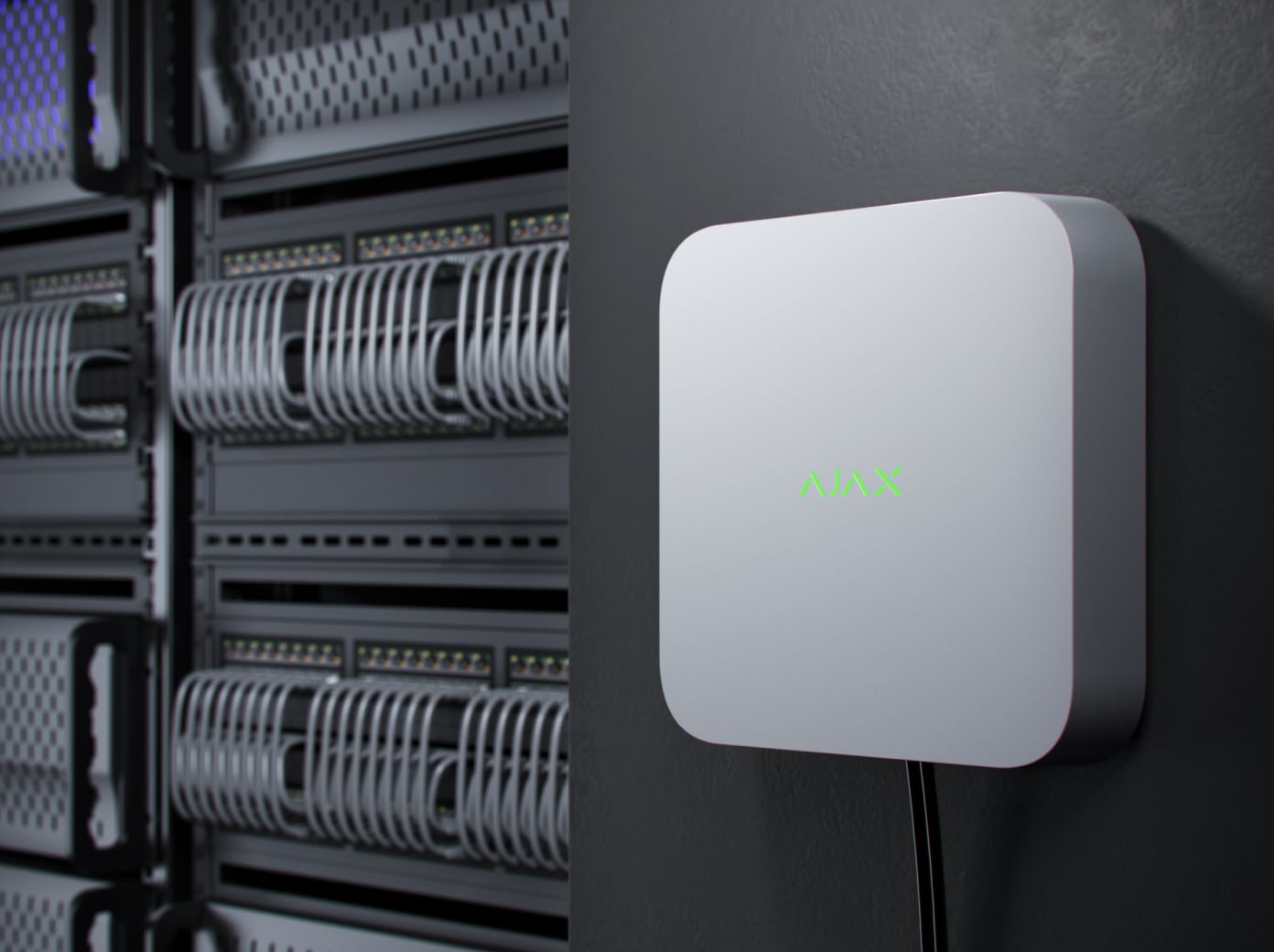
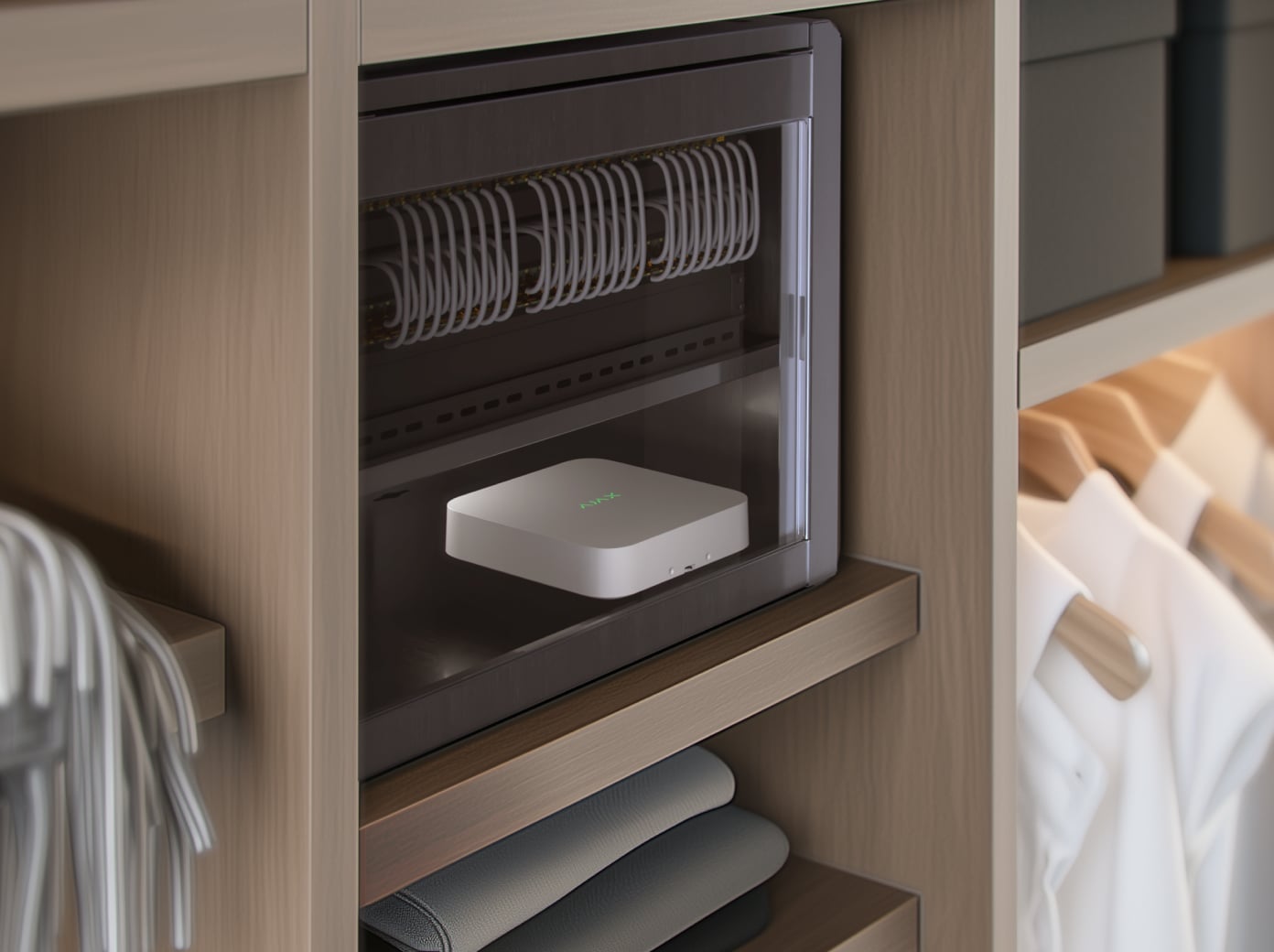
Ajax NVR
Every detail has a purpose.
Explore local storage and the connections behind your video archive.
Loading detail…
Start with the cameras you need.
8 or 16 recording channels
Choose a Ajax NVR version for 8 or 16 connected camera streams. Leave capacity for planned viewpoints and match the combined stream bitrate to the selected recorder’s incoming and outgoing bandwidth.
Channels, ports and viewing are different limits
A channel is a camera stream the recorder can accept. PoE ports supply power and a network connection only on equipped models. Simultaneous on-screen decoding and playback have their own limits.
Check the exact selected-version specifications before choosing camera quality and a local display layout.
Bring your cameras into one system.
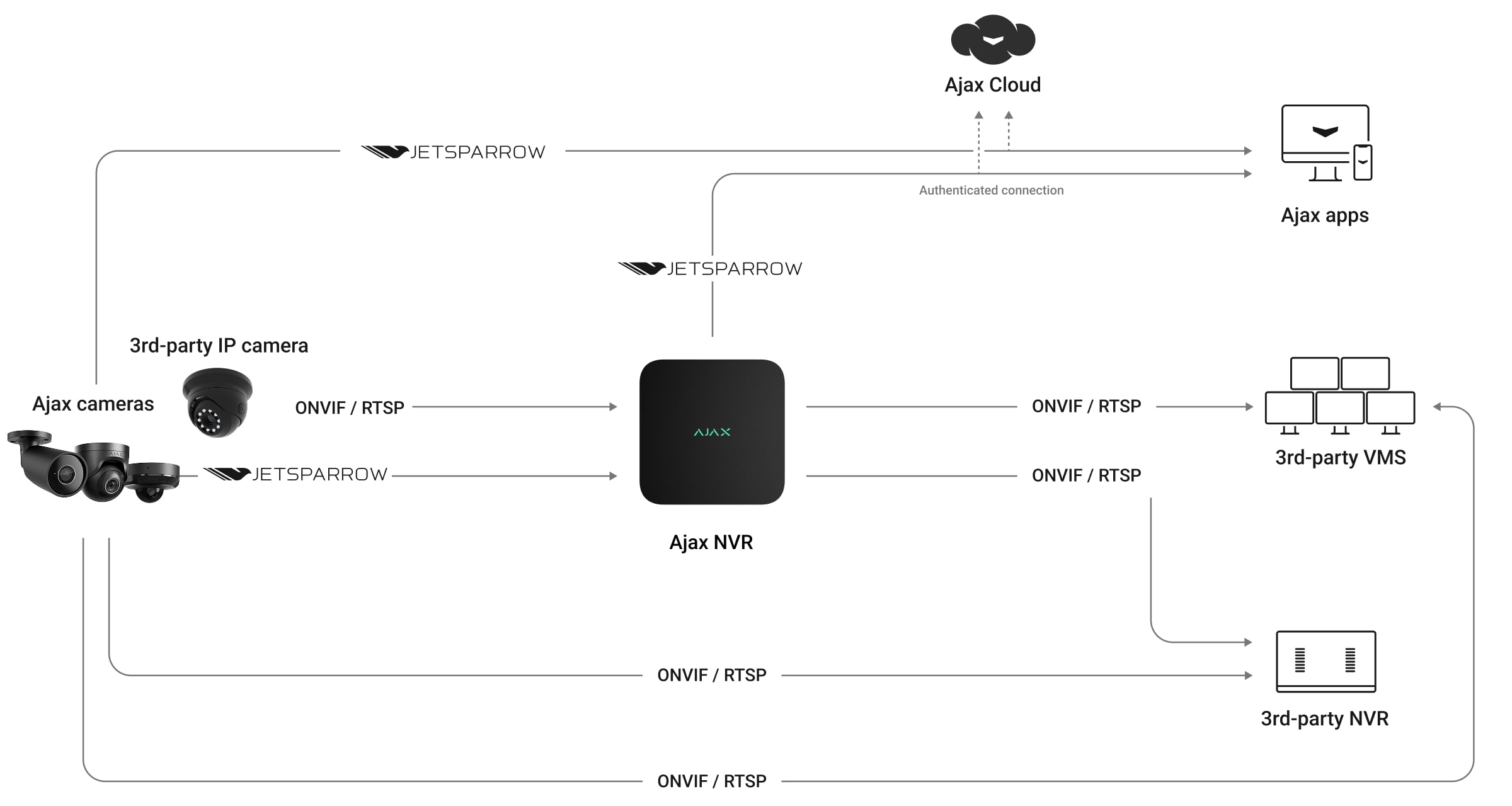
Ajax cameras, ONVIF and RTSP
Connect Ajax video devices and compatible third-party IP cameras. The recorder supports H.264 and H.265 streams and conforms to ONVIF Profiles G and S. Use Ajax apps to discover cameras on the network and configure supported integration.
Confirm the exact camera, firmware, resolution and stream settings. A supported video stream does not guarantee every manufacturer-specific control or analytic event.
Keep the whole site in view.
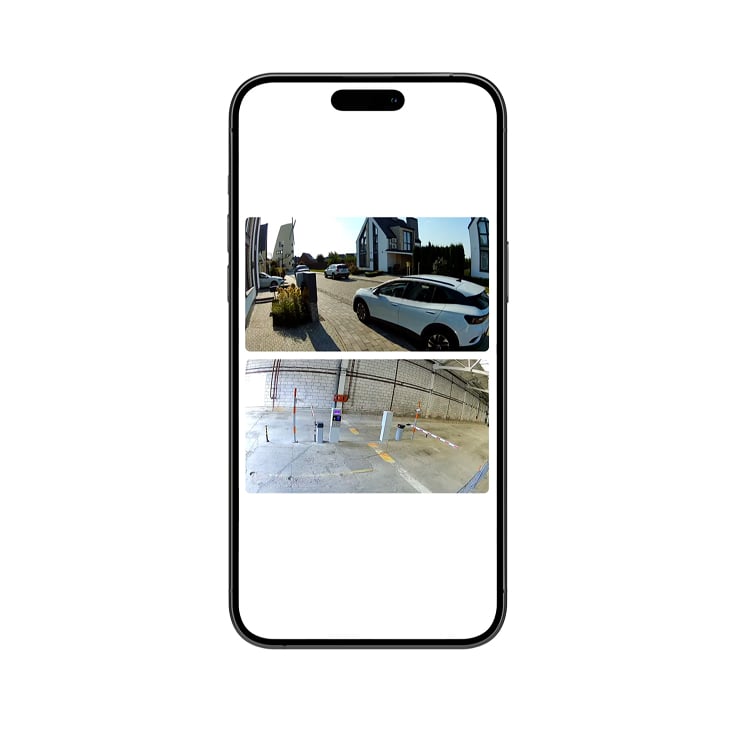
Your cameras, together
Arrange live camera views in a video wall and change their order as your priorities change. Use Ajax apps on a phone, computer or supported TV to check several viewpoints without opening each camera separately.
Find the moment. Keep the evidence.
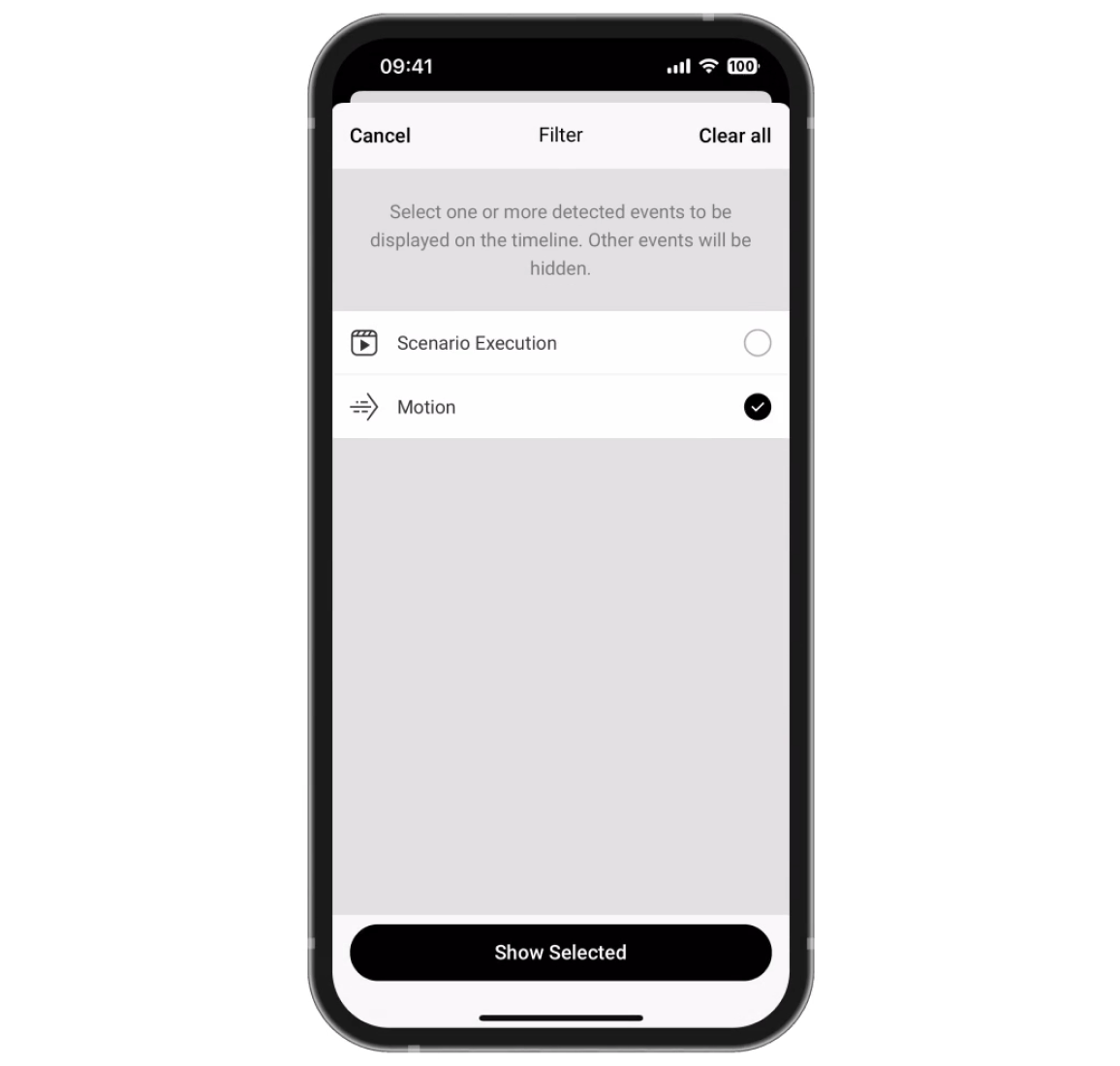
Find the relevant event
Filter the recorded event history and open the corresponding footage. Available object-type filters depend on supported camera or recorder analytics.
Plan the archive, not just the disk.
One drive, chosen for the job
Install one compatible SATA HDD or SSD up to 16 TB in a 2.5- or 3.5-inch form factor. The drive is not included. Work out recording depth from camera bitrates, schedules and available capacity.
Baseline NVR supports a drive drawing up to 7 W. A single-drive recorder does not provide the two-drive redundancy or hot swapping of H2D.
Connect through your network.
Ethernet with separate camera power
Connect the recorder to the network through Ethernet. These versions do not have built-in PoE camera ports; use a suitable external switch, injector or camera supply.
Baseline NVR lists up to 100 Mbps bandwidth without a separate incoming/outgoing guarantee.
Video that is easy to move through.
JetSparrow
Ajax’s video technology handles streaming and archive access with encrypted peer-to-peer transmission. It helps keep live viewing and timeline navigation responsive; the network connection and recording setup still determine the experience.
Give an alarm visual context.
A camera adds video to a security system. Detector-triggered scenarios also require the corresponding Ajax intrusion devices and a compatible hub.
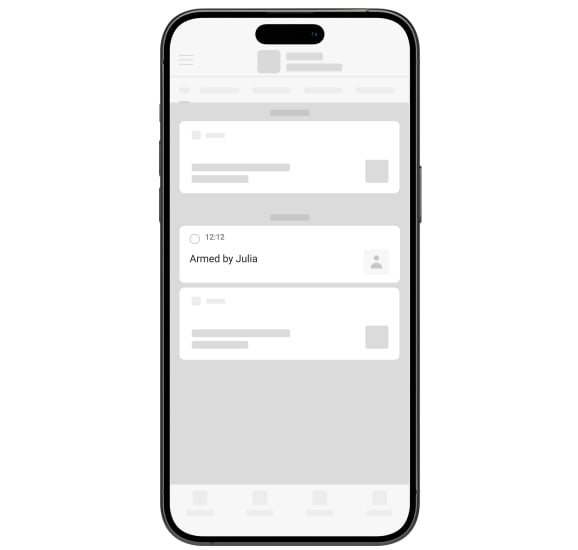
From notification to footage
Link a camera to the area it watches. A system event can take you to the relevant video so you can understand what happened at the property.
Record the movement that matters.
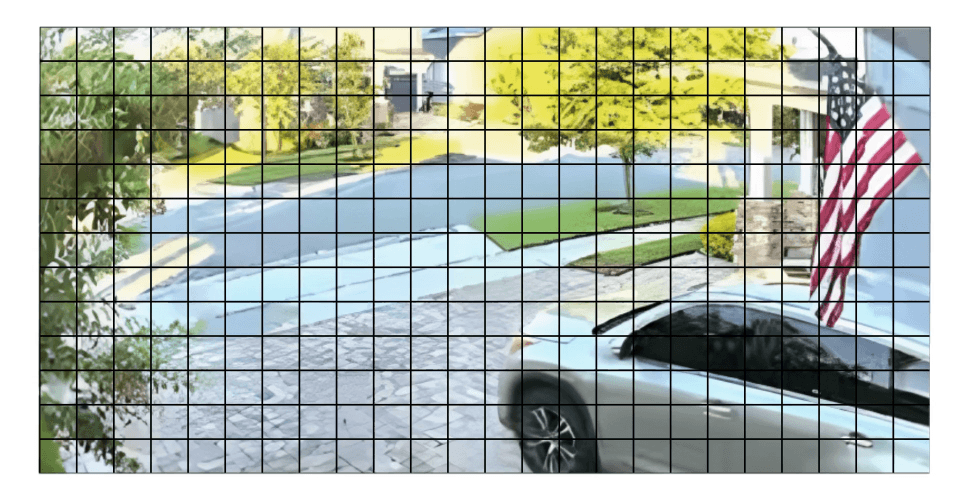
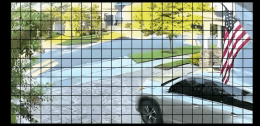
Choose detection zones
Set image areas where movement should trigger recording and adjust sensitivity. The recorder can analyse motion in the frame or use supported camera algorithms. This helps narrow the event history and manage storage.
Pixel motion detection is distinct from recognising people, pets or vehicles. AI depends on the camera or a supported Superior recorder and its processing limits.
Decide who can see and manage video.
Separate access for each role
Manage live view, recordings, audio and device settings for users, installers and monitoring operators. Grant PRO access only for the time and work required, then revoke it when the work is complete.
Protect the account and archive
Use two-factor authentication and review active sessions. Monitor drive status in Ajax apps and investigate storage errors promptly. Keep firmware current and verify playback and exports during maintenance.
Provide power for the whole system.
Power matched to the chosen version
AC models use 110–240 V mains. DC models use a low-voltage supply with jumper-dependent operating thresholds; check the selected specification before wiring. The DC supply is not included. The CR2032 cell maintains the clock only; it does not back up recording.
For continued operation during an outage, plan suitable backup power for the recorder, cameras and network equipment. Runtime depends on that equipment and its load.
Install, test and maintain.
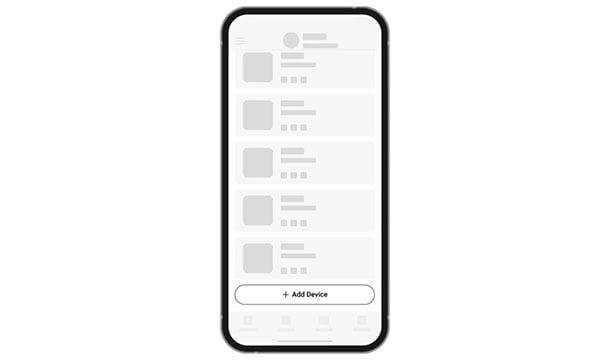
Add and connect
Scan the recorder’s QR code in an Ajax app, select a space and room, then connect the required cameras. A hub is optional for standalone video; detector-triggered video scenarios need the corresponding detectors and compatible hub.
Find the right recorder.
Compare recording capacity, camera power and local viewing. Choose the exact version for your installation.
Compare recorders →Every detail, in one place.
Videostream
- NVR models
- 8-channel With up to 4K resolution (25/30 FPS).
- IP cameras
- Ajax cameras; IP cameras that conform to ONVIF® Profiles; RTSP
- Storage
- 1 × drive with up to 16 TB capacity (SATA interface, 2.5″ or 3.5″ form factor). HDD or SSD is not included. Supports drives with power consumption of up to 7 W.
- Decoding formats
- H.265 H.264
- Bandwidth
- up to 100 Mbps
Communication channels
- Ethernet
- up to 100 Mbps
- Bluetooth
- BLE frequency band: 2.400–2.4835 GHz To set up an Ethernet connection.
- Radio signal power
- 2.5 mW (100 mW limit)
Key features
- Motion detection
- NVR has built-in software to detect the motion in the frame. Possible to switch between image analysis by NVR or camera algorithms.
- In-app video management system
- Videowall that combines images from all connected cameras.; Event filters.; Timeline with smooth preview.
- Visual verification of Ajax alarms
- NVR allows setting up a scenario in which Ajax detectors trigger specific cameras to start recording. This results straight in mobile and desktop (monitoring) apps.
- ONVIF®
- conformant with ONVIF® Profile G and S The device implements ONVIF® H.265 (HEVC) encoding, transmission of motion detection events, control over Wide Dynamic Range (WDR), and other image settings — not ONVIF® profile or add-on conformant.
- Privacy
- Access rights distribution for users in mobile apps and for monitoring operators in PRO Desktop.
Power supply
- Main
- 110–240 V~, 50/60 Hz, 0.6 A Up to 24 W of mains power consumption.
- Backup
- CR2032 battery, 3 V Only to power the system clock.
Sabotage protection
- Tamper alarm
- Notifications about attempts to detach the device from the surface or remove it from the mounting panel.
Enclosure
- Dimensions
- 193 × 193 × 47 mm
- Weight
- 615 g Without a drive.
- Operating temperature range
- from 0 °C to +40 °C
- Operating humidity
- up to 75%
- Protection class
- IP20
What’s in the box
- NVR
- SmartBracket mounting panel
- Power cable
- Ethernet cable
- Installation kit
- Quick start guide
For your installation
- Use a supported camera network and a suitable SATA storage drive.
- NVR has no HDMI or PoE output. Use an HDMI-equipped recorder for a directly connected display.
- The clock battery does not provide backup operating power.
- NVR DC input thresholds depend on the PSU jumper configuration; installation is confirmed by a specialist.
Optional additions
Product documents.
Find the right protection.
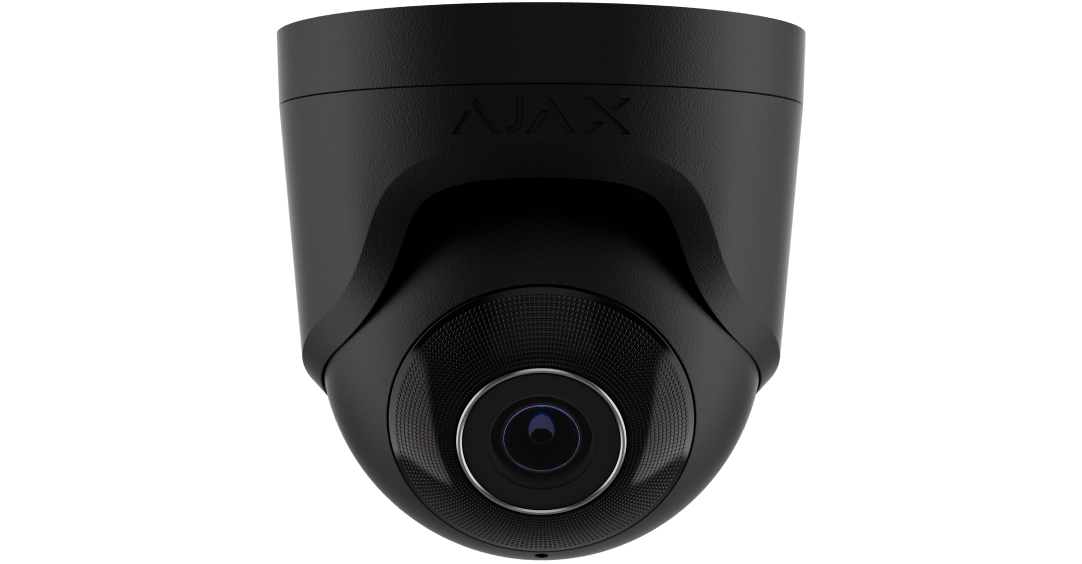
TurretCam
Explore compatible Ajax cameras and choose the view each location needs.
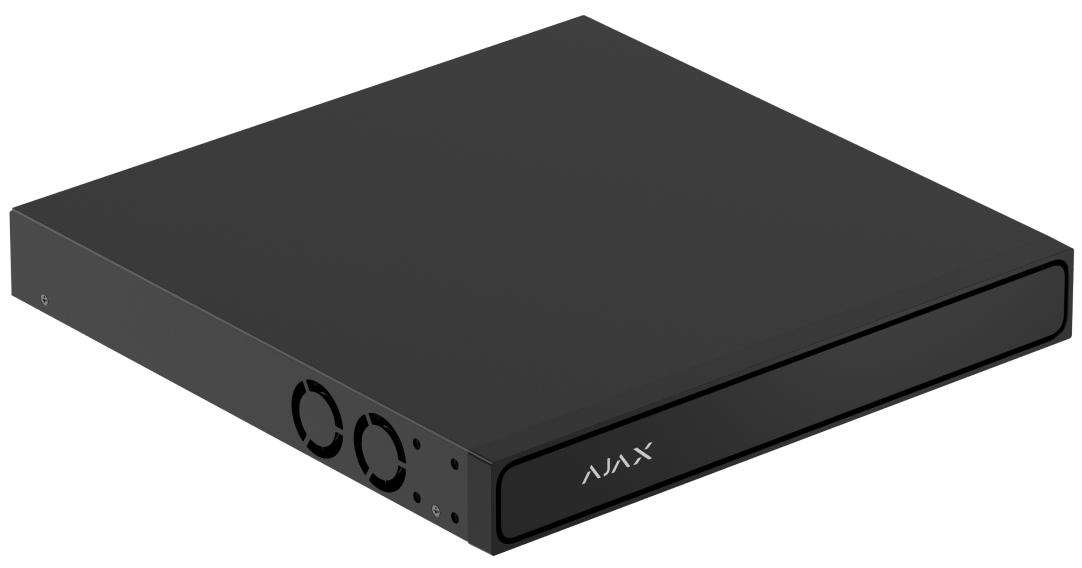
NVR H2D
Check the channels, storage and connections that fit your installation.