MAKE IT YOURS
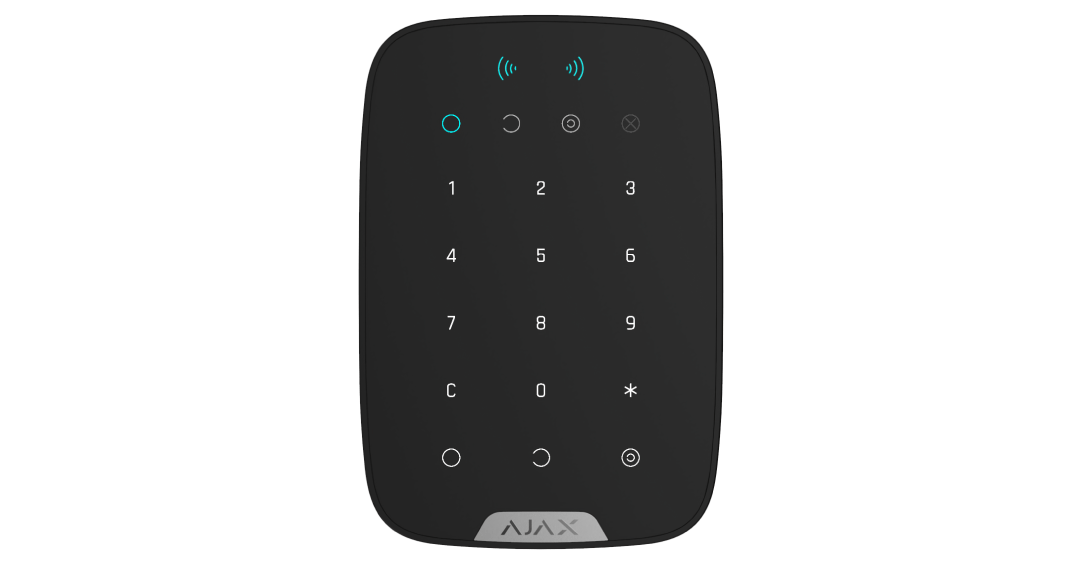
KeyPad Plus.
Wireless keypad with touch buttons supporting authentication via Pass, Tag, and codes
Standards and certifications
KeyPad Plus Jeweller · KP.P.J. Manufacturer-listed marks; regional and installation conditions apply.
Choose a code, card or key fob.
KeyPad Plus Jeweller lets users change security modes with a code or a compatible Pass card or Tag key fob. Contactless authentication makes everyday entry convenient without sharing a code. Access is managed within the Ajax system, so permissions can be matched to the people using the property.
Key features. At a glance.
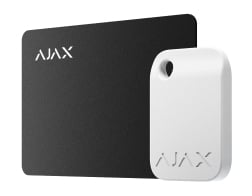
Authentication via secured cards and key fobs
Pass and Tag access devices
Personal access codes and duress codes
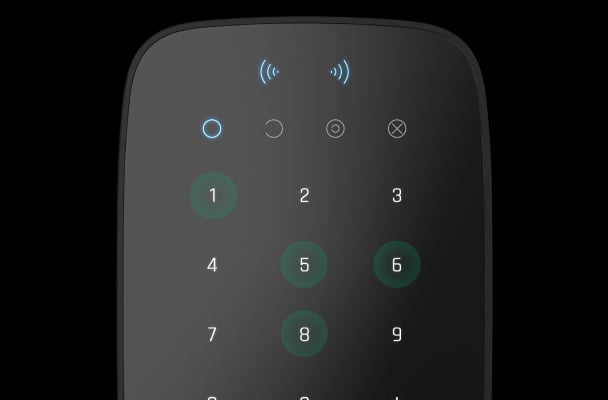
Auto-wake on Delay when Entering1
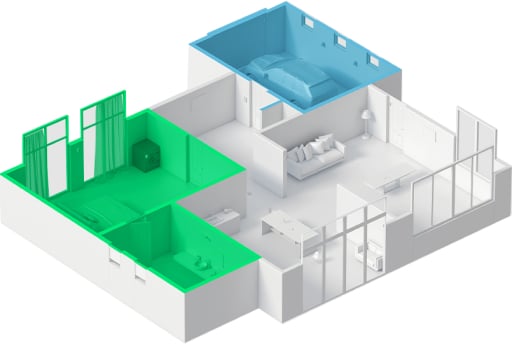
Easy security group and Night Mode management
Up to 1,700 m2
Distance of radio communication with an Ajax hub or range extender
Built-in panic button


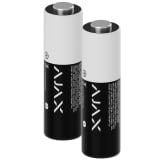
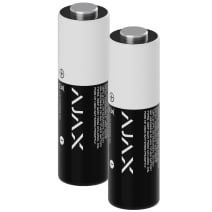
Up to 3.5 years
of operation with the pre-installed battery


Power adjustment


Remote control and configuration
Informative push notifications

Hassle-free installation


Tamper alarm
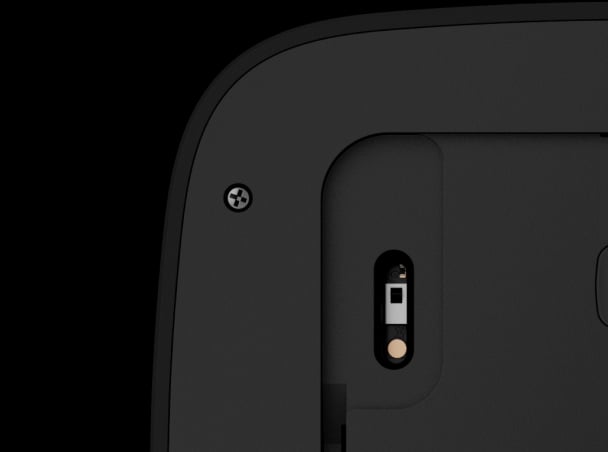
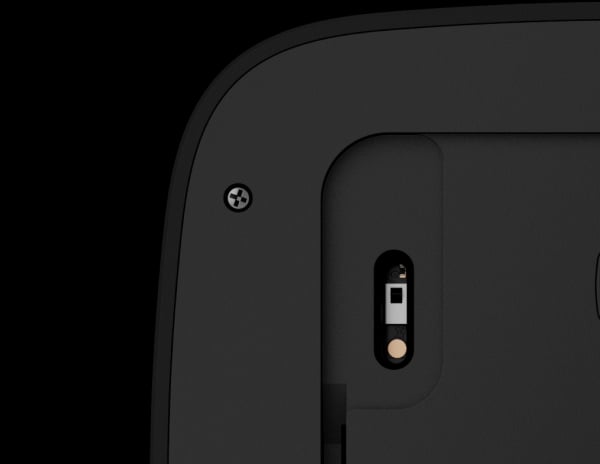
Two colors

- 1The Auto-wake on Delay when Entering function is supported by KeyPad Plus Jeweller with firmware version 5.60.7.0 or later and hubs with OS Malevich 2.19 or later.
- 2In an open space. Range is measured in open space; walls and installation conditions reduce it.
Ajax product information ↗ · KeyPad Plus Jeweller specifications ↗
Protection in real places.
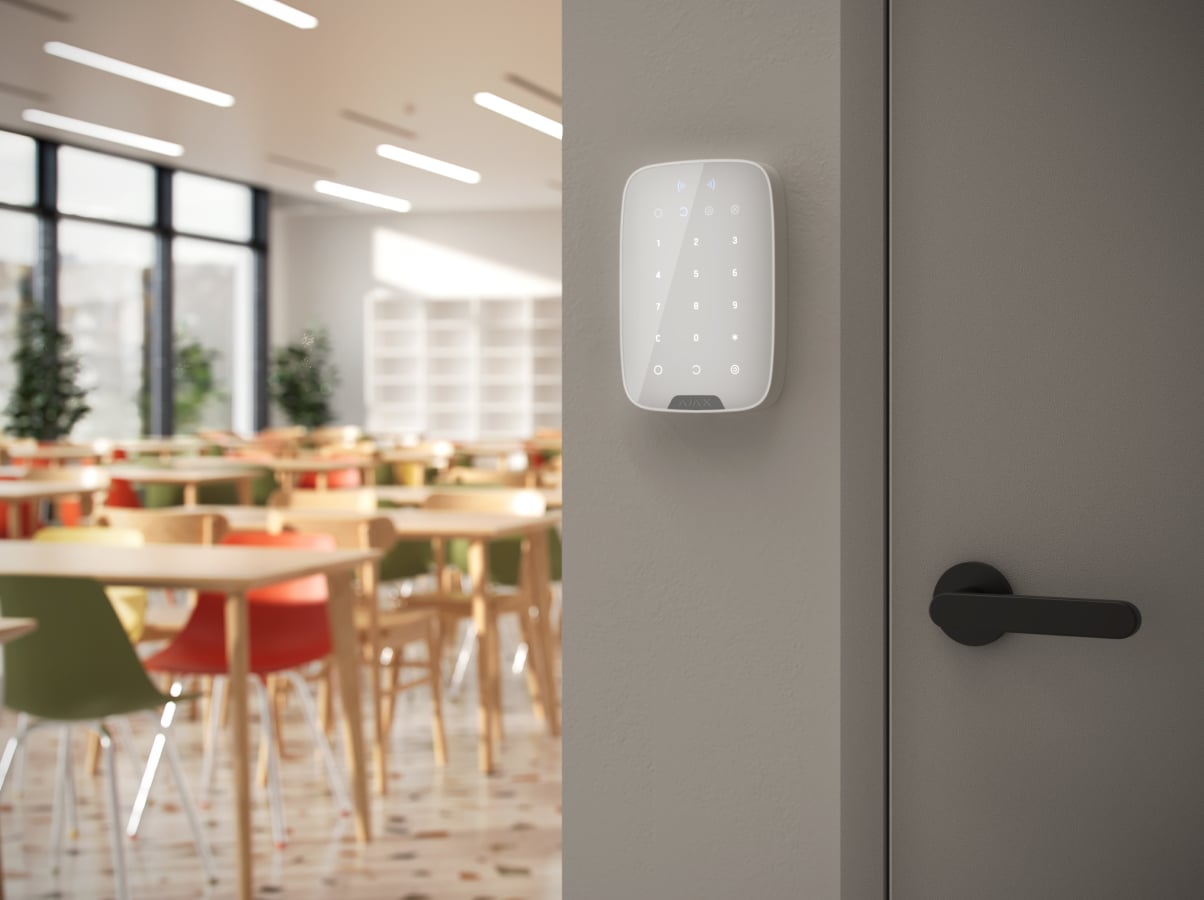
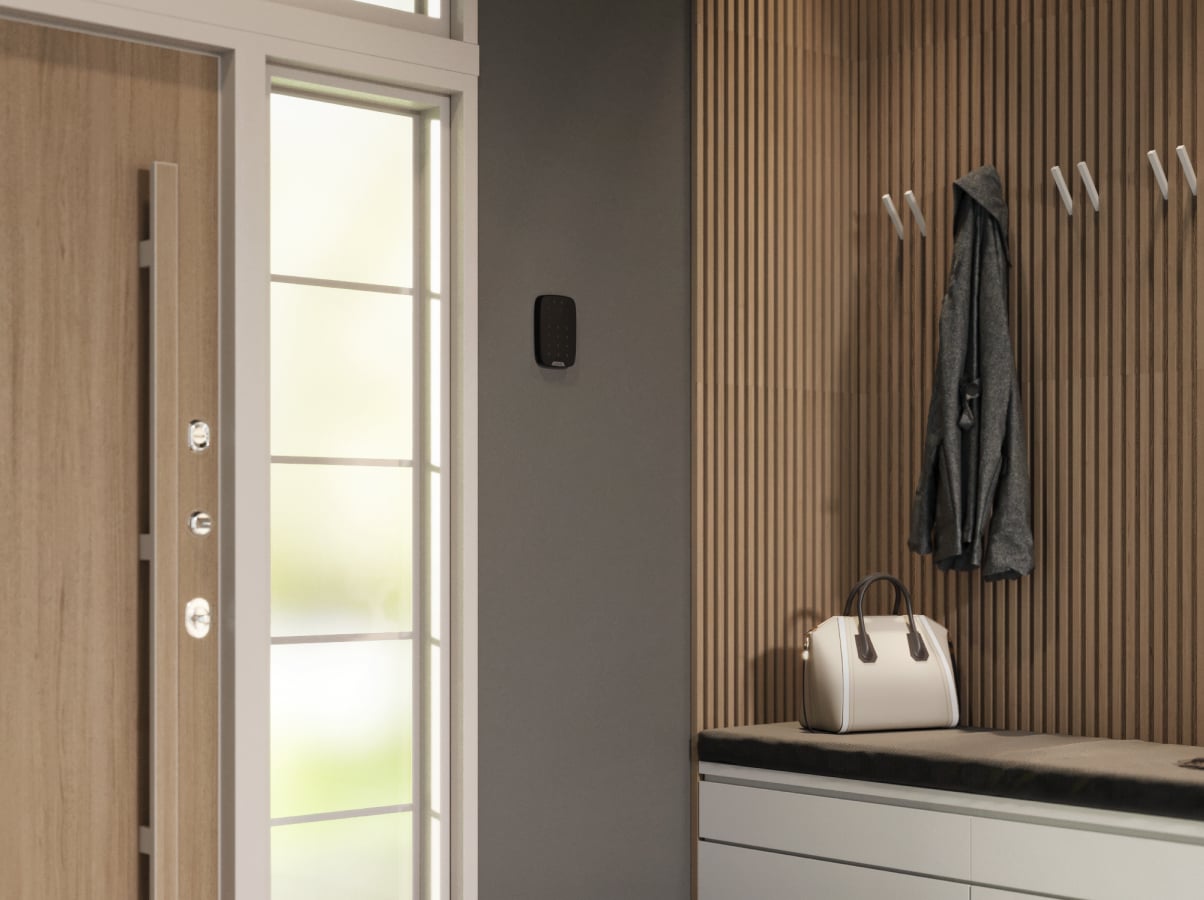
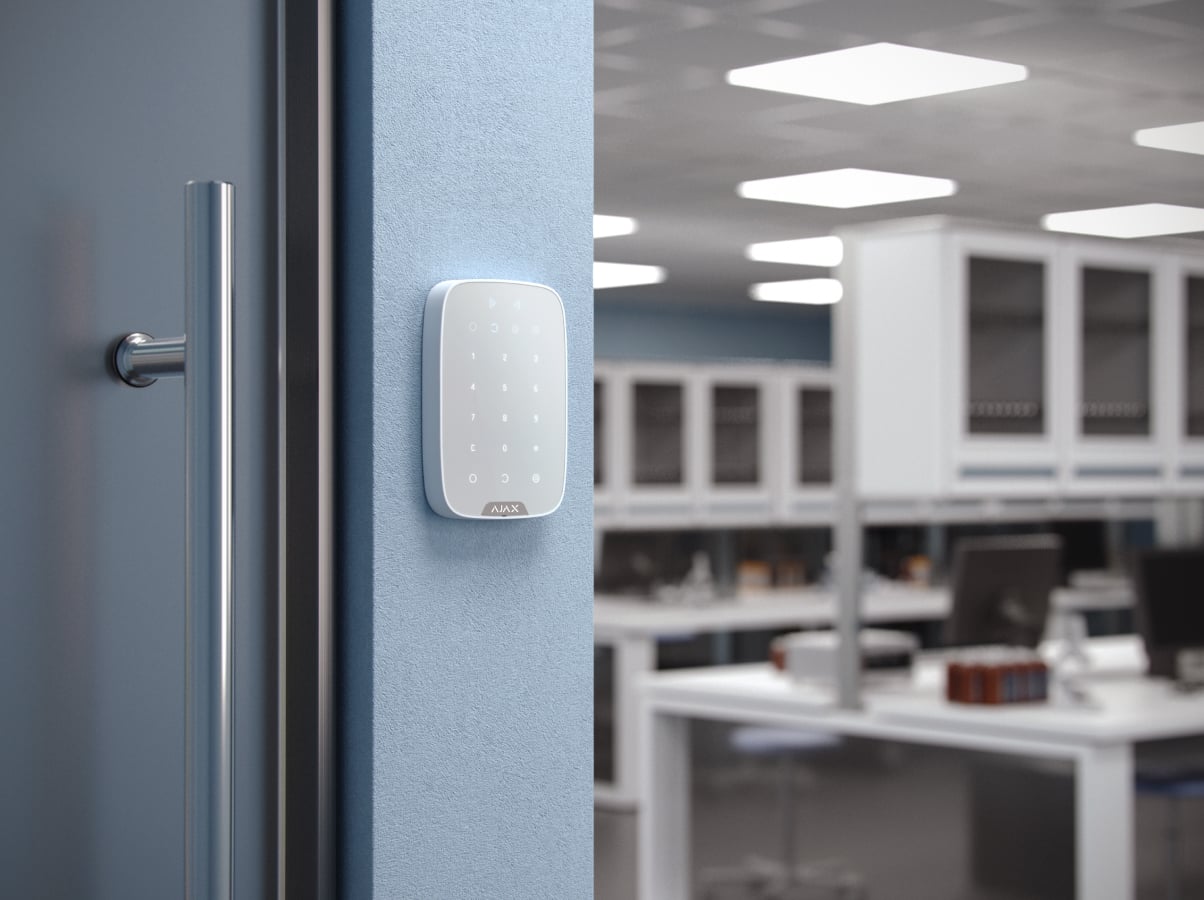
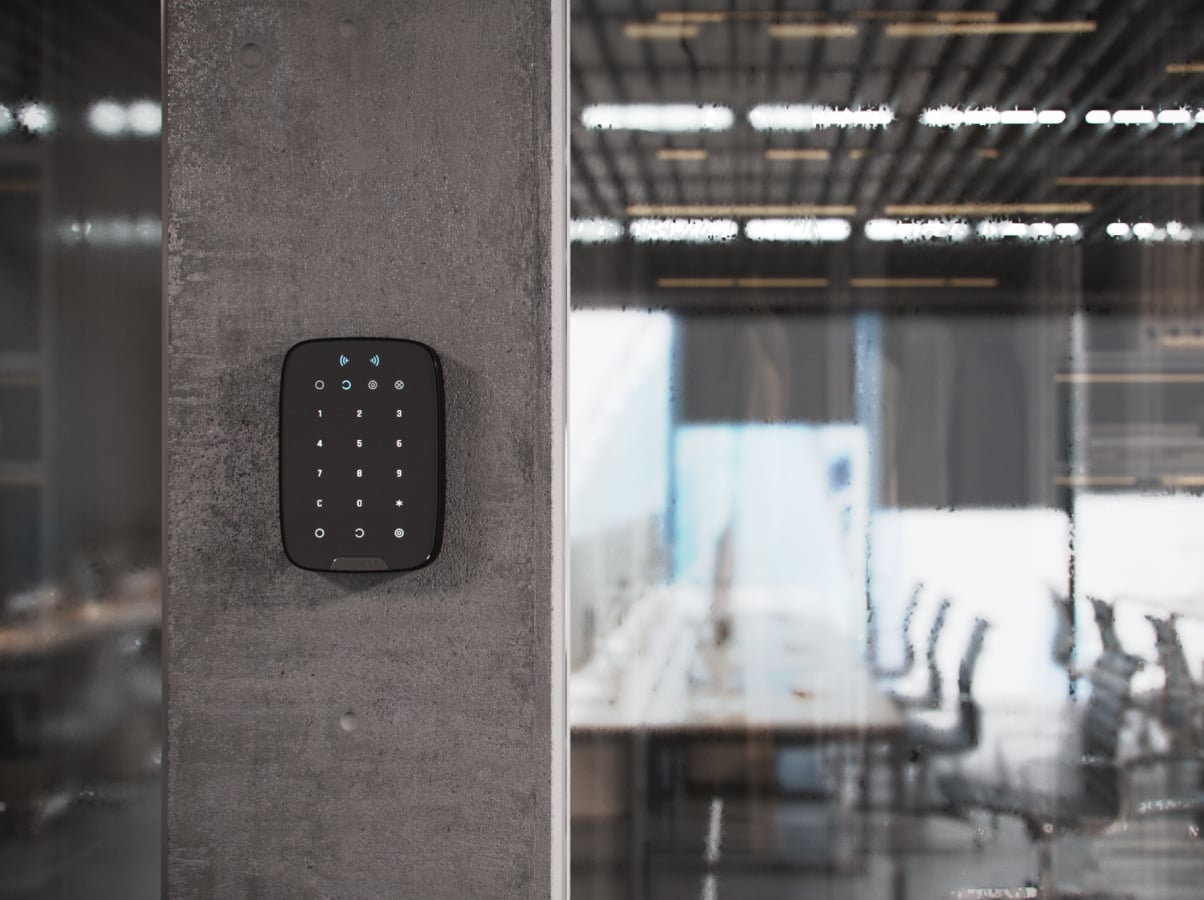
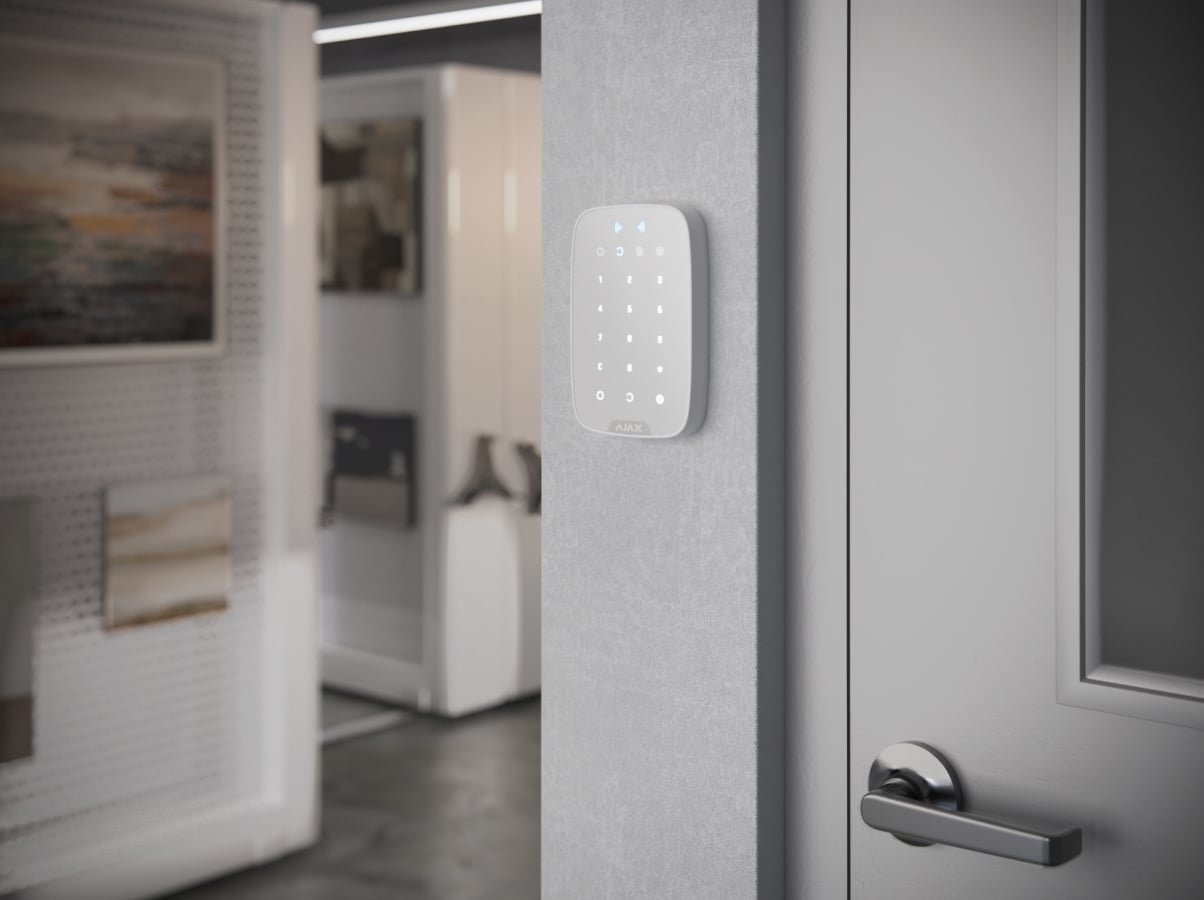
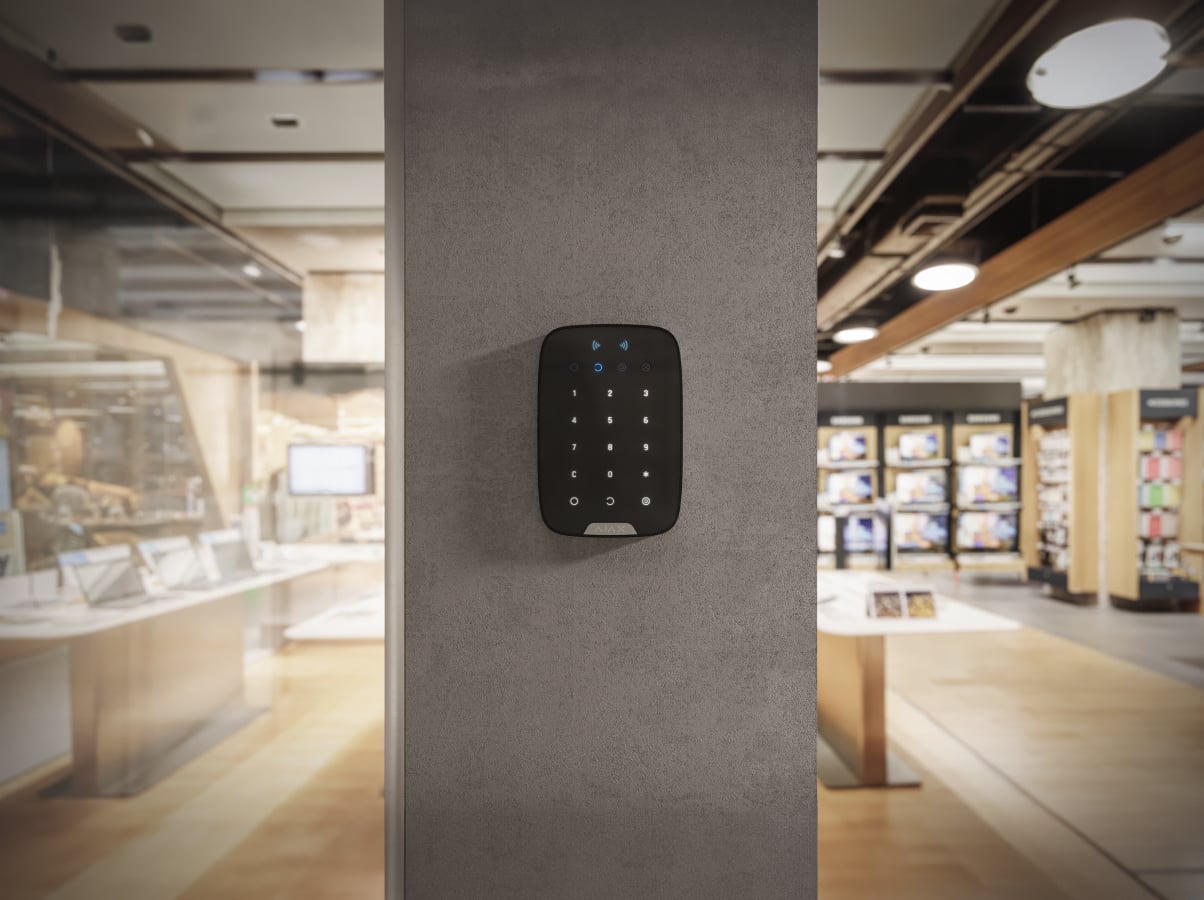
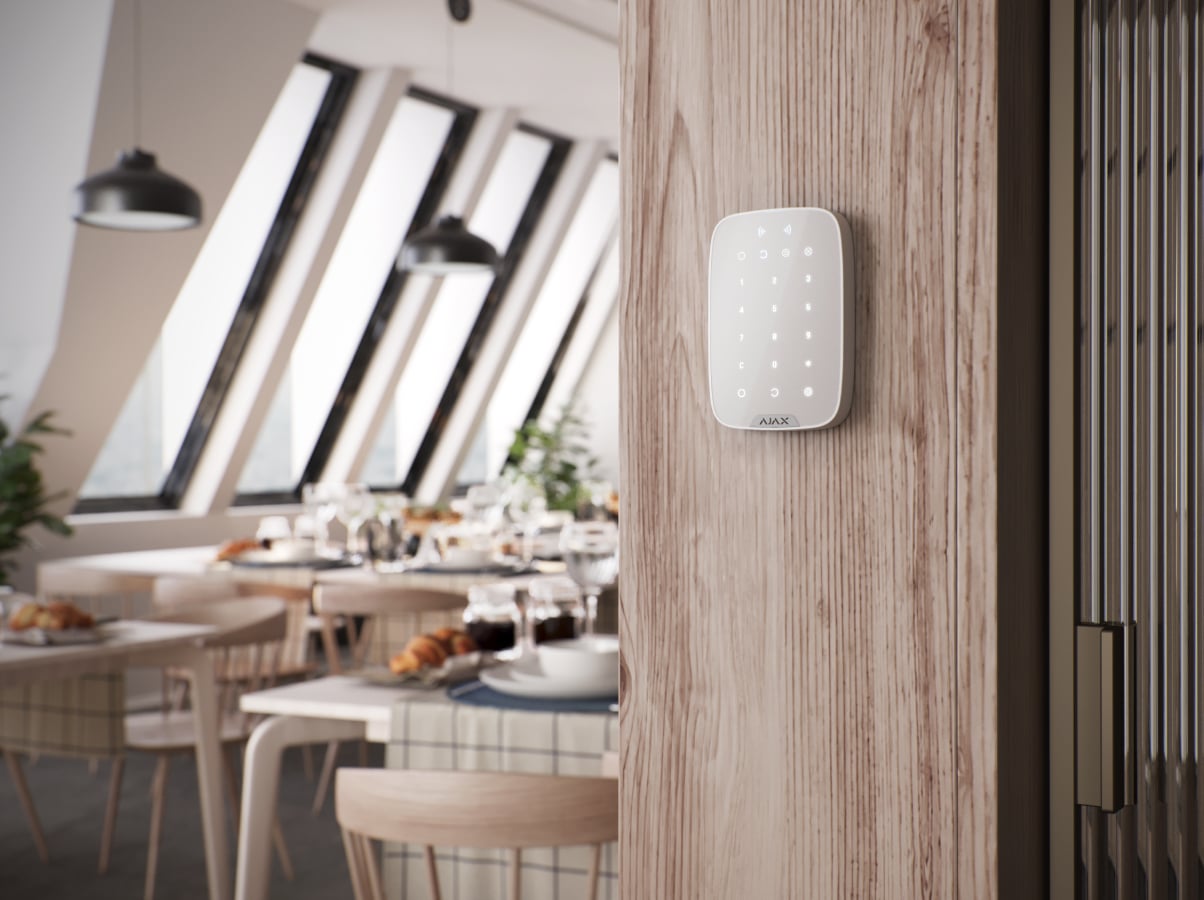
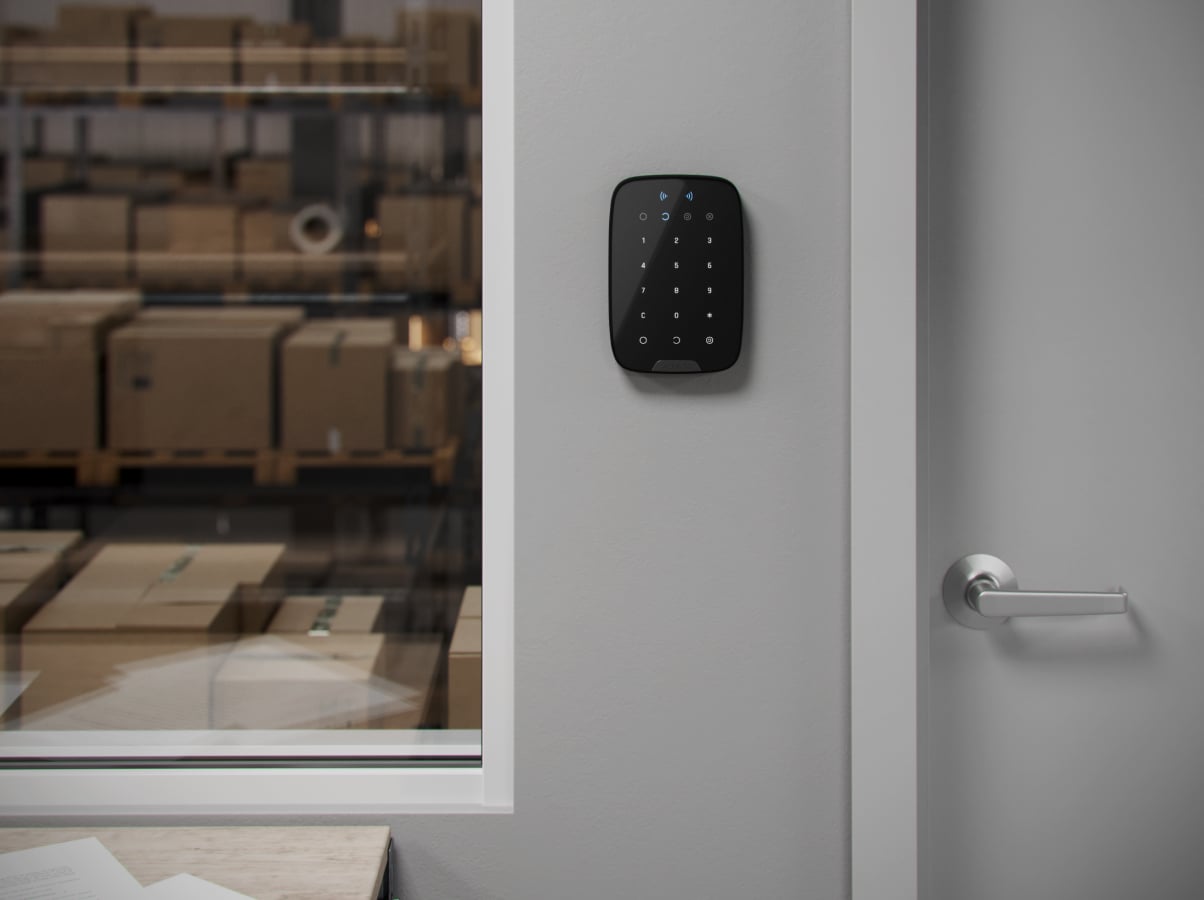
KeyPad Plus Jeweller
Every detail has a purpose.
Explore the function, installation and system requirements of KeyPad Plus Jeweller.
Loading detail…
Use a code, a card or a key fob.
KeyPad Plus supports contactless cards and key fobs alongside numeric codes. Smartphone Bluetooth authentication belongs to KeyPad TouchScreen, not this model.
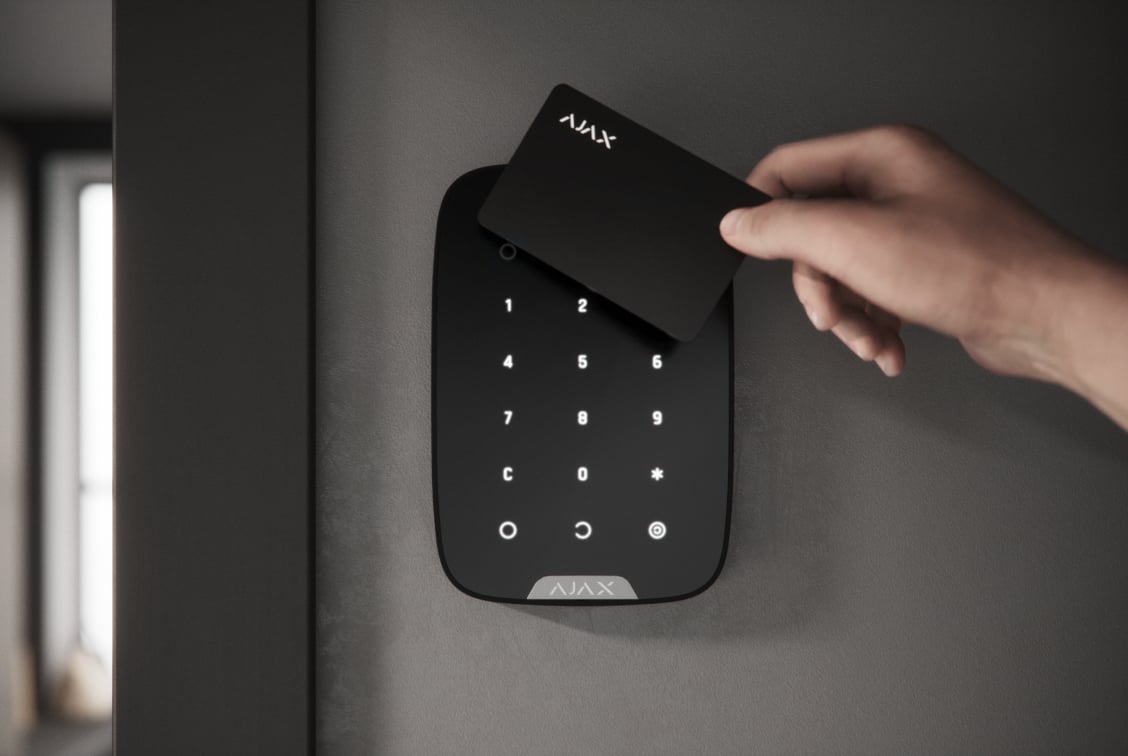
Pass and Tag
Present an authorised Pass card or Tag key fob to manage the security modes permitted for that person. Events are recorded in the app, and an administrator can change or revoke access remotely.
A card or key fob to suit the person.
Pass and Tag are sold separately. Register every credential and remove access promptly if it is lost.
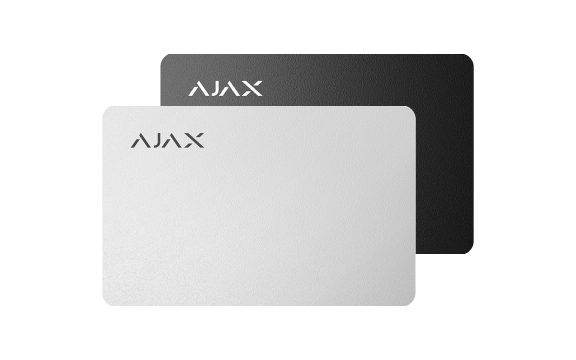
Pass card
A slim contactless card for everyday access. DESFire technology combines encrypted identification with copy protection.
Permissions you can change remotely.
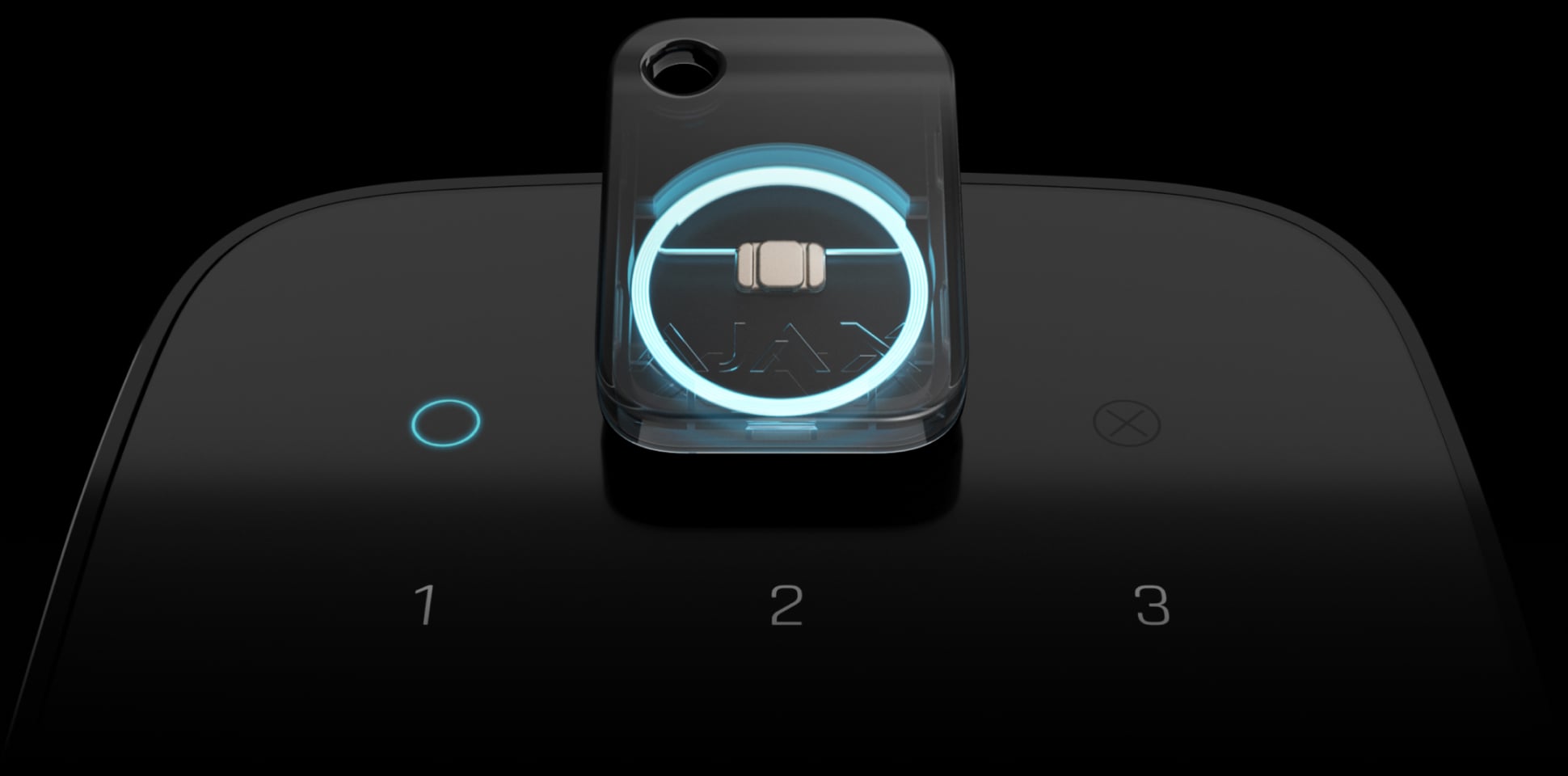
Protected contactless identification
The DESFire reader uses 128-bit encryption and copy protection. Only access devices registered and authorised for the system can operate its security modes.
Named access for people without an account.
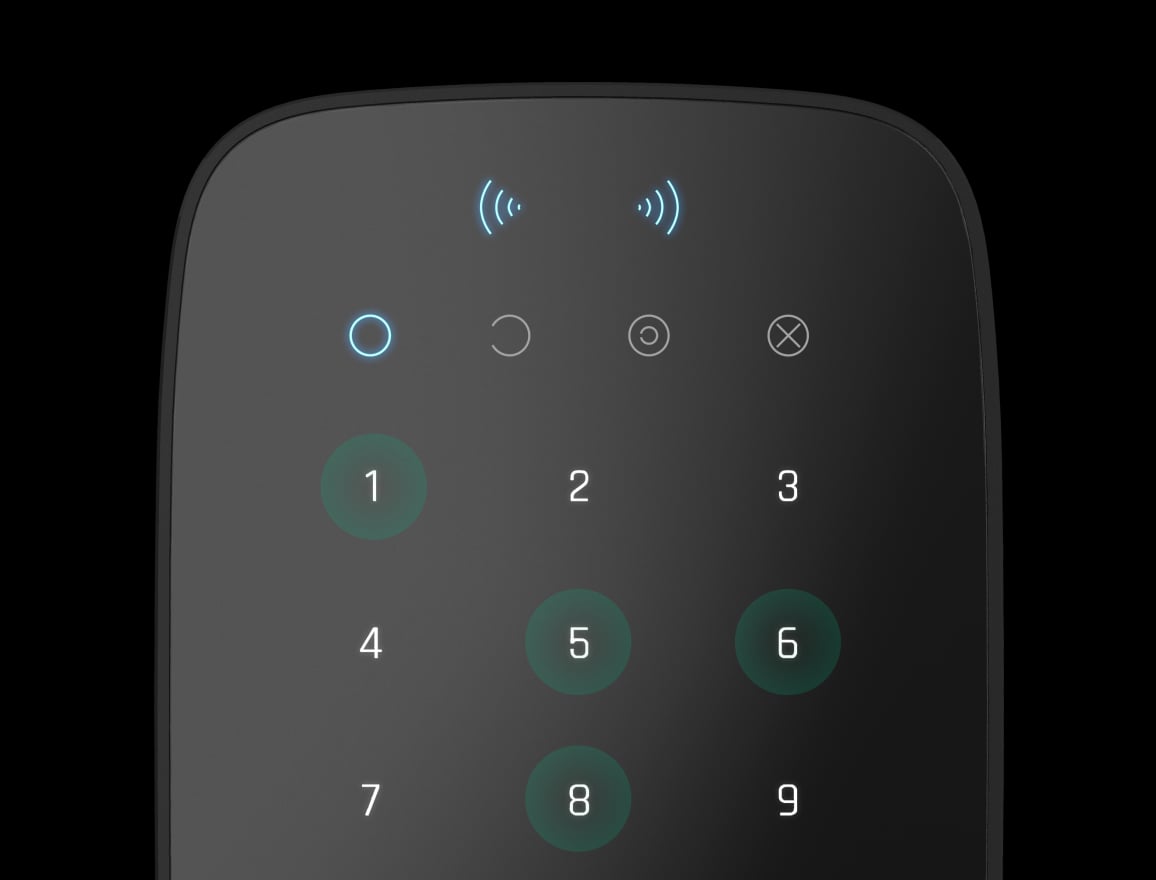
Codes for visitors and service staff
Assign an access code in the hub settings, give it a clear name and deactivate it when it is no longer needed. This avoids sharing a permanent user’s code.
Up to 99 such codes, depending on the hub. Confirm support for the supplied hub and software version.
Make the emergency action clear.
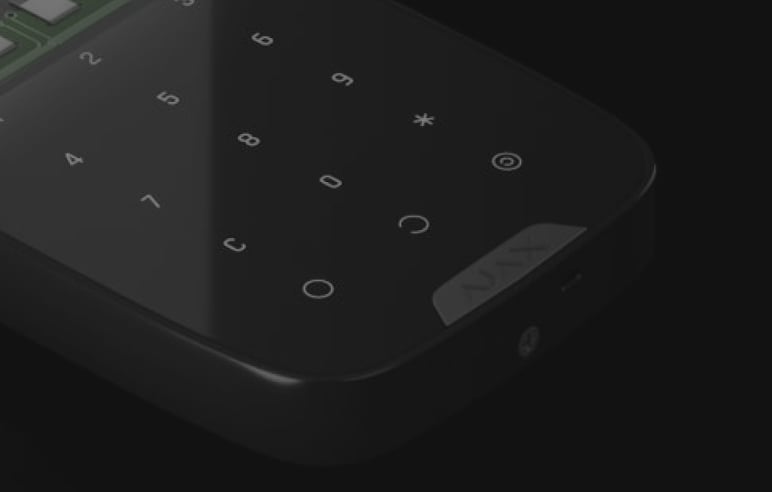
Panic button and duress codes
Configure the function button to send a panic alarm or use a duress code if someone is forced to disarm the system. A duress code simulates normal disarming while raising a silent alarm.
Agree alarm handling with the monitoring provider. The function button can instead be set to mute supported interconnected fire alarms or be disabled.
Let a security event trigger a scenario.
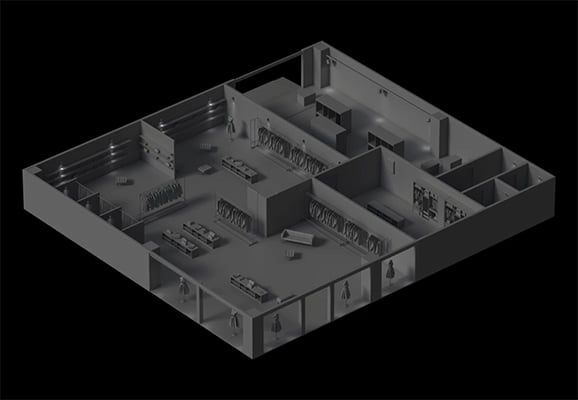
Linked actions when security changes
Configured scenarios can switch lights, sockets or other compatible automation devices when the system’s security mode changes or a panic alarm is raised.
KeyPad Plus does not offer the dedicated automation-control screen of KeyPad TouchScreen. Automation devices and scenarios must be configured separately.
A wireless keypad with replaceable batteries.
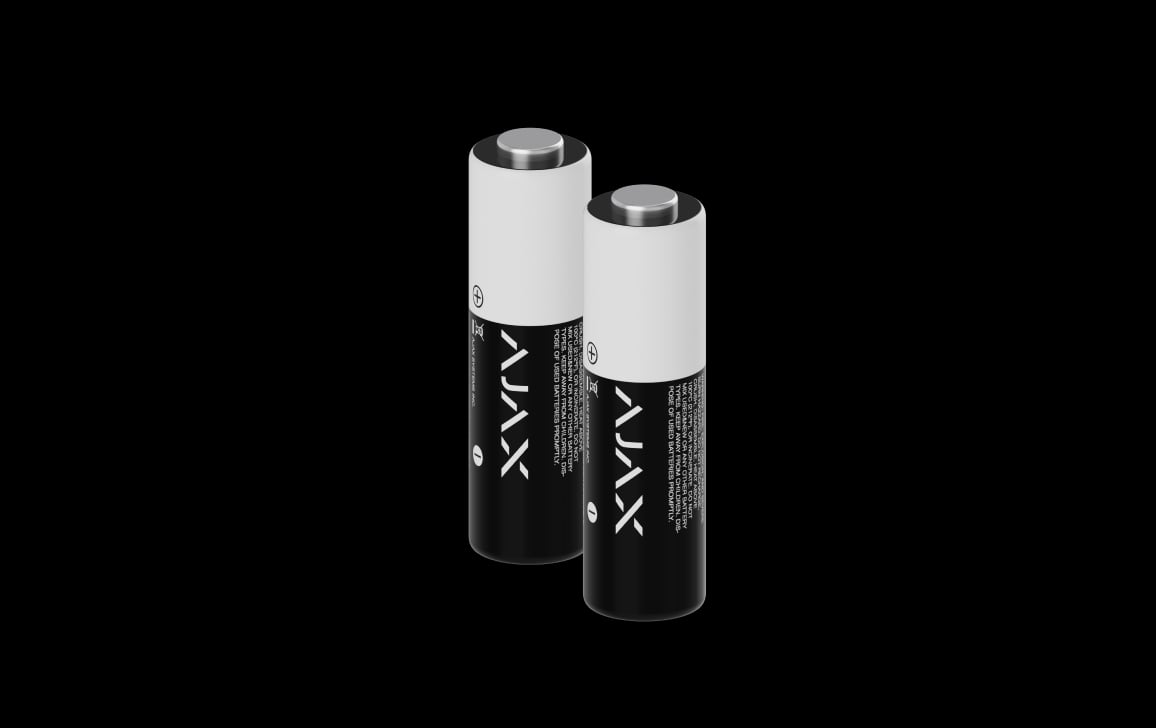
Four AA batteries
The preinstalled batteries support up to 3.5 years of use under the manufacturer’s conditions. Battery status and low-battery warnings are available in the app.
Auto-wake on entry delay requires supported device firmware and hub software and can reduce battery life. Check availability in the app for the supplied revision.
A secure link to your system.
Jeweller communication
Jeweller carries commands, alarms and device status between the control and a compatible Ajax hub or assigned range extender. Encrypted communication and device authentication help protect the exchange.
Up to 1,700 m in open space. Walls and metal reduce usable range; check operation at every intended location. Choose equipment for the same radio-frequency region.
Reach an entrance beyond the hub’s radio coverage.
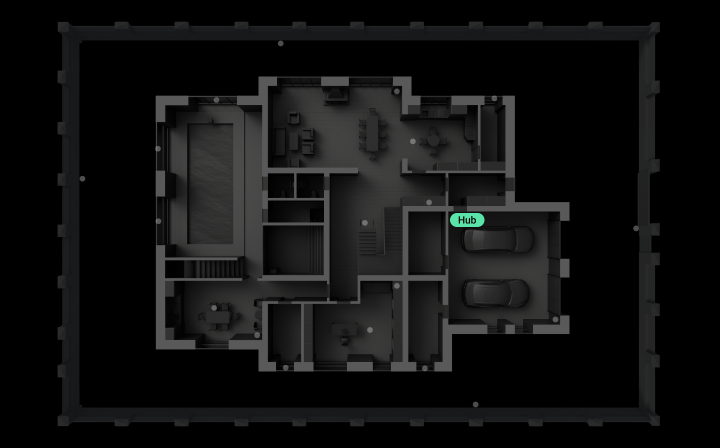
An additional communication path
A compatible range extender can serve a keypad in a remote part of the building. ReX 2 offers Ethernet as an additional path between extender and hub.
Select the extender and supported quantity for the hub. Test communication at the intended mounting position.
Protection that also watches itself.
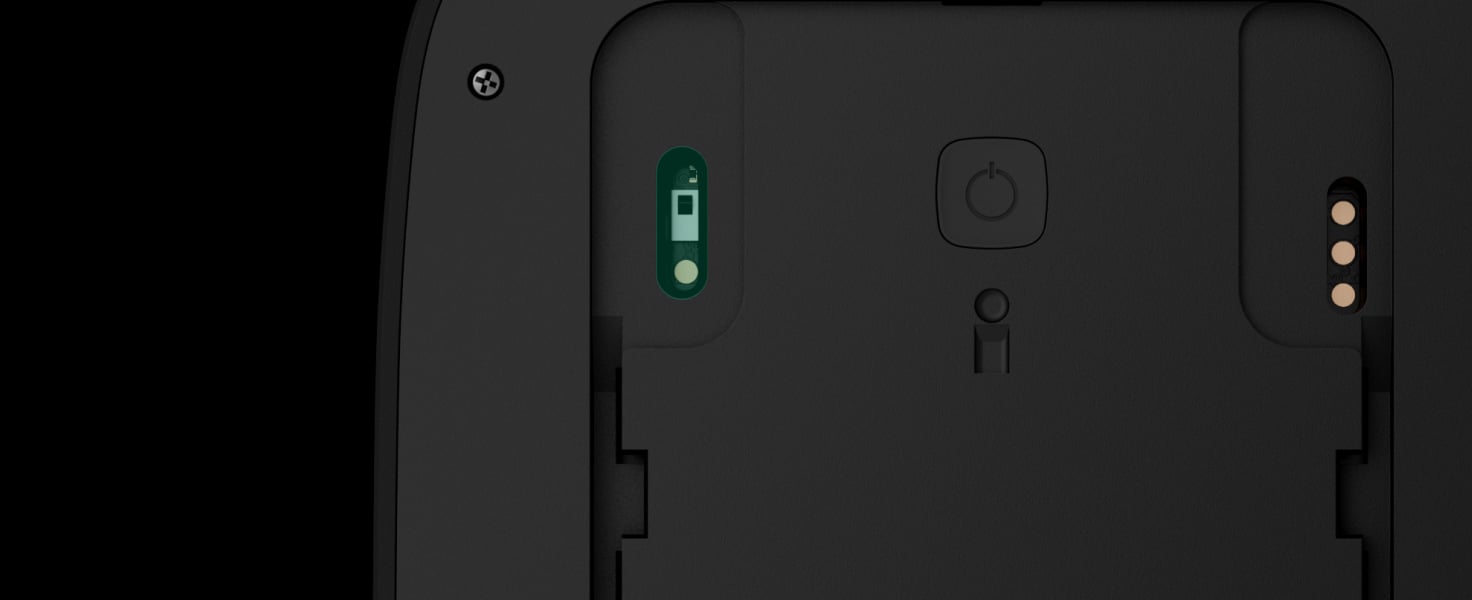
Removal alerts
The tamper reports attempts to detach the keypad. SmartBracket and its holding screw secure it to the wall.

Code-guessing protection
Automatic locking helps stop repeated attempts with incorrect codes or unauthorised access devices. Set the lock duration in the app.
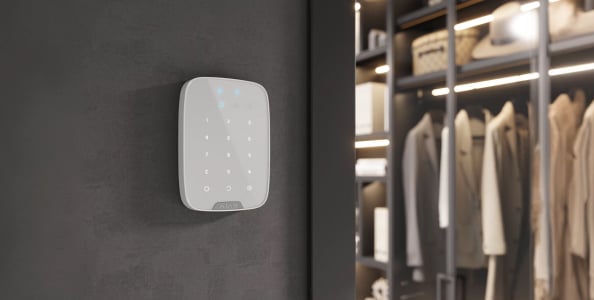
A supervised connection
Regular exchanges with the hub report keypad state and help detect communication loss. Detection time depends on the configured polling interval.
Ready for everyday use.
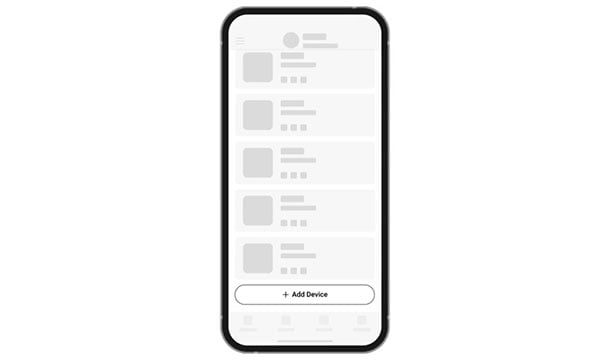
Connect
Add the device by its QR code in the Ajax app, then assign a clear name and room. Check hub compatibility and regional radio frequencies before commissioning.
Find the right control device.
Compare keypads, key fobs and panic buttons across ranges. See how people arm the system, identify themselves, operate a routine or ask for help.
Compare control devices →Every detail, in one place.
Communication
- Jeweller communication technology
- Two-way system communication for the functions specified for this model.
- Radio communication range
- up to 1,700 m Between the keypad and a hub (or range extender) in an open space.
- Encrypted communication
- Encrypted device communication.
- Frequency hopping
- To prevent radio interference and jamming.
Key features
- Sensor type
- capacitive
- Malfunctions and security mode indication
- When KeyPad Plus is active, it notifies with an LED indication of the security mode, problems with detectors, or communication loss with the hub.
- Functional button
- Operates in one of the modes. alarm The system sends an alarm to the central monitoring station and users. It also activates the sirens connected to the system. mute fire alarm Mutes interconnected fire detectors alarms. off The button is disabled.
- Control
- codes; Pass cards; Tag key fobs The functionality of the cards/key fobs is the same, but they differ in design.
- Access via DESFire®
- EV1, EV2 The technology is based on the ISO 14443 international standard and combines 128-bit encryption and copy protection.
- Access codes
- up to 200 personal codes One code per each user. The number of personal access codes depends on the hub model. 1 keypad code One code per KeyPad Plus
- Duress codes
- up to 200 personal codes One code per each user. The number of personal duress codes depends on the hub model. 1 keypad code One code per KeyPad Plus.
Sabotage protection
- Protection against code guessing
- KeyPad Plus locks for 3-180 minutes if an incorrect code is entered more than 3 times in a row within 1 minute.The lock time is adjusted by PRO or user with admin rights in the Ajax app
- Tamper alarm
- Notifications on attempts to detach the keypad from the surface or remove it from the mounting panel.
- Protection against spoofing
- device authentication
- Communication loss detection
- after 36 s Detection time depends on the Jeweller or Jeweller/Fibra settings.
Power supply
- Batteries
- 4 × AA Pre-installed.
- Calculated battery life
- up to 3.5 years
- Keypad’s operating voltage range
- 2.25–3.3 V⎓
- Full battery capacity
- 12,000 mAh
Enclosure
- Dimensions
- 165 × 113 × 20 mm
- Weight
- 267 g
- Operating temperature range
- from −10 °C to +40 °C
- Operating humidity
- up to 75%
What’s in the box
- KeyPad Plus Jeweller
- SmartBracket mounting panel
- 4 AA batteries (pre-installed)
- Installation kit
- Quick start guide
For your installation
- Confirm the supported control panel, device software and regional radio version; test coverage at the final installation position.
- The device is designed for indoor use only.
Optional additions
Find the right protection.
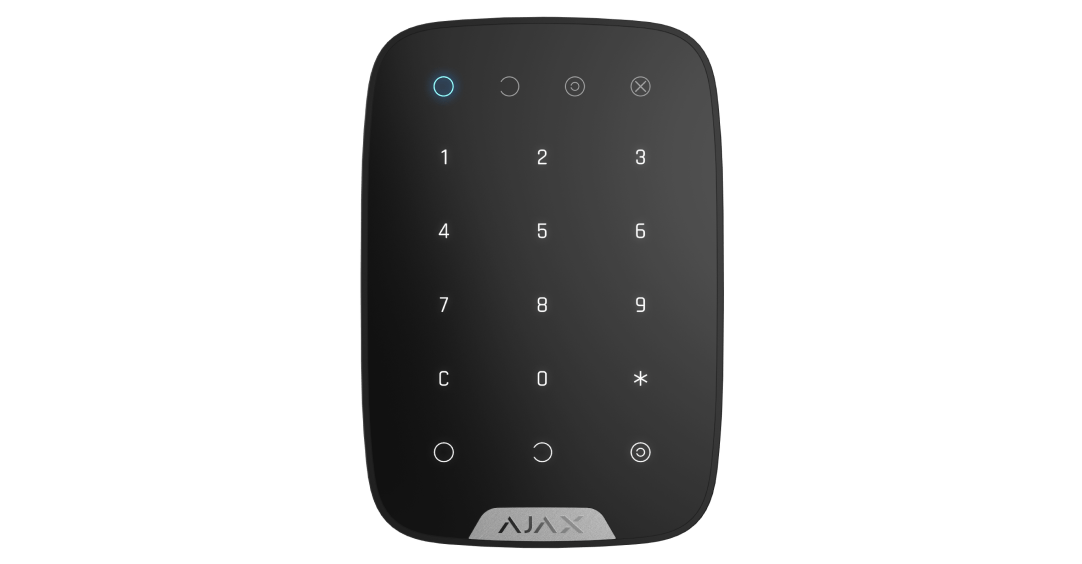
KeyPad Jeweller
Compare the simpler keypad when cards and key fobs are unnecessary.
KeyPad TouchScreen Jeweller
Explore on-screen groups, automation and BLE authentication.