Including 21% VAT · delivery terms apply

MAKE IT YOURS

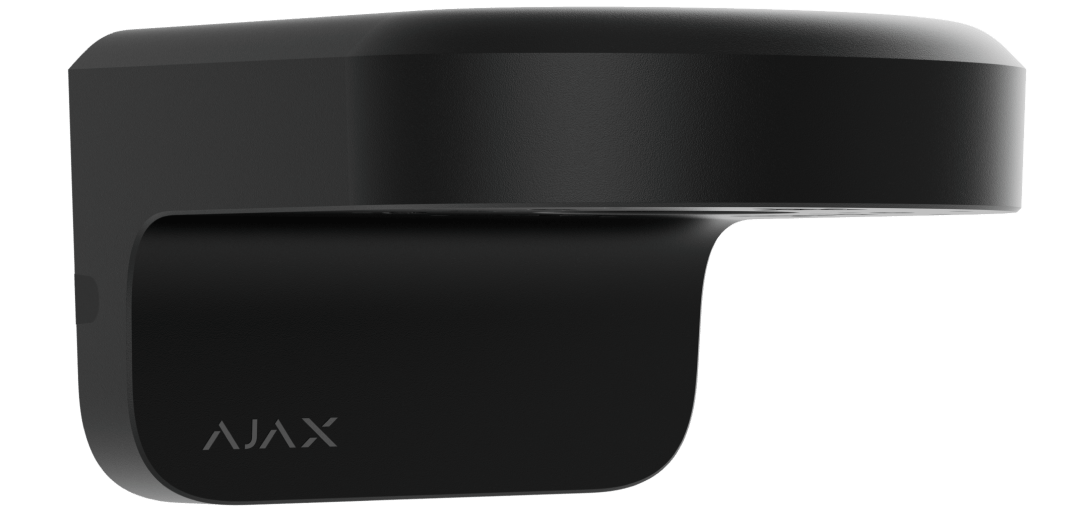
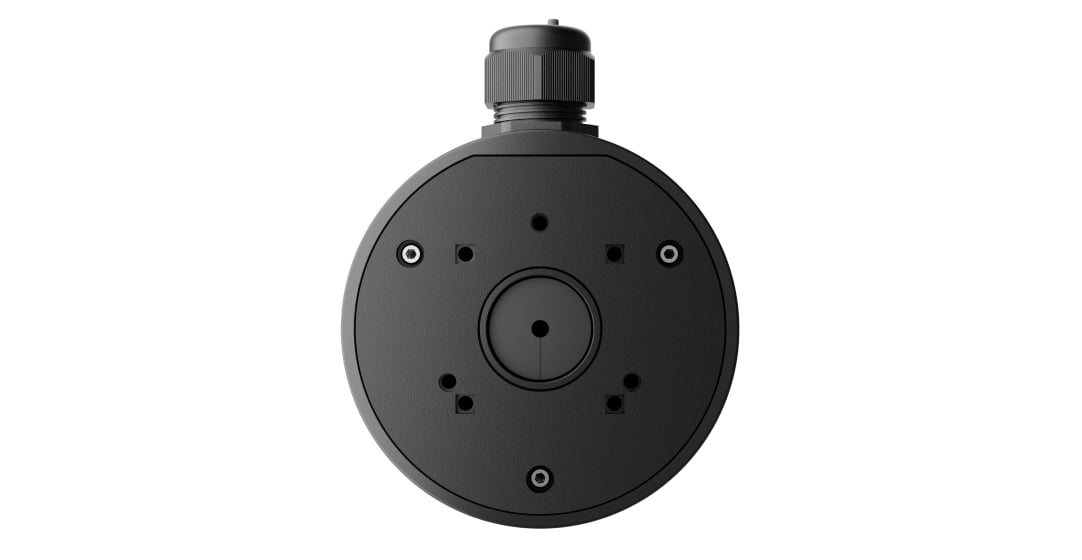
JunctionBox (118×59).

Protect and organise the camera’s cable connections at the mounting point.
MAKE IT YOURS

Protect and organise the camera’s cable connections at the mounting point.

€39.52Includes 21% VAT

Available from supplier

Video

Cameras and recorders selected by area, image detail, network and storage.

Compare with another mounting accessory →
Colour. Black
Quantity. How many do you need?
1
Plan the complete setup.

Check the exact camera/recorder or accessory combination, power, network and storage.

What else needs checking?

Confirm the installed device and app software for the functions you need.

Confirm the supplied model, power package and availability for your project.

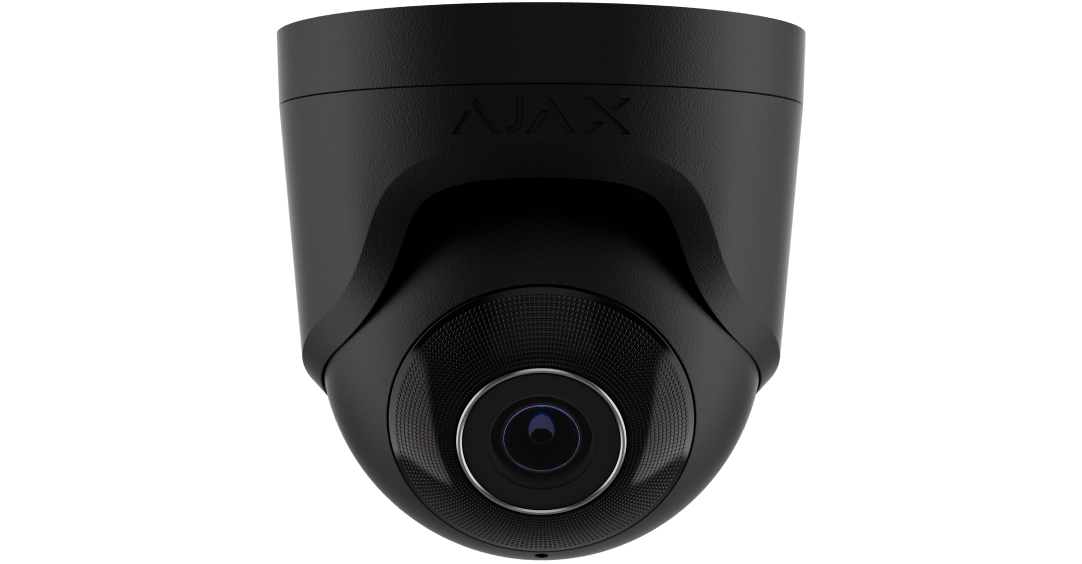
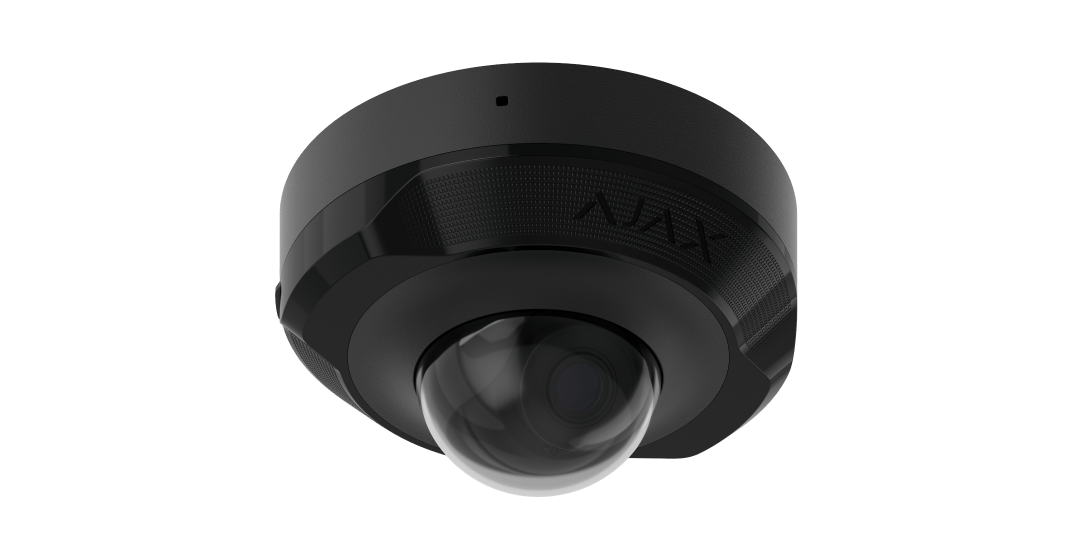
The reviewed datasheet lists BulletCam, DomeCam Mini and TurretCam; the Ajax catalogue also lists TurretCam HL. Confirm other models separately.

Required for your setup
  • One compatible camera: BulletCam, DomeCam Mini, TurretCam or TurretCam HL
Ajax compatibility reference
Plan cameras & recording

Saved together in your project. Choose support after your equipment.

Standards and certifications

JunctionBox (118×59) · JB.1859.Y-000-Y. Manufacturer-listed marks; regional and installation conditions apply.

A tidy connection. Built for the installation.

JunctionBox (118×59) encloses the cable connections for BulletCam, TurretCam, DomeCam Mini or TurretCam HL. Its IP66 enclosure, PG21 gland and sealing ring help protect wiring at an indoor or outdoor mounting point. Choose the box and camera together, then follow the correct cable-entry and fastening method.

Key features. At a glance.

  • IP66 enclosure

    For correctly sealed cable connections.

  • PG21 gland

    Supports and protects the cable entry.

  • 1 or 2 cables

    A sealing insert for the chosen route.

  • Retained lid

    A mounting wire holds it during installation.

  • 4 camera models

    BulletCam, TurretCam, DomeCam Mini and TurretCam HL.

  • Two finishes

    Black or white to suit the installation.

Ajax product information ↗

Made for real installations.

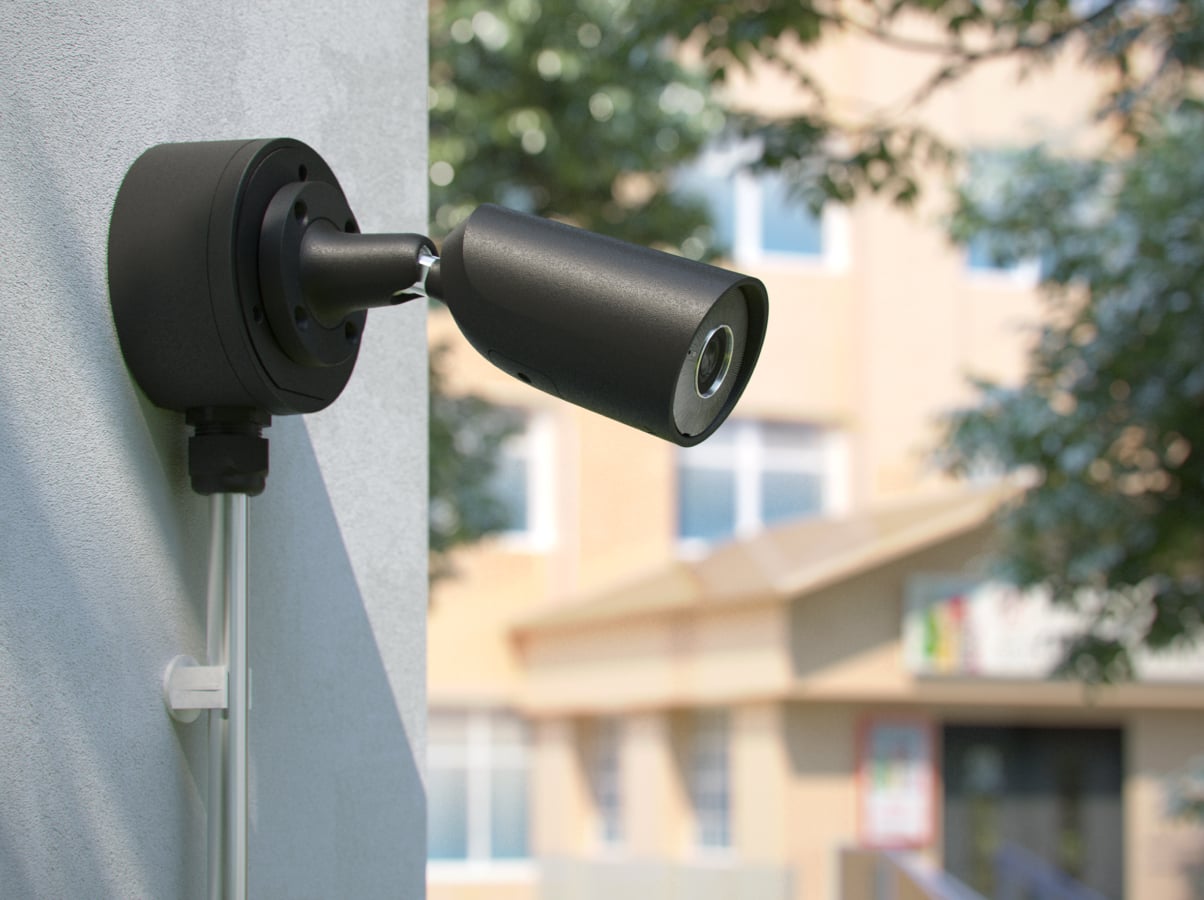
Ajax camera using JunctionBox at a school
School
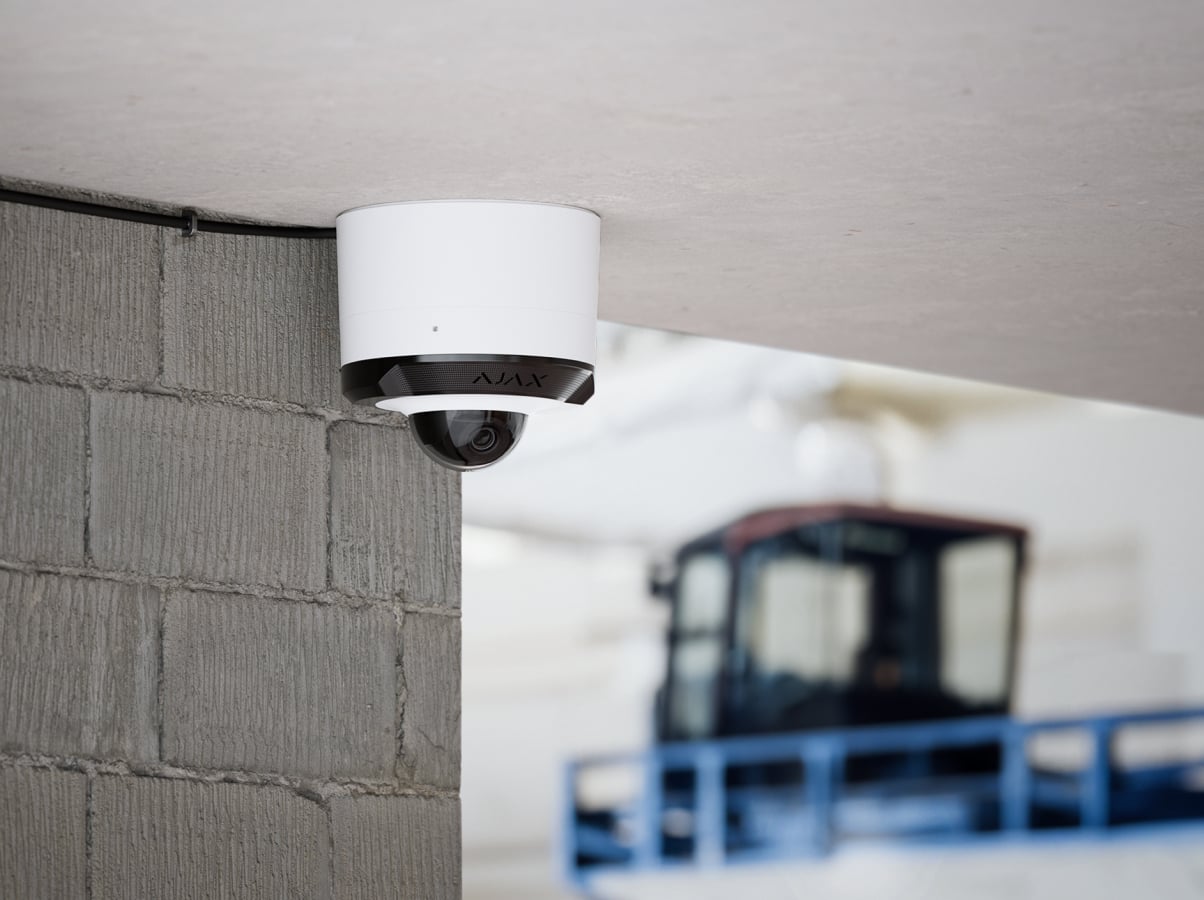
Ajax camera using JunctionBox at an industrial site
Industrial
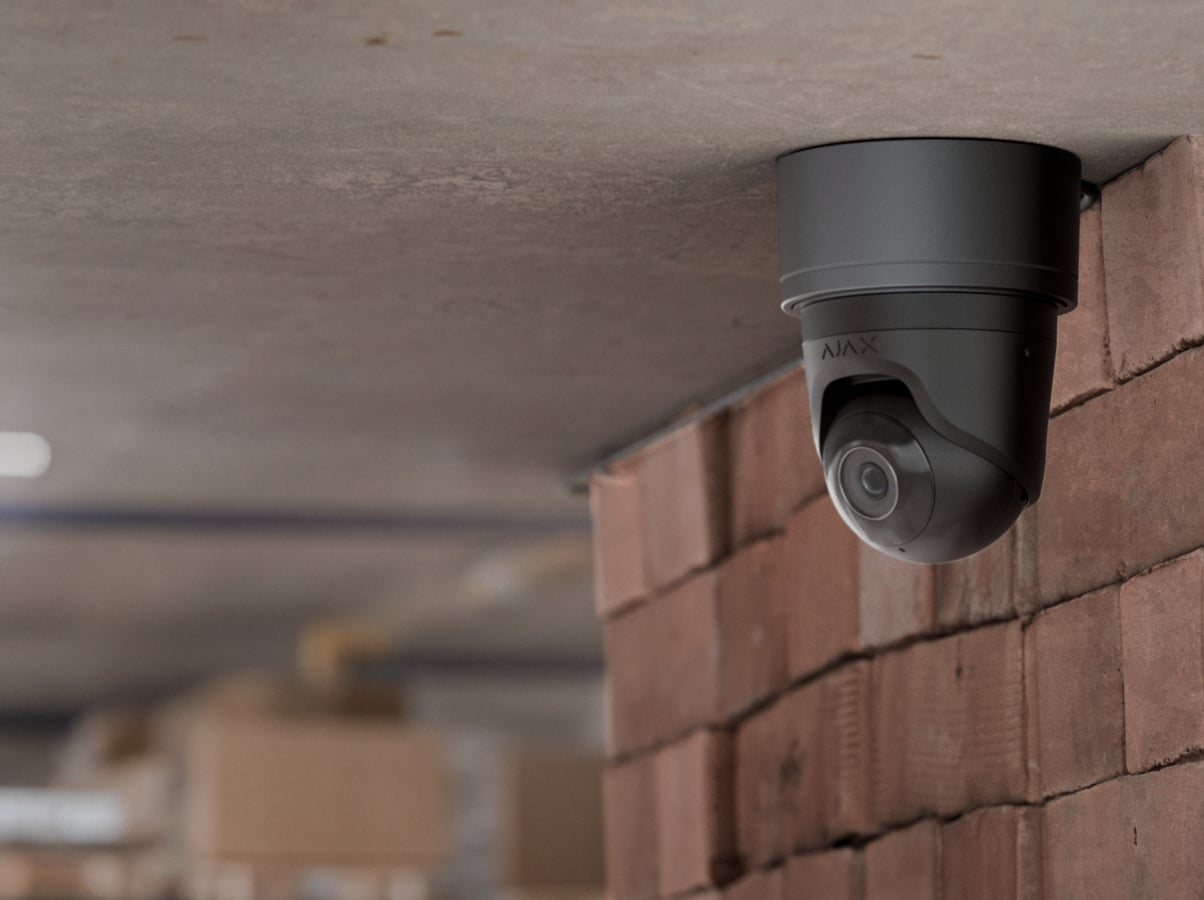
Ajax camera using JunctionBox at a warehouse
Warehouse
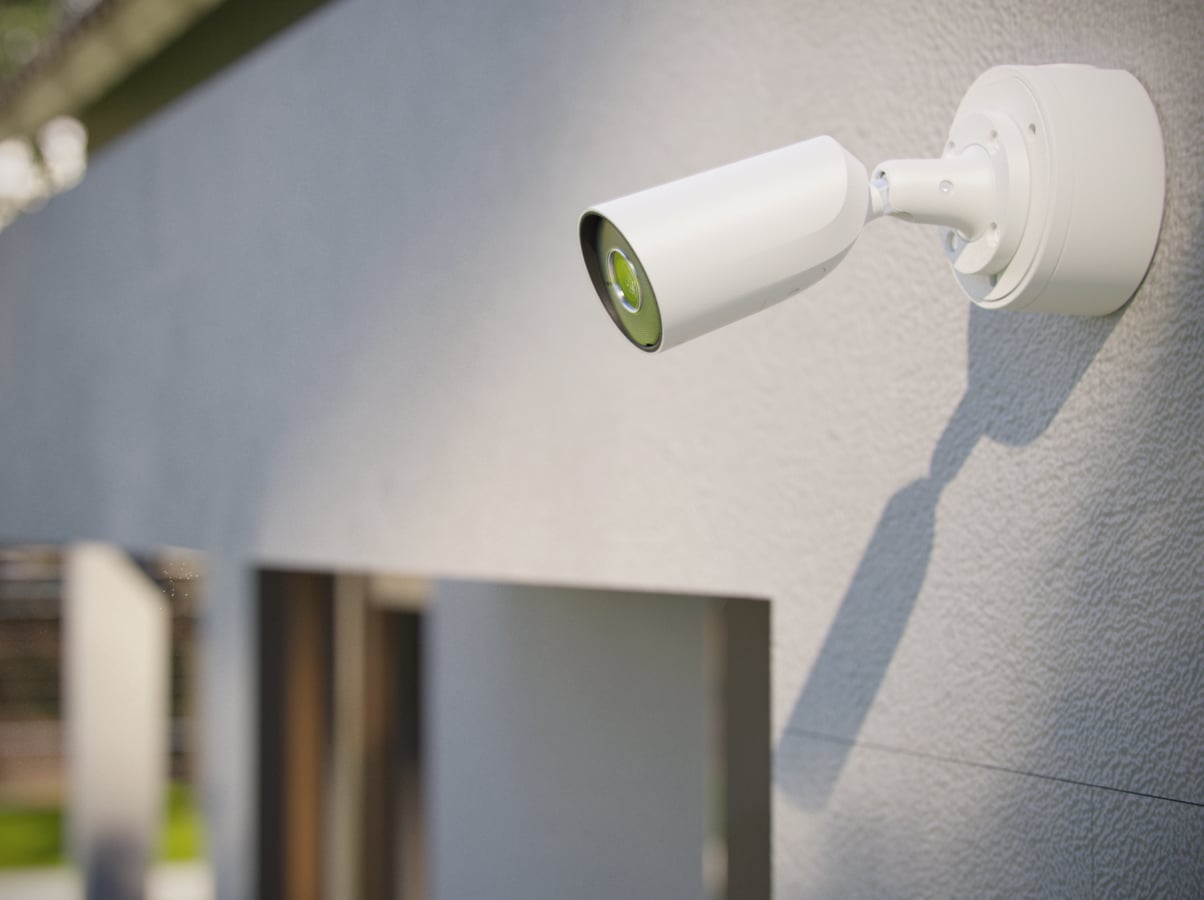
Ajax camera using JunctionBox at a house
House

Start with the right camera.

For the supported Ajax camera models

JunctionBox (118×59) is listed for BulletCam, TurretCam, DomeCam Mini and TurretCam HL. The camera is purchased separately.

TurretCam HL is listed in the Ajax catalogue. This does not automatically include other HL, HLVF or Superior models. Check the exact camera name before selecting the box.

Built around the cable.
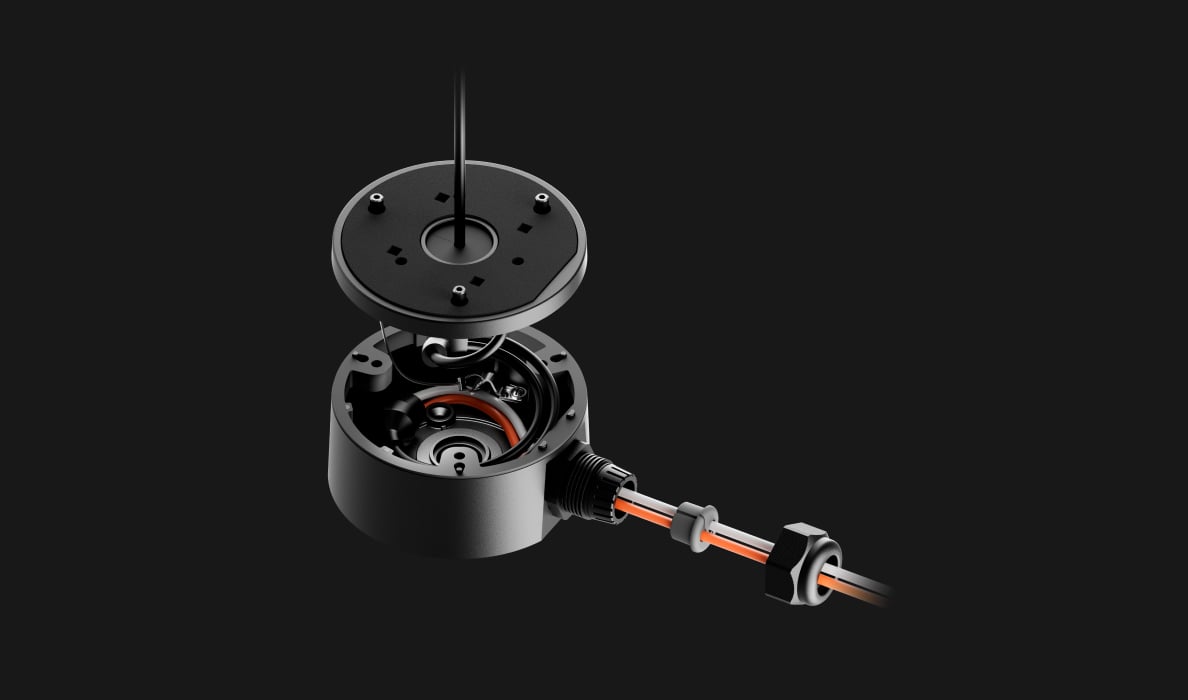
Opened JunctionBox showing the enclosure and cable entry

An IP66 enclosure

The enclosed mounting point keeps cable connections protected from dust and water when the box is assembled and sealed correctly.

Installation conditions must also satisfy the camera’s own requirements. The box is not intended for submersion.
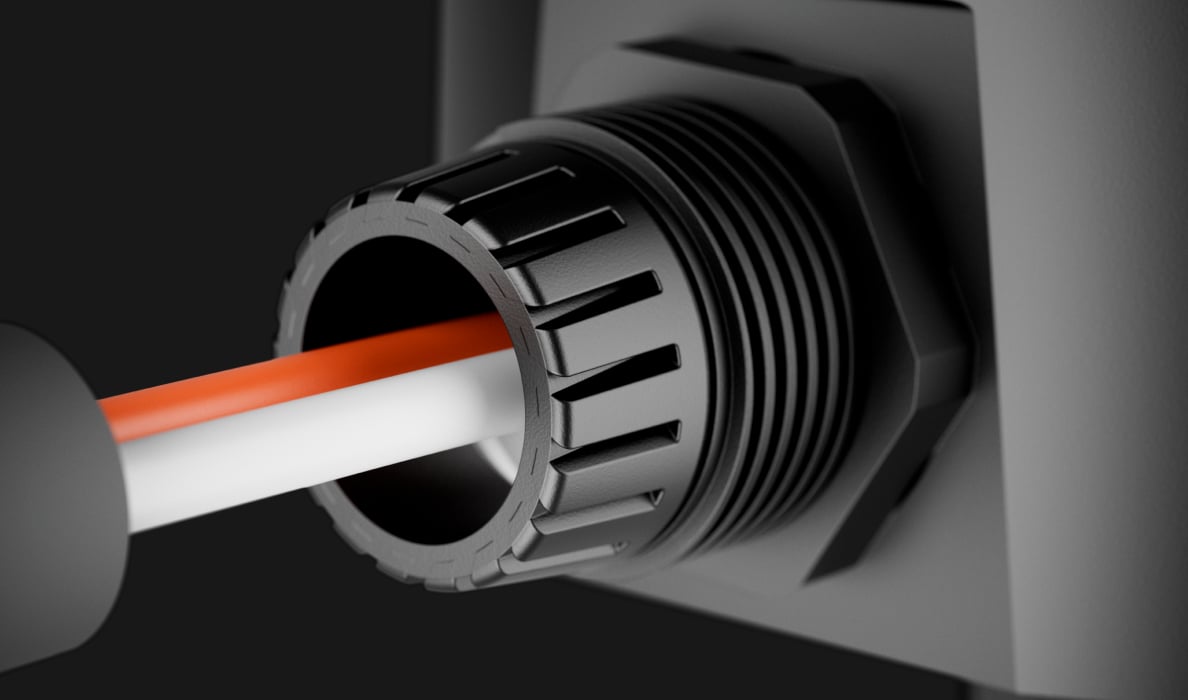
PG21 gland supporting the cables at the JunctionBox entry

A supported cable entry

The PG21 cable gland helps prevent sharp bending, insulation damage and strain at the entry point. Select the side or rear route for the installation and close any unused opening.
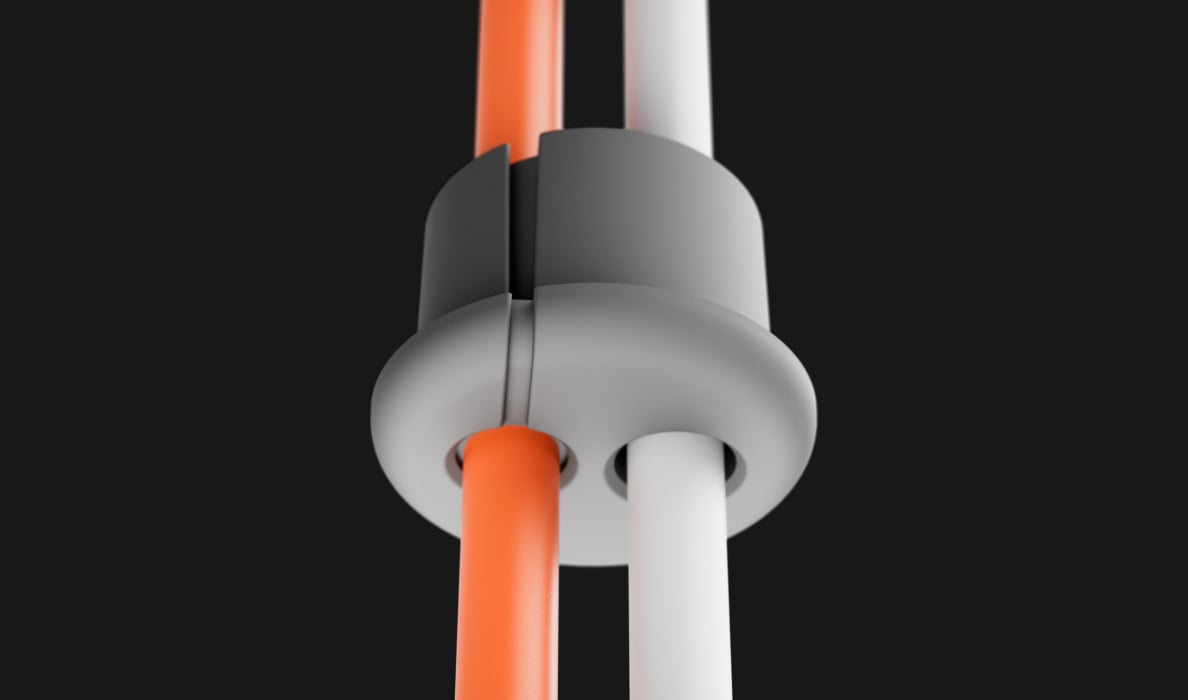
Two cables passing through the JunctionBox sealing insert

A seal for one or two cables

The supplied sealing ring adapts to one or two cables. Prepare the grey insert for the chosen route and keep the black outer ring intact, as described in the manual.
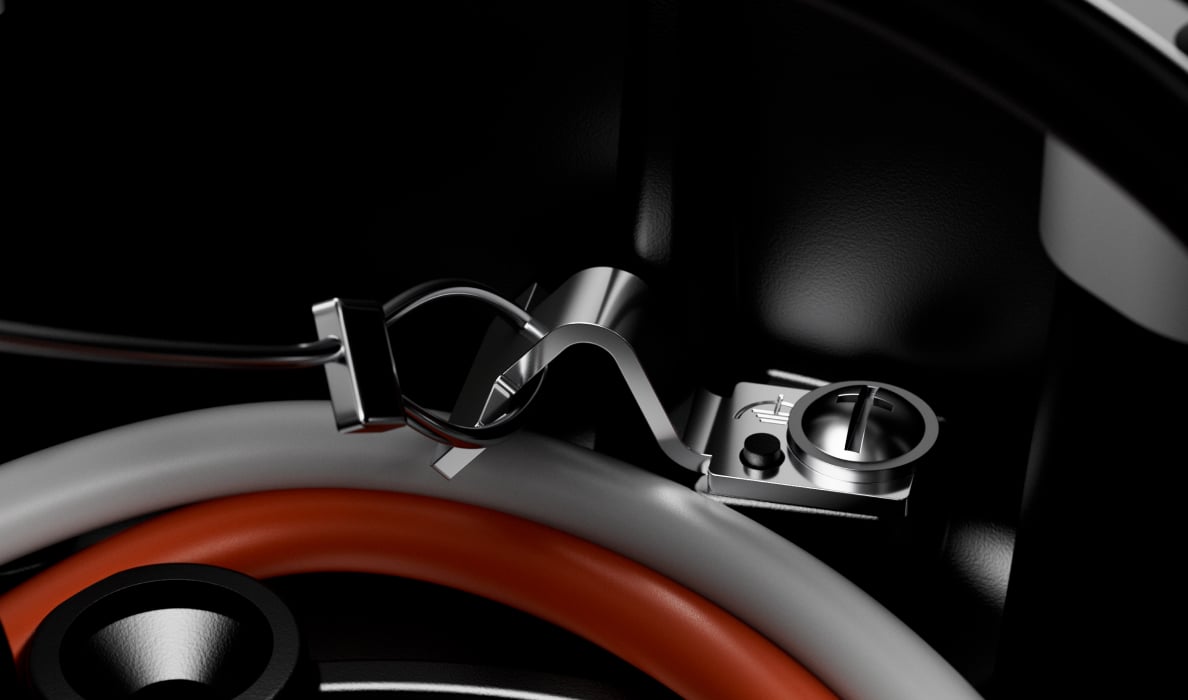
JunctionBox grounding terminal and lid-retaining wire

A grounding point and lid retainer

The grounding terminal provides the connection point for protective grounding. A mounting wire retains the lid while the installer works.

Grounding is completed by a qualified specialist to the applicable electrical requirements.

Finish the mounting point properly.

Fit the chosen camera

Use the supplied template and all fixing points to secure the box to a suitable wall, ceiling or column. BulletCam and TurretCam attach to the lid; DomeCam Mini fits without the JunctionBox lid.

The mounting box is rated for −40 to +60 °C and 90% operating humidity. Check the camera’s own location limits as well.

Manufacturer’s product information

Find the right mounting accessory.

Choose how to mount your camera and protect its connections. Compare exact MountCam versions and JunctionBox, then check the camera you want to install.

Compare mounting options →

Every detail, in one place.

Key features
Cable gland
PG21 To protect the cable from damage, loss of insulation, and excessive bending during installation and operation.
Sealing ring
for 1 or 2 cables To prevent water, dust, and other contaminants from entering the camera mounting box.
Mounting wire
to secure the lid during installation The mounting wire prevents the lid from falling off the camera mounting box until it is secured with screws.
Grounding terminal
Grounding is carried out by a specialist in compliance with local electrical safety rules and regulations.
Product
Dimensions
152 × 117 × 59 mm
Weight
468 g
Operating temperature range
from −40 °C to +60 °C
Operating humidity
90%
What’s in the box
  • JunctionBox (118×59)
  • Installation template
  • Installation kit
  • Quick start guide
For your installation
  • The reviewed datasheet lists BulletCam, DomeCam Mini and TurretCam; the Ajax catalogue also lists TurretCam HL. Confirm other models separately.
  • Correct cable entry and sealing are part of the installation.

Complete your installation.

Service benefits & conditions

Eligibility, availability and service terms are confirmed with your quote.

  1. Included installation. Applies to eligible wireless equipment purchases with an agreed total from €6,000 including VAT. The proposal confirms the installation scope and local coverage. Configuration, agreed wireless installation, oversight, tests and training are included. Electrical and plumbing work and monitoring subscriptions are separate. G3 and Superior wireless S-line products do not count towards the €6,000 eligible equipment budget and are not covered by the included-installation offer. Their installation is quoted separately. Fibra and cabling are also quoted separately. Only eligible battery-powered wireless devices, ordinary hubs, ReX and wireless kits contribute. Devices requiring additional power or wired connections (including Relay, WallSwitch, LightSwitch, Socket, Outlet, FireProtect 2 AC and integration modules), WaterStop, Hub BP, video and EN54/Type4 equipment do not count. Accessories, delivery and Care fees do not count either. Hub and ReX connection to an existing socket is included; new power supplies, cabling, electrical and plumbing work are arranged separately. Included installation is available at one property in Latvia, Lithuania or Estonia and includes preparation and the visit. Below €6,000 of eligible equipment, it is a paid option at checkout. Your basket shows the complete service price, including VAT; scope and the visit date are agreed before installation.
  2. Free EU delivery. Free equipment delivery within the EU. Stock, dispatch and destination service are confirmed before accepting your order. Where a three-business-day delivery service is confirmed, it runs from dispatch. Split shipments and made-to-order products may follow separate agreed schedules. Delivery agreed as free does not acquire an undisclosed surcharge. Installation is scheduled separately.
  3. Payments, finance and leasing. Monthly payments and leasing with an upgrade option require a separate agreement, subject to finance-provider approval, credit eligibility and country availability. The provider, deposit, APR, fees, total payable, duration, ownership and return or upgrade conditions are explained before any agreement. An enquiry or saved preference does not activate credit.
  4. Personal setup. One scheduled remote first-setup session for eligible equipment purchased from SAFE365. Equipment must be ready for configuration. Session scope, language and availability are confirmed when booked; physical installation and cabling are separate unless included in your project.
  5. Care 24. Included remote support and agreed remote maintenance for the first 24 months for eligible SAFE365 purchases. The start date, support hours, access permissions and covered tasks are confirmed with your order. On-site work, 24/7 alarm monitoring and extended hardware cover are not included unless separately agreed. Statutory rights and the manufacturer's applicable warranty are unaffected.
  6. Local installation. Partner coverage varies by country and postcode. A named partner, the work scope, responsibility and price are confirmed in writing before commitment. Local installation is included only for an eligible agreed package; otherwise it is quoted separately.
  7. Included system preparation. Preparation is included from €3,000 of eligible equipment, including VAT after discounts. The order must include an eligible hub. We configure, label and check the marked wireless devices and provide individual instructions. Below the threshold, preparation is a paid option at checkout; your basket calculates the price. The same equipment eligibility rules as for included installation apply. Service charges do not count towards either threshold.

GOLDNBEE SIA — SAFE365 operator for the Baltics and Northern Europe · Reg. 40103558050 · VAT LV40103558050 · Jaunā Mežaparka iela 36-2, Rīga, LV-1014, Latvia

SAFE365. Ajax equipment, thoughtfully brought together.

Product information and photography on this site come from Ajax Systems. Ajax is a trademark of its owner.

Prices include standard consumer VAT for the selected country. Special tax territories, business orders, delivery, service terms and availability are confirmed with your proposal.

Loading page and saved details…