MAKE IT YOURS
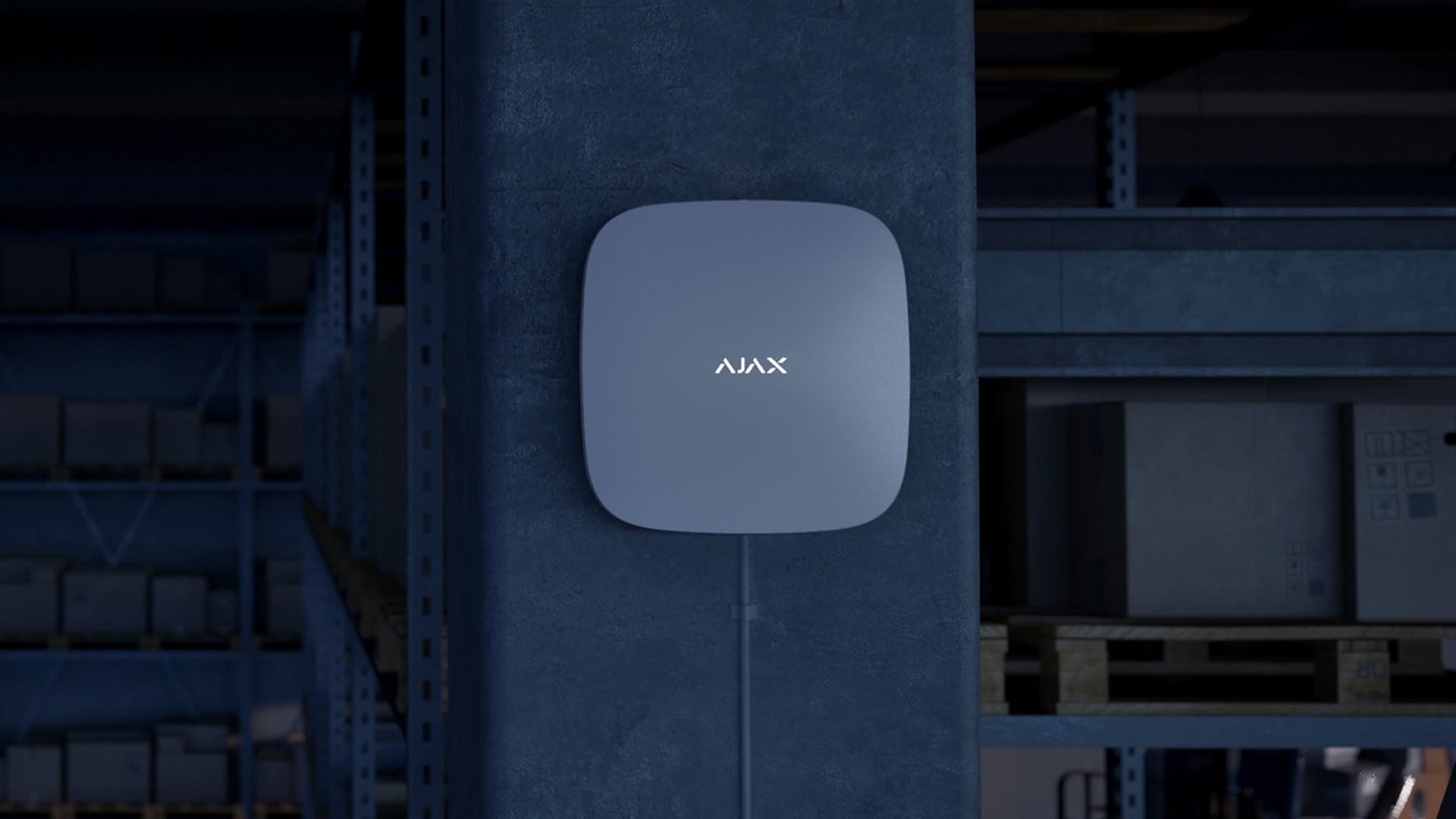
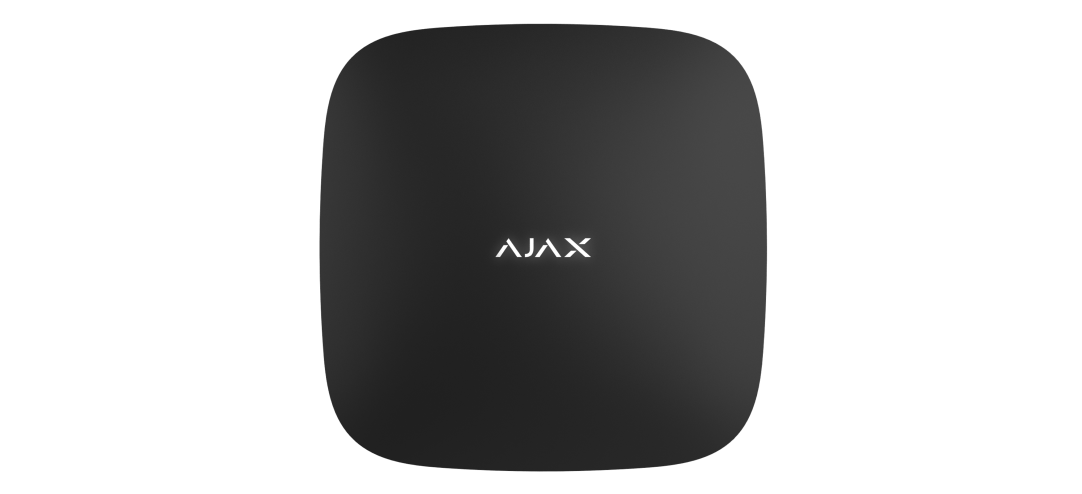
Hub 2 Plus.
Wired, Wi-Fi and mobile connection paths in one control panel.
Standards and certifications
Hub 2 Plus Jeweller · HB2.P.J. Manufacturer-listed marks; regional and installation conditions apply.
Room for a larger, connected system.
Hub 2 Plus Jeweller combines photo verification, Ethernet, Wi-Fi and two cellular connections with capacity for up to 200 devices and 200 users. It coordinates security and supported automation across 25 groups, while a built-in battery helps the system continue through a power interruption.
Key features. At a glance.
4 connection paths
Ethernet, Wi-Fi and two SIMs; one active cellular modem.
Up to 200 devices
Check the exact device and hub compatibility.
Up to 200 users
25 security groups for access and arming.
Photo verification
Compatible MotionCam and PhOD detectors.
Up to 64 scenarios
Supported triggers depend on equipment and settings.
Up to 2,000 m
Jeweller range in open space; the device may limit it.
Up to 5 extenders
Extend coverage, not capacity.
Up to 15 hours
Backup runtime with Ethernet and Wi-Fi disabled.
Tamper alerts
Supervision of the enclosure and communication.
App permissions
User and PRO access to supported controls.
SmartBracket mounting
Indoor installation without opening the enclosure.
Black or white
The same selected finish across your project.
Keep another route for the alarm.
Connection paths
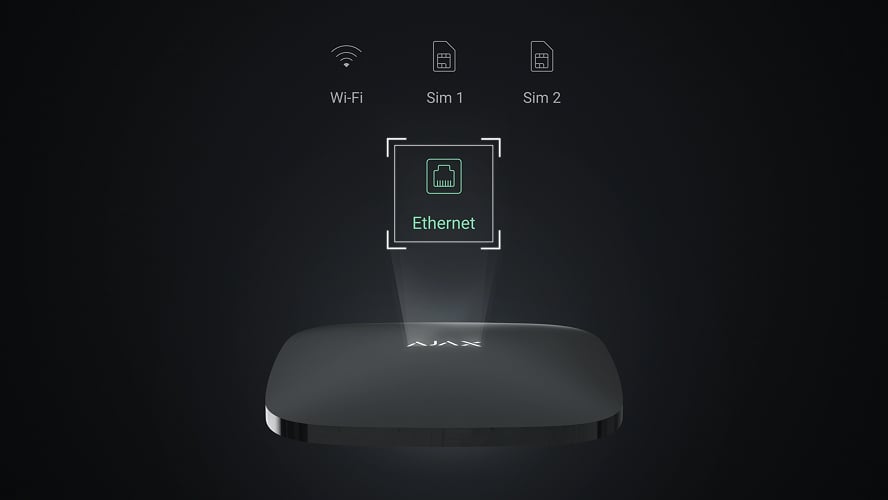
Ethernet, Wi-Fi and two micro-SIM slots offer four configured paths. The cellular modem supports 2G/3G/LTE. Independent providers can reduce shared points of failure; two connections through the same router do not create independent internet service.
Switching between Ethernet, Wi-Fi and the active SIM is automatic. A change between the two SIM cards can take up to four minutes; two SIMs do not mean two simultaneous cellular modems.
Size the system around the property.

Devices, users and groups
Plan for up to 200 wireless Ajax devices, 200 users and 25 security groups. Groups let authorised users arm selected areas without changing the state of the whole property.
The device total includes supported sirens and range extenders. The exact specification allows up to 10 sirens or keypads with a built-in siren and 5 range extenders. Check individual device compatibility before adding it; the total capacity does not imply support for every Ajax model.
An alarm with visual context.
Photos from compatible detectors
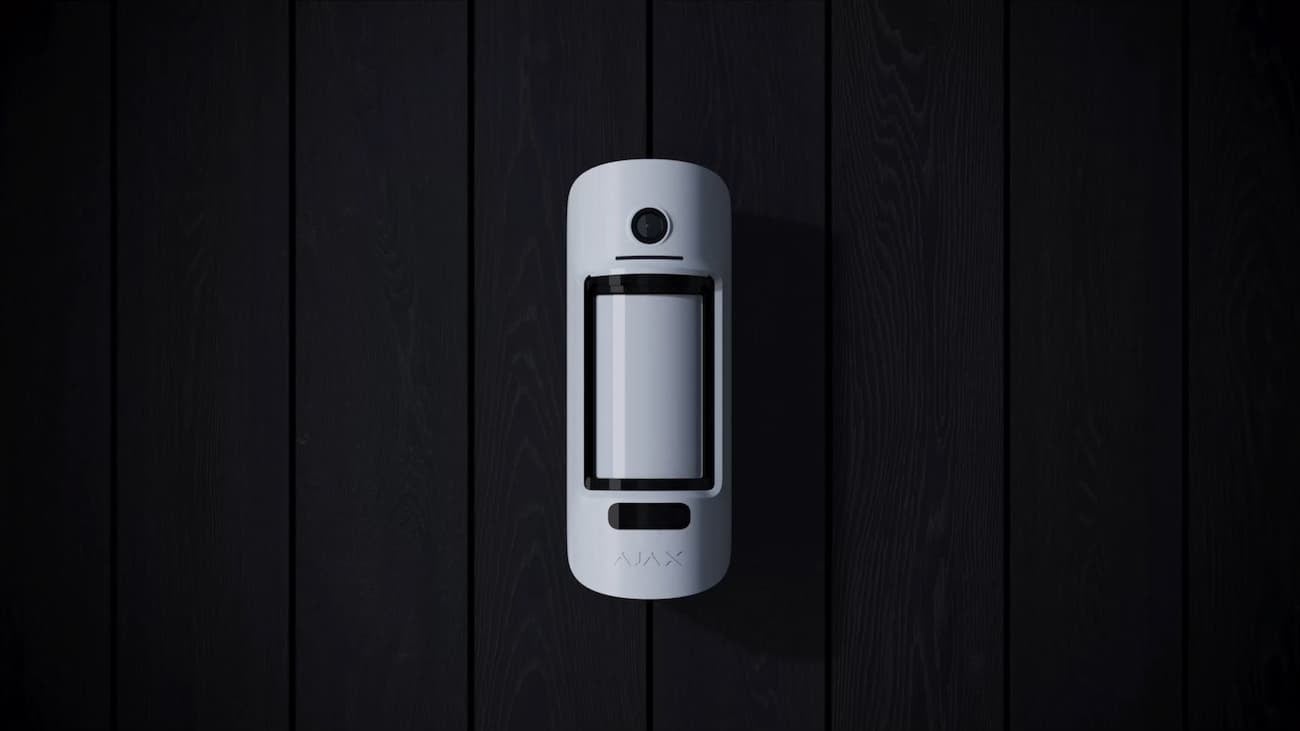
Jeweller delivers the alarm; Wings carries the detector’s photo series. Standard MotionCam models take photos by alarm. Compatible PhOD models can also support photos on demand, by scenario or by schedule, subject to permissions and settings.
Photo by schedule requires OS Malevich 2.19 or later. The quoted 9-second first photo is conditional on 320 × 240 resolution, adequate signal and Ethernet/LTE connectivity. The exact detector and installation determine available modes, resolution and delivery time.
Let devices work together.
Up to 64 scenarios. Available triggers depend on the connected devices and firmware. Plan and test the intended action at commissioning.
React to a leak
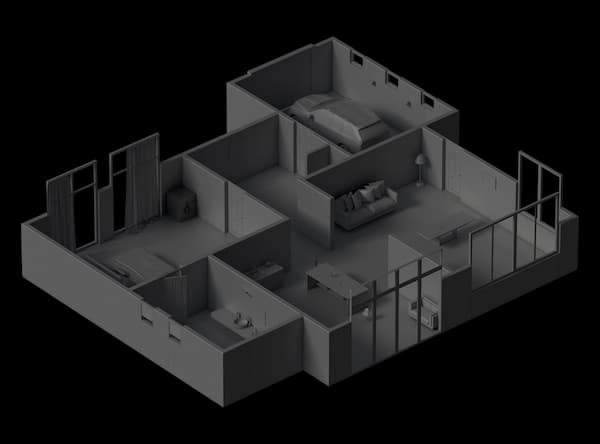
A leak detector can trigger a supported valve or properly installed relay-controlled shut-off arrangement.
Automation equipment and the controlled circuit are planned separately. A scenario does not replace required electrical or fire-safety controls.
Two radio protocols, with distinct jobs.
Jeweller and Wings
Jeweller carries alarms, events and commands using encrypted two-way communication. Wings handles photo delivery separately, checking delivery and retransmitting data when needed.
Jeweller: up to 2,000 m; Wings: up to 1,700 m in open space. The connected device can impose a shorter limit. Walls, metal and interference reduce practical range; use devices from the same radio-frequency region.
Reach the harder parts of the building.
Coverage, within the same system
Connect up to 5 compatible ReX or ReX 2 range extenders. Assign supported devices to improve coverage behind obstacles or across floors.
Use ReX 2 for supported photo-verification detectors. ReX does not relay their photos. ReX 2 Ethernet requires compatible hub software and the specified local-network arrangement. An extender does not increase the hub’s device capacity, and extenders cannot be chained through one another.
Keep protection running through a power cut.
Mains and backup battery
The hub uses 110–240 V AC mains power and automatically changes to its rechargeable battery when external power fails. The built-in 3 Ah battery is specified for up to 15 hours using the SIM connection with Ethernet and Wi-Fi disabled.
Runtime depends on battery condition, settings and communication activity. Router, camera and network power must be planned separately.
More standby time, with a different connection pattern.
Battery Power Saver
A PRO can enable the supported battery-saving mode for an installation. When external power fails, the hub can enter standby and temporarily disconnect its external communication channels to conserve the backup battery.
In standby the hub is not continuously connected to Ajax Cloud or the monitoring station. Events wake it to communicate. Review the monitoring requirements and wake-up settings before enabling this mode; it is not the same as continuous online operation.
The system also monitors its own state.
Tamper and communication checks
The tamper reports removal from the mounting panel. Regular exchanges check device communication, and the system reports faults, lost links and detected interference according to its settings.
Device polling is configurable from 12 to 300 seconds. Cloud-loss notification timing is also configurable; a quoted 60 seconds is not guaranteed for every setup. A notification requires an available delivery path.
Control the system from one interface.
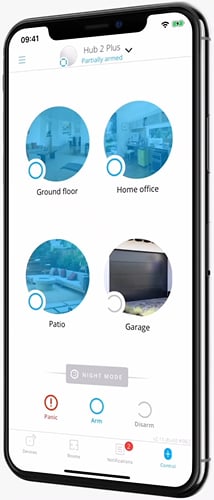
Permissions follow the person
Use Ajax apps to arm permitted groups, review events and manage supported settings. Administrator and PRO permissions define who can configure equipment; photo access is managed separately where supported.
Remote app access needs the hub’s connection to Ajax Cloud. Cameras use their own network and recording arrangement: the hub is not an NVR and does not store a continuous video archive.
Keep the system when you change its centre.

A supported move to a new hub
Ajax’s import workflow can transfer compatible devices, settings, users, groups and scenarios to the new hub. Check the source and destination models and their firmware before starting.
Plan the change with the installer and monitoring provider. Verify transferred devices, communication paths, photo permissions and scenarios afterwards; the upgrade is not complete until the system is tested.
Keep the control panel up to date.
OS Malevich
The hub runs Ajax’s operating system and receives supported updates over the air. Keep external power and the required internet connection available, and schedule changes with the installer.
Updates take place under the manufacturer’s disarmed-system conditions. Availability of a feature still depends on this hub, the connected device and their software versions.
Ready for a careful handover.
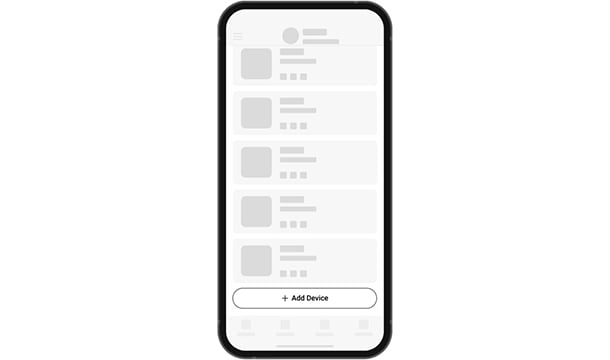
Connect and add
Connect mains power and the planned internet paths, prepare the SIM cards and add the hub by its QR code in the Ajax app. A working Ajax Cloud connection is needed for app configuration and remote management.
Find the right hub.
Choose the control panel for your alarm system. Compare device connections, alarm photos, internet routes and power for the exact hub version.
Compare hubs →Every detail, in one place.
Capacity
- Wireless Ajax devices
- up to 200 Specifically, up to 10 sirens or keypads with a built-in siren and up to 5 range extenders.
- Users
- up to 200 Any number of admin users within the hub limit.; PRO accounts for installers.; PRO accounts for installation and monitoring companies.; Access management for users.
- Automation scenarios
- up to 64 Alarm responses.; Scheduled actions.; Security mode changing reactions.; Temperature changing reactions.; Humidity changing reactions.; Reactions to changes in CO₂ concentration.; Reactions to pressing Button.
- Security groups
- up to 25
- Rooms
- up to 50
Wireless communication
- Jeweller communication technology
- Two-way system communication for the functions specified for this model.
- Radio signal range
- up to 2,000 m Between the hub and connected devices (in an open space). Maximum range depends on the connected device.
- Polling interval
- from 12 to 300 s Adjusted by PRO or user with admin rights in the Ajax apps.
- Encrypted communication
- Encrypted device communication.
- Frequency hopping
- To prevent radio interference and radio signal interception.
- Wings communication technology
- Two-way system communication for the functions specified for this model.
- Radio signal range
- up to 1,700 m Between the hub and connected devices (in an open space). Maximum range depends on the connected device.
Communication channels
- Ethernet
- 1 8P8C socket Up to 100 Mbps.
- Cellular
- 2 micro-SIM slots
- Cellular bands
- 2G: PCS1900/DCS1800/GSM850/GSM900 (B2/B3/B5/B8) 3G: WCDMA 2100/1900/1700/850/900 (B1/B2/B4/B5/B8) 4G (LTE): FDD B1/B2/B3/B4/B5/B7/B8/B12/B13/B20/B28, TDD B40 Depends on the sales region.
- Wi-Fi
- 802.11 b/g/n module up to 600 Mbps.
- Automatic switching between communication channels
- Instant switching between Ethernet, Wi-Fi and SIM. Instant switching between 4G (LTE), 3G, and 2G networks of one SIM. Switching between SIMs takes up to 4 minutes.
- Communication channels prioritization
- Communication channels work in parallel to increase the system’s reliability. Most of the data is transmitted via Ethernet.
Notifications
- Supported notification types
- Push-notifications; SMS; Calls
- Event types
- Alarms; Malfunctions; Security mode changing; System events; Non-security alerts; Automation devicesʼ events The notification types are configured individually for each user.
Photo verification
- Photo verification types
- Photo by alarm; Photo by scenario; Photo on demand; Photo by schedule The Photo by Schedule feature is available for hubs with firmware version OS Malevich 2.19 or higher.
- Photo delivery time
- up to 9 s by default.
- Photo resolution
- up to 640 × 480 pixels Depends on the detector.
- Number of photos in a series
- from 1 to 5 pictures
Monitoring
- Supported protocols
- SIA (DC-09); SurGard (Contact ID); ADEMCO 685; Other proprietary protocols
- Event types
- System alarms and events; Panic button coordinates; Photo verification
Power supply
- Main
- 110–240 V~, 50/60 Hz Up to 10 W of mains power consumption.
- Backup
- built-in backup rechargeable battery: Li-ion 3 А·h Up to 15 hours of offline operation when Ethernet is disconnected. The hub has a 3-pin battery. To replace the hub battery, use the same one.
- Alternative
- 6 V⎓ Requires the 6V PSU (type A) alternative power supply unit sold separately. 12–24 V⎓ Requires the 12–24V PSU (type A) alternative power supply unit sold separately.
Anti-sabotage
- Tamper alarm
- The system receives notifications about attempts to detach the device from the surface or remove it from the mounting panel.
- Protection against spoofing
- devices’ authentication Proprietary authentication algorithms make it impossible to spoof the hub or connected devices.
- Frequency hopping
- The users and the security company receive notifications in case of jamming or when the hub loses connection with the devices.
Enclosure
- Dimensions
- 163 × 163 × 36 mm
- Weight
- 367 g
- Operating temperature range
- from −10°C to +40°C
- Operating humidity
- up to 75%
- Protection class
- IP20
What’s in the box
- Hub 2 Plus Jeweller
- SmartBracket mounting panel
- Power cable
- Ethernet cable
- Installation kit
- SIM card (depends on the sales region)
- Quick start guide
For your installation
- Works with Ajax Baseline Jeweller and Wings devices supported by this hub model and firmware.
- Exact device support, capacity and regional version must be verified per system.
- Not a replacement for an EN54 fire control panel.
Optional additions
Find the right protection.
MotionCam HDR (PhOD) Jeweller
Choose the exact detector and check its hub and firmware requirements.
ReX 2 Jeweller
Review the supported extender. Coverage does not increase system capacity.
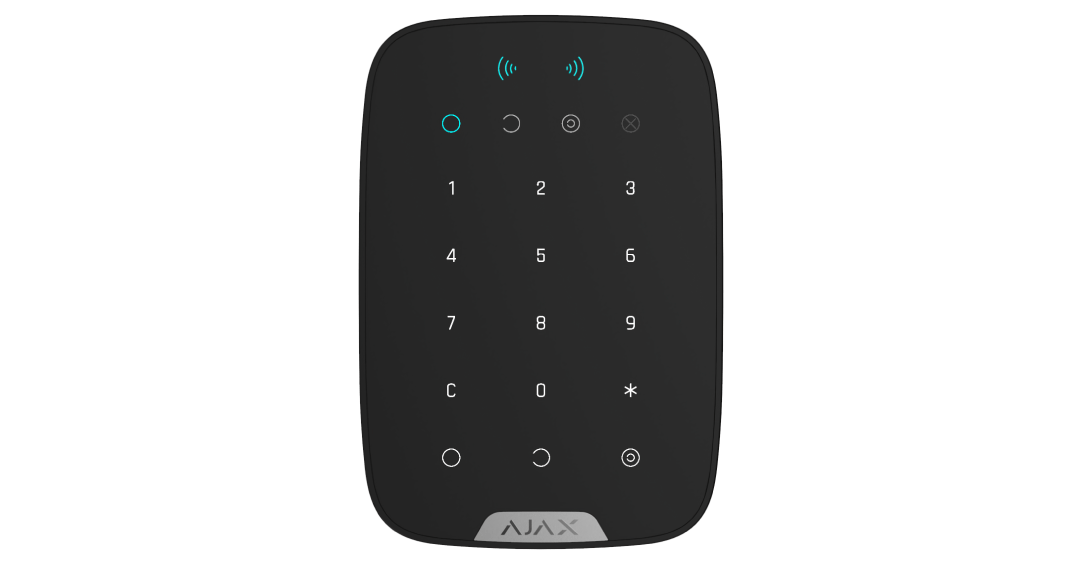
KeyPad Plus Jeweller
A keypad for supported code and Pass/Tag access; check the complete installation.