MAKE IT YOURS
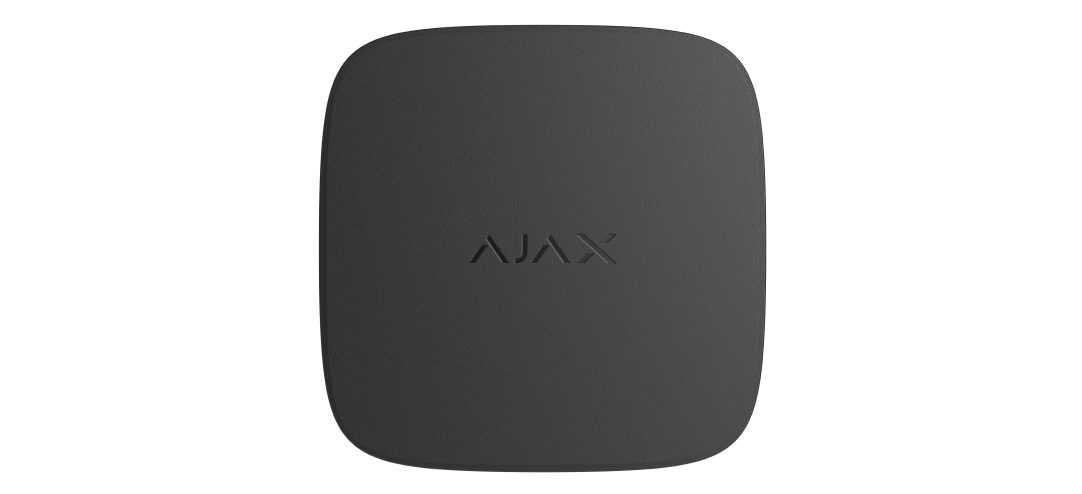
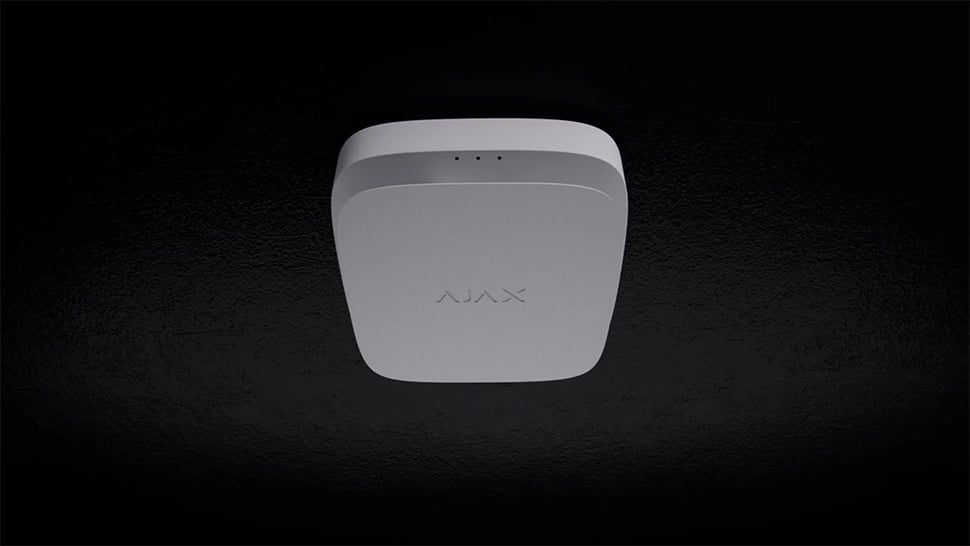
FireProtect 2 (Heat).
Wireless fire detector with heat sensors
Standards and certifications
* Ajax shows these marks for the FireProtect 2 (Heat) Jeweller range. Check the linked documentation for the exact version and market.
Heat detection for the room’s conditions.
FireProtect 2 (Heat) Jeweller monitors a high temperature or a rapid rise with two thermistors and gives a local audible warning. A compatible hub adds app notifications and coordinated alarms. This version has no smoke or CO sensor. It uses replaceable RB batteries. Plan it alongside the other detection required for the property.
Key features. At a glance.
Two types of interconnected fire alarm1

Primary: via an Ajax hub, an alarm in 20 s
Replaceable batteries
RB version · two replaceable CR123A batteries
Heat sensor
Two thermistors
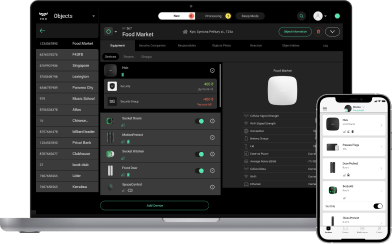
Remote control and configuration
85 dB built-in buzzer
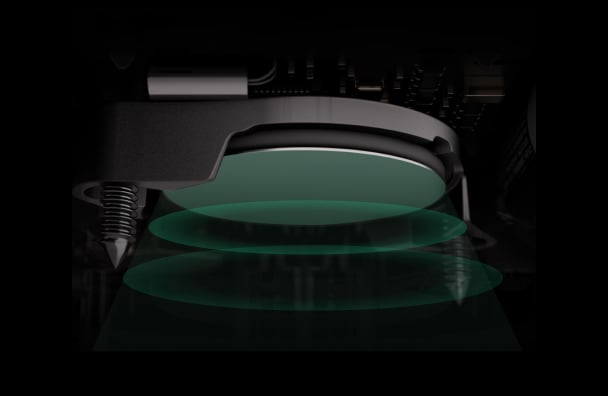
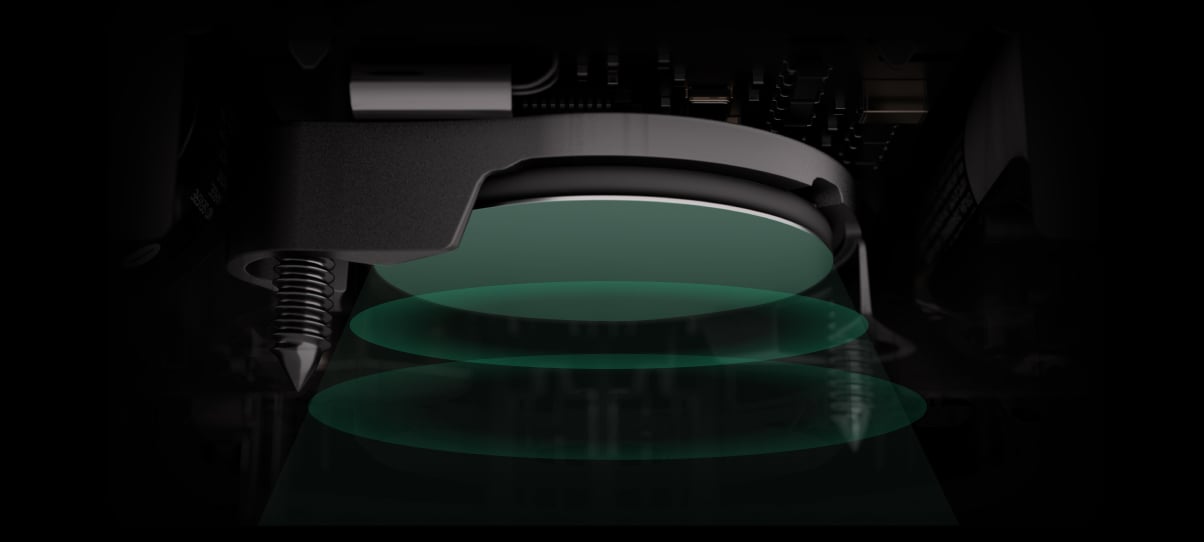


Power adjustment
Informative in-app notifications

Up to 1,700 m2
range of communication with an Ajax hub
Operates as part of the Ajax system or without pairing with an Ajax hub
Two colours
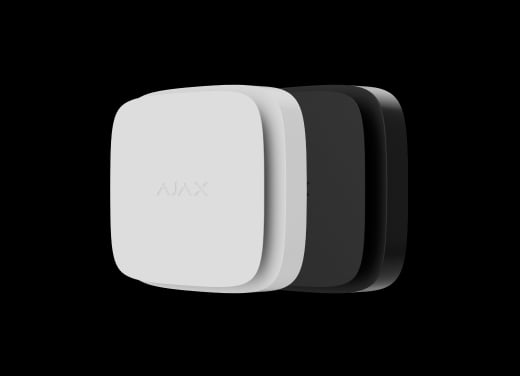
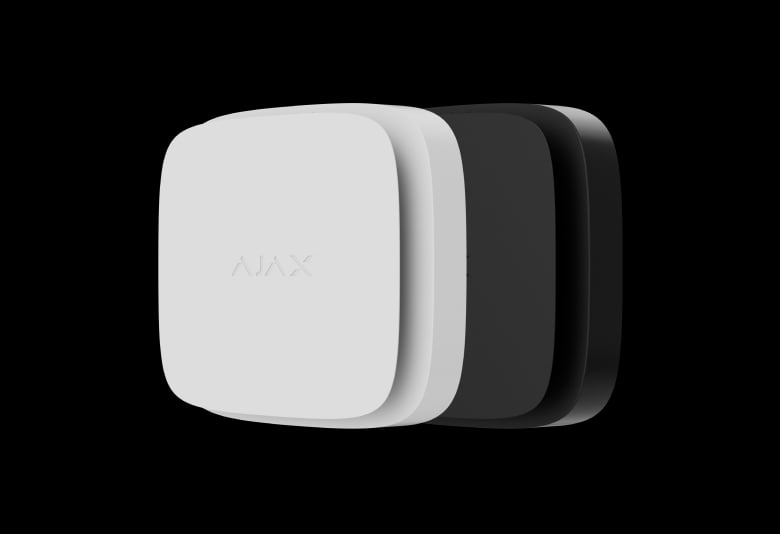
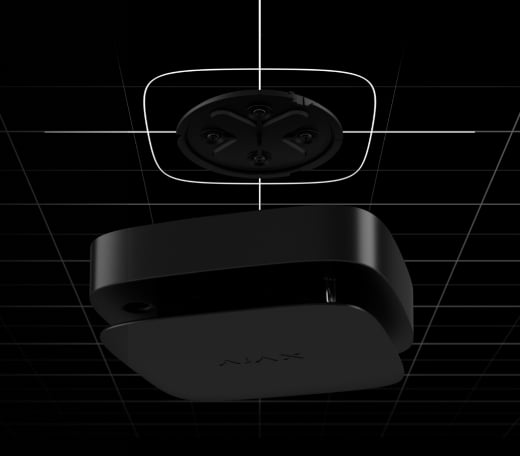
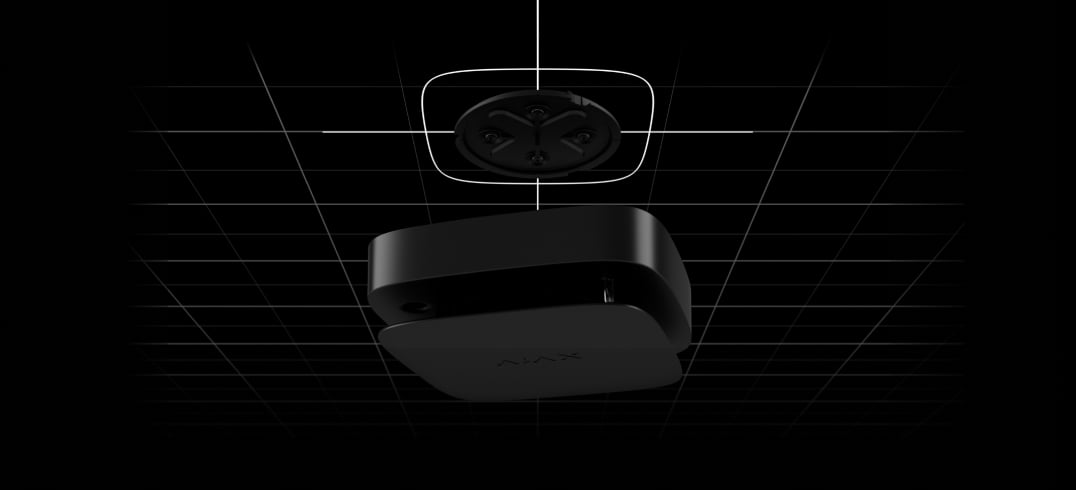
SmartBracket
with an adjustable rotation angle
Hassle-free installation


- 1Requires supported detector hardware/firmware, hub version, configuration and tested radio coverage. See the interconnection section for the applicable conditions.
- 2Range is measured in open space; walls and installation conditions reduce it.
Ajax product information ↗ · FireProtect 2 RB (Heat) Jeweller specifications ↗
Protection in real places.
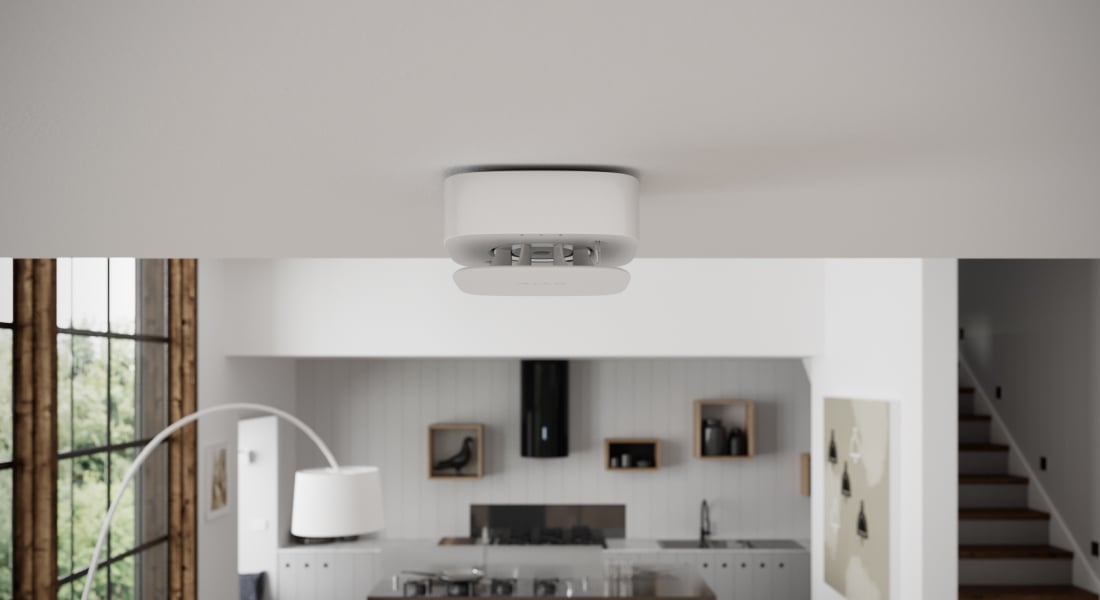
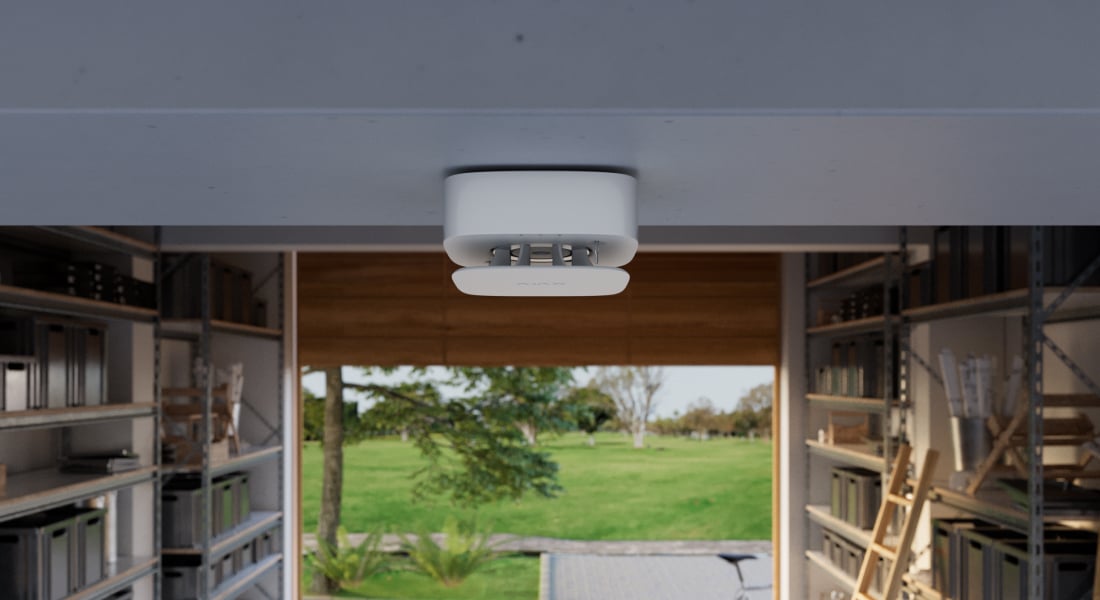
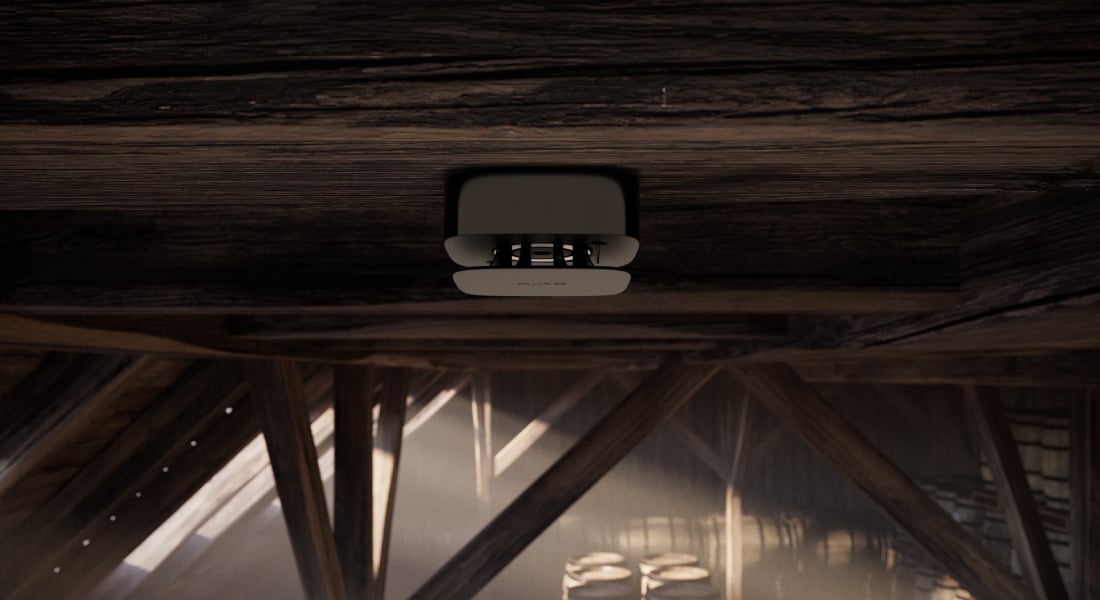
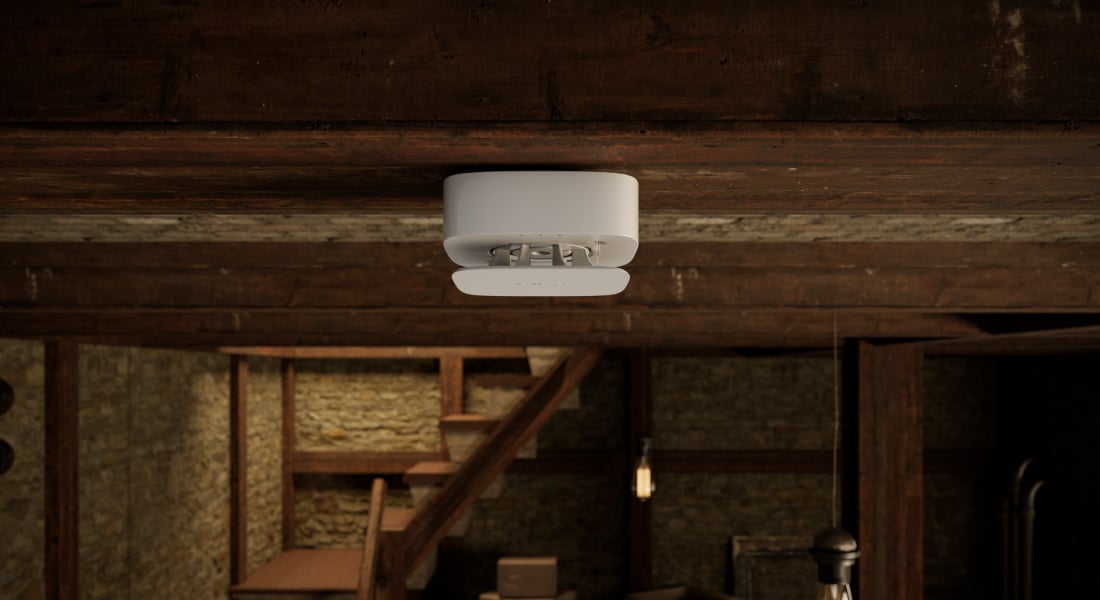
Detect a high temperature or a sudden rise.
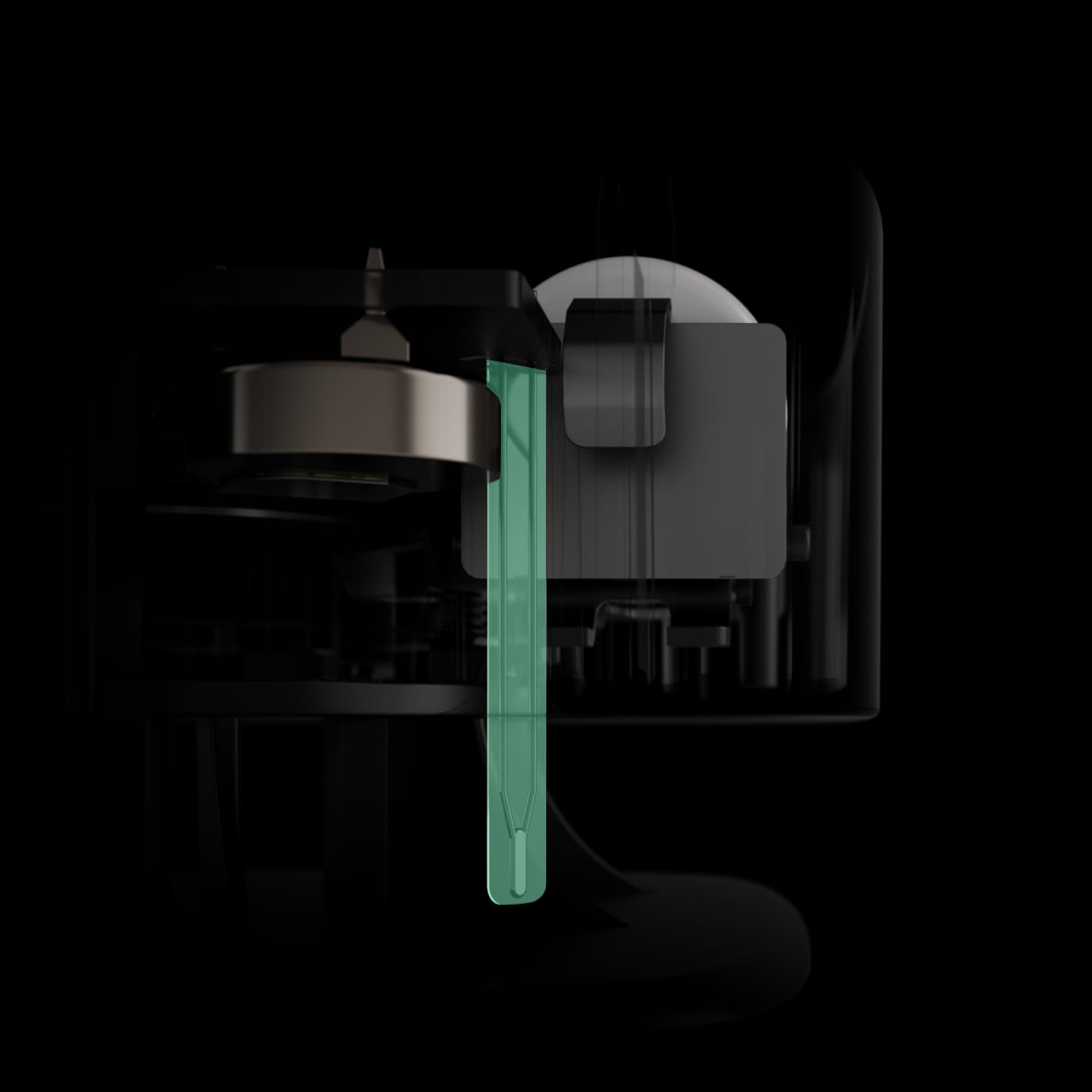
Two A1R-class thermistors
Two thermistors monitor temperature outside the enclosure. The detector raises a heat alarm above +64 °C or when temperature rises by more than 10 °C within one minute.
These alarm conditions apply to the European model. Choose the sensor combination and installation position for the room; heat detection does not replace required smoke coverage.
Inside the detector.
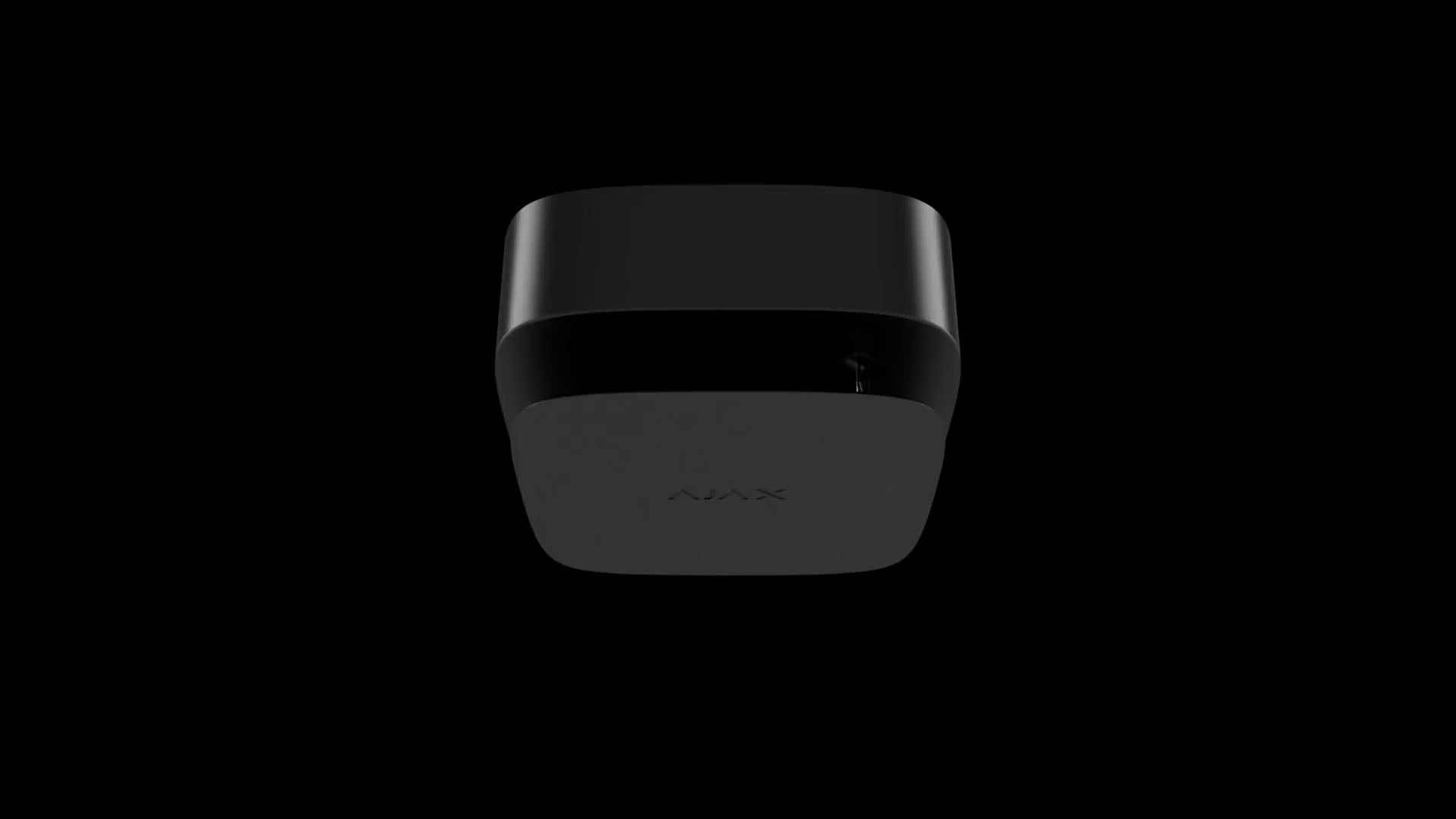
A compact detector with local controls
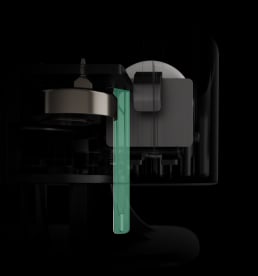
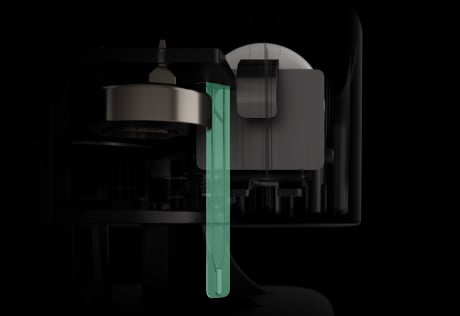
The enclosure brings together the sensing elements for this model, its siren, status LEDs and front-panel Test/Mute control. SmartBracket provides the mounting and tamper interface.
A local alarm, with a clear device status.
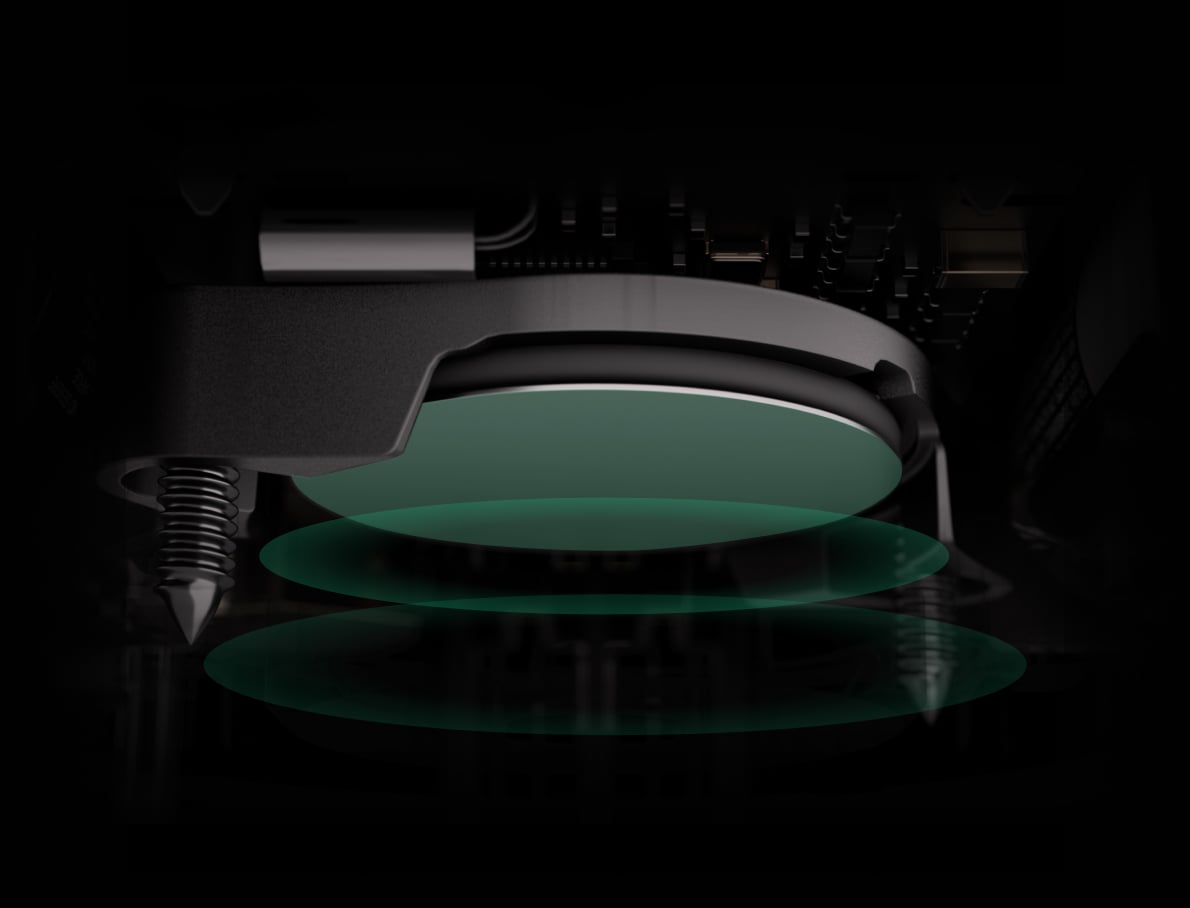
85 dB sound and LED indications
The built-in siren is rated at 85 dB at 3 m. Sound patterns and LEDs distinguish an alarm from a fault, low battery or end of life. With a compatible connected hub, configured app notifications identify the detector and its room.
The detector monitors its own sensors even when the intrusion system is disarmed. As a standalone detector it provides local warnings; app notifications and remote settings require a hub.
Spread the alarm through the property.
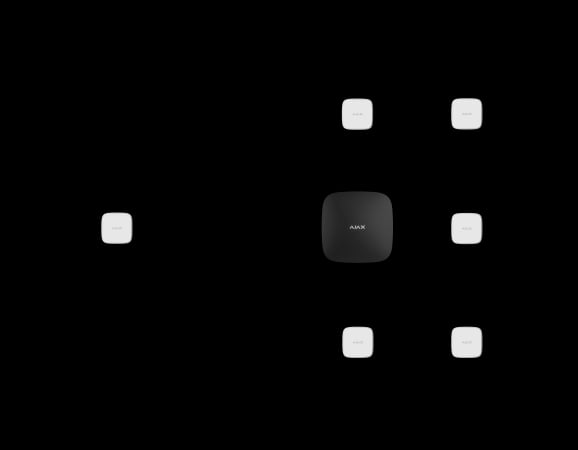
Primary interconnection through the hub
When an enabled detector reports an alarm, a compatible Ajax hub can activate the other fire detectors in the system within 20 seconds. The actual number of devices depends on the hub and system configuration.

A direct fallback between detectors
Supported FireProtect 2 RB units can also pass the alarm directly to other detectors within 60 seconds. This second path operates alongside the hub path and can continue when the hub connection is lost.
Requires detectors marked “Fallback interconnect supported”, compatible 5.59.2-series firmware, OS Malevich 2.19 or later and the fallback setting enabled. Hub (4G) requires 2.28 or later. For smoke-sensing models, use firmware 5.59.2.9 or later; check the exact detector revision before setup. Run the coverage test after setup.
Replace the batteries when needed.
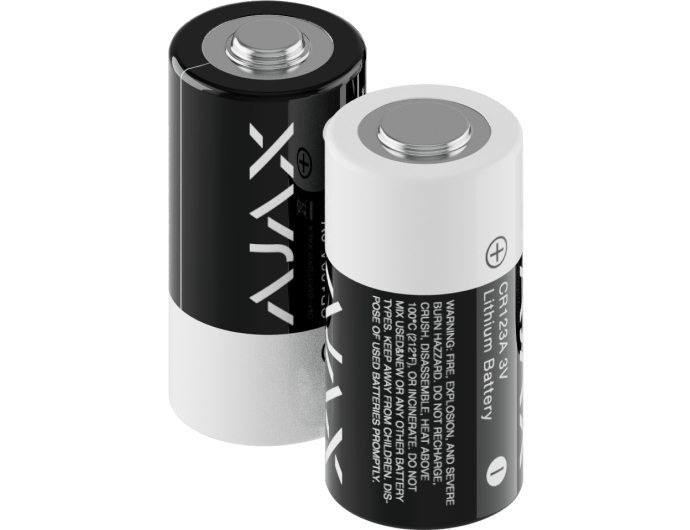
Two replaceable CR123A batteries
The RB version uses two pre-installed CR123A batteries, with up to 7 years of operation. Replace both batteries as instructed when a low-battery warning appears, then run the detector test.
Battery Life Optimization must be enabled for the stated lifetime; settings, radio conditions and alarm use affect it. The detector itself has a 10-year service life; new batteries do not reset it.
Connect the detector to the rest of the system.
Jeweller two-way radio
Jeweller carries alarms and device states to a compatible Ajax hub or range extender. The radio protocol uses encryption, device authentication, frequency hopping and automatic power adjustment. The specified range is up to 1,700 m in open space; walls and interference reduce it.
Check the hub and detector revision.
Model-specific compatibility
Requires OS Malevich 2.15 or later for supported hubs; Hub (4G) requires 2.28 or later. These are minimum firmware conditions, not a statement that every hub is supported. Consult the exact-model compatibility list before adding the device. Fallback interconnection has its own requirements listed above.
See which device needs attention.
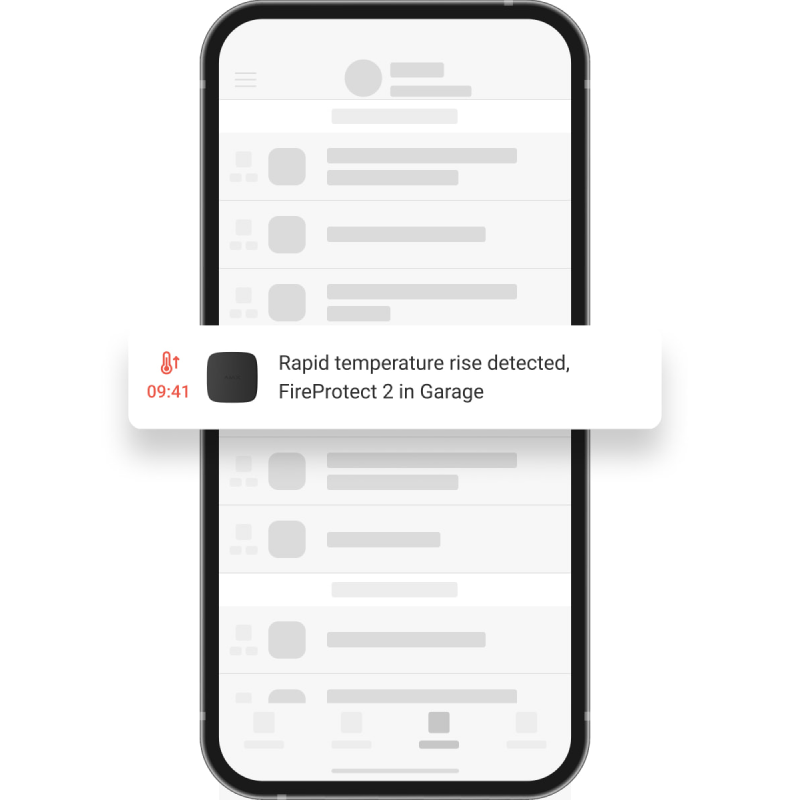
An event with a name and a room
When connected to a hub, the detector can report alarms and device states in the Ajax app. The event log helps identify the source and time. A monitoring service or PRO Desktop adds an operator workflow when configured and contracted.
Add context to an alarm.
An optional photo scenario
A separate compatible MotionCam (PhOD) detector can take photographs after a configured FireProtect 2 alarm. A suitable hub, photo permissions and the scenario must be set up in advance. This FireProtect 2 detector has no built-in camera.
Separate automation devices can also support a professionally planned response, such as controlling appropriate circuits or door hardware. Photos and scenarios do not replace the required alarm response.
Set up the detector for its actual room.
Choose and secure the position
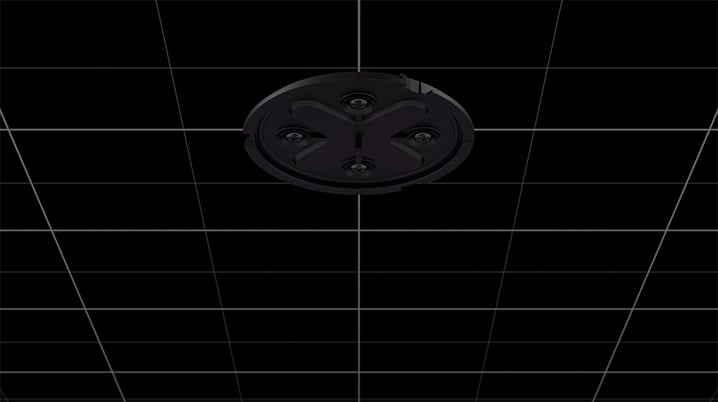
Use the installation instructions for this sensor combination. Check the permitted room conditions, clearances and mounting position before fixing SmartBracket. Its 90° rotation adjustment helps align the enclosure after mounting.
Indoor use only: 0 to +50 °C, up to 80% humidity and IP20. A photograph of a room is an application example, not a substitute for the placement requirements.
Test it. Keep it ready.
Test/Mute on the front panel
Press the centre of the front panel to use Test/Mute. Follow the manual to run the self-test, and confirm that the sound and light indications work. Testing is also available through the app when the detector is connected to a compatible hub.
Test after installation and battery replacement, then follow the required regular testing schedule. A self-test does not remove the need to maintain the installation.
Act on maintenance warnings
Check and respond to low-battery, fault and end-of-life indications. Keep the enclosure clean as described in the manual and replace the detector at the end of its 10-year service life.
Find the right fire detector.
Compare what each FireProtect detects, how it is powered and what you will need to maintain. Choose the sensor combination for the hazards in the room.
Compare fire detectors →Every detail, in one place.
Communication
- Jeweller communication technology
- Two-way system communication for the functions specified for this model.
- Radio communication range
- up to 1,700 m Between the detector and a hub (or radio signal range extender) in an open space.
- Encryption of radio communication
- All the data stored and transmitted are protected by block encryption with a floating key.
- Radio frequency hopping
- To prevent radio interference and jamming.
Dangerous temperature detection
- Sensitive element
- according to the requirements for Class A1R heat detectors Requirements of EN 54-5 and BS 5446-2 standards.
- High temperature alarm
- at temperatures above 64°C
- Temperature spike alarm
- when the temperature rises more than 10°C in 1 minute or less
Additional features
- In-built siren
- volume 85 dB at a distance of 3 meters Sound notification of alarms. Active until the reason for triggering is eliminated or until the user disables notification.
- Interconnected fire detectors alarms
- via primary interconnection If one of the fire detectors in the system detects a threat, it sends an alarm to the hub. Within 20 seconds, the hub initiates an interconnected alarm and sends data to Ajax apps. via fallback interconnection1 At the same time with notifying the hub, the initiating detector sends an alarm directly to other detectors. All connected detectors activate the buzzer within a minute. It will work even in the worst-case scenario of losing connection with the hub. 1 Fallback interconnected alarm is available only for FireProtect 2 detectors with firmware version 5.59.2.ХХ or later. Devices that support the fallback interconnected alarm are marked on the package with a “Fallback interconnect supported” label.
- LED indication
- green is a power indication A LED indicator on the device enclosure lights up once every 56 seconds. The indication meets the requirements of EN 50291. yellow is an indication of malfunctions A LED indicator on the device enclosure lights up when malfunctions are detected. For example, if the battery is low. red is an indication of fire alarms A LED indicator on the device enclosure lights up when the detector registers a fire alarm.
- Button on the front panel of the detector
- In normal mode, runs the detector test when pressed. In the event of an alarm or malfunction, the pressing turns off the detector sound notification.
Anti-sabotage protection
- Tampering alarm
- Alerts of attempts to detach the detector from the surface or remove the mounting panel.
- Protection against spoofing
- device authentication
- Detection of communication failure
- within 15 minutes The time to detect communication loss depends on the settings for the number of undelivered data packages (specified in the Jeweller or Jeweller/Fibra settings). The polling interval is fixed at 300 seconds.
Power supply
- For FireProtect 2 RB (Heat)
- 2 × CR123A battery Up to 7 years of battery life.
Enclosure
- Dimensions
- 44 × 86 × 86 mm
- Weight
- 146 g
- Operating temperature range
- from 0°С to +50°С
- Operating humidity
- up to 80%
- Protection class
- IP20
What’s in the box
- FireProtect 2 RB (Heat) Jeweller
- SmartBracket mounting panel
- Installation kit
- 2 × CR123A battery (pre-installed)
- Quick Start Guide
For your installation
- Confirm the supported control panel, device software and regional radio version; test coverage at the final installation position.
- The device is designed only for indoor installation. SmartBracket mounting panel allows adjusting the position of the detector after installation.
- Choose the exact version: sensing, power, casing, pack size or interface details can differ between the listed models.
Product documents.
Find the right protection.

Hub 2 Plus Jeweller
Explore hub connectivity and capacity, then verify this detector’s compatibility and firmware.
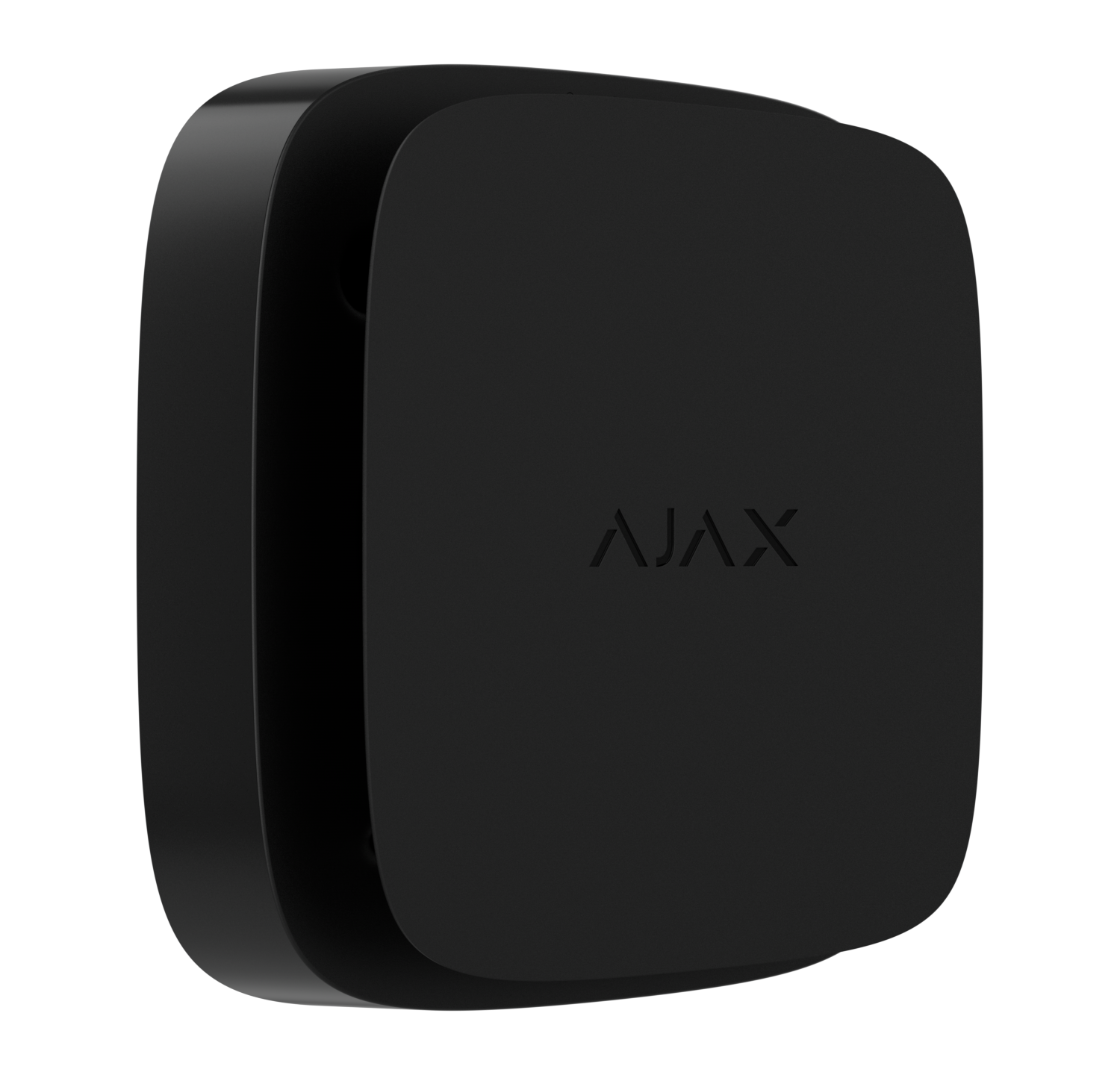
FireProtect 2 (Heat/Smoke) Jeweller
Review a different sensor combination for the rest of the property.