MAKE IT YOURS
ExternalAntenna.
Antenna for LTE or radio communication
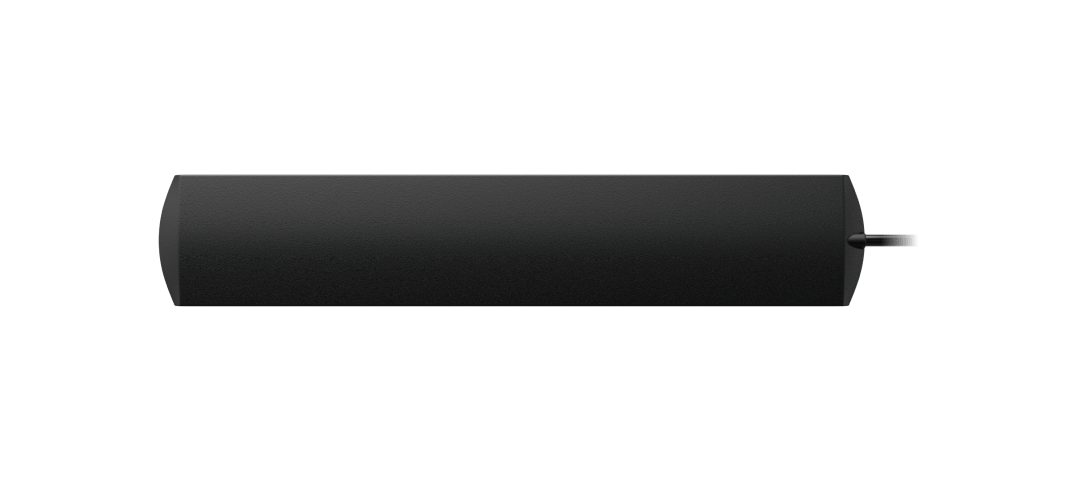
Find a better position for the signal.
ExternalAntenna moves the antenna connection away from a compatible Ajax hub or range extender so the installer can find a better radio or cellular position. Its three-metre cable connects to one supported SMA port. Select the host and communication channel first, then test the signal at the final location before fixing the antenna in place.
Key features. At a glance.
Communication channels

Jeweller

Wings

2G/3G/4G/LTE
Breakage detection
A 3 m cable helps find a position away from signal obstacles

Easy to connect and monitor the connection status

Accessory
neither added nor controlled from the app

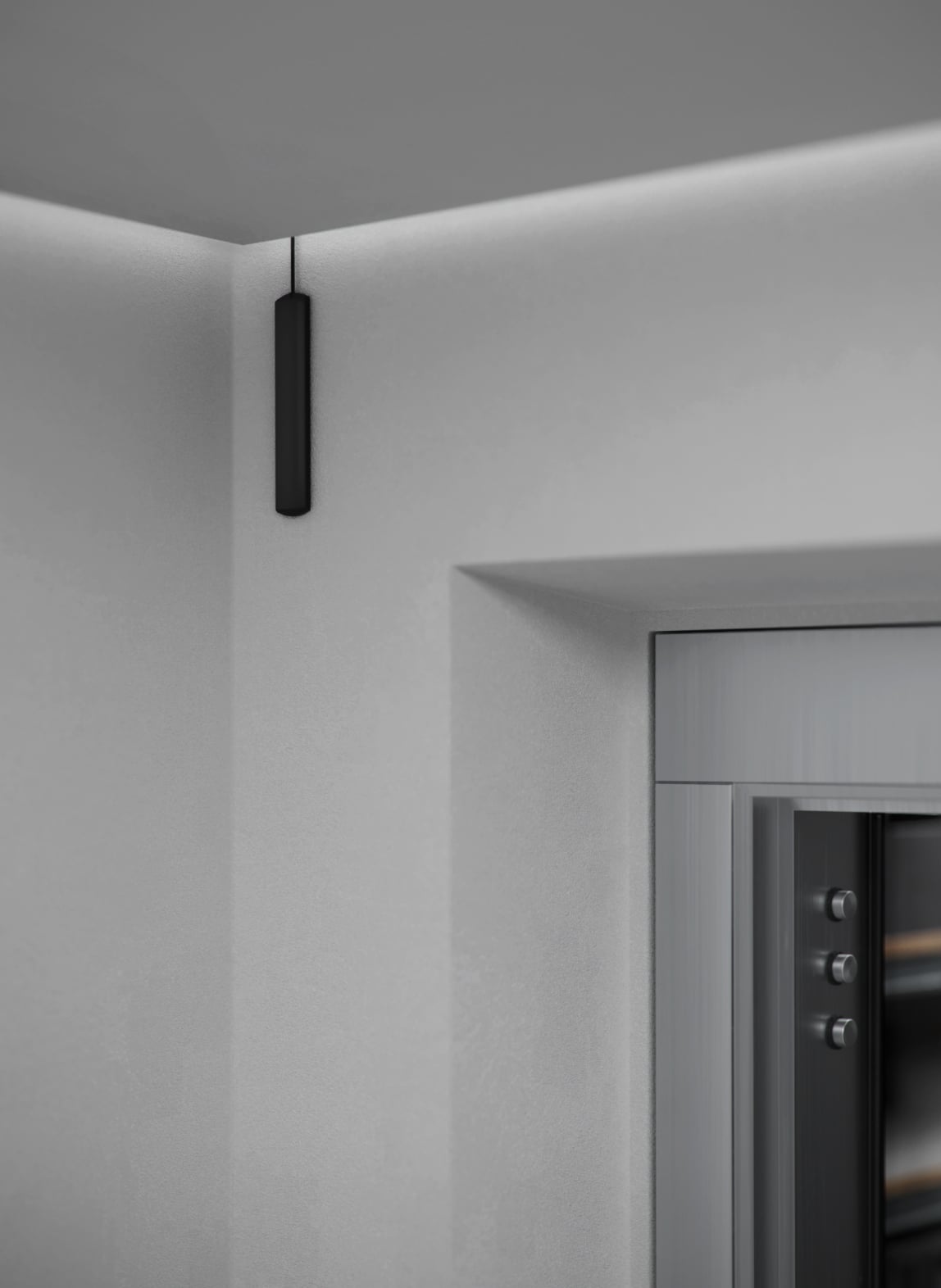
Installed using a double-sided adhesive tape
One color
black
Ajax product information ↗ · ExternalAntenna specifications ↗
Made for real installations.
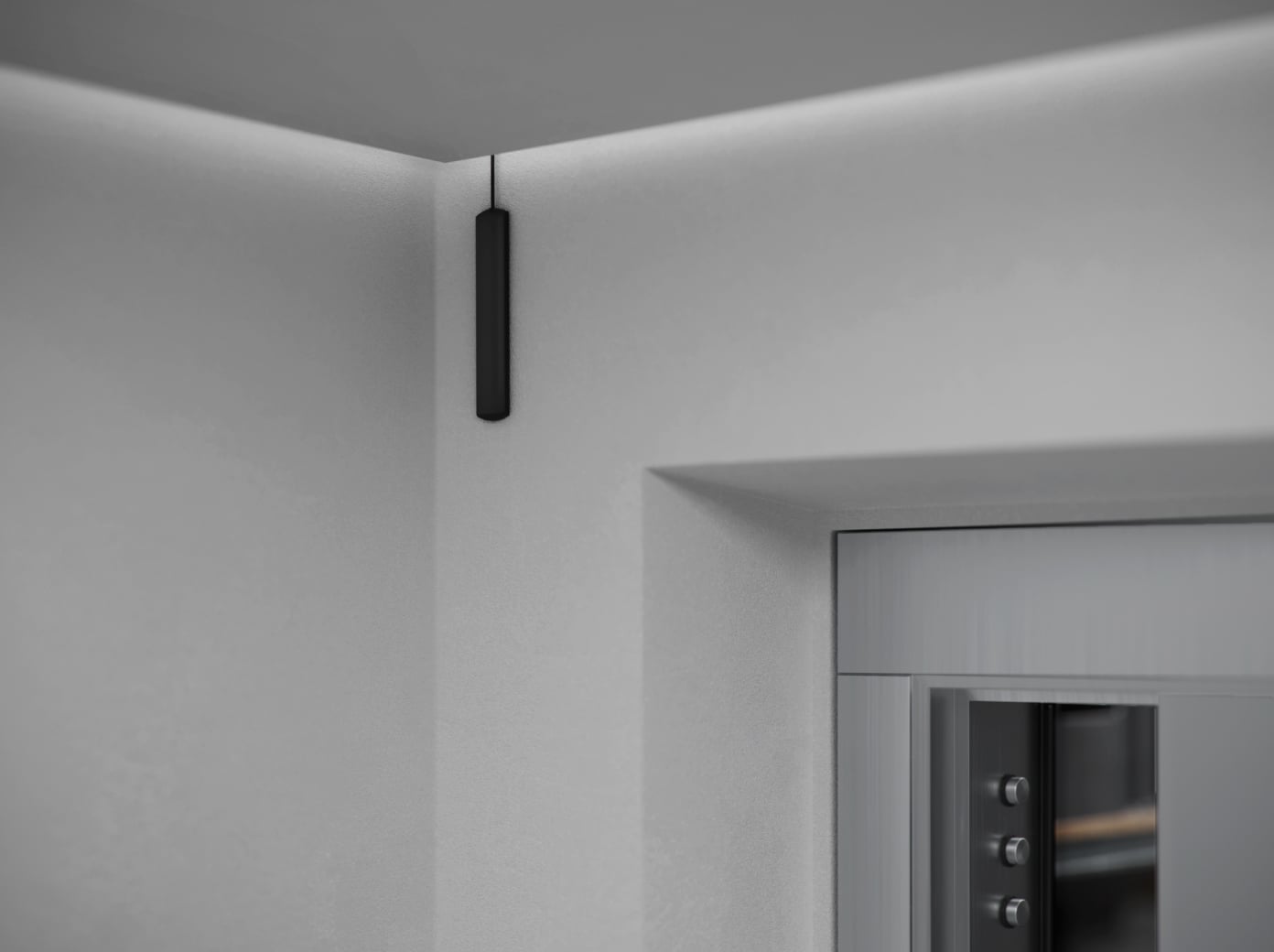
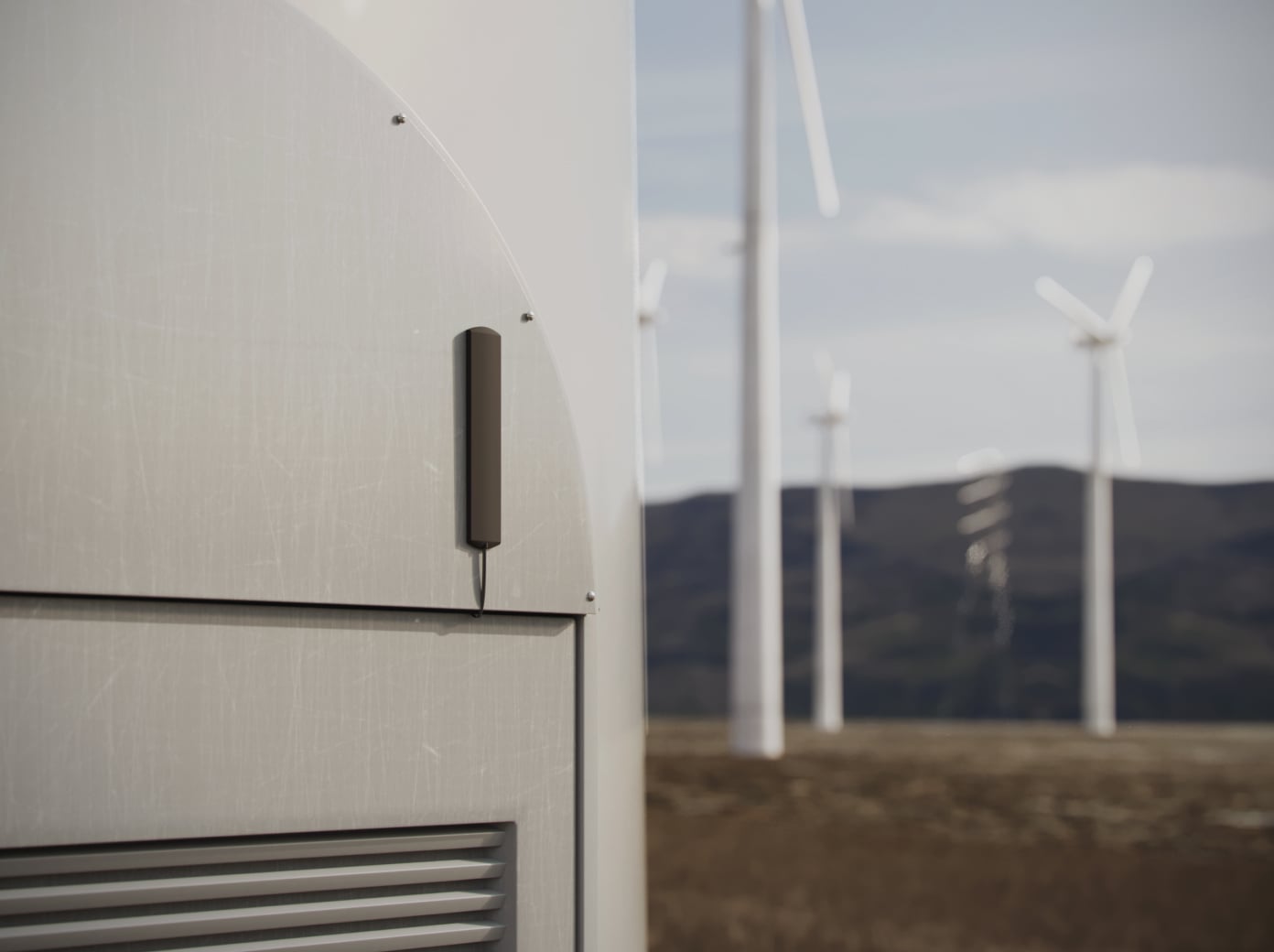

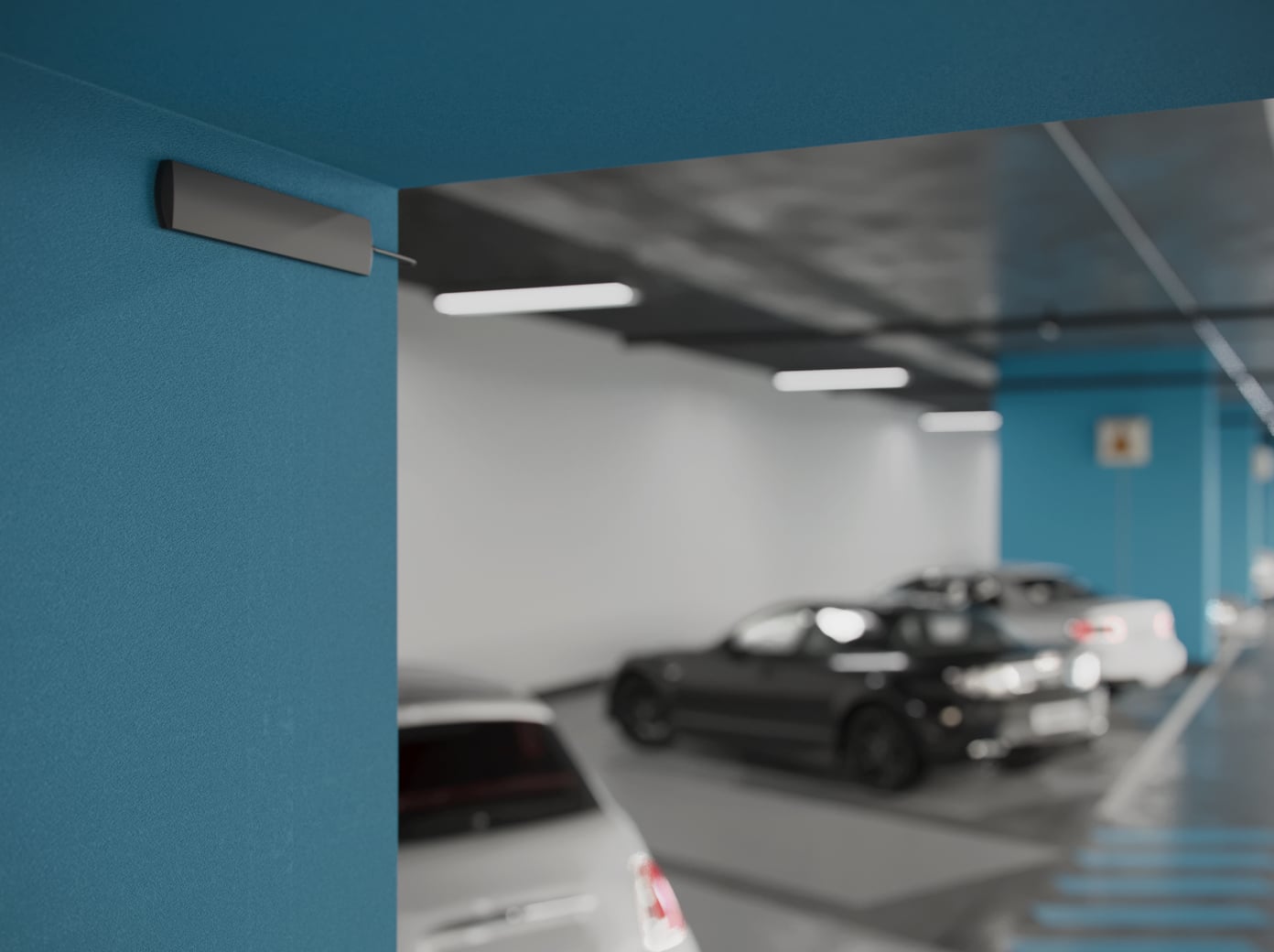
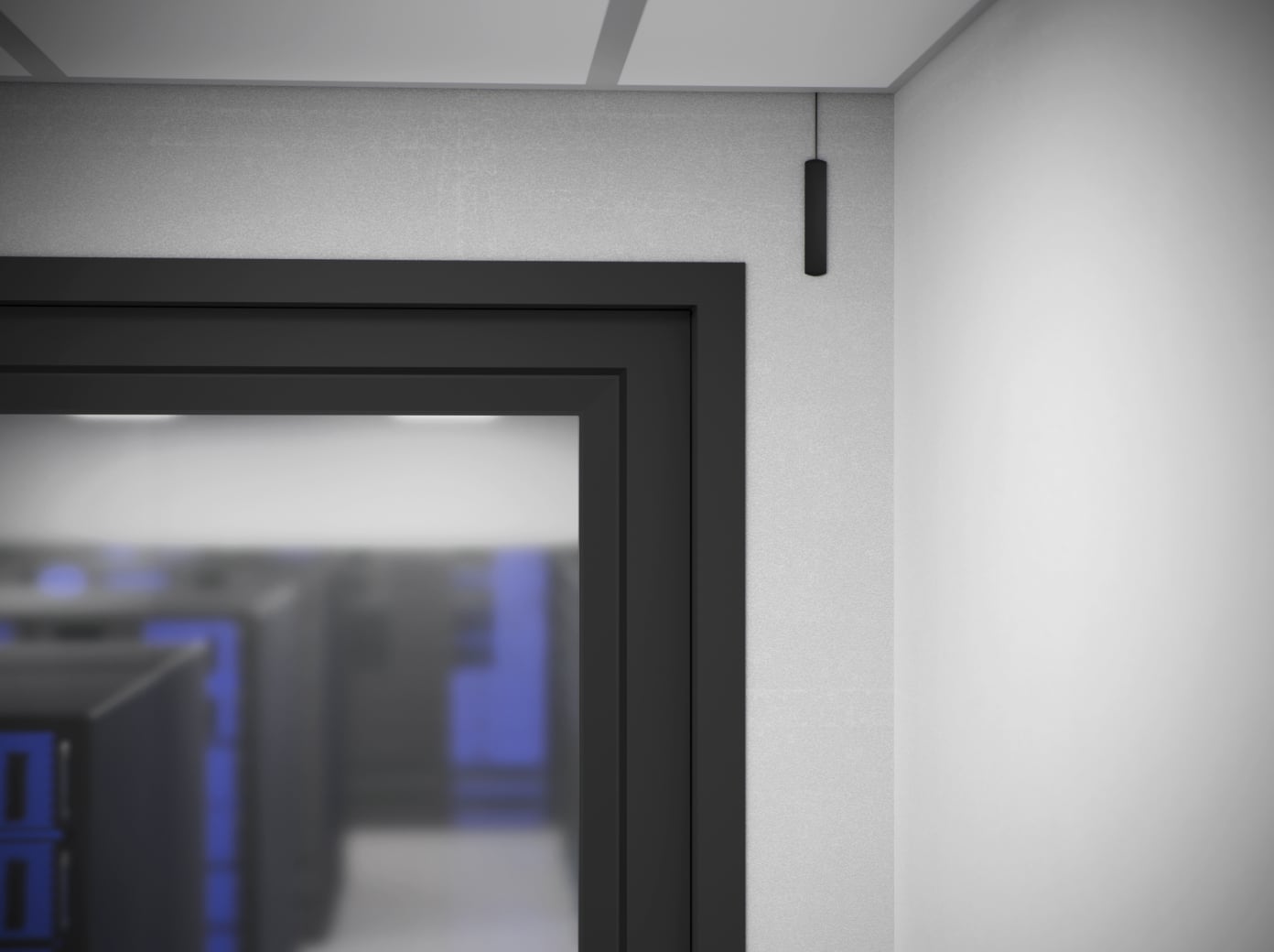
One antenna for one supported connection.
Cellular, Jeweller or Wings
ExternalAntenna connects to one matching SMA port on a supported host. The available ports and channels depend on that exact hub or range extender. A Jeweller connection and a Wings connection require two separate antennas.
This is not a splitter for three channels. Check the host’s manual and connector labels before choosing the quantity.
Test the signal where the system will operate.
Three metres of positioning freedom
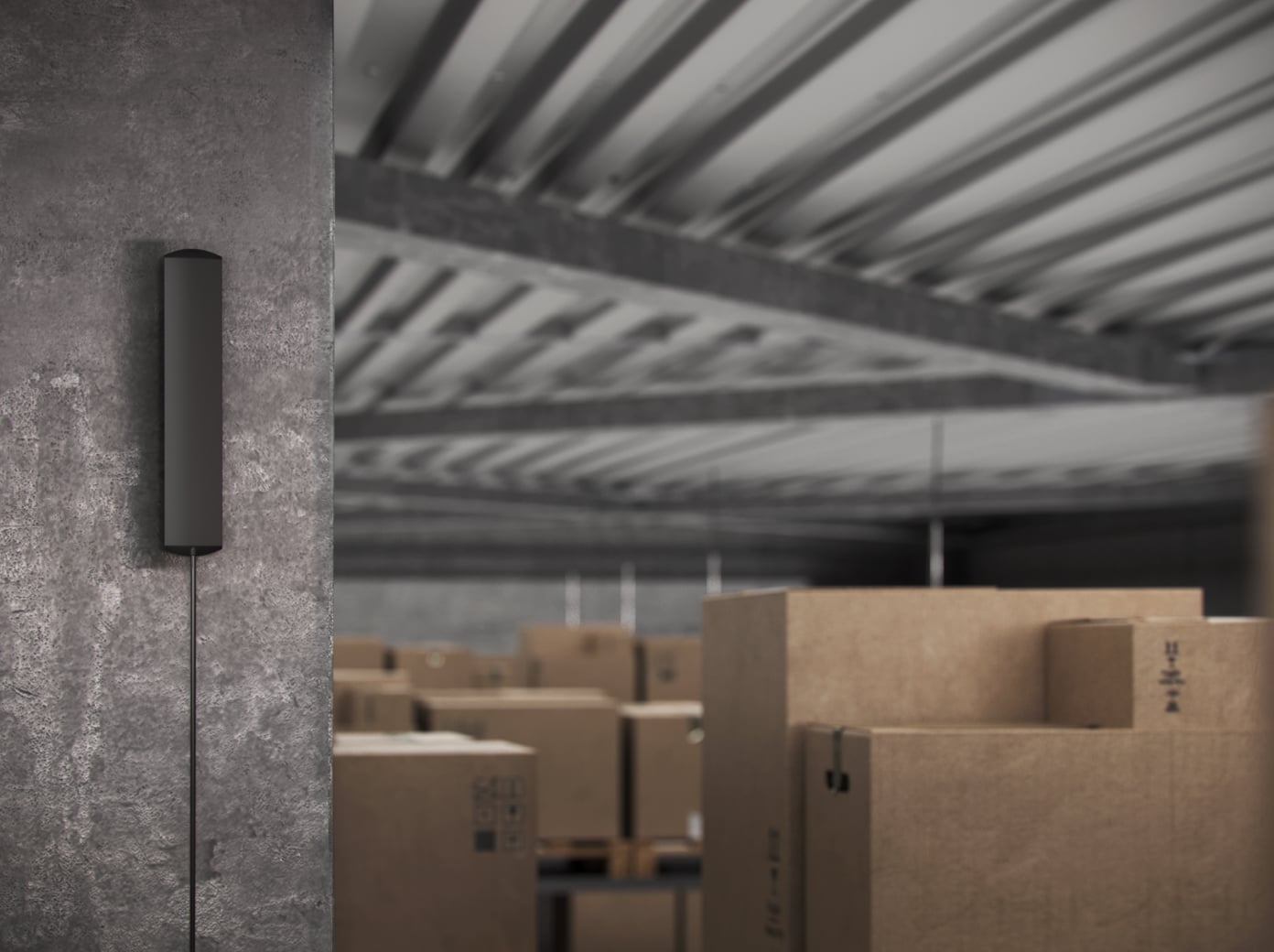
Route the fixed three-metre lead without trapping or sharply bending it, then find a position away from metal screening and other signal obstacles. Check the required channel in the Ajax app before permanently fixing the antenna.
Aim for a stable two or three signal bars. Keep multiple ExternalAntenna units at least 60 cm apart. Signal improvement depends on the site; the accessory cannot guarantee coverage through every obstruction.
Cable supervision depends on the host.
A reported fault, where supported
With a supported host configuration, an external-antenna connection fault can be reported through the Ajax system. The manufacturer’s immediate breakage-detection example is for Hub BP; behaviour and fallback for other hosts must be checked in their exact manuals.
The antenna is not paired as a separate Ajax device. Its connection and status are managed through the host.
Connect to the exact host and channel.
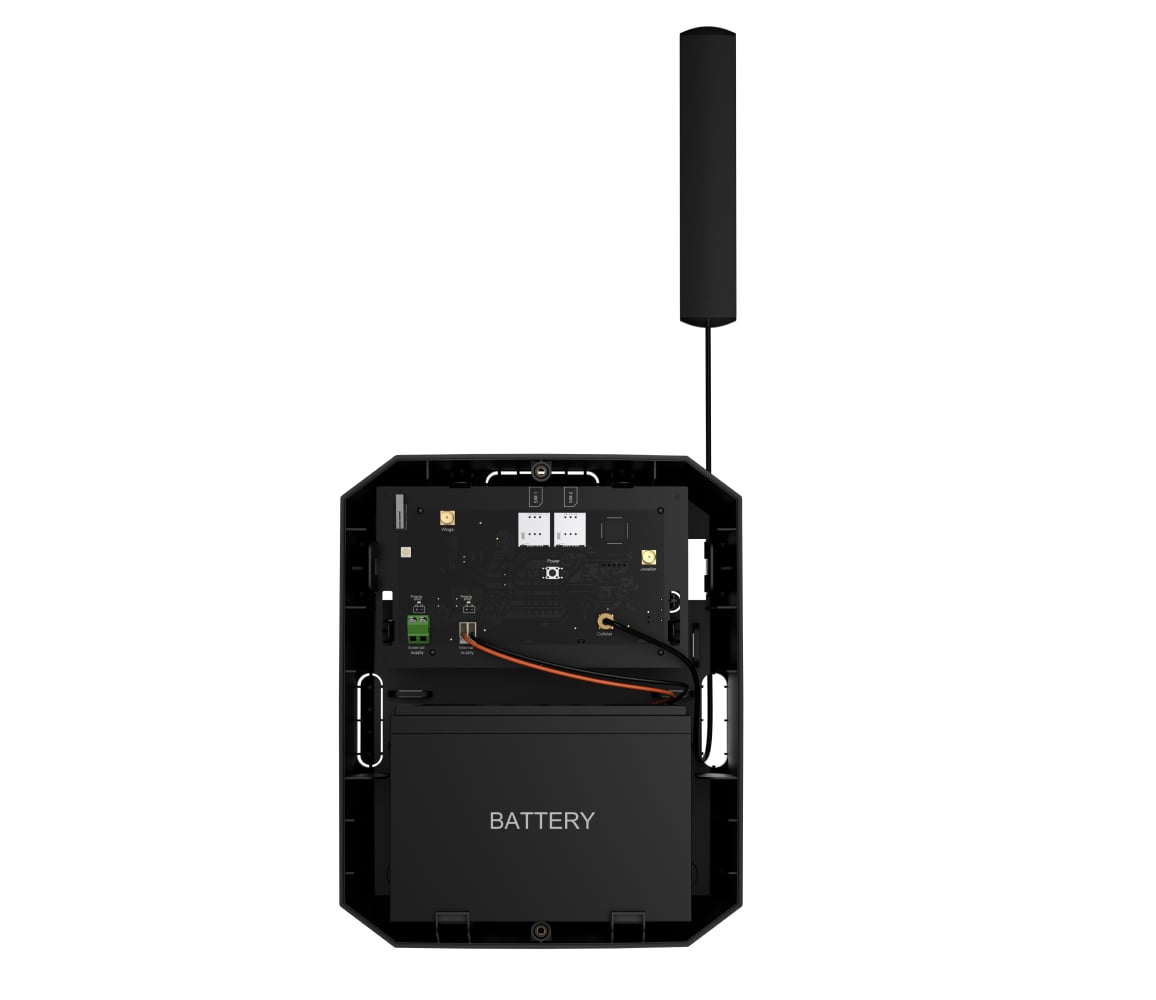
A secure connection and a final signal test
The installer follows the host’s power-isolation procedure, connects the antenna to its designated SMA port and routes the lead through the specified opening. Secure the adhesive antenna after checking the final position.
Supported frequencies: 698–960 MHz and 1,710–2,690 MHz. The antenna’s temperature rating does not give the host or the installation an outdoor protection rating.
Find the right antenna.
Check ExternalAntenna against the exact hub or range extender and its intended communication channel.
Check compatibility →Every detail, in one place.
Key features
- Communication channels
- 2G/3G/LTE Jeweller Wings
- Operating frequencies
- 698–960 MHz 1,710–2,690 MHz
- Connector
- SMA
Sabotage protection
- External antenna breakage detection
- An Ajax system is able to detect a breakage of an external antenna and notify users and the monitoring company.
Enclosure
- Dimensions with
- 115.6 × 21.7 × 5.8 mm
- Cable length
- 3,000 mm
- Weight
- 41 g
- Operating temperature range
- from –40 °C to +85 °C
- Operating humidity
- up to 95%
What’s in the box
- ExternalAntenna
- Quick start guide
For your installation
- The exact host model and accessory version matter. Check the compatible equipment before ordering; a similar shape or product name does not establish fit.
Product documents.
Complete your installation.
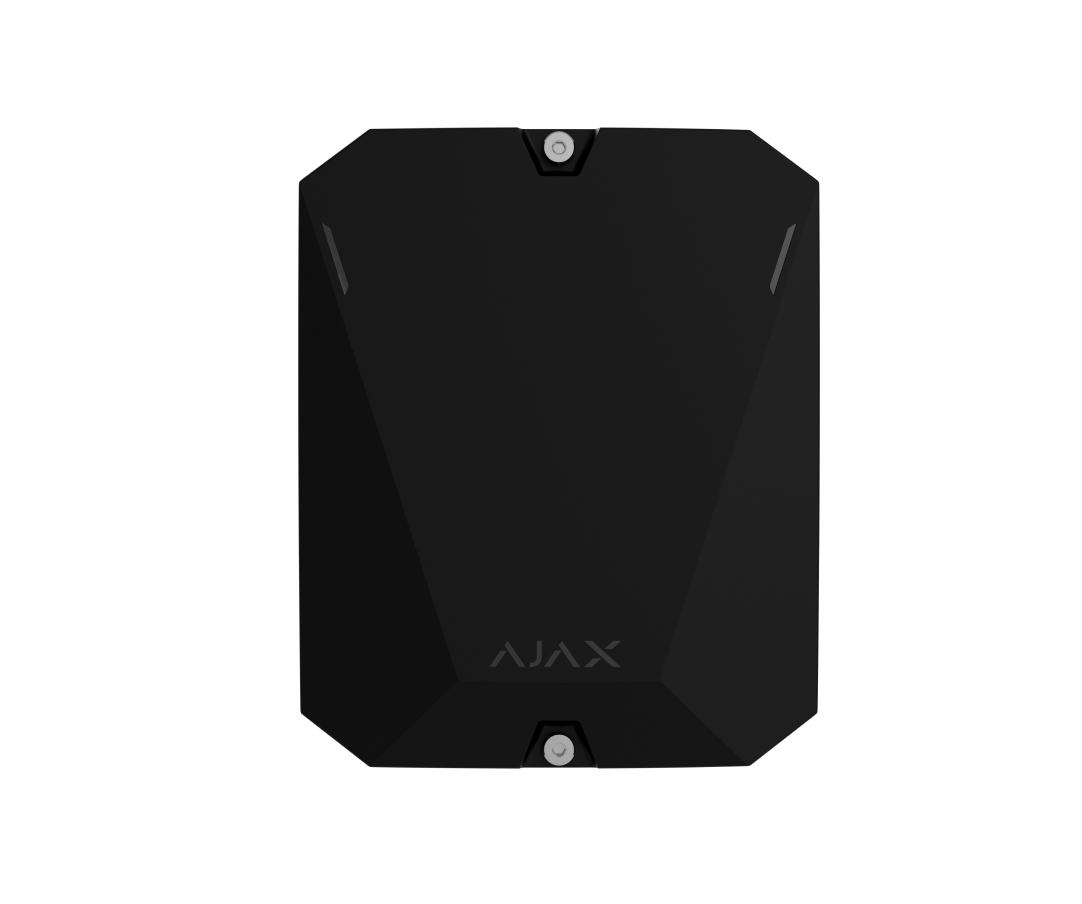
Hub BP Jeweller
Check the required cellular, Jeweller or Wings connection.
Superior Hub G3 Jeweller
Use the exact port and installation instructions.
Superior ReX G3 Jeweller
Check the channel and final signal strength.