MAKE IT YOURS
EN54 Fire ReX.
Wireless addressable radio signal range extender for a fire alarm system, supporting intrusion protection devices
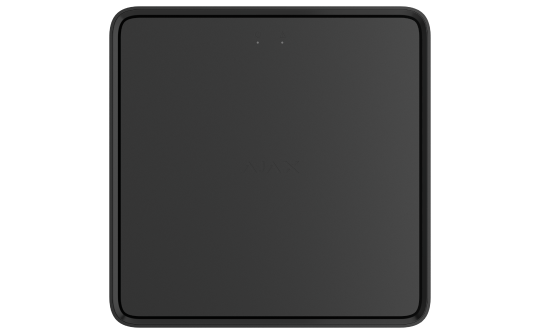
Standards and certifications
EN54 Fire ReX Jeweller · FRX.54.J. Manufacturer-listed marks; regional and installation conditions apply.
* Ajax shows these marks for the EN54 Fire ReX Jeweller range. Check the linked documentation for the exact version and market.
Bring the fire system farther into the building.
EN54 Fire ReX Jeweller extends the link between EN54 Fire Hub and its wireless devices. Ethernet provides a route around difficult radio obstacles, while Jeweller and Wings carry events and compatible alarm photographs. Device capacity remains defined by the fire panel.
Key features. At a glance.

Up to 1,800 m1
wireless communication range


Up to 5 range extenders per system
to expand coverage up to 35 km²
Support for


fire safety, intrusion protection, and automation devices
Remote control and configuration
via Ajax mobile and desktop apps

Photo and video alarm verification

Ethernet
for stable communication beyond radio range
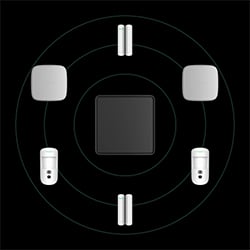
Jamming detection

Over-the-air updates
to deliver new features
Power supply2
Mains
110–240 V~
Backup battery
EN54 Internal Battery (24h)
7.4 V⎓, 5 A·h
EN54 Internal Battery (72h)
7.4 V⎓, 10 A·h
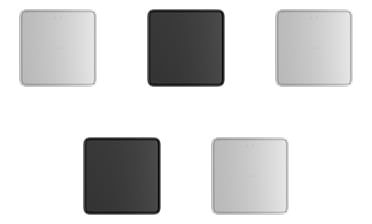
Two colors

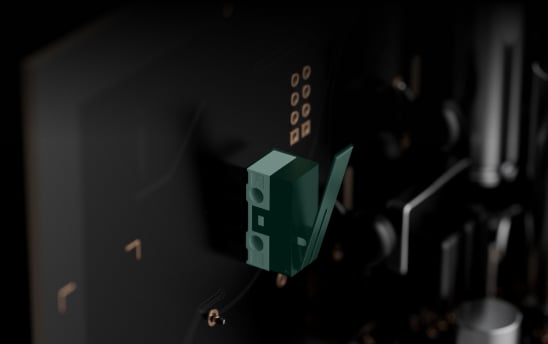
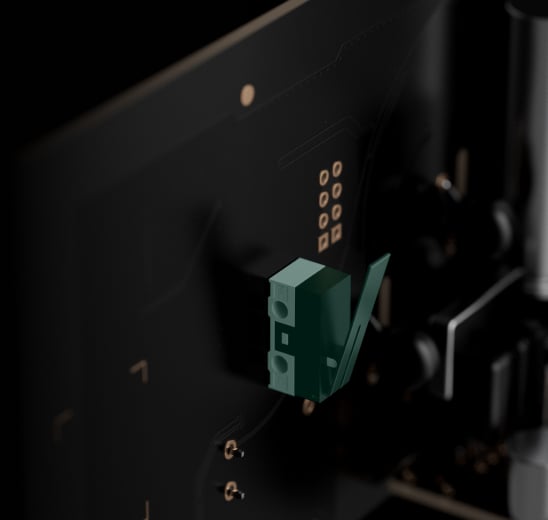
Tamper alarm
detects enclosure opening or device detachment
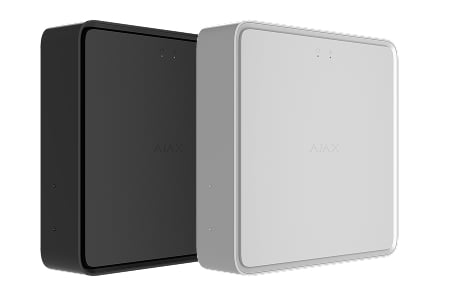
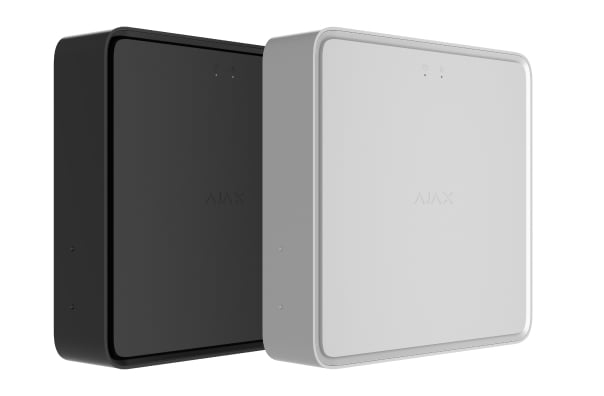
Sleek design
- 1Range is measured in open space; walls and installation conditions reduce it.
- 2The power cable is not included in the complete set. Batteries are sold separately and are not included in the EN54 Fire ReX Jeweller complete set.
Ajax product information ↗ · EN54 Fire ReX Jeweller specifications ↗
EN54 Fire ReX Jeweller
Every detail has a purpose.
Explore the function, installation and system requirements of EN54 Fire ReX Jeweller.
Loading detail…
Extend the route. Keep one fire system.
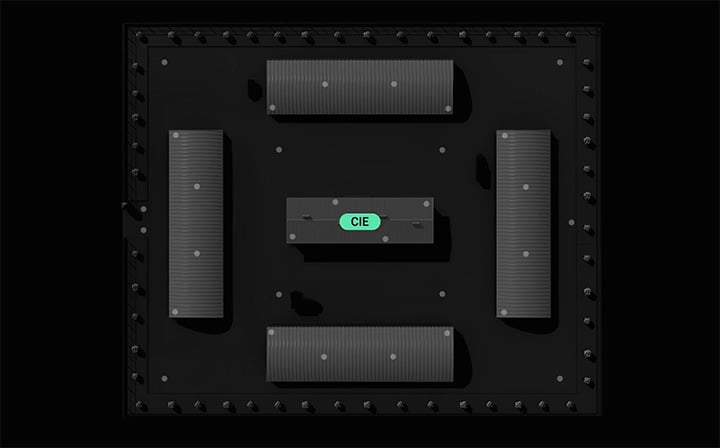
For EN54 Fire Hub Jeweller
Up to five EN54 Fire ReX extenders can operate with the fire panel. An extender can serve up to 199 connected devices within the panel’s overall limit of 200.
Each extender connects directly to the panel; cascading through another extender is not supported. A device is assigned to one extender and does not automatically roam to another if the link fails. Range extension does not increase system capacity.
A wired route around radio obstacles.
Ethernet takes priority when both wired and radio paths are enabled. It can also be the only backhaul path. Both the extender and panel must use the same network through a router; a direct cable between them is not supported.
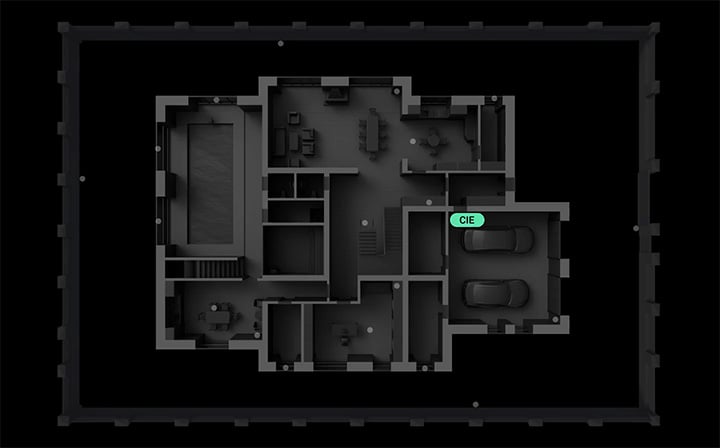
Historic buildings
Ethernet can carry the connection back to the fire panel when thick walls interrupt the radio route. Devices still need a tested radio link to the extender.
Make the network part of the installation.
A local network path to the panel
The network must allow broadcast queries and port 4269 traffic between the devices. DHCP and static IP addressing are supported; the installer should verify these requirements without exposing the service to the public internet.
The up-to-1,800 m radio and up-to-35 km² system coverage figures refer to open-space conditions. They do not guarantee coverage inside a building.
A secure link across the site.
Jeweller and Wings
Jeweller carries device events and commands; Wings carries photographs and larger data packets. Two-way communication uses encryption, frequency hopping and retransmission to maintain the link.
The stated range is up to 1,800 m in open space. The connected device, walls and layout limit the real installation; confirm regional radio compatibility and test every link on site.
See the event as well as the alert.
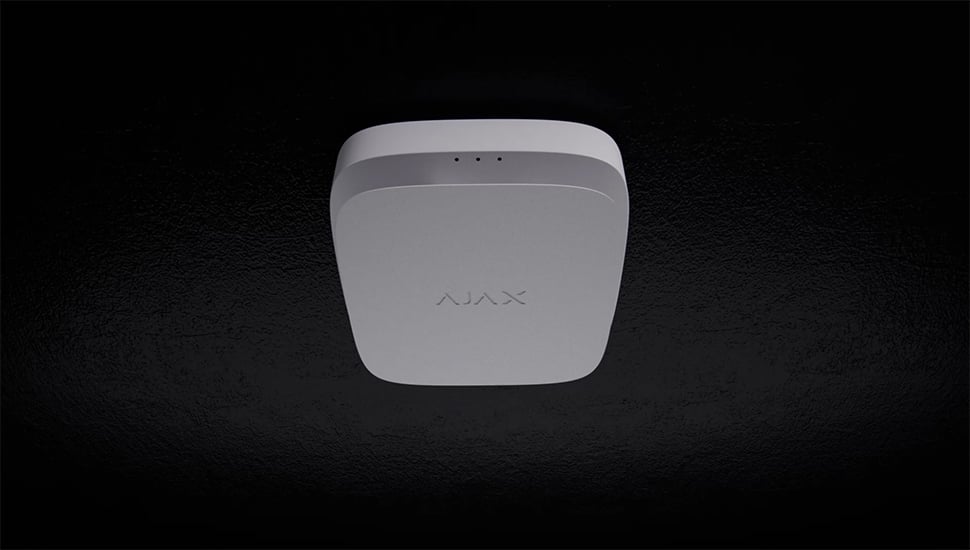
Visual context for a fire alarm
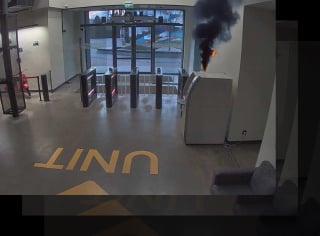
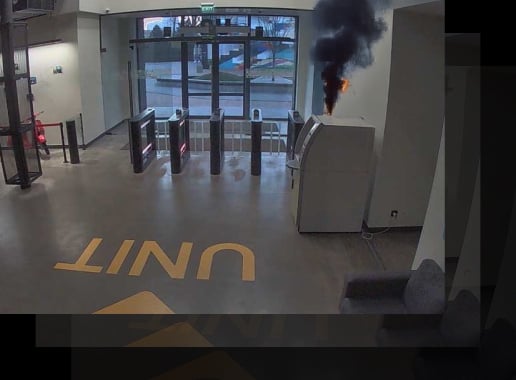
A configured scenario can request photographs from a compatible MotionCam detector when a fire device raises an alarm. These images help authorised users and monitoring staff assess the situation.
Requires a supported detector with the appropriate photo-by-scenario capability, a configured trigger and permission to view the images. It complements the planned fire response.
Match photo expectations to the detector.
Photo size and route both matter
For MotionCam (PhOD) at 320 × 240, the manual lists up to 18 seconds over Wings or 10 seconds over Ethernet. Larger images and other detector models have different times.
The examples assume a three-bar detector link and a panel using Ethernet or 4G. A radio backhaul also needs three bars between the panel and extender. Check the full model-specific table in the manual.
Choose backup for the extender itself.
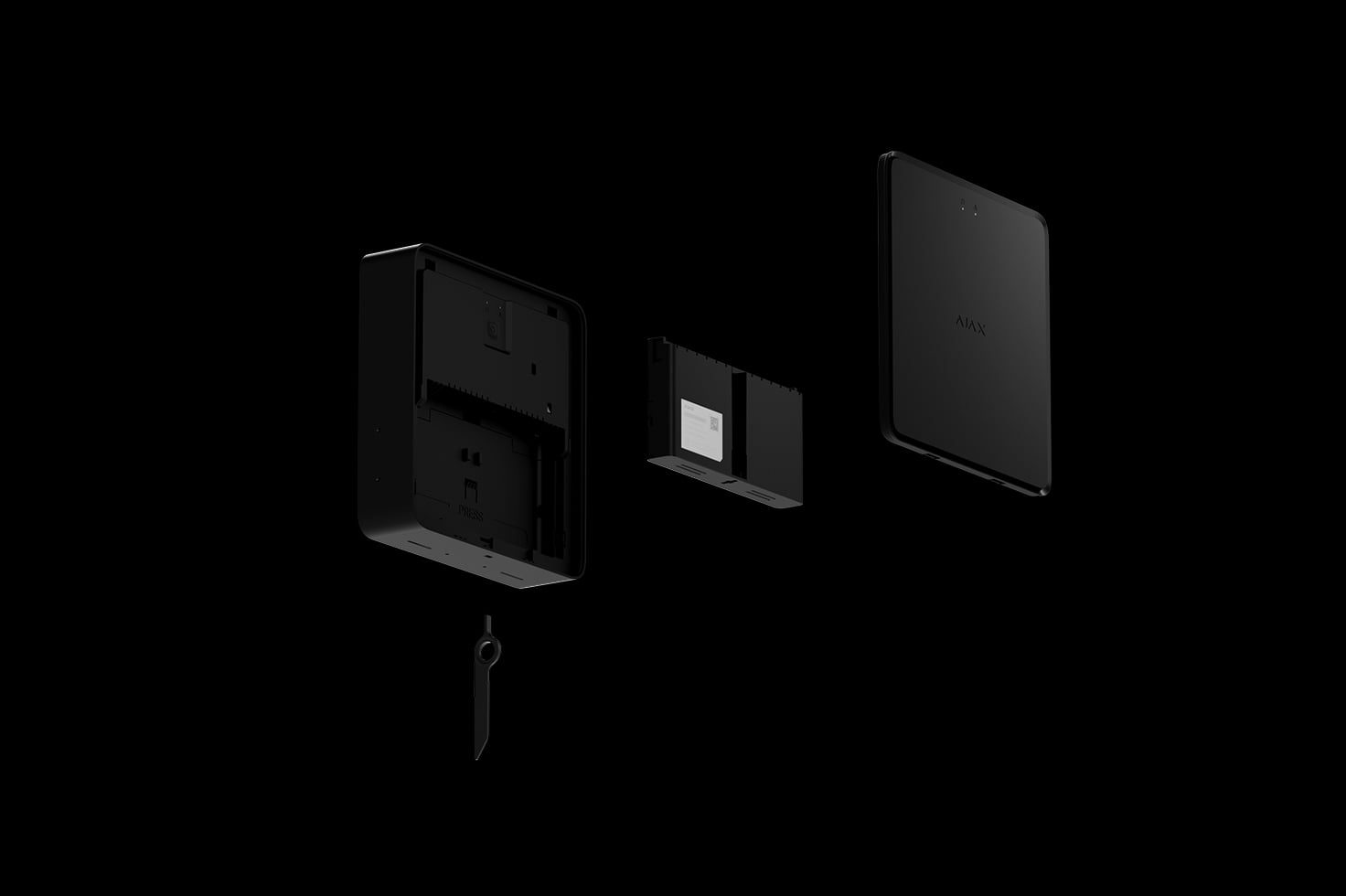
A separately purchased EN54 battery
EN54 Fire ReX uses the specified mains supply and an EN54 Internal Battery (24h) or (72h). The current technical specification lists up to 50 hours with the 24h pack or 100 hours with the 72h pack, with Ethernet enabled.
The battery names are not the extender’s guaranteed runtime. Confirm the required backup duration, actual load and battery condition for the project. The battery and mains cable are not included; the installation manual specifies a 110–240 V~, 50/60 Hz supply.
Keep the route under supervision.
Checks between the panel and its devices
The panel polls the extender, and the extender polls its assigned devices. Polling is configurable from 12 to 300 seconds, with a 36-second default interval.
A polling interval is not the same as the connection-loss notification time. The published 36-second loss-detection figure depends on settings. When Ethernet remains connected, loss of only Jeweller or only Wings does not itself produce a connection-loss notification.
Keep the installed system current.
OS Malevich
The system runs Ajax OS Malevich and supports firmware updates. Review release availability and the site’s service procedure before updating, then verify the required functions.
An update does not replace commissioning, maintenance or a check of exact device compatibility.
Keep faults and interference visible.
Understand the event
Notifications identify the device and location so an authorised user or monitoring operator can investigate. The connected fire panel also presents faults and alarms locally.
Configure user notification channels and the monitoring connection as part of commissioning.

Respond to radio interference
The system checks the radio link and changes frequency within its operating band when needed. Interference and connection faults are reported for investigation.

Protect communication
Device authentication and encryption protect exchanged data. Keep firmware, access rights and the installation settings under the control of authorised users.
Secure the mounting
Tamper protection reports an attempt to open or remove the device. Secure every required SmartBracket fixing point and keep the supplied release key under controlled access.
Add, position and maintain.
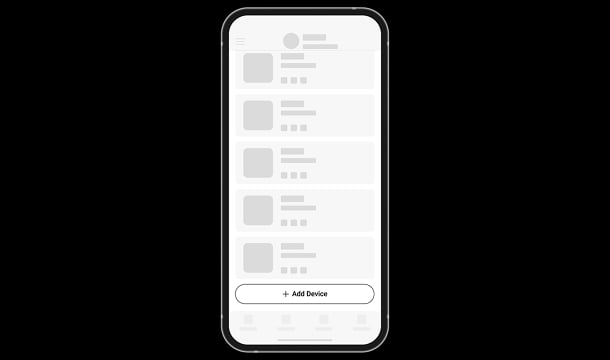
Assign devices deliberately
Add the extender to the fire panel using the Ajax app, then assign devices that have already been added to the panel. Match the regional radio version.
Confirm the exact device compatibility list. Fire ReX is not an extender for a Residence intrusion hub.
Find the right fire range extender.
Compare the exact panel connection, radio and Ethernet routes, backup and installation of EN54 Fire ReX, Type4 Fire ReX and Type4 ReX.
Compare fire range extenders →Every detail, in one place.
Connection possibilities
- Number of EN54 Fire ReX Jeweller connected to the CIE
- up to 5
- Number of devices connected to EN54 Fire ReX Jeweller
- up to 199
Wireless communication
- Jeweller communication technology
- Two-way system communication for the functions specified for this model.
- Radio communication range
- up to 1,800 m Between the CIE and connected devices (in an open space). Maximum range depends on the connected device.
- Encrypted communication
- Encrypted device communication.
- Frequency hopping
- To prevent radio interference and jamming.
- Wings communication technology
- Two-way system communication for the functions specified for this model.
- Radio communication range
- up to 1,800 m Between the CIE and a radio signal range extender, or between a range extender and connected devices (in an open space). Maximum range depends on the connected device.
- Encrypted communication
- Encrypted device communication.
Communication channels
- Ethernet
- 1 8P8C socket Up to 100 Mbps.
Delivery time
- Alarm delivery time to the CIE
- 0.3 s
- Photo delivery time to the CIE
- 18 s Via EN54 Fire ReX Jeweller using the Wings channel. Delivery time depends on the settings. 10 s Via EN54 Fire ReX Jeweller using the Ethernet channel. Delivery time depends on the settings.
Additional features
- LED indication
- green For power supply status. yellow For device faults.
- Special tool (key)
- The special tool is used to remove the front panel from the range extender.
Sabotage protection
- Tamper buttons
- 2 Notifications about the fault on attempts to detach the device from the surface or remove the mounting panel.
- Protection against spoofing
- device authentication
- Connection loss detection
- after 36 s Detection time depends on Jeweller settings.
Power supply
- External
- 100–240 V, 50/60 Hz Up to 0.48 A of mains power consumption.
- Internal
- 7.4 V⎓, 5 Ah/10 Ah On a rechargeable Li-ion battery (not included in the complete set): EN54 Internal Battery (24h) or EN54 Internal Battery (72h).
Autonomous operation
- On internal battery
- up to 50 hours When Ethernet is enabled. On EN54 Internal Battery (24h) not included in the complete set. up to 100 hours When Ethernet is enabled. On EN54 Internal Battery (72h) not included in the complete set.
Enclosure
- Dimensions
- 210 × 210 × 51 mm
- Weight
- 890 g
- Operating temperature range
- from −10 °C to +40 °C
- Operating humidity
- up to 75% non-condensing
- Protection class
- IP20
- Flammability rating
- UL 94 V-0
Revision
- Revision
- 3
What’s in the box
- EN54 Fire ReX Jeweller
- SmartBracket mounting panel
- Installation kit
- Ethernet cable
- Special tool (key)
- Quick start guide
For your installation
- For EN54 Fire Hub Jeweller. Match the regional radio version and exact connected devices.
- Up to five extenders; no cascading or automatic roaming. System capacity remains 200 devices.
- Ethernet requires the same local network through a router; a direct cable to the panel is not supported.
Product documents.
Find the right protection.
EN54 Fire Hub Jeweller
Manage the same devices and zones from the EN54 panel.
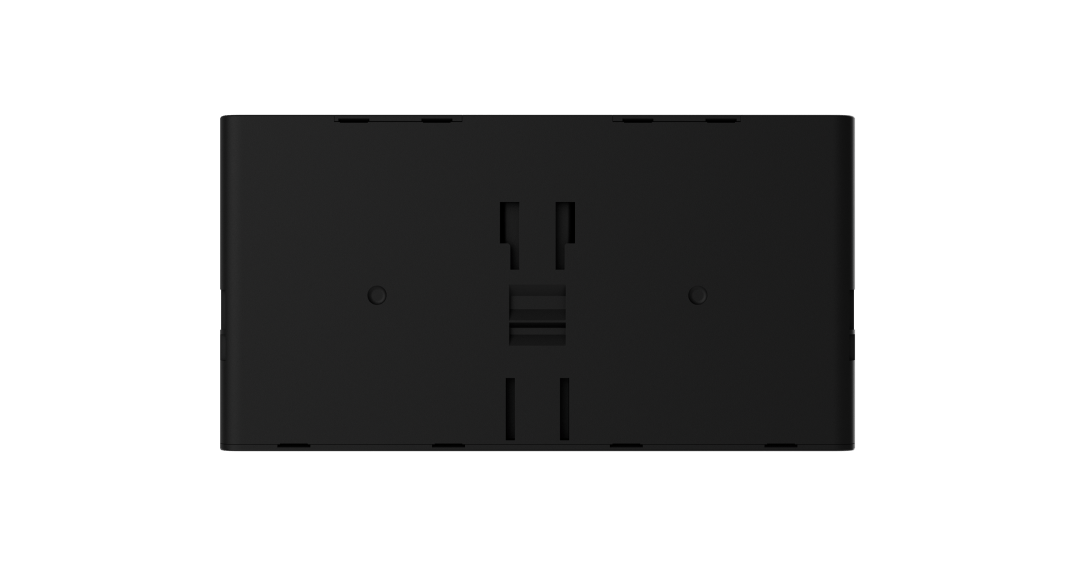
EN54 Internal Battery (24h/72h)
Choose the pack and confirm the extender’s required autonomy.