MAKE IT YOURS
EN54 Fire Hub.
Control and indicating equipment for buildings where fire safety is regulated.
Standards and certifications
EN54 Fire Hub Jeweller · FH.54.J. Manufacturer-listed marks; regional and installation conditions apply.
* Ajax shows these marks for the EN54 Fire Hub Jeweller range. Check the linked documentation for the exact version and market.
A clear view of the fire system.
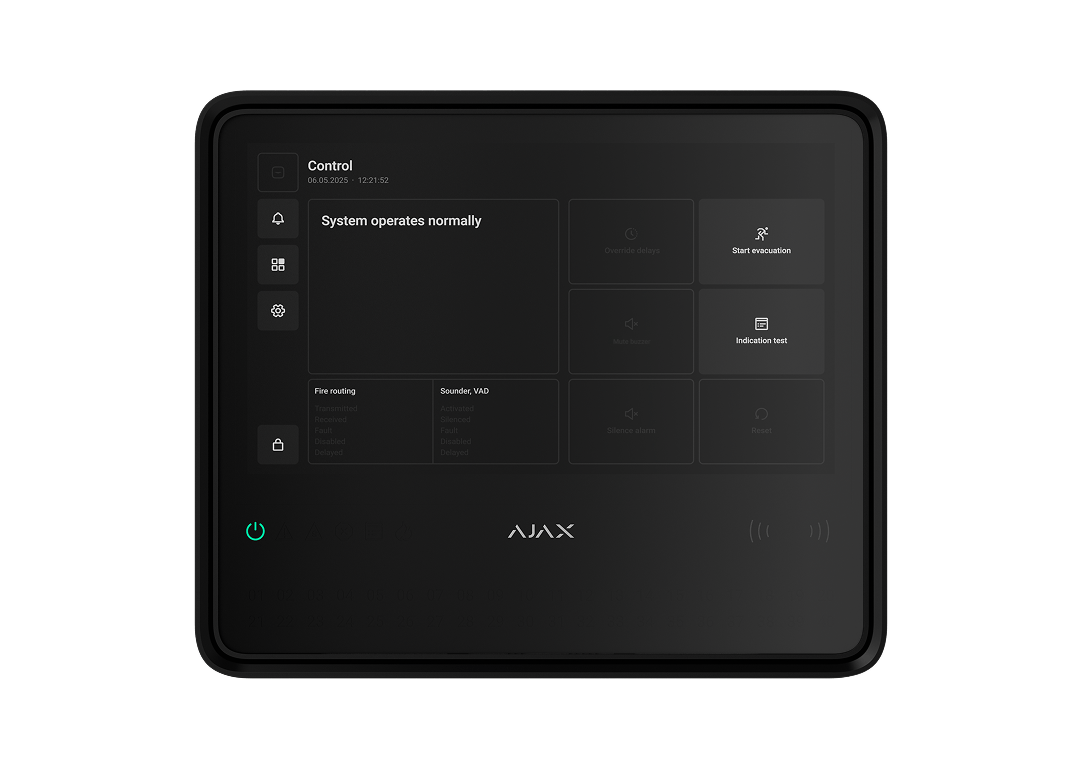
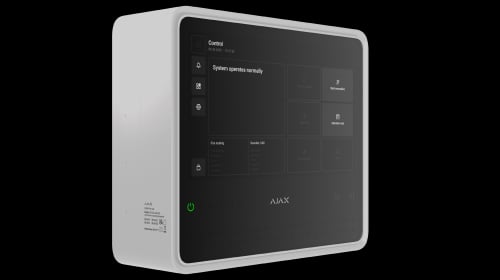
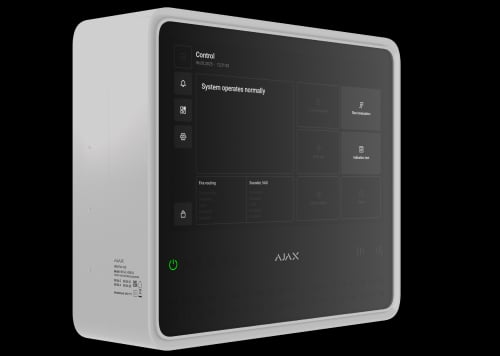
EN54 Fire Hub Jeweller brings fire zones, device states and authorised controls onto a 10.1-inch touch screen. It coordinates up to 200 compatible devices, with built-in network and radio communications. Ajax apps connect the fire system with supported intrusion protection, video and automation in the same installation.
Key features. At a glance.



Remote control and configuration via Ajax apps

Up to 200 devices within one system
Built-in communicators for advanced connectivity
Internet connection


Communication with devices


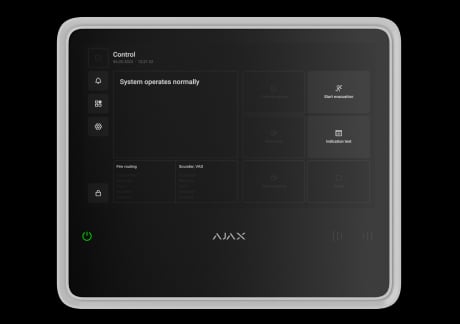
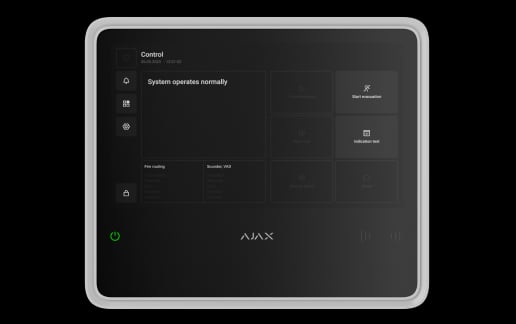
10.1” color IPS touch screen
for fire alarm control
Intuitive fire alarm management via the CIE touch screen
fire alarm control
event log
CIE settings
alarm and fault indication
One CIE for all-in-one security
fire safety
intrusion protection
automation
video surveillance
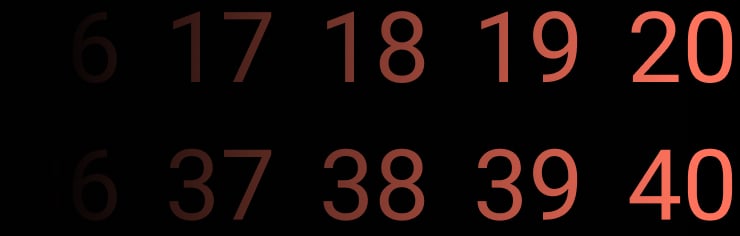
40 fire zones


Connection to the monitoring station
SurGard (Contact ID)
SIA DC-09
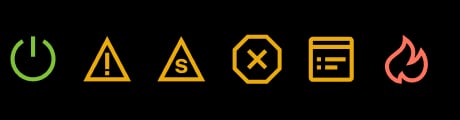
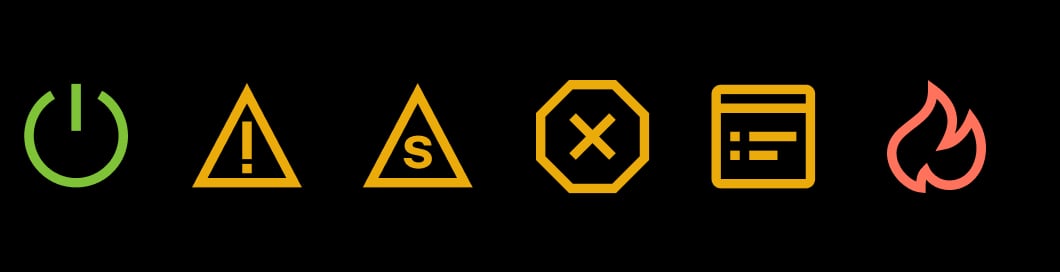
LED indication on fire alarms and overall system status
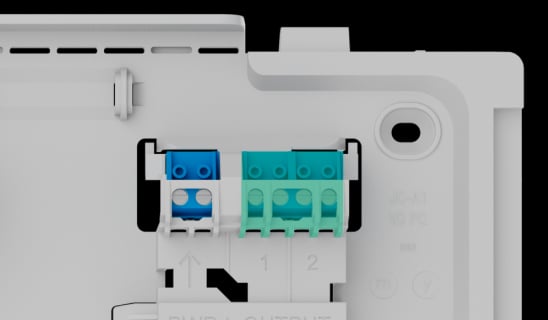
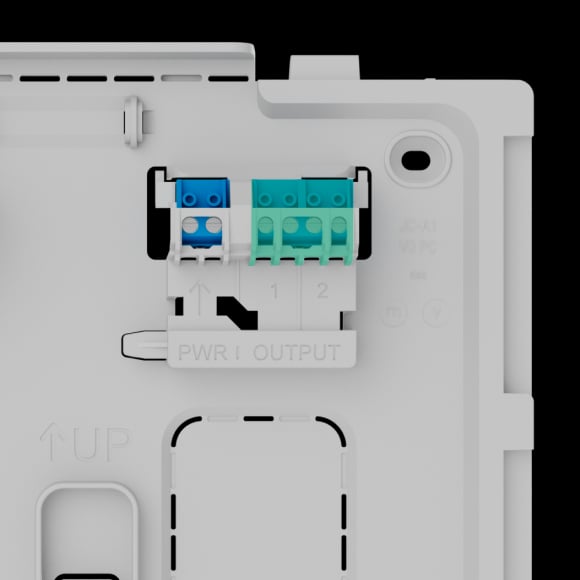
Two relay outputs for transmitting events to the monitoring software
NC — faults
NO — fire alarms
Addressability of each system device
Built-in 60 dB buzzer
Informative push notifications
Support for photo and video verification of alarms
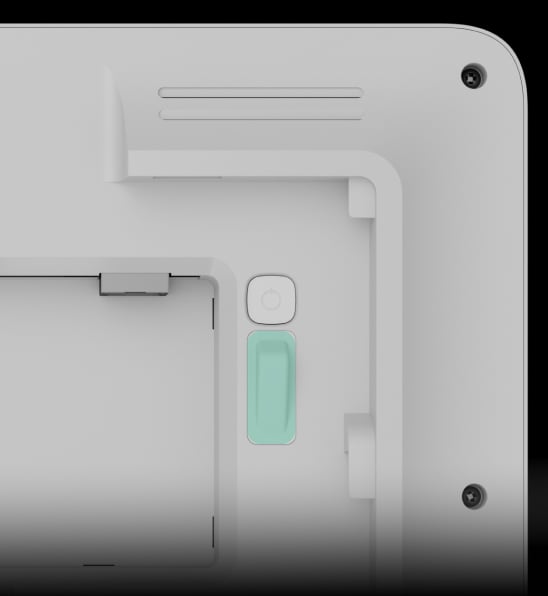
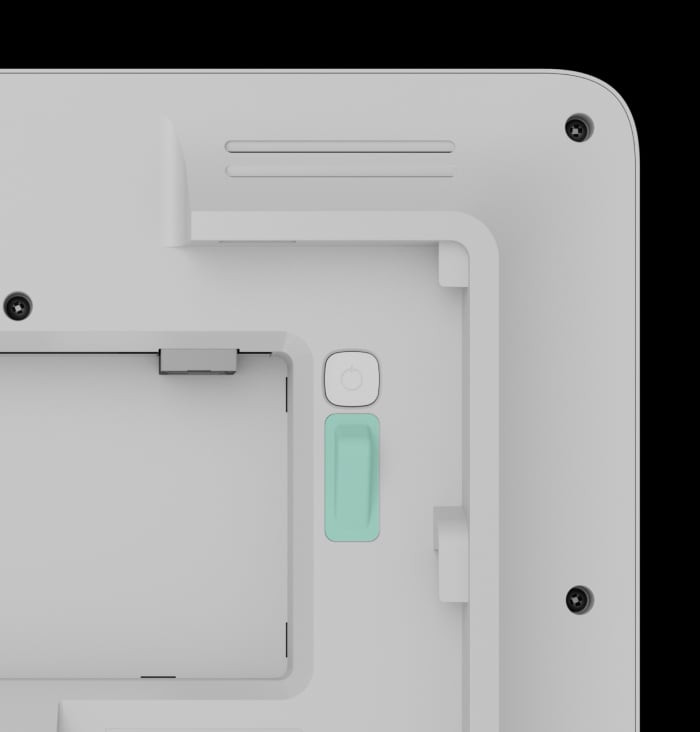
Tamper alarm

64
automation scenarios

Automatic firmware updates
Classy design in two colors

Power supply2
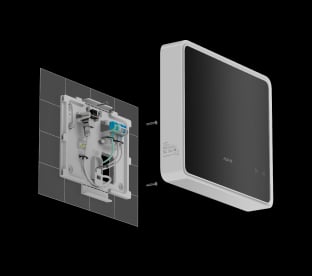
Mains
110–240 V~
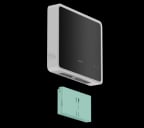
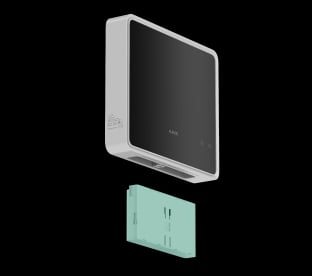
Backup battery
EN54 Internal Battery (24h)
7.4 V⎓, 5 A·h
EN54 Internal Battery (72h)
7.4 V⎓, 10 A·h
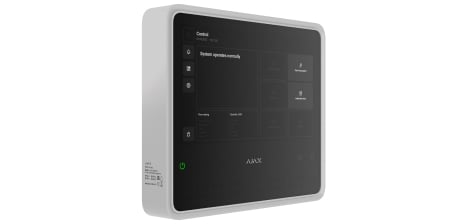
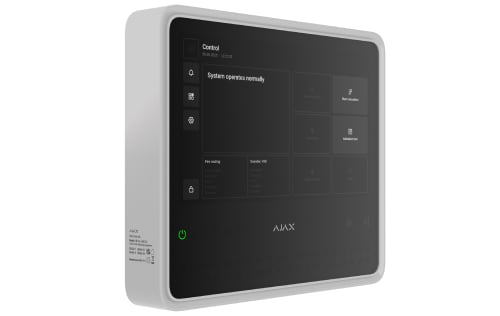
Compact enclosure
263 × 223 × 54 mm
Installing in GlandBox for lateral wire entry3
in case cables are not routed inside the wall
- 1Radio range is measured in open space; walls and installation conditions reduce it.
- 2The power cable is not included in the complete set. Batteries are sold separately and are not included in the EN54 Fire Hub Jeweller complete set.
- 3Cable glands are not included in the complete set.
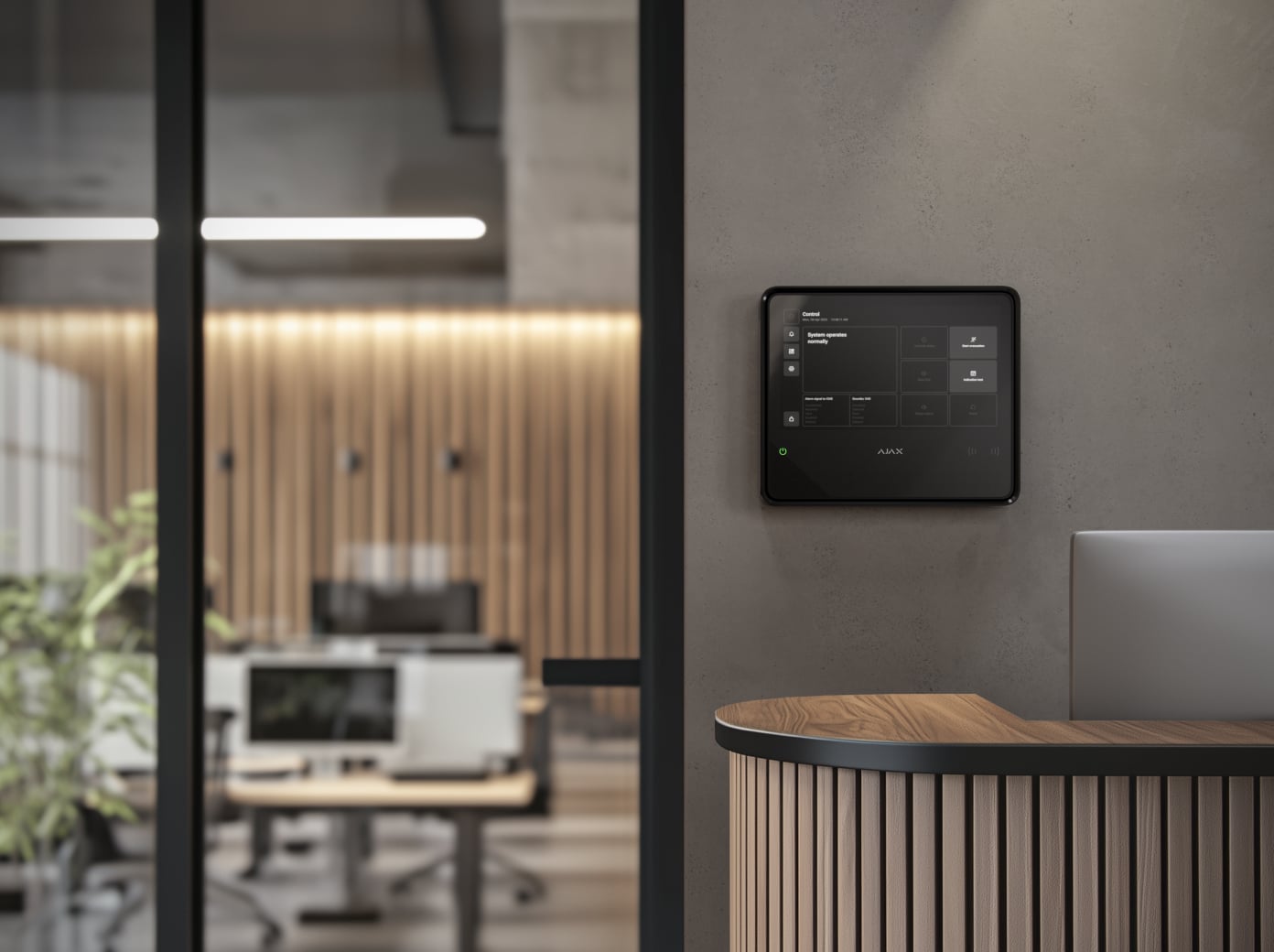
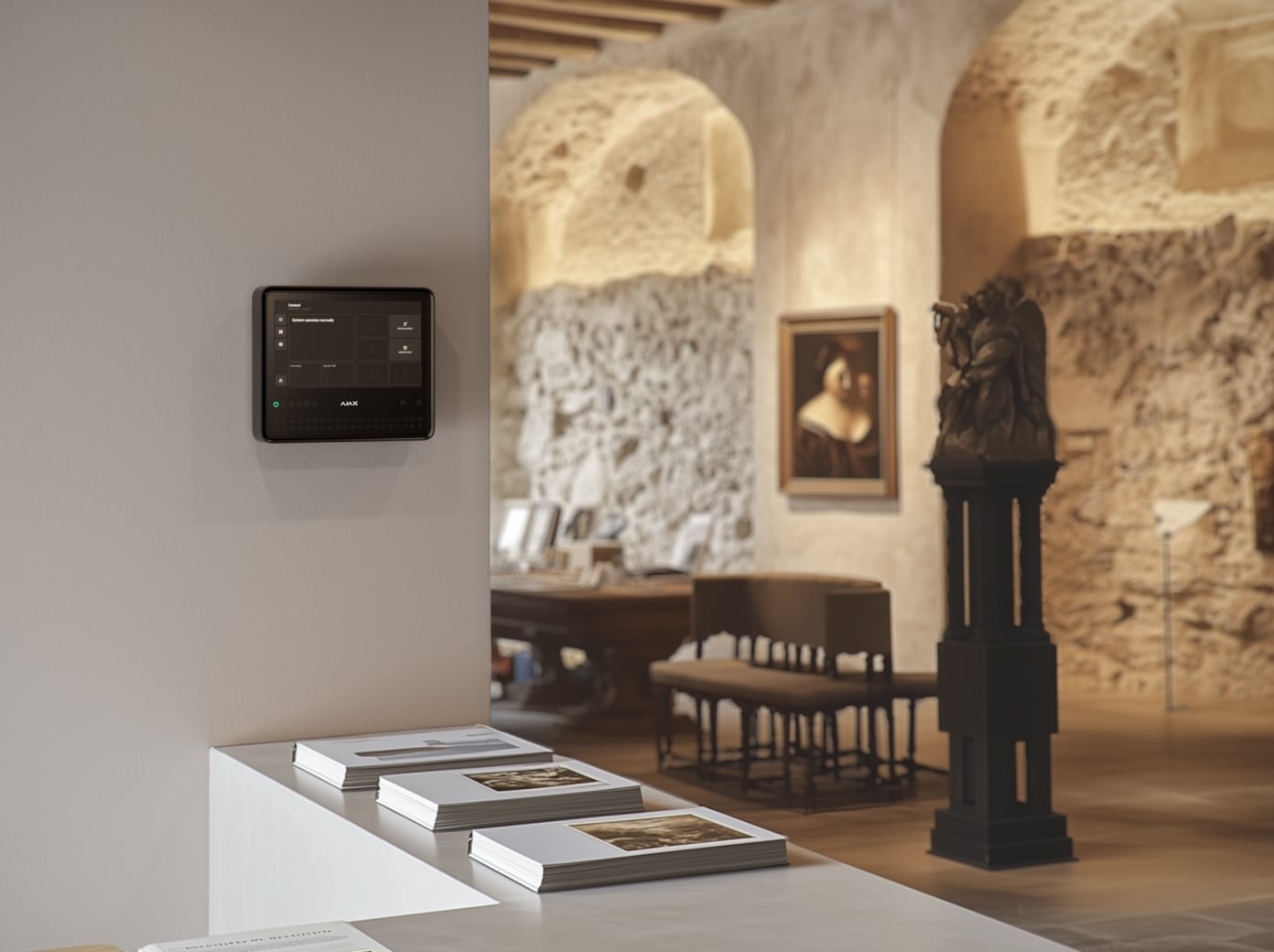
Protection in real places.
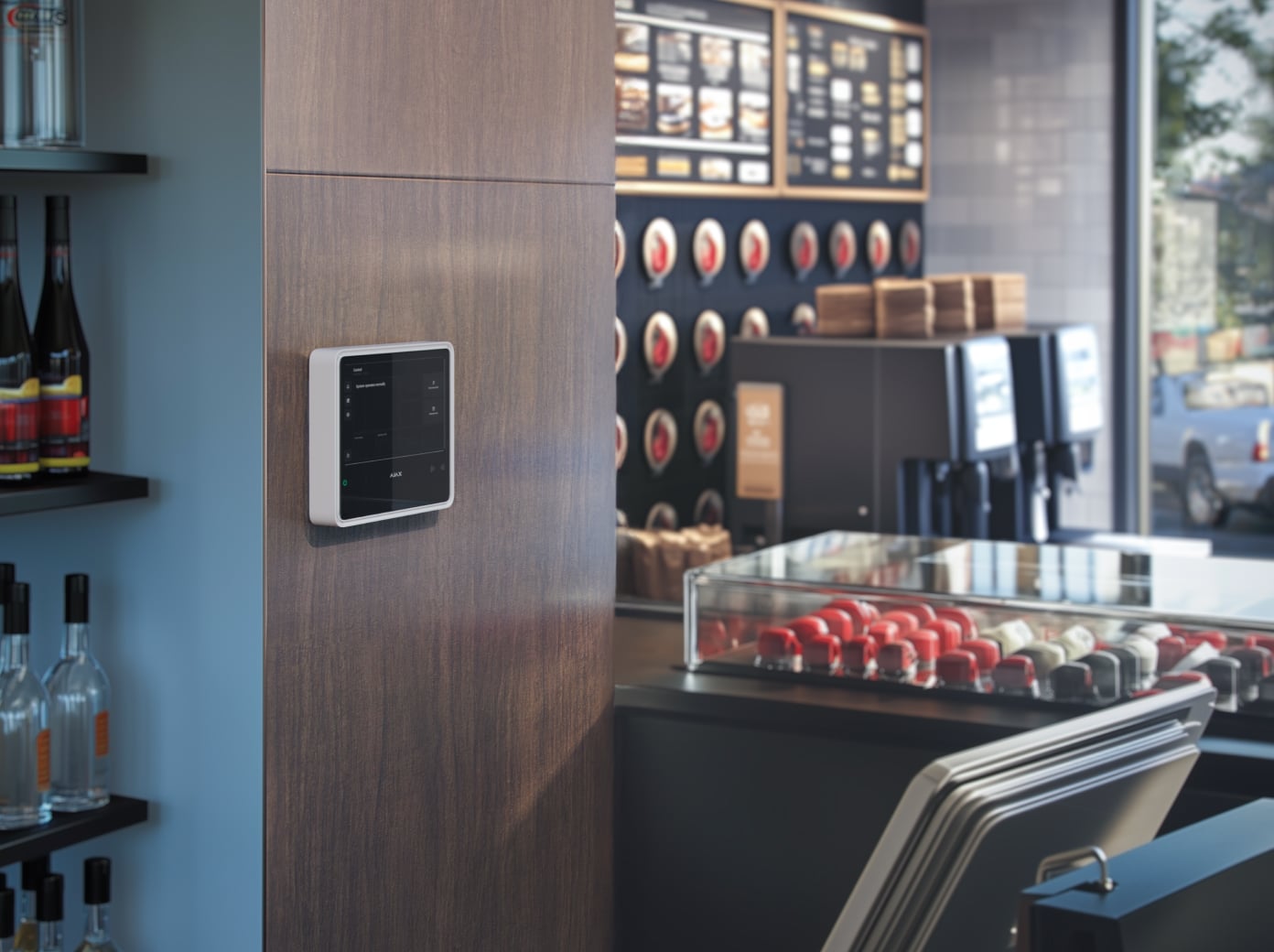
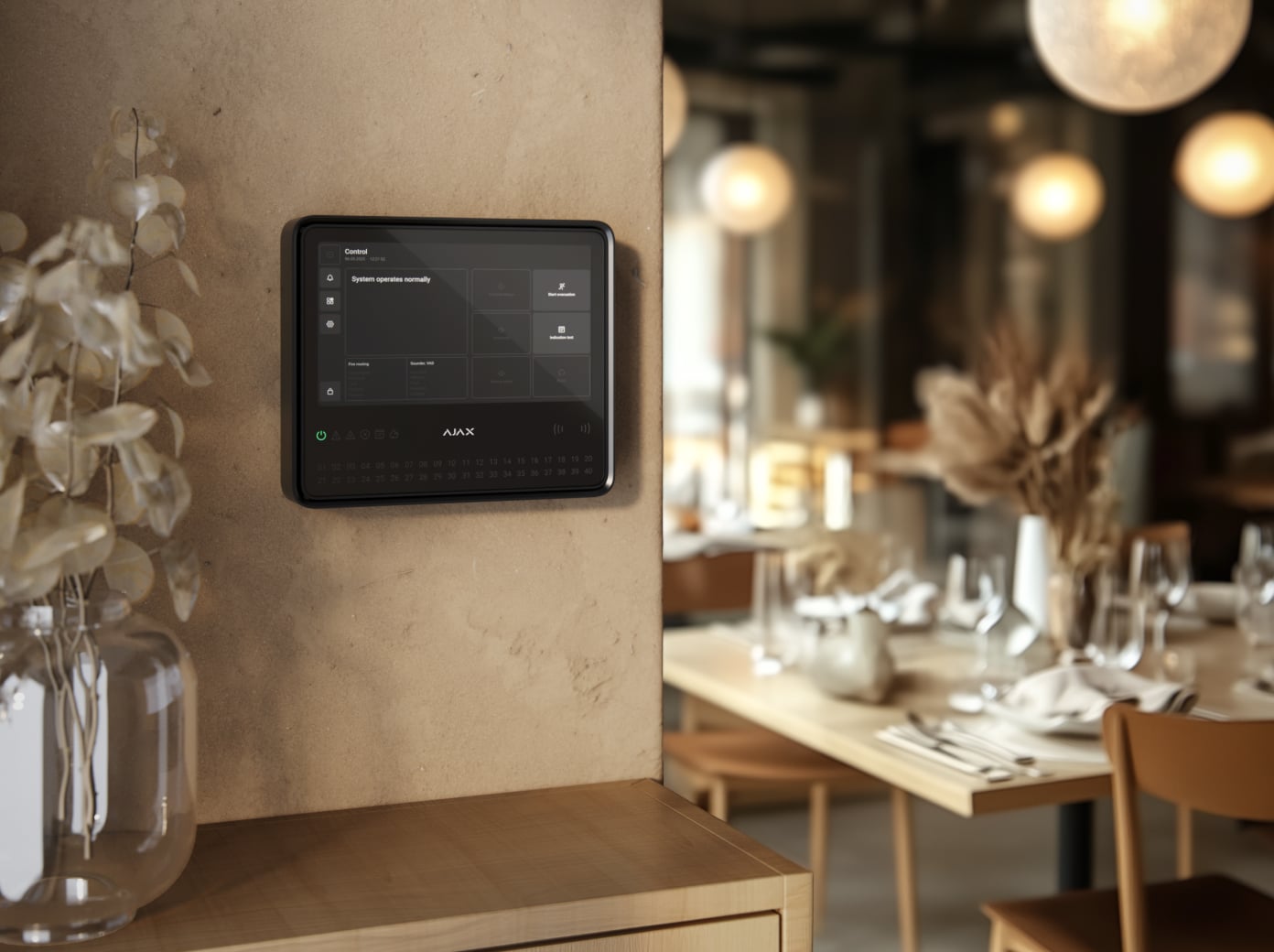
EN54 Fire Hub Jeweller
Every detail has a purpose.
Explore the control point for a professionally designed fire system.
Loading detail…
One panel. A planned fire system.
Address every device and zone
EN54 Fire Hub supports up to 200 devices, 40 fire zones, 80 rooms and 200 users. A combined installation can include 25 security groups and supported automation, while preserving the fire system’s design requirements.
Limits include up to five EN54 Fire ReX extenders, ten intrusion sirens and fifty keypads with buzzers. Extenders count within system capacity. Device certification does not by itself certify the completed installation.
See the fire system at a glance.
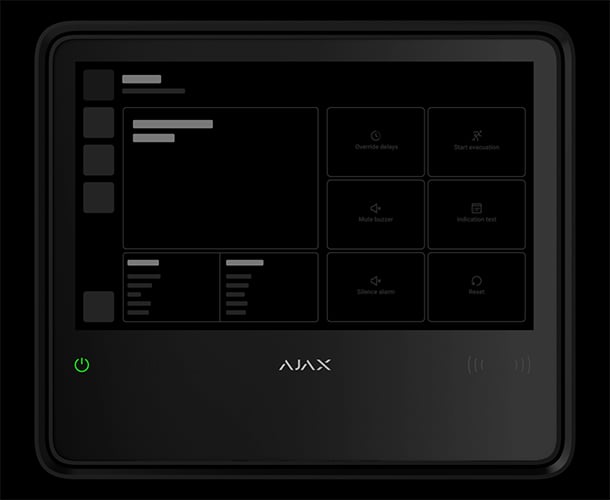
Control the fire response
Authorised staff can start evacuation, reset the fire alarm, silence or resound sounders, mute the panel buzzer and test the indications from the touch screen.
The exact specification still marks delay override as coming soon, while the current manual describes it. Confirm the installed firmware and available controls during commissioning.
Give the right people access.
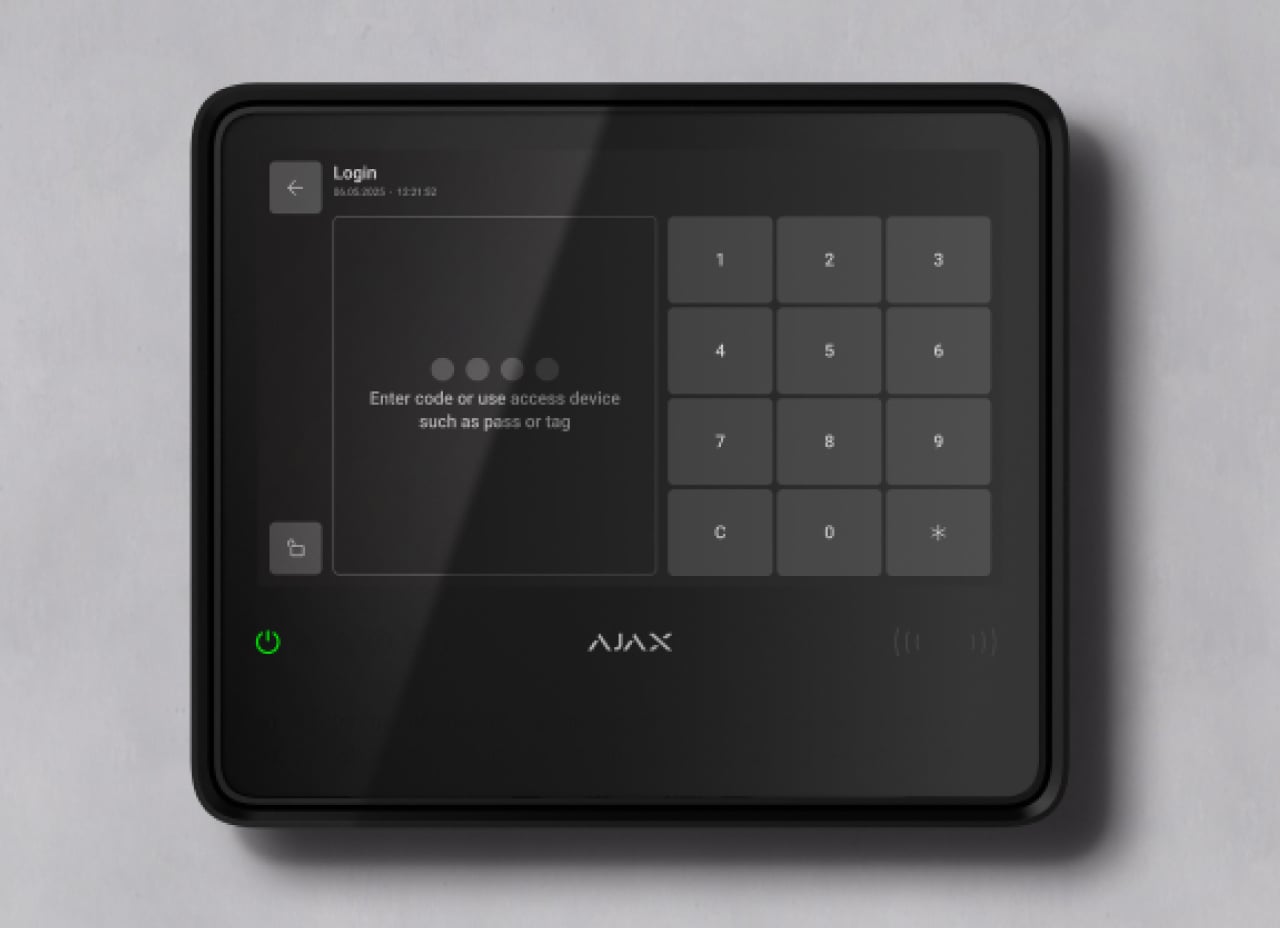
Personal access codes
Up to 200 personal codes identify authorised users. Administrators manage rights in Ajax apps, with access appropriate to each person’s fire-system responsibilities.
A secure link across the site.
Jeweller and Wings
Jeweller carries device events and commands; Wings carries photographs and larger data packets. Two-way communication uses encryption, frequency hopping and retransmission to maintain the link.
The stated range is up to 1,800 m in open space. The connected device, walls and layout limit the real installation; confirm regional radio compatibility and test every link on site.
More than one route to the monitoring station.
Ethernet, Wi-Fi and two SIM cards
The panel can use Ethernet, Wi-Fi and two 2G/4G LTE SIM cards. Ethernet has priority, followed by Wi-Fi and cellular. Configure SIA DC-09 or SurGard Contact ID reporting with the monitoring provider.
The exact specification allows up to four minutes when switching between SIMs; this is different from switching between active network channels. Internet services, SIM plans and monitoring arrangements are separate.
Reach the next part of the building.
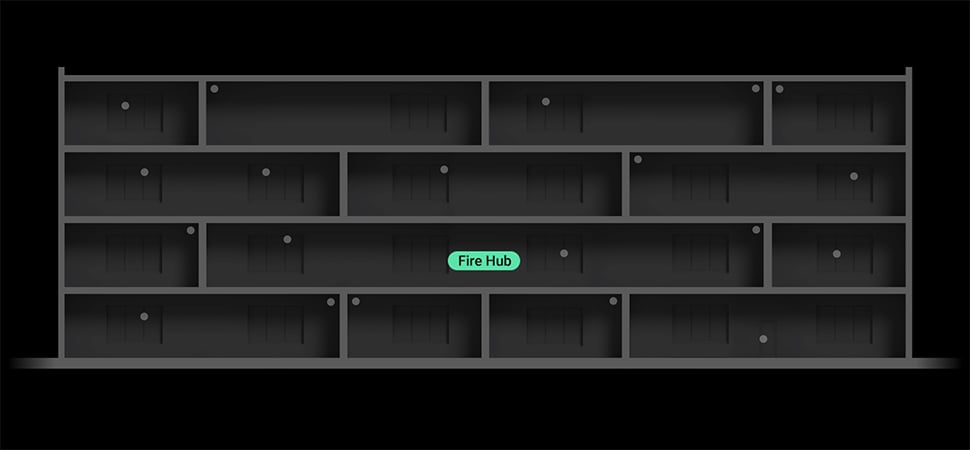
Up to five EN54 Fire ReX extenders
Extend coverage through a compatible radio or Ethernet path to EN54 Fire ReX. The fire panel retains control of the same system and its device limits.
Ajax’s up-to-35 km² coverage figure is a theoretical open-space maximum, not a floor-area guarantee. Test the actual layout, structures and each device link.
See the event as well as the alert.
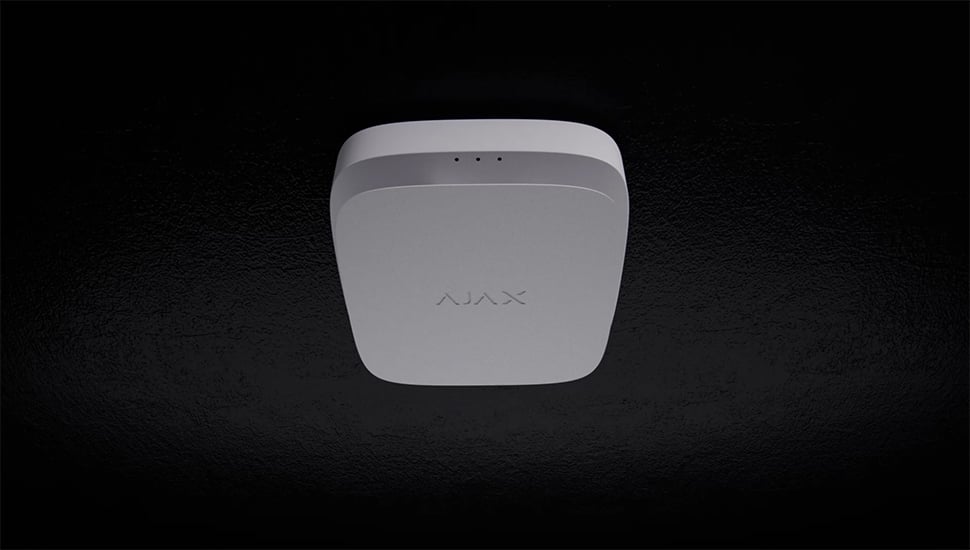
Visual context for a fire alarm
A configured scenario can request photographs from a compatible MotionCam detector when a fire device raises an alarm. These images help authorised users and monitoring staff assess the situation.
Requires a supported detector with the appropriate photo-by-scenario capability, a configured trigger and permission to view the images. It complements the planned fire response.
Coordinate the response.
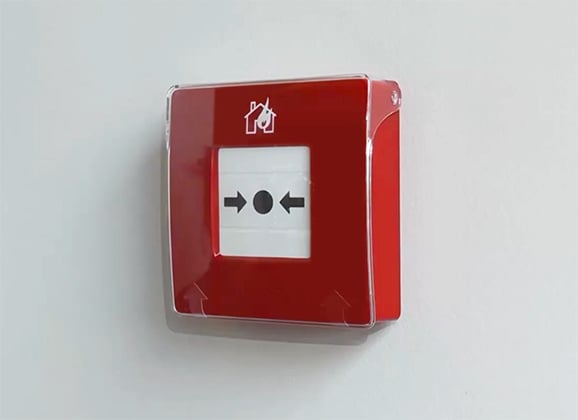
A planned evacuation action
A configured fire scenario can operate compatible EN54 I/O equipment, such as an interface to evacuation or exit-control equipment.
Up to 64 fire alarm scenarios are supported. Design and test every life-safety interface with the responsible installer; a scenario does not establish the connected equipment’s suitability.
Plan the backup as part of the system.
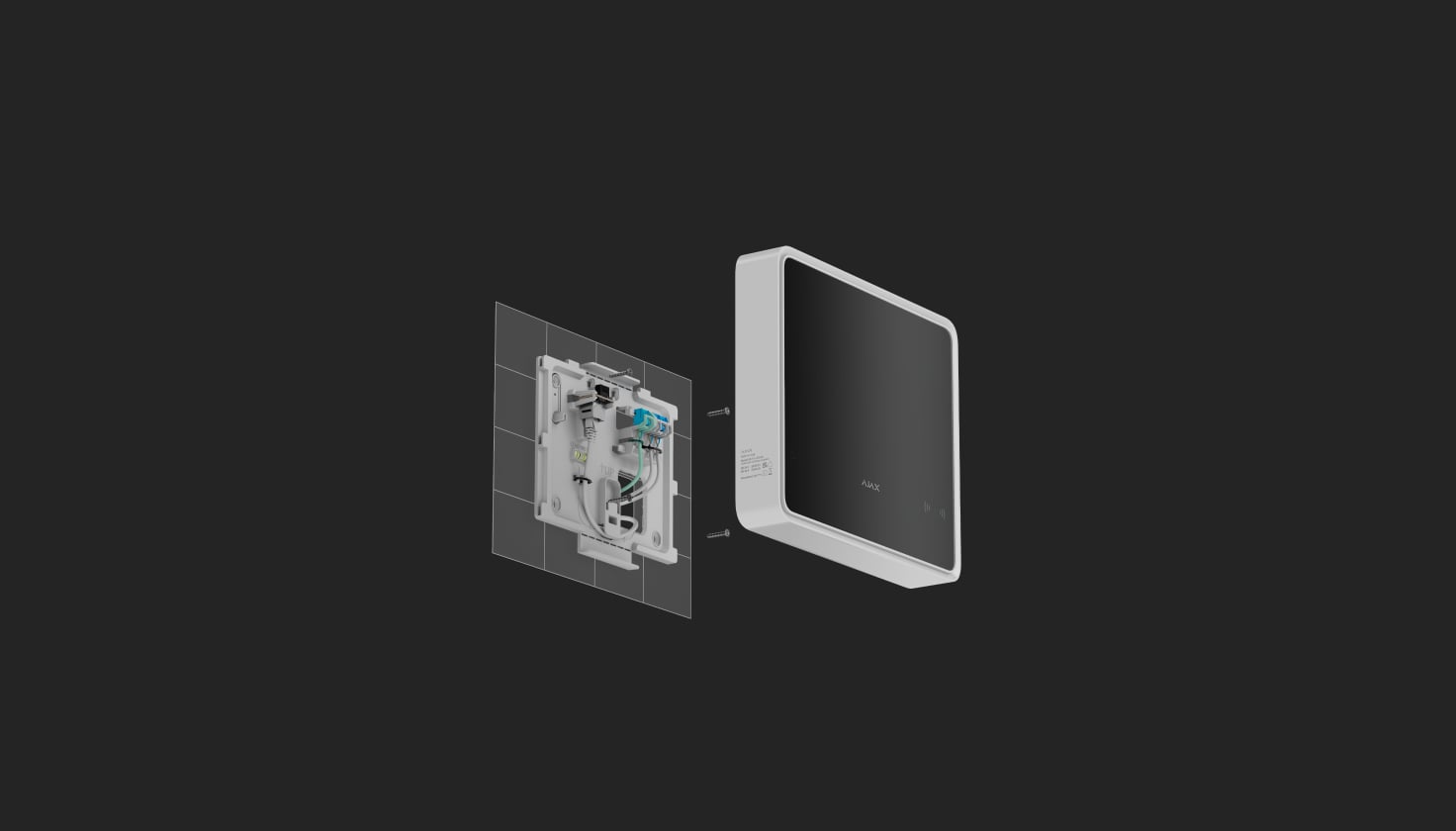
A permanent mains supply
The panel connects to 110–240 V~, 50/60 Hz. Plan the protected mains supply and cable route with the qualified installer.
The mains cable is not included.
Know when the system needs attention.
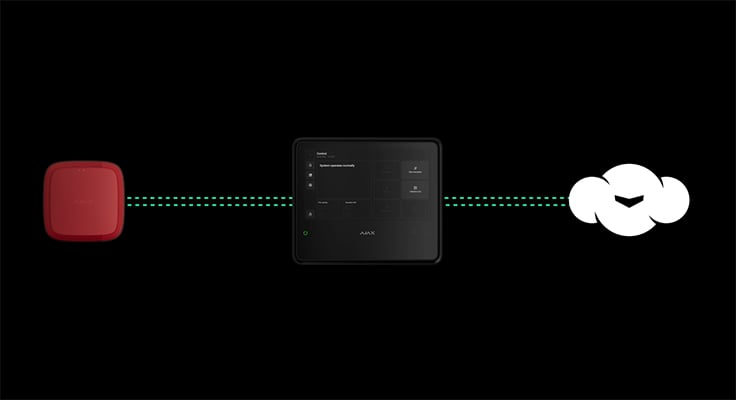
Device states and connection checks
The fire panel monitors communication, power, tamper and sensor states and reports faults through its indicators and apps. Device authentication checks help reject unrecognised equipment.
The published 36-second connection-loss example depends on Jeweller polling settings. Confirm the detection time and notification paths for the commissioned system.
Keep the installed system current.
OS Malevich
The system runs Ajax OS Malevich and supports firmware updates. Review release availability and the site’s service procedure before updating, then verify the required functions.
An update does not replace commissioning, maintenance or a check of exact device compatibility.
Keep faults and interference visible.
Understand the event
Notifications identify the device and location so an authorised user or monitoring operator can investigate. The connected fire panel also presents faults and alarms locally.
Configure user notification channels and the monitoring connection as part of commissioning.
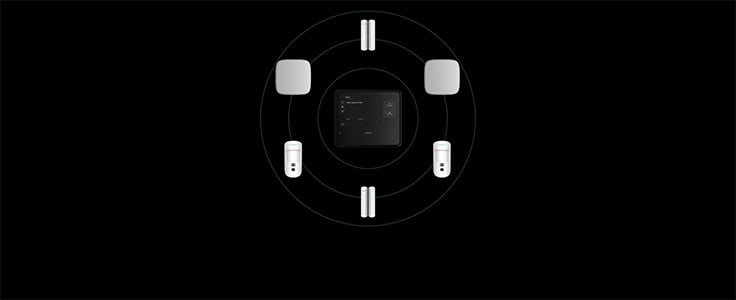
Respond to radio interference
The system checks the radio link and changes frequency within its operating band when needed. Interference and connection faults are reported for investigation.

Protect communication
Device authentication and encryption protect exchanged data. Keep firmware, access rights and the installation settings under the control of authorised users.
Secure the mounting
Tamper protection reports an attempt to open or remove the device. Secure every required SmartBracket fixing point and keep the supplied release key under controlled access.
Manage the whole installation in Ajax apps.
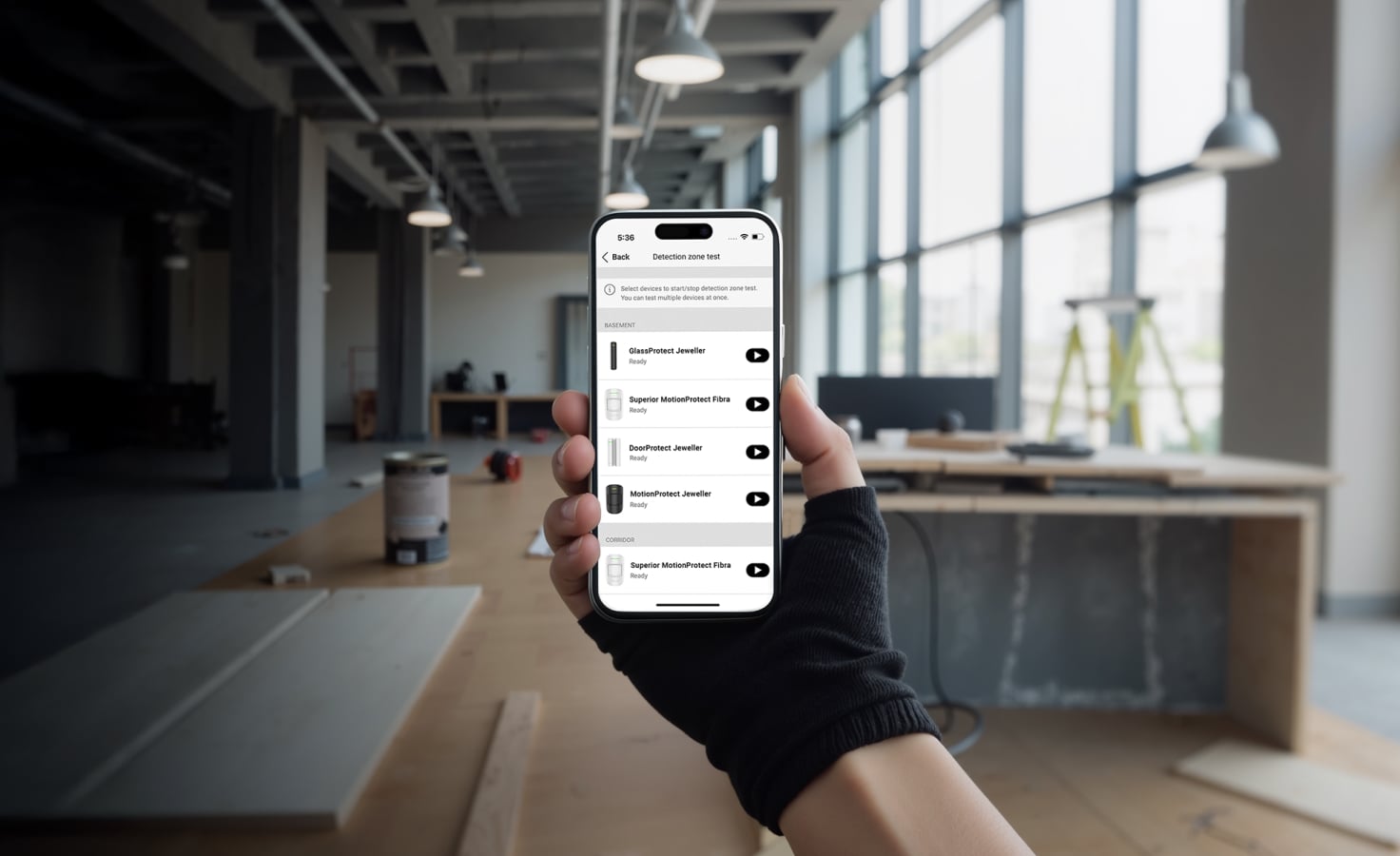
For the installer
Ajax PRO supports device setup, testing and maintenance, on site or remotely with the required rights.
Install, configure and test.
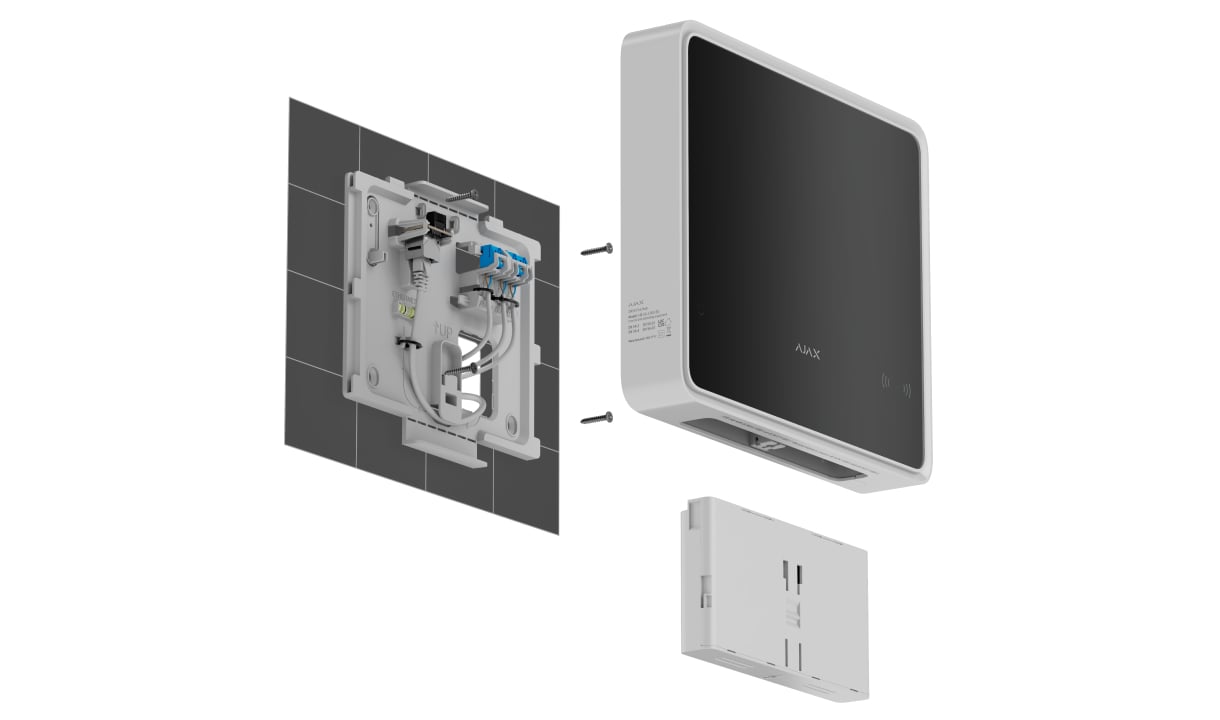
Mount the complete panel
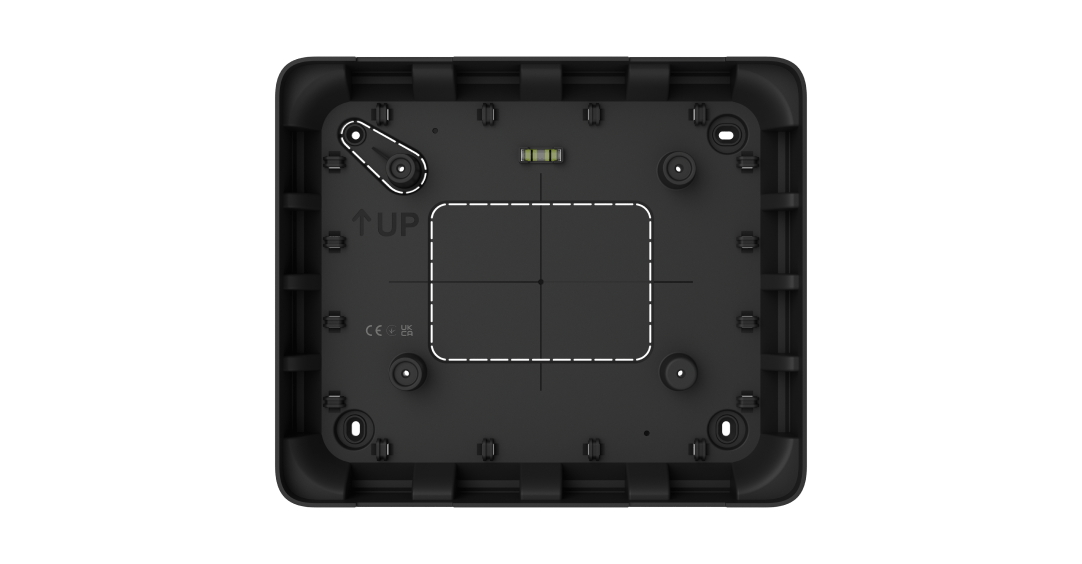
Install indoors on a vertical surface with access to power and the intended network paths. SmartBracket includes alignment aids and requires all fixing points, including the tamper point.
Use GlandBox for supported lateral cable entry; cable glands are separate. IP20, −10 to +40 °C and up to 75% non-condensing humidity. Also follow the battery installation instructions.
Find the right fire control panel.
Compare EN54 Fire Hub, Type4 Fire Hub and Type4 Hub (4G). See the differences in daily control, system size, connectivity and backup.
Compare fire control panels →Every detail, in one place.
Capacity
- Devices
- up to 200 Supports Ajax devices from the EN54 product line, wireless intrusion devices, and resettable buttons for manual fire alarm activation in any combination, except for the following: up to 10 intrusion sirens;; up to 50 keypads with a built-in buzzer;; up to 5 EN54 Fire ReX Jeweller range extenders.
- Fire zones
- up to 40 Alerts about fire in separate zones. Every zone may include multiple rooms.
- Users
- up to 200 Any number of admin users within the CIE limit.; PRO accounts for installers.; PRO accounts for installation and monitoring companies.; Access management for users.
- Automation scenarios
- up to 64 By alarm.; By schedule.; By arming/disarming.; By temperature, humidity, CO2 concentration.; By pressing Button.; By touching LightSwitch.
- Rooms
- up to 80
- Security groups
- up to 25
- Event log
- up to 6,000 events Fire alarm system events. Can be viewed on the CIE display. Events are saved on the non-volatile onboard flash memory. up to 500 events Fire alarm, intrusion, and other system events. Can be viewed in the events feed in Ajax apps.
Communication
- Jeweller communication technology
- Two-way system communication for the functions specified for this model.
- Radio communication range
- up to 1,800 m Between the CIE and connected devices (in an open space). Maximum range depends on the connected device.
- Encrypted communication
- Encrypted device communication.
- Frequency hopping
- To prevent radio interference and jamming.
- Wings communication technology
- Two-way system communication for the functions specified for this model.
- Radio communication range
- up to 1,800 m Between the CIE and connected devices (in an open space). Maximum range depends on the connected device.
- Encrypted communication
- Encrypted device communication.
Communication channels
- Ethernet
- 1 8P8C socket Up to 100 Mbps.
- Cellular
- 2 micro-SIM slots
- Cellular frequencies
- 2G GSM900/DCS1800 (B3/B8) 4G (LTE) FDD B1/B3/B5/B7/B8/B20
- Wi-Fi
- 802.11 b/g/n module up to 72 Mbps.
- Automatic switching between communication channels
- Instant switching between Ethernet, Wi-Fi, and SIM.; Instant switching between 4G (LTE) and 2G networks of one SIM.; Switching between SIMs takes up to 4 minutes.
- Communication channels prioritization
- Communication channels work in parallel to increase the system’s reliability. Most of the data is transmitted via Ethernet.
Notifications
- Supported notification types
- Push notifications; SMS; Calls
- Event types
- Alarms; Video alerts; Faults (for fire alarm devices); Malfunctions (for other Ajax devices); Security state change; System events; Non-security alerts; Automation devices; Smart lock events; Doorbell ringing The notification types are configured individually for each user.
Monitoring
- Supported protocols
- SIA (DC-09); SurGard (Contact ID)
- Event types
- System alarms and events; Panic button coordinates; Photo verification
Fire alarm system management
- Indication of fire alarms and faults
- display; LED indicators; sound LEDs on the front panel of the CIE and the built-in buzzer notify users of fire alarms in zones, faults, and system states. In case of fire, the CIE also activates visual alarm devices and fire alarm sounders. The CIE display also shows system states and detailed alarm information.
- Fire alarm control
- start evacuation; reset; mute buzzer; silence / resound sounders; override delays (coming soon); indication test Users with appropriate rights can manage the fire alarm system via these options.
- Fire alarm system settings
- Users with appropriate rights can configure all fire alarm system settings via the CIE.
- Event log
- Stores a detailed log of fire alarms and system events. Capacity: up to 6,000 events.
Photo verification
- Photo verification types
- Photo by alarm; Photo by scenario; Photo on demand; Photo by schedule; Photo by arming/disarming
- Photo delivery time
- up to 9 s By default.
- Photo resolution
- up to 960 × 720 pixels Depends on the detector.
- Number of photos in a series
- from 1 to 5 pictures
Additional features
- User authorization
- To manage the fire alarm system via the CIE touch screen, the user must log in by entering a code or presenting a personal access device.
- Control
- codes; Tag key fobs (coming soon); Pass cards (coming soon)
- Contactless access (coming soon)
- DESFire® EV1, EV2 ISO14443-А (13.56 MHz)
- Access codes
- up to 200 codes One code per each user. Defines user access level to security and fire alarm system management.
- Duress codes
- up to 200 personal codes One code per each user.
- Built-in buzzer
- volume at least 60 dB at a distance of 1 m Sound alerts of fire alarms. volume at least 50 dB at a distance of 1 m Sound alerts of faults.
- LED indication
- red For fire alarms. yellow For device faults, tests, and disablements. green For power supply status.
Display
- Diagonal
- 10.1″
- Matrix type
- IPS
- Resolution
- 1024 × 600 px
- Sensor
- capacitive
- Backlight settings
- Manually adjustable in the CIE on-screen settings.
- Interface language
- Configurable via the CIE touch screen or in the CIE settings in Ajax apps.
Outputs
- Output 1
- Relay output for alerting the monitoring company in case of a system fault. Contact state is normally closed (NC) by default.
- Output 2
- Relay output for alerting the monitoring company in case of a fire alarm. Contact state is normally open (NO) by default.
- Operating mode
- bistable
- External power supply
- 10–30 V⎓ The relay does not supply power to connected devices.
- Energy consumption
- up to 60 W In standby mode.
- Maximum resistive load
- up to 2 A at 30 V⎓
- Maximum inductive/capacitive load
- up to 2 A at 30 V⎓
Sabotage protection
- Tamper button
- Notifications about the fault on attempts to detach the device from the surface or remove the mounting panel.
- Protection against spoofing
- device authentication
- Connection loss detection
- after 36 s Detection time depends on Jeweller settings.
Power supply
- External
- 110–240 V, 50/60 Hz Up to 0.48 A of mains power consumption.
- Internal
- 7.4 V⎓, 5 Ah/10 Ah On Rechargeable Li-ion battery not included in the complete set: EN54 Internal Battery (24h) or EN54 Internal Battery (72h).
Autonomous operation
- On internal battery
- up to 24 hours On EN54 Internal Battery (24h) not included in the complete set. Battery life is based on display activation only when tapped, using W-Fi, Ethernet, and cellular (LTE) communication channels. up to 72 hours On EN54 Internal Battery (72h) not included in the complete set. Battery life is based on display activation only when tapped, using W-Fi, Ethernet, and cellular (LTE) communication channels.
Enclosure
- Dimensions
- 263 × 223 × 54 mm
- Weight
- 1,526 g
- Operating temperature range
- from -10 °C to +40 °C
- Operating humidity
- up to 75% non-condensing
- Protection class
- IP20
- Flammability rating
- UL 94 V-0
Revision
- Revision
- 1
What’s in the box
- EN54 Fire Hub Jeweller
- SmartBracket mounting panel
- Installation kit
- Ethernet cable
- Special tool (key)
- Quick start guide
For your installation
- Works with compatible EN54 detection and notification devices.
- Can additionally support compatible intrusion, automation and video devices.
- Backup battery provision is verified separately.
- Individual EN54 parts can be supplied; a complete EN54 system is designed and commissioned with us.
Product documents.
Find the right protection.
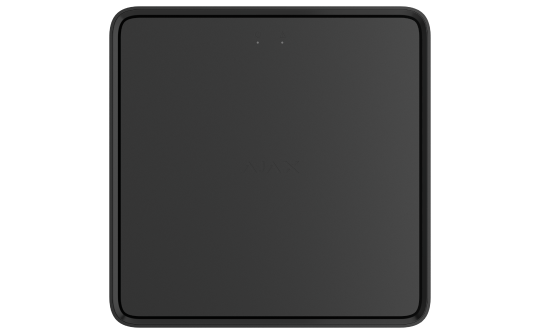
EN54 Fire ReX Jeweller
Use the matching extender with a tested radio or Ethernet route.
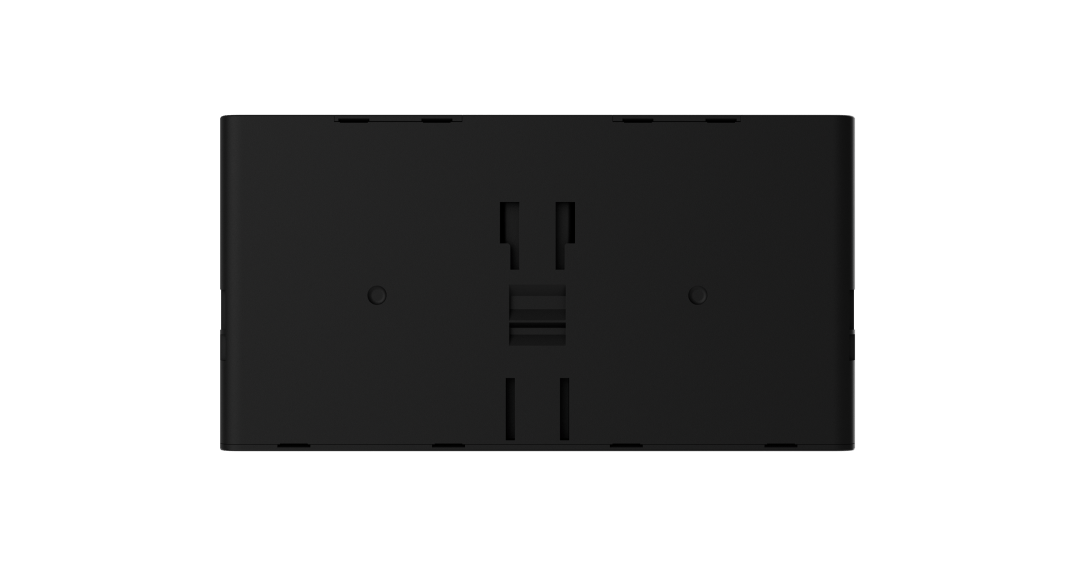
EN54 Internal Battery (24h/72h)
Select the 24h or 72h pack for the designed autonomy.
GlandBox
A matching wiring accessory; cable glands are separate.