MAKE IT YOURS
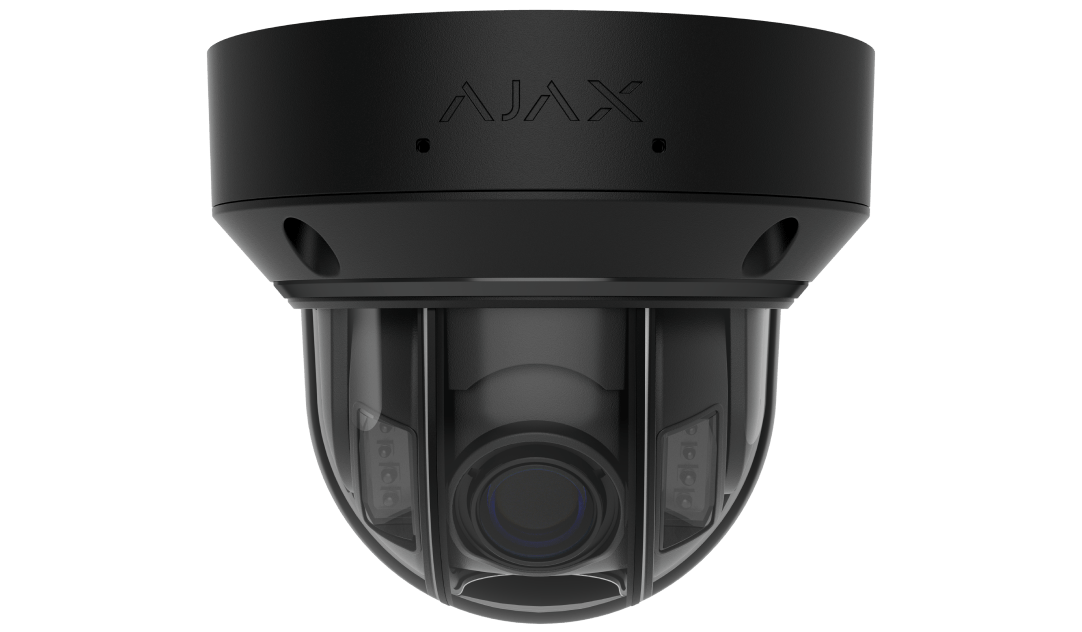
DomeCam HLVF.
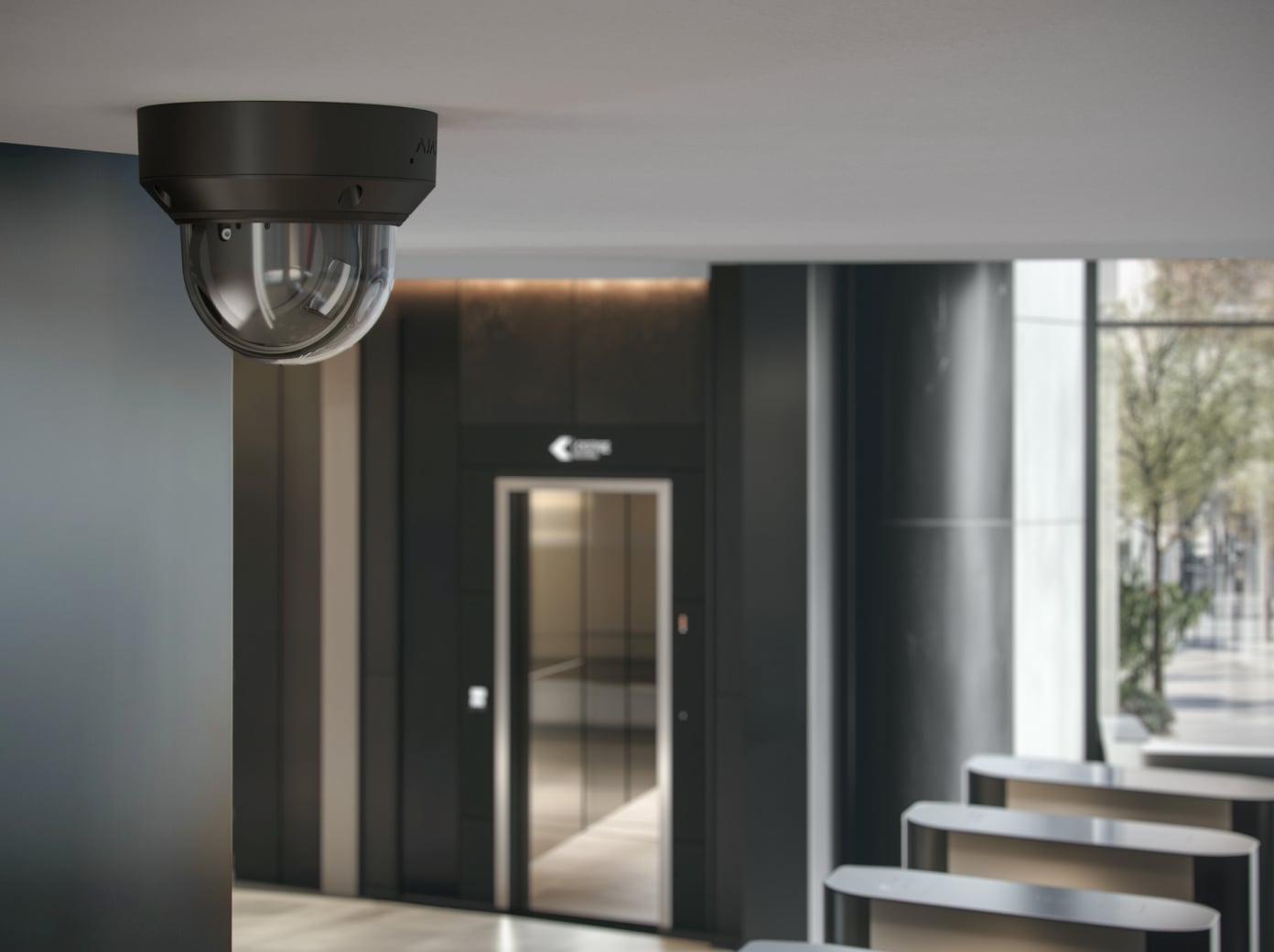
Adjust the framing of an entrance, lobby or corridor from the app.
Standards and certifications
DomeCam HLVF (5 Mp) · DC.HLVF5.W. Manufacturer-listed marks; regional and installation conditions apply.
A protected dome. A view you can adjust.
DomeCam HLVF combines a motorised varifocal lens, infrared and white light illumination, and built-in object recognition. Adjust zoom and focus in the Ajax app, record locally or through an NVR, and connect compatible equipment through its audio and alarm inputs and outputs. Choose 5 or 8 MP around the detail your space needs.
Key features. At a glance.


Overview of this product range. Features and ratings can differ by version. Ajax product information ↗ · 5 MP specifications ↗
Protection in real places.
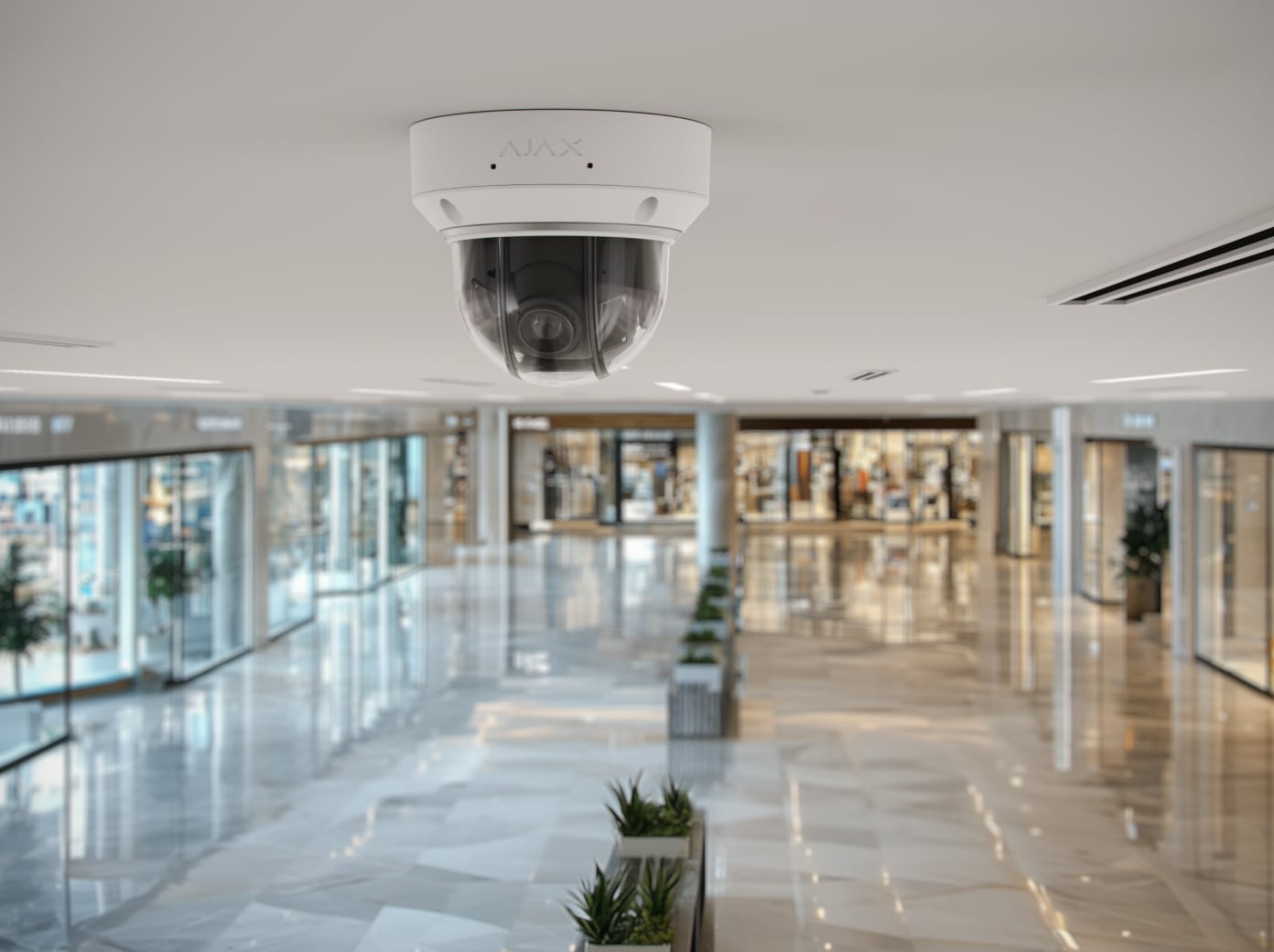
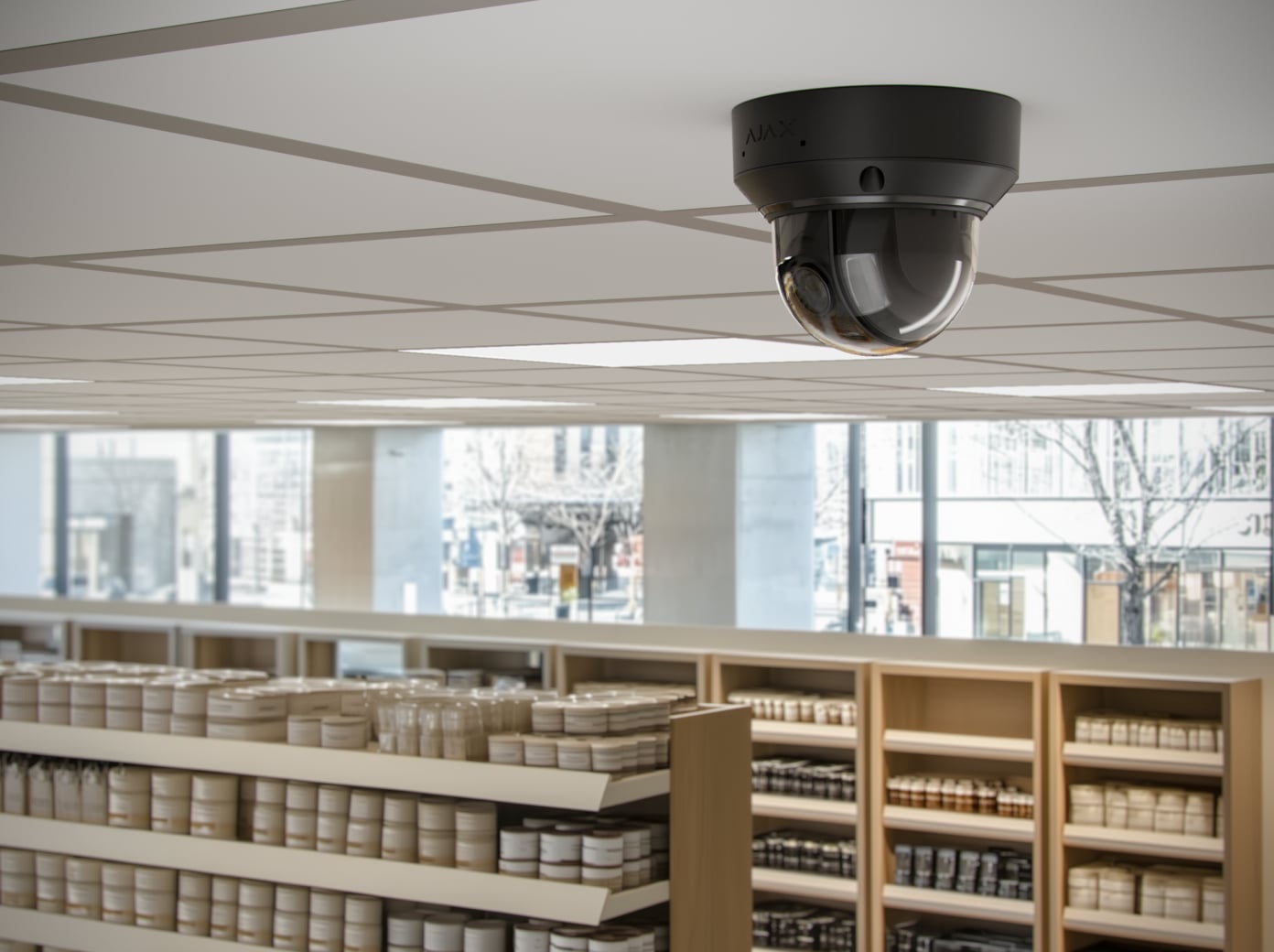
Set the frame. Keep the detail.
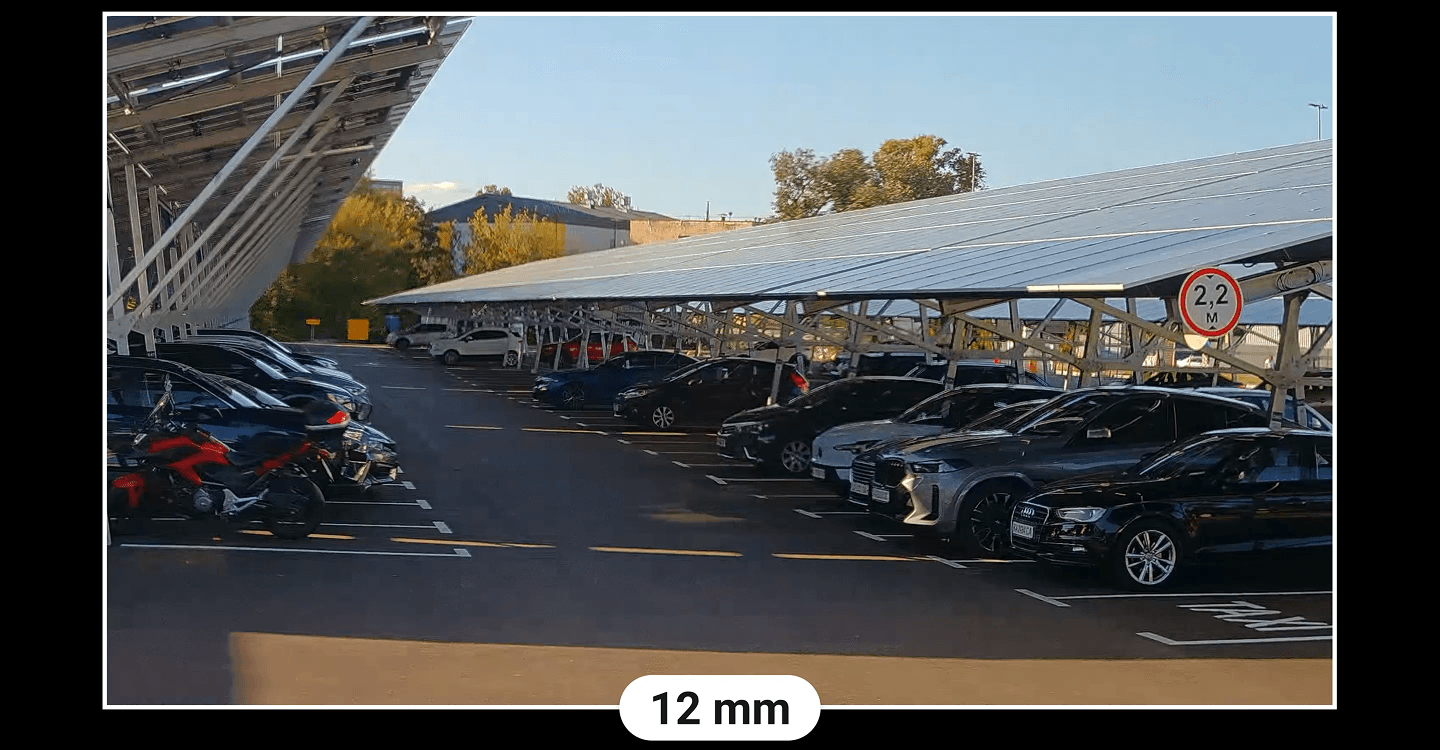
Adjust the view from the app
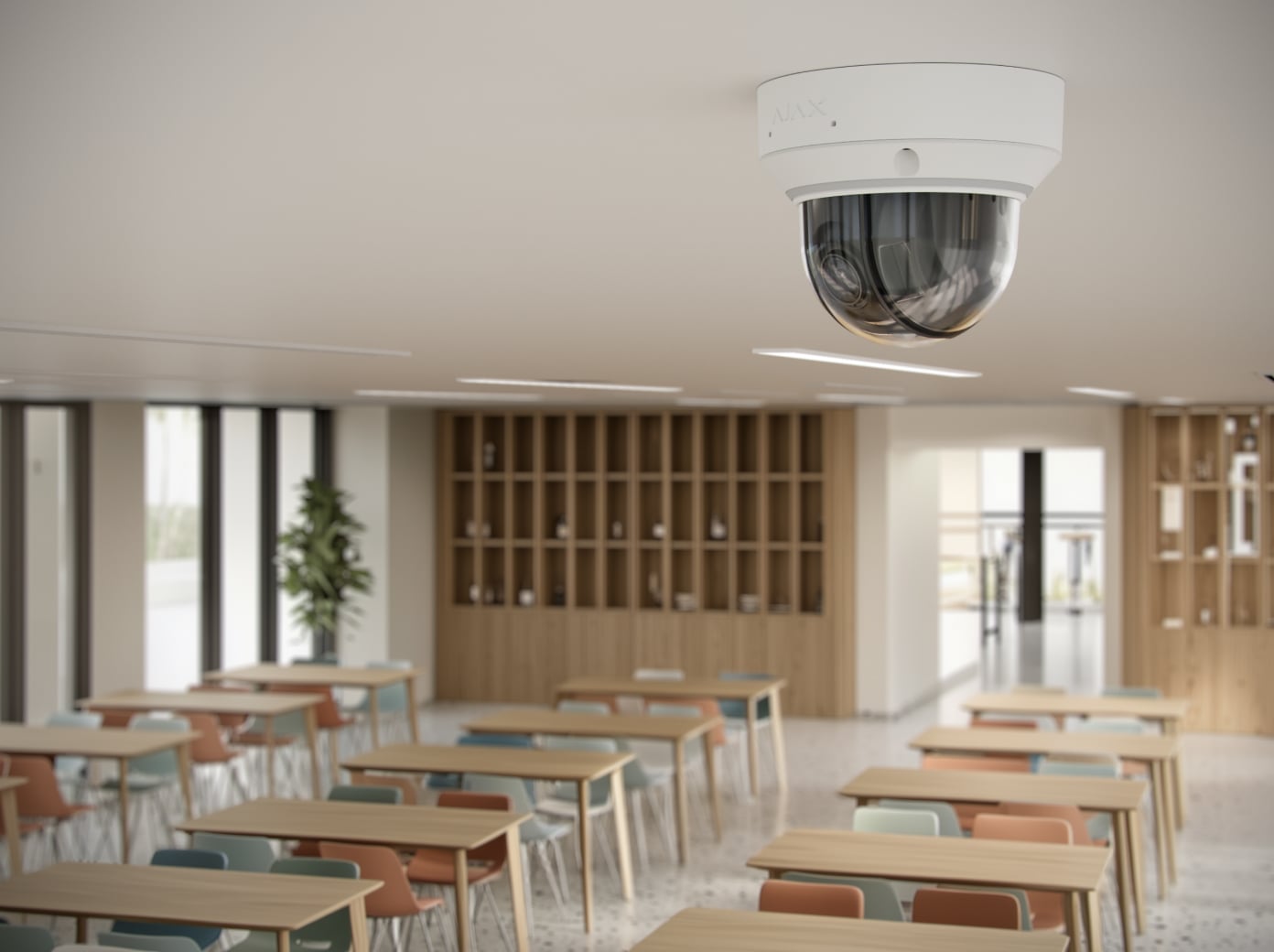
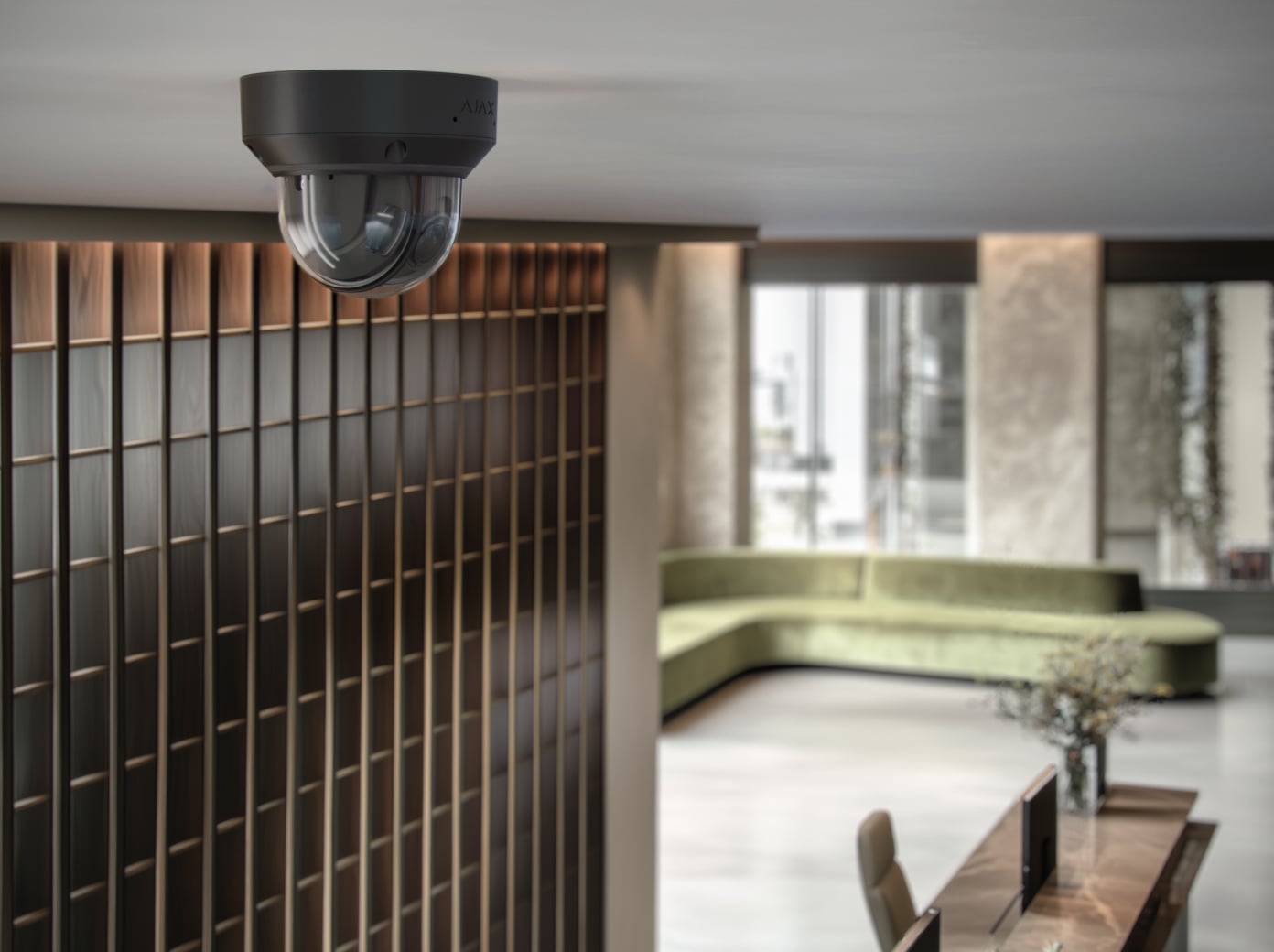
The motorised 2.8–12 mm varifocal lens lets you move from a wide overview to a closer view without reaching the camera. Use autofocus or adjust focus manually in Ajax apps. The horizontal field of view ranges from 31° to 111°.
Choose 5 MP for up to 2880 × 1620 pixels or 8 MP for up to 3840 × 2160 pixels. Both versions support up to 25 fps. Lens zoom changes the framing; camera direction is set during installation.
Notice the events that matter.
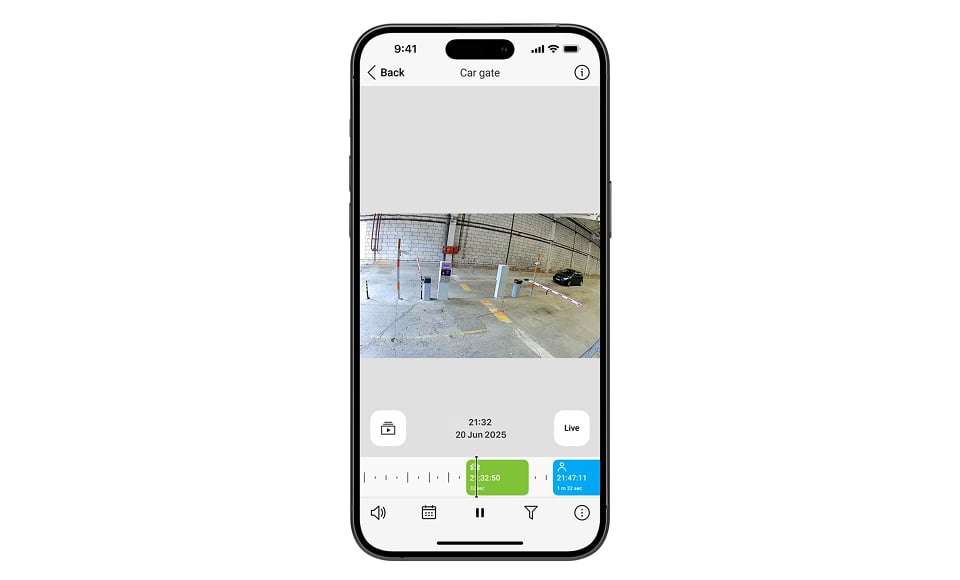
People, pets and vehicles
Onboard AI distinguishes these object types so you can choose what triggers a recording or notification. Adjust detection for the scene and check the results in the Ajax app.
Object recognition does not identify a person, read a number plate or guarantee detection in every condition.
Find the moment that matters.
Recording requires an installed memory card or an NVR with a drive. Storage media are purchased separately.
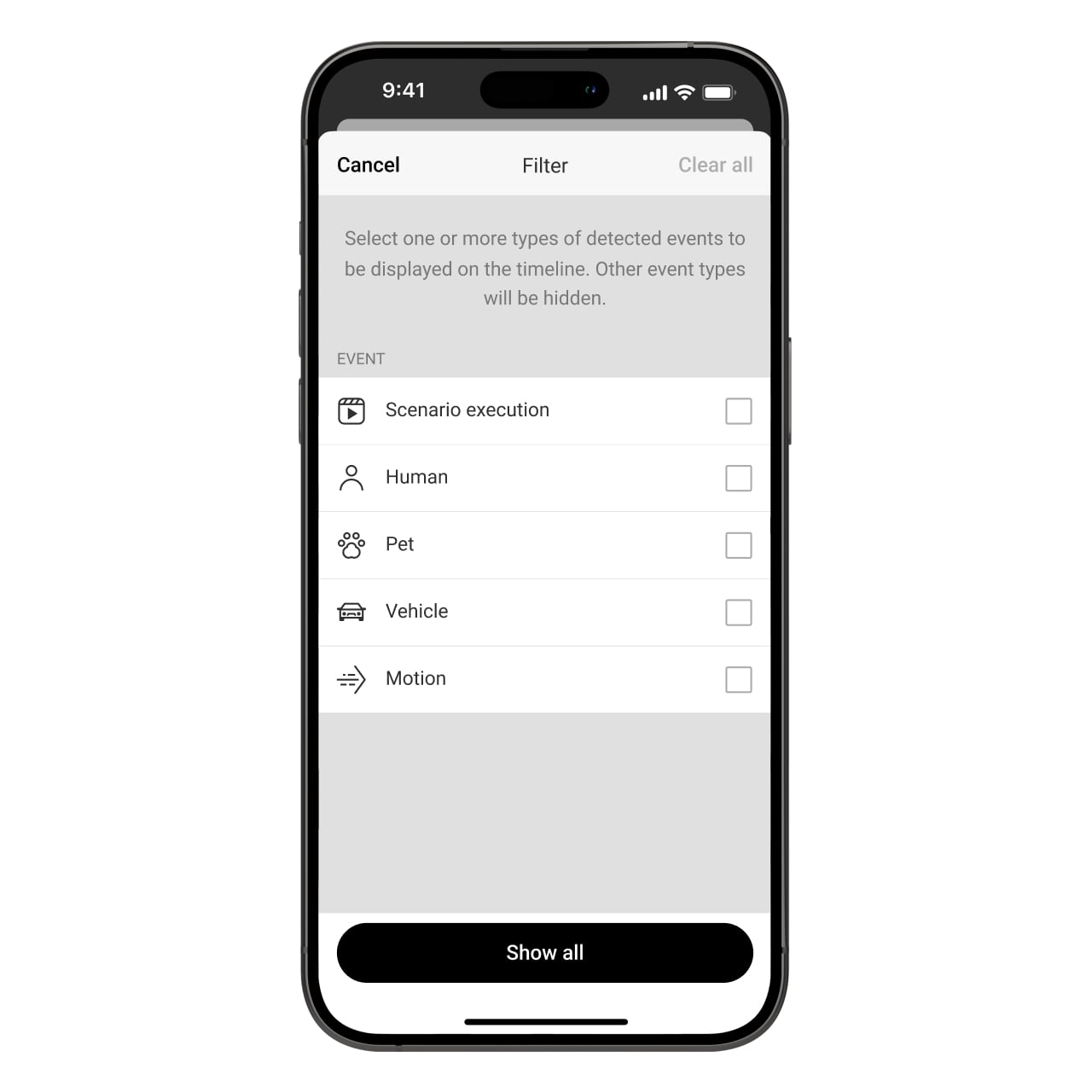
Search by what happened
Filter the archive by movement, recognised objects or a recording scenario. Open a relevant event instead of searching an entire day of footage.
Give detection a coordinated response.
These cameras work as standalone video devices. Responses involving Ajax intrusion detectors, sirens or automation also need the corresponding devices and a compatible hub.
Link an alarm to its video
Configure a video scenario that connects an Ajax detector to the camera watching the same area. Review the resulting footage in Ajax apps, with recording storage ready before relying on alarm clips.
Choose what happens next
Movement or a selected object can trigger configured Ajax sirens or automation devices. Add the corresponding devices and a compatible hub, then test the scenario and its timing.
Match the security mode
Set when the camera records and sends notifications. Coordinate armed, disarmed and entry/exit behaviour with the rest of the system, so each response fits how the property is used.
Decide what is visible. And to whom.
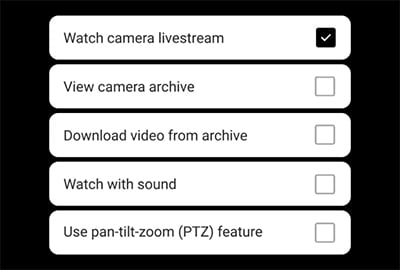
You control access
Choose who can watch live video, view recordings, hear audio or change camera settings. Manage access for users, installers and monitoring professionals from the Ajax system, and review it when their role changes.
Access stays under your control.

A camera without a default password
The Ajax connection uses mutual TLS certificates and binds the camera to one space. Add it through the Ajax app instead of relying on a shared factory password. Protect the account separately with two-factor authentication and session control.
Connect the equipment around it.
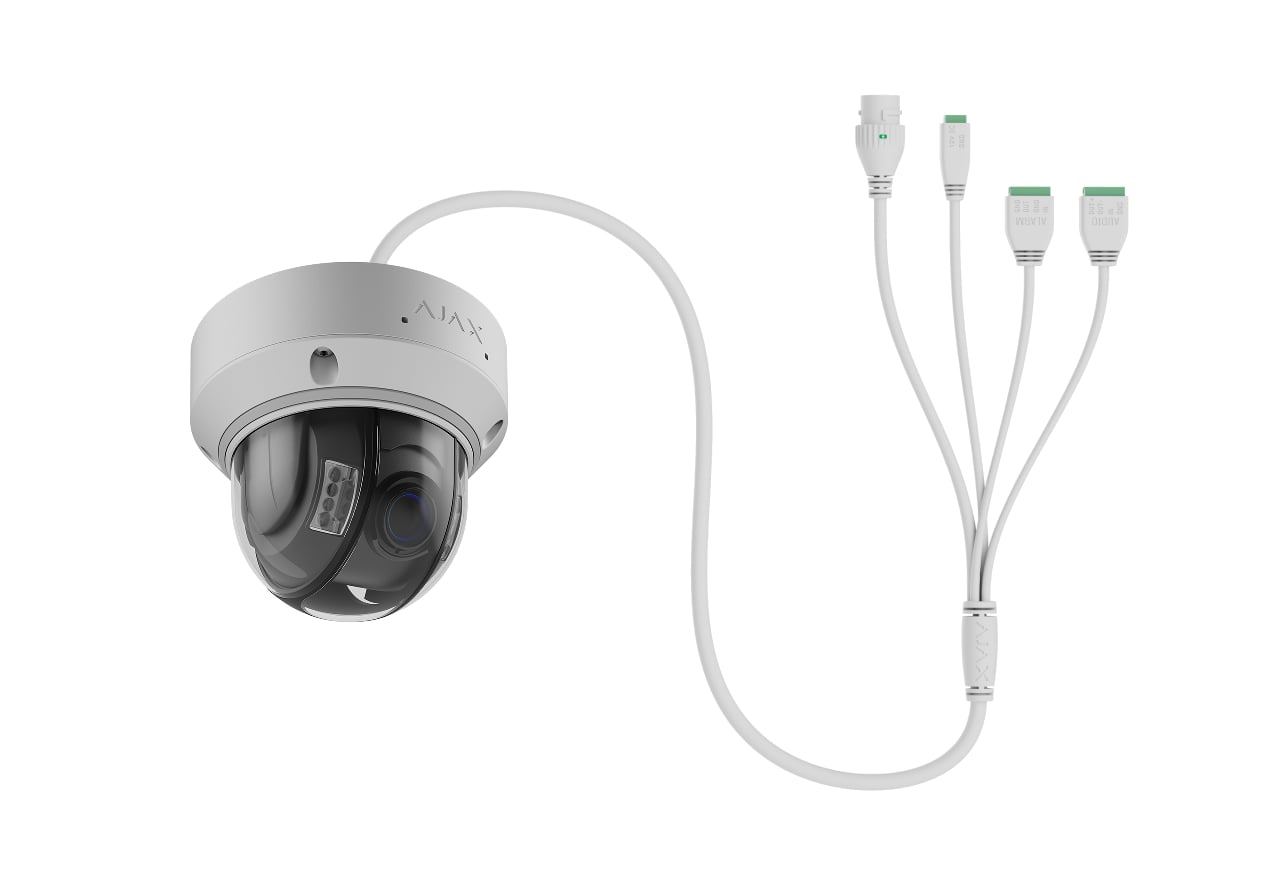
Wired alarm input and output
Connect an external detector or button to the configurable NO/NC input. A configured event can start recording or operate equipment through the alarm output.
Alarm OUT is rated for 24 V DC, 300 mA. Use a suitable external relay or interface where the load requires it, and test the output with Send test impulse in the Ajax app.
Fit video into your existing setup.
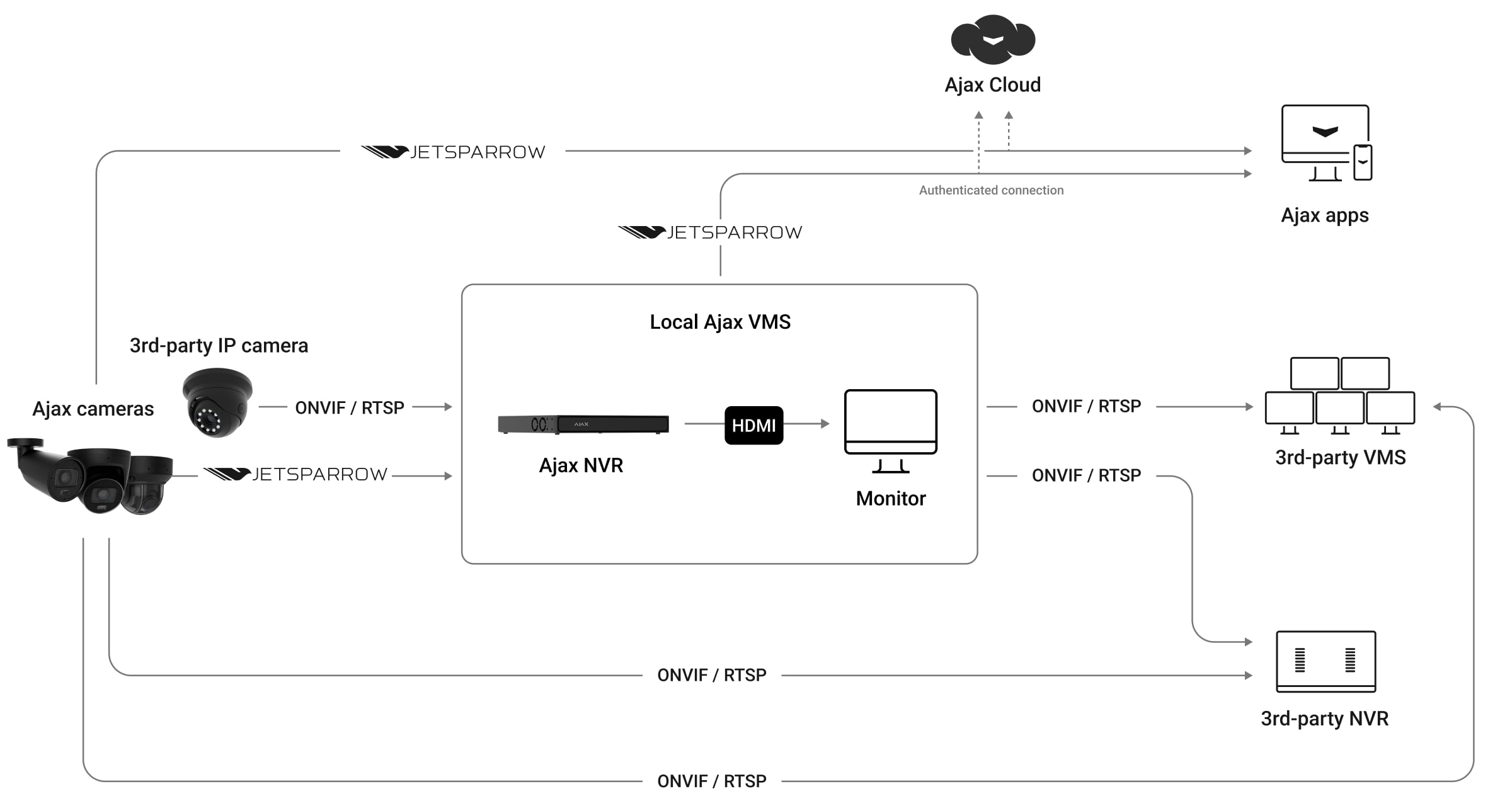
ONVIF and RTSP
Connect to a compatible third-party recorder or video management system. These cameras conform to ONVIF Profiles G and S and support RTSP. Check which functions the receiving system supports before planning an integration.
H.265, AI events, motion events and WDR controls are additional implemented functions; Ajax does not describe them as ONVIF profile or add-on conformant.
Choose the recording. Plan the power.
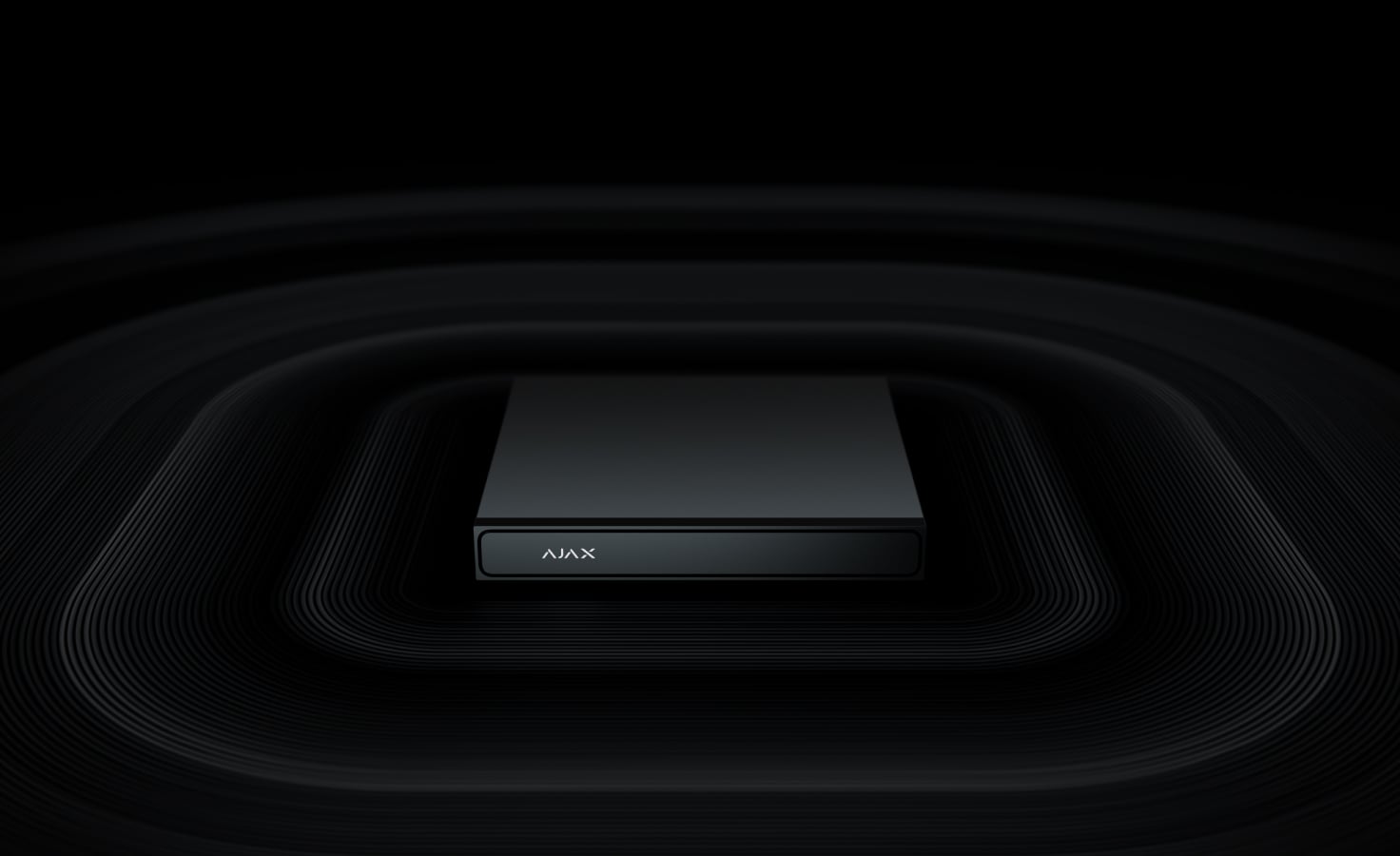
Local recording or a central archive
Install a 32–256 GB microSD card rated V30 or faster for recording in the camera, or connect it to an Ajax NVR with a drive. The camera can operate without an NVR. Storage media are purchased separately; capacity, image settings and recording schedule determine the archive length.
Install it for the place it protects.
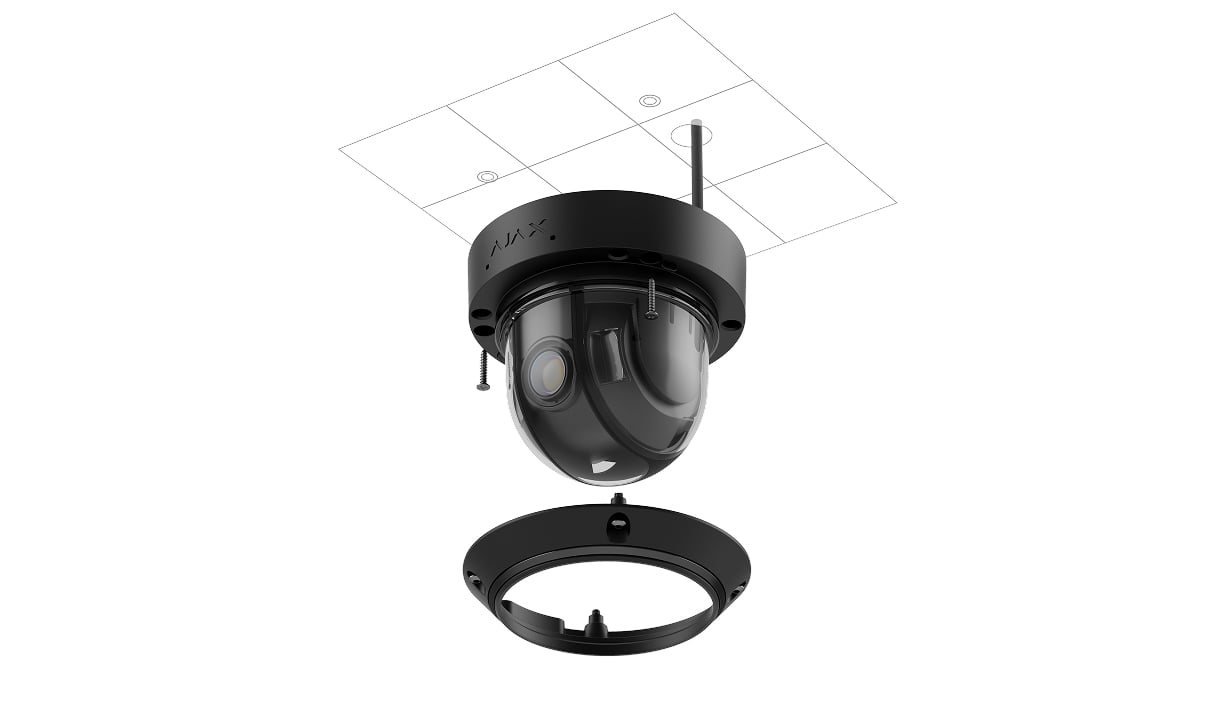
Mount and aim
Remove the dome and lens cover in dry conditions, fix the base and adjust the lens direction. Use the supplied lens rotation key when the image needs a different orientation. Refit the covers and tighten the screws evenly before testing the view.
The enclosure is rated IP67 and IK10, with operation from −40 to +60 °C. Seal cable connections with the specified waterproof connector outdoors. The enclosure rating does not protect an exposed cable joint.
Keep an eye on the whole system.
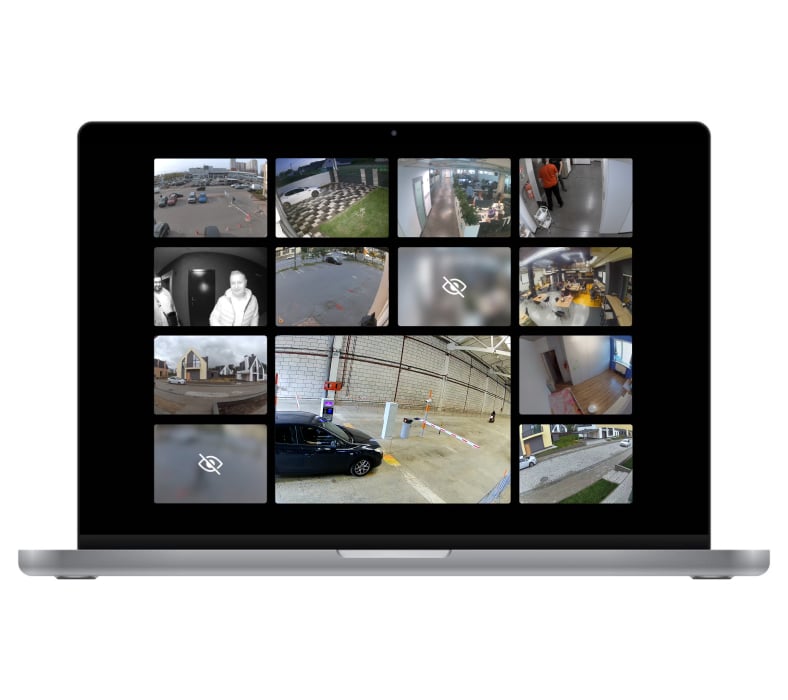
Your cameras, together
Use the customisable video wall in Ajax apps to monitor several camera views together. Open the camera you need, review its events and check its connection or recording-storage status.
Put the view in the right place.
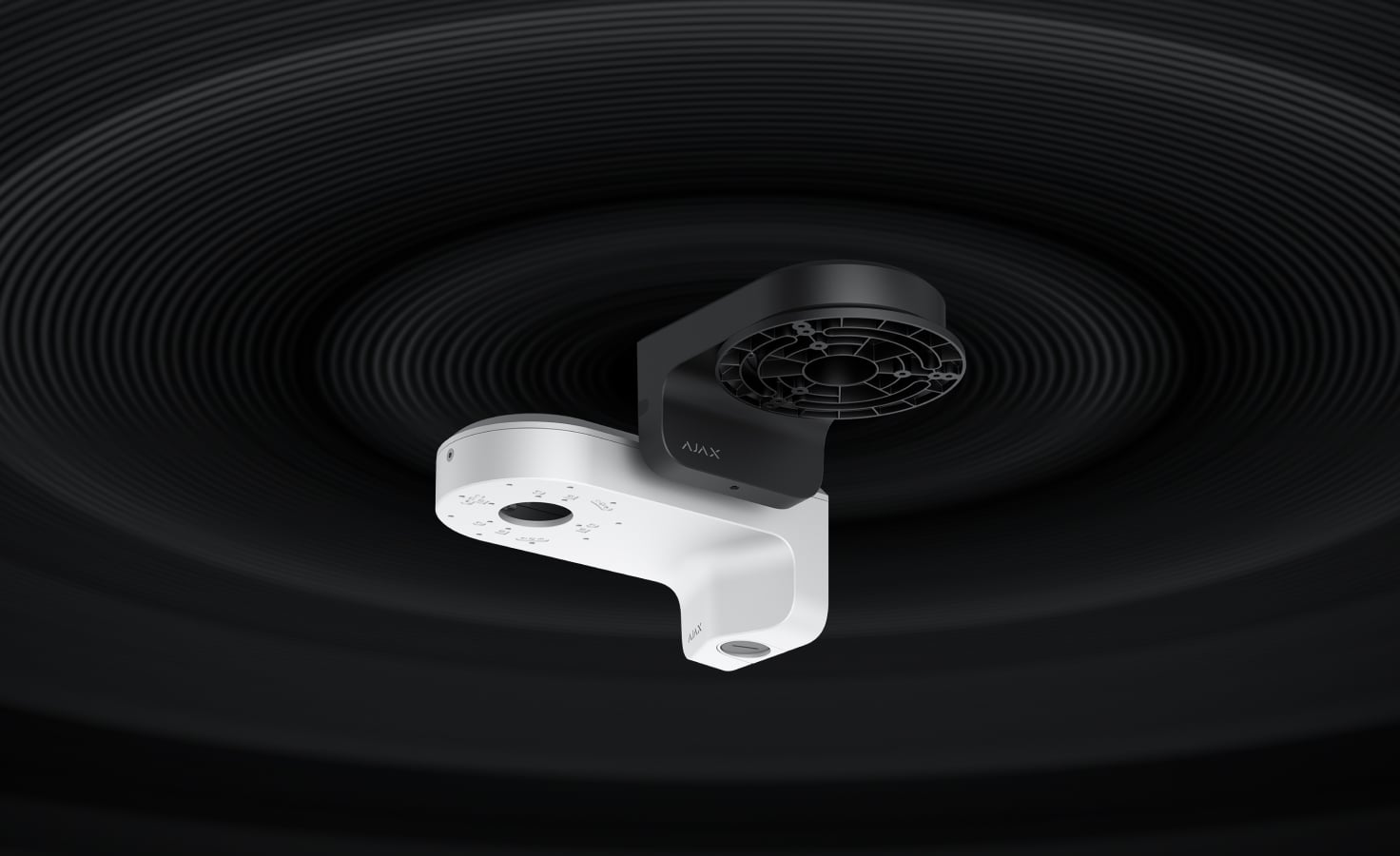
MountCam options
A compatible MountCam wall mount can help position the camera near a wall, under an eave or beside a pillar. Match the exact mount to the camera and installation surface; mounts are separate accessories.
Use the manufacturer’s compatibility list when selecting the MountCam version. A similar-looking mounting base is not confirmation of compatibility.
Find the right camera.
Compare cameras across ranges, including IndoorCam and DoorBell. See what changes for your view, your installation and your everyday use.
Compare cameras →Every detail, in one place.
Camera
- Image sensor
- 5 MP CMOS, 1/2.7" type
- Lens focal length
- 2.8–12.0 mm
- Maximum aperture
- f/1.6
- Lens iris type
- fixed
- Lens focal type
- varifocal
- Field of view
- horizontal: 31°–111° vertical: 17°–57° diagonal: 35°–135°
- Maximum illumination distance
- white LED: up to 25 m IR LED: up to 40 m Intelligent lighting control automatically adjusts the intensity of IR and white LEDs in real time to prevent overexposure. This ensures clear visibility of objects at varying distances, both near and far, in low-light conditions.
- Minimum illumination
- color: 0.005 lx B/W: 0 lx
- Signal-to-noise ratio (SNR)
- more than 52 dB
Video
- Resolution
- 5 MP (2880 × 1620); 4 MP (2560 × 1440); 3 MP (2304 × 1296); 2 MP (1920 × 1080); 0.6 MP (1024 × 576)
- Frame rate
- up to 25 fps
- Image rotation
- 0°, 90°, 180°, 270°
- Video codec
- H.265, H.264
- Dynamic range
- 120 dB (True WDR)
- Storage
- microSD Camera supports microSD cards up to 256 GB. The memory card must be Class V30 or faster. The card is not included in the complete set.
Audio
- Built-in microphones
- 1 With the corresponding settings applied, the camera can record audio at the scene.
- Audio codec
- G.711 µ-law, G.711 A-law, G.726, G.722
Intelligent video analytics
- Motion detection
- The camera detects motion using software-based image frame analysis.
- AI object detection
- People Pets Vehicles Line-crossing
Network
- Port
- 1 × RJ45 self-adaptive Ethernet (10/100 Mbps)
- Protocol
- HTTP, HTTPS, TCP/IP, IPv4, RTSP, UDP, DHCP, DNS
- ONVIF
- conformant with ONVIF Profile G and S The device implements ONVIF H.265 (HEVC) encoding, transmission of motion detection and AI recognition events, control over Wide Dynamic Range (WDR), and other image settings — not ONVIF profile or add-on conformant.
Alarm port
- Lines for third-party devices
- 2
- Alarm IN type
- NO, NC Configured in Ajax apps.
- Alarm OUT operating range
- 24 V⎓, 300 mA
Audio port
- Lines for third-party devices
- 2
- Audio IN type
- external microphone input Supports active microphones with a built-in preamplifier.
- Audio IN settings
- gain enable/disable Configured in Ajax apps.
- Audio OUT type
- External speaker output. Connect suitable external audio equipment according to the exact user manual; speaker requirement: at least 3 W, impedance at least 4 Ω.
Key features
- Video transmission
- JetSparrow Fast and encrypted peer-to-peer technology developed by Ajax Systems.
- Focal length change
- autofocus manual focus control Configured in Ajax apps.
- Visual verification of system alarms
- Ajax systems allow users to configure a scenario in which Ajax detectors trigger selected cameras to start recording. The recorded event is immediately delivered to the mobile or desktop Ajax PRO app.
- Privacy
- Advanced privacy controls ensure a high level of personal data protection. All access rights — including those for mobile app users, installers, and monitoring company operators using Ajax PRO Desktop — are fully configurable by the device owner. This guarantees that only authorized parties can access video streams, event history, and device settings in accordance with the owner's preferences.
Sabotage protection
- mTLS
- Encrypted connection for data protection.
- Authentication
- via Ajax Cloud
- Secure Boot
- Protection against firmware spoofing.
- OTA signature verification
- Secure automatic firmware update.
- Accelerometer
- Alerts on attempts to move or dismount the camera.
Power supply
- PoE standard
- 802.3at/af (Class 3)
- External power connector type
- screw terminal connector (2 pin)
- PoE power consumption
- maximum: up to 8.04 W average: up to 7.48 W
- Power supply unit
- 12 V⎓, 1 А
- 12 V DC power consumption
- maximum: up to 6.99 W average: up to 6.46 W
Enclosure
- Dimensions
- 136 × 115 × 136 mm
- Weight
- 852 g
- Operating temperature range
- from −40 °C to +60 °C
- Operating humidity
- up to 90%
- Protection class
- IP67, IK10
What’s in the box
- DomeCam HLVF (5 Mp)
- Installation template
- Installation kit
- 3 × screw terminal connector
- Quick start guide
For your installation
- Use an Ethernet network and suitable PoE or 12 V DC power.
- Recording needs a suitable microSD card, NVR storage or a supported service; storage is separate.
- The microphone, audio connections and any external alarm connections must be configured for the installation.
- Confirm the regional model and supply with your enquiry.
Optional additions
Product documents.
Find the right protection.
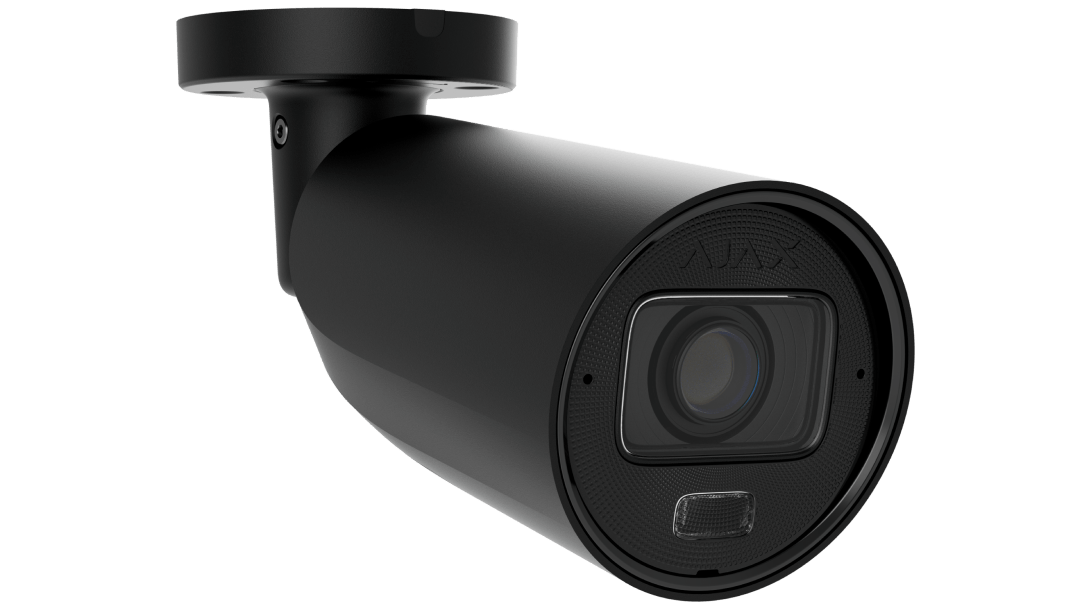
BulletCam HLVF
Compare BulletCam HLVF and its illumination range, shape and installation requirements.
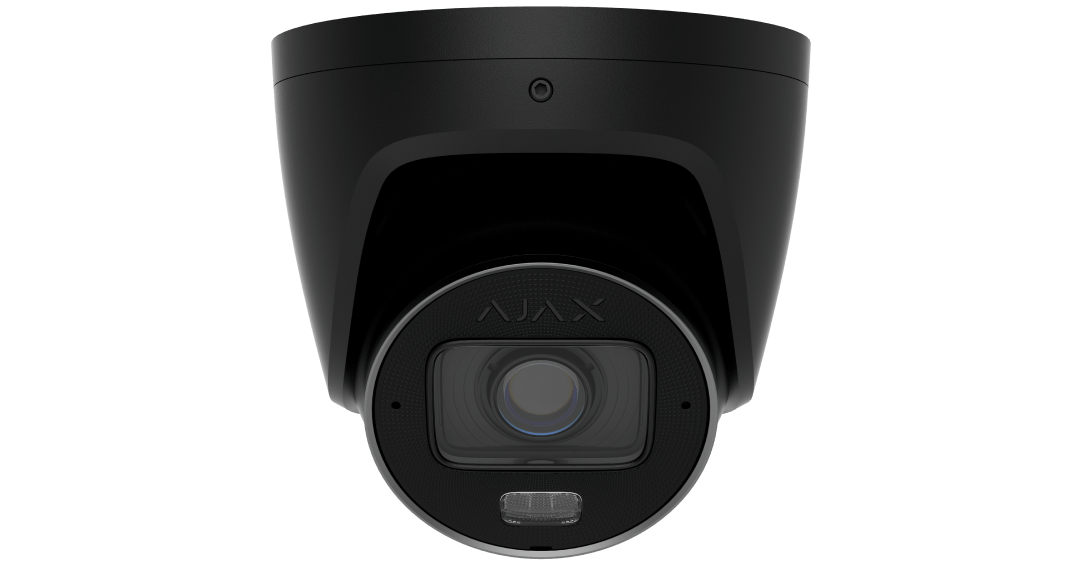
TurretCam HLVF
Compare TurretCam HLVF and its illumination range, shape and installation requirements.
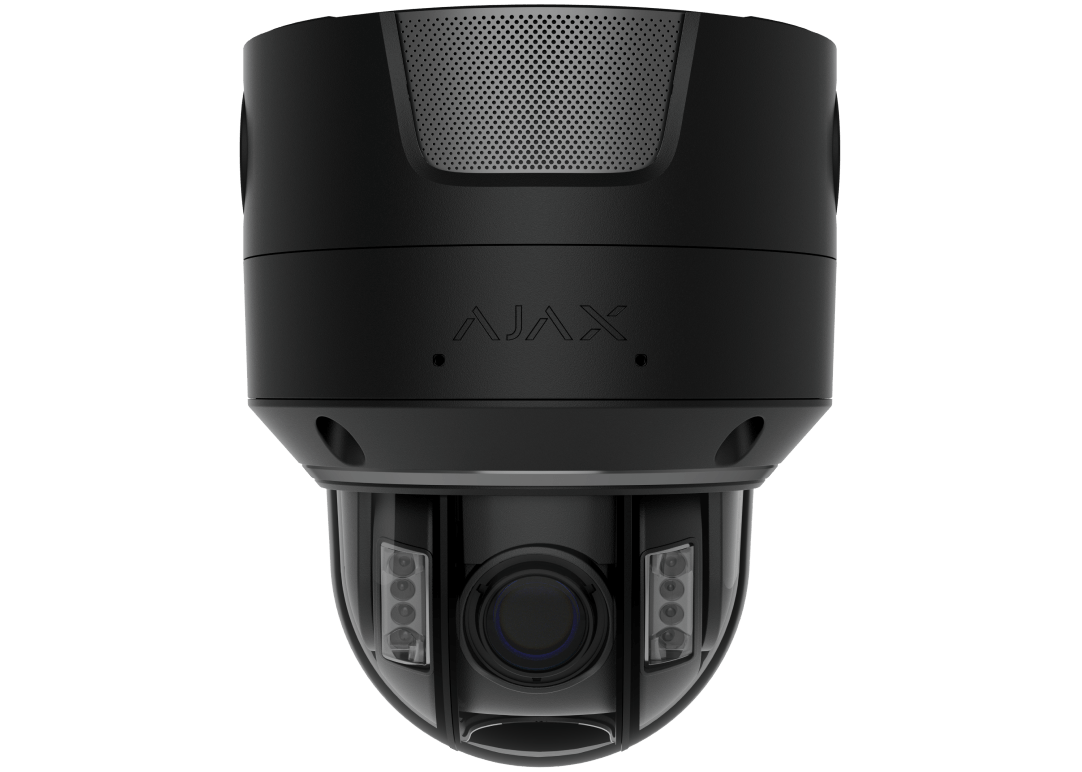
Superior DomeCam HLVF
Compare the separate Superior series, including iris, audio and storage specifications.
Ajax NVR
Choose a recorder and storage for a shared camera archive.