We use essential storage to remember your basket and provide the services you request. With your permission, Google Analytics helps us understand visits and Google Ads measures advertising results. Optional measurement is off until you choose. Cookies and privacy.
* Ajax shows these marks for the CurtainCam Outdoor HighMount (PhOD) Jeweller range. Check the linked documentation for the exact version and market.
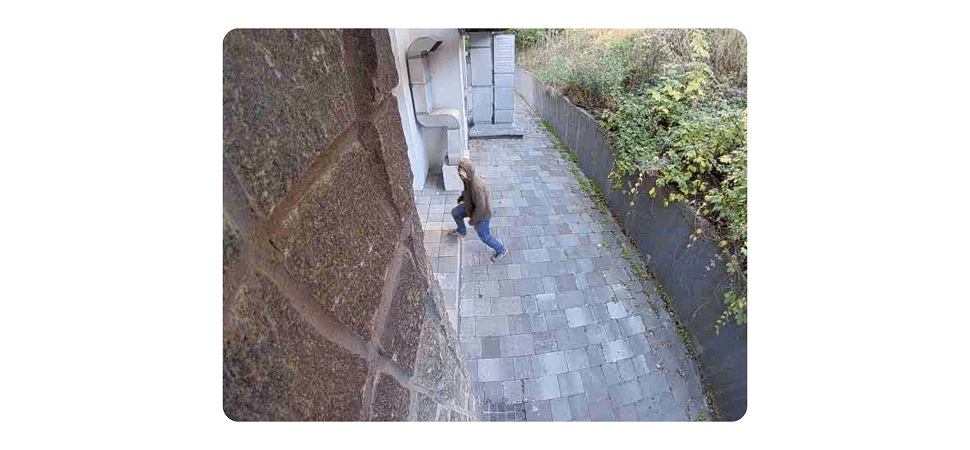
A precise boundary. A photo of the event.
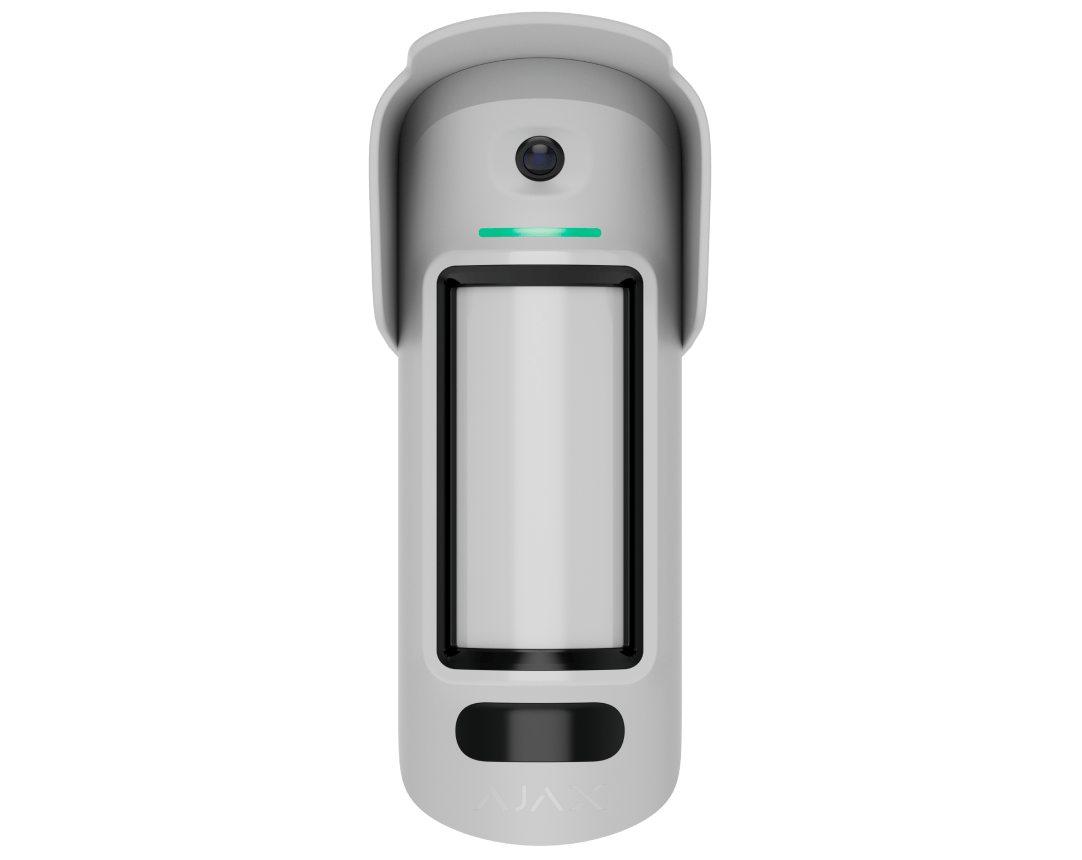
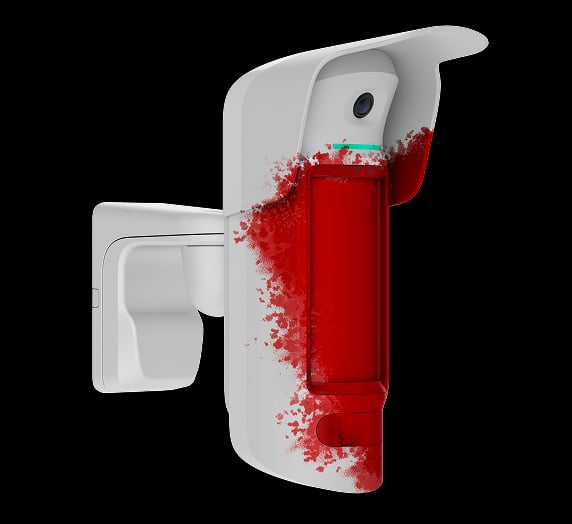
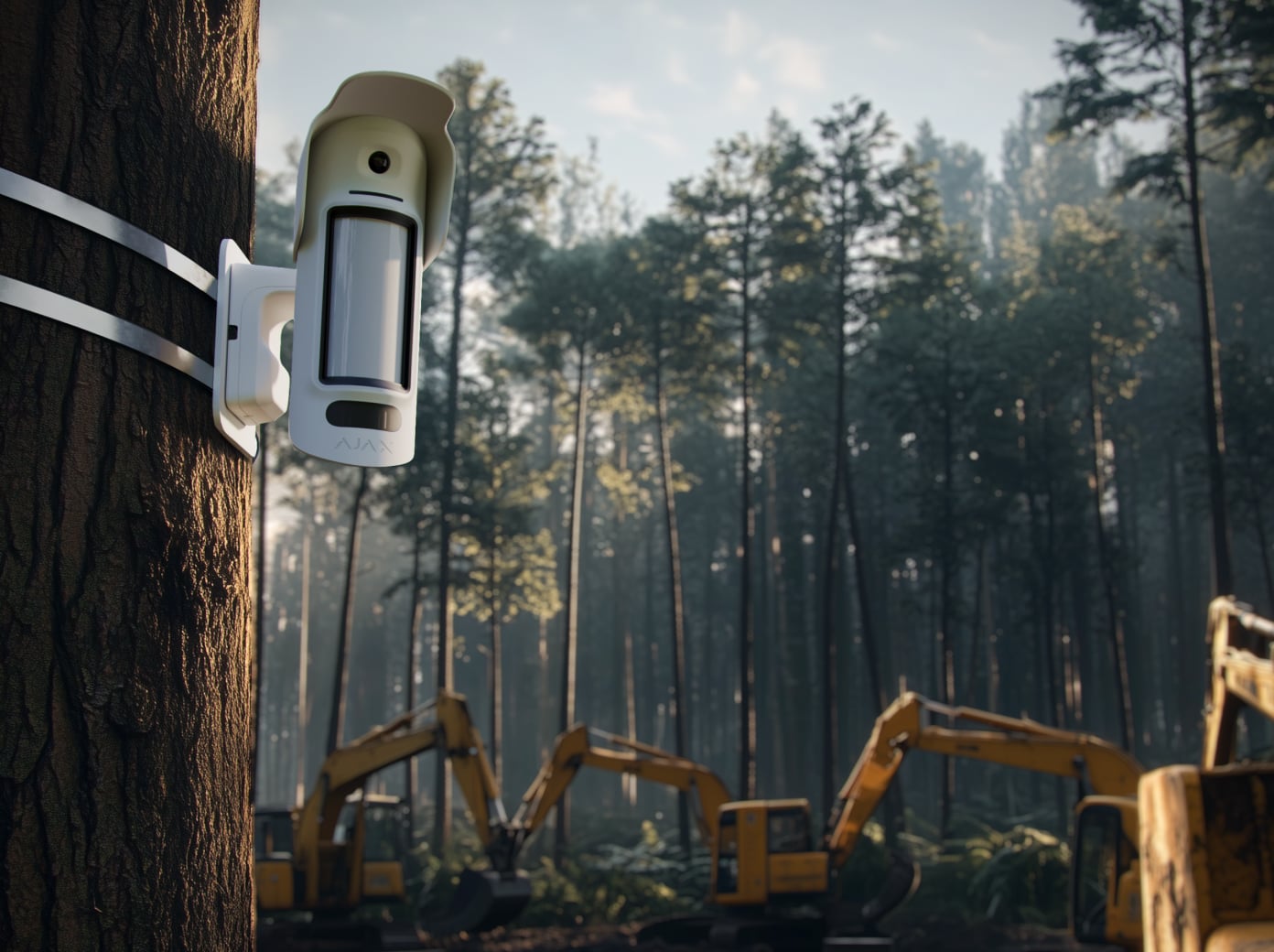
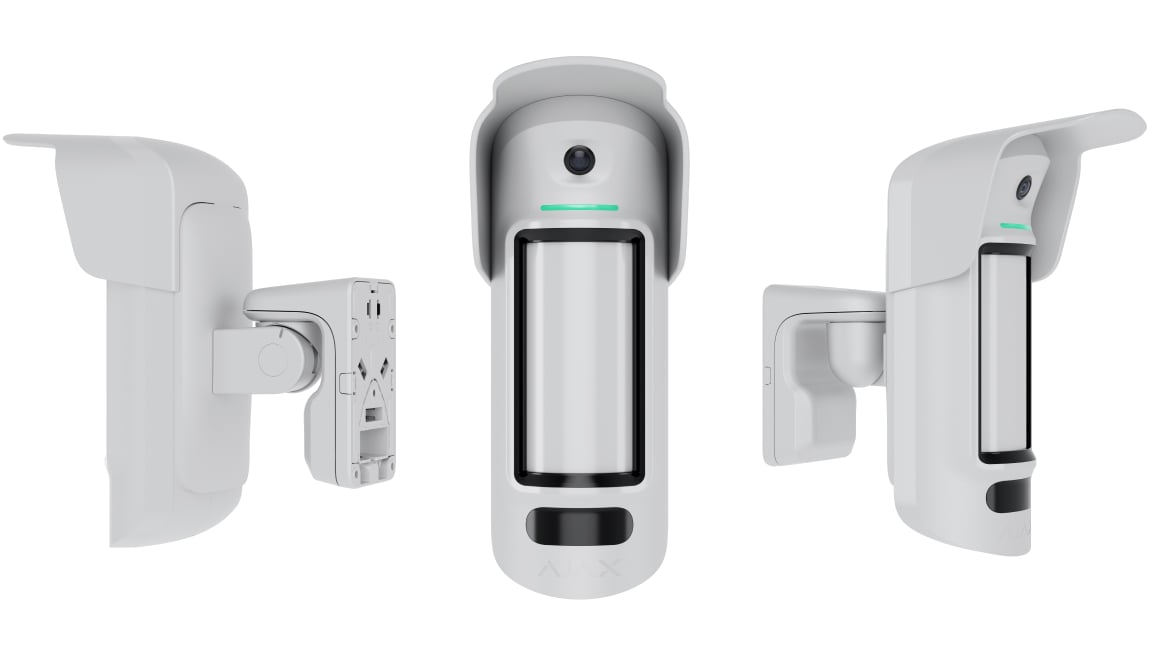
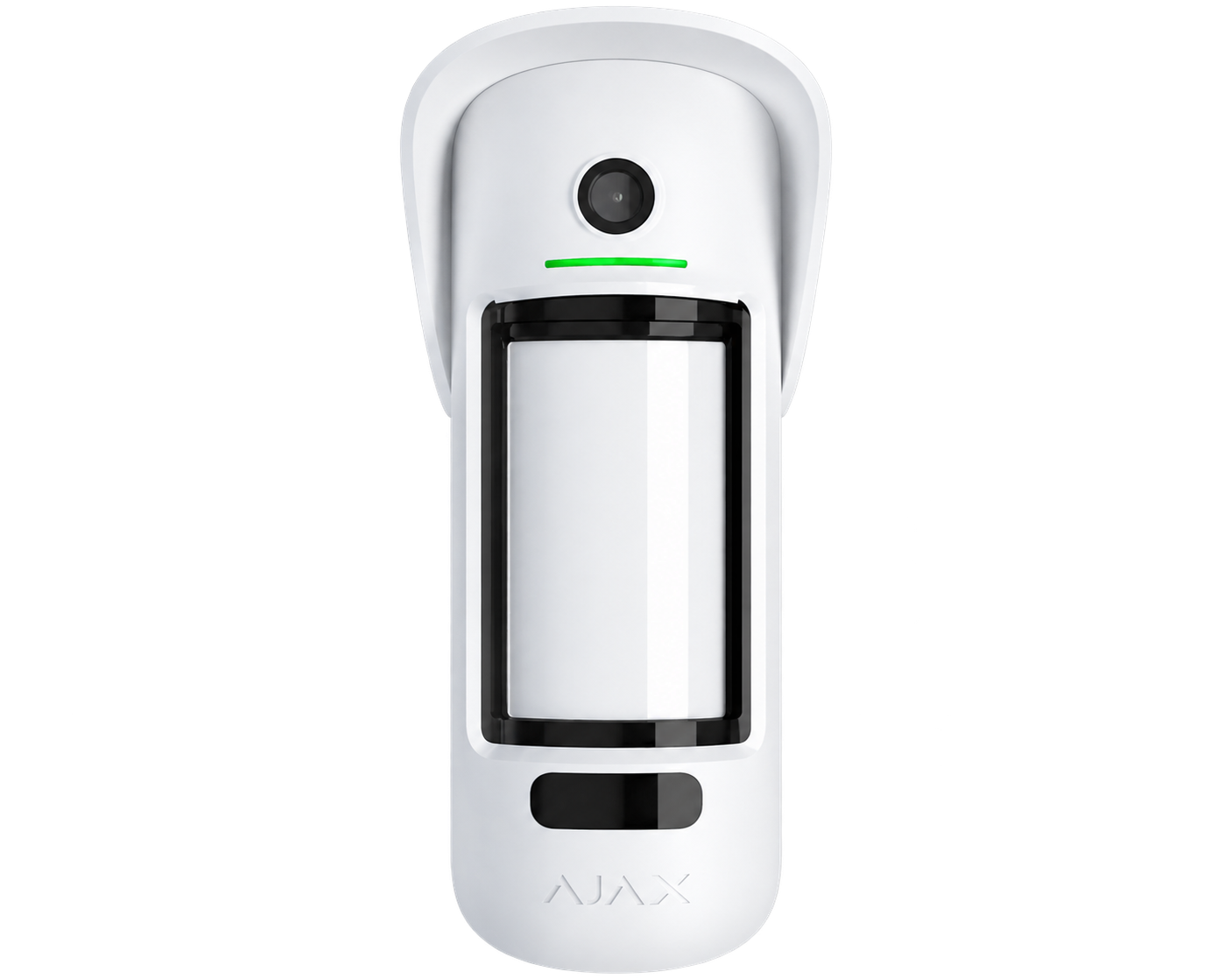
CurtainCam Outdoor HighMount (PhOD) Jeweller protects a narrow outdoor boundary from a 2–4 m mounting position. Its wider pre-alarm zone prepares visual verification before an intruder crosses the main curtain. HDR photos, configured photo triggers and mounting supervision provide context around the detected event.
Key features. At a glance.
87° swivel mount installation
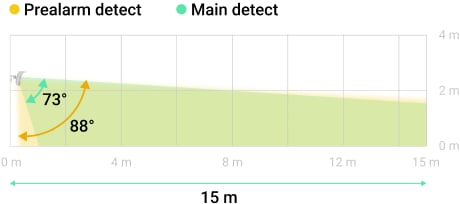
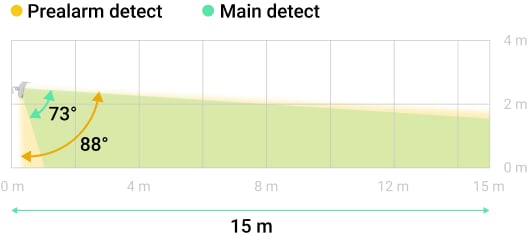
Vertical viewing angles
K-band microwave sensor: 88°
PIR sensor: 73°
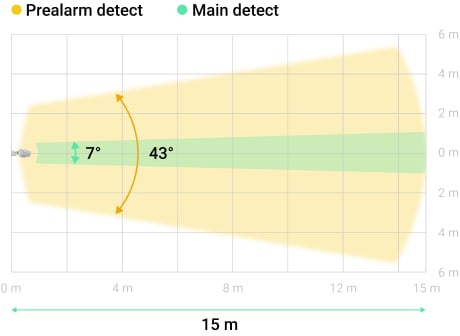
Horizontal narrow viewing angles
K-band microwave sensor: 43°
PIR sensor: 7°
Dual motion detection technology
alarm is activated only when both PIR sensors and a K-band microwave sensor detect motion
Up to 15 m
motion detection distance
Pre-alarm detection1
for accurate photo verification
Software algorithm for false alarm prevention
2–4 m2
installation height
Temperature compensation
for effective motion detection in heat and cold
IR illumination
Various types of photo verification
by alarm
by scenario
on demand
by schedule
by arming/disarming
by masking attempt
by tamper alarm
by magnetometer alarm
Anti-masking system
HDR technology
for clear photos
Magnetometer
to monitor the surrounding magnetic field
Tamper button
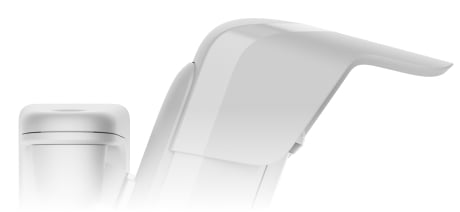
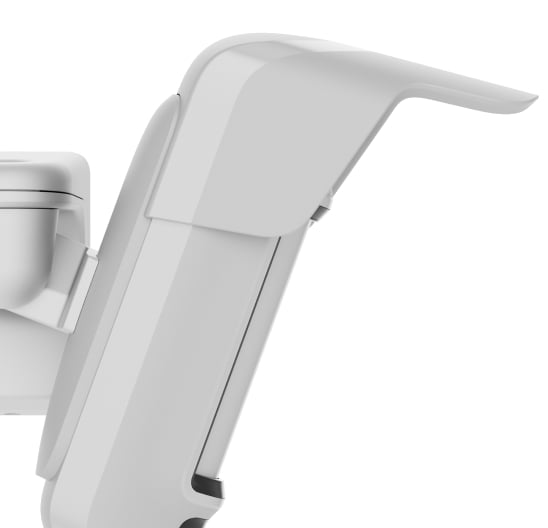
Hood
to protect masking sensors from rain and snow
enclosure protection
Up to 1,700 m3
of communication range with an Ajax hub or range extender
Over-the-air firmware updates
Possibility to connect a 12–24 V⎓
external power supply unit
Jeweller and Wings radio communication
Power adjustment
Frequency hopping
Encryption
TDMA
Two-way communication
Power adjustment
Up to 3 years of operation
on pre-installed batteries
Hassle-free installation
QR code
SmartBracket
App
Remote control and configuration
1Motion in the wider pre-alarm zone alone does not raise an intrusion alarm; the main detection zone must be crossed.
2Mount at 2–4 m using the supplied swivel mount. This model has no pet immunity.
3In open space. Range is measured in open space; walls and installation conditions reduce it.
Explore the function, installation and system requirements of CurtainCam Outdoor HighMount (PhOD) Jeweller.
Loading detail…
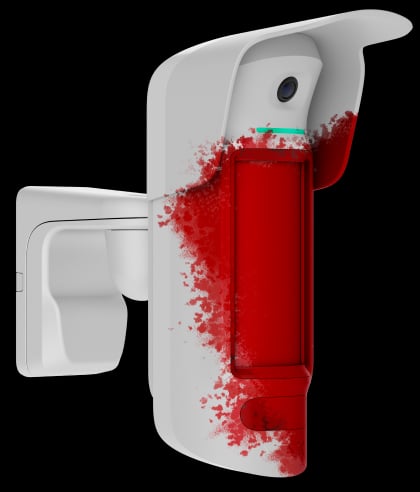
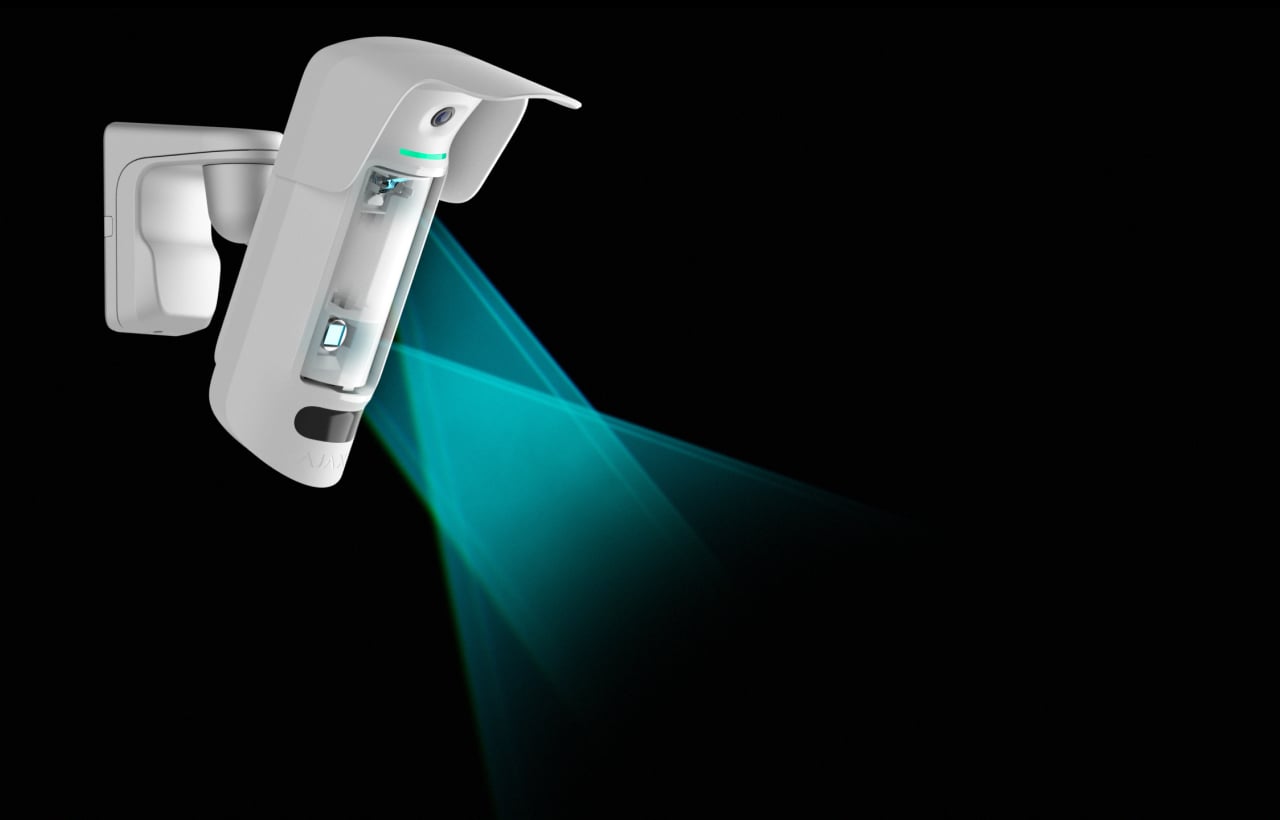
The lens directs thermal patterns to two PIR sensors.
A 24 GHz K-band sensor verifies motion.
A camera and IR illumination provide photo verification.
Sensors monitor obstruction of the sensitive area.
A metal mount allows precise alignment.
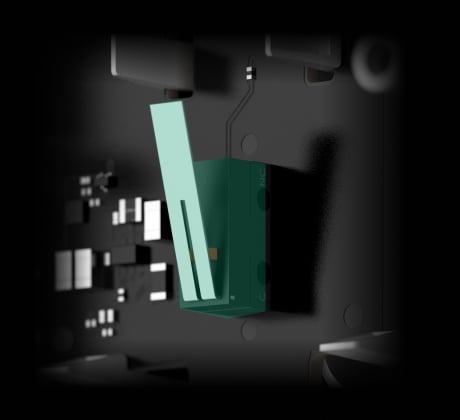
The tamper reports removal from the mounting panel.
Jeweller and Wings connect events and photos.
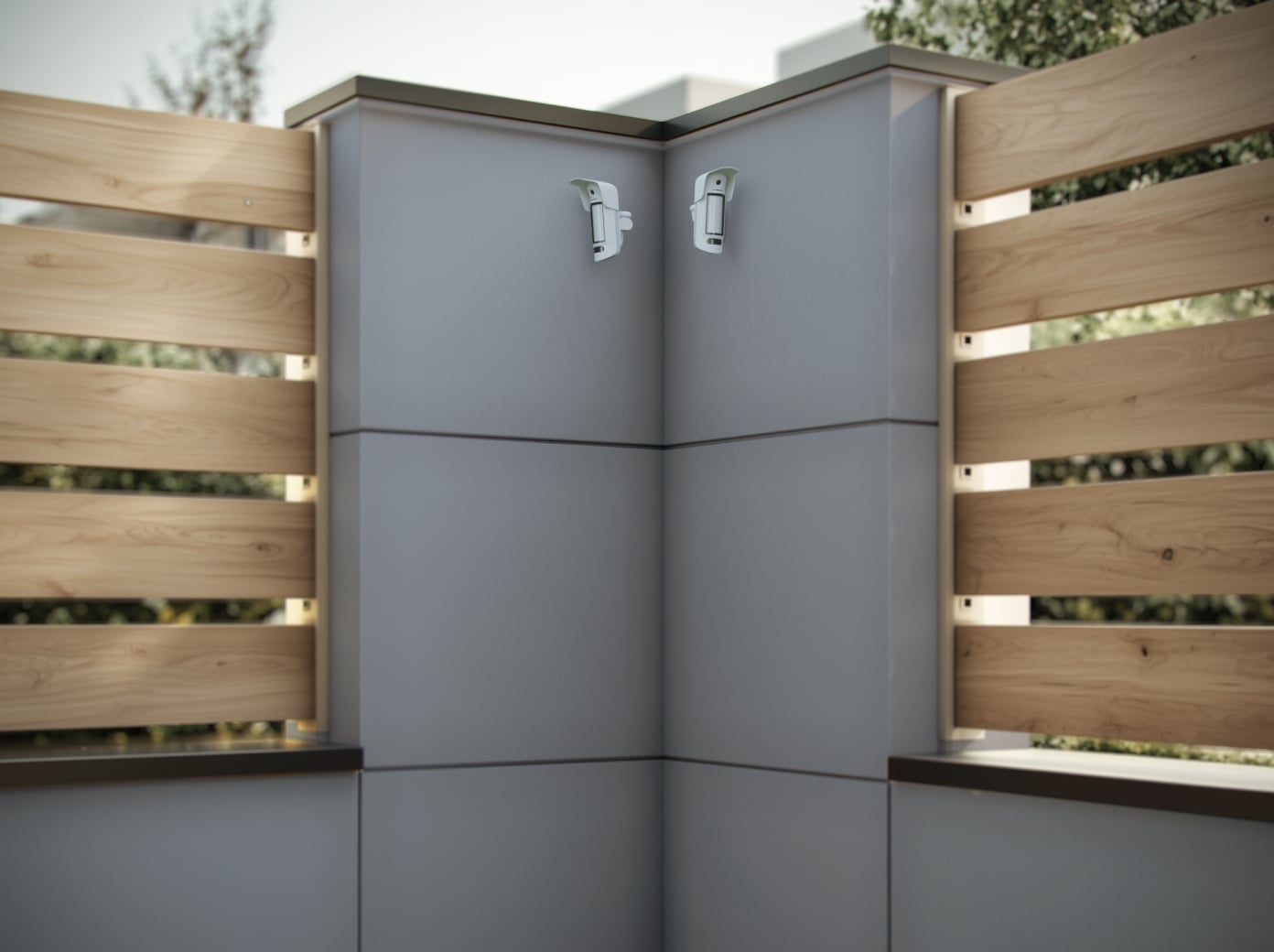
A narrow curtain from a higher position.
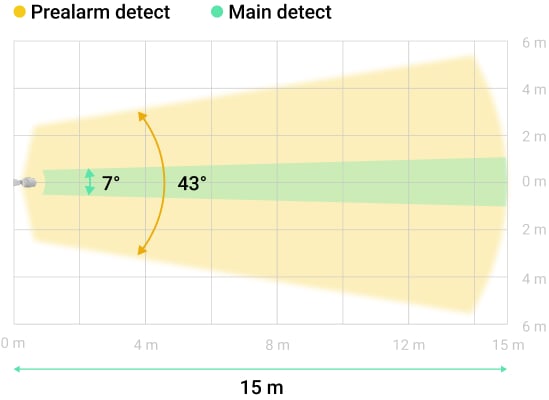
7° curtain detection
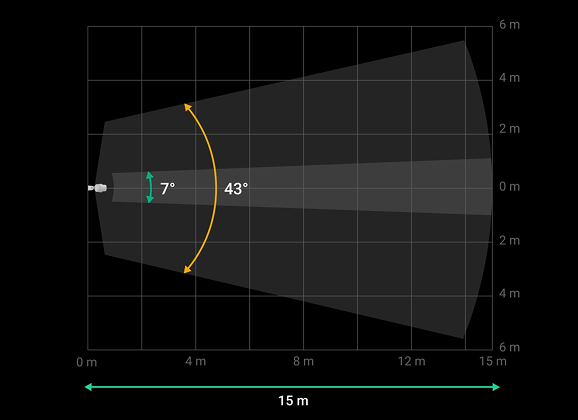
A narrow main zone helps protect a facade, fence line or access point. Two PIR sensors and a microwave sensor verify a crossing.
Mount at 2–4 m. Detection reaches up to 15 m, depending on sensitivity and installation. This model has no pet immunity.
Prepare the camera before the boundary is crossed.
A wider pre-alarm zone
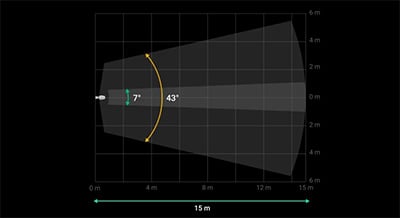
The wider 43° zone can prepare the camera before a moving object reaches the narrow 7° main zone. Crossing the main zone triggers the intrusion alarm and its visual verification.
Movement in the pre-alarm zone alone does not raise an intrusion alarm. Align both zones using the app’s Motion detection area tool.
Verify motion before raising an alarm.
K-band confirmation
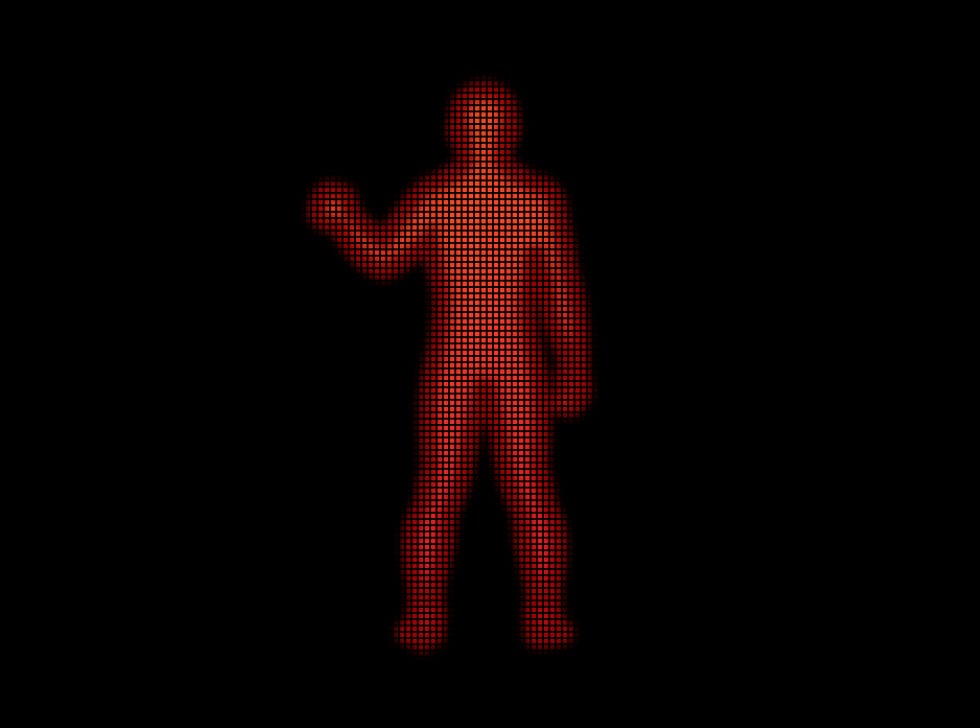
A 24 GHz microwave scan adds movement information to the PIR analysis, helping reject thermal interference.
SmartDetect and temperature compensation
Software analyses thermal patterns and adjusts for ambient temperature. Choose one of three sensitivity levels and verify the detection zone at the site.
Specified for −25°C to +60°C. Vegetation and other moving objects must be kept outside the protected zone.
Visual context for intrusion and interference.
Configured photo triggers
Take photos with an intrusion alarm, by authorised request, on a schedule, through a scenario or when the security mode changes. The device also supports photos for masking, tamper and magnetometer alarms.
Enable the required photo options and user permissions in the Ajax app. Photos are a series of still images, not a live surveillance stream.
Keep photo access under your control.
Permissions and an event record
Configure who may request and view photos, and when requests are allowed. Requested photos are associated with the initiating user in the event log. Review these permissions with the people using the property.
Photo requests are not a live video stream. Photo-by-alarm access and on-demand access have separate rules; enable only the functions needed for this installation.
Check detail in bright and dark areas.
HDR with infrared illumination
HDR retains detail in contrasting light, while IR illumination supports low-light photos. Choose 320 × 240 or 640 × 480 px resolution.
A series can contain 1–5 images at 320 × 240 or 1–3 at 640 × 480. Specified delivery is up to 9 or 20 seconds respectively under the stated conditions; the real time depends on the full communication path.
Power you can keep track of.
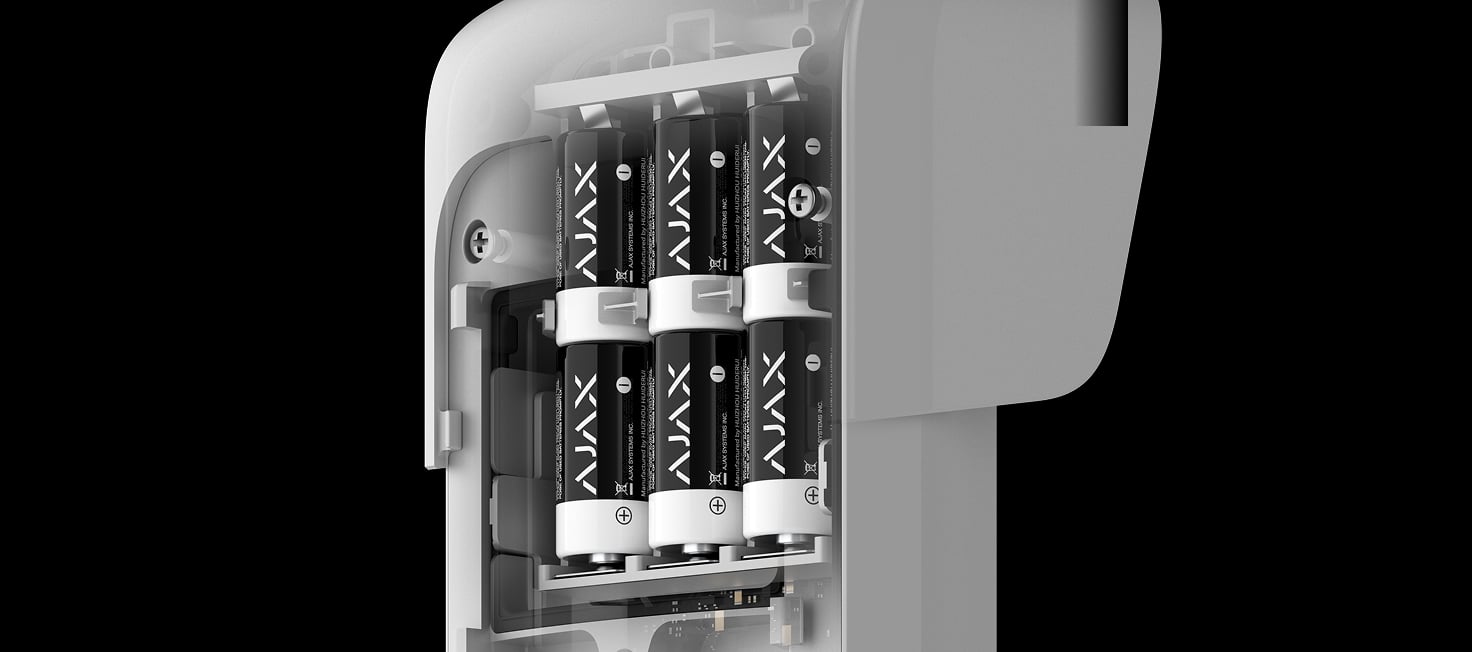
Replaceable batteries
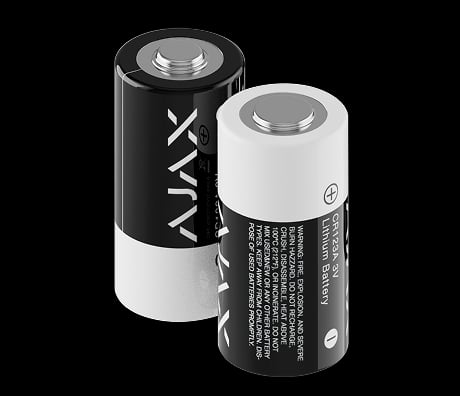
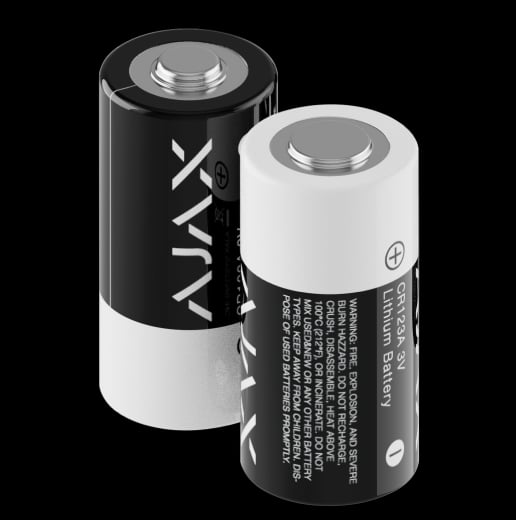
Six preinstalled CR123A batteries provide up to three years under the stated conditions. An optional 12–24 V DC external supply can power the detector while the batteries remain as backup.
Photo activity, signal quality and settings affect operating life. External power is not required for firmware updates.
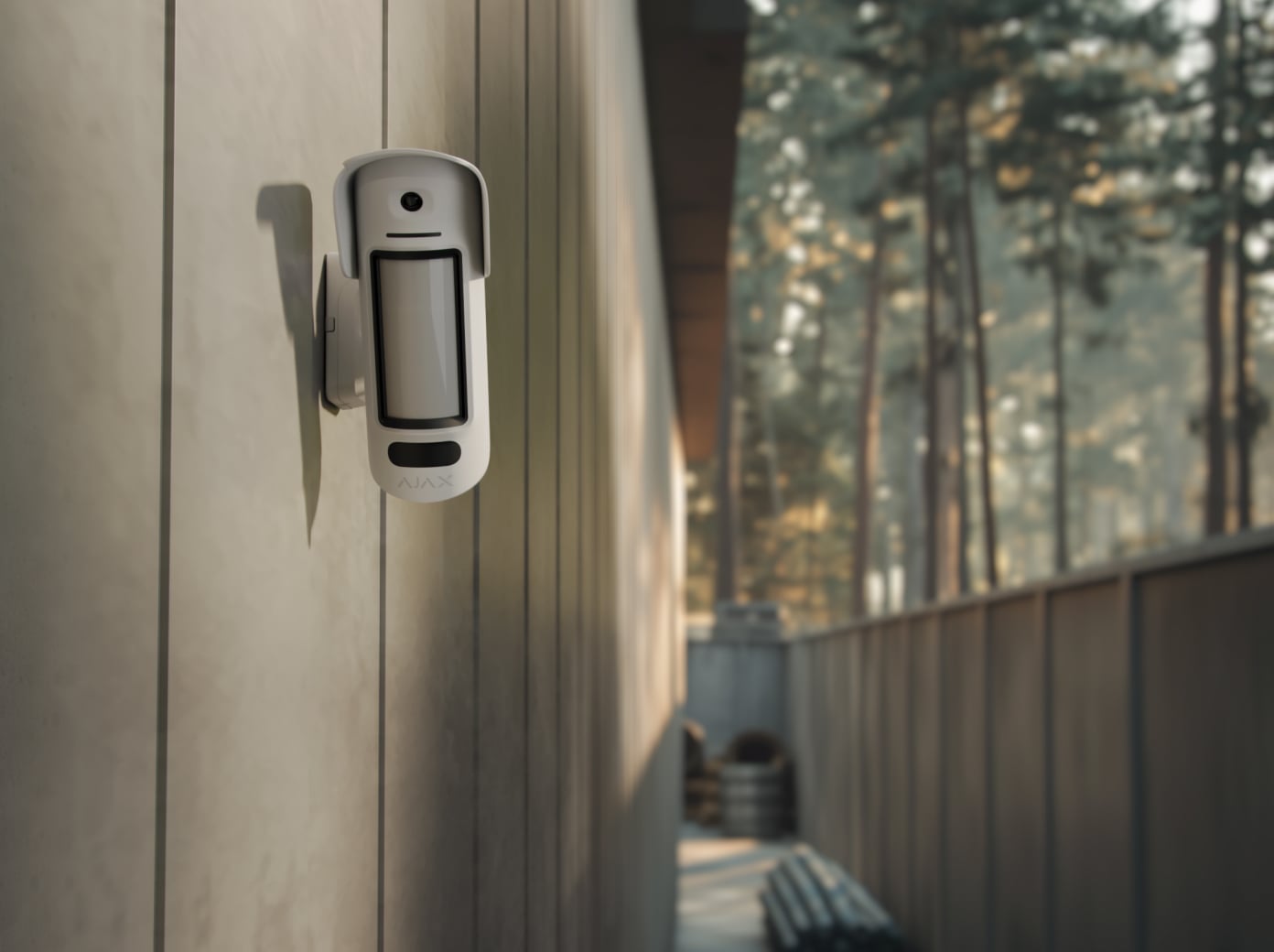
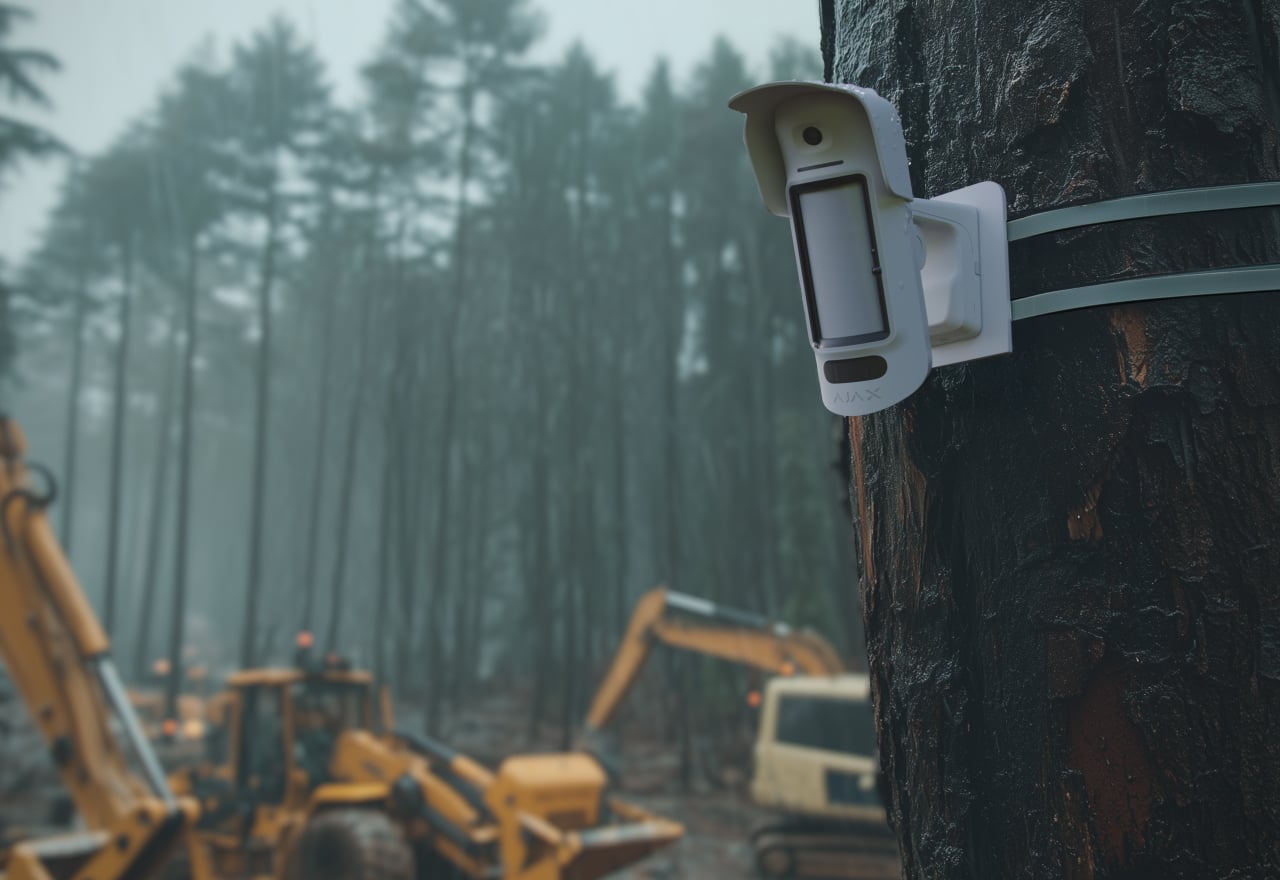
Protect the detector’s view outdoors.
IP55 enclosure and a protective hood
The housing is specified for −25°C to +60°C. Fit the hood to shield the anti-masking area from rain and snow, and keep the lens and camera clear.
Mount only in an approved orientation. IP55 does not mean protection against immersion or high-pressure washing.
A secure link for events and photos.
Jeweller and Wings
Jeweller carries alarms, status and configuration; Wings carries photo verification. Both use encrypted two-way communication with a compatible Ajax hub or assigned ReX 2.
Up to 1,700 m in open space. Obstacles, radio conditions, resolution and the hub’s internet connection affect delivery. Wings also supports firmware updates on this model.
Protection that also watches itself.
Anti-masking
The system reports attempts to obstruct the detector’s sensitive area using the masking methods listed in the manual.
Test masking protection after installation. It does not guarantee that every obstruction of the separate camera lens will be detected.
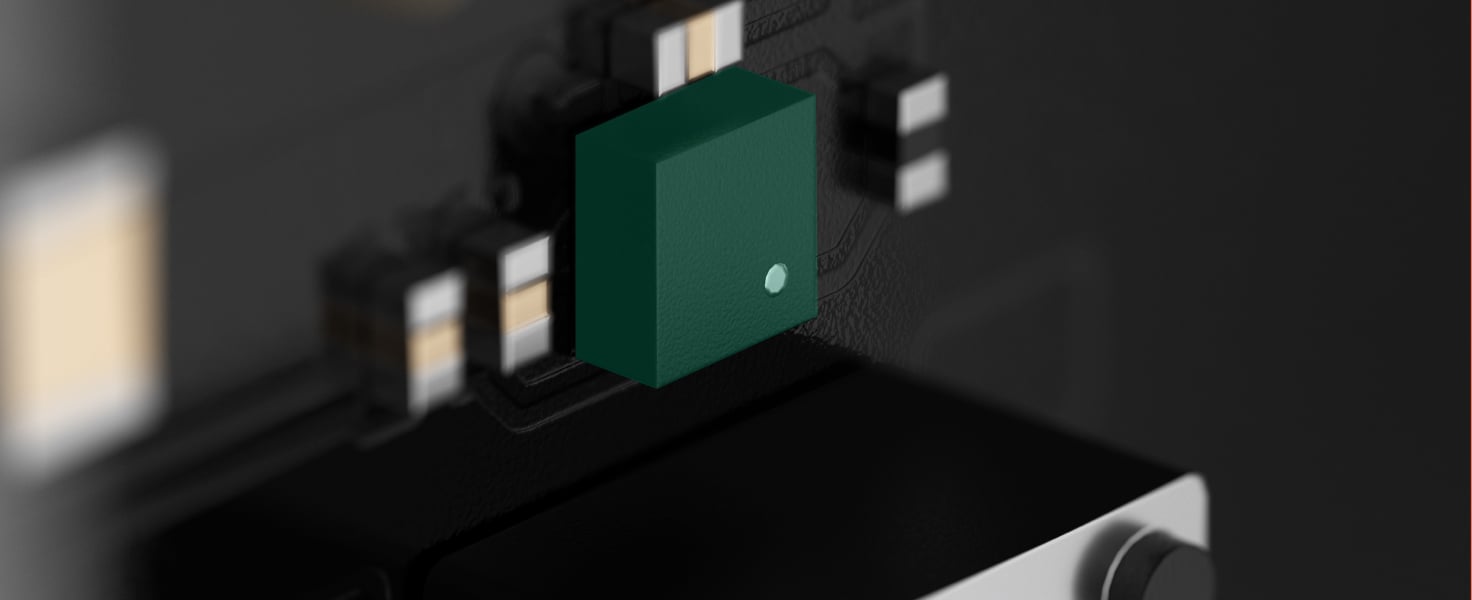
Magnetometer monitoring
After calibration, the magnetometer detects changes to the installed position, including attempts to tilt, shift or detach the detector.
Keep the mount’s magnet in place. Recalibrate when the installation is deliberately changed.
Removal and connection alerts
The tamper reports removal from the panel, while the hub monitors connection and device state.
Connection-loss detection depends on the configured polling settings.
Set up for the way the site works.
Connect
Scan the device QR code in the Ajax app, then assign a recognisable name and room. Check compatibility with the hub and any range extender before installation.
Position and secure
Use the swivel mount at 2–4 m, align the detector and use Motion detection area to check the protected zone. Verify both radio channels, a test photo, masking and removal alerts.
Configure and test
Set the intended functions, test radio communication and check the response to alarms and maintenance events. Explain the configured behaviour to the people using the system.
Requires a compatible hub with OS Malevich 2.35 or later. There is no pet immunity; keep animal routes outside the protected zone.
Compare indoor, outdoor and curtain detectors across Baseline and Superior. See what changes for the place you protect, alarm photos, animals and installation.
up to 15 m When installed at a height of 2–4 m. Depends on the sensitivity level adjusted in the device settings.
Main motion detection zone angles
horizontal: 7° vertical: 73°
Pre-alarm motion detection zone angles
horizontal: 43° vertical: 88° To catch an intruder on photos, the device can start taking photos when a threat is detected in the pre-alarm detection zone. However, the device does not raise an alarm if the intruder never crosses the main detection zone.
Motion detection speed
from 0.3 to 2.0 m/s The detector sensors should be directed perpendicular to the expected intrusion path into the facility.
Sensitivity
3 levels Adjusted by a PRO or a user with admin rights in Ajax apps.
False alarm prevention
SmartDetect Software algorithm.
Photo verification
Photo by alarm
The built-in camera activates if the detector is armed and motion is detected.
Photo on demand
A user takes pictures at any time or when the detector is armed (depending on settings). The feature is disabled by default.
Photo by scenario
The detector takes pictures automatically when other Ajax detectors are triggered. The feature is not configured by default.
Photo by schedule
The detector automatically takes photos at the specified time. The feature is not configured by default.
Photo by arming/disarming
The detector automatically takes photos when the security state is changed.
Adjustable photo resolution
640 × 480 px 320 × 240 px (by default) Adjusted by a PRO or a user with admin rights in Ajax apps.
Camera viewing angles
horizontal: 121° vertical: 92.5°
Sabotage protection
Tamper alarm
Notifications of attempts to remove the detector from the mounting panel.
Magnetometer
detects attempts to tilt or shift the detector or detach it from the surface
Anti-masking system
detects attempts to block the detector view
Holding screw
secures the device to SmartBracket
Protection against spoofing
device authentication
Communication loss detection
after 36 s Detection time depends on the Jeweller or Jeweller/Fibra settings.
Main power supply
Battery
6 × CR123A Pre-installed.
Calculated battery life
up to 3 years
Operating voltage range
3.8−6.5 V⎓
Full battery capacity
4,800 mAh
Optional power supply
External supply operating voltage
12−24 V⎓ The batteries serve as a backup when an external power supply is connected.
Enclosure
Dimensions with the swivel mount
234 × 98 × 275 mm
Dimensions without the swivel mount
234 × 98 × 137 mm
Weight with the swivel mount
1,109 g
Weight without the swivel mount
620 g
Operating temperature range
from −25 °C to +60 °C
Operating humidity
up to 95%
Protection class
IP55
What’s in the box
CurtainCam Outdoor HighMount (PhOD) Jeweller
6 × CR123A battery (pre-installed)
SmartBracket mounting panel
Swivel mount
Hood
Installation kit
Quick start guide
For your installation
Confirm the supported control panel, device software and regional radio version; test coverage at the final installation position.
It is recommended to install the detector at a height of 2–4 m.
The Pet immunity feature is not available for this device.
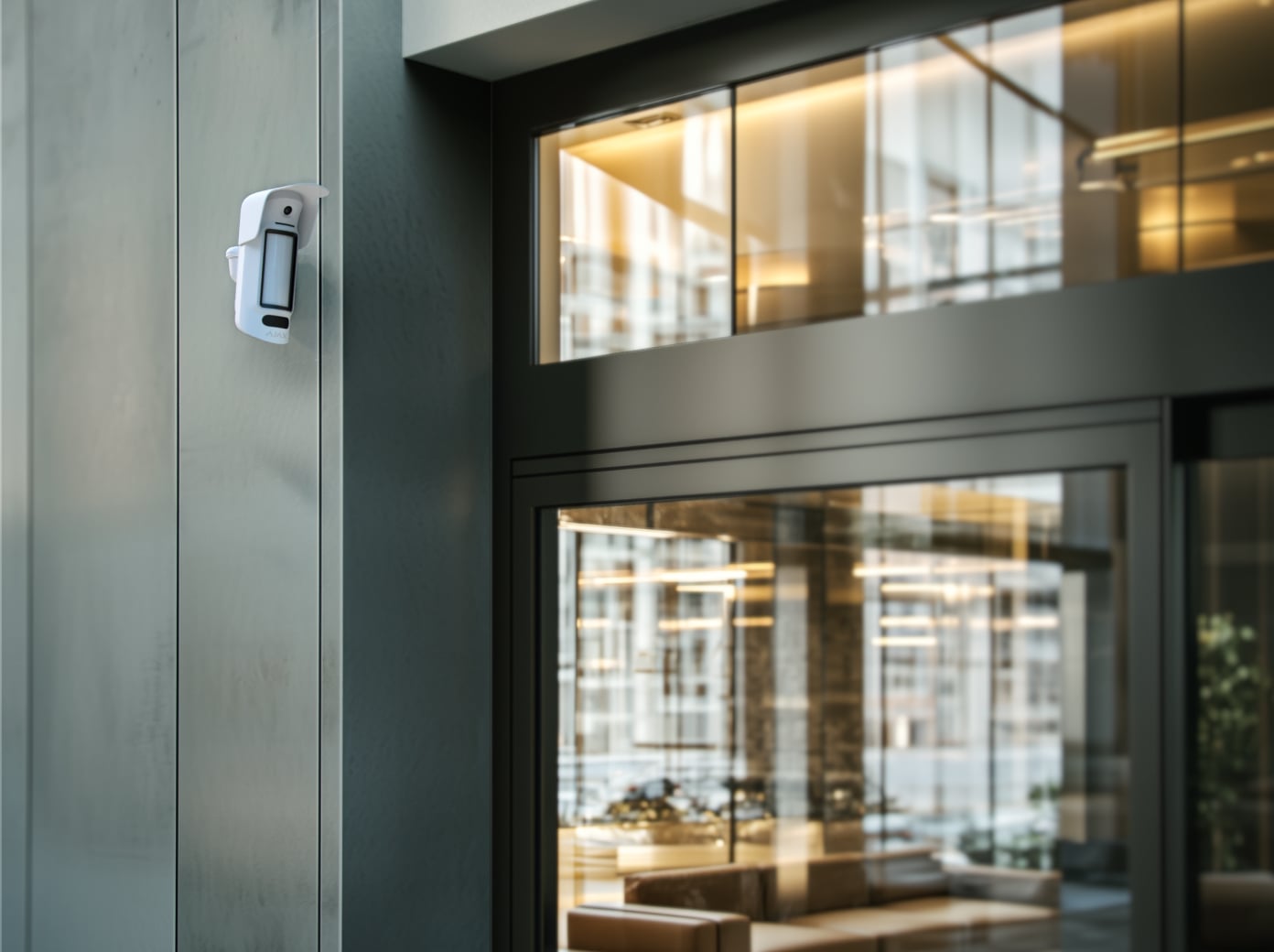
The device is designed for outdoor and indoor use.