Indoor air and climate
CO₂ and indoor climate. See what changes in your rooms.
Monitor CO₂, temperature and humidity with Ajax LifeQuality, or choose LifeQuality Lite for temperature and humidity only. View readings in the Ajax app and compare equipment options and prices for the rooms you want to monitor.

See what changes.
LifeQuality measures CO₂, temperature and humidity in the room.
Keep the history.
Follow readings in charts and compare conditions over time.
Know when to act.
Set thresholds and receive notifications through a connected system.
Make a useful response.
Pair the right control device with an installer-reviewed climate connection.
Measure the room. Choose the response.
CO₂ monitoring and temperature-only monitoring serve different needs. Neither device is a smoke alarm or a carbon monoxide detector.
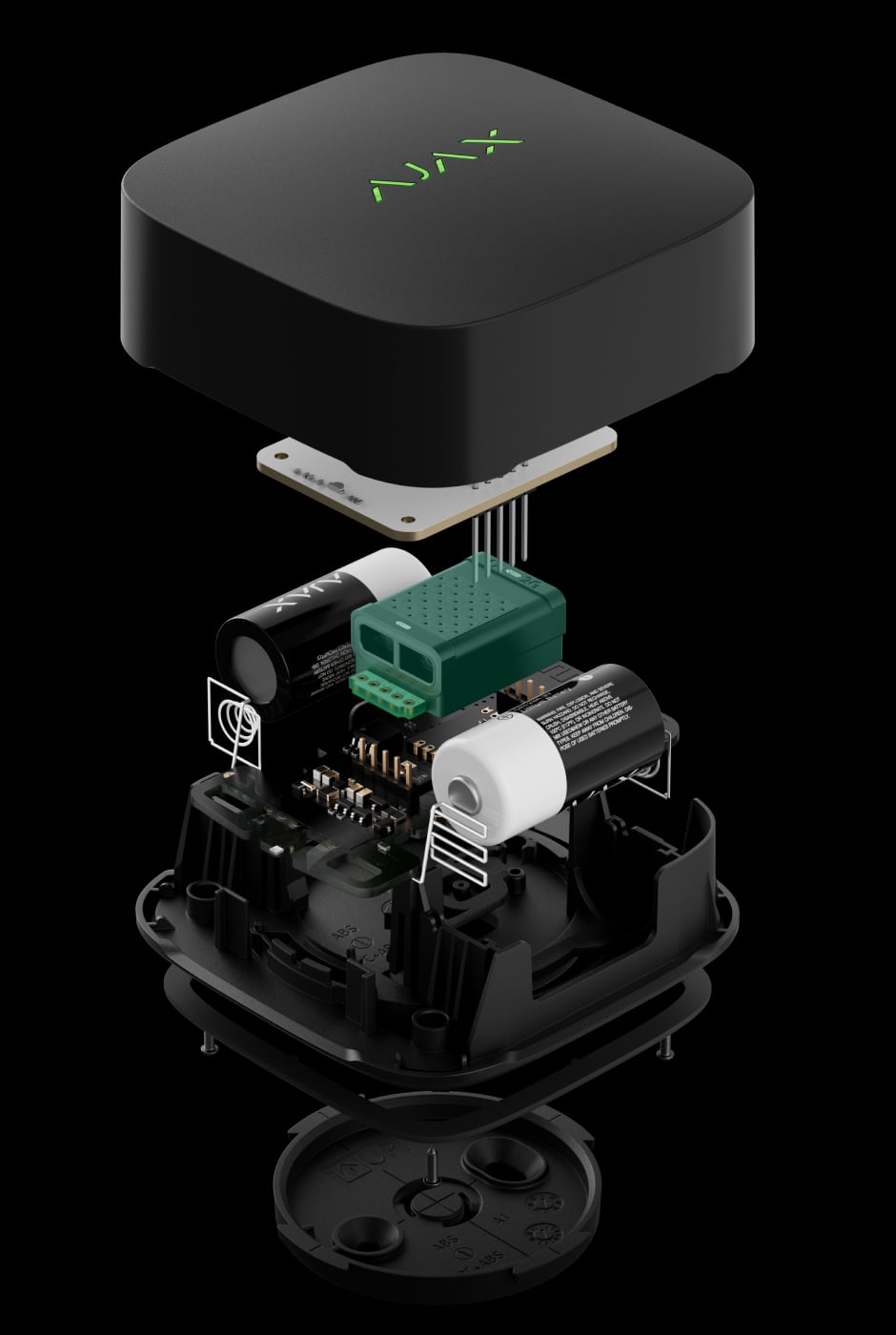
CO₂, temperature and humidity.
LifeQuality uses an NDIR CO₂ sensor alongside temperature and humidity measurement. Choose it for rooms where you want to understand ventilation and indoor conditions.
Explore LifeQuality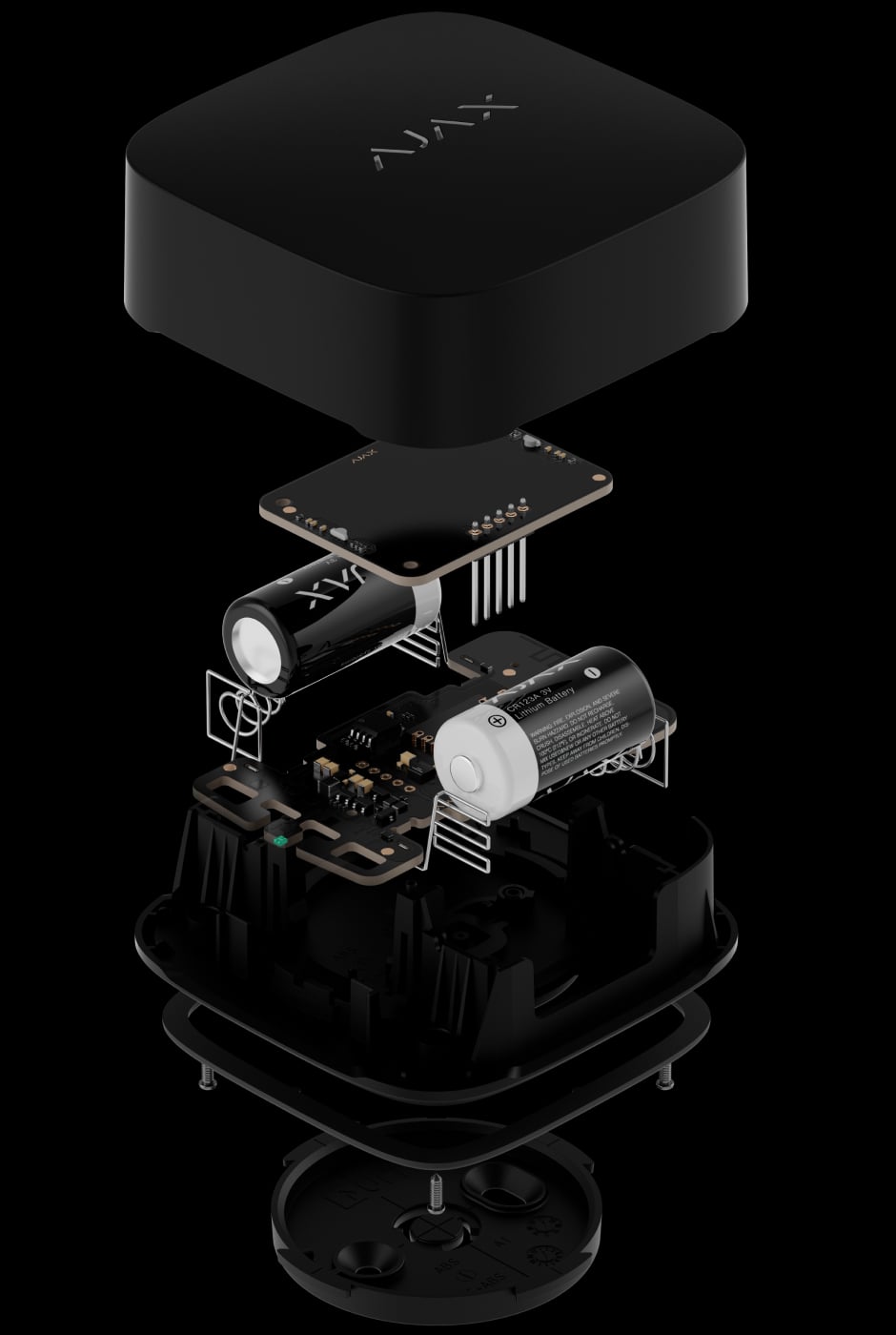
Temperature and humidity.
LifeQuality Lite monitors temperature and humidity, including applications with a wider operating temperature range. It has no CO₂ sensor, so choose it where temperature and humidity measurements are enough.
Explore LifeQuality Lite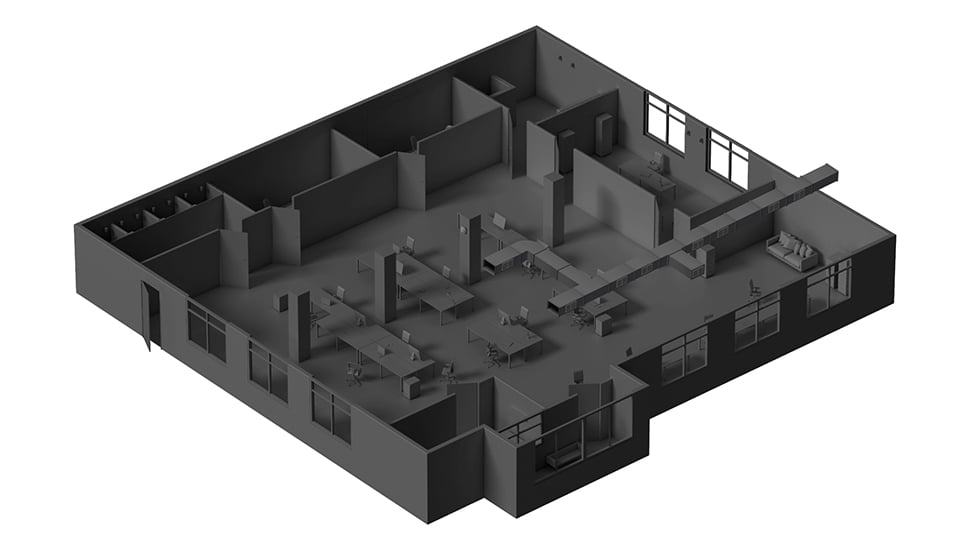
A matching control connection.
A sensor does not itself move air or switch heating. Review the appliance input, load and intended behaviour before choosing Relay, WallSwitch or a suitable smart outlet.
Review control equipment
From a reading to a routine.
Set thresholds around the room and its use. An automation scenario is only as useful as the equipment and response it controls.
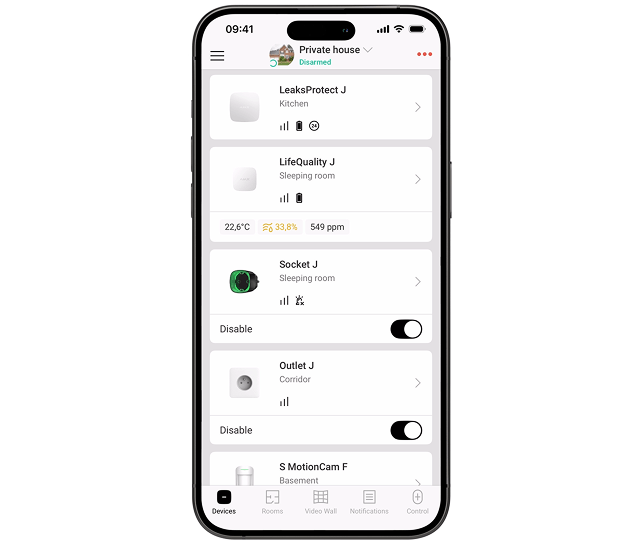
Define what needs attention.
Set the temperature, humidity and CO₂ thresholds supported by your monitor in the app. Review alerts against the room’s normal activity and ventilation.
Understand the reading.
CO₂ is one useful ventilation indicator. It is not a measurement of every pollutant in the air.
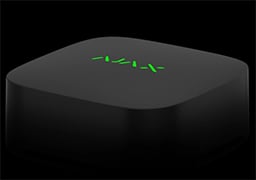
A quick view in the room.
The LifeQuality indicator provides a local view of the measured air conditions. Use the app for the exact readings and history.
A connected monitor, wherever it belongs.
A compatible Ajax hub provides the system connection. Check exact device support, firmware and radio coverage before choosing equipment.
A supervised radio connection.
Jeweller carries readings and events to a compatible hub. A connected hub and notification permissions are needed for remote app updates.
Flexible placement. Planned maintenance.
LifeQuality runs on pre-installed batteries and does not need a nearby socket.
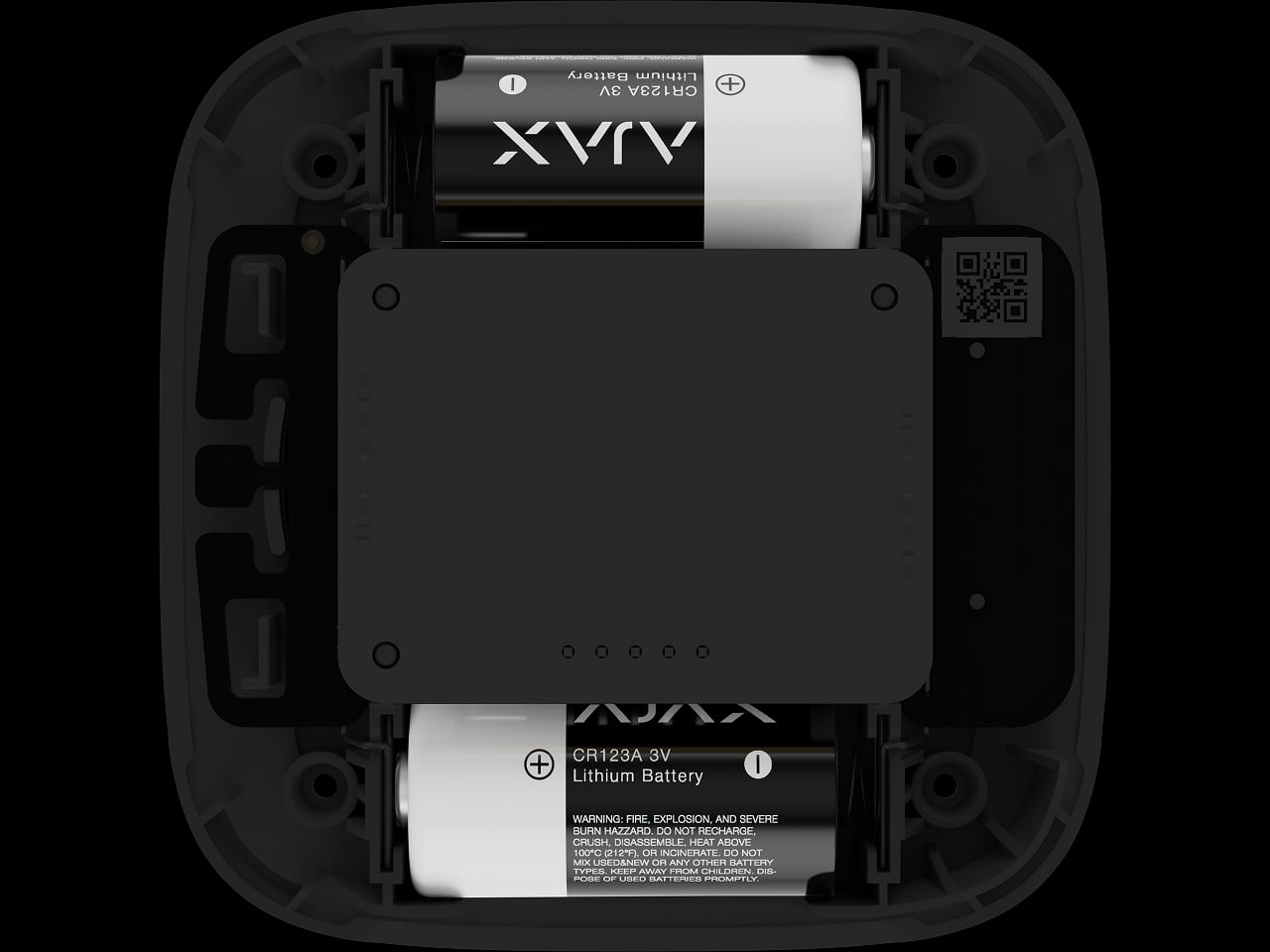
Review battery life in context.
Ajax specifies up to three years for LifeQuality. Actual service depends on conditions and settings; check device status and replace the batteries as required.
Air matters in everyday places.

At home.
Follow the rooms you live and sleep in.

At work.
See how conditions change through a working day.
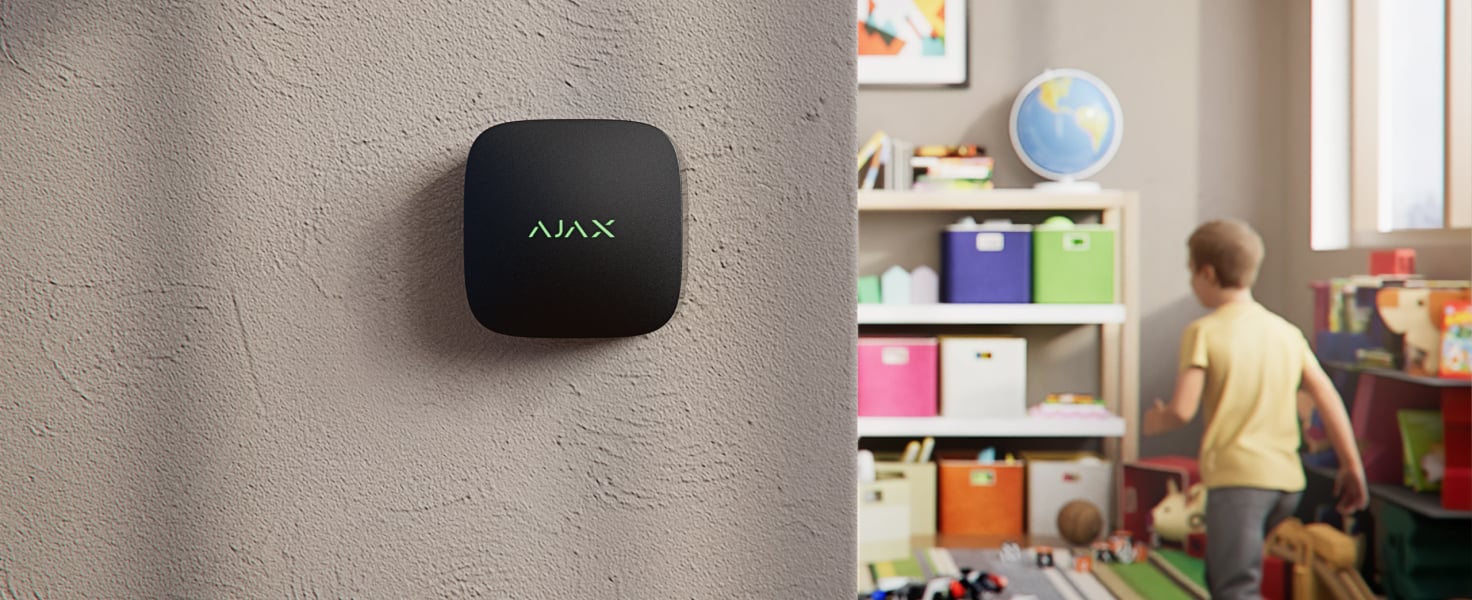
In learning spaces.
Review occupied-room conditions and ventilation routines.
Your climate, with context.
Use the same Ajax app as the rest of your system. Give each monitor a clear room name.
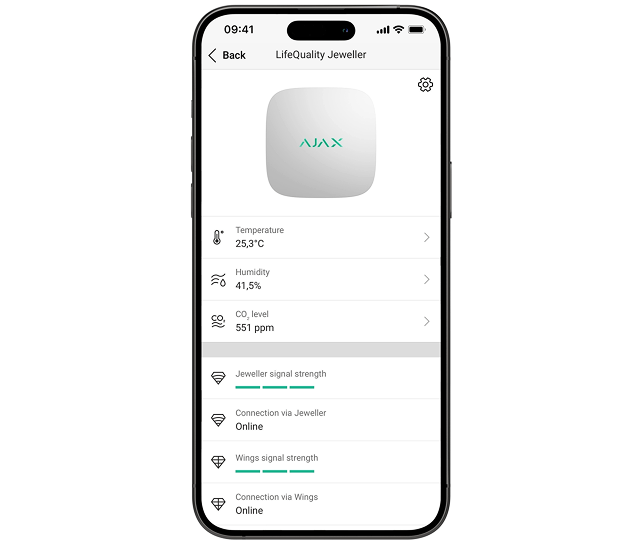
Follow the history.
Review measurements over the selected period and see trends instead of relying on a single reading.
Place. Connect. Verify.
Choose a representative position and test the complete monitoring and response chain.
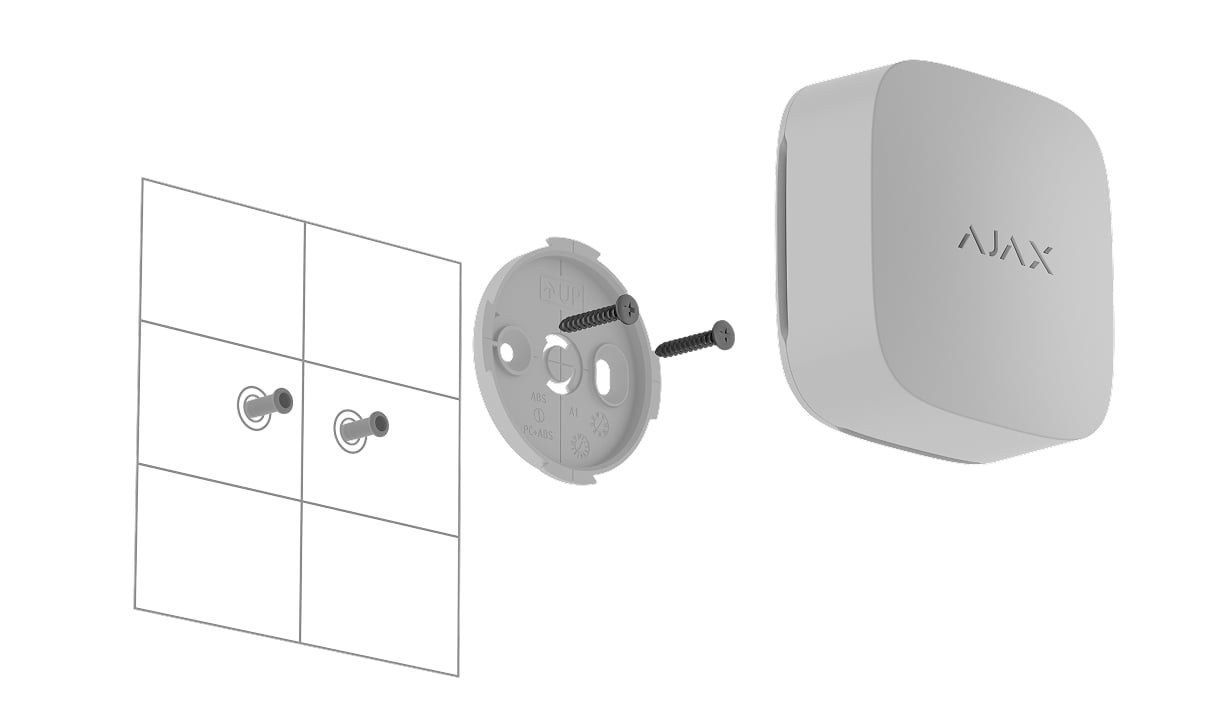
Position the monitor.
Mount the device or place it on a stable surface as allowed by its manual. Avoid direct heat sources and verify radio signal at the position.
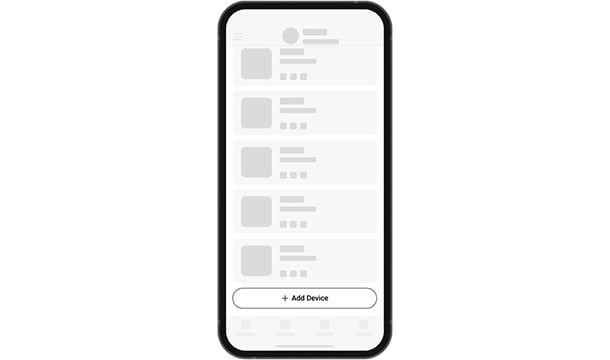
Add a named room.
Scan the device QR code in the authorised app, connect it to a compatible hub and assign a meaningful room and name.
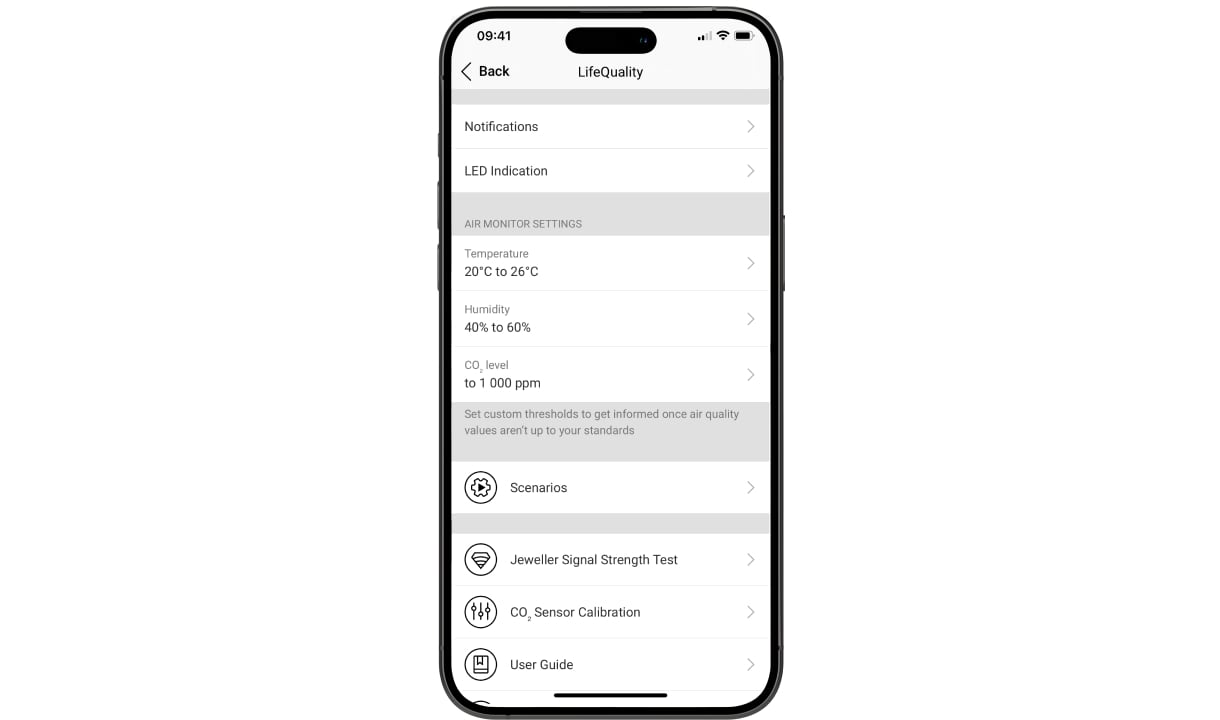
Test alerts and scenarios.
Set thresholds, check current readings and confirm that the intended notification and control action occur. Agree who responds and maintains the equipment.
Make it fit your space
Configure your indoor air monitoring.
Choose the rooms, measurements and controls you need below. Then compare equipment options in your shared project, with any installation or control-interface checks clearly shown.
A few useful answers.
Does LifeQuality Lite measure CO₂?
No. LifeQuality measures CO₂, temperature and humidity; LifeQuality Lite measures temperature and humidity. Choose the measurements each room needs; Lite is suitable when only temperature and humidity are required.
Is this a carbon monoxide or smoke alarm?
No. CO₂ monitoring does not detect carbon monoxide (CO) or smoke. Use the appropriate fire-safety devices and installation for those hazards.
Can any fan or heater be automated?
No. An installer must check the appliance control input, electrical ratings and operating behaviour. Relay provides dry contacts; a smart plug or WallSwitch switches power. These functions are not interchangeable.
Do I need a new hub?
An existing compatible Ajax hub can be reused. Confirm support for the exact monitor, firmware and any range extender. App notifications also need a working connection and the appropriate user permissions.
How much does indoor air monitoring cost?
The price depends on the number of rooms, the measurements you need and whether you already have a compatible Ajax hub. LifeQuality measures CO₂, temperature and humidity; LifeQuality Lite measures temperature and humidity only. The configurator compares priced equipment options. Any ventilation or heating controls require a compatibility check, and electrical work is quoted separately.
The details behind the solution.
Turn a plan into everyday control.
Explore light, power and automation, with the right connection for each task.
A LITTLE GUIDANCE. A CLEAR NEXT STEP.
Make the next step together.
Ask about this solution. We’ll help you check the equipment and the work your space needs.
Planning for your business?
Discuss a complete project for your sites, with services agreed around your needs.
Explore Business