Intrusion protection
Protection, planned around your space.
Choose how to detect an intrusion, verify an alarm and control your property. Start with the solution, then select the compatible equipment and installation it needs.

Protect the right places.
Bring opening, movement and outdoor detection into a plan for your property.
Understand the alert.
Use alarm photos to help assess what happened and agree the response.
Stay in control.
Manage people, security groups and Night mode around everyday routines.
See the system’s status.
Receive device events and know when power, batteries or a connection need attention.
Start with what you need to protect.
Understand the response you want, then build the right system around it.
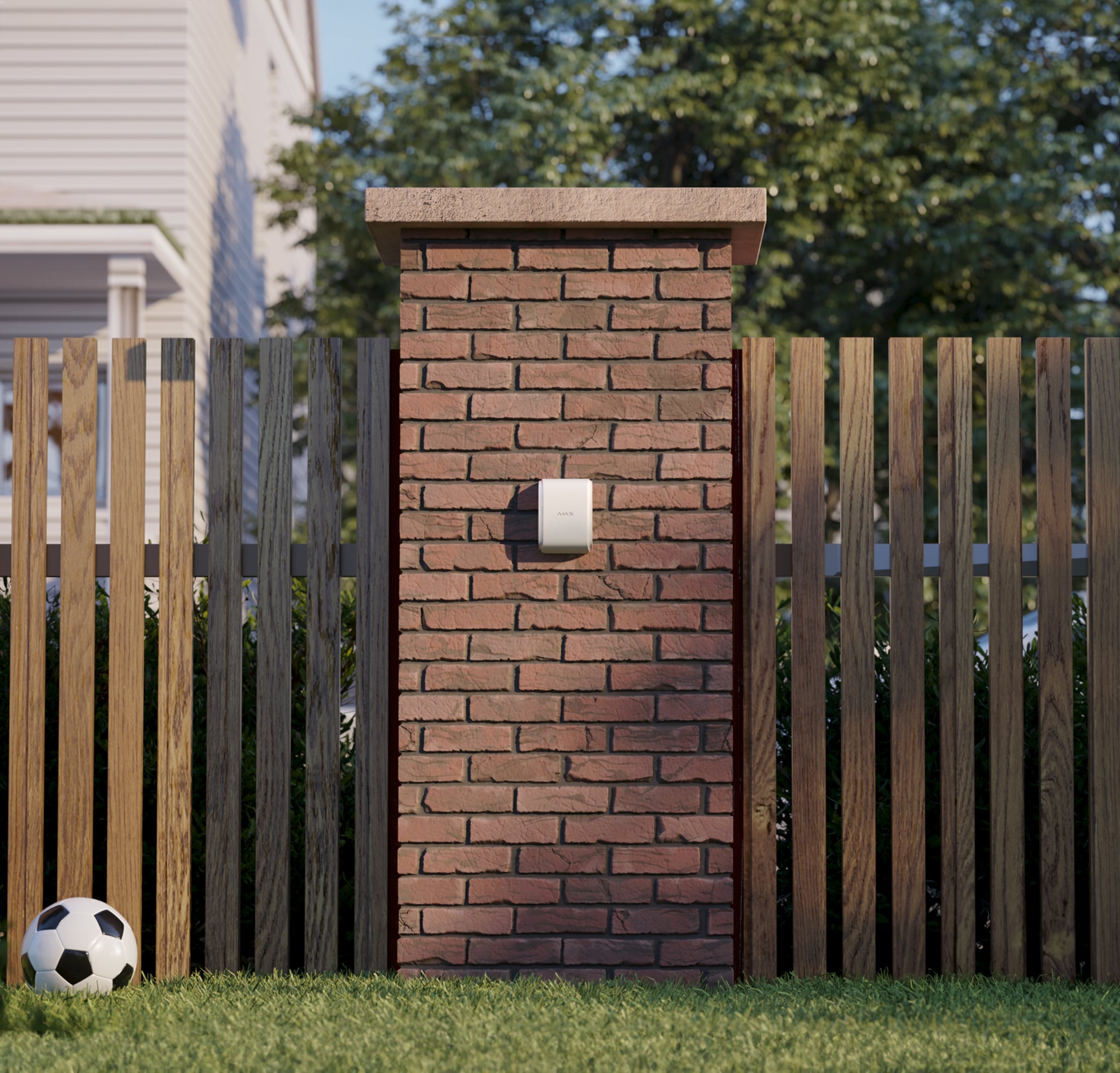
Protect doors, windows and rooms.
Plan the openings, indoor movement detection, alerts and daily control.
Explore home security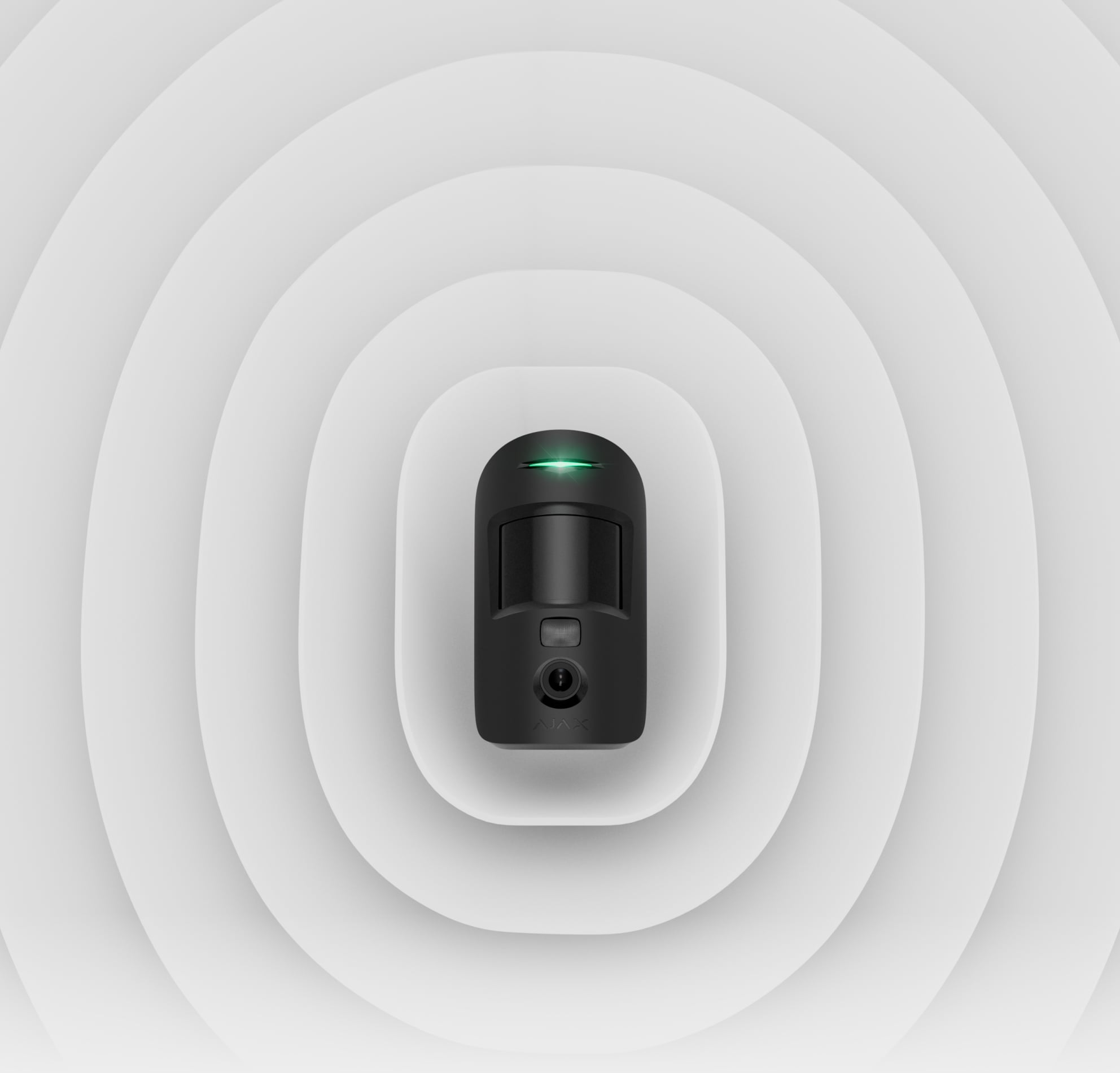
Understand an alarm.
Add photo verification and choose whether authorised people also need PhOD functions.
Explore alarm photosDetection. Connection. A clear alert.
Start with the places to protect, then choose a compatible hub, detectors and sirens. Each device has a clear role in the same system.
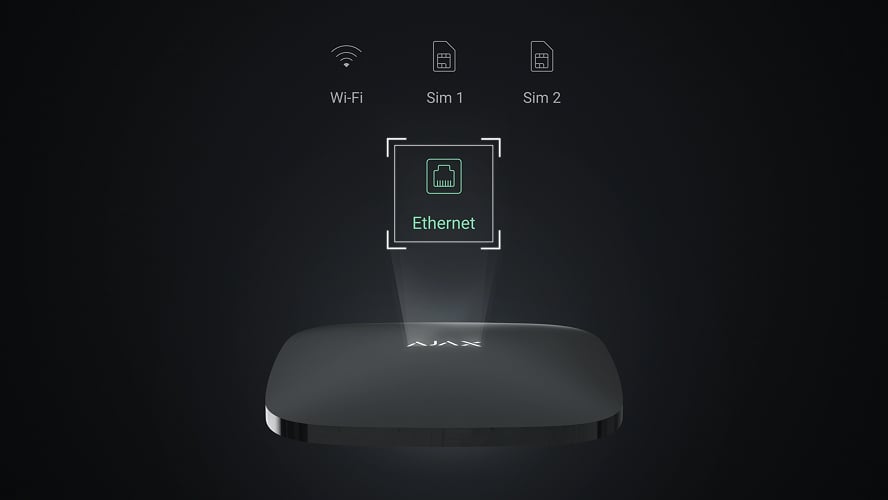
The hub brings it together.
The hub connects compatible detectors, manages the system and delivers events. Choose its device capacity, photo support, internet paths and backup power for your installation.
Explore hubs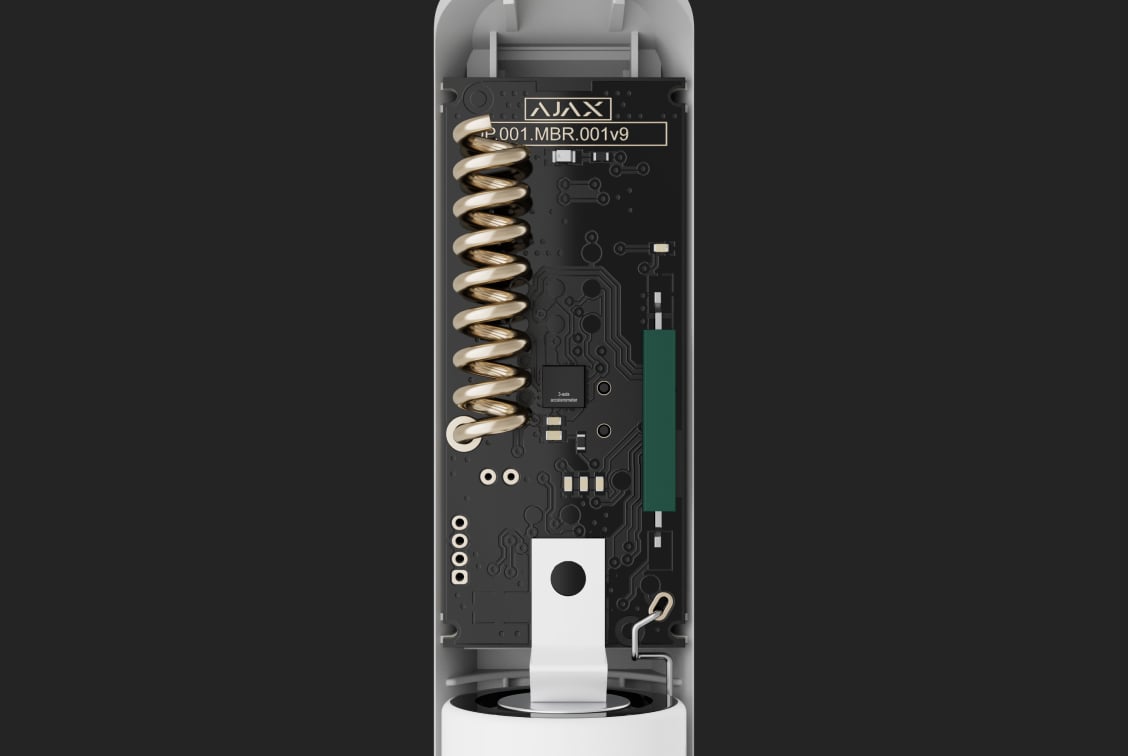
Watch doors and windows.
An opening detector monitors a door or window leaf. Supporting models add shock or tilt detection; glass-break protection is a separate choice for the glazing and room.
Explore opening detectors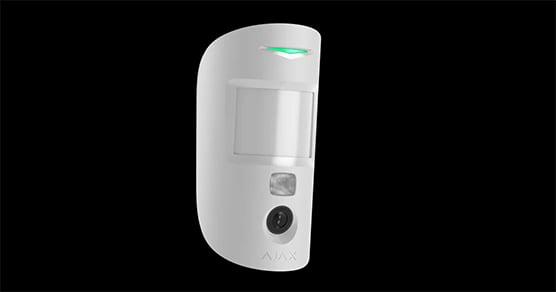
Cover movement inside.
Choose room or curtain coverage, mounting position and pet tolerance for each space. Photo-capable detectors add still images to an alarm; outdoor areas need their own rated models.
Explore indoor detectors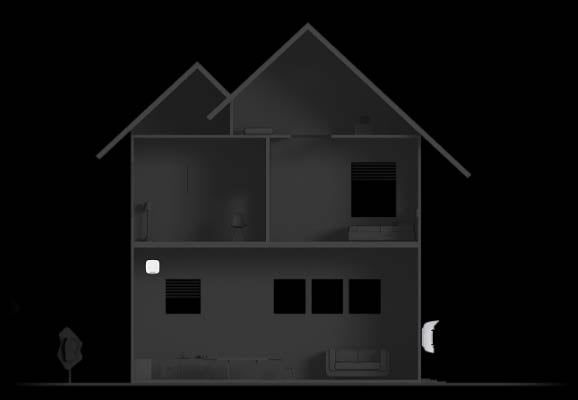
Make an alarm heard.
Indoor and outdoor sirens provide a local warning. Plan the sound, indication and delays with the people using the property, alongside the notifications sent by the system.
Explore sirensChoose the right product line.
A line is a starting point. Device compatibility, the required security grade and the design of the property still determine the final system.
Baseline
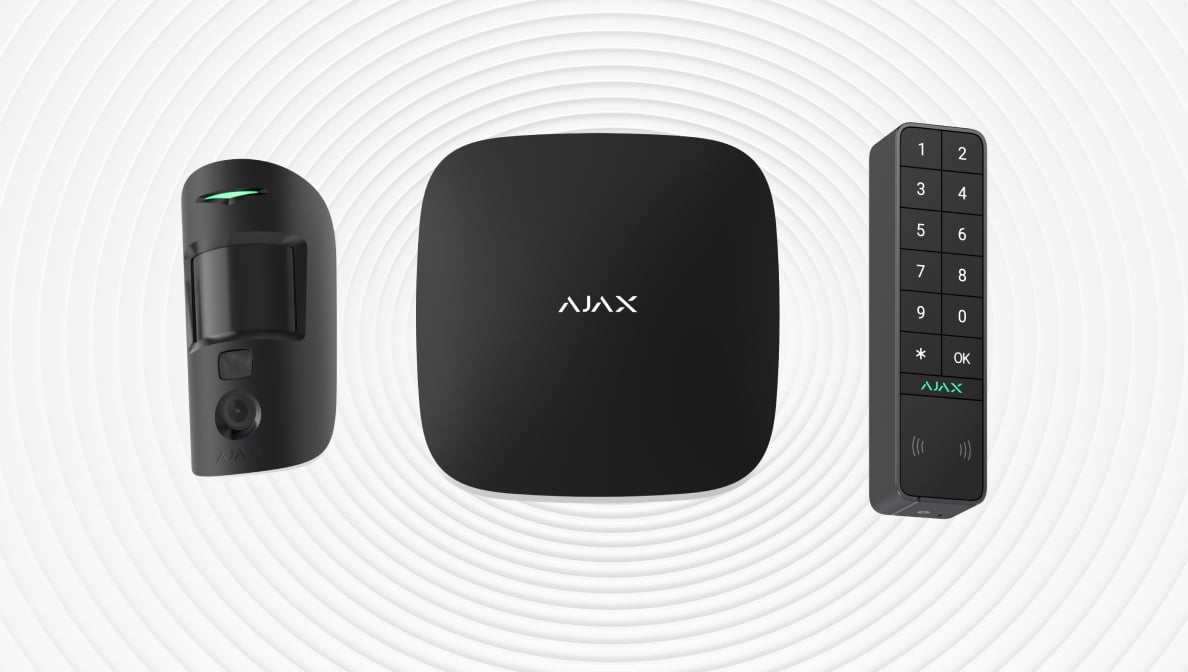
Wireless indoor and outdoor devices communicate with a compatible hub over Jeweller. Photo-capable models also need a supported photo-transfer route, such as Wings. Check coverage at each position and the compatibility of any range extender.
Explore Baseline products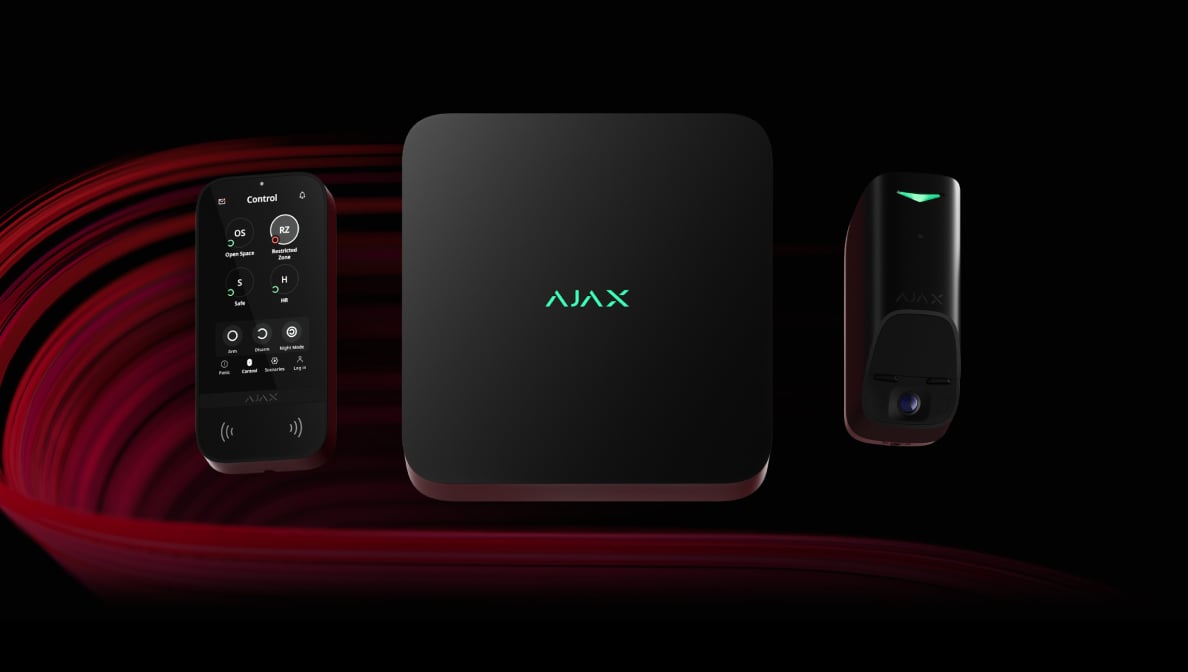
Superior
Advanced wireless and wired Fibra devices for projects with defined requirements. Fibra needs a compatible hub, cable layout and power calculation. Security grade belongs to the exact system design; only accredited Ajax partners can sell, install and administer Superior.
Explore Superior productsAn alarm. The context to respond.
Choose who receives the event and how they should act. Photos, panic buttons and professional monitoring each play a different role.
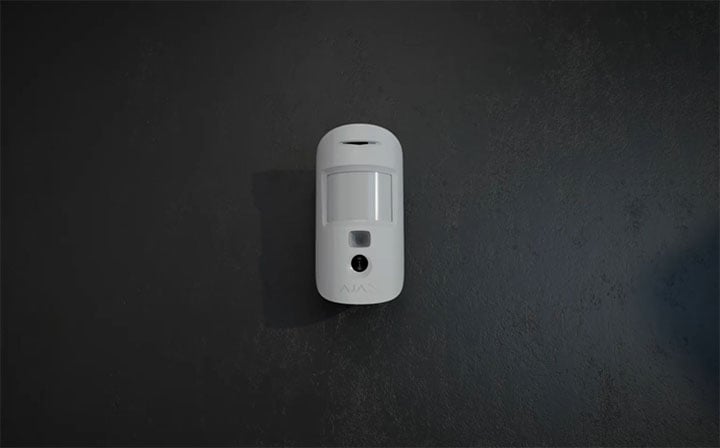
See why the alarm happened.
A photo-capable motion detector can attach a series of still images to its own alarm. Choose PhOD equipment if you also need supported photo requests or scenarios.
Alarm photos are distinct from a camera live stream. The exact detector and hub determine the available photo functions.
Protection that fits everyday life.
Manage your system in the Ajax app and with compatible keypads or controls. Permissions, groups and entry or exit delays are set around the people using each area.
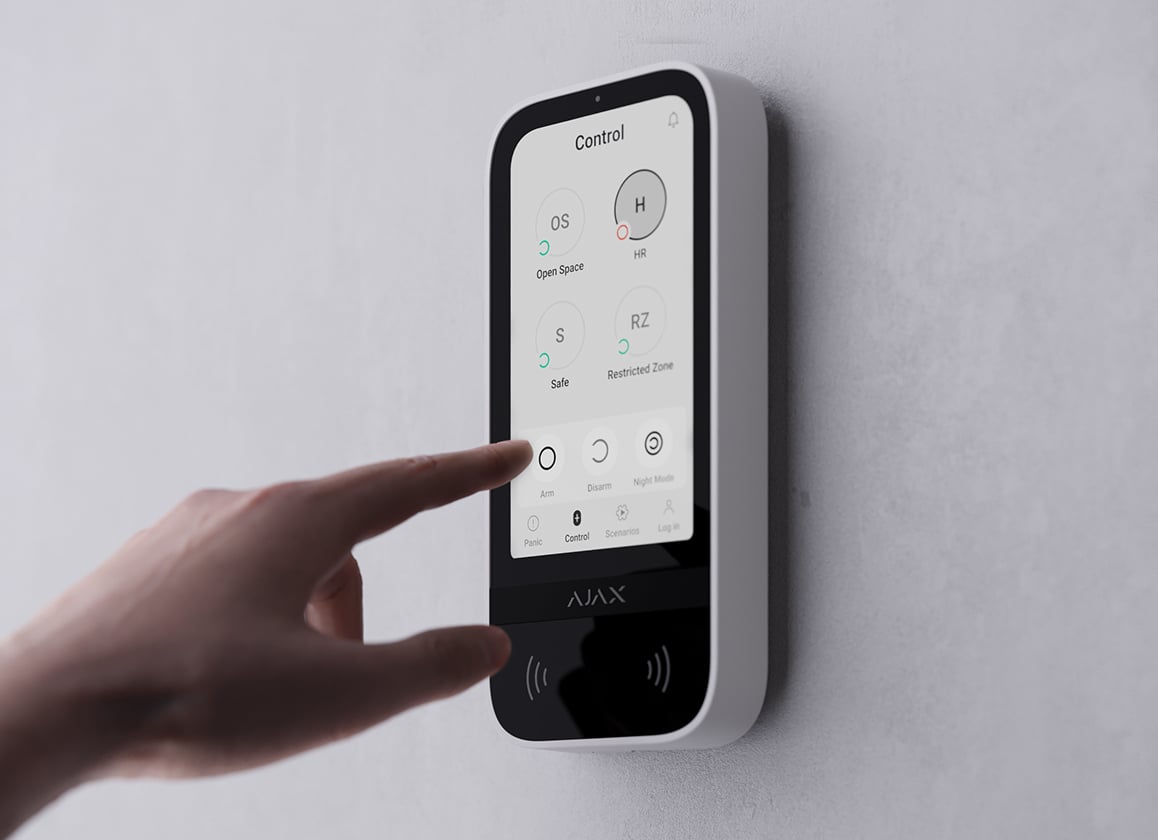
Whole property or selected areas.
Use groups to manage areas separately. Night mode arms the selected detectors while you remain at home; your routes, entry delays and detector settings are planned together.
KeyPad TouchScreen illustrates group control. Supported modes and access methods depend on the keypad, hub and configuration.
Designed for the space. Tested together.
A detector count is the start of a design, not a substitute for checking its final position.
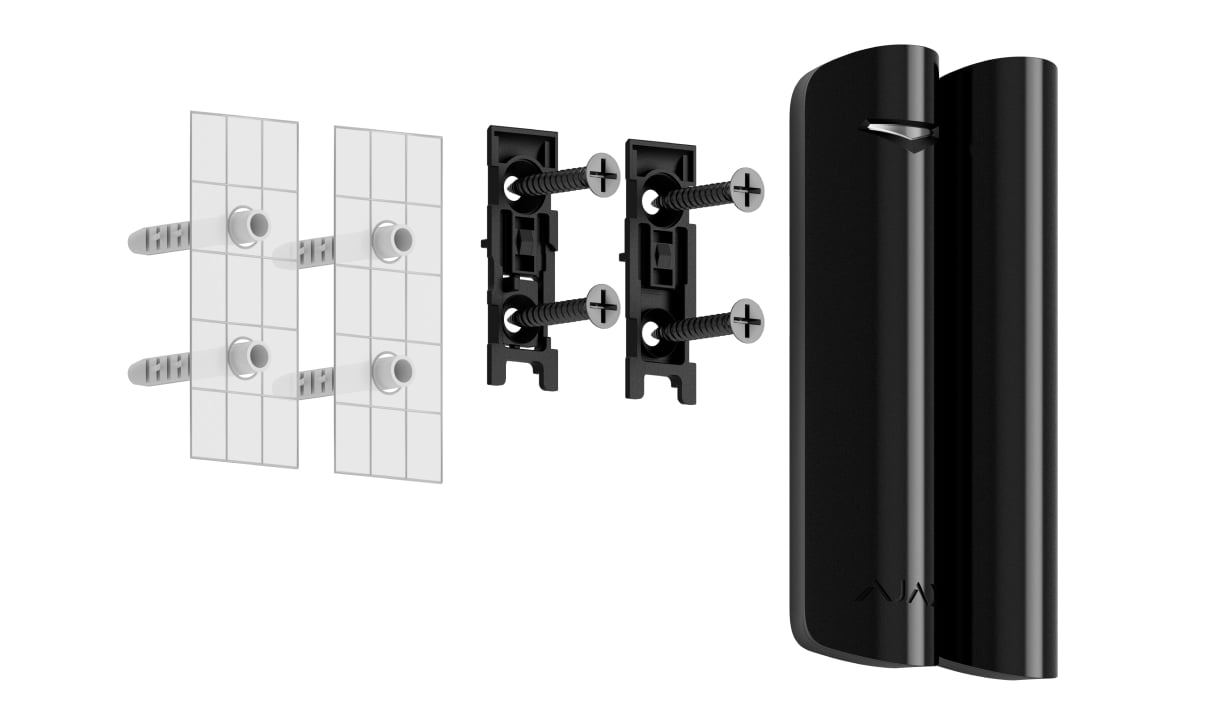
Fit each opening.
Check the frame, opening movement, magnet gap and fixing surface. Set and test additional shock or tilt detection only where appropriate.
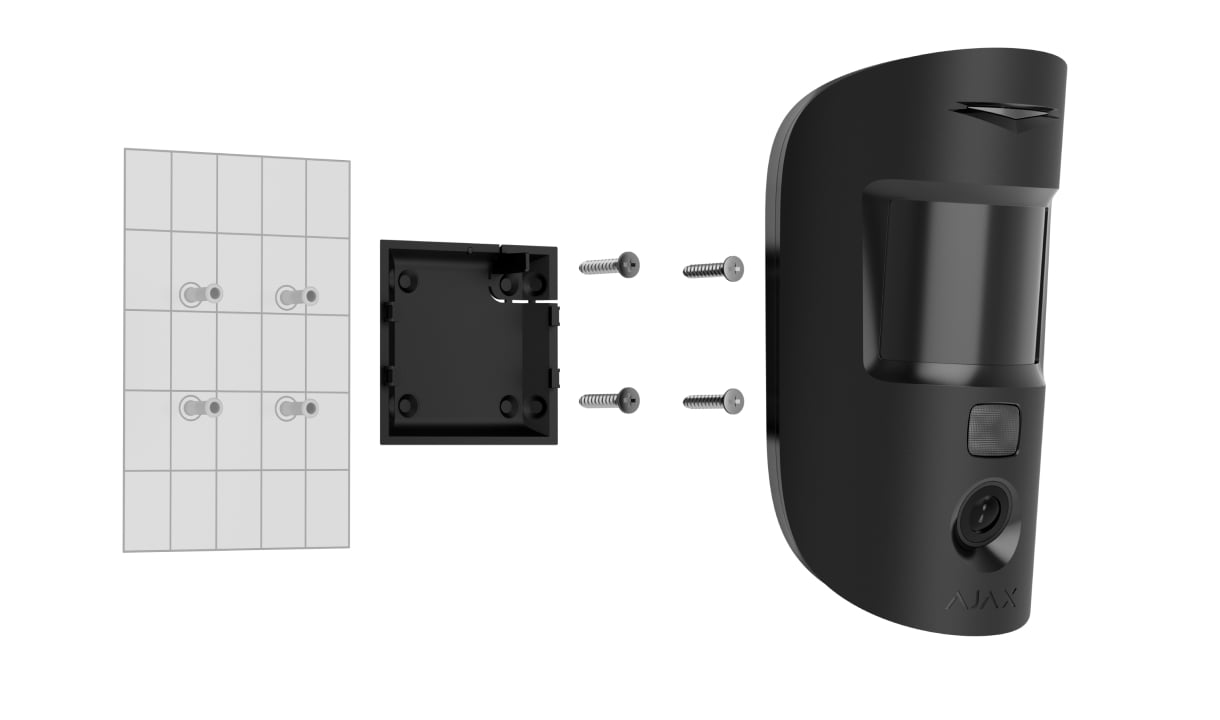
Check the detection area.
Review mounting height, the intended coverage, pets and heat sources. Test detection and radio performance at each final position.
Agree the handover.
Configure users, groups, modes, delays and notification channels. Test the agreed response and record how the system will be maintained.
Make it fit your space
Configure your intrusion protection.
Plan doors, windows and rooms in the indoor security planner. Review the proposed options and keep your chosen equipment in your shared project. Outdoor coverage needs a separate design.
A few useful answers.
Which parts of the system need a hub?
Ajax intrusion detectors, keypads and sirens are selected around a compatible security hub. Check the exact devices, capacity, radio or wired protocol and any photo support before choosing the hub.
Can I combine wired and wireless devices?
A supporting hub can combine compatible wireless devices with wired Fibra lines. A wireless-only hub does not gain Fibra support by adding a cable. Cable topology, power and model compatibility need to be designed together.
What happens if power or internet is interrupted?
A suitably powered hub and connected detectors can continue local protection. Remote alerts need an available communication path. Backup duration, cellular connectivity and failover depend on the hub, its power setup and the installation.
Are alarm photos the same as live video?
No. A photo-capable motion detector provides still-image sequences for supported triggers. PhOD models can add permitted requests and scenarios. Choose video surveillance when you need a live stream or continuous recording.
Can pets stay inside while protection is armed?
Suitable detectors can filter pet movement within their specified limits. Pet size, mounting height, furniture and the room layout all matter. The installer tests the actual detection area; pet tolerance is not a blanket setting for every detector.
Does the planner include outdoor protection and monitoring?
The security planner below covers indoor doors, windows and rooms. Outdoor detection needs a separate placement review. Professional monitoring and response are separate services agreed with a provider.
A LITTLE GUIDANCE. A CLEAR NEXT STEP.
Not sure where to start?
Tell us what matters to you. A SAFE365 specialist can help you find the right starting point.
Planning for your business?
Discuss a complete project for your sites, with services agreed around your needs.
Explore Business