MAKE IT YOURS
Superior MotionCam G3 (PhOD).
Wireless PIR motion detector with an anti-masking system
Standards and certifications
Superior MotionCam G3 (PhOD) Jeweller · MC.G3P.J. Manufacturer-listed marks; regional and installation conditions apply.
Wireless detection. Evidence for demanding sites.
Superior MotionCam G3 (PhOD) Jeweller combines mirror-based motion detection with HD photo verification, anti-masking and monitored mounting. It watches the room and the approach below, then helps authorised users assess an event from its image series. Its Grade 3 capability belongs within a correctly designed and configured Ajax system.
Key features. At a glance.


Ajax product information ↗ · Superior MotionCam G3 (PhOD) Jeweller specifications ↗
Protection in real places.
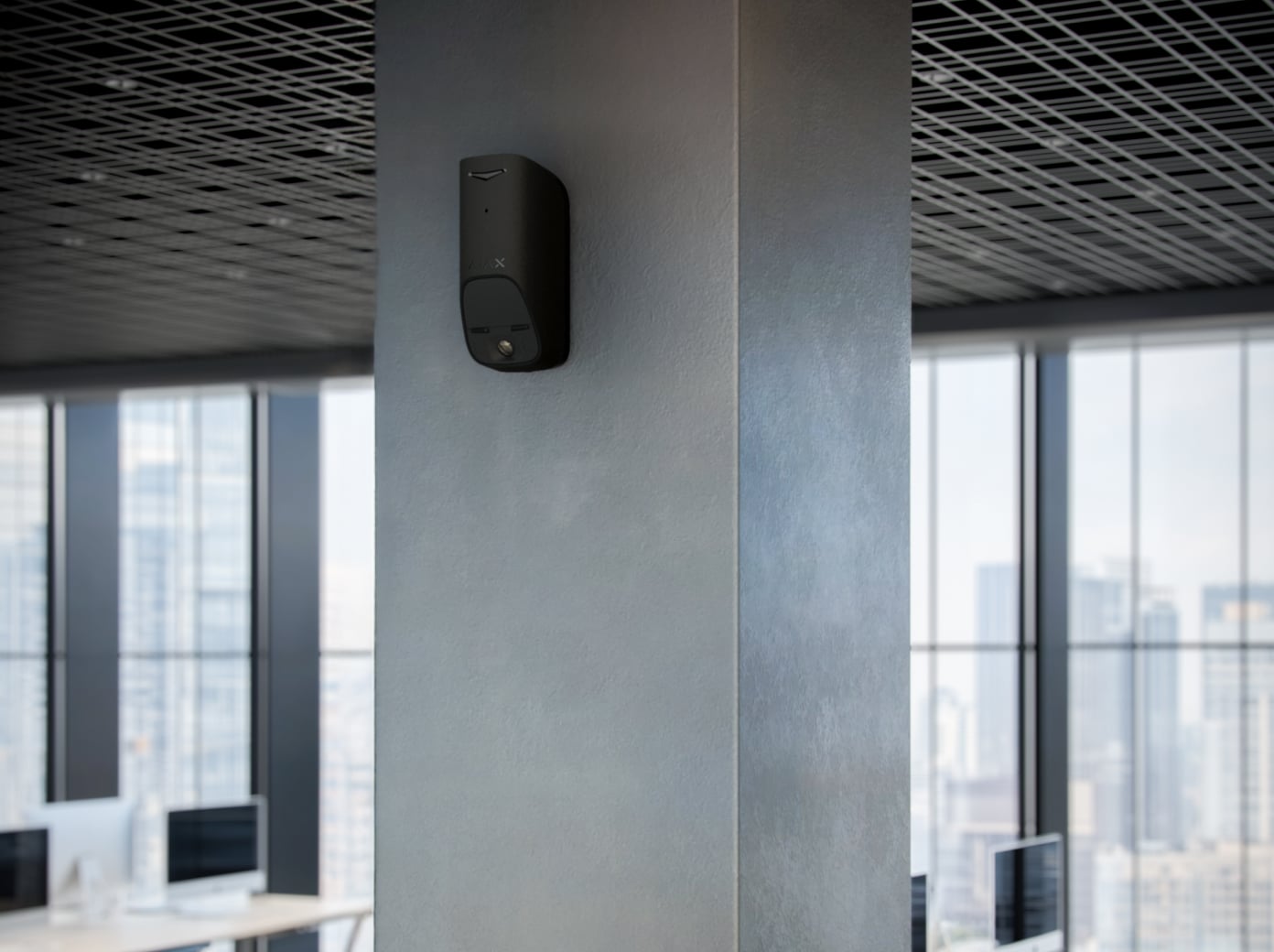
Match photo detail to the event.
Four resolutions with a different image shape
This G3 camera offers 160 × 128, 288 × 240, 576 × 480 and 864 × 720 pixels. Choose 1–5 frames at the two lower resolutions or 1–3 at the two higher resolutions. Its HD image is 864 × 720, rather than the 960 × 720 format of the AM and HD models.
HDR and infrared illumination
HDR combines exposures to retain detail across bright and dark areas. Infrared illumination supports photos in darkness. These are event snapshots, not continuous recording; test framing and image quality at the final location.
Choose when a photo helps.
Photo by alarm
When the armed detector recognises movement, it sends an alarm and captures the configured photo series. The app presents the images with the event so an authorised viewer can assess what happened.
See interference as well as movement.
Photo by tamper alarm
Enable a photo response to interference with the mounting. The photo option is disabled by default; when enabled it can operate regardless of the armed state. Check that the intended viewers receive both the event and its image.
Photo capture must be enabled separately from the tamper alert itself.
Give access to the right people.
Photo requests need explicit permission
Photo on demand and photo by scenario are disabled by default. An administrator or user with access to Privacy settings decides who can request and view images, and whether requests are allowed while disarmed. Review access whenever occupants or service providers change.
Confirm the monitoring route
Supported monitoring software can receive alarm photos and configured photo events. Photos on demand are not sent to a monitoring station. PRO Desktop users need an authorised personal account for on-demand access; a monitoring-company profile cannot request or view those photos.
Photo events triggered by scenarios, schedules or arming/disarming are not sent over a direct-only CMS connection. Verify the intended delivery route and permissions during commissioning.
Send the alarm before the image series.
Choose detail with the transfer time in mind
The current specification lists up to 3 seconds at 160 × 128, 4 seconds at 288 × 240, 10 seconds at 576 × 480 and 14 seconds at 864 × 720. These figures describe detector-to-hub photo transfer with a three-bar photo link and an Ethernet or 4G hub connection.
App delivery also depends on internet conditions. A range extender changes the route and timing; verify the actual installation rather than treating these figures as a guaranteed response time.
Watch the room and the approach below.
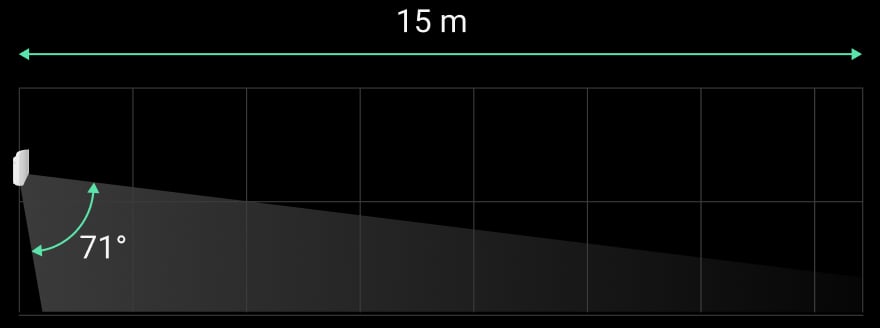
Up to 15 m with mirror optics
The PIR sensor and mirror optical system provide a 90° horizontal and 71° vertical detection field. At a 2.4 m installation height, they monitor movement across the room and the approach below the detector, including a crawling person.
This model does not support pet immunity. Plan the armed area so animals cannot enter it.
Notice attempts to obstruct the view.
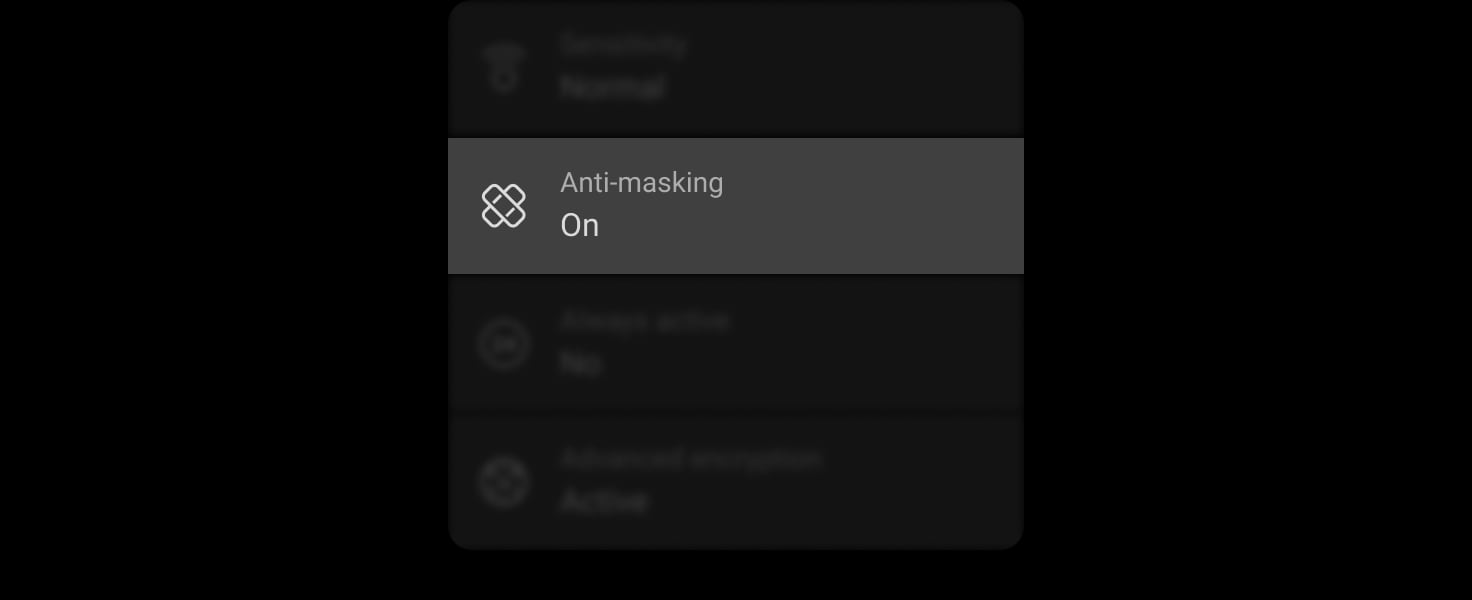
Calibrate the dedicated masking sensors
With anti-masking enabled, the detector reports attempts to cover or obstruct its view, including while disarmed. Select Low, Normal or High masking sensitivity to suit the site. Keep the view clear during calibration and test the function after mounting.
Recalibrate after moving the detector or changing the mounting or masking settings. Resolve any calibration fault before putting the system into service.
Protect the event and photo connections.
Event radio and TurboWings
Superior Jeweller carries commands, alarms and events. TurboWings carries photo data and firmware updates. The specified open-space range is up to 3,500 m and depends on the connected hub; walls, metal and interference reduce usable range.
Requires a compatible hub running OS Malevich 2.36 or later. Confirm the radio region and full system configuration before installation.
Grade 3 starts with the complete system.
Keep the radio protection consistent
Superior Jeweller provides encrypted communication and enhanced frequency hopping when every connected wireless device supports it. Adding a regular Jeweller device changes the system’s radio behaviour and limits the system to Grade 2.
Grade 3 is not guaranteed by buying one G3 device. An accredited Ajax partner must check the hub, every connected device, radio settings, installation and monitoring requirements together. Check the enhanced-hopping status in the app.
Long operation with replaceable batteries.
Up to 6 years on four CR123A batteries
Four pre-installed batteries power the detector. Low-battery warnings help plan service. Replace them according to the exact manual and check motion detection, masking and photos afterwards.
Six years is a calculated maximum. Radio conditions, polling, photo use and temperature affect actual life.
Supervise the sensors as well as the link.

Automatic checks and a manual sensor test
The system monitors the PIR and masking sensors and reports camera disconnection. A manual device self-test is available in the app while disarmed. Investigate reported faults before returning the system to service.

Two tampers and a monitored SmartBracket lock
Two tamper switches report mounting interference. Secure the panel and close its lock, then test removal alerts and the enabled tamper-photo response.

Set the loss-detection interval deliberately
A 36-second loss-detection example requires a 12-second polling interval and three undelivered packets. Other settings change the delay; verify reporting to the app and monitoring software.
Pair the device. Test the complete photo path.
Add the exact detector by QR code
An accredited Ajax partner pairs the detector in Ajax PRO, checks compatible hub software, and assigns its room and security group. Verify the radio region as well as the model; similar names do not establish compatibility.
Use it in the intended indoor environment.
Clear views and suitable surroundings
The operating range is −10 to +40 °C with humidity up to 75%. An IP30 enclosure is for indoor use. Avoid direct sunlight, heat sources, obstacles close to the lens and condensation. Recheck detection and photos after changing the room layout.
Find the right motion detector.
Compare indoor, outdoor and curtain detectors across Baseline and Superior. See what changes for the place you protect, alarm photos, animals and installation.
Compare motion detectors →Every detail, in one place.
Communication
- Superior Jeweller data transfer protocol
- Two-way encrypted radio communication for events, commands and device status. Enhanced radio protection depends on the complete system configuration.
- Frequency bands
- 865.0–868.0 MHz 868.0–868.6 MHz 868.7–869.2 MHz 869.4–869.65 MHz
- Maximum effective radiated power (ERP)
- up to 20 mW Automatic power control to reduce power consumption and radio interference.
- Radio signal modulation
- GFSK
- Radio communication range
- up to 3,500 m Between the device and a hub (or a range extender) in an open space. The maximum range depends on the hub model.
- Encrypted communication
- Encrypted communication protects the confidentiality and integrity of transmitted device data.
- Frequency hopping
- The radio changes operating frequencies to improve resistance to interference. Enhanced operation depends on supported firmware and the complete radio path.
- TurboWings communication technology
- Photo transfer and supported firmware updates over a separate radio link.
- Frequency bands
- 865.0–868.0 MHz 868.0–868.6 MHz 868.7–869.2 MHz 869.4–869.65 MHz
- Radio communication range
- up to 3,500 m Between the device and a hub (or a range extender) in an open space. The maximum range depends on the hub model.
- Encrypted communication
- Encrypted communication protects the confidentiality and integrity of transmitted device data.
- Frequency hopping
- The radio changes operating frequencies to improve resistance to interference. Enhanced operation depends on supported firmware and the complete radio path.
Detection
- Sensitive element
- 1 PIR sensor
- Motion detection distance
- up to 15 m When installed at a height of 2.4 m.
- Motion detection angles
- horizontal: 90° vertical: 71°
- Motion detection speed
- from 0.1 to 4.0 m/s The direction of the detector lens should be perpendicular to an alleged intrusion path into the facility.
- Sensitivity
- 3 levels Adjusted by PRO or user with admin rights in the Ajax app.
- False alarm prevention
- SmartDetect Software algorithm.
- Temperature compensation
- Effective motion detection at temperatures from −10 °C to +40 °C.
Photo verification
- Photo by alarm
- A built-in camera is activated if the detector is armed and motion is detected.
- Photo on demand
- User takes pictures at any time or when the detector is armed (depends on settings). The feature is disabled by default.
- Photo by scenario
- A detector camera takes pictures automatically when Ajax fire detectors are triggered. The feature is disabled by default.
- Photo by schedule
- The detector automatically takes photos at a specified time. This feature is available for hubs with firmware version OS Malevich 2.19 or higher.
- Photo by masking or tamper alarm
- The detector automatically takes photos when masking is detected or when the tamper is triggered. The feature is disabled by default.
- Photo by arming/disarming
- The detector automatically takes photos when the security state is changed.
- Photo resolution
- HD (864 × 720 pixels) VGA (576 × 480 pixels) QVGA (288 × 240 pixels) QQVGA (160 × 128 pixels) Adjusted by PRO or user with admin rights in the Ajax app.
- HDR image
- Improves the accuracy of detail in bright and dark scenes.
- IR backlight
- For night photography and low light conditions.
- Pictures in a series
- from 1 to 5 images with a resolution of 288 × 240 px or 160 × 128 px from 1 to 3 images with a resolution of 576 × 480 px or 864 × 720 px Adjusted by PRO or user with admin rights in the Ajax app.
- Photo delivery time
- up to 3 s — 160 × 128 px resolution up to 4 s — 288 × 240 px resolution up to 10 s — 576 × 480 px resolution up to 14 s — 864 × 720 px resolution When the hub is connected via Ethernet or 4G and the Wings signal strength between the hub and the device is 3 bars. Photo delivery time refers to the time required to deliver a photo from the detector to the hub. For a detector connected via a range extender, the photo delivery time is available here.
Sabotage protection
- Tamper alarm
- 2 tampers Notifications on attempts to detach the detector from the surface or unlock the SmartBracket lock and remove the detector from the mounting panel.
- Protection against spoofing
- device authentication
- Anti-masking system
- detects attempts to block the detector view
- Lock for SmartBracket
- To secure the detector on SmartBracket.
- Communication loss detection
- after 36 s Detection time depends on the Jeweller/Fibra settings.
Power supply
- Battery
- 4 × CR123A Pre-installed.
- Type
- type C
- Calculated battery life
- up to 6 years
- Operating voltage range
- 4.2−6.2 V⎓
- Nominal operating voltage
- 6 V⎓
- Quiescent current consumption at nominal voltage
- 0.464 mA
- Maximum current consumption at nominal voltage
- 1200 mA
- Full capacity
- 3,200 mAh
- Low battery voltage
- 4.705–5.005 V⎓
- Low battery recovery voltage
- 5.055–5.355 V⎓
- End-of-life battery voltage
- 3.80 V⎓ Device is switched off.
- End-of-life battery capacity
- 300 mAh
- Manufacturer
- Duracell Procell
Enclosure
- Dimensions
- 66,6 × 64 × 140
- Weight
- 294 g
- Operating temperature range
- from −10 °C to +40 °C
- Operating humidity
- up to 75%
- Protection class
- IP30, ІК04
What’s in the box
- Superior MotionCam G3 (PhOD) Jeweller
- SmartBracket mounting panel
- Installation kit
- 4 × CR123A battery (pre-installed)
- Quick start guide
For your installation
- Selected as part of an installer-reviewed security or automation project.
- Confirm the supported control panel, device software and regional radio version; test coverage at the final installation position.
- It is recommended to install the detector at a height of 2.4 m. The device is designed for indoor use only.
Product documents.
Find the right protection.
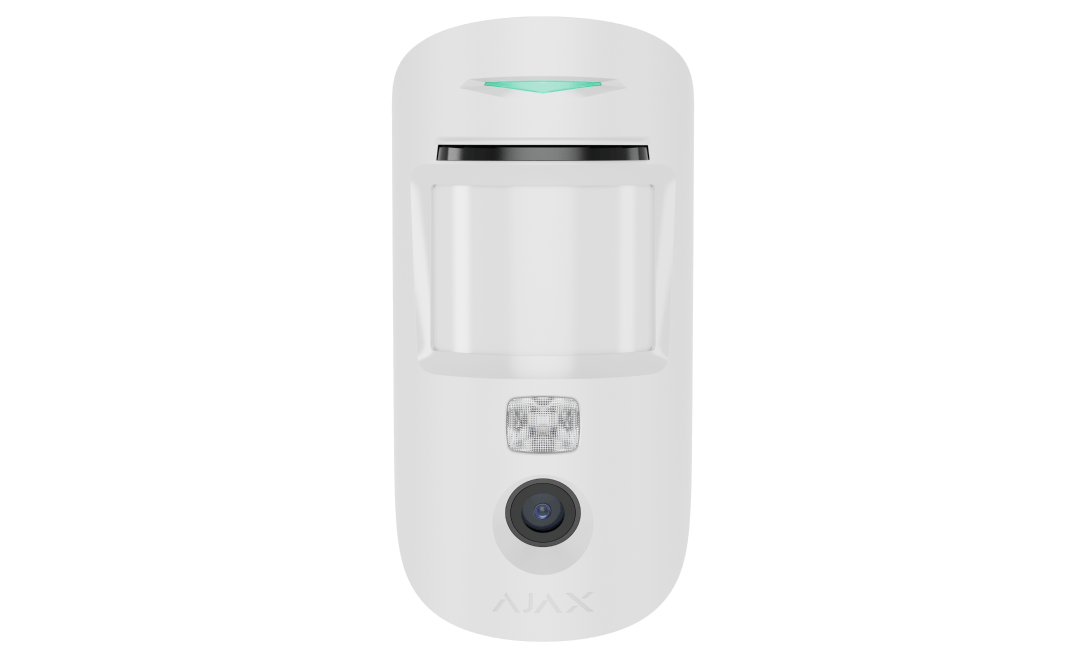
Superior MotionCam AM (PhOD) Jeweller
Check the exact imaging, masking, pet-immunity and system requirements.
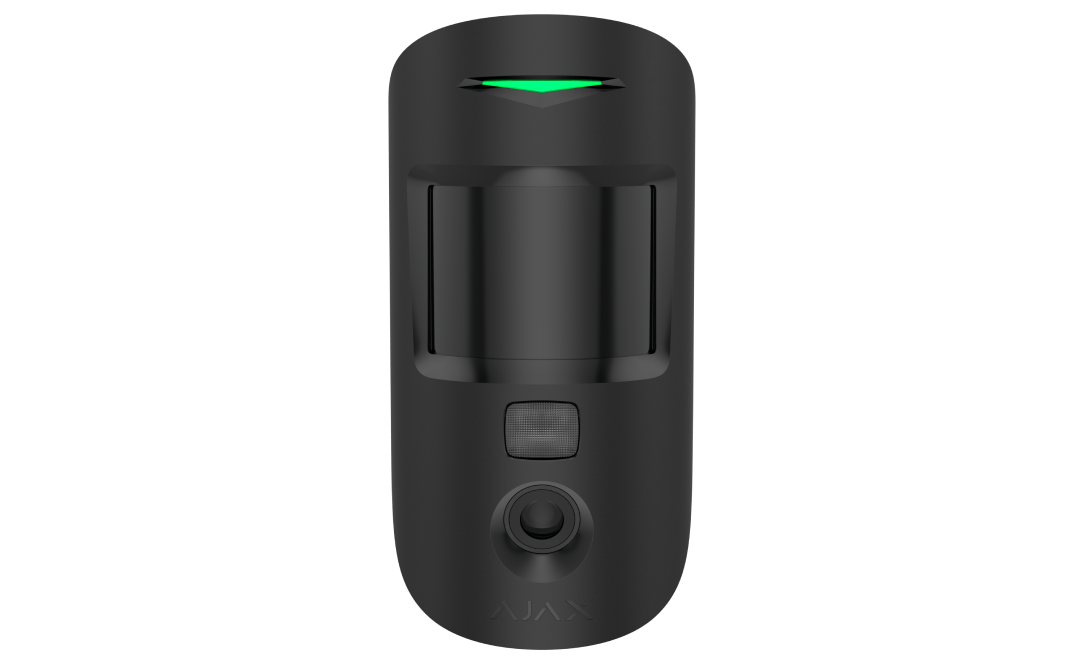
Superior MotionCam HD (PhOD) Jeweller
Check the exact imaging, masking, pet-immunity and system requirements.