MAKE IT YOURS
Socket (type F).
Smart plug with power consumption monitoring
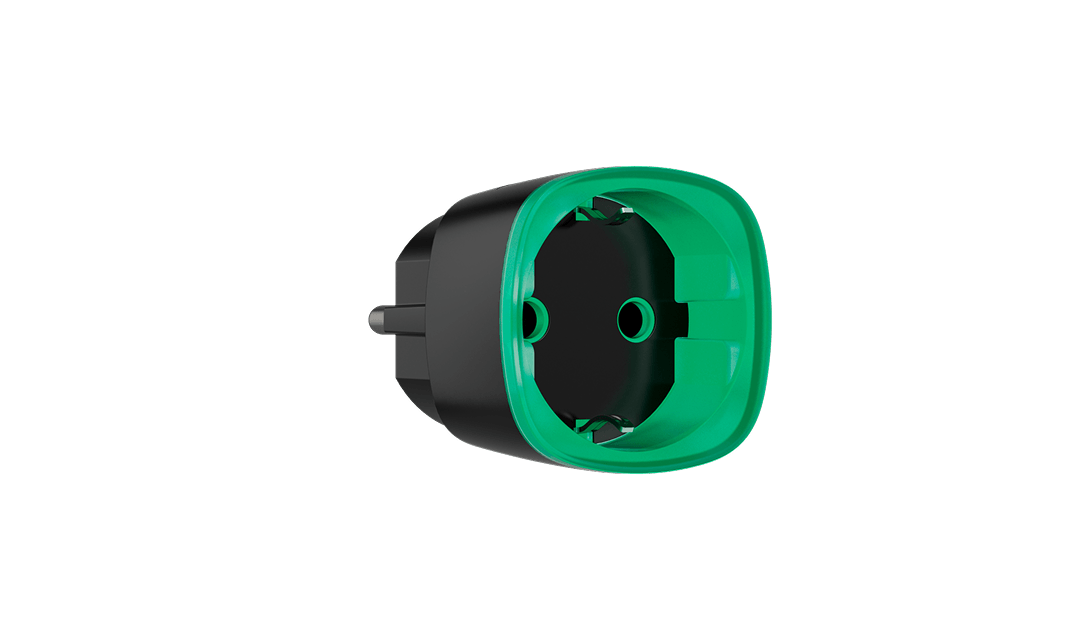
Control an appliance and see its energy use.
Socket (type F) Jeweller adds remote switching and consumption monitoring at a plug socket. You can manage the connected appliance through the Ajax app and include it in configured scenarios. It is a simple way to add control to suitable plug-in equipment, within the device’s electrical rating.
Key features. At a glance.
Control through the Ajax app
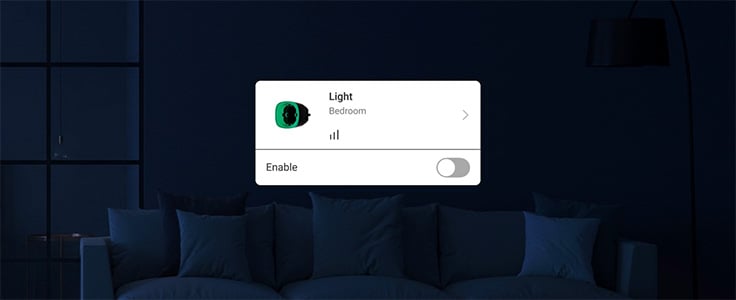
Switch a suitable connected appliance remotely.
11 A continuous maximum1
Up to 2.5 kW resistive at 230 V AC.
Energy monitoring
Current, voltage, power and accumulated energy.
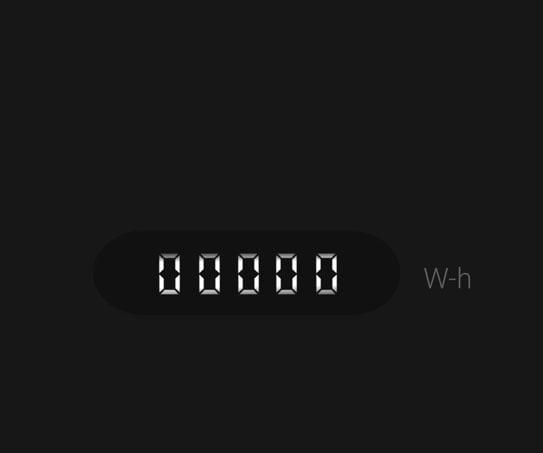
Energy counter resets on power loss
Review accumulated consumption before disconnecting the plug.
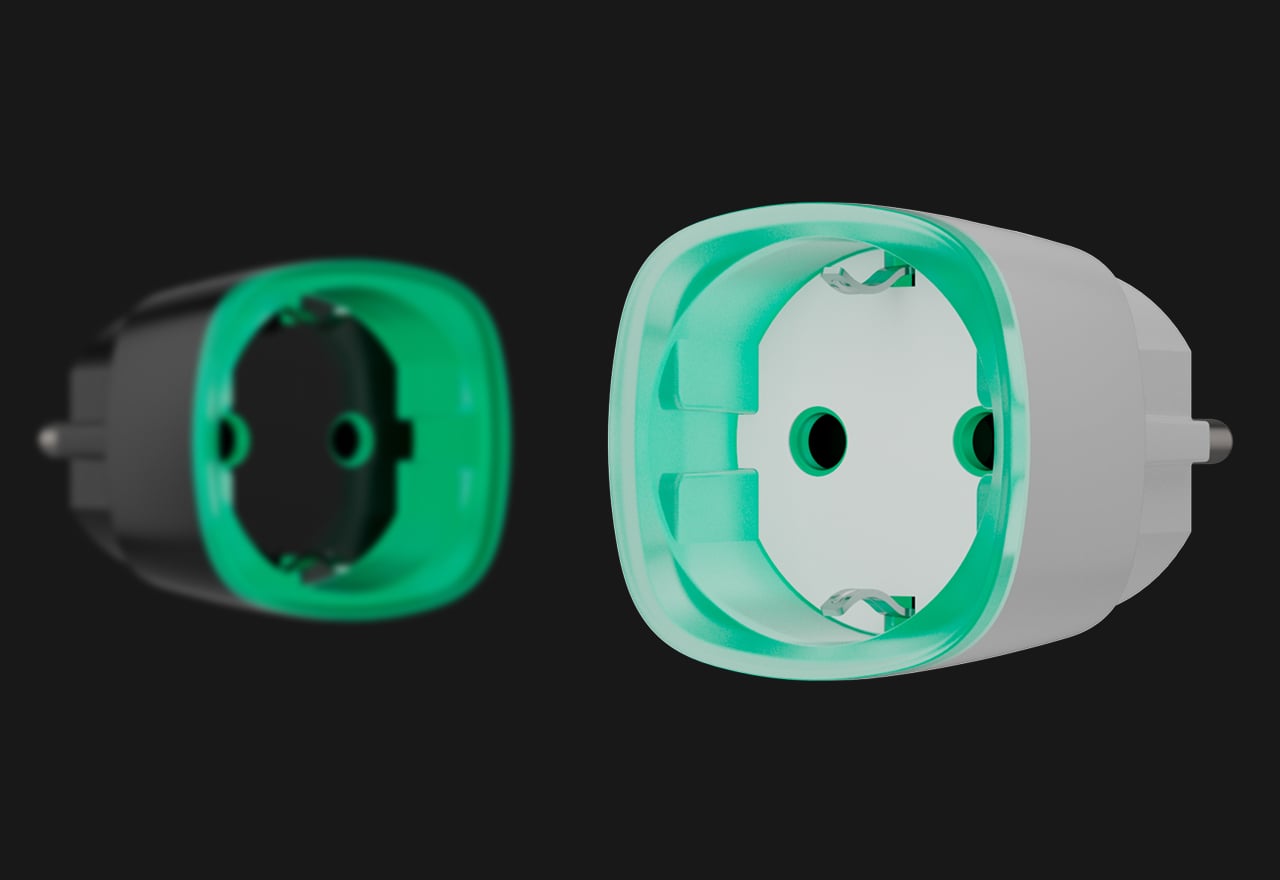
LED load indication
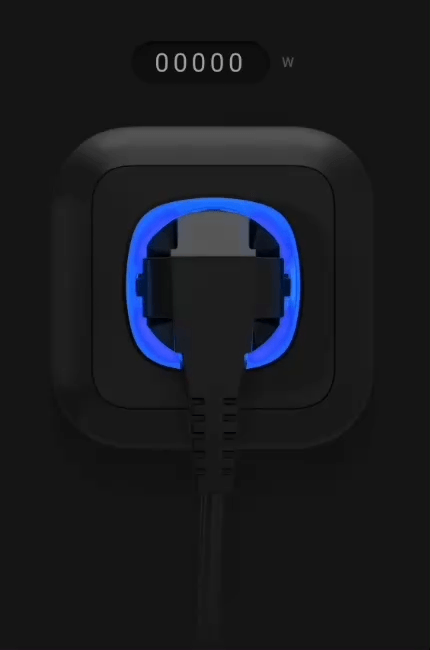
Colours show the connected load; brightness is configurable.
1–255 second pulses2
Choose pulse or bistable operation.
Automation scenarios
Use supported schedules, system events and control devices.
Normally open or closed
Configure the normal contact state for the appliance.
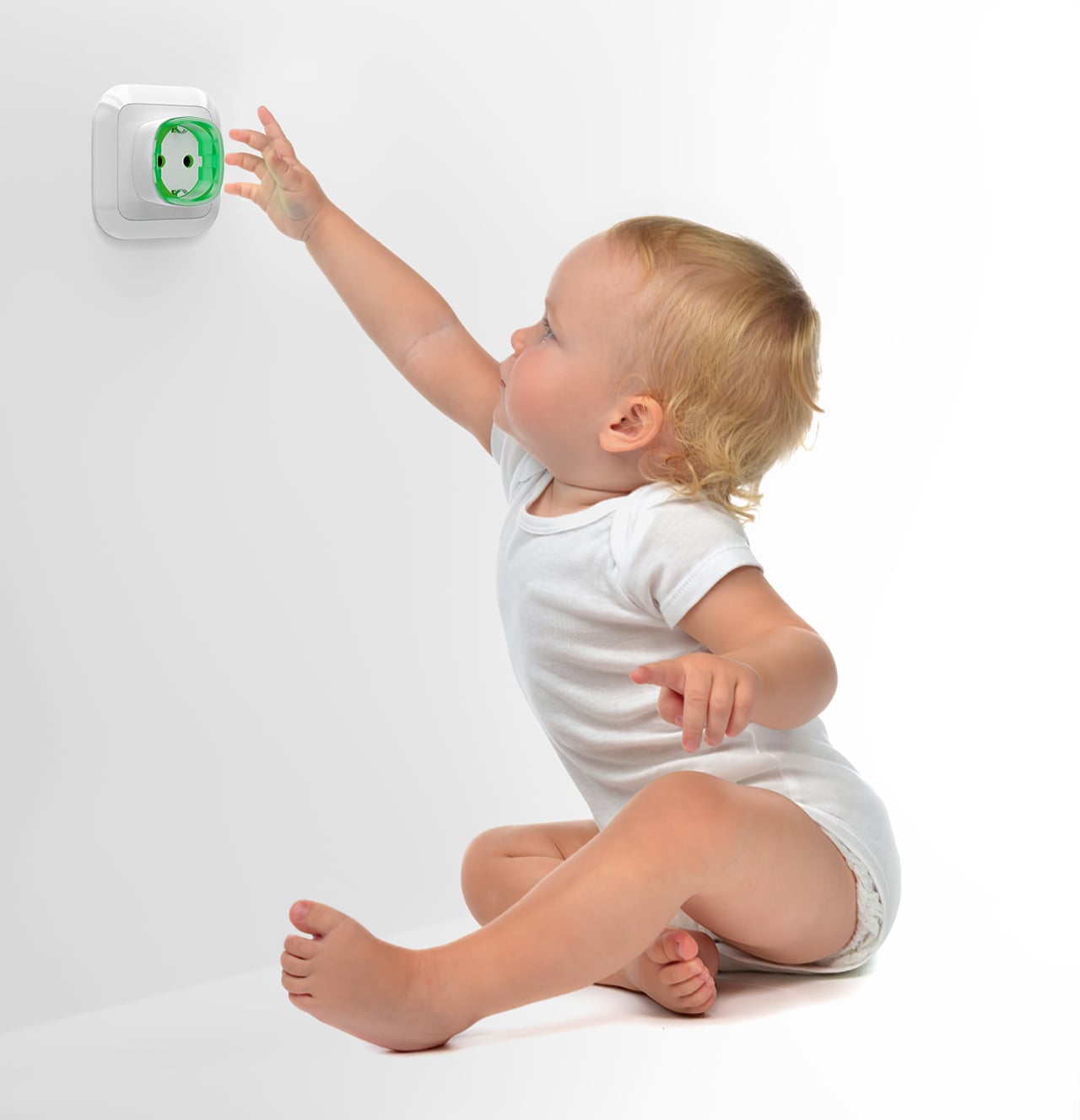
Internal safety shutters
Guarded contacts for a proper matching plug.
Electrical and temperature protection
Overcurrent, abnormal supply voltage and overheating.
Jeweller two-way radio
Encrypted communication through a compatible Ajax hub.
Up to 1,000 m
Open-space communication range; test the final outlet.
Connect by QR code
Name the plug and assign its room.
Type F · 110–230 V AC
Complete plug-in device for a matching outlet.
- 1At 110 V AC: up to 1.2 kW resistive. Inductive/capacitive switching is limited to 8 A at 230 V. Check the exact supply/protection settings.
- 2Type F pulse mode and selectable contact state require firmware 5.54.1.0 or later; earlier devices use bistable normally open operation.
Ajax product information ↗ · Socket (type F) Jeweller specifications ↗
Switch the appliance from the Ajax app.
Control at the plug
Socket adds remote switching to a suitable connected appliance. Use the Ajax app to check its state and turn the power on or off through a compatible hub.
Type F is controlled through the app or supported system commands. It has no Type G/Type B control button; pairing follows its own power-up procedure.
Understand the energy used by an appliance.
Current, voltage, power and energy
View the connected load’s readings in the Ajax app. Updates follow the configured device polling interval, so the displayed values are not a continuous laboratory measurement.
Type F’s energy counter resets when the plug loses power. Its manual also warns that current and power readings at loads up to 25 W may be inaccurate.
Read the load at a glance.
Colour follows consumption
The LED frame changes colour as the connected appliance’s load changes. Adjust its brightness or indication behaviour in the Ajax app.
Indicator colours describe the current load; they do not increase the continuous rating. The specified standby consumption is up to 1 W.
Choose how the plug responds.
Pulse or bistable operation
Bistable mode holds the selected state. Pulse mode changes the contact state for 1–255 seconds and then returns. Set normally open or normally closed behaviour to match the appliance.
Type F requires firmware 5.54.1.0 or later for pulse mode and selectable contact state. Earlier devices are bistable with normally open contacts; the specification identifies devices manufactured after 4 March 2020.
Match the plug to its electrical load.
11 A continuous maximum
Type F supports 110–230 V AC at 50/60 Hz: up to 2.5 kW resistive load at 230 V or 1.2 kW at 110 V. Inductive or capacitive loads have an 8 A limit at 230 V.
Current, voltage and temperature protection can disconnect the load. Protection thresholds are separate from the 11 A continuous rating. Verify the exact firmware and supply-voltage protection settings against the specification.
Internal shutters protect the socket openings.
A guarded connection
Internal shutters obstruct access to live contacts when no proper plug is inserted. The socket retains a grounding contact for suitable connected equipment.
For indoor, dry use only: IP20, 0–40 °C and up to 75% humidity. Shutters do not make the device waterproof or replace the installation’s electrical protection.
Build useful routines around the appliance.
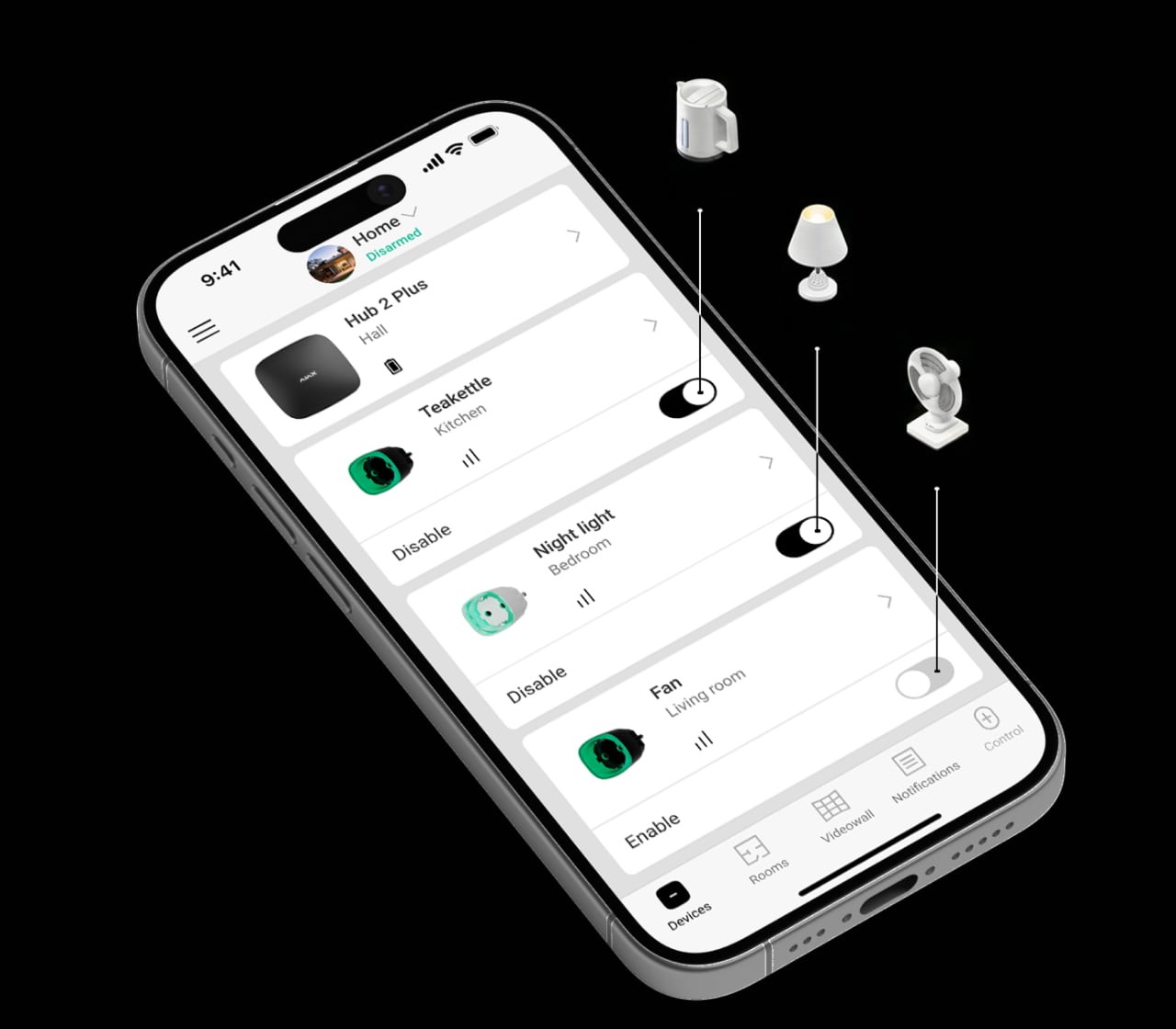
Prepare a suitable appliance before arrival
A configured command or schedule can turn on equipment that is designed for unattended remote operation.
Choose the appliance and intended action together; its own controls and operating instructions still apply.
Define the trigger and the return state.
A configured action, with a tested outcome
Choose the trigger, contact state and operating mode around the connected equipment. Test each scenario on the installed system, including what happens if power or the hub connection is lost.
A device that is offline misses its scenario trigger. A missed scheduled action does not automatically run when power returns. Humidity and CO₂ scenarios require LifeQuality; other triggers need their corresponding system devices.
A supervised connection to your system.
Jeweller two-way radio
Jeweller carries device events, alarms and commands using encryption, device authentication, frequency hopping and automatic power adjustment.
Use a compatible hub and the matching regional radio version. Walls, metal and the final installation position affect reception; test the link on site. Alarm delivery and connection-loss reporting are different timings.
Connect, name and test.
Add the exact plug to the system
Scan the QR code in the Ajax app, give the plug a name and assign its room. Confirm that the device is within the compatible hub’s radio coverage.
Type F sends its pairing request on power-up. Follow the manual’s timing and unpairing procedure when moving it to another hub.
Find the right power outlet.
Compare Socket Type F, Type G and Type B for plug-in appliance control. Check the physical plug, local supply and load before comparing convenience features.
Compare power outlets →Every detail, in one place.
Power supply
- Power supply voltage
- 110–230 V~, 50/60 Hz
- Maximum continuous load current
- 11 A
- Output power
- up to 2.5 kW (resistive load at 230 V~) up to 1.2 kW (resistive load at 110 V~)
- Average consumption
- up to 1 W
- Current protection
- more than 11 A (when Current protection is enabled) more than 13 A (when Current protection is disabled) Once the current exceeds the specified level, the plug turns off automatically.
- Voltage protection for 230 V~ mains electricity
- min — 184 V~ max — 253 V~ Once the voltage exceeds the specified levels, the plug turns off automatically.
- Voltage protection for 110 V~ mains electricity
- min — 88 V~ max — 121 V~ Once the voltage exceeds the specified levels, the plug turns off automatically.
Communication
- Jeweller communication technology
- Two-way system communication for the functions specified for this model.
- Radio communication range
- up to 1,000 m Between the device and a hub (or a range extender) in an open space.
- Encrypted communication
- Encrypted device communication.
- Frequency hopping
- To prevent radio interference and jamming.
Key features
- Control via smartphone
- The user can set up the plug configurations and receive a detailed event log in the Ajax app.
- Automation scenarios
- By arming/disarming; By schedule; By alarm; By temperature; By humidity1; By CO2 concentration1; By touching LightSwitch / pressing Button 1 Scenarios by humidity and CO2 concentrations are available when LifeQuality Jeweller is added to the system.
- Energy consumption monitor
- Control of the current, voltage, power, and electric energy consumed by connected appliances.
- Adjustable pulse duration2
- from 1 to 255 s
- LED indication
- Informs about the plug’s state and the power consumption of connected appliances with different colors. The brightness of the LED frame can be adjusted or turned off in the Ajax app.
- Operation modes
- pulse2; bistable 2 Available on devices with firmware version 5.54.1.0 or higher manufactured after March 4, 2020.
- Contact state
- normally open; normally closed
Sabotage protection
- Protection against spoofing
- device authentication
- Communication loss detection
- after 36 s Detection time depends on the Jeweller or Jeweller/Fibra settings.
Enclosure
- Dimensions
- 45 × 45 × 69.5 mm
- Weight
- 58 g
- Operating temperature range
- from 0 °C to +40 °C
- Operating humidity
- up to 75% with no condensation
- Protection class
- IP20
What’s in the box
- Socket (type F) Jeweller
- Quick start guide
For your installation
- Confirm the supported control panel, device software and regional radio version; test coverage at the final installation position.
- The device is designed for indoor use only. A professional electrician should install the device.
Find the right protection.
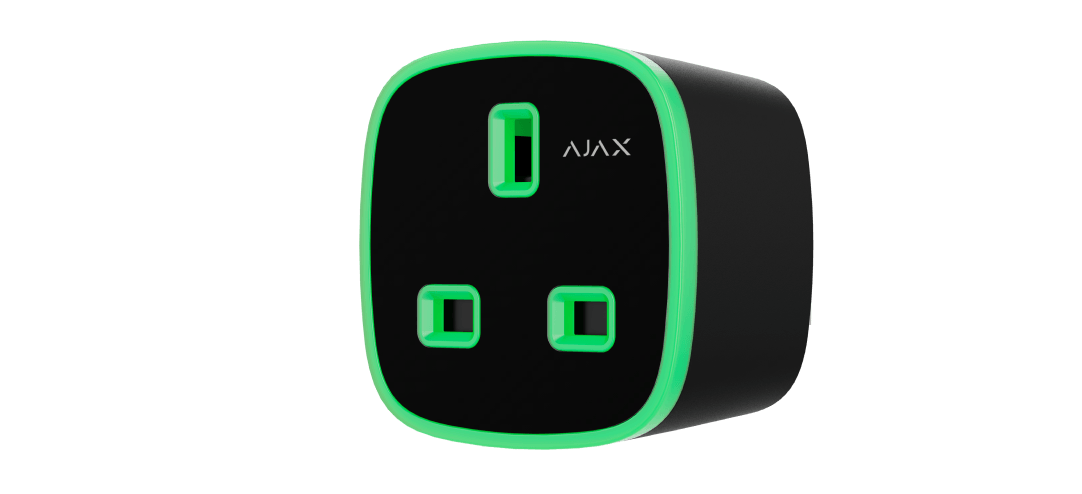
Socket (type G) Jeweller
Review the electrical and regional requirements before selecting another plug type.
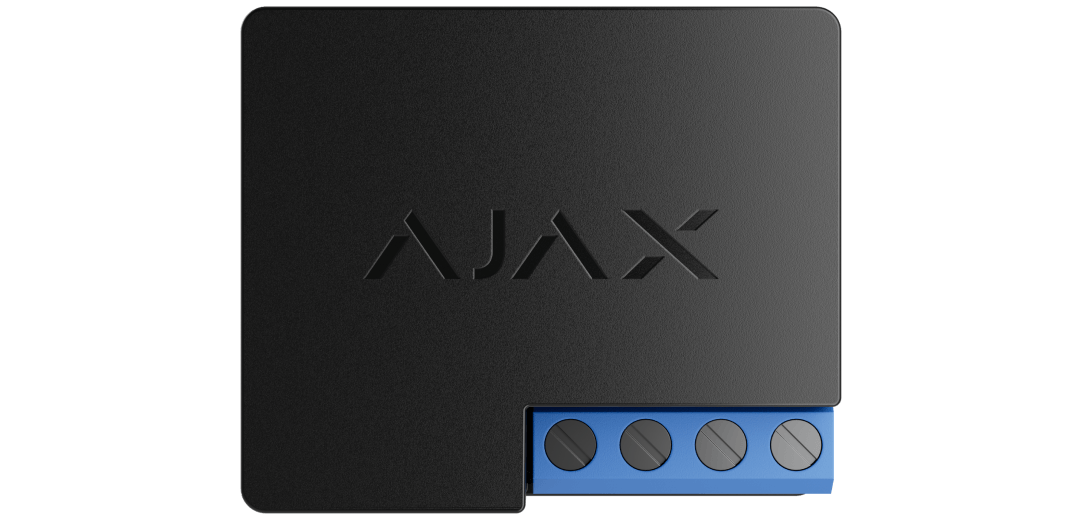
WallSwitch Jeweller
A professional can assess suitable mains switching inside an installation enclosure.