MAKE IT YOURS
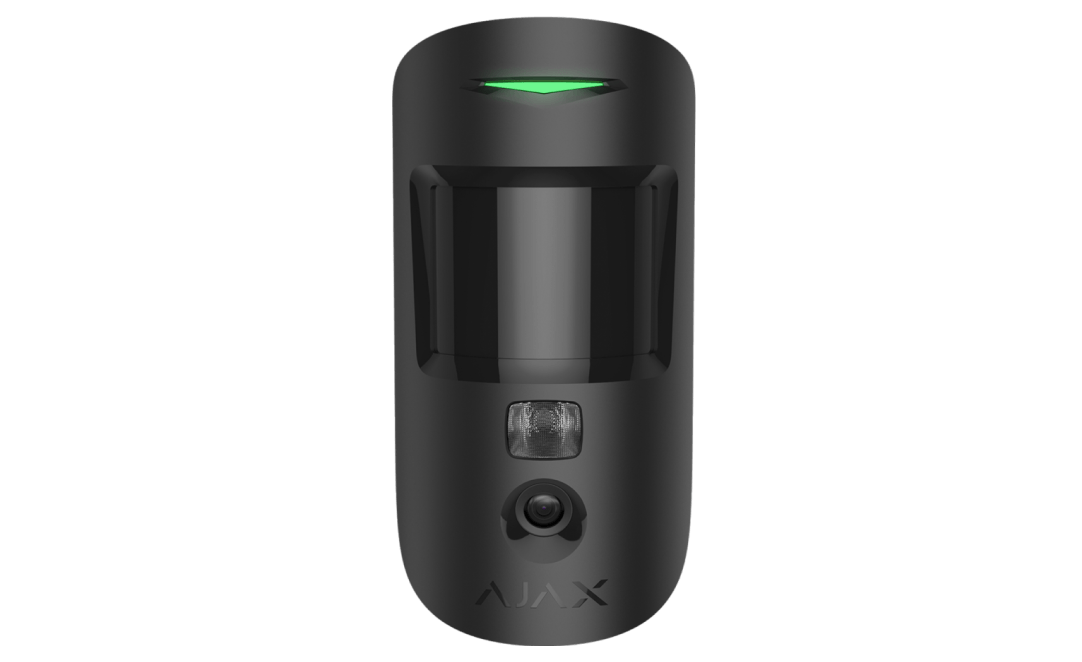
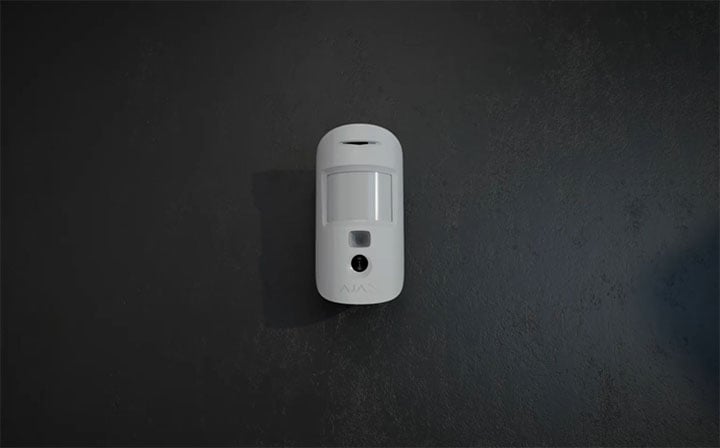
MotionCam HDR (PhOD).
Alarm photos, plus photos on request when users have granted permission.
Standards and certifications
MotionCam (PhOD) Jeweller · MC.P.J. Manufacturer-listed marks; regional and installation conditions apply.
See the reason behind an alarm.
MotionCam HDR (PhOD) Jeweller detects movement and sends photographs that help explain an alarm. With the appropriate permissions, you can also request a picture or use supported scenarios to check the room. Photo access is controlled in the Ajax app, bringing visual verification and privacy settings together in one security system.
Key features. At a glance.
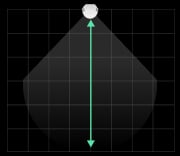
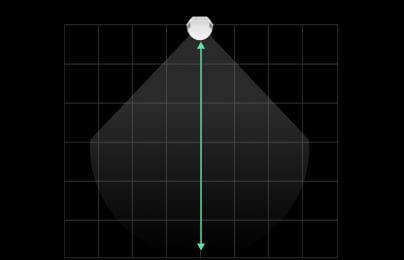
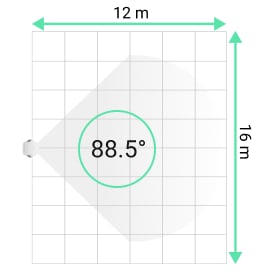
Up to 12 m
motion detection distance
Horizontal viewing angle
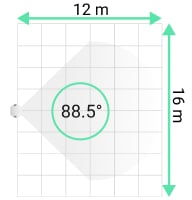
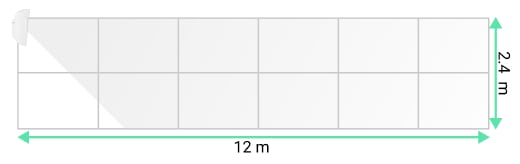
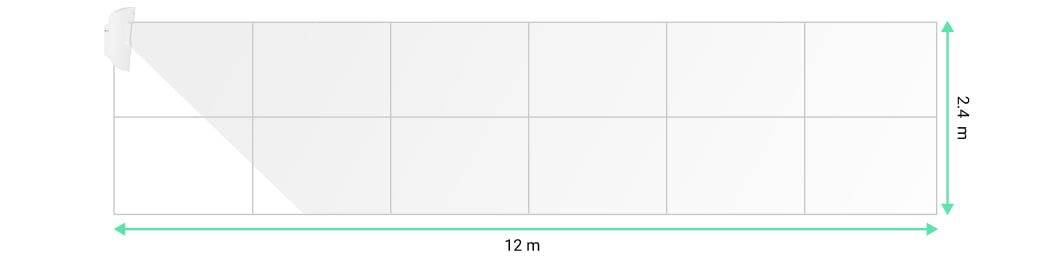
Vertical viewing angle
Versatile photo verification possibilities


9 seconds1
to deliver the first photo
HDR technology for clear photos2


Software algorithm to prevent false alarms
Remote control and configuration

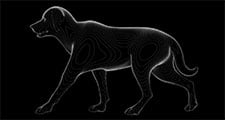
Pet immunity
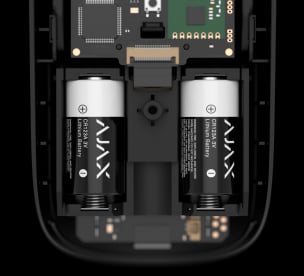
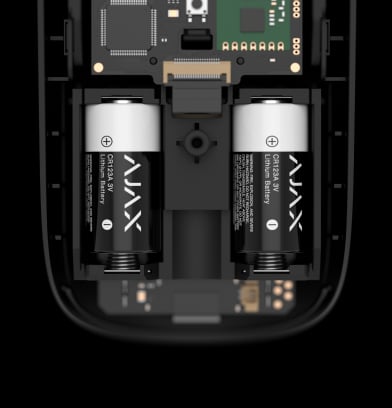
Up to 4 years
with photo on demand disabled; up to 3 years when enabled

Up to 1,700 m3
communication range with an Ajax hub or range extender
Informative push notifications

IR illumination
for low-light conditions

Power adjustment
Temperature compensation

for effective detection in heat and cold
Two colors

Hassle-free installation


- 1First-photo delivery timing depends on resolution, signal quality and connection path. The 9-second figure applies to the manufacturer’s stated test conditions, not every photo resolution.
- 2The HDR image feature is available for devices with the 16.59.36.5 firmware version or later. Сontact your Ajax Systems manager, supplier, or authorized partner to check the availability in your region.
- 3Range is measured in open space; walls and installation conditions reduce it.
Protection in real places.
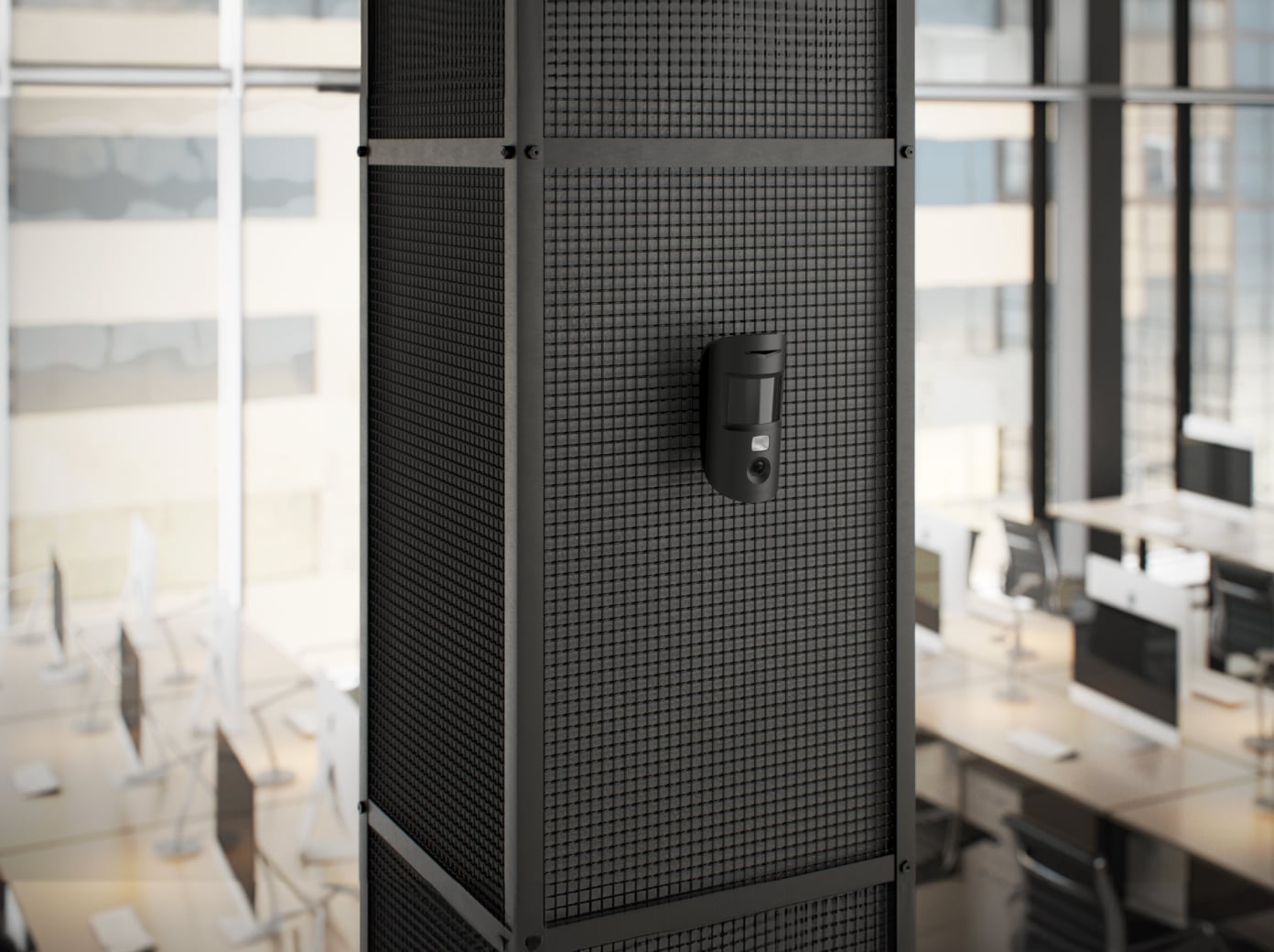
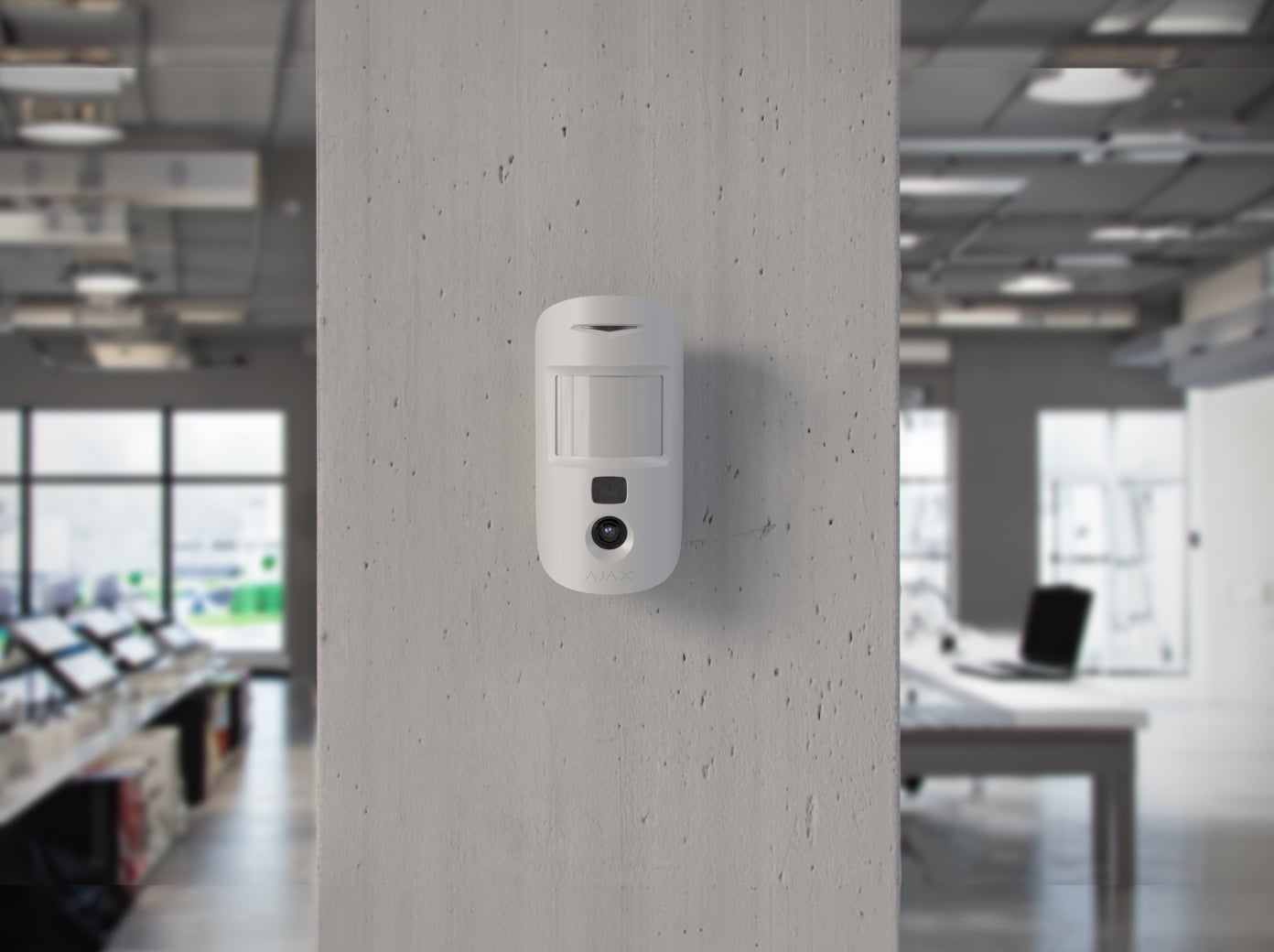
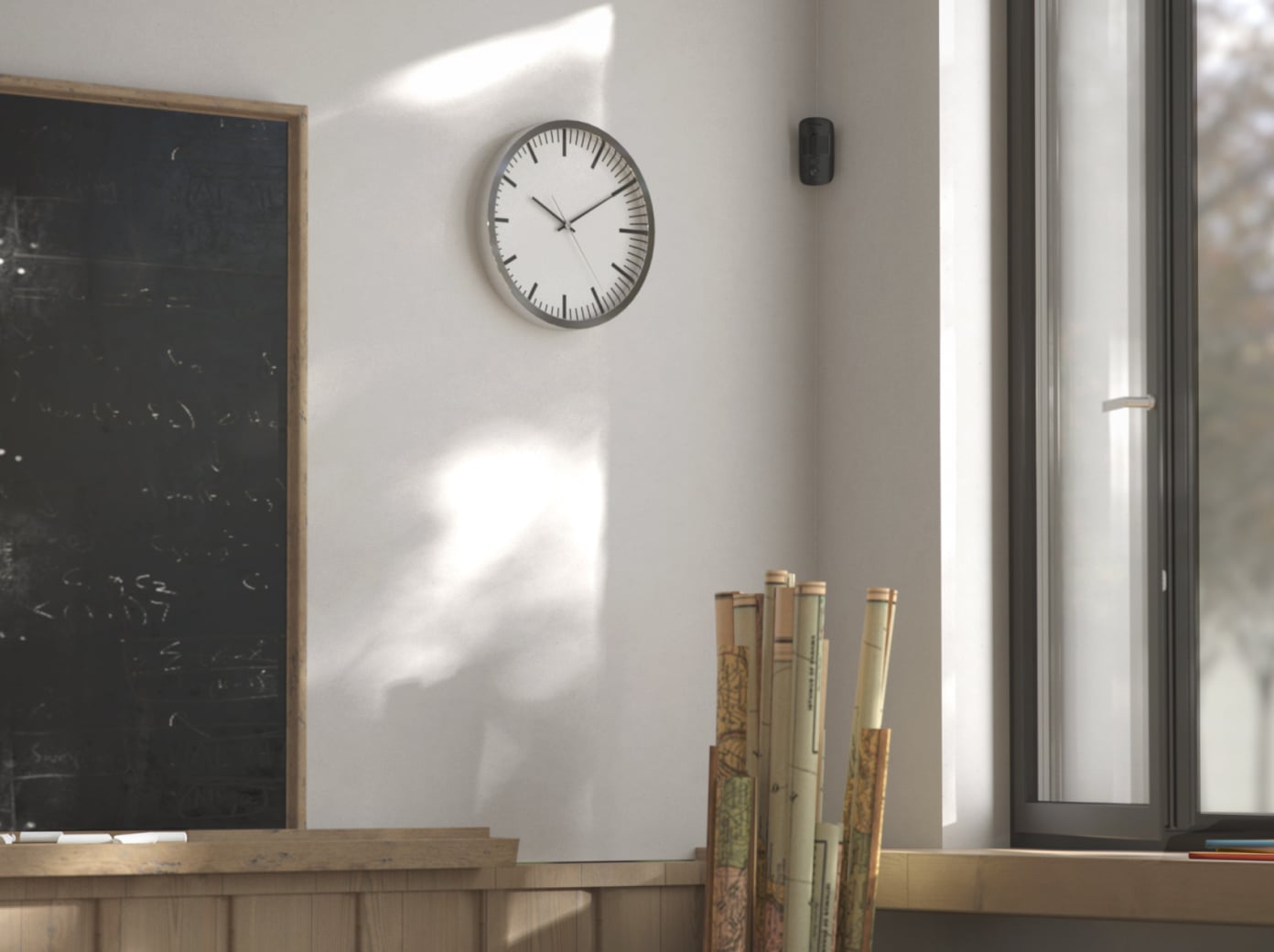
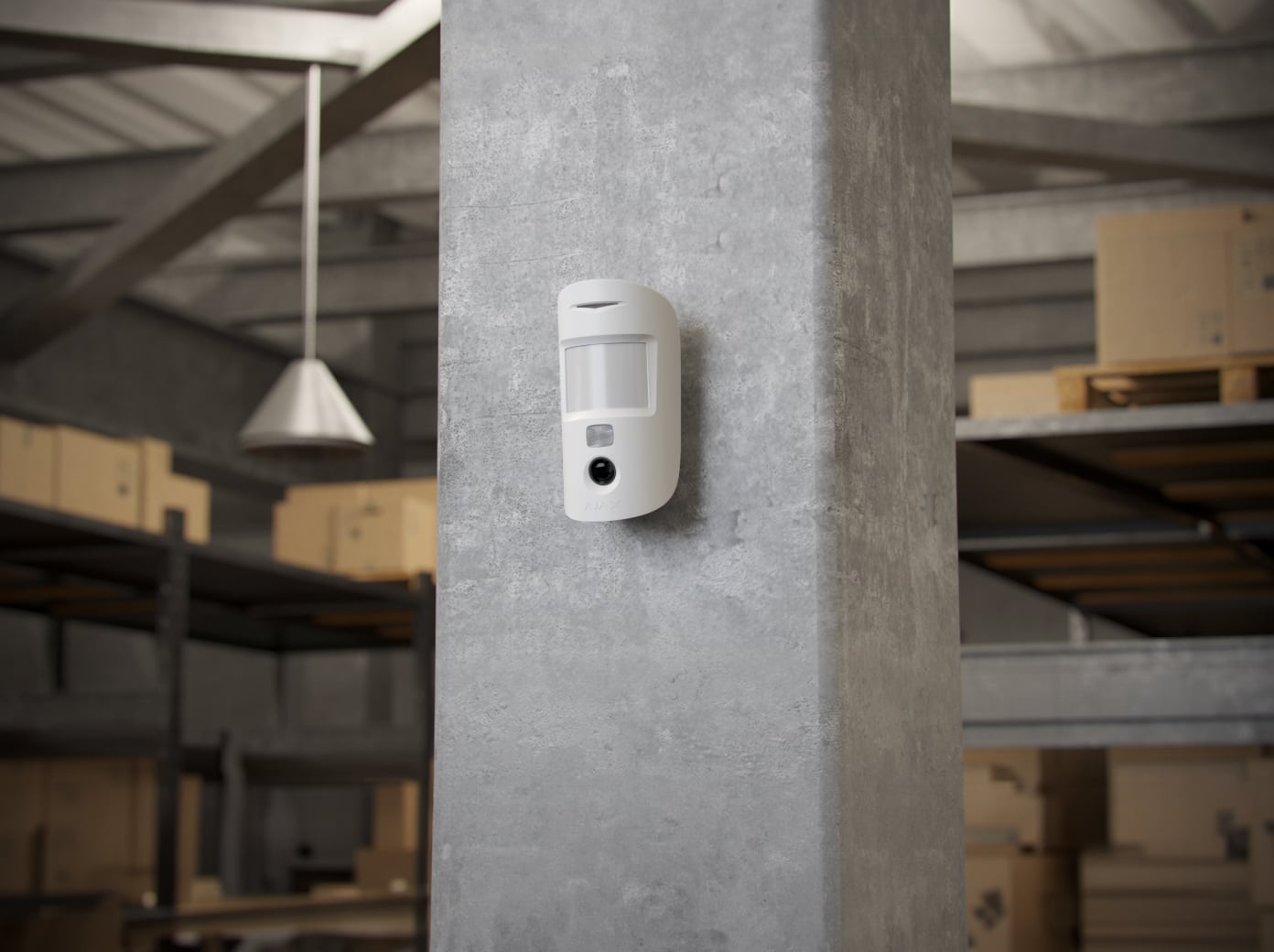
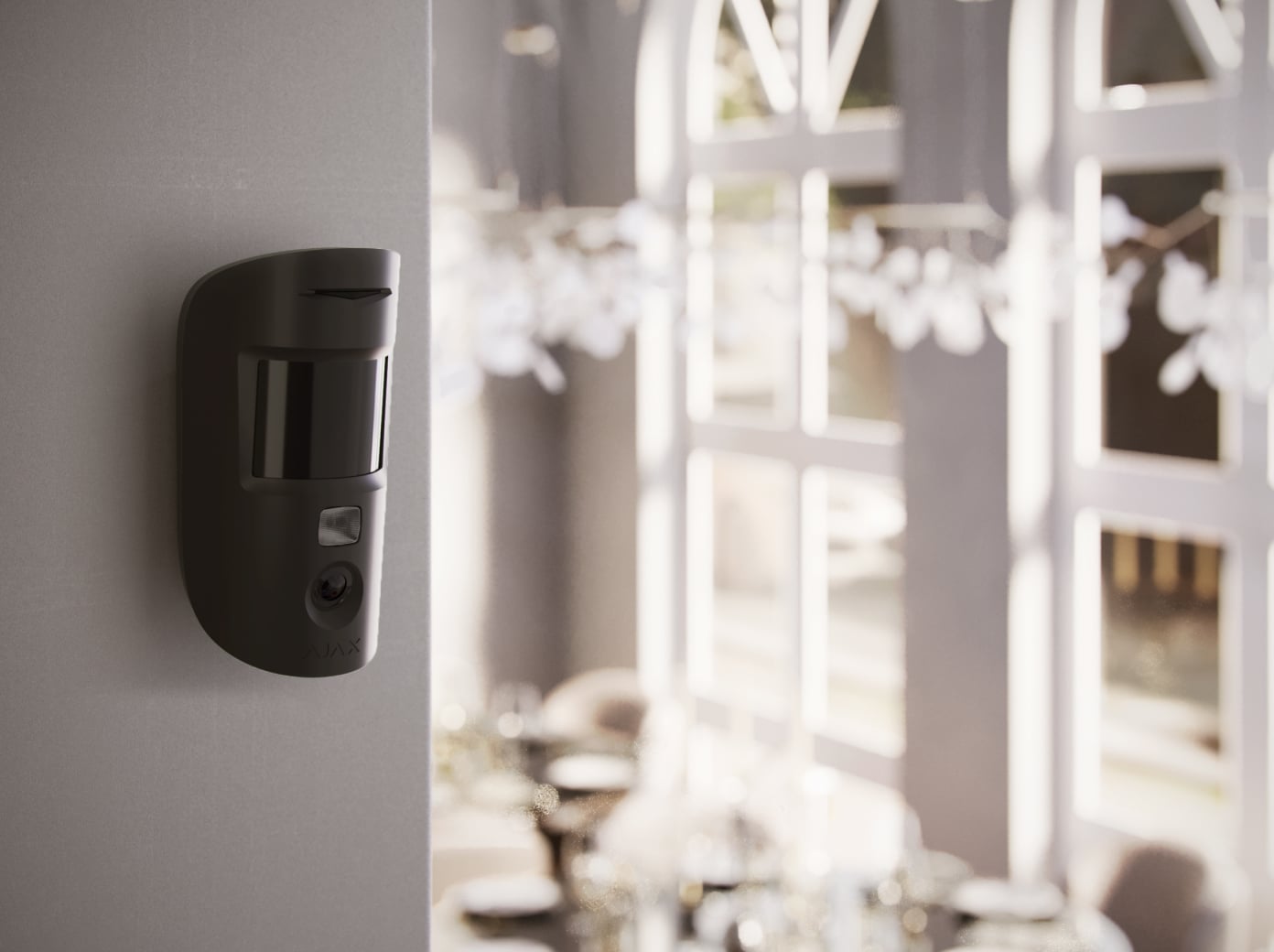
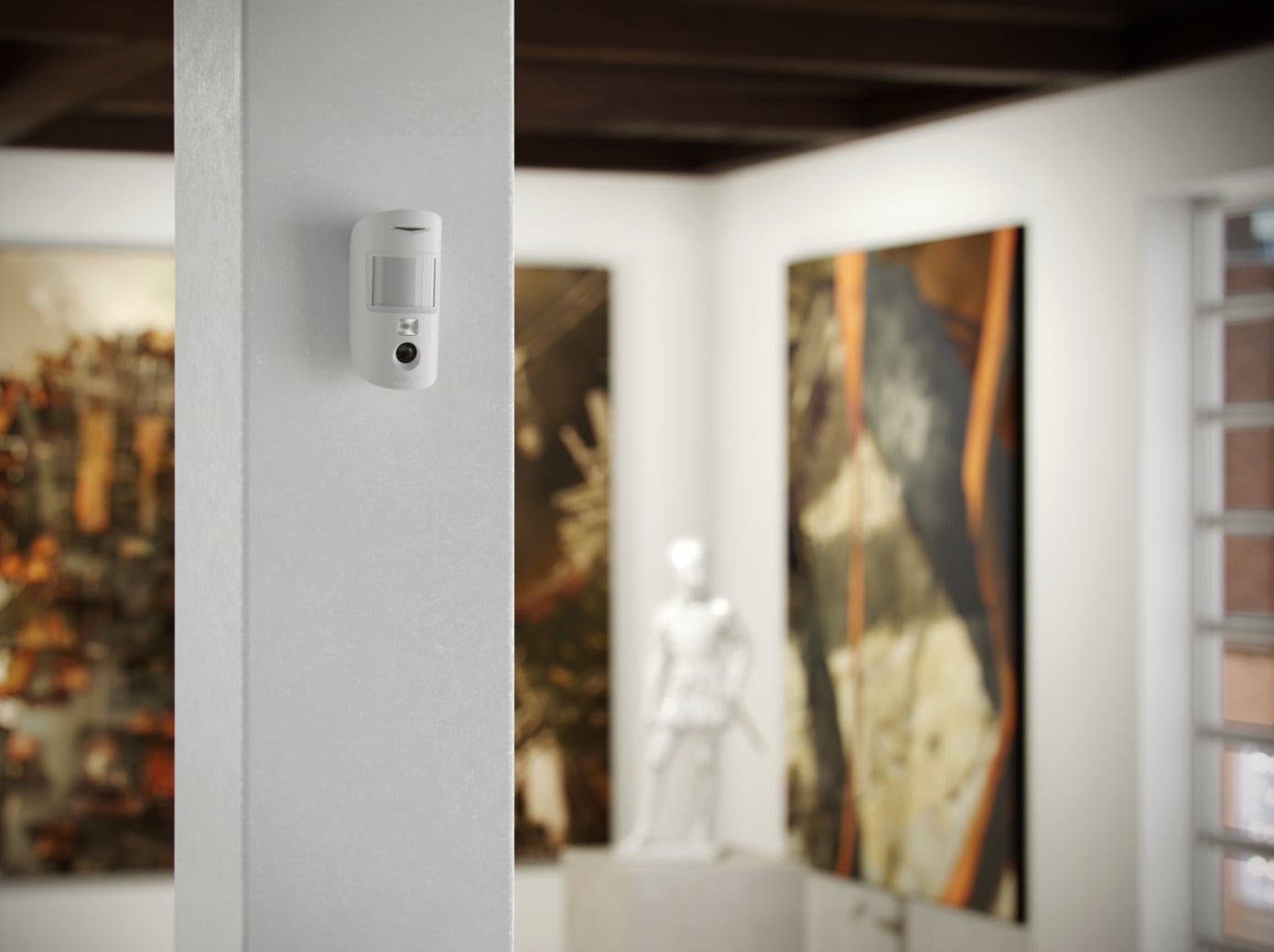
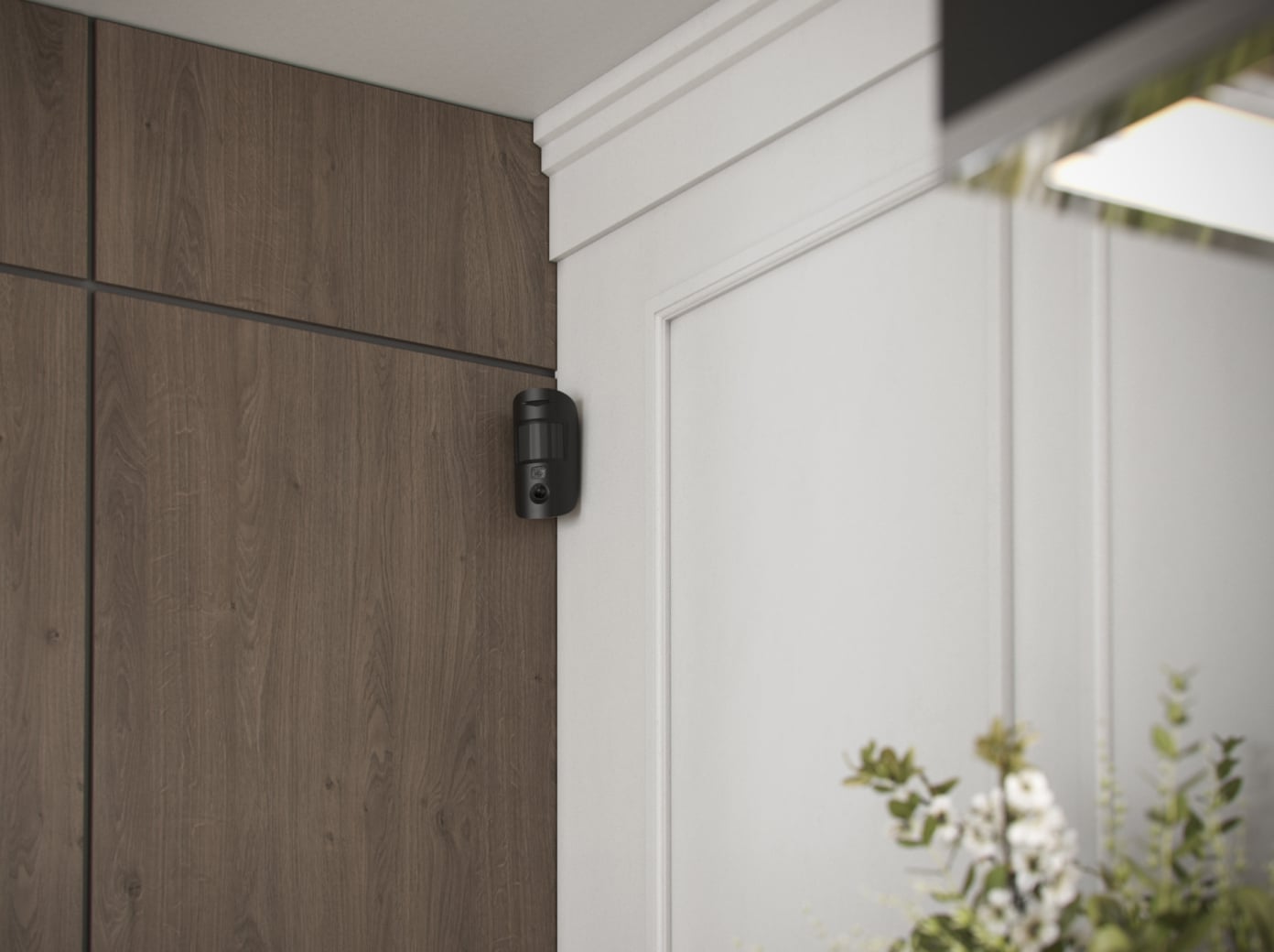
MotionCam HDR (PhOD) Jeweller
Every detail has a purpose.
Explore the parts. See what they do for you.
Loading detail…
See what is happening. When it matters.
Choose a photo mode to see how it works. These are event-based still images; continuous live video is a separate camera function.
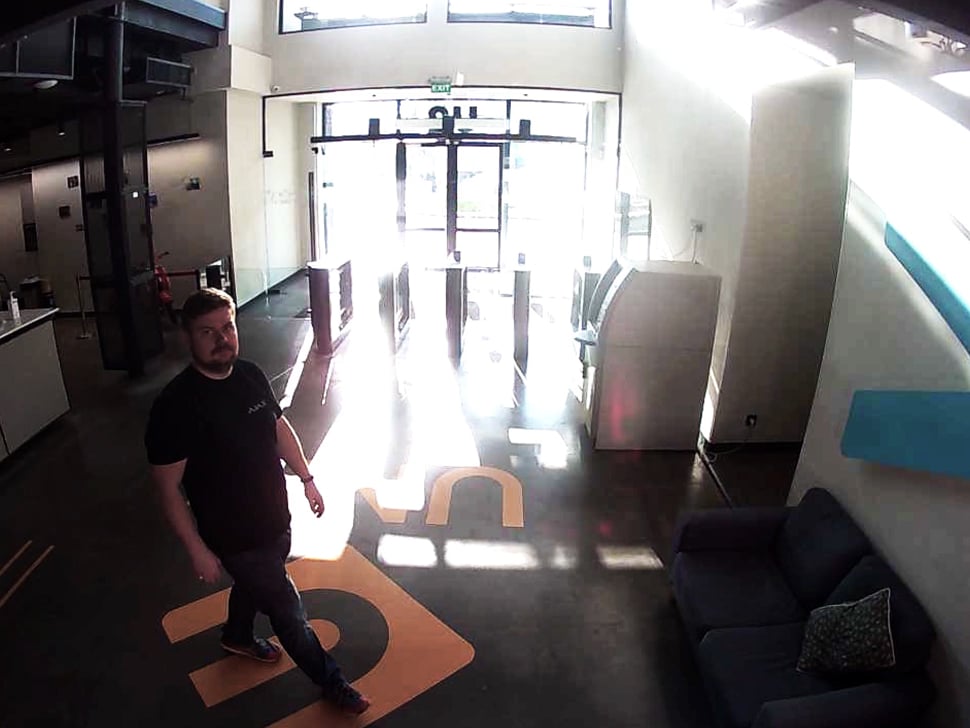
On alarm
A detected intrusion triggers a photo series. The images appear alongside the event in the Ajax app, helping you decide how to respond.
First image from 9 seconds at 320 × 240 under the signal and connection conditions in the manual.
More detail in difficult light.
HDR photo verification
HDR improves detail when bright and dark areas share the same scene. Infrared illumination also makes alarm photos possible in darkness.
HDR availability follows the detector revision; the manufacturer specifies firmware 16.59.36.5 or later for MotionCam (PhOD).
Your photos. Your permissions.

You choose who can request photos
An administrator grants photo permissions to individual users and sets when requests are allowed.

Requests leave a record
Photo requests and the resulting events are recorded in the app, keeping access visible to the people managing the system.

Protected in transit and storage
Ajax encrypts photographs during transmission and storage. Access depends on the user’s permissions.
Recognise motion. Reduce unwanted alarms.
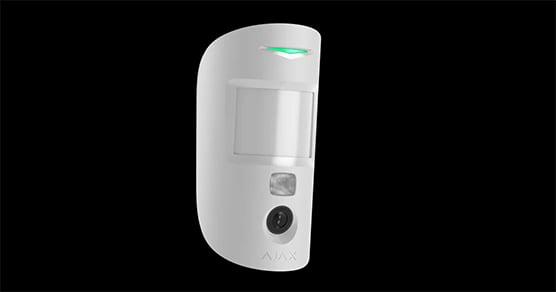
PIR detection
The infrared sensor detects movement within the planned coverage. The lens and SmartDetect analysis work together to distinguish a person from common sources of interference.
Ready to stay connected.
Up to 4 years on batteries
Up to 4 years with photo on demand disabled, or up to 3 years when enabled. Actual battery life depends on settings, photo use, temperature and radio conditions.
Events and photos have their own radio paths
Jeweller transmits alarms and status; Wings carries photographs. Both need a compatible system and adequate signal at the installation point.
Coverage can grow with your property
Where a signal check calls for it, a compatible photo-capable range extender can connect more distant rooms. ReX 2 can also use Ethernet for the link to the hub. Additional equipment is selected after the on-site signal check.
The system checks the detector, too.

Status, connection and tamper alerts
Regular communication checks reveal lost connections. Tamper detection reports removal attempts, while device authentication and encryption protect radio communication.
Installed carefully. Managed in the app.
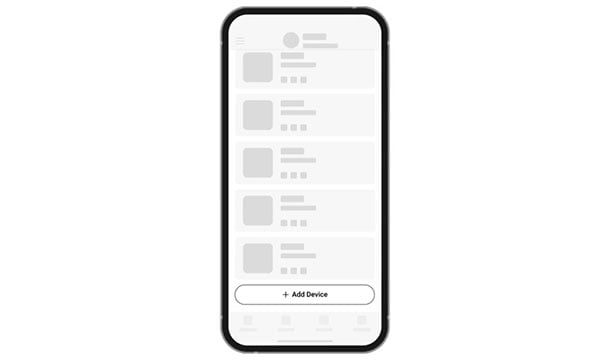
Connect
An installer adds the detector to the compatible hub using its QR code, then gives it a clear room and device name.
Find the right motion detector.
Compare indoor, outdoor and curtain detectors across Baseline and Superior. See what changes for the place you protect, alarm photos, animals and installation.
Compare motion detectors →Every detail, in one place.
Communication
- Jeweller communication technology
- Two-way system communication for the functions specified for this model.
- Radio signal range
- up to 1,700 m Between detector and control panel or range extender in an open space.
- Encrypted communication
- Encrypted device communication.
- Frequency hopping
- Radio communication uses frequency hopping to prevent interception and jamming.
- Wings communication technology
- Two-way system communication for the functions specified for this model.
- Radio signal range
- up to 1,700 m Between detector and control panel or range extender in an open space.
- Encrypted communication
- Encrypted device communication.
Detection
- Sensitive element
- 1 PIR sensor
- Motion detection distance
- up to 12 m When installed at a height of 2.4 m.
- Motion detection angles
- horizontal — 88.5°
- Motion detection speed
- from 0.3 to 2.0 m/s The direction of the detector lens should be perpendicular to an alleged intrusion path into the facility.
- Sensitivity
- 3 levels Adjusted by PRO or user with admin rights in the Ajax app.
- Pet immunity
- weight: up to 20 kg height: up to 50 cm
- False alarm prevention
- SmartDetect Software algorithm.
Photo verification
- Photo by alarm
- A built-in camera is activated if the detector is armed, and motion is detected.
- Photo on demand
- User takes pictures at any time or when the detector is armed (depends on settings). The feature is disabled by default.
- Photo by scenario
- A detector camera takes pictures automatically when Ajax fire detectors are triggered. The feature is disabled by default.
- Photo by schedule
- The detector automatically takes photos at a specified time. This feature is available for hubs with firmware version OS Malevich 2.19 or later.
- Photo by arming/disarming
- The detector automatically takes photos when the security state is changed.
- Photo resolution
- 640 × 480 px 320 × 240 px (by default) 160 × 120 px Adjusted by PRO or user with admin rights in the Ajax app.
- HDR image
- Improves the accuracy of detail in bright and dark scenes. The feature is available for devices with the 16.59.36.5 firmware version or later1. 1 Contact your Ajax supplier or authorized partner to check the availability in your region.
Sabotage protection
- Tampering alarm
- Alerts of attempts to detach the detector from the surface or remove it from the mounting panel.
- Protection against spoofing
- device authentication
- Communication loss detection
- within 36 s Detection time depends on the Jeweller or Jeweller/Fibra settings.
Power supply
- Battery
- 2 × CR123A Pre-installed.
- Calculated battery life
- up to 4 years With Photo on demand toggle disabled. up to 3 years With Photo on demand toggle enabled.
- Operating voltage range
- 4.2−6.2 V⎓
- Full capacity
- 1,550 mAh
Enclosure
- Dimensions
- 135 × 70 × 60 mm
- Weight
- 170 g
- Operating temperature range
- from −10 °C to +40 °C
- Operating humidity
- up to 75%
- Protection class
- IP50
What’s in the box
- MotionCam (PhOD) Jeweller
- SmartBracket mounting panel
- Installation kit
- 2 × CR123A battery (pre-installed)
- Quick start guide
For your installation
- Requires a compatible Ajax hub with support for this model and for photo transmission.
- Photo-on-demand availability depends on hub firmware and app permissions.
- Jeweller radio device. Hub, model, firmware and regional version must be checked for your exact system before ordering.
- Supplied HDR revision: device firmware 16.59.36.5 or later. Confirm at commissioning.