MAKE IT YOURS
LeaksProtect.
A flat detector for the places water actually appears first.
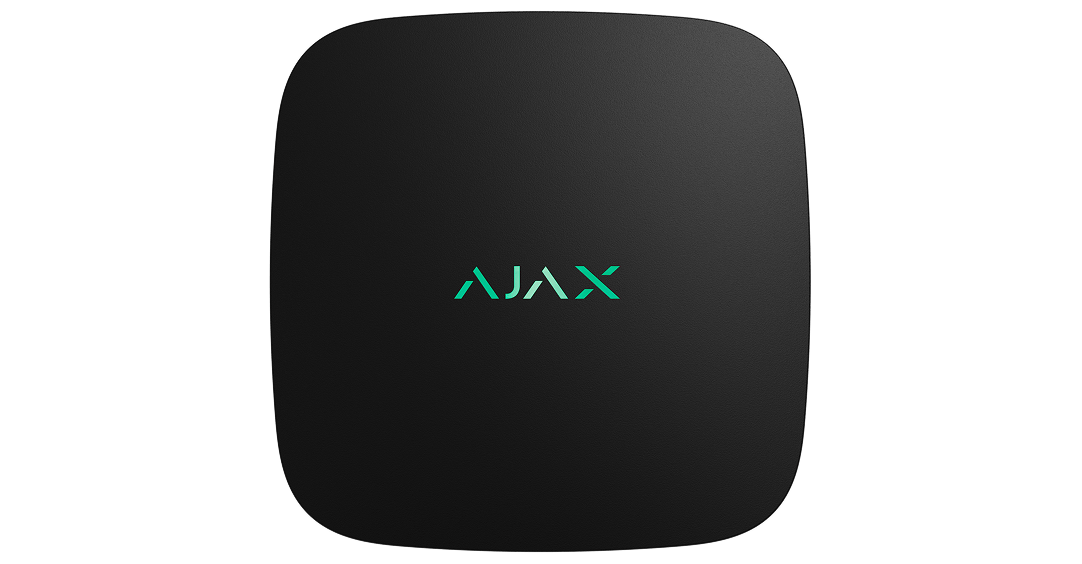
Notice a leak where water first collects.
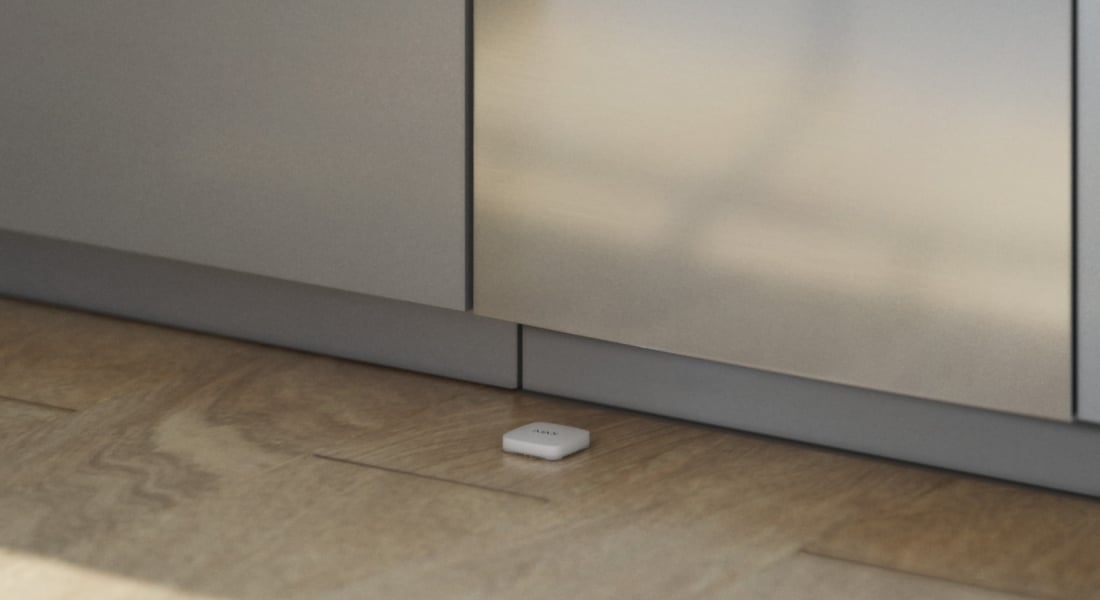
LeaksProtect Jeweller is placed on the floor near a possible leak, such as beside an appliance or under a sink. Water reaching its contacts becomes an alert through the Ajax system. It can also be part of a configured shutoff scenario with compatible water-control equipment.
Key features. At a glance.
Always watching for water
Active while the system is armed or disarmed.

24/7 monitoring
For indoor water-risk points.
Four pairs of water contacts
Reports a leak when water reaches a contact pair, and reports when it dries.

IP65 enclosure
Indoor operation at 0–50 °C.
Up to 5 years1
On two pre-installed, replaceable AAA batteries.
14 mm
high
Fits under many appliances and bathroom fittings.
Informative notifications
Know the device, room and event.
- Leak detected · named device and room
- Water dried · device state restored
Up to 1,300 m2
Encrypted two-way Jeweller communication.
A configured automatic response
Pair with a compatible hub and WaterStop to shut off the affected feed.
App setup and monitoring
Review battery, connection and water state in Ajax apps.
No mounting required
Place on a horizontal, non-conductive surface where a leak is likely.
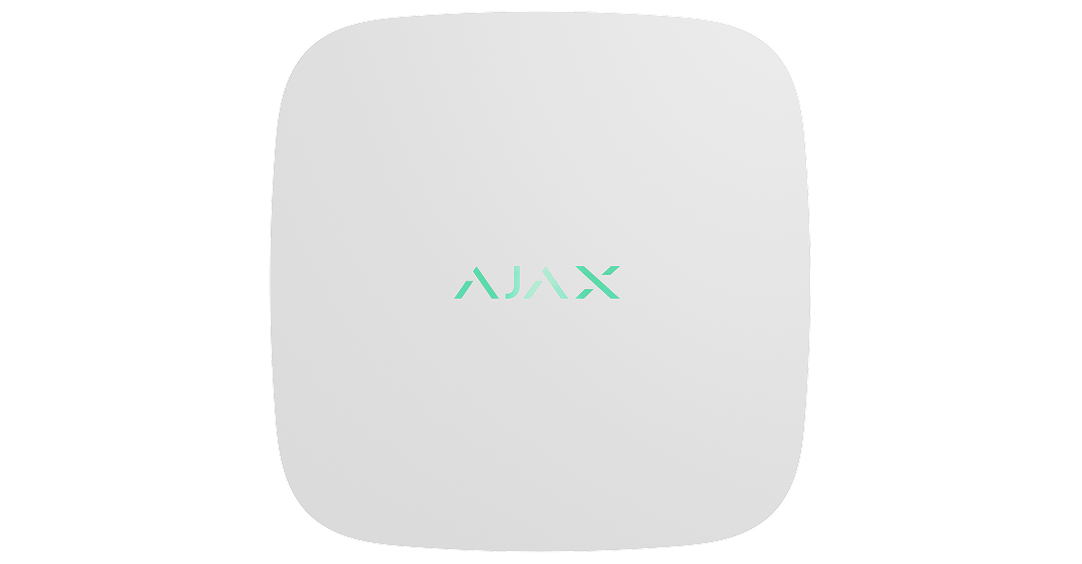
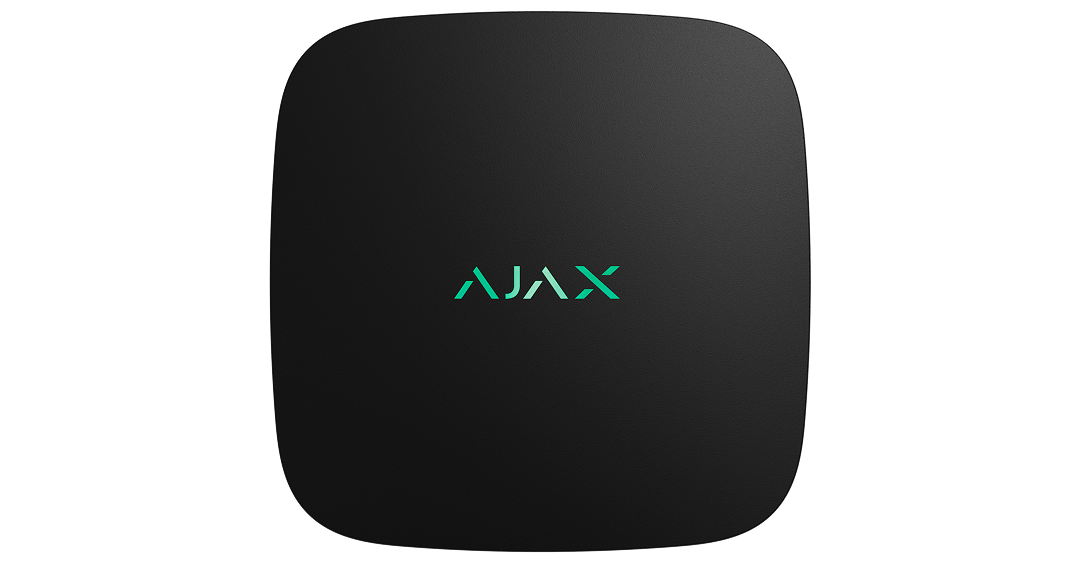
Two colours
White or black.
- 1Manufacturer estimate at a one-minute polling interval; actual endurance depends on use and conditions.
- 2In open space. Walls, metal and placement reduce usable range.
Protection in real places.
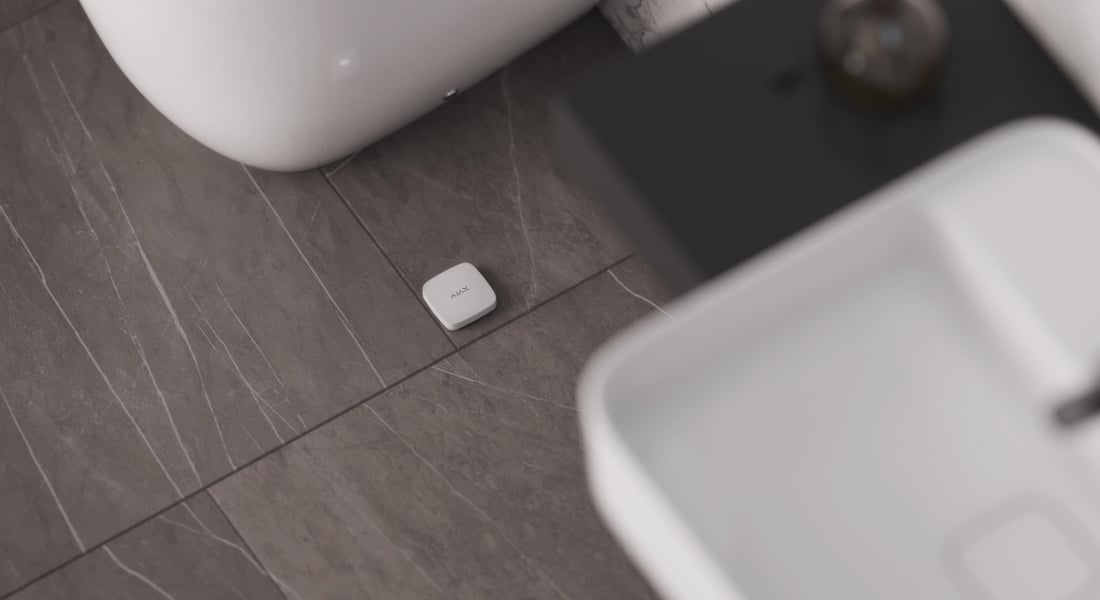
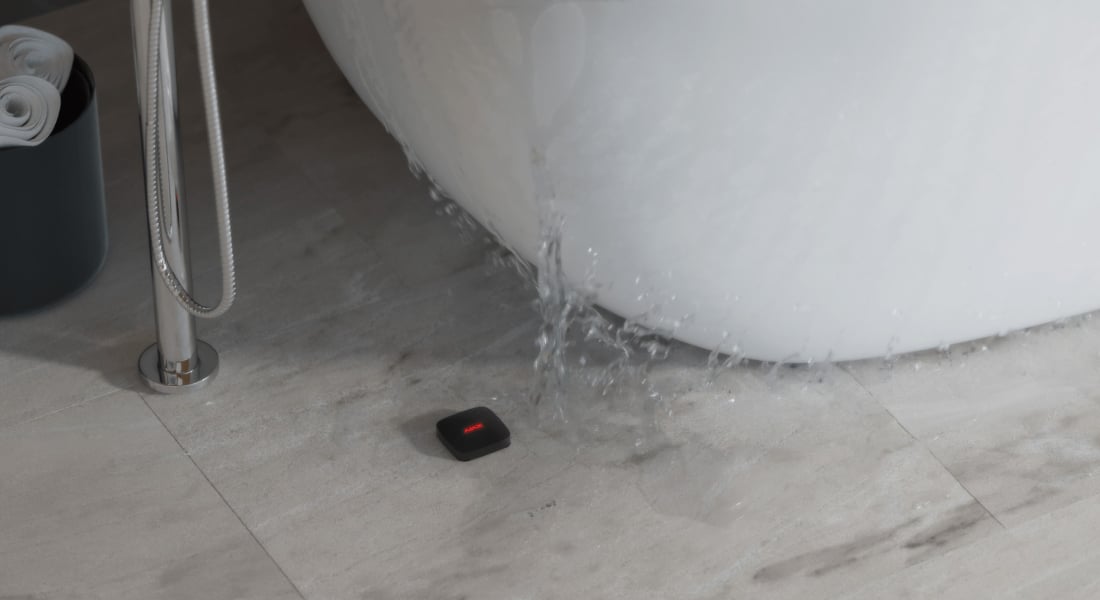
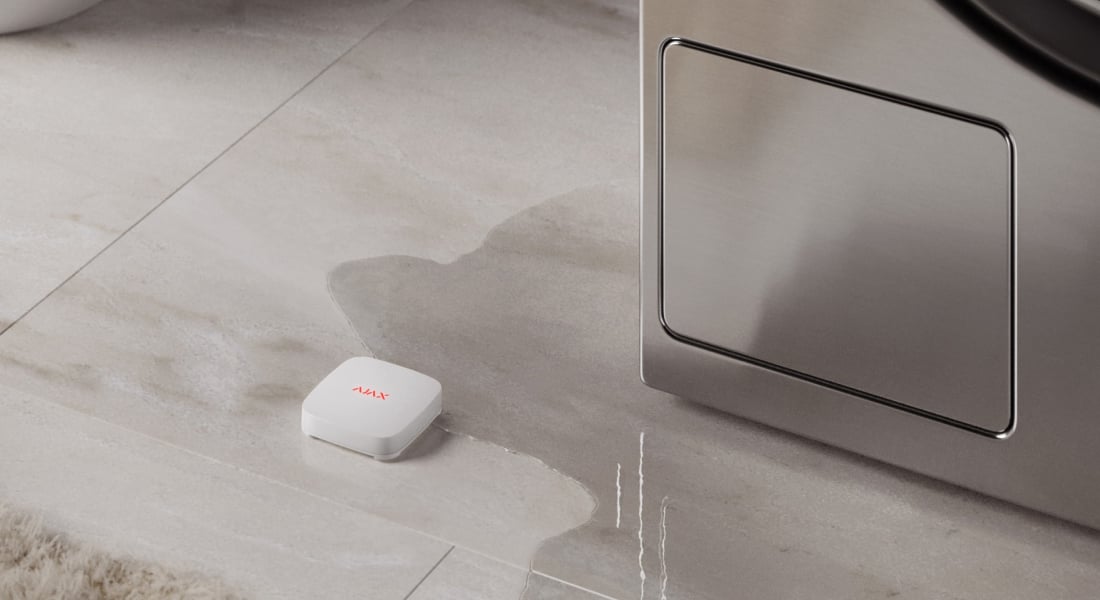
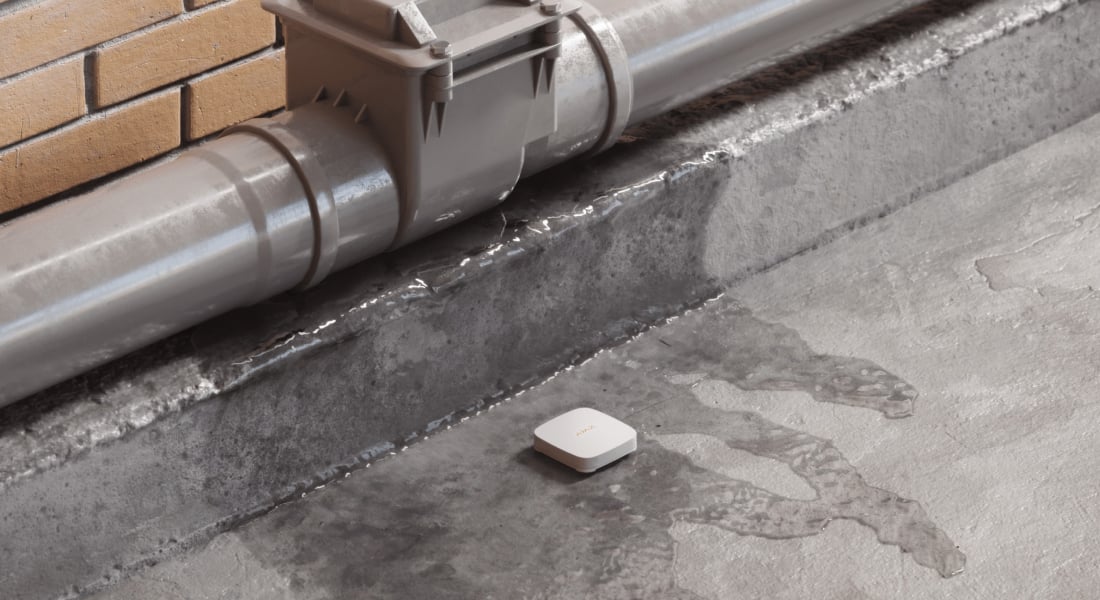
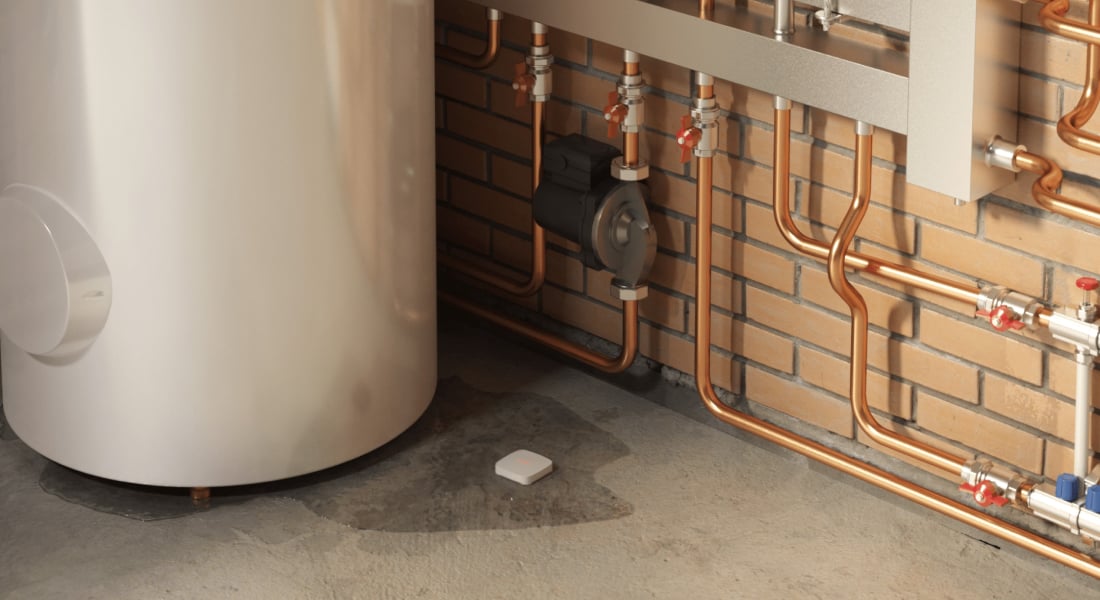
A small detector. Four sides watching for water.
Water-sensitive contacts on every side
Four contact pairs on the underside detect water reaching the device. When a pair gets wet, LeaksProtect reports a leak; after the contacts dry, it reports the change back.
It remains active while the system is armed or disarmed. It reports water at its contacts, not moisture elsewhere in the room; another leak alarm follows after the contacts dry and become wet again.
Know where to look first.
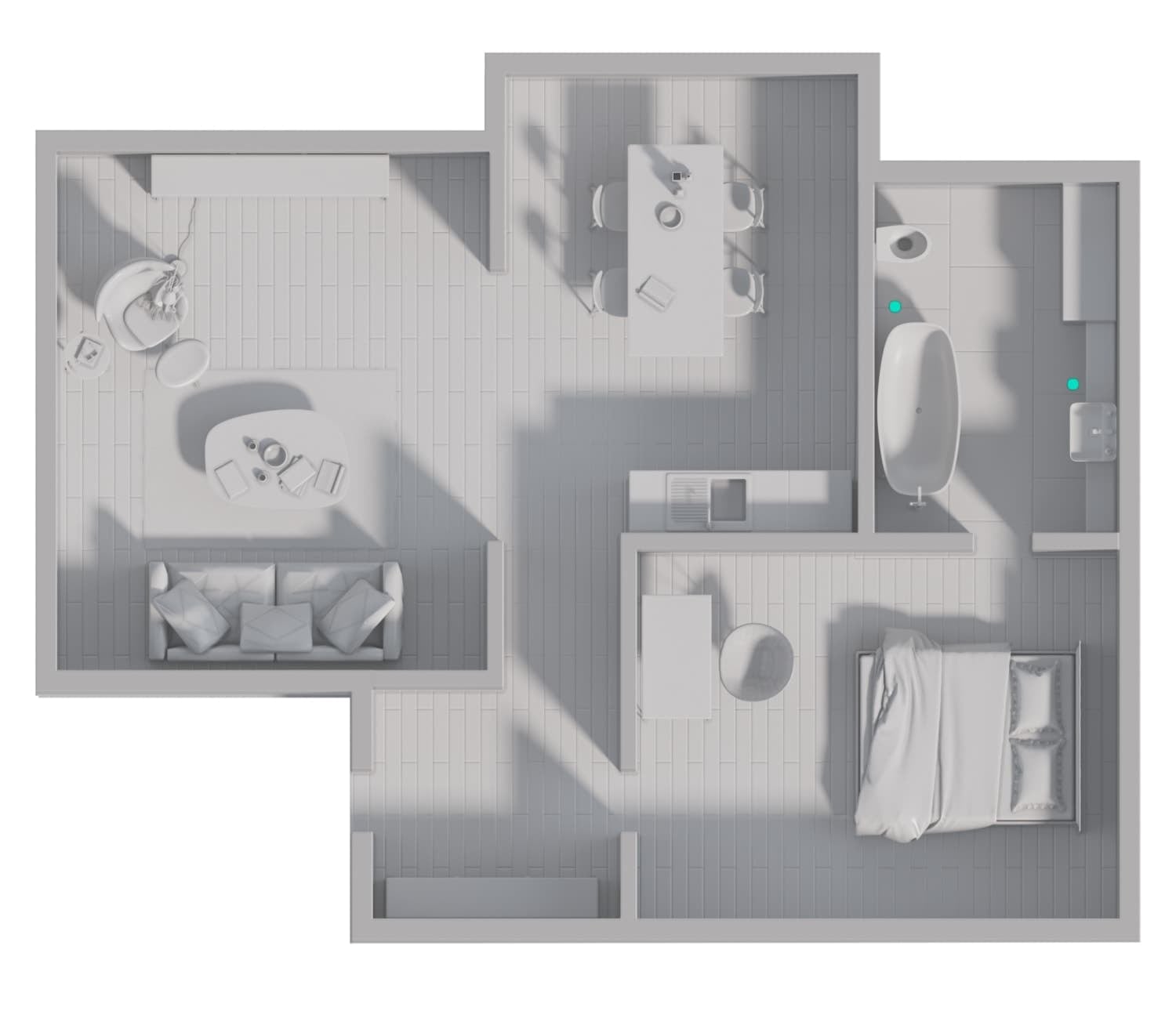
A named device and room
Notifications identify the detector and its assigned room, helping you find the affected appliance or pipe. Name every detector around its actual location.
System capacity depends on the selected hub. Remote notifications require the configured hub and communication services; the detector has no built-in sounder.
Turn detection into a planned response.
Close the affected water feed
A configured leak scenario can command WaterStop to close the water supply when LeaksProtect reports water.
Automatic shutoff requires a compatible hub, a correctly sized installed valve and an enabled, tested scenario. The detector itself does not shut off water.
A supervised connection to your system.
Jeweller two-way radio
Jeweller carries device events, alarms and commands using encryption, device authentication, frequency hopping and automatic power adjustment.
Use a compatible hub and the matching regional radio version. Walls, metal and the final installation position affect reception; test the link on site. Alarm delivery and connection-loss reporting are different timings.
Replace the batteries. Keep the detector.
Up to five years on two AAA batteries
The pre-installed, replaceable AAA batteries support long battery operation. Low-battery notifications tell you when service is needed.
The manufacturer’s five-year estimate uses a one-minute polling interval. Usage, signal conditions and temperature affect battery life.
Place it where a leak will reach it.
No mounting or cable routing
Put the detector on a horizontal, non-conductive surface at a likely leak point. Its 14 mm height fits beneath many appliances and bathroom fittings.
For indoor use at 0–50 °C. IP65 does not make it a submerged or outdoor sensor. Keep at least 1 m from the hub, avoid radio-screening metal and test reception at the final position.
Keep the device state in view.
Connection, enclosure and battery status
Ajax apps show the radio connection, battery charge, water state and enclosure tamper state. The system can report communication loss and attempts to open the enclosure.
Connection-loss timing depends on hub polling settings and the missed-packet threshold; it is not the water-detection time.
Connect, configure and test.
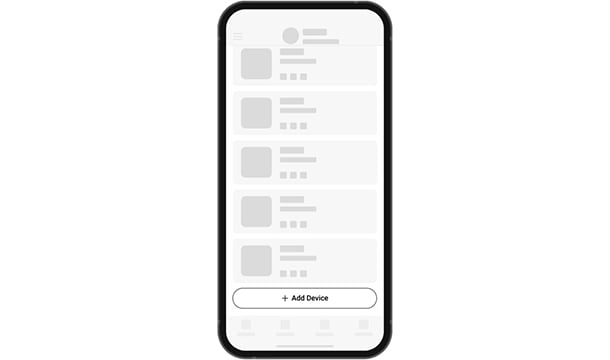
Add the device to the hub
Scan the device QR code in Ajax apps, give it a clear name and assign the room where it is installed. Check the radio signal at that location.
Check the contacts and the complete scenario.
A simple functional check
Check the detector regularly and clean its contacts when dirty. The manual describes closing a contact pair with a wet finger for three seconds, then drying it to check both alarm and restoration notifications.
Check the configured valve response as well. Ajax recommends contact cleaning at least every 2–3 months; follow the manual’s separate instructions for contacts and enclosure.
Find the right leak detector.
Check where LeaksProtect notices water, how it reports a leak and what is needed to stop the supply. This range currently has one leak-detector model.
Check leak protection →Every detail, in one place.
Communication
- Jeweller communication technology
- Two-way system communication for the functions specified for this model.
- Radio communication range
- up to 1,300 m Between the device and a hub (or a range extender) in an open space.
- Encrypted communication
- Encrypted device communication.
- Radio frequency hopping
- To prevent radio interference and jamming.
Key features
- Always active
- Detects water leaks 24/7/365
- First flooding signs detection
- All four sides of the device have contact pairs. LeaksProtect Jeweller detects the first signs of flooding as soon as water reaches at least one of them.
- Detection time
- within 0.15 s The detector sends an alarm as soon as it becomes wet on either side.
- Tool-free installation
- Place LeaksProtect Jeweller on the floor under a washing machine, dishwasher, bathtub, or heating radiator.
- Remote control and configuration
- via Ajax apps Ajax apps provide information about the device, including current state (leakage detection), battery charge status, and communication with a hub.
- LED indication
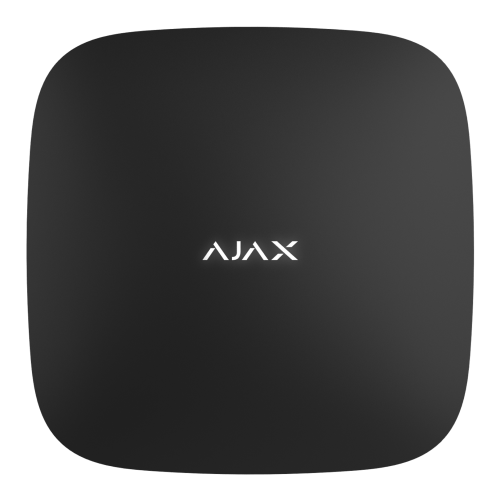
- The LED is placed under the Ajax logo on the enclosure and reports the detector’s states.
- Automation scenarios
- LeaksProtect Jeweller can activate various automation scenarios. For example, it can trigger the WaterStop Jeweller shutoff valve to turn off the water supply in case of flooding.
Sabotage protection
- Tamper alarm
- Notifications on attempts to violate the enclosure integrity.
- Protection against spoofing
- device authentication
- Communication loss detection
- after 36 s Detection time depends on the Jeweller or Jeweller/Fibra settings.
Power supply
- Battery
- 2 × AAA Pre-installed.
- Calculated battery life
- up to 5 years
- Detector’s operating voltage range
- 2.1−3.3 V⎓
- Full battery capacity
- 1,000 mAh
Enclosure
- Dimensions
- 62 × 62 × 14 mm For white devices manufactured before May 2026 and black devices manufactured before July 2026: 59 × 59 × 14 mm.
- Weight
- 41 g
- Operating temperature range
- from 0 °C to +50°C
- Operating humidity
- up to 100%
- Protection class
- IP65
What’s in the box
- LeaksProtect Jeweller
- 2 AAA batteries (pre-installed)
- Quick start guide
For your installation
- Requires a compatible Ajax hub for notifications and scenarios.
- Automatic shutoff additionally requires a correctly sized WaterStop valve.
- Jeweller radio device. Hub, model, firmware and regional version must be checked for your exact system before ordering.
Optional additions
Find the right protection.
Ajax WaterStop Jeweller
Add a correctly sized motorised valve and configure the leak scenario.
Hub 2 Plus Jeweller
Plan a compatible hub for notifications and automation.