MAKE IT YOURS
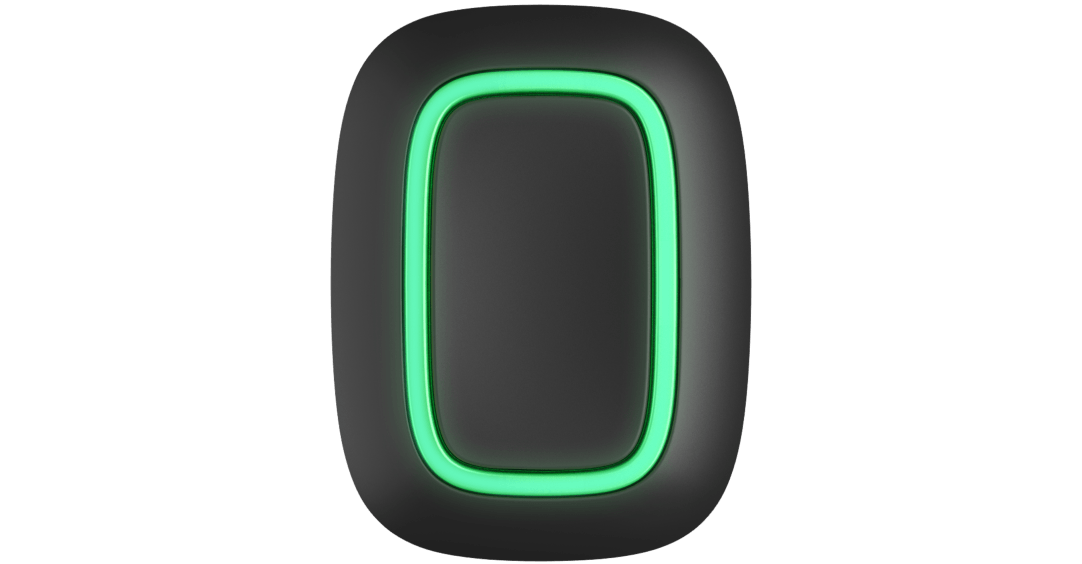
Button.
Wireless panic button / smart button
Standards and certifications
Button Jeweller · BT.Y.J. Manufacturer-listed marks; regional and installation conditions apply.
One button for help or a useful action.
Button Jeweller provides a physical control for one selected role: raising an alarm, triggering configured automation, or muting supported interconnected fire alarms. Keep it within reach or carry it within the assigned Ajax radio network. The mode, response and optional press protection are configured for the people using it.
Key features. At a glance.
Three operating modes1
Panic button
Control mode

Mute fire alarm
Accidental press protection2
with long or double-press options


Battery charge auto-check3
Check the battery level without pressing the button

Battery charge:
OK

Up to 1,300 m4
of wireless communication range with an Ajax hub or range extender


Power adjustment
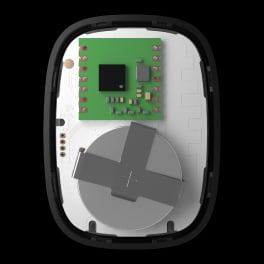
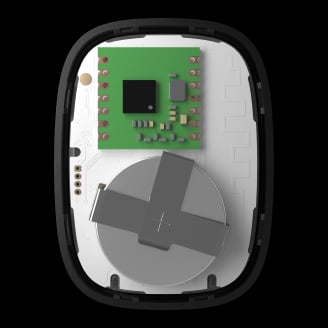
Up to 5 years of operation
on a pre-installed battery
Remote control and configuration

Informative push notifications

Two colors

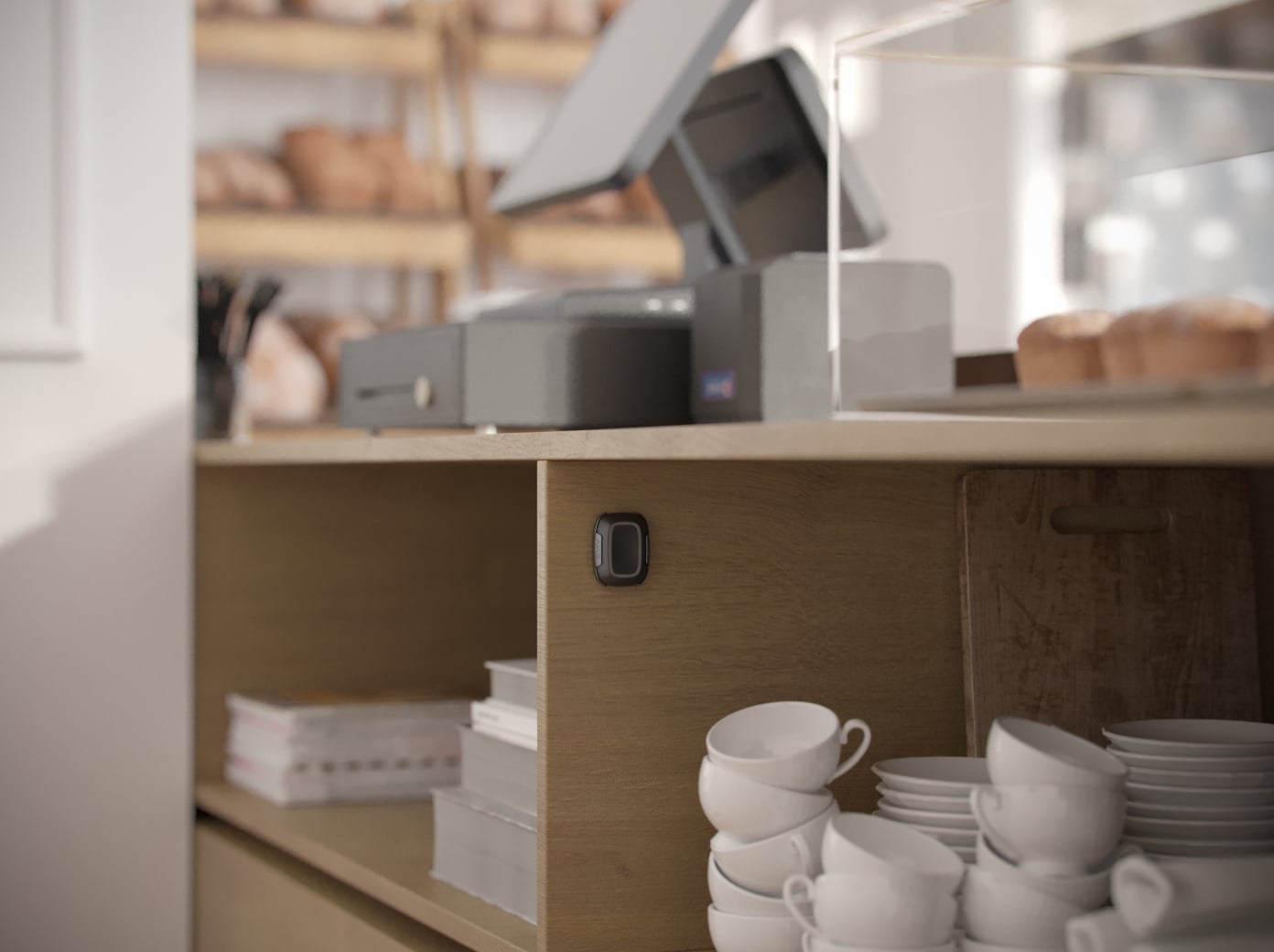
Carry around or attach to a surface with Holder5

- 1Operates in one of three modes that are configured in Ajax apps.
- 2The feature is available only when Button Jeweller operates in Panic or Mute fire alarm mode.
- 3Requires supported firmware and hub software. The current manual specifies firmware 6.60.0.13 or later and OS Malevich 2.17 or later, excluding Hub (2G) and Hub (4G). Without auto-check, state updates only when pressed.
- 4In an open space. Range is measured in open space; walls and installation conditions reduce it.
- 5To mount Button Jeweller on a surface, use Holder (sold separately).
Ajax product information ↗ · Button Jeweller specifications ↗
Protection in real places.

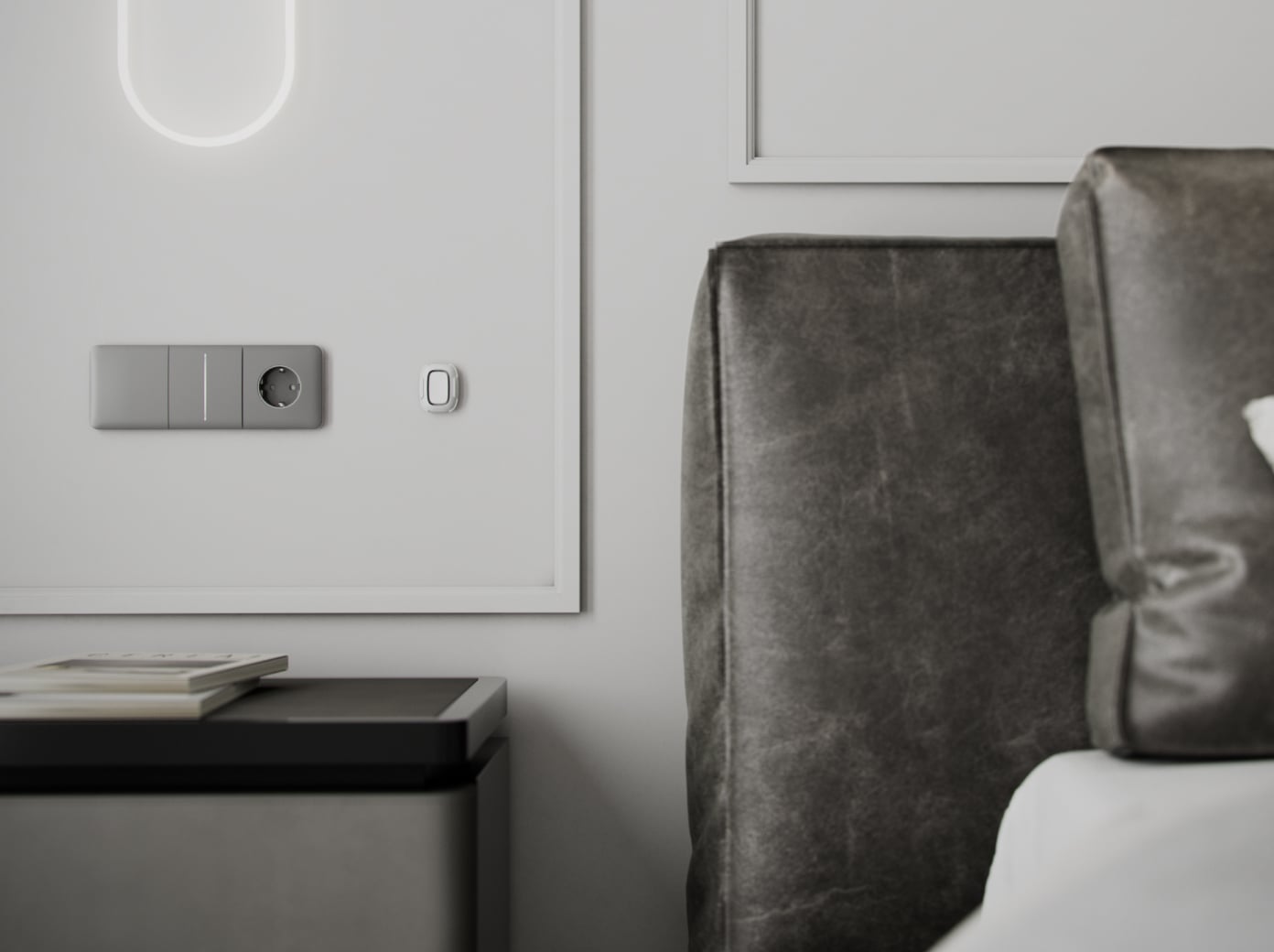

One button. One selected role.
Choose Panic, Control or Mute Fire Alarm in the app. Button operates in one mode at a time.
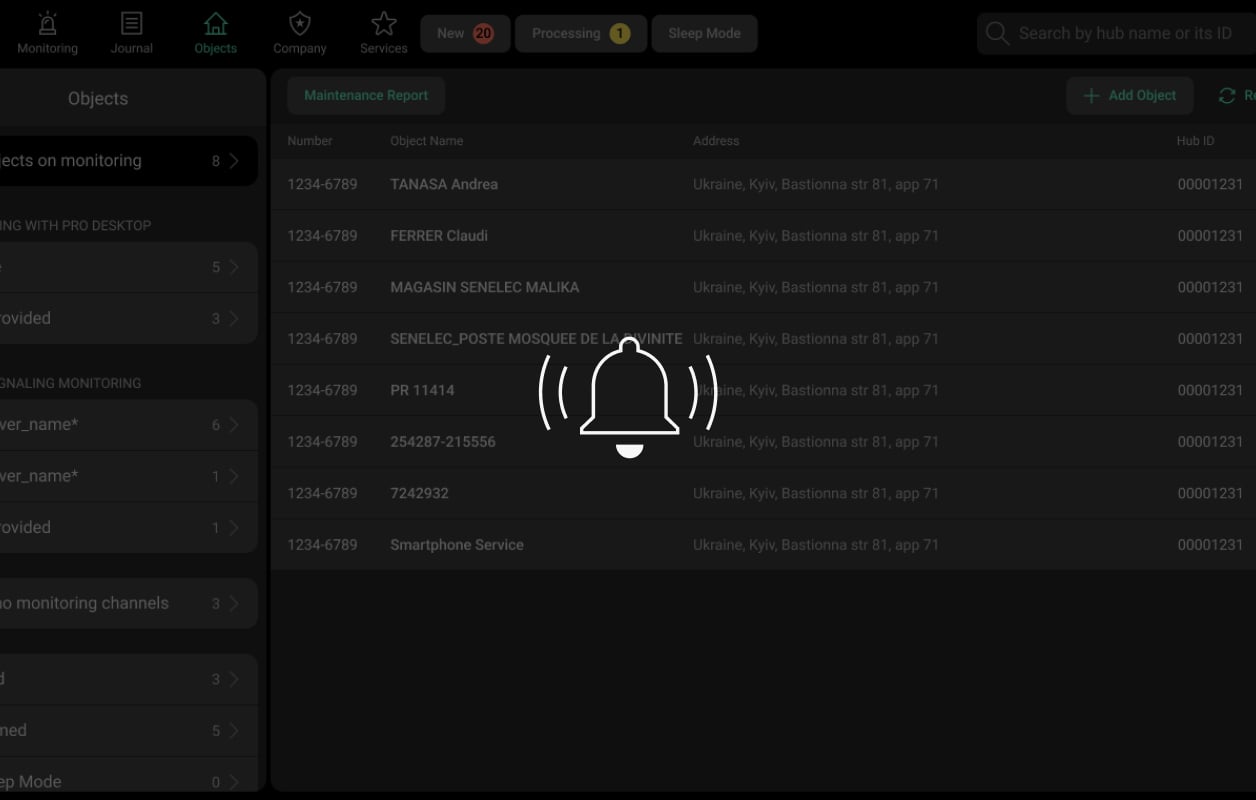
Panic mode
Send the configured alarm event to system users and, where supported, the monitoring provider. Select the event type appropriate to the intended use.
The Custom event type is not sent to the monitoring station and does not generate user SMS notifications.
Turn an action into a useful routine.
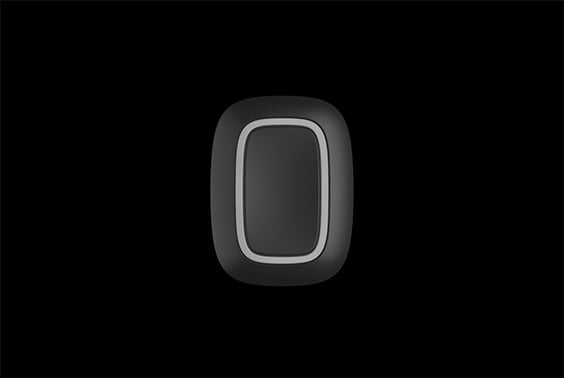
Appliances
Use a configured short or long press to operate compatible socket or relay devices.
Make the action deliberate.
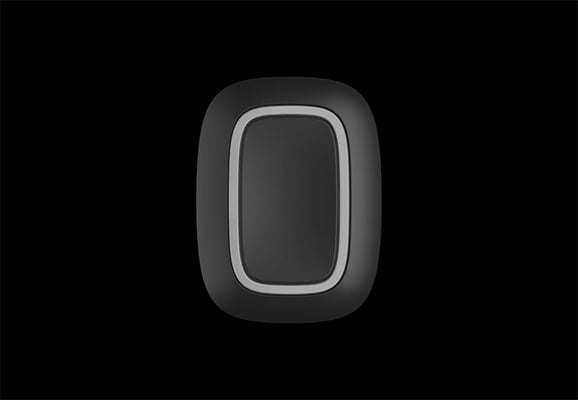
Recessed button and press protection
The recessed control helps prevent accidental activation. In Panic and Mute Fire Alarm modes, configure a long press or double press when needed.
A long protected press takes more than 1.5 seconds; a double press must be within 0.5 seconds. Control mode uses its own short/long scenario actions.
Carry it or keep it within reach.
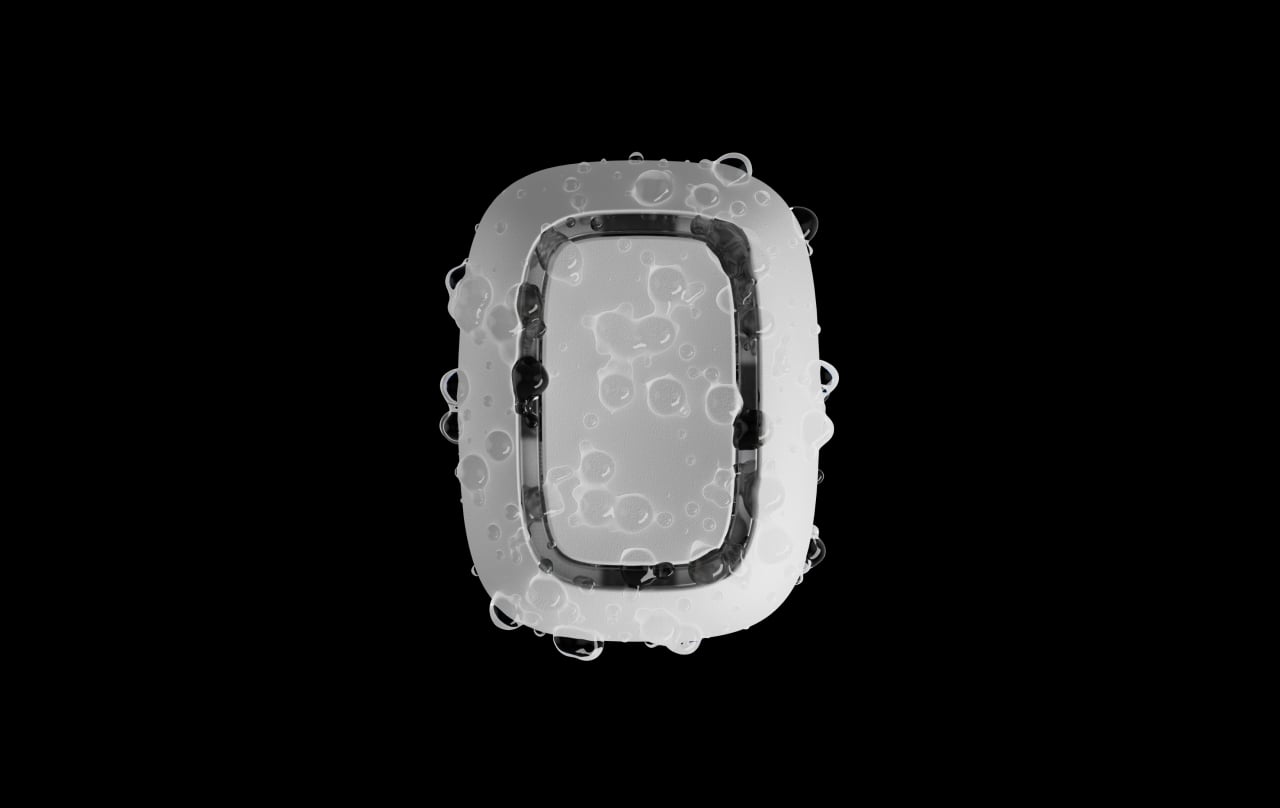
A portable control
Carry Button on a key ring or lanyard, or place it in a reachable location for the intended user. Its IP55 enclosure resists dust and splashes.
Specified for −10°C to +40°C. IP55 does not mean submersible.
A replaceable battery, with model-aware status checks.
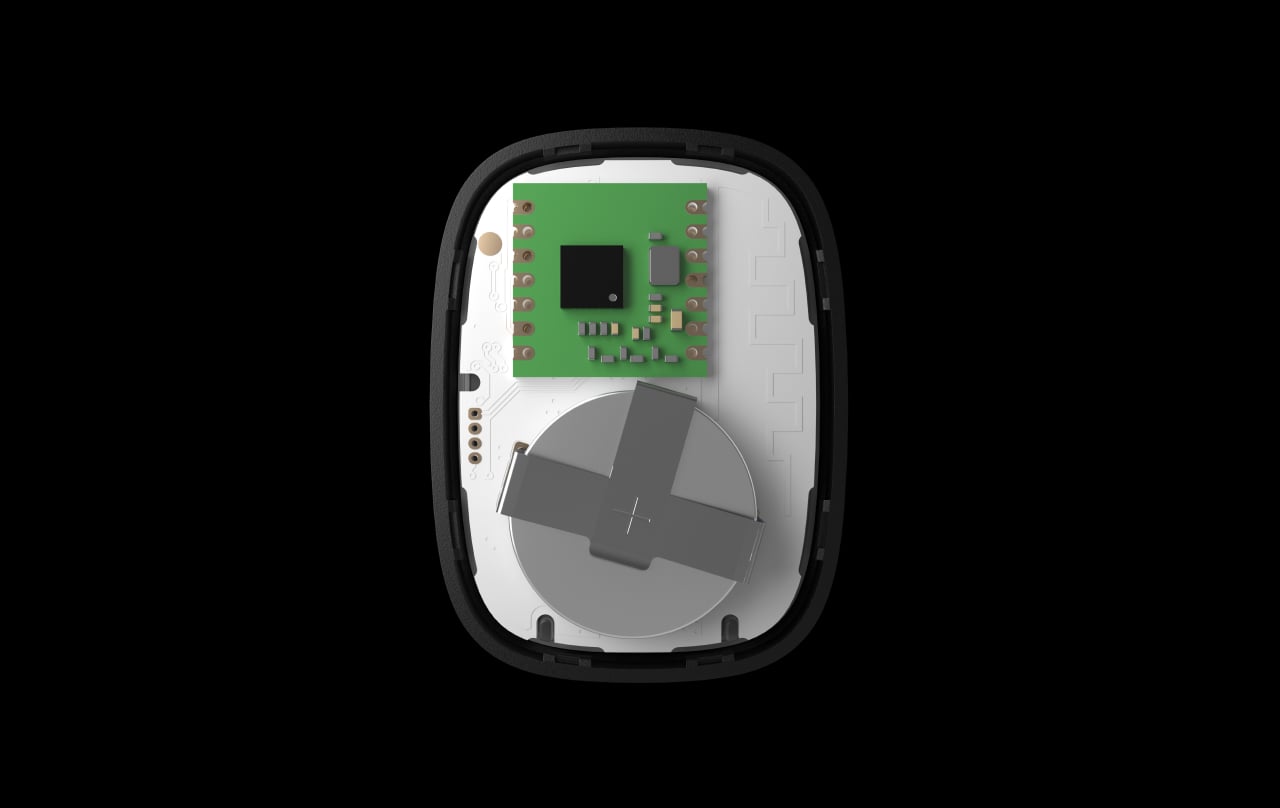
CR2032 power
A preinstalled CR2032 battery supports up to five years under the stated use conditions. Check status in the app and replace it according to the manual.
Daily Battery charge auto-check needs supported device firmware and hub software. The current manual specifies Button firmware 6.60.0.13 or later and OS Malevich 2.17 or later, excluding Hub (2G) and Hub (4G). Without auto-check, state updates when Button is pressed.
A secure link to your system.
Jeweller communication
Jeweller carries commands, alarms and device status between the control and a compatible Ajax hub or assigned range extender. Encrypted communication and device authentication help protect the exchange.
Up to 1,300 m in open space. Walls and metal reduce usable range; check operation at every intended location. Choose equipment for the same radio-frequency region.
Coverage where the button will actually be used.
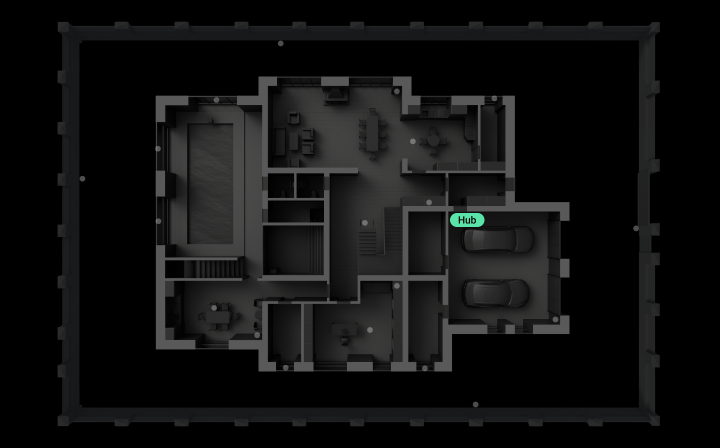
An assigned radio connection
A range extender can serve a location beyond the hub’s reliable range. Test Button in each place where it will be carried or mounted.
Button does not automatically switch between a hub and range extenders when carried around. Its assignment is changed in the app.
Protected commands and identifiable events.

Encrypted communication
Device authentication and encryption help protect commands and alarm messages exchanged with the system.
A clear event in the app
Give Button a recognisable name and room so its alarm and maintenance messages can be understood. Its status is updated at a press and, on supported configurations, by daily auto-check.
Do not treat a portable button as a continuously polled wall detector. Confirm the enabled check behaviour for the supplied version.
Ready for everyday use.
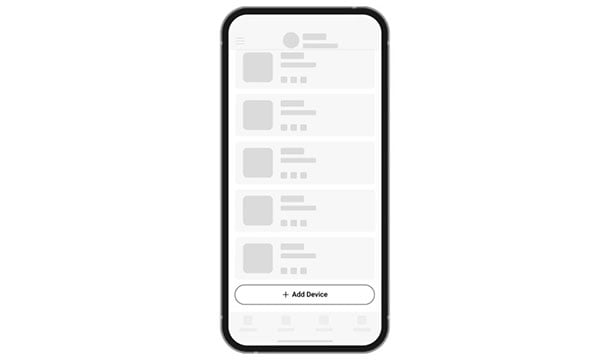
Connect
Add the device by its QR code in the Ajax app, then assign a clear name and room. Check hub compatibility and regional radio frequencies before commissioning.
Find the right control device.
Compare keypads, key fobs and panic buttons across ranges. See how people arm the system, identify themselves, operate a routine or ask for help.
Compare control devices →Every detail, in one place.
Communication
- Jeweller communication technology
- Two-way system communication for the functions specified for this model.
- Radio communication range
- up to 1,300 m Between the device and a hub (or a range extender) in an open space.
- Encrypted communication
- Encrypted device communication.
- Frequency hopping
- To prevent radio interference and jamming.
Key features
- Number of buttons
- 1
- Adjustable event types
- Intrusion; Fire; Auxiliary alarm; Panic button; Gas alarm; Malfunction; Leakage; Custom If the Custom event type is selected, event notifications will not be sent to the security company monitoring station, and system users will not receive an SMS.
- LED backlight indicating command delivery
- The LED brightness is adjusted in Ajax apps.
- Protection against accidental pressing
- long or double press
- Supervising feature
- When enabled, daily battery charge auto-check requires Button firmware 6.60.0.13 or later and OS Malevich 2.17 or later, excluding Hub (2G) and Hub (4G). Without auto-check, the battery state updates only when Button is pressed.
Sabotage protection
- Protection against spoofing
- device authentication
- Unreachable-device notification
- With Battery charge auto-check enabled on supported firmware and hubs, the optional unreachable-device notification is sent if Button has not communicated with the hub for three days. Enable this notification separately in the app.
Power supply
- Battery
- 1 × CR2032 Pre-installed.
- Calculated battery life
- up to 5 years
- Button’s operating voltage range
- 1.8−3.3 V⎓
- Full battery capacity
- 235 mAh
Enclosure
- Dimensions
- 47 × 35 × 13 mm
- Weight
- 16 g
- Operating temperature range
- from −10 °C to +40 °C
- Operating humidity
- up to 75%
- Protection class
- IP55
What’s in the box
- Button Jeweller
- CR2032 battery (pre-installed)
- Quick start guide
For your installation
- Confirm the supported control panel, device software and regional radio version; test coverage at the final installation position.
- Use Holder to fix Button Jeweller on surfaces.
Optional additions
Find the right protection.
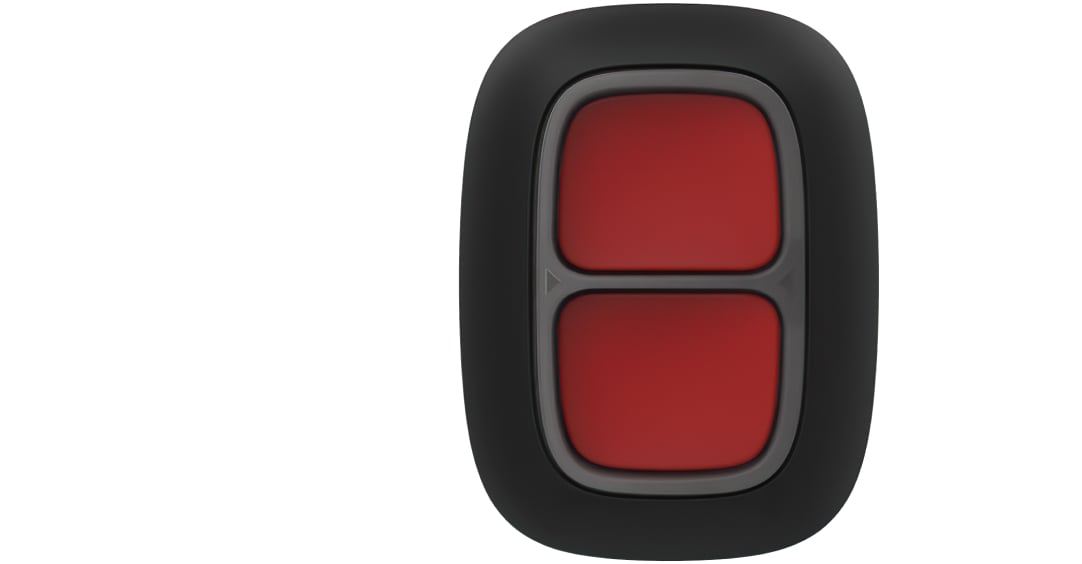
DoubleButton Jeweller
Compare two-button activation and confirmed hold-up alarms.
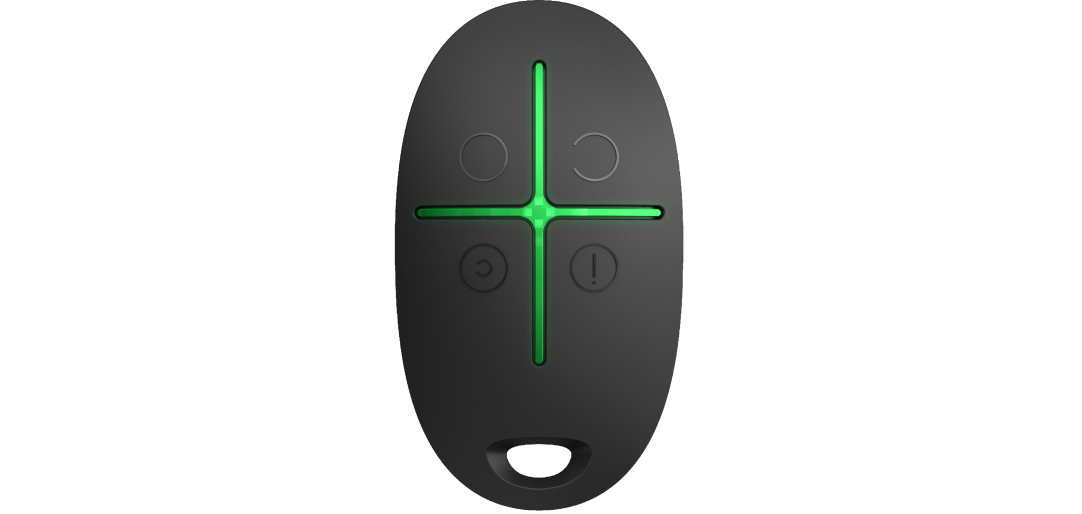
Ajax SpaceControl Jeweller
SpaceControl adds arm, disarm and Night Mode buttons.