MAKE IT YOURS
Superior LineProtect Fibra.
Module to protect devices on the Fibra line from short circuits and sabotage
Standards and certifications
Superior LineProtect Fibra · LP.Y.F. Manufacturer-listed marks; regional and installation conditions apply.
Put a barrier before the vulnerable part of a line.
Superior LineProtect Fibra helps protect a hub and the devices before the module from electrical sabotage on the outgoing part of a wired line. Install it before equipment that is easier to reach, such as a siren or keypad, to limit the consequences of an attack. It supervises the electrical conditions and reports problems through Ajax; it does not protect the attacked devices after the module.
Key features. At a glance.

Informative in-app notifications


Remote control and configuration

Low power consumption
up to 281 mW
Can be installed at any point of the Fibra line

Up to 2,000 m1
distance of wired communication with an Ajax hub


Power adjustment
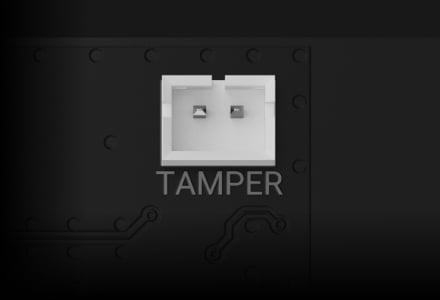

Tamper alarm
when mounted into Case
Length of Fibra line
up to 2,000 m for LineProtect output
- 1Up to 2,000 m with U/UTP cat.5 4 × 2 × 0.51 mm (24 AWG) copper cable. Cable type, load and installation conditions determine the achievable distance.
Ajax product information ↗ · Superior LineProtect Fibra specifications ↗
Superior LineProtect Fibra
Every detail has a purpose.
Explore the function, installation and system requirements of Superior LineProtect Fibra.
Loading detail…
Protect the equipment before the attack.

Keep the affected output isolated
Place LineProtect before the vulnerable part of the line. It helps protect the hub and devices between the hub and the module against electrical sabotage on the outgoing side, including applied high voltage, short circuits and stun-gun attacks.
Devices after LineProtect are not protected by it. The 110/230 V examples describe an attack on the line, not a permitted power input for this module.
One supervised wired connection.
Fibra communication
The four-wire connection carries data between the module and a compatible Ajax hub. Two-way communication, encryption with a dynamic key and device authentication help protect this connection. The module remains part of the hub’s system; it is not a standalone control panel.
Use the current compatibility list and supported firmware. The host’s device capacity and the line power budget still apply.
Calibrate protection to the installed line.

Run the lines power test
The lines power test establishes the electrical conditions of this installation. Run it after adding LineProtect and again after configuration changes so the module can distinguish the normal load from a fault.
Understand what happens after a fault.
Automatic isolation, with firmware conditions
The “Disable output line when sabotage detected” setting is enabled by default on supported firmware. It disconnects the affected output when sabotage is detected.
This setting requires LineProtect firmware 7.62.0.8 or later and hub OS Malevich 2.36 or later. Check the actual installed versions.
A severe attack can require replacement
If the protective fuse operates after a severe electrical attack, the module may need replacement. Have the installer check the wiring, affected equipment and module before restoring the line.
Do not apply LineSupply’s automatic output-retry behaviour to LineProtect.
One protection module on a line.
Place it where protection is needed
Use one LineProtect per Fibra line. Do not cascade LineProtect modules one after another. Its output does not support Ring topology.
Up to 2,000 m with U/UTP cat.5 4 × 2 × 0.51 mm (24 AWG) copper cable, subject to the load and power calculation. The host’s device capacity remains unchanged.
Powered by the incoming Fibra line.
No additional device-power budget
LineProtect uses 5.7–30 V DC from the line, with 24 V DC nominal input and maximum consumption of 281 mW. It does not add a separate power source for downstream devices.
Calculate the complete line load and use LineSupply separately if the power budget requires it.
Fit the protection inside a supervised Case.
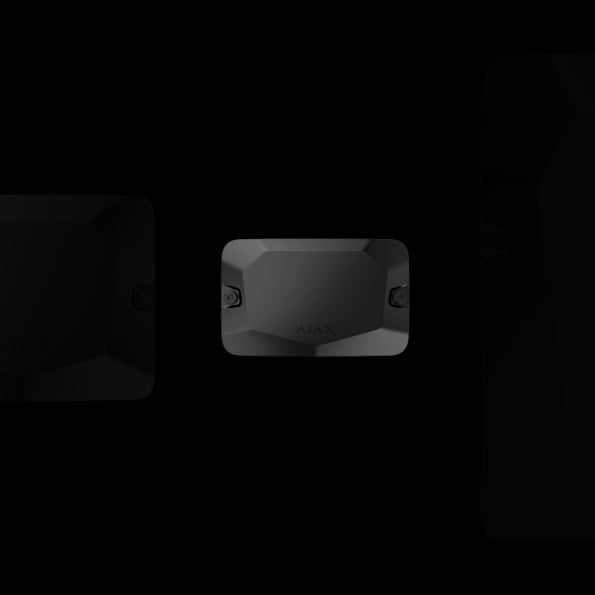
An enclosure selected for the installation
Install the module in a compatible separately purchased Case, secure the incoming and outgoing cables, and connect the tamper board.
Indoor module: −10 to +40 °C and up to 75% humidity. Test the tamper alerts before handover.
Add, configure and test in Ajax PRO.
Find the installed module
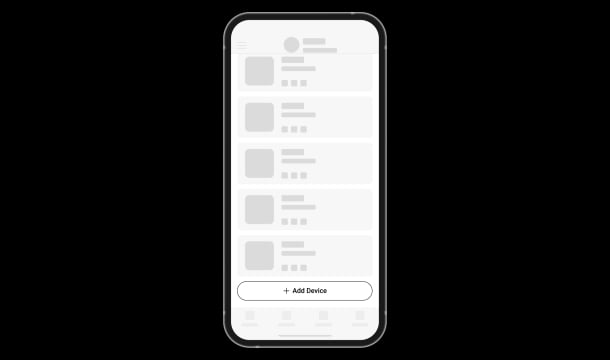
Scan the hub’s Fibra lines or add the module by its QR code. Assign a name, room and security group so an event identifies the affected part of the site.
Find the right Fibra line module.
See when to branch a Fibra line, protect its upstream equipment or add power. Compare both LineSupply versions.
Compare Fibra line modules →Every detail, in one place.
Communication
- Fibra communication technology
- Two-way system communication for the functions specified for this model.
- Line connection
- 4-core cable
- Connection
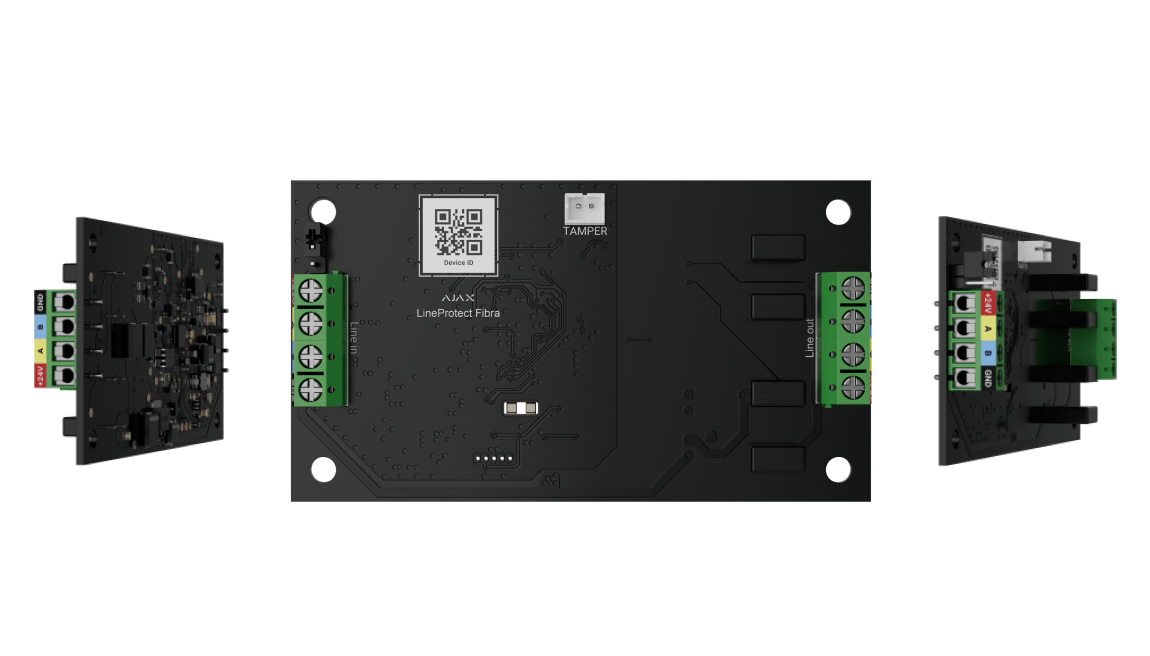
- to any point of the Fibra line LineProtect can be installed behind the hub, detector, keypad, or siren. The module protects devices installed on the Fibra line between LineProtect and the hub, as well as the hub itself. It does not protect devices between the module and the end of the line.
- Fibra line length
- up to 2,000 m When using the U/UTP cat.5 twisted pair cable.
Lines connection
- Number of output lines
- 1 LineProtect can be installed behind any Fibra device.
- Number of input lines
- 1 The number of Fibra devices connected to the output line depends on their energy consumption.
- Cable length
- up to 2,000 m When using the U/UTP cat.5 twisted pair cable.
Lines protection
- Voltage supply
- 110/230 V~ Fuses are triggered if an abnormal voltage is supplied on the Fibra line. After that LineProtect needs to be replaced.
- Overvoltage
- on the Fibra signal lines The module protects devices when voltage is supplied to A and B signal terminals.
- Notifications
- The device distinguishes the intervention type, and the system sends the corresponding notification to the users and the security company.
- Alert with a siren
- The siren indicates with the buzzer and LED frame, if the output line alarm is detected.
Module protection
- Tamper alarm
- LineProtect has a connector to fasten the tamper board to the module. The tamper board is in Case that is sold separately.
- Protection against spoofing
- device authentication
- Lost connection detection
- after 36 s Between the hub and LineProtect. It can be changed in hub settings.
Power supply
- Module’s operating voltage range
- 5.7−30 V⎓, up to 281 mW The hub powers the module.
- Module’s nominal operating voltage
- 24 V⎓
- Quiescent module’s current consumption at nominal voltage
- 1.6 mA
- Maximum module’s current consumption at nominal voltage
- 11.7 mA
Board
- Dimensions
- 90 × 50 × 15 mm
- Weight
- 12 g
- Operating temperature range
- from −10°C to +40°C
- Operating humidity
- up to 75%
What’s in the box
- Superior LineProtect Fibra
- Quick start guide
For your installation
- Selected as part of an installer-reviewed security or automation project.
- Fibra needs a supported hybrid control panel, checked cable type and topology, termination and a complete power budget. Existing alarm cabling is not automatically suitable.
- For indoor use only. It is recommended to install it in Case that is sold separately and available in several options.
Product documents.
Find the right protection.
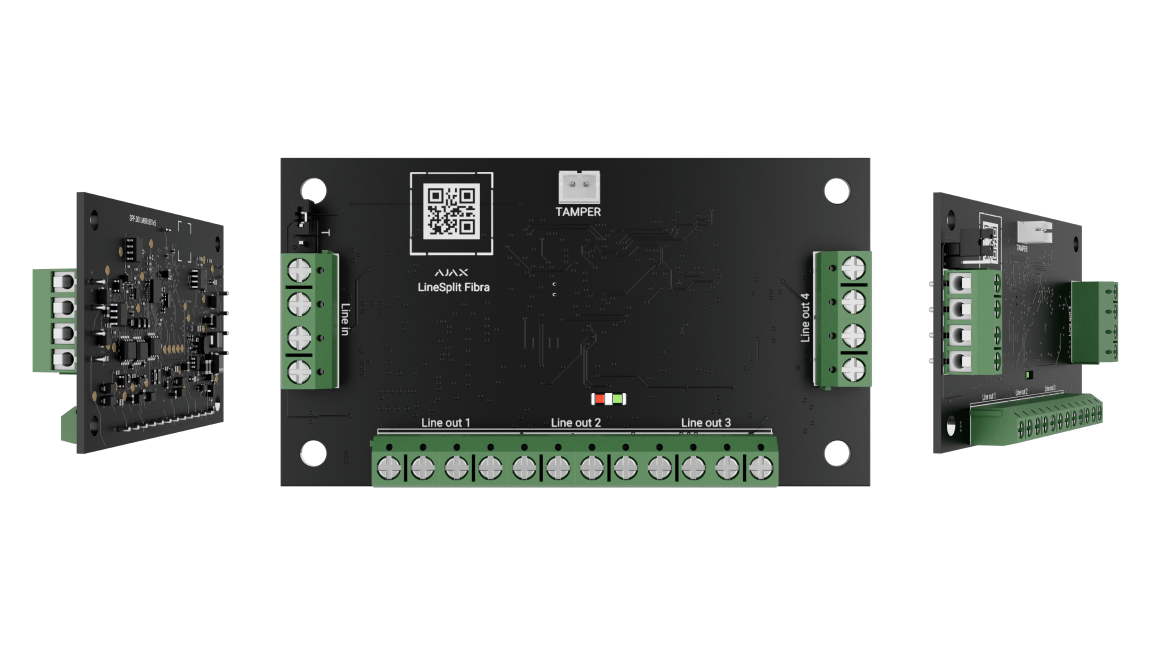
Superior LineSplit Fibra
Split a wired route into four outgoing lines.
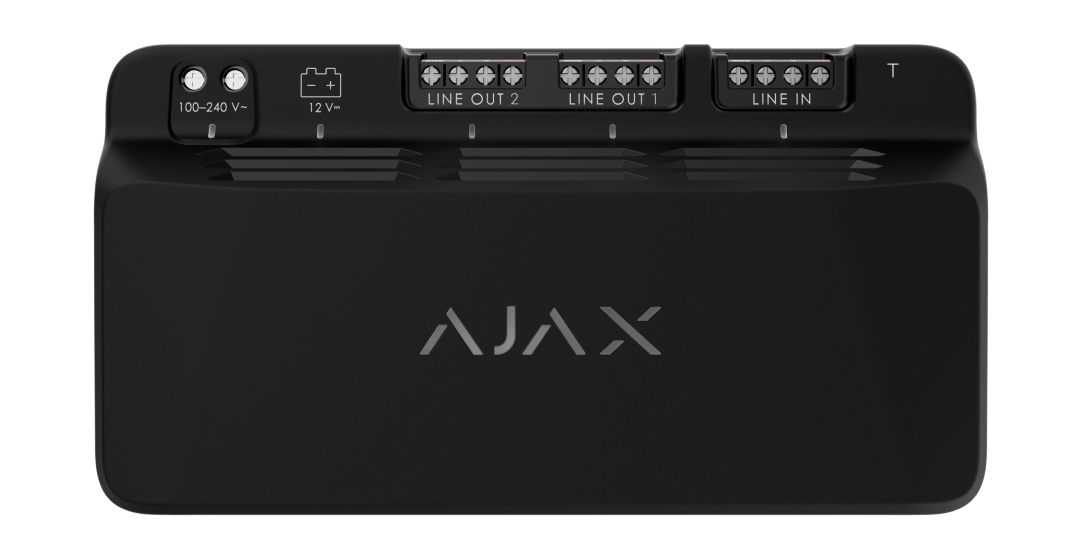
Superior LineSupply Fibra
Provide independent output power and battery backup.
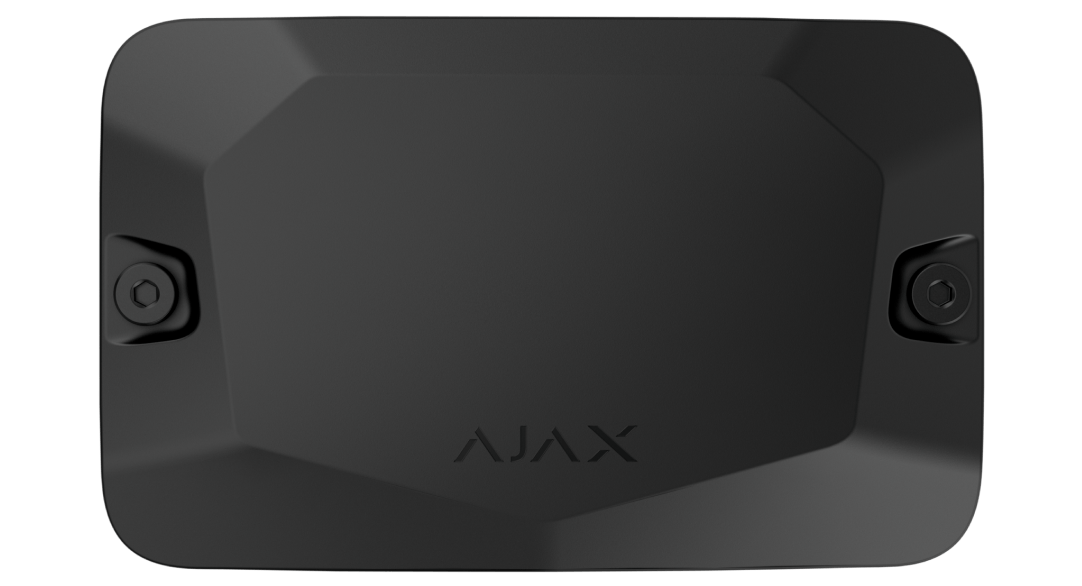
Case
Check supported module layouts and cable routes.