MAKE IT YOURS
Superior KeyPad TouchScreen G3.
Wireless keypad with a touch screen, supporting authentication via Pass, Tag, smartphones, and codes
Standards and certifications
Superior KeyPad TouchScreen G3 Jeweller · KPT.G3.J. Manufacturer-listed marks; regional and installation conditions apply.
Touch control with enhanced wireless security.
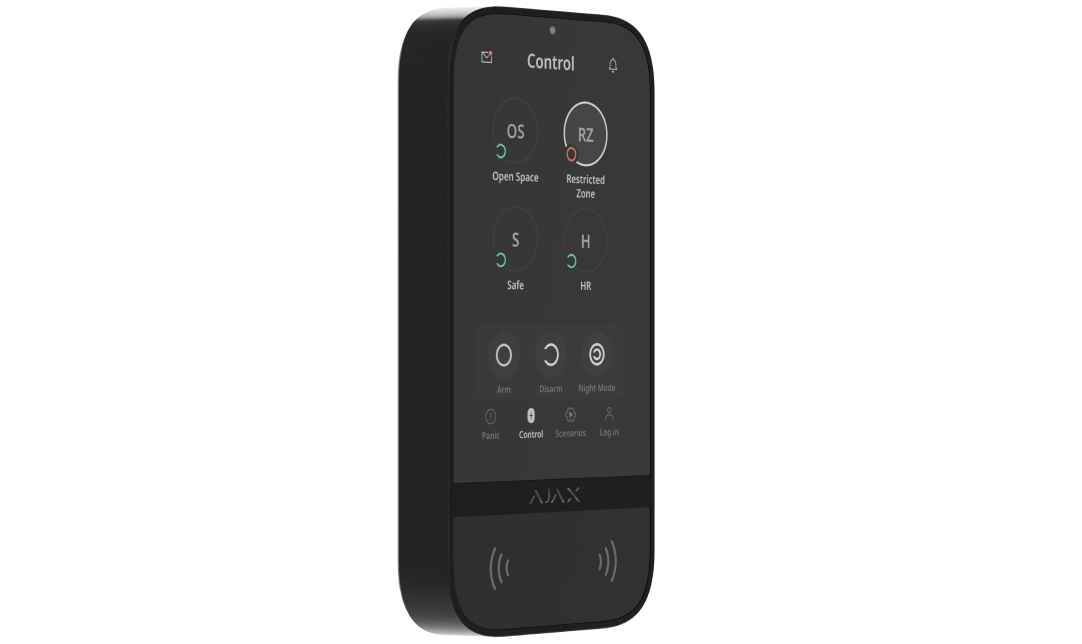
Superior KeyPad TouchScreen G3 Jeweller brings security groups, automation shortcuts and event awareness to a 5-inch display. Codes, Pass/Tag and smartphone authentication let each person use their assigned access method. Superior Jeweller carries system events, while a separate Wings link supports firmware updates with external power connected.
Key features. At a glance.


Ajax product information ↗ · Superior KeyPad TouchScreen G3 Jeweller specifications ↗
Protection in real places.
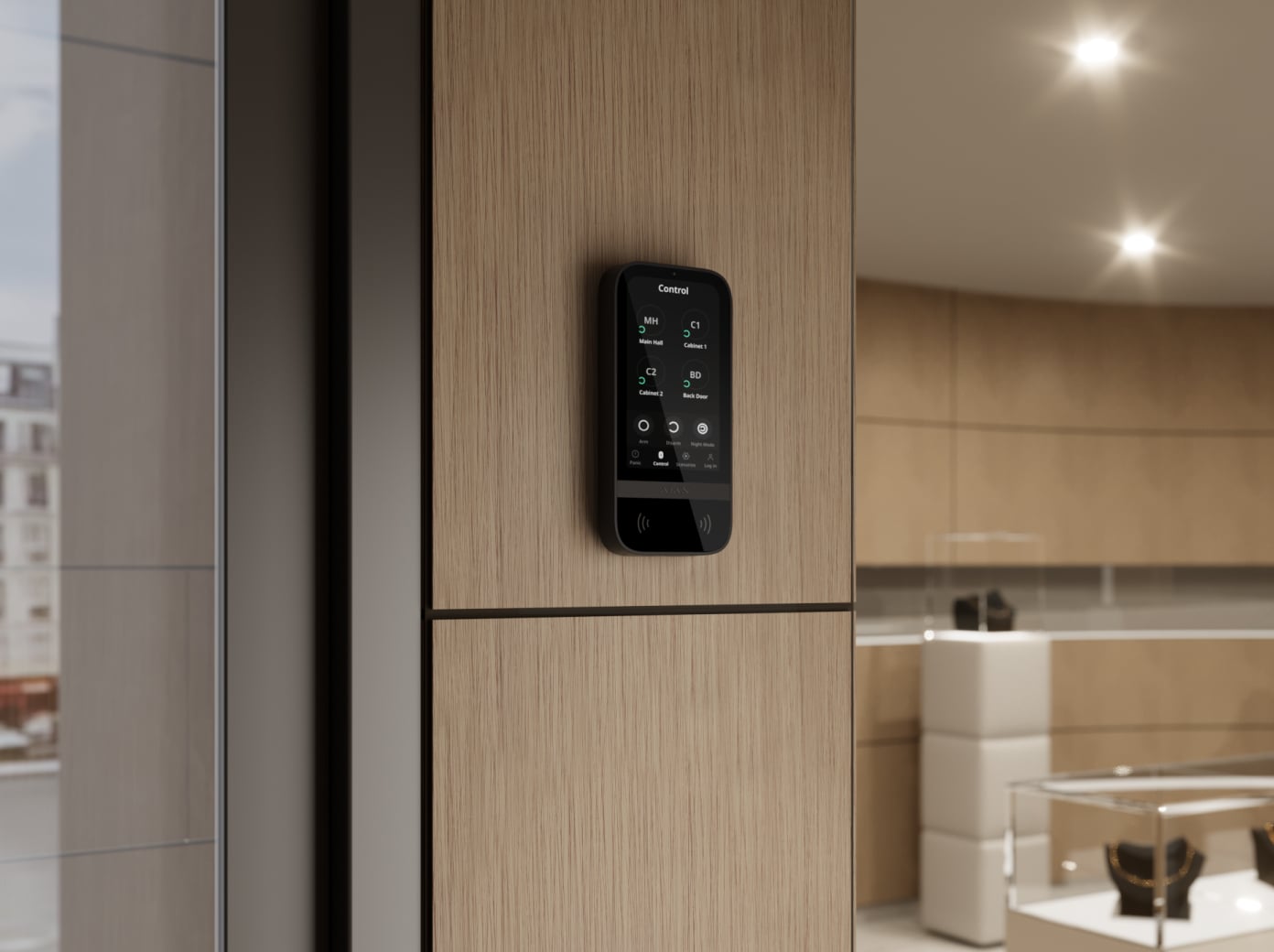
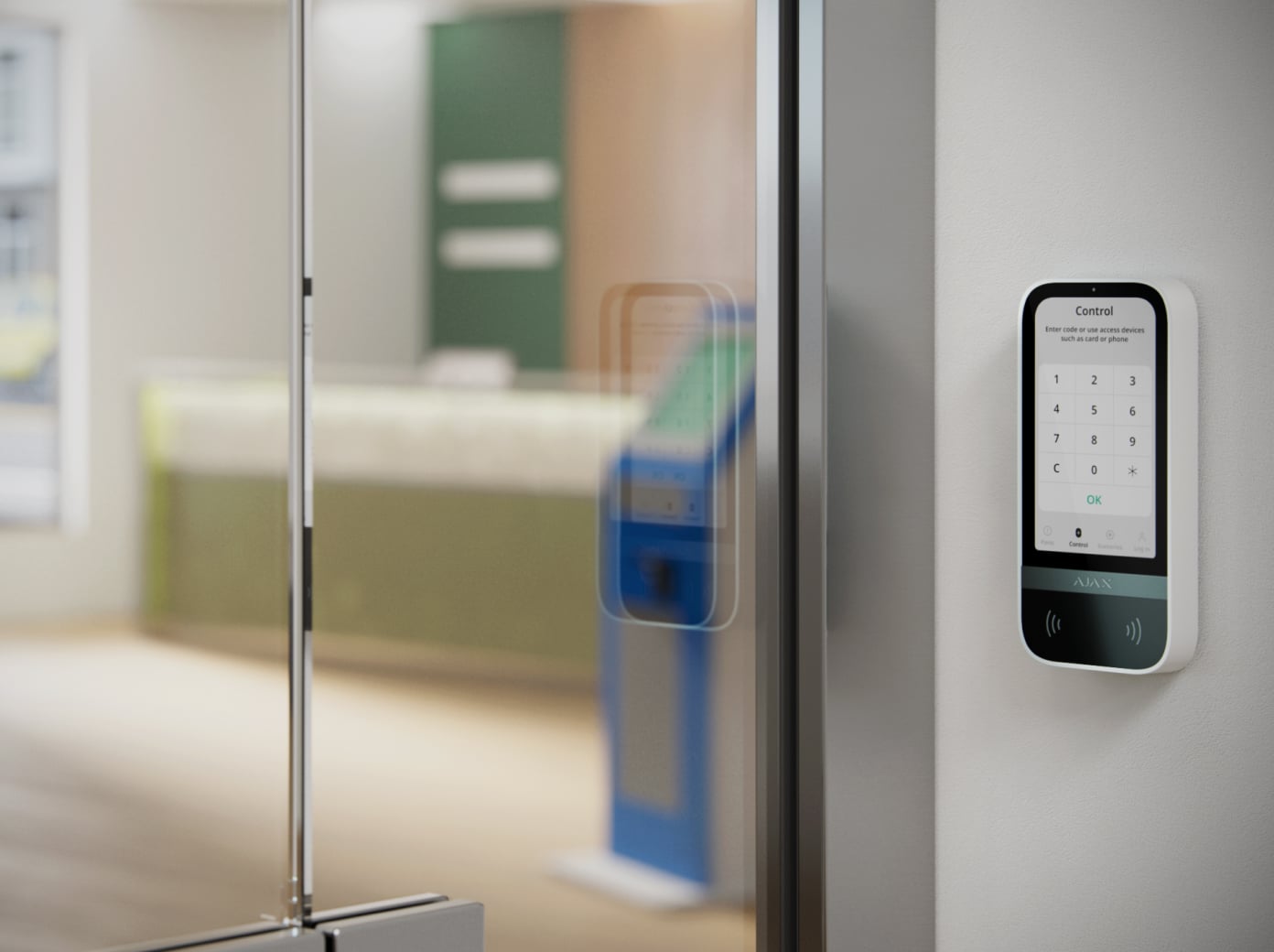
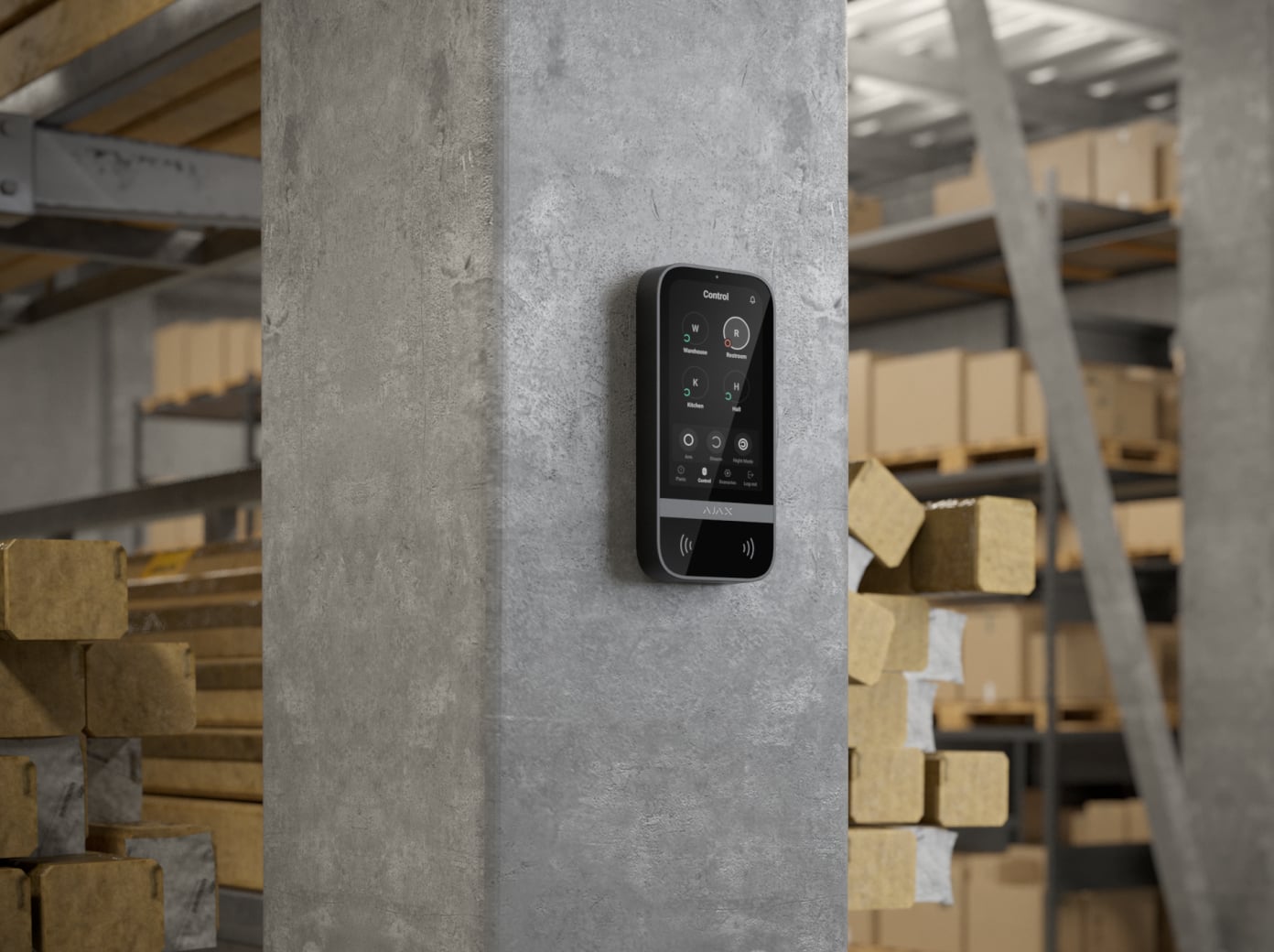
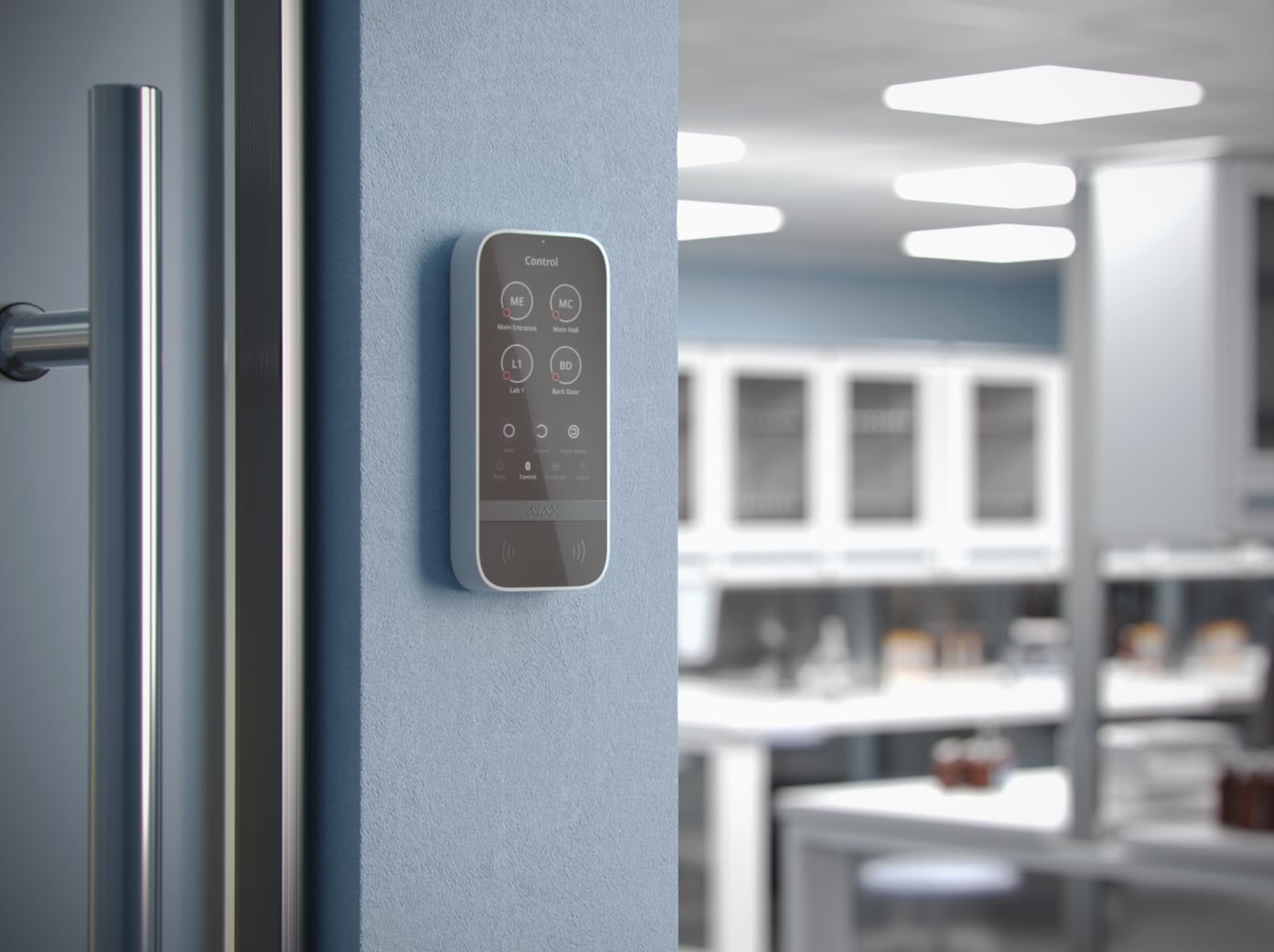
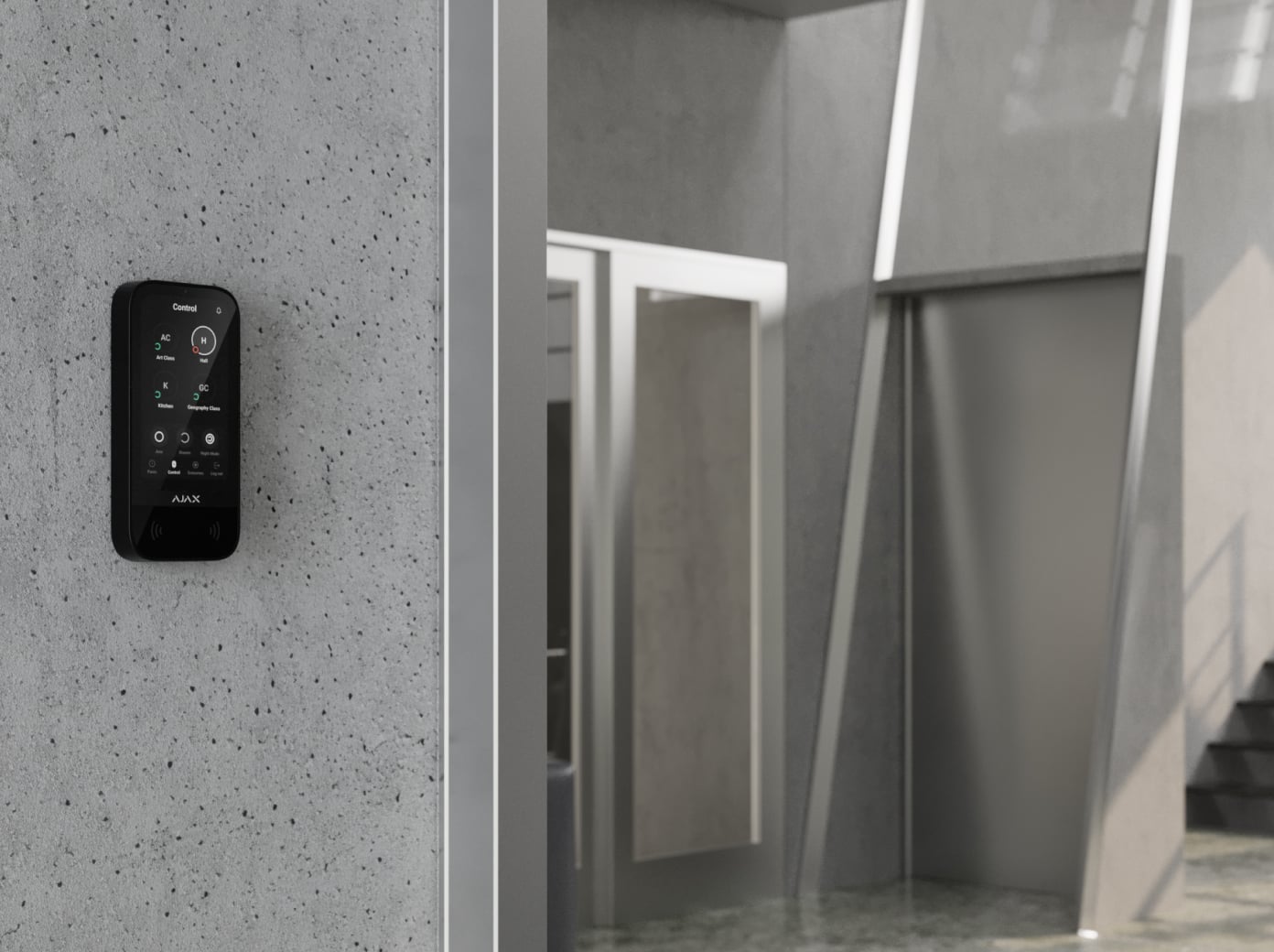
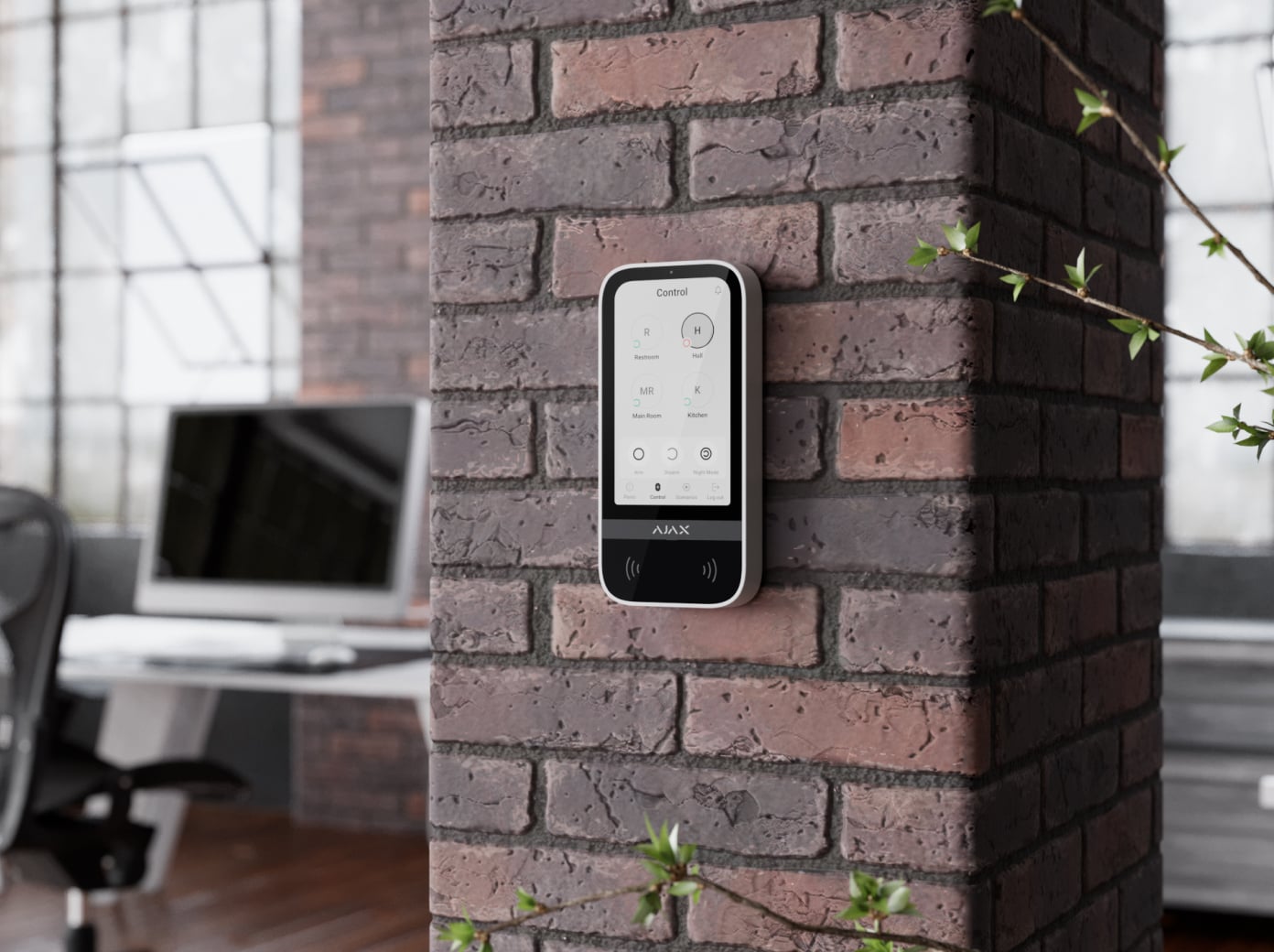
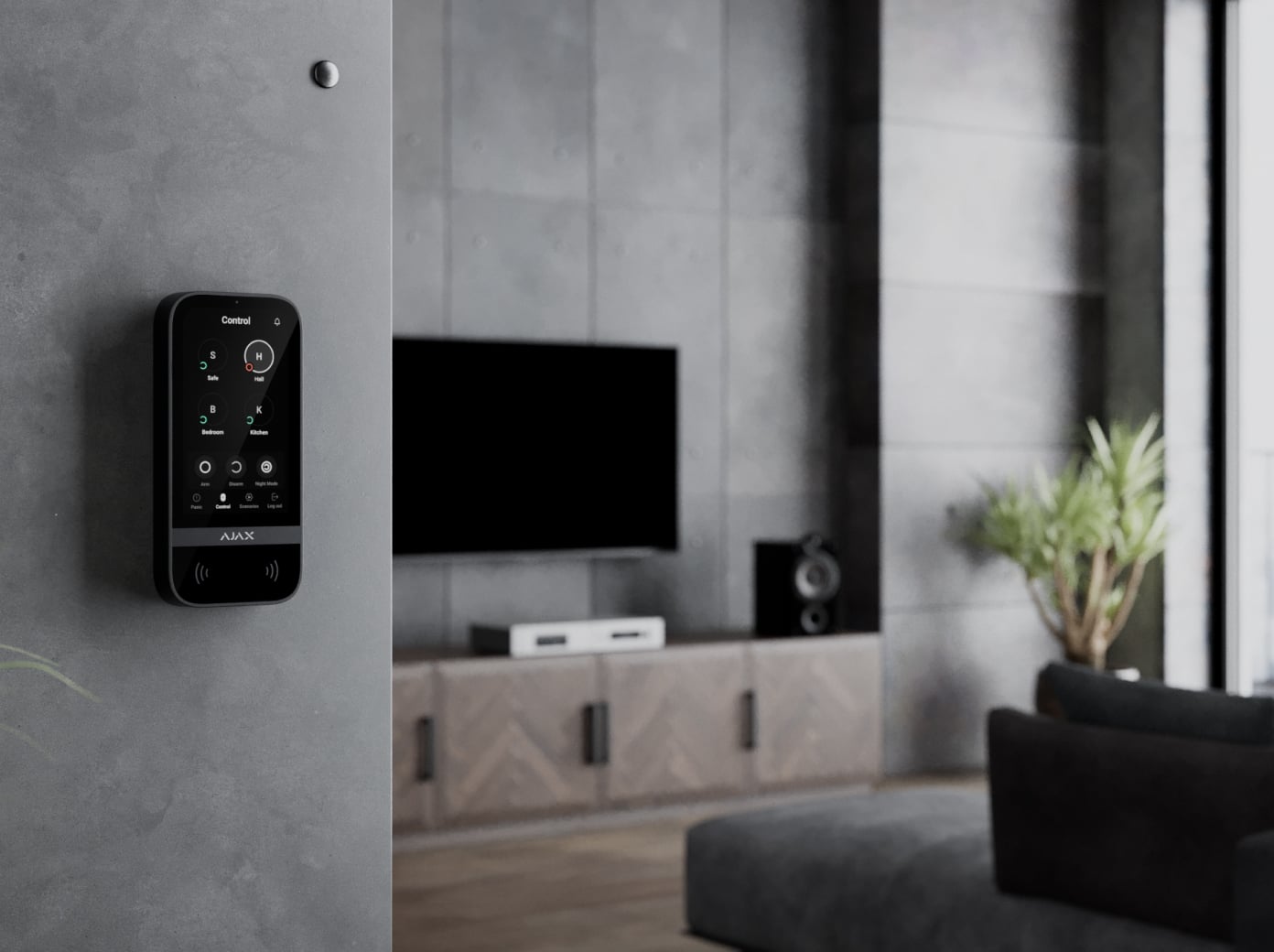
Security, scenarios and status in one place.
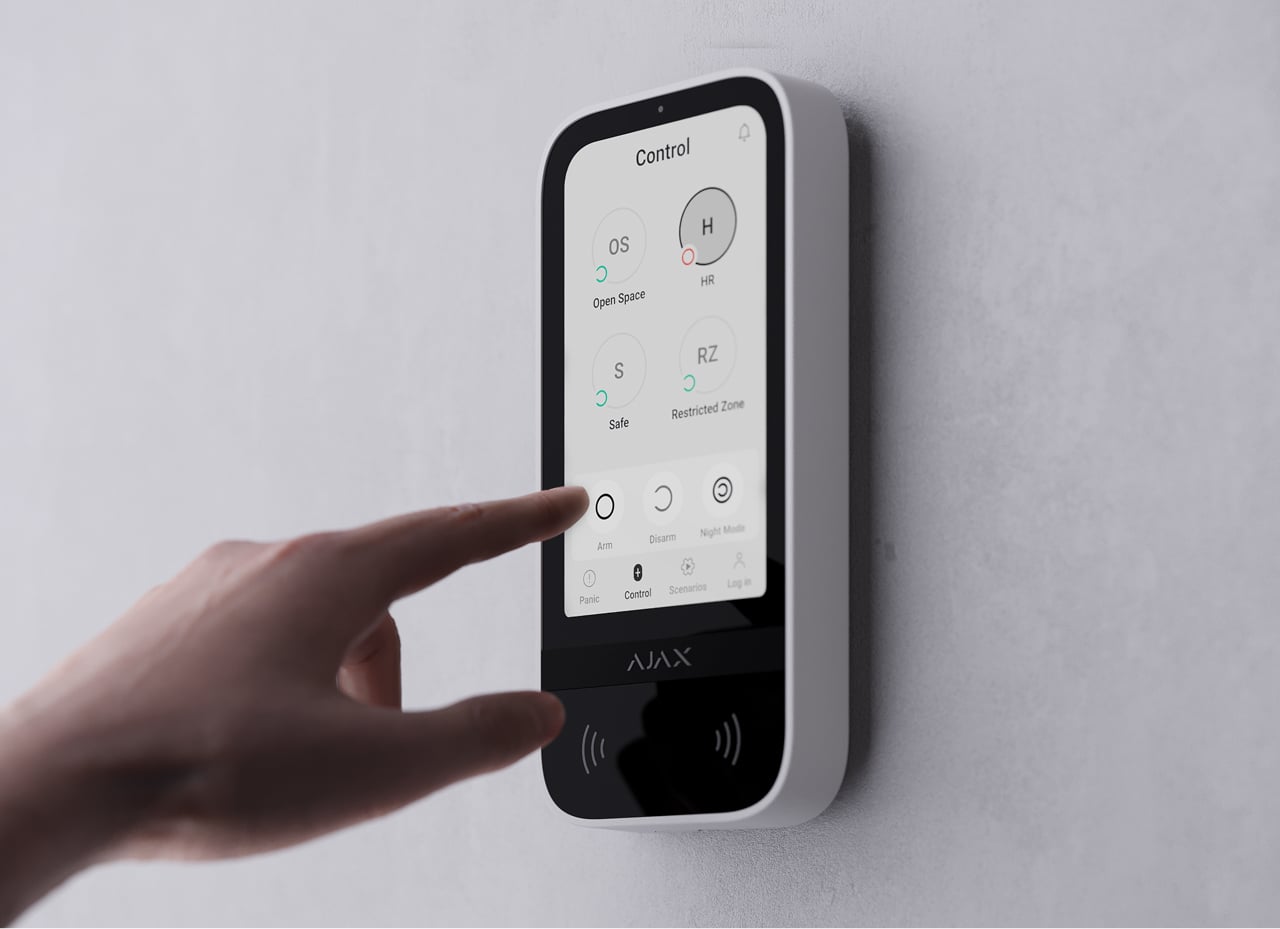
Control the system and its groups
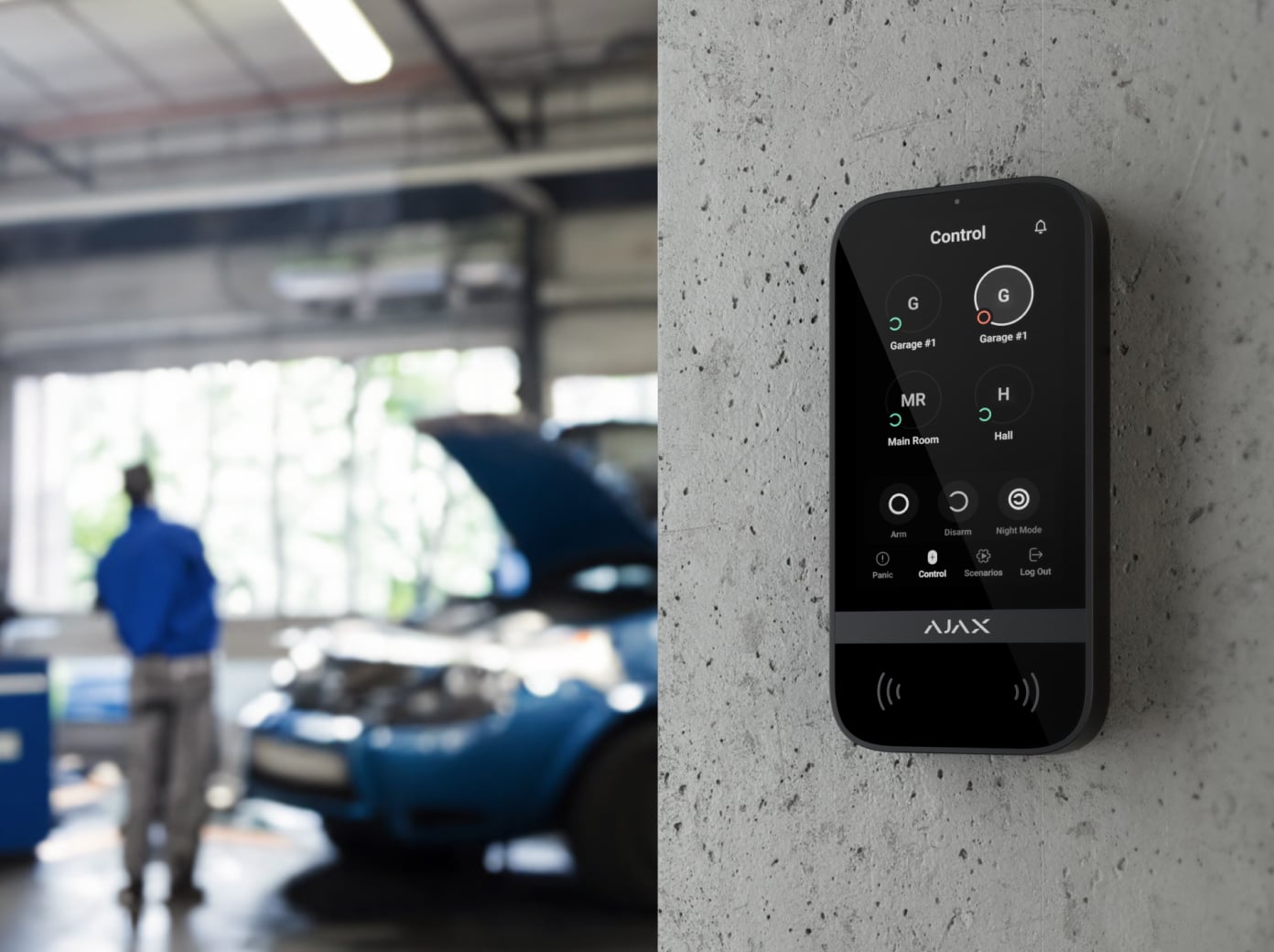
The Control tab arms or disarms the permitted groups and activates Night Mode. Enable pre-authorization when people should authenticate before viewing or controlling the security interface.
A screen that adapts to the room.
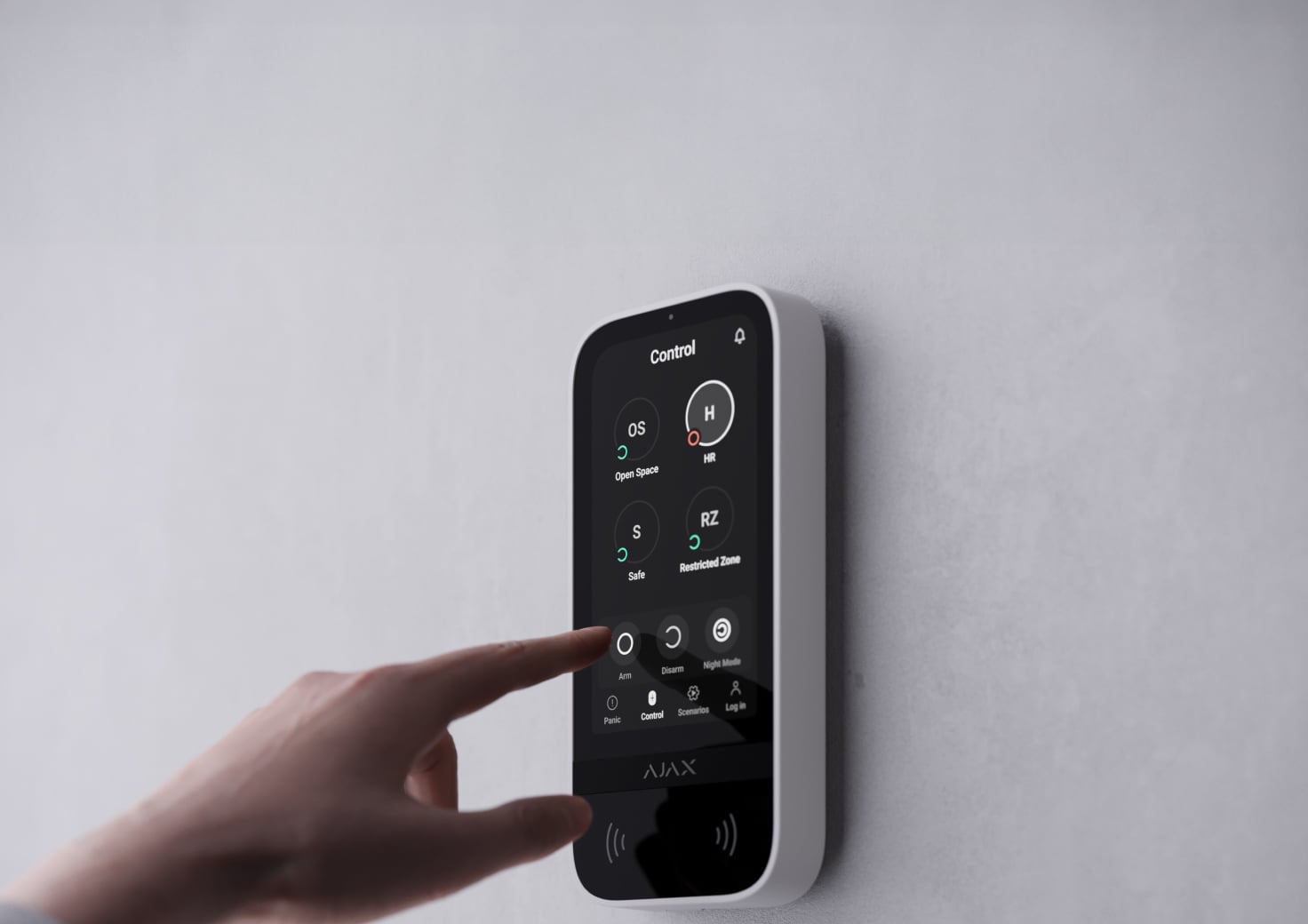
5-inch IPS touch screen
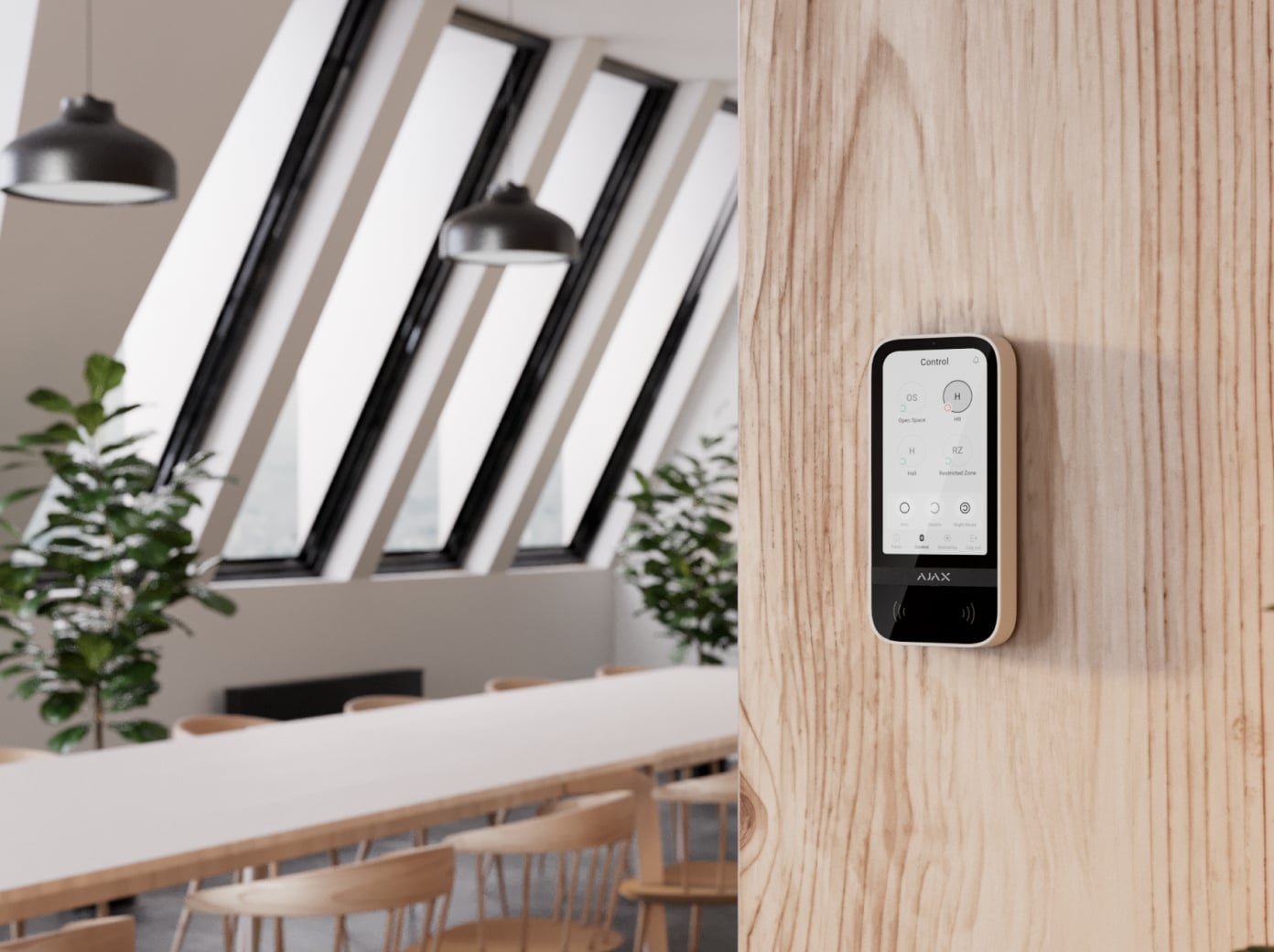
The 480 × 854 display offers light and dark themes and 32 interface languages. Proximity activation wakes it as a hand approaches. Adjust activation distance and automatic or manual brightness for the mounting location.
Choose how to authenticate.
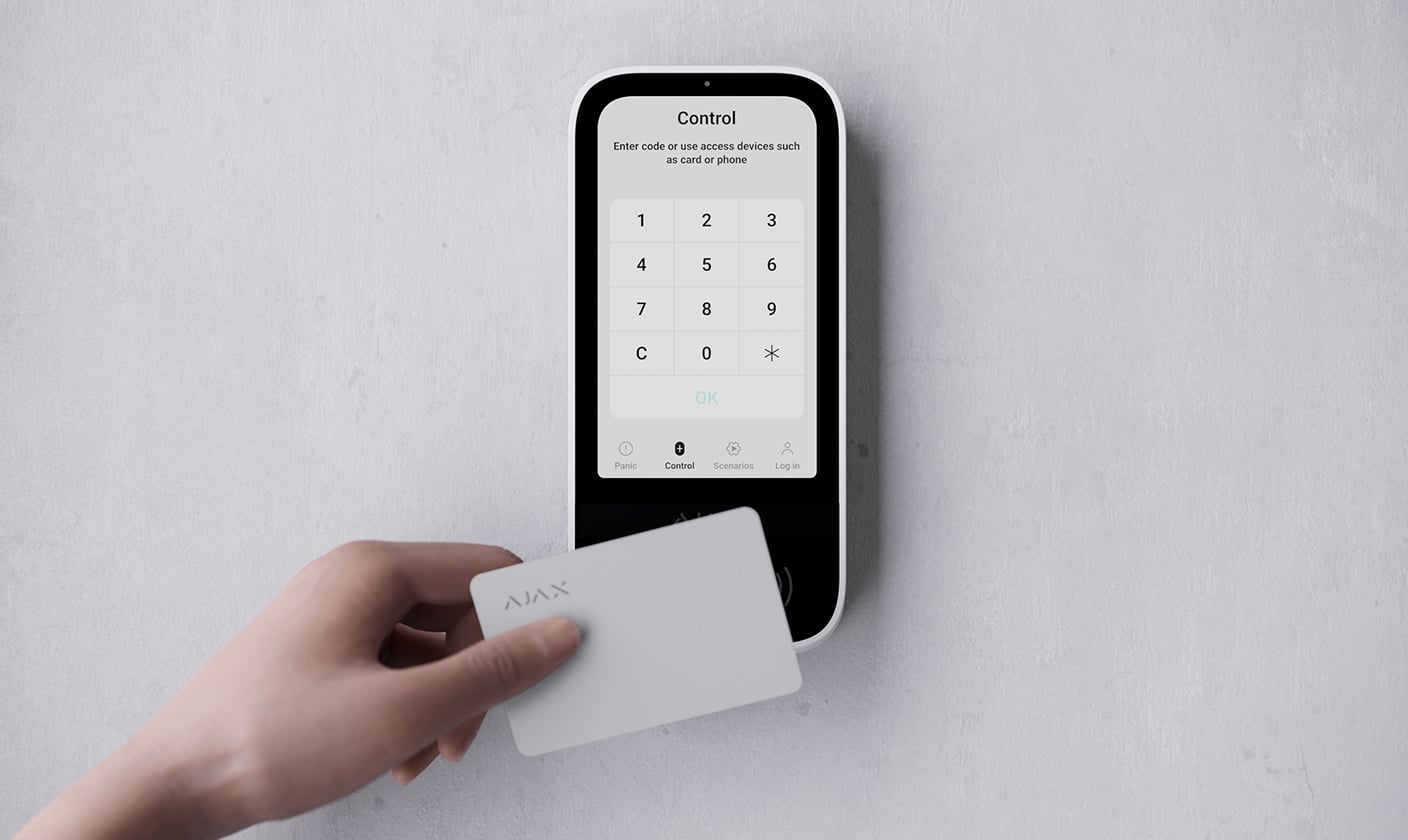
Pass cards and Tag key fobs
Present an assigned contactless device to manage the permitted security groups. The system can identify the user behind the action.
Add a code to contactless access.
DESFire contactless credentials
Pass cards and Tag key fobs use DESFire authentication and encryption. Assign each access device to its user and revoke it if it is lost. Pass and Tag are purchased separately; a similar-looking third-party card is not automatically compatible.
Require a passcode after the access device
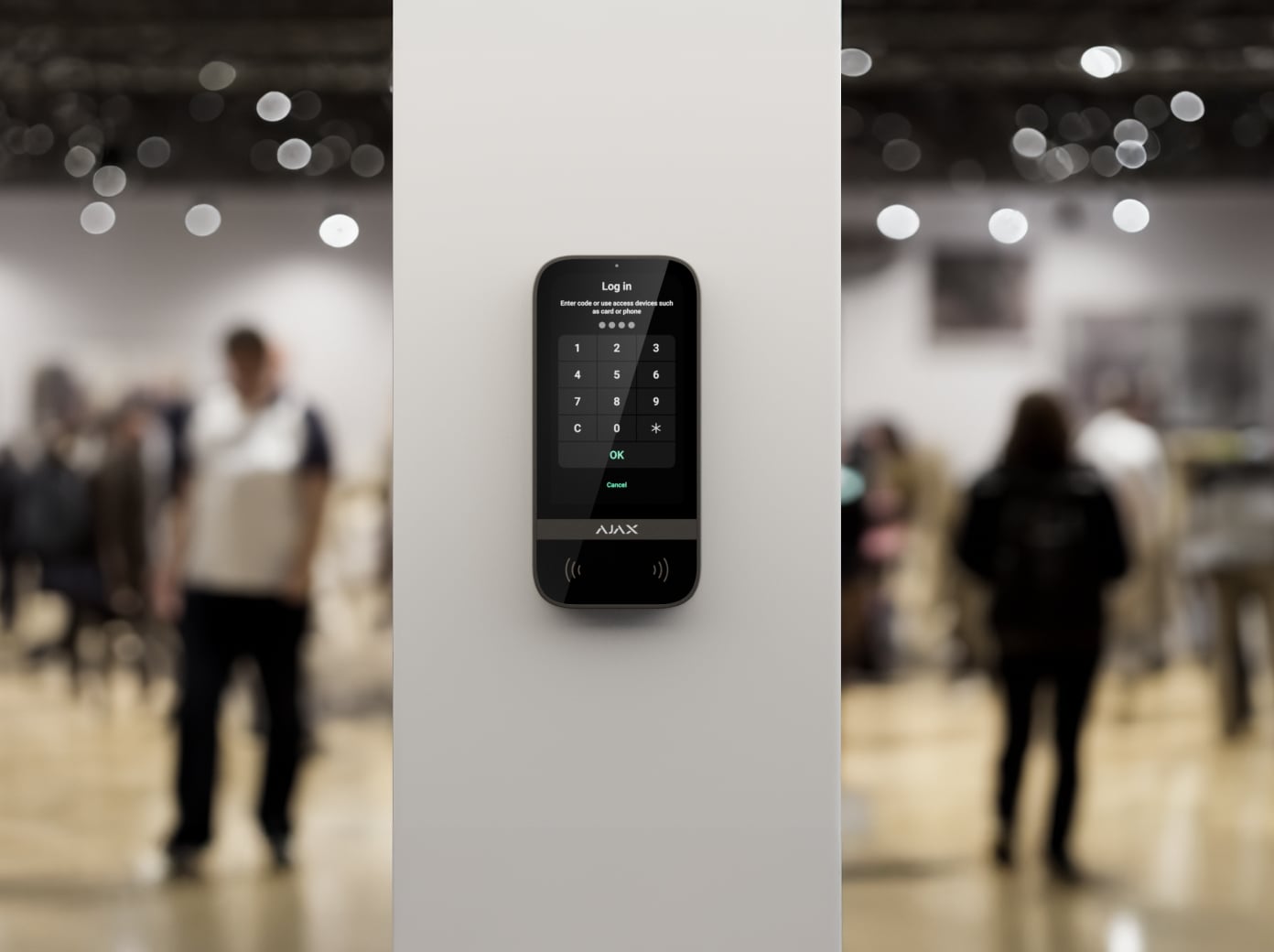
Enable authorization confirmation with a passcode to require both the assigned access device and a code. Set a suitable confirmation time and test the actual user journey. Check the exact hub and keypad firmware before commissioning.
Give each person the access they need.
Personal, shared and temporary access
Assign a personal code to identify a registered user, a keypad code for shared access, or a separate code for someone without an Ajax account. Rapid response unit codes have their own access conditions. The number of users and codes depends on the connected hub.
Change permissions from the app
Assign access to the intended security groups and revoke it when a person no longer needs it. Personal credentials make the event history more useful than a shared code. Review access rights with the owner during handover.
A keypad controls the Ajax system. A code or access device does not by itself turn it into a standalone door-lock controller.
A discreet way to report an emergency.
A separate code for a coercion event
A duress code performs the apparent security action while notifying the configured users and monitoring software of the emergency. Agree the response procedure in advance and test the event route without triggering an unintended dispatch.
Configure who receives the alert
Panic and duress notifications need the correct permissions, recipients and monitoring arrangements. The keypad cannot guarantee a response time. Show users which action generates an emergency event and which action only changes the armed state.
Keep emergency actions within reach.
Three configurable emergency buttons
The Panic tab can present panic, fire and auxiliary-alert buttons. An administrator chooses which are available and can require action confirmation to reduce accidental presses. Emergency access remains available when pre-authorization protects the normal controls.
Keep the control point connected.
Superior Jeweller
Superior Jeweller carries events, commands and status over an open-space range of up to 2,500 m. The achievable range depends on the hub, building and interference.
Requires a compatible hub with OS Malevich 2.35 or later. Check the exact model and radio region in the current compatibility list.
Grade 3 starts with the complete system.
Keep the radio protection consistent
Superior Jeweller provides encrypted communication and enhanced frequency hopping when every connected wireless device supports it. Adding a regular Jeweller device changes the system’s radio behaviour and limits the system to Grade 2.
Grade 3 is not guaranteed by buying one G3 device. An accredited Ajax partner must check the hub, every connected device, radio settings, installation and monitoring requirements together. Check the enhanced-hopping status in the app.
Choose battery or externally powered operation.
Six AA batteries, up to 1.5 years
The specified maximum assumes default settings and four interactions per day. Display use, radio conditions, temperature and polling affect battery life. With external power connected, the pre-installed batteries serve as backup.
Keep the installed software current.
Wings firmware updates need external power
Wings transfers firmware updates over a separate radio link, specified up to 1,700 m in open space. Connect external power before starting an update; battery-only operation does not meet the update requirement.
Check both Jeweller and Wings reception and the exact current compatibility list. This keypad does not capture photos.
Protection that also watches itself.

Limit repeated authentication attempts
Enable automatic lockout after repeated failed attempts and choose a suitable lock duration. The system reports the event; an authorised user or PRO can manage the lockout in the app. Test the configured behaviour with the owner.
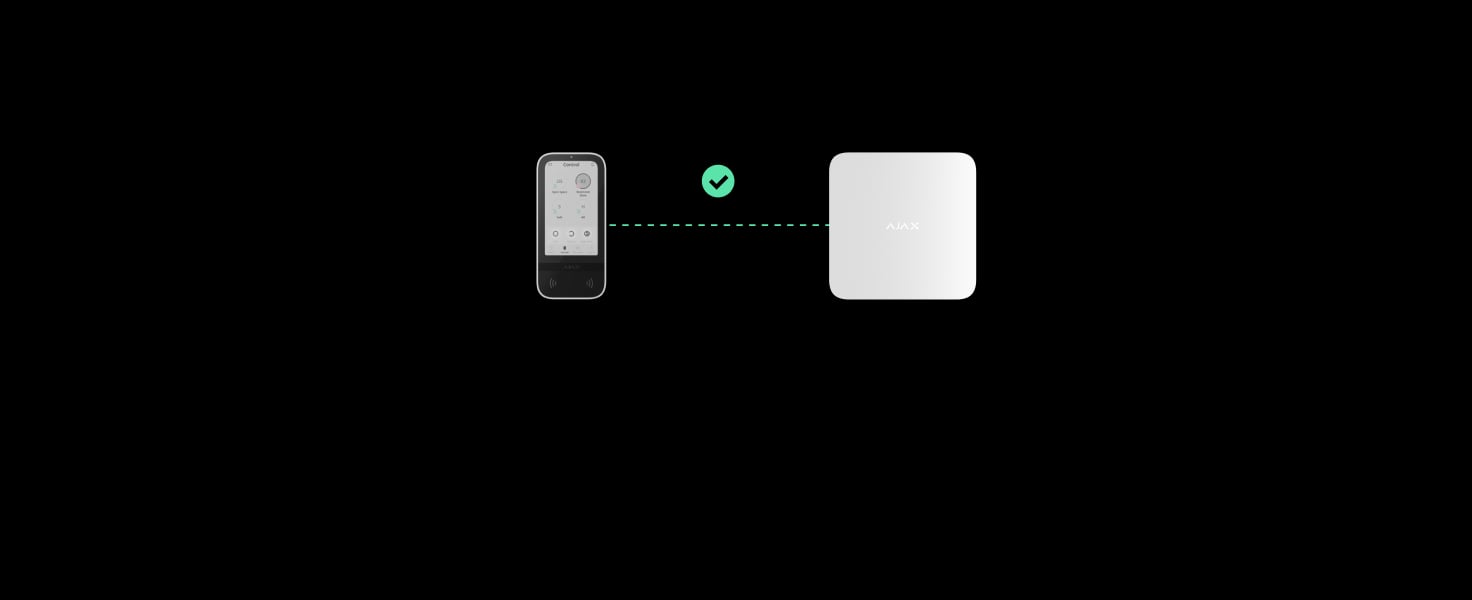
Monitor the mounting and connection
Tamper protection reports interference with the mounting. Regular exchanges let the hub supervise the connection and identify the affected device and room. The loss-reporting delay depends on the configured polling settings.
A connection-loss example of 36 seconds requires a 12-second polling interval and three missed packets. Verify the installed configuration.
Install in the intended surroundings.
Indoor placement
Use indoors from −10 to +40 °C and up to 75% humidity. The reviewed current specification does not publish an IP or IK rating; do not infer it from a similar keypad.
Install for everyday use. Test every access method.
Choose the height and fix SmartBracket
An accredited Ajax partner checks the location, fixes the specified mounting points and secures the enclosure. Test tamper reporting and leave enough room to reach the controls and present an access device.
Find the right control device.
Compare keypads, key fobs and panic buttons across ranges. See how people arm the system, identify themselves, operate a routine or ask for help.
Compare control devices →Every detail, in one place.
Communication
- Superior Jeweller data transfer protocol
- Two-way encrypted radio for events, commands and device status. Enhanced protection depends on the complete system configuration.
- Frequency bands
- 865.0–868.0 MHz 868.0–868.6 MHz 868.7–869.2 MHz 869.4–869.65 MHz
- Maximum effective radiated power (ERP)
- up to 20 mW Automatic power control to reduce power consumption and radio interference.
- Radio signal modulation
- GFSK
- Radio signal range
- up to 2,500 m Between keypad and hub (or range extender) in an open space.
- Encrypted communication
- Encrypted device communication protects transmitted system data.
- Frequency hopping
- Radio communication uses frequency hopping to prevent interception and jamming.
- Wings communication technology
- Firmware update transfer over a separate radio link. External power must be connected to update this keypad.
- Frequency bands
- 865.0–868.0 MHz 868.0–868.6 MHz 868.7–869.2 MHz 869.4–869.65 MHz
- Radio signal range
- up to 1,700 m Between keypad and hub (or range extender) in an open space.
- Encrypted communication
- Encrypted device communication protects transmitted system data.
- Frequency hopping
- Radio communication uses frequency hopping to prevent interception and jamming.
Display
- Diagonal
- 5 ″
- Matrix type
- IPS
- Resolution
- 480 × 854 px
- Sensor
- capacitive
- Brightness settings
- automatic manual If Auto adjust is enabled, the display brightness depends on the light conditions. This saves battery power.
- Backlight lifetime
- 30,000 hours Guaranteed backlight lifetime when the Always active display toggle is enabled. It can be adjusted in Ajax apps and activates only when external power is connected.
- User interface
- Dark Light
Key features
- Panic buttons
- panic fire auxiliary help Sending an alarm or calling for help from the separate keypad tab.
- Control
- codes Tag key fobs Pass cards smartphone (Bluetooth)
- Contactless access
- DESFire® EV1, EV2 ISO14443-А (13.56 MHz)
- Access codes
- up to 200 personal codes One code per each user. The number of personal access codes depends on the hub model. 1 keypad code Per each Superior KeyPad TouchScreen G3 Jeweller.
- Duress codes
- up to 200 personal codes One code per each user. The number of personal duress codes depends on the hub model. 1 keypad code Per each Superior KeyPad TouchScreen G3 Jeweller.
- Codes for unregistered users
- up to 99 codes for unregistered users For people who are not registered in the Ajax system. The number of such codes depends on the hub model.
- Arming without entering a code
- The enabled feature allows the user to arm the system without entering a code or presenting the access device.
- Group management
- Changing the security mode of the groups to which the user has access from the keypad’s display.
- Scenarios management
- A separate keypad tab contains up to 6 buttons, and each one can control one automation device or a group of devices.
- Indication of malfunctions and security modes
- display logo sound indication If enabled, the logo lights up red continuously or when the system or group is armed. Superior KeyPad TouchScreen G3 Jeweller indication is shown on the display only when it is active. Built-in buzzer notifies about alarms, door openings and entry/exit delays.
- Fire alarm muting
- Turns off the fire detectors alarm, including the interconnected alarm.
- User pre-authorization
- When the feature is enabled, viewing the current system status and control screen is unavailable. For access, the user must pre-authorize: enter a code or present a personal access device to the keypad.
- Contactless authorization with a smartphone
- A smartphone with the installed Ajax app and Bluetooth Low Energy (BLE) support can be used instead of Tag or Pass to authorize a user. BLE is a radio protocol with low power consumption. The keypad supports Android and iOS smartphones with BLE 4.2 and higher.
- Auto screen wakeup
- The keypad wakes up automatically when approaching it. The approaching distance can be adjusted in the app.
- Remote firmware update
- When a new firmware is available, an admin or PRO with the rights to configure the system can run the update in Ajax apps. The keypad must be connected to an external power supply to update the firmware.
- ACE Type
- type B
Sabotage protection
- Unauthorized access auto-lock
- The keypad locks if an incorrect code is entered or unverified access devices are used more than 3 times in a row within 1 minute. The lock time is adjusted by PRO or user with admin rights in the Ajax app.
- Tamper alarm
- Notifications on attempts to detach the keypad from the surface or remove it from the mounting panel.
- Holding screw
- To secure the keypad on SmartBracket.
- Protection against spoofing
- device authentication
- Communication loss detection
- after 36 s Detection time depends on the Jeweller or Jeweller/Fibra settings.
Power supply
- Battery
- 6 × AA Pre-installed.
- Type
- type C
- Calculated battery life
- up to 1.5 years With default settings and up to 4 interactions with a keypad per day.
- Operating voltage range
- 10.5–14 V⎓, up to 0.4 A The batteries serve as a backup when the external power supply is connected.
- Nominal operating voltage
- 12 V⎓
- Quiescent current consumption at nominal voltage
- 46 μA
- Maximum current consumption at nominal voltage
- 1.5 mA
- Full battery capacity
- 2,650 mAh
- Low battery voltage
- 6.6 V⎓
- Low battery recovery voltage
- 8.1 V⎓
- End-of-life battery voltage
- 4.92 V⎓ Device is switched off.
- End-of-life battery capacity
- 350 mAh
Enclosure
- Dimensions
- 172 × 82 × 26 mm
- Weight
- 327 g
- Operating temperature range
- from −10 °C to +40 °C
- Operating humidity
- up to 75%
What’s in the box
- Superior KeyPad TouchScreen G3 Jeweller
- SmartBracket mounting panel
- 6 АА batteries (pre-installed)
- Installation kit
- Quick start guide
For your installation
- Selected as part of an installer-reviewed security or automation project.
- Confirm the supported control panel, device software and regional radio version; test coverage at the final installation position.
- The device is designed for indoor use only. Please note that the keypad must be connected to an external power supply to update the firmware and keep the screen always active.