MAKE IT YOURS
StarterKit Cam HDR.
Security system with visual alarm verifications
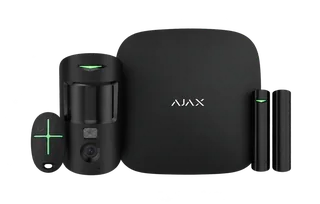
An alarm with a picture to help you decide.
StarterKit Cam HDR combines Hub 2 (2G) with MotionCam HDR, DoorProtect and SpaceControl. The included motion detector sends photographs with an intrusion alarm, helping you understand what happened before deciding how to respond. Ethernet and two 2G SIM slots connect the system, while the Ajax app brings events, photos and control together.
Key features. At a glance.
4
devices included in the box
Alarm photos included
The included MotionCam HDR helps you see what triggered an alarm.
One protected opening
Configure DoorProtect for a door or window, including protection while you are at home.
App and remote control
Use the Ajax app or the included SpaceControl.
Ethernet and cellular
2G · 2 SIM slots. Configure backup connections; SIM service is separate.
Up to 100
devices in the system
Add compatible protection as your property’s needs grow. Additional equipment is separate.
Ajax product information ↗ · StarterKit Cam HDR specifications ↗
Four devices. One connected beginning.
These exact devices are included in the box. Start with one indoor area and one opening, then build out protection around your property.
1 included
Hub 2 (2G)
System control
Explore Hub 2 (2G)1 included
MotionCam HDR
Indoor motion & alarm photos
Explore MotionCam HDR1 included
DoorProtect
One door or window
Explore DoorProtect1 included
SpaceControl
Arm, disarm & panic
Explore SpaceControlThe hub brings it together.
Hub 2 (2G)
Connect through Ethernet, two SIM slots for 2G. Configure backup connections so the system has another route when the main one is unavailable.
Up to 100 devices
The included detector, opening sensor and remote occupy three device slots. The hub does not count itself. Capacity is subject to device limits and configured polling settings.
Access and automation
Up to 50 users, 9 security groups and 32 automation scenarios. Set permissions for each person. Automation needs compatible additional devices; the box includes no automation actuator.
The hub needs mains power and a working internet connection. Cellular backup needs a suitable SIM and service. Installation, monitoring and service charges are separate. Check local availability of the kit’s cellular network before ordering.
Four devices working as one system.
From detection to a clear event
MotionCam HDR monitors movement in an indoor area; DoorProtect reports opening at one door or window. The detectors report to Hub 2 (2G), which coordinates the system and forwards configured events to users and, when contracted, a monitoring company. SpaceControl provides local security-mode control.
The box has no siren, keypad or automation actuator. Add them only where the property design calls for them. One starter set does not cover every room and entrance.
See the reason behind an alarm.
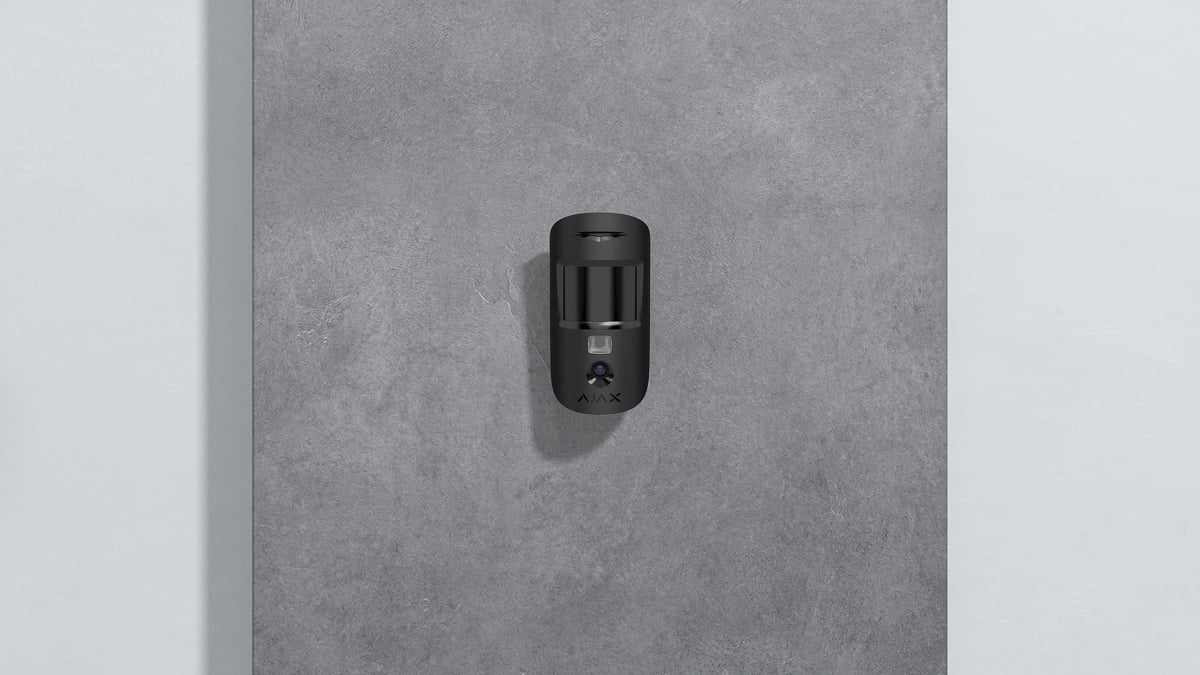
Photographs from the included MotionCam HDR
When the armed detector recognises movement, it sends the alarm over Jeweller and a series of still images over Wings. Authorised users can inspect the photo sequence in the Ajax app, including images taken with infrared illumination in darkness.
This is alarm verification, not continuous video. The kit lists MotionCam HDR, not a PhOD model with user-requested photos. Image options depend on the supplied detector revision and firmware; confirm them for the actual kit. Delivery time depends on resolution, radio signal and the internet connection.
Protection that fits everyday spaces.
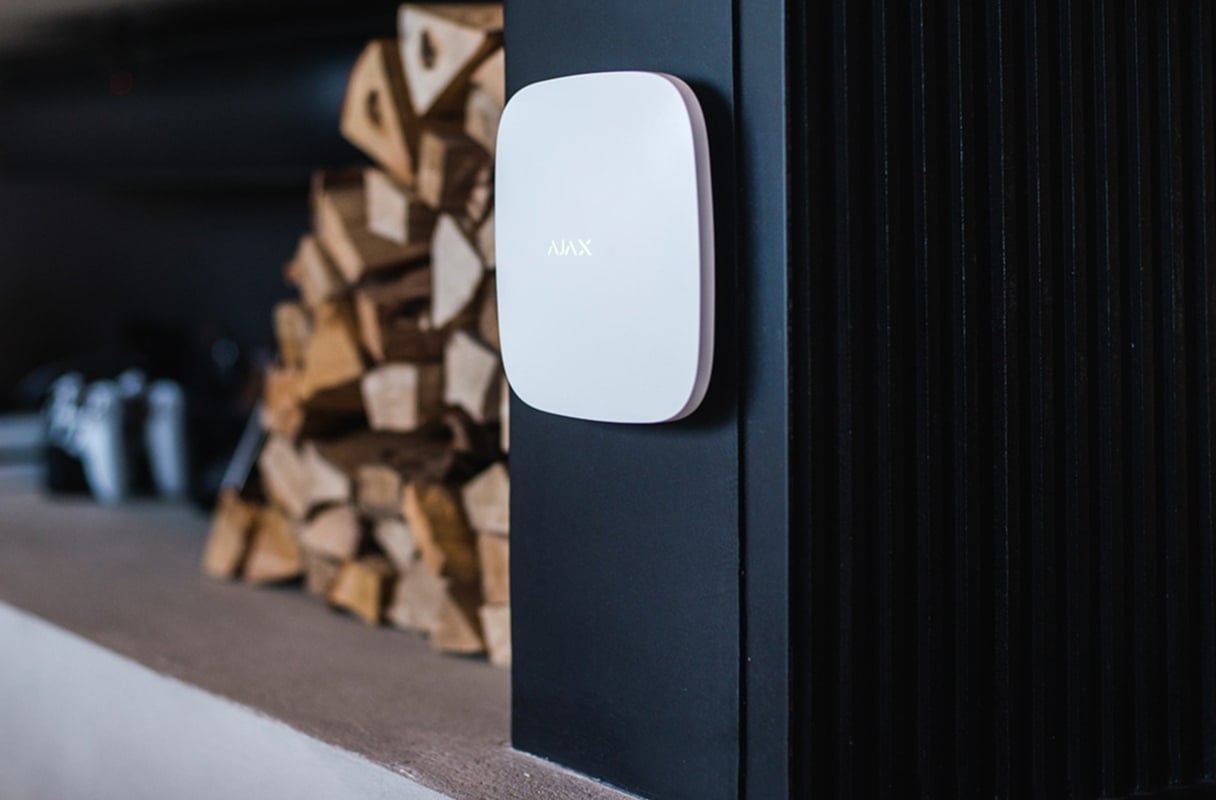
Hub 2 (2G)
Choose a protected indoor position with power, a working internet connection and reliable radio reception. Test before fixing the hub in place.
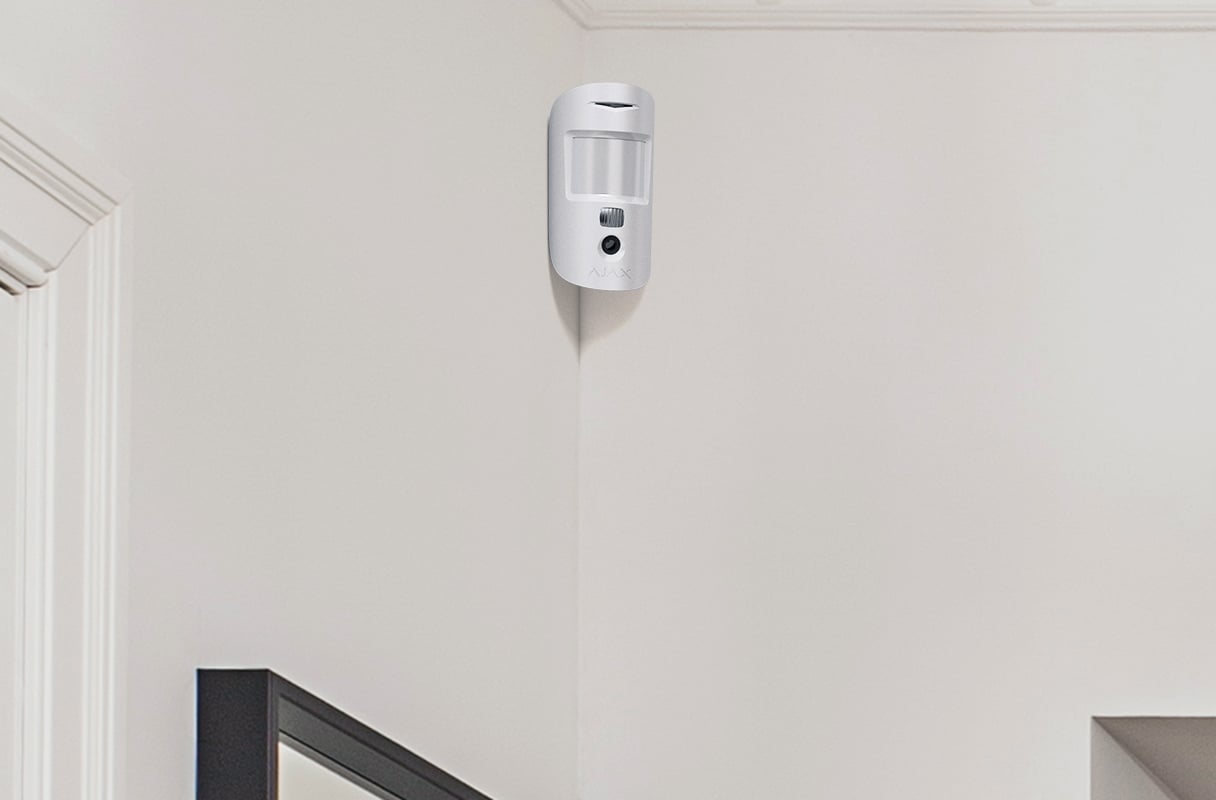
MotionCam HDR
Place the detector where an intruder would cross its detection area. Set sensitivity and verify coverage at the actual installation position.
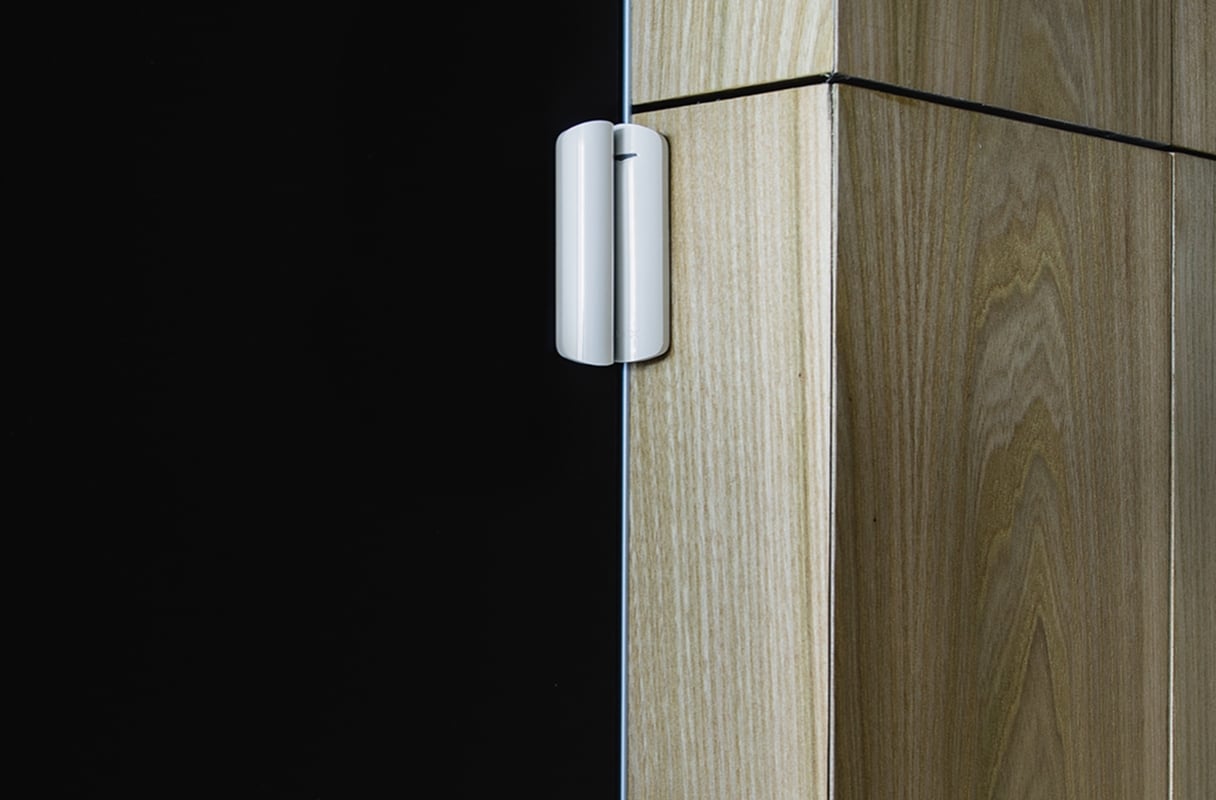
DoorProtect
Fit the detector and magnet to one opening in accordance with its mounting guidance. Check the closed gap and opening response before use.
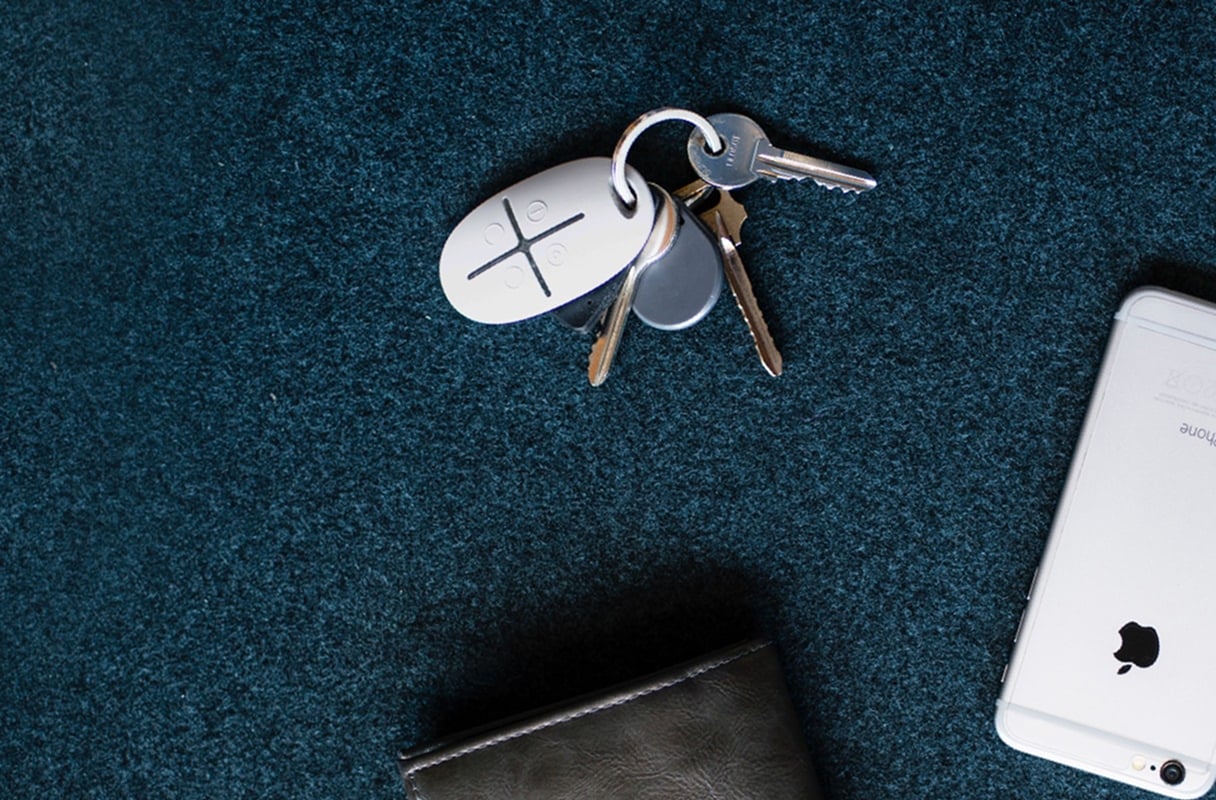
SpaceControl
Keep the remote with you for arming, disarming and the configured panic function. User permissions and notification settings determine the response.
Control that fits your day.
App, remote and individual permissions
Use the Ajax app or included SpaceControl to arm or disarm. Give users the permissions and group access they need. Night mode can keep selected perimeter detectors armed while you move through the rest of the property.
Configure entry and exit delays for the route you use. SpaceControl’s panic button sends an alarm event when enabled; response arrangements must be agreed separately.
Keep track of the system itself.
Supervised radio and connection status
Encrypted, two-way Jeweller communication links the peripherals to the hub. Regular polling checks device availability; the app reports a missing device or a fault. Connection-loss timing depends on polling and missed-packet settings.
Test signal strength at every installation position. Walls, floors and interference affect range; an open-space maximum is not a coverage promise for a building.
Power, tamper and battery alerts
The hub has a rechargeable backup battery, and the wireless peripherals use batteries. The system reports relevant low-battery, power and tamper events so maintenance can be arranged.
Backup duration depends on the hub, battery condition and operating mode. Routers and other network equipment may need their own backup power; the hub battery does not power them.
Set up, test and hand over.
Connect the right devices
Create the system in the Ajax app, connect the hub and add each included device using its QR code. Give devices clear names and assign rooms so an event identifies the right location.
Check protection before relying on it
Test radio strength, motion detection and the protected opening. Check mounting, entry and exit delays, notifications, remote control and every configured backup connection. For a kit with MotionCam HDR, verify that the alarm photo sequence arrives.
If professional monitoring is required, agree the service and test alarm delivery with the monitoring company. Monitoring, dispatch and installation are separate services; the kit alone does not arrange a response.
A starting point. With room to grow.
These are optional additions, chosen for your property and checked against the exact hub. They are separate from the four devices in the box.
More rooms and entrances
Add movement and opening detectors to extend coverage. Sirens provide an audible warning; a keypad adds convenient control at the entrance.
Fire and water protection
Add compatible FireProtect and LeaksProtect detectors for further kinds of alerts in the same Ajax app. Placement and the exact detector model are selected for your property.
More places with alarm photos
Choose additional compatible MotionCam detectors for visual verification. Photo-on-demand models bring permission-controlled requests; they are separate upgrades.
Further rooms or a separate building
A signal test may show a need for a range extender or another hub. Add that equipment when the actual distance and building materials are known. Photo transmission through a range extender requires ReX 2; plain ReX does not relay photos.
Video cameras can share the Ajax app too. They use their own network, power and recording arrangements; video is not unlocked by a particular alarm hub.
Build a system for your propertyFind the right StarterKit.
Compare the exact equipment in the box, alarm photos and how each system can grow. Start with your property, then choose the kit and the extra devices it needs.
Compare StarterKits →Every detail, in one place.
Components
- 1
- Hub 2 (2G)
- 2
- MotionCam HDR
- 3
- DoorProtect
- 4
- SpaceControl
What’s in the box
- Hub 2 (2G)
- MotionCam HDR
- DoorProtect
- SpaceControl
For your installation
- Confirm the supported control panel, device software and regional radio version; test coverage at the final installation position.
- Check individual component specifications for installation, power and operating limits.