MAKE IT YOURS
MountCam.
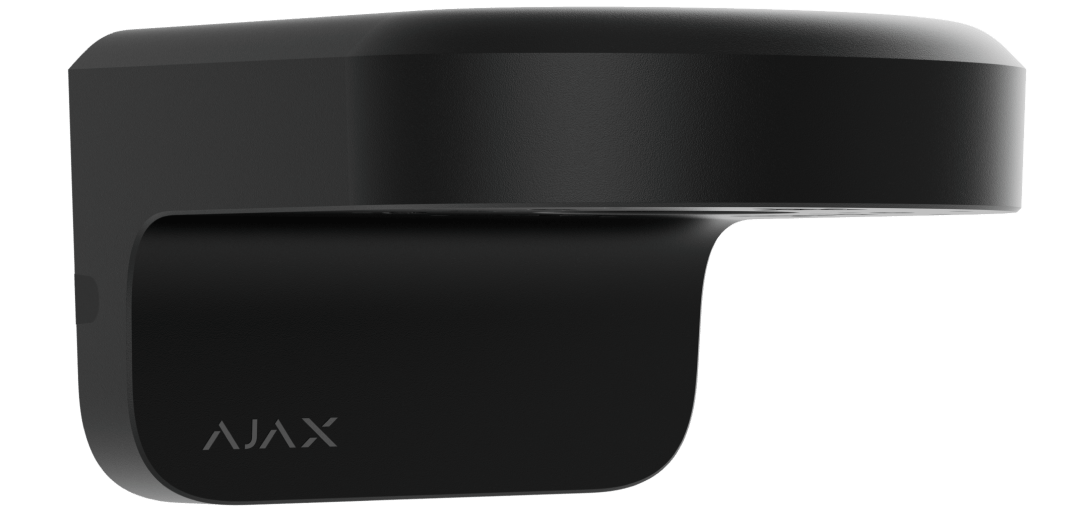
Wall mounts in four configurations, selected for the camera and the place.
Give the camera a clear view.
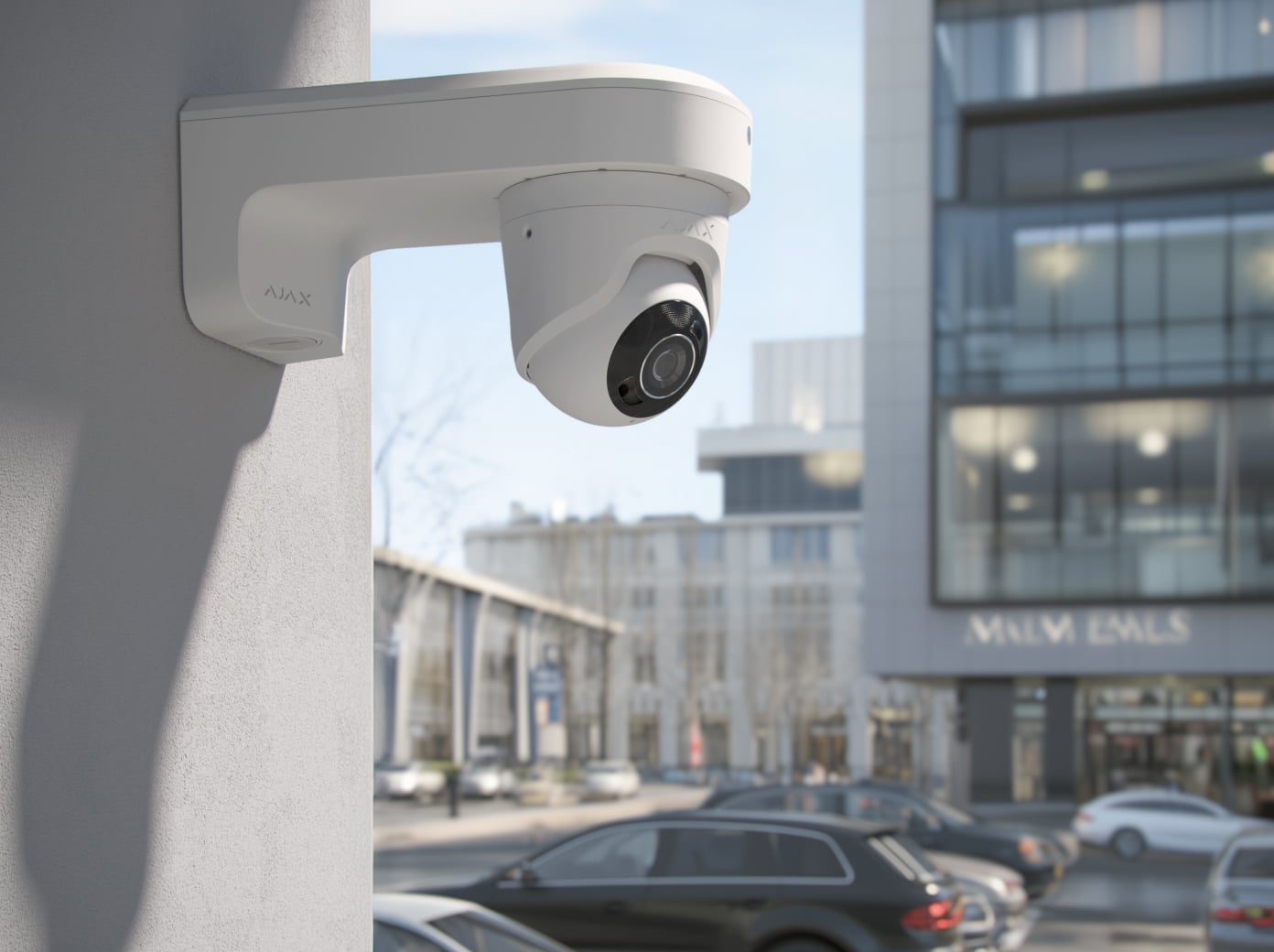
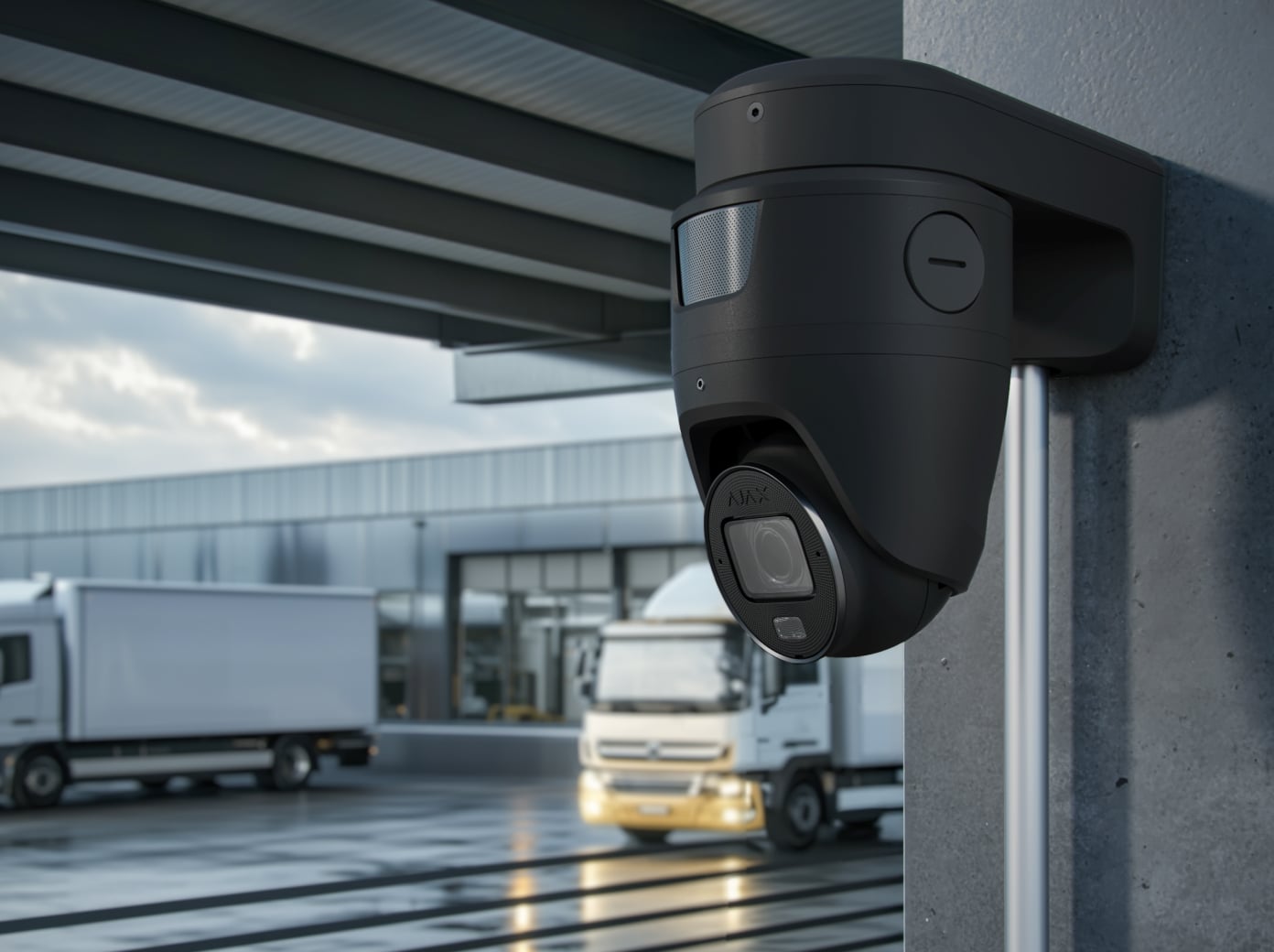
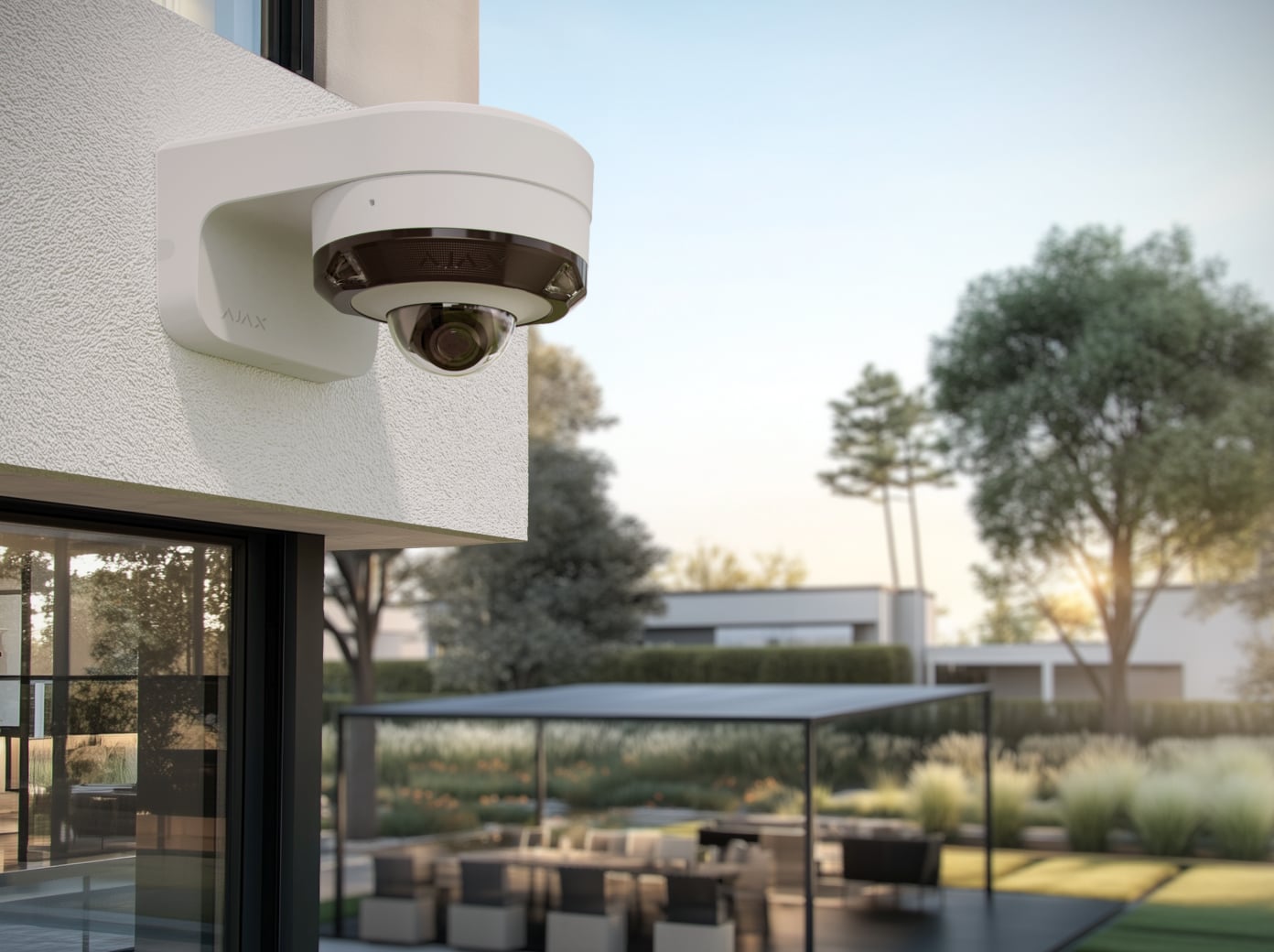
MountCam moves a compatible Ajax camera away from the wall to clear an eave, pillar or other obstruction. A1 and A2 offer a shorter arm; B1 and B2 provide more clearance. A2 and B2 include an adapter for supported varifocal cameras. Match both the camera and the mounting position before choosing a version.
Key features. At a glance.
164 mm mount
Short arm.
Fixed-lens mounting
For the exact supported camera models.
Indoor / outdoor
−40 to +60 °C; camera limits also apply.
Pole strap slots
Choose straps for the installation.
Internal cable route
Space for Ethernet and a separate power cable.
Two finishes
Black or white. Camera sold separately.
Specifications shown for MountCam A1. Ajax product information ↗ · MountCam A1 specifications ↗
Made for real installations.
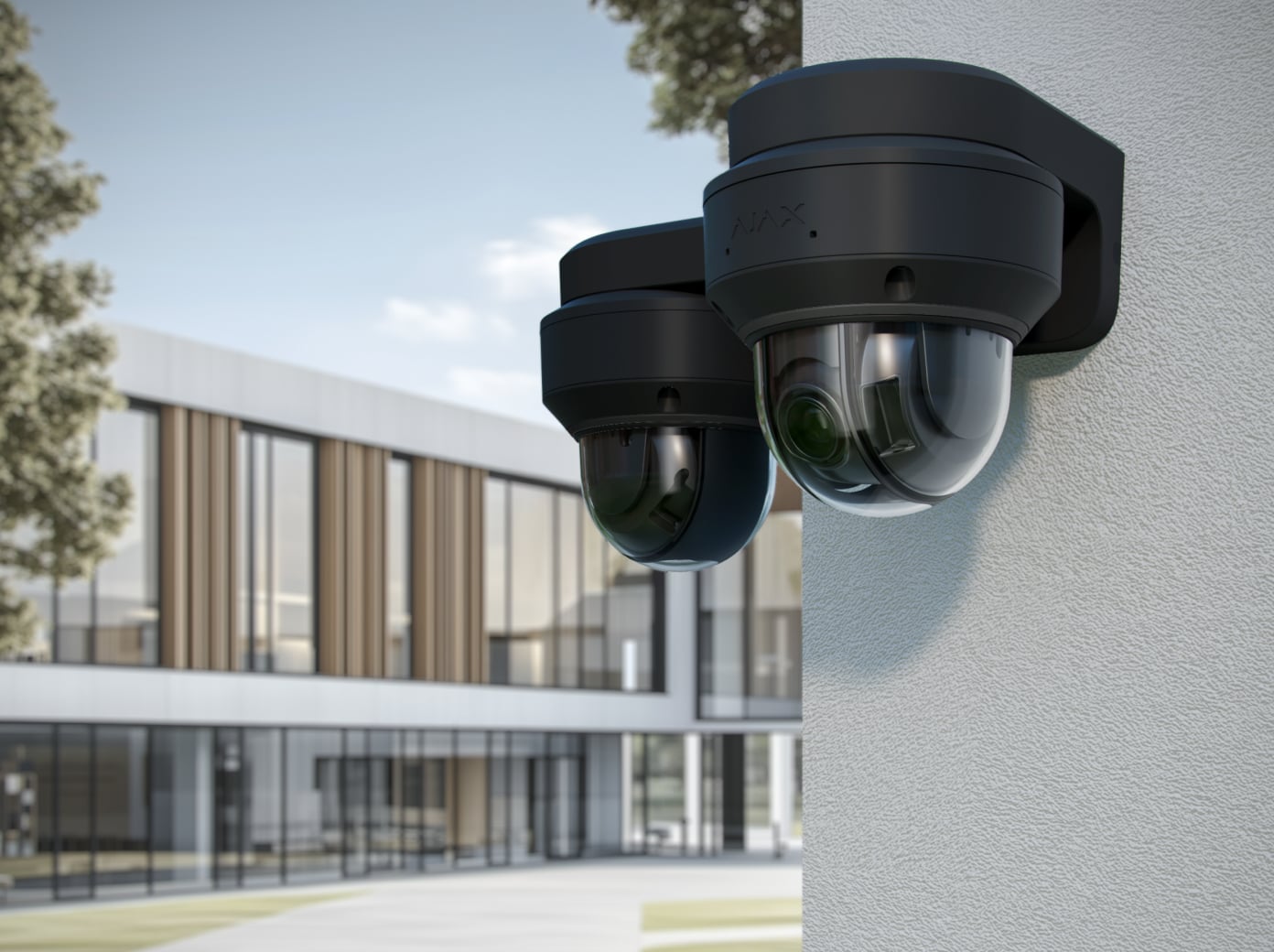
Match the mount to the camera.
A1 and B1
The standard mounting positions support BulletCam, TurretCam and DomeCam Mini, including their fixed-lens HL versions. Choose A1 for a shorter arm or B1 for more clearance.
- Original models: BulletCam, TurretCam, DomeCam Mini.
- HL models: BulletCam HL, TurretCam HL, DomeCam Mini HL.
Make room for the view.
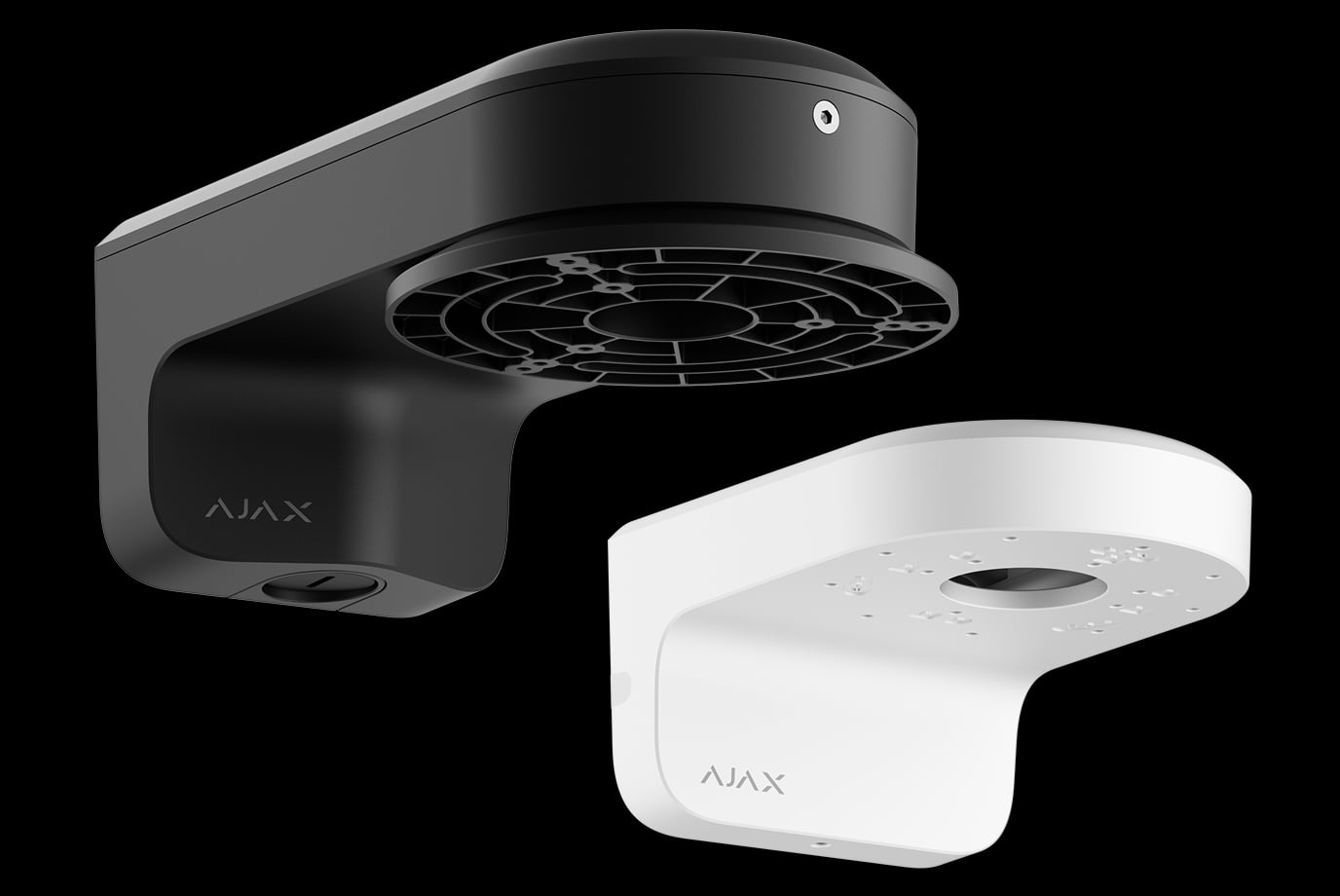
Short or long arm
The L-shaped mount places the camera at 90° to the wall. A1 (164 mm) and A2 (174 mm) keep the installation closer to the wall; B1 (237 mm) and B2 (242 mm) provide more clearance around an eave or another obstruction.
Check the complete dimensions and actual lens position. The mount length alone does not establish the camera’s coverage or viewing angle.
A considered route from wall to camera.
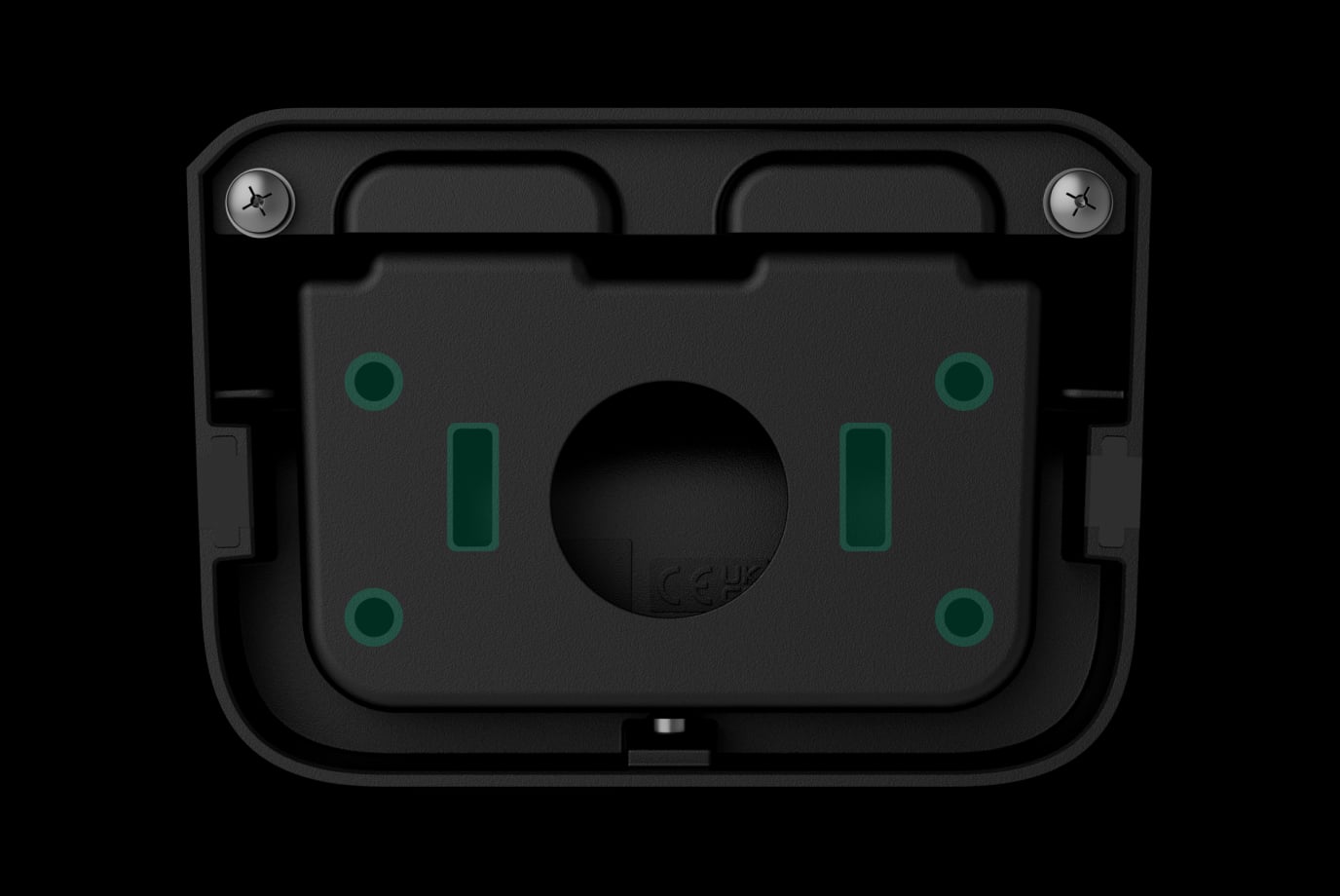
Fix the bracket, then the camera
Use the installation template and all fixing points to secure the bracket. Pre-drilled camera positions, threaded inserts and captive screws help with assembly. A2 and B2 add the matching varifocal adapter.
Strap slots support mounting on a suitable pole. The installer checks the surface and selects the appropriate pole straps and fixings.
Made for the selected location.
Indoors or outdoors
All four versions are listed for −40 to +60 °C. Choose a location that also satisfies the camera’s own environmental and installation requirements.
- Included: selected MountCam, installation template, installation kit and quick start guide.
- Available in black or white. Select the finish with the camera and building in mind.
Find the right mounting accessory.
Choose how to mount your camera and protect its connections. Compare exact MountCam versions and JunctionBox, then check the camera you want to install.
Compare mounting options →Every detail, in one place.
Key features
- Strap slots
- to secure the mount to a pole
- Holding screw
- to secure the mount to a bracket
- Features for easy installation
- pre-drilled fixing points; space for organizing cables inside the mount; captive screws
Product
- Dimensions
- 86 × 123 × 164 mm
- Weight
- 480 g
- Operating temperature range
- from –40 °C to +60 °C
What’s in the box
- MountCam A1
- Installation template
- Installation kit
- Quick start guide
For your installation
- Use the version-specific compatibility list.
- BulletCam HLVF is not compatible with MountCam.
- The camera is purchased separately.
Product documents.
Complete your installation.
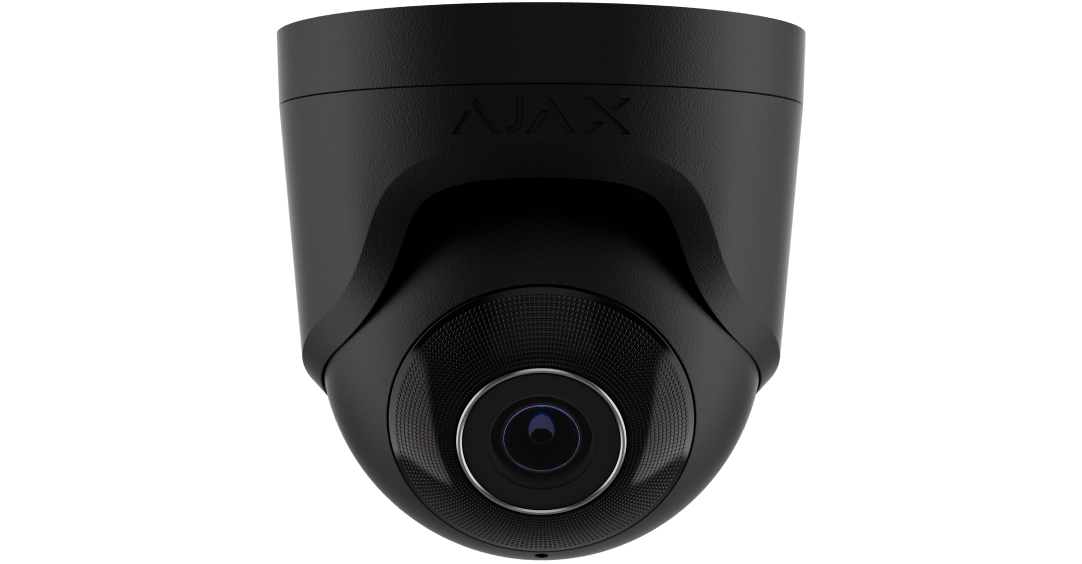
TurretCam
Supported by A1, A2, B1 and B2.
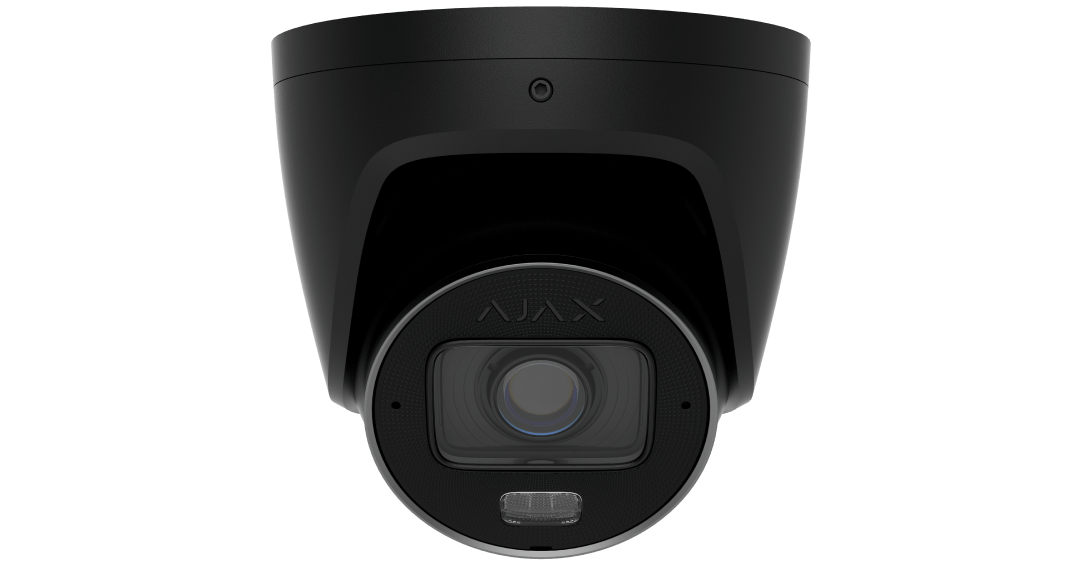
TurretCam HLVF
Choose MountCam A2 or B2 for this camera.
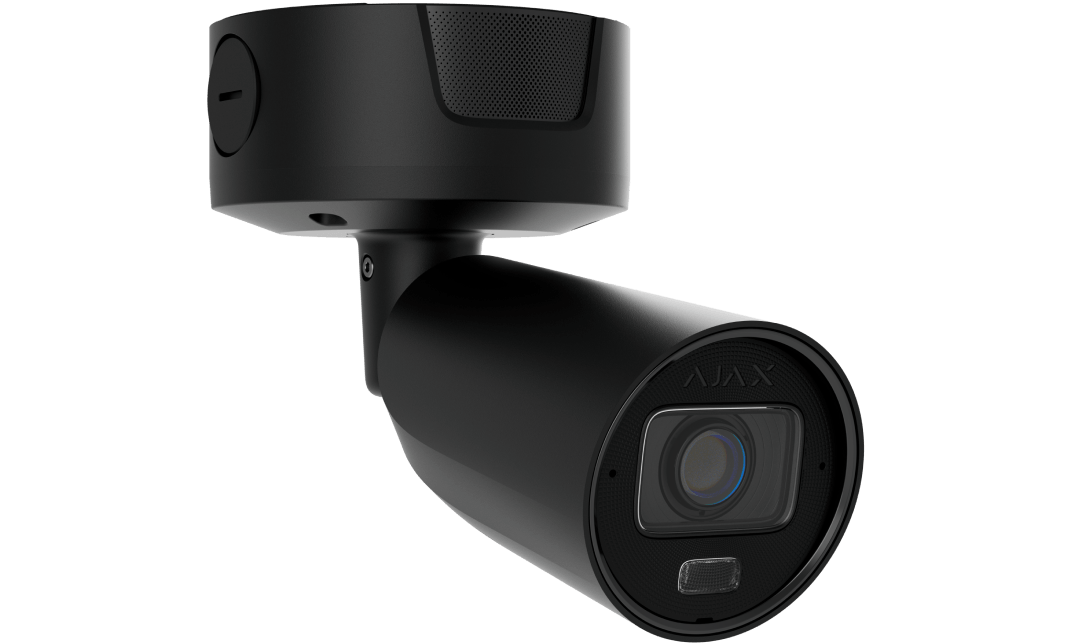
Superior BulletCam HLVF
Supported by A2 and B2; distinct from Baseline BulletCam HLVF.