MAKE IT YOURS
ManualCallPoint.
Wireless resettable button featuring programmable scenario
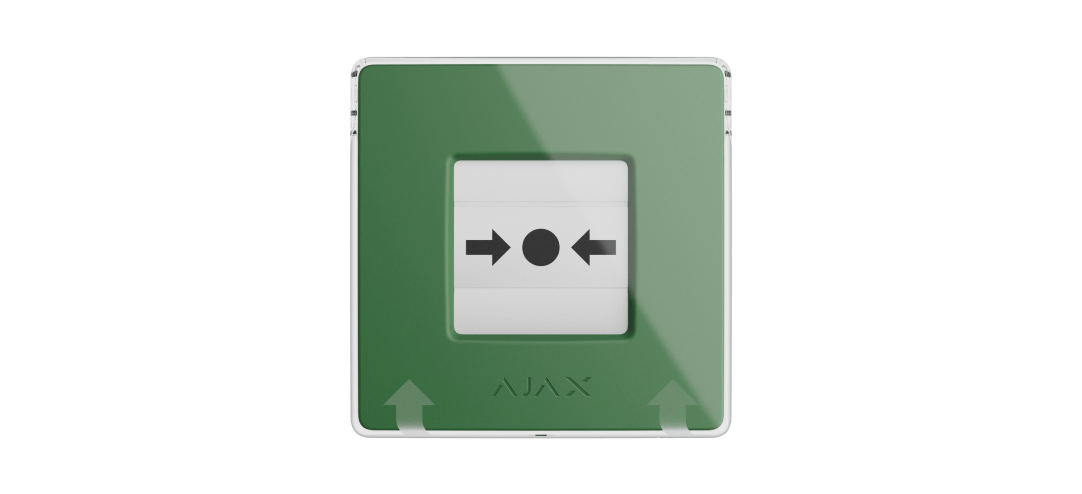
One press. The response you configure.
ManualCallPoint Jeweller is available in blue, green, yellow and white, with identical capabilities. It defaults to Scenario trigger mode on an Ajax hub, letting a press run configured automation. It can also be assigned an alarm type. The colour does not decide the action; settings do, and the included key resets the button.
Key features. At a glance.
Automation scenarios
Activate emergency lights
Control the ventilation system
Unlock electric locks
De-energizing the facility
Activation of fire detectors' buzzers
by pressing the button
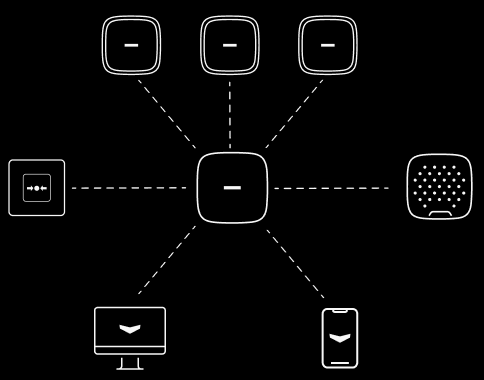
Alarm types

Fire
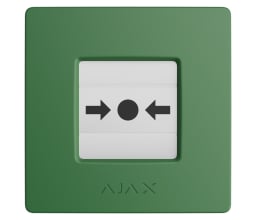
Four colors
same features
Informative push notifications

of communication range with an Ajax hub1
Up to 1,700 m
Up to 7 years

of battery life
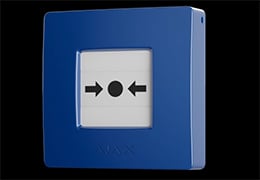
Resilient button mechanism
with few agile components to reduce the risk of failure

Remote control and configuration



Power adjustment
SmartBracket mounting panel
featuring tamper alarm
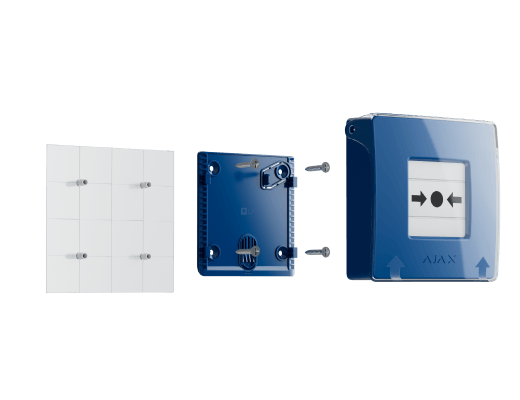
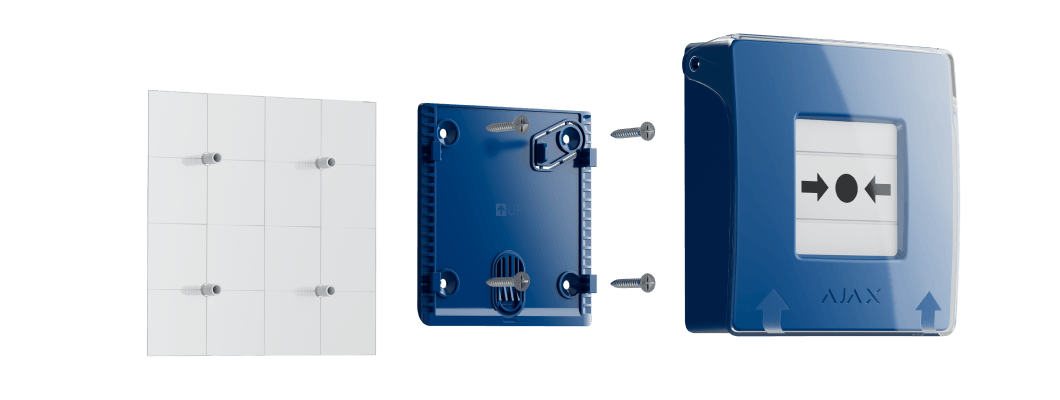
Transparent front lid to prevent accidental button presses

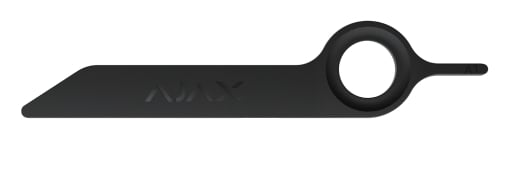
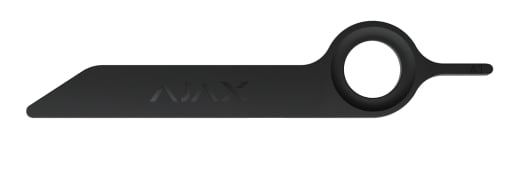
Fire alarm remains active until the button is manually reset using a key
- 1Radio range is measured in open space; walls and installation conditions reduce it.
Overview of this product range. Features and ratings can differ by version. Ajax product information ↗ · ManualCallPoint (Green) Jeweller specifications ↗
Protection in real places.
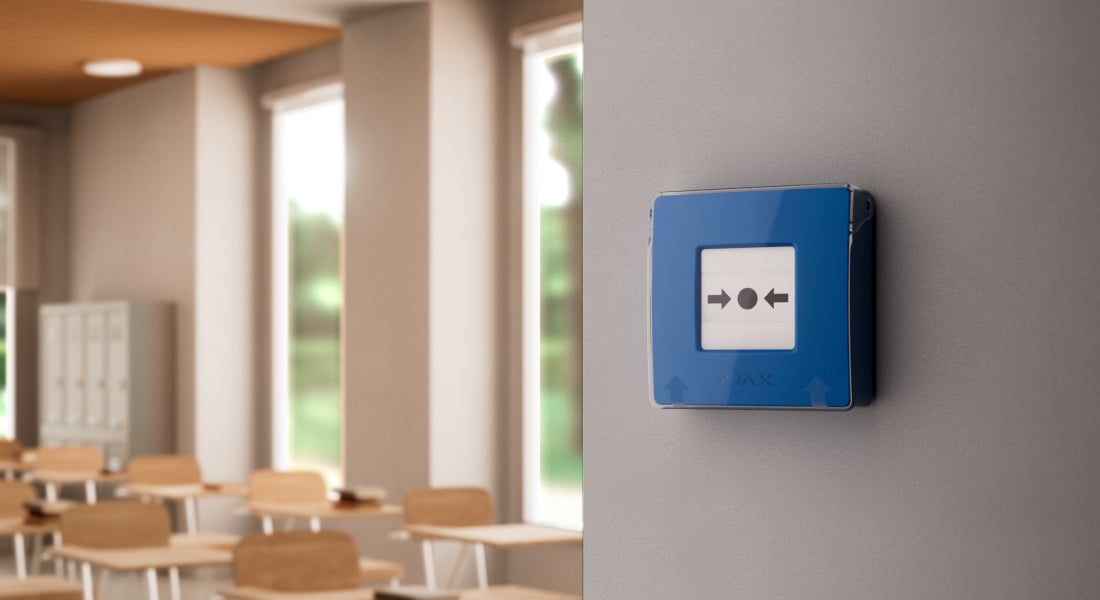
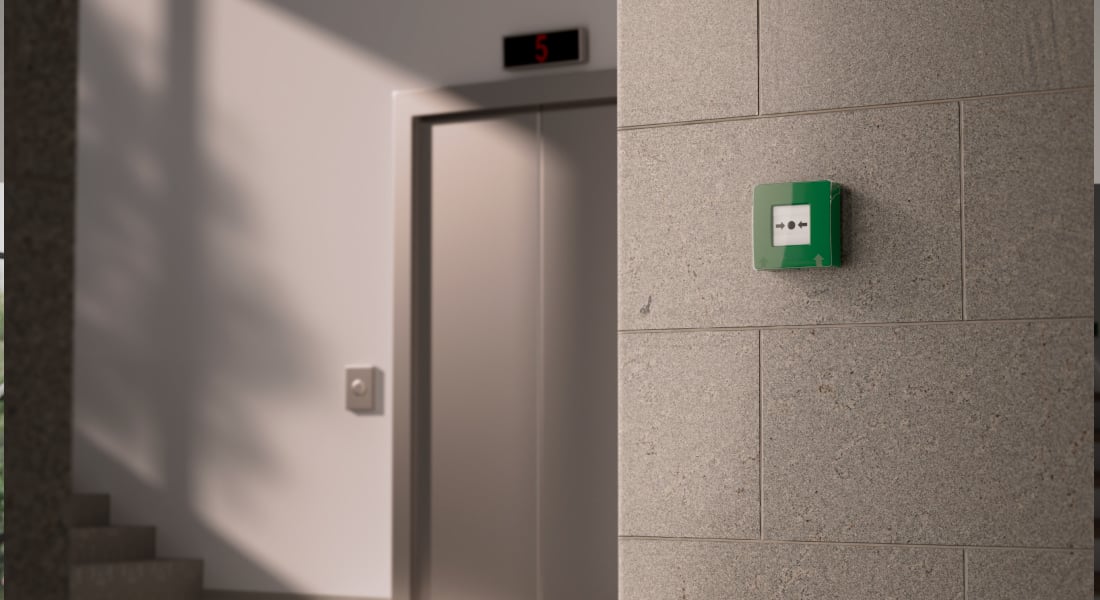
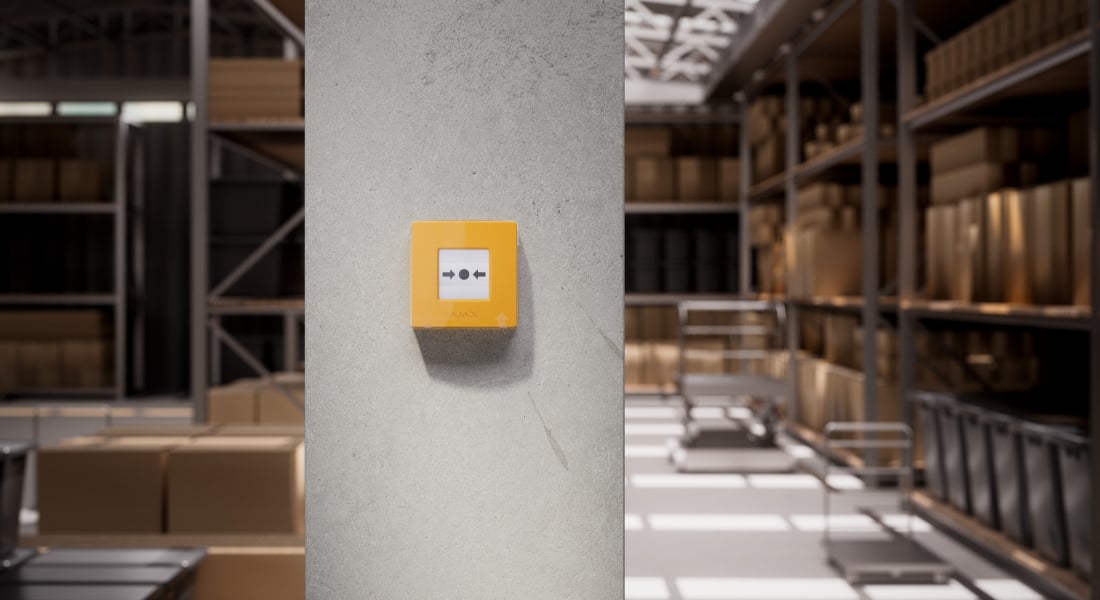
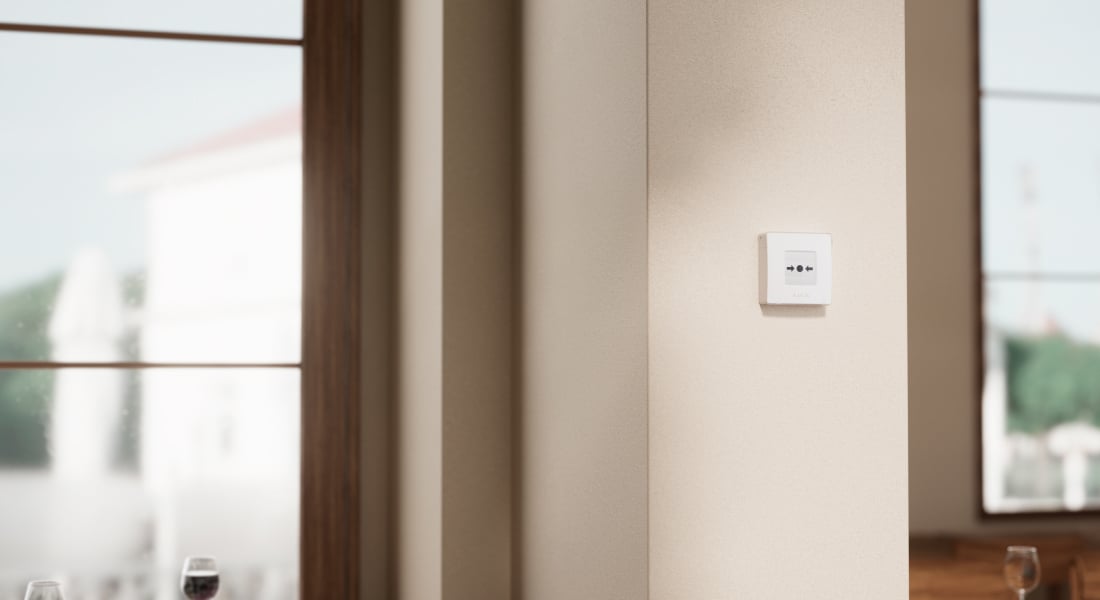
Choose what a press should do.
Four colours. The same capabilities.
Blue, green, yellow and white have the same functions. With a hub, the default is Scenario trigger; with a CIE, it is Custom action. You can instead select a fire, auxiliary, panic, gas-leak, malfunction or water-leak alarm.
A mode names the event raised by a person; this button does not detect smoke, gas or water. Scenario trigger and Custom action modes do not send an alarm to users or the monitoring station. Review the Local alarm only setting when configuring alarm forwarding. Alarm transmission to the monitoring station is disabled by default for these versions.
Actions that work together.

One action or a configured sequence
Use a press to control compatible relays, sockets and switches: activate lighting, control ventilation, operate an electric lock or switch selected equipment. Configure one or several actions in the Ajax app.
The same actions can be assigned to any of the four colours. Compatible control devices and an installation designed for the connected equipment are required.
Part of a connected fire alarm system.

A coordinated fire response
When configured in Fire alarm mode, the button can activate interconnected fire-detector buzzers, selected intrusion sirens and alarm scenarios. Supported cameras and MotionCam (PhOD) detectors can provide visual information when configured for the event.
This requires a compatible hub or CIE and the appropriate alarm, automation and camera settings. The button is not a standalone siren or detector.
A deliberate press. A clear indication.
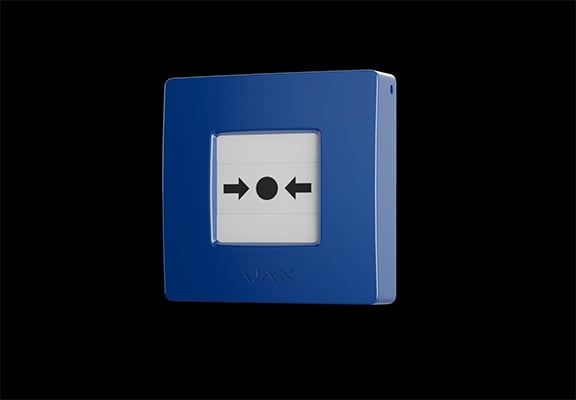
Built for repeated use
Lift the transparent protective lid and press the centre. The resettable element moves inward and reveals two yellow stripes. Ajax designed the mechanism with few moving parts and specifies more than 500 presses. The included key returns the button to its ready position.
The lid helps prevent accidental presses. Confirm the configured response before testing the button.
Stay informed about the button itself.
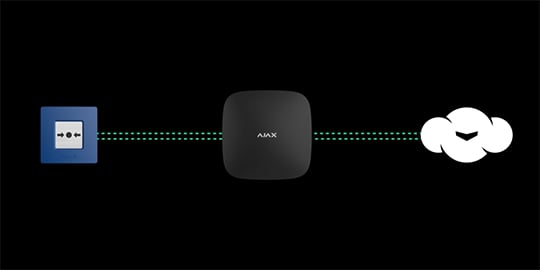
Connection, tamper and device status
Regular exchanges with the hub keep the button’s status available in the app. The minimum polling interval is 12 seconds; connection-loss reporting depends on the configured polling and missed-packet settings. A tamper reports removal from SmartBracket or the mounting surface.
Automatic supervision helps identify faults. Complete commissioning and ongoing system checks required for the installation.
Years of operation. Replaceable batteries.
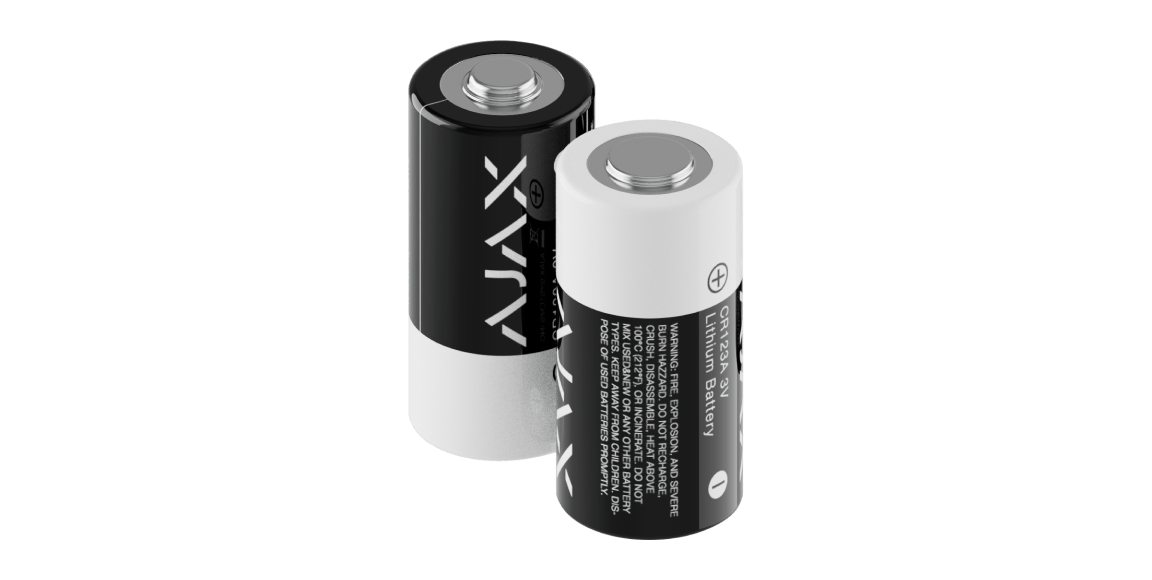
Up to 7 years
Two pre-installed CR123A batteries power the button. Ajax rates operation at up to 7 years with typical use: one press lasting one minute each week. The app reports a low battery so replacement can be planned.
More frequent activation and installation conditions affect battery life.
Understand what happened. Know where.
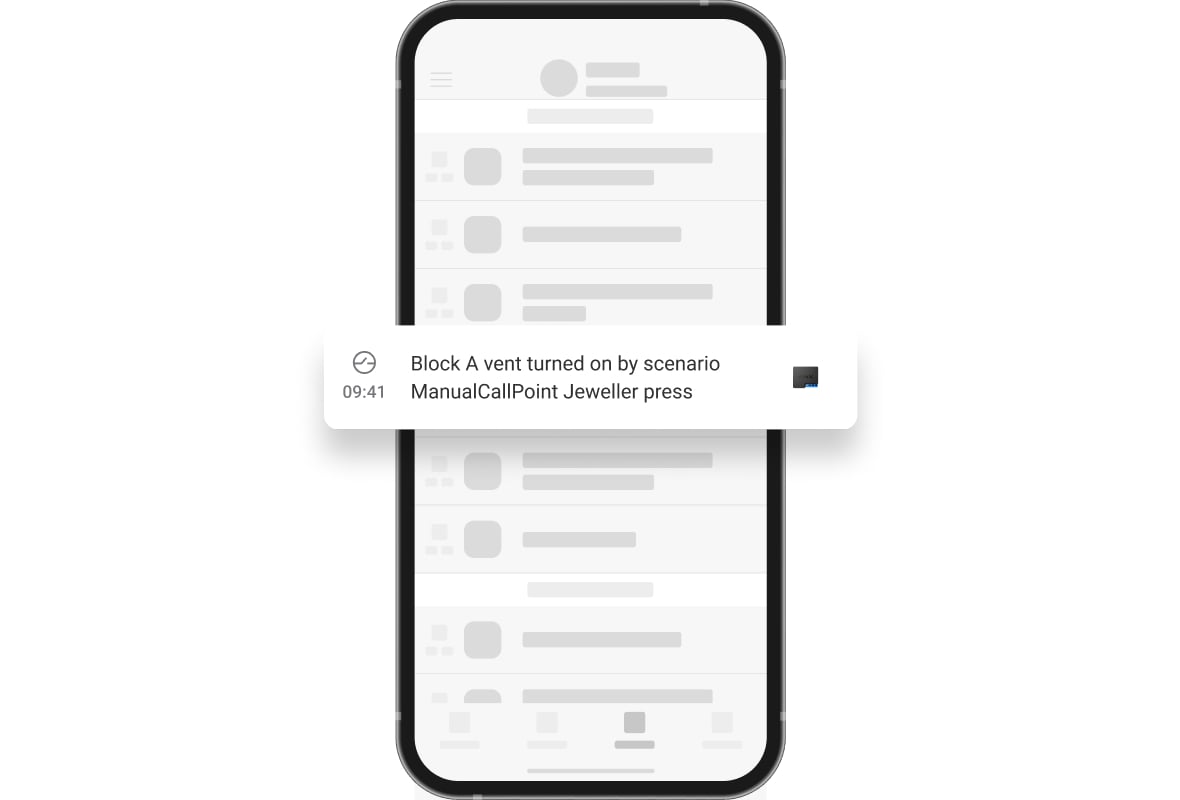
Notifications with a location
The app identifies the button and its room, with a time-stamped event history. Hub systems retain the 500 most recent events. Name each button clearly so an activation or fault can be traced to the right place.
The illustration is an example. Event wording and notification routes depend on the selected operating mode.
A secure link to your system.
Jeweller communication
Encrypted two-way radio, device authentication and frequency hopping help protect communication. The specified open-space range is up to 1,700 m between the button and a compatible hub or range extender.
Choose the matching regional radio version. Walls and interference reduce range; verify reception at the installed position.
Plan coverage around the building.
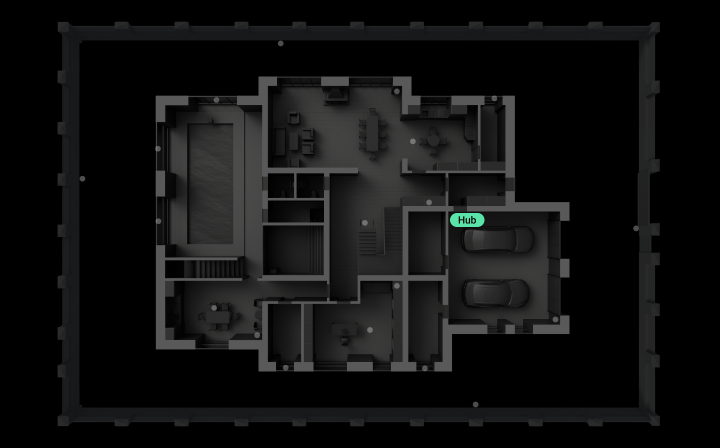
Extend a compatible hub system
ReX and ReX 2 can extend a supported hub system. ReX 2 can also use Ethernet to carry data back to the hub where radio conditions are difficult. Some hubs support up to five range extenders; check the exact hub’s capacity and device compatibility.
This diagram illustrates coverage planning, not a guaranteed distance through walls. Use the appropriate EN54 equipment and design rules for a fire control panel system.
Install, configure and verify.
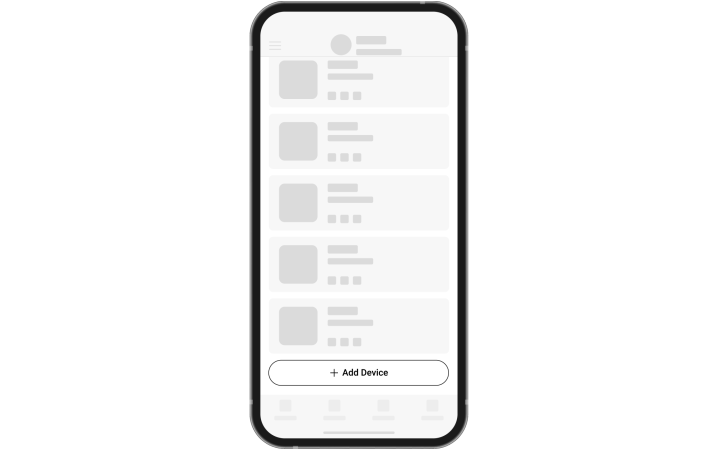
Pair by QR code
Add the button to a compatible Ajax hub or control and indicating equipment (CIE), using the device QR code. Assign its room and a clear name; a CIE installation also uses a fire zone and can record a more detailed location.
Use current supported firmware and check the exact controller and regional radio compatibility.
Reset it. Keep it ready.
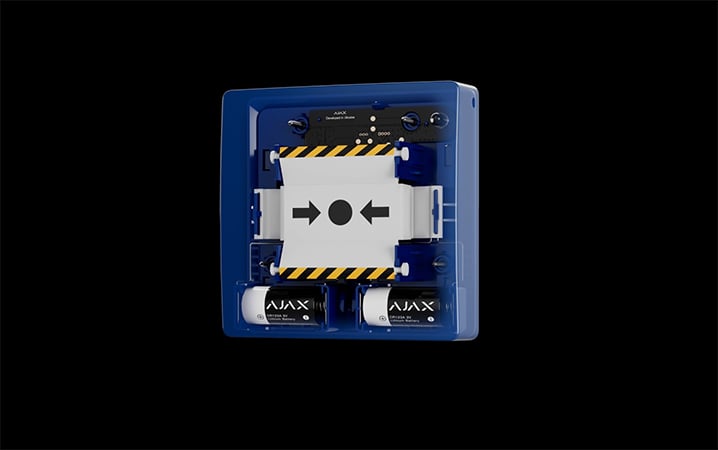
The key is part of the setup
After activation, insert the supplied key into the reset opening to release the button. In fire-alarm mode, an enabled interconnected detector alarm remains active until the button is reset. Check battery and fault notifications, and remove surface dust using a soft, dry wipe.
Keep the key accessible to the responsible person. Resetting can also trigger a configured automation action; review that behaviour during commissioning.
Find the right manual call point.
Compare Type4 ManualCallPoint with Red, Blue, Green, Yellow or White. See the intended system, starting mode and what happens when someone presses the button.
Compare manual call points →Every detail, in one place.
Communication
- Jeweller communication technology
- Two-way system communication for the functions specified for this model.
- Radio signal range
- up to 1,700 m Between the button and a hub (or range extender) in an open space.
- Encrypted communication
- Encrypted device communication.
- Frequency hopping
- To prevent radio interference and jamming.
Key features
- Resettable frangible element
- activates the button When the central part (frangible element) is pressed, the button depresses inward, initiating a scenario or triggering an alarm. Two yellow stripes appear at the top and bottom, indicating the device's state.
- Operating modes
- scenario trigger; fire alarm; auxiliary alarm; panic button; gas leak alarm; malfunction alert; water leak alarm With appropriate settings, it controls Ajax automation devices or activates an alarm.
- LED status indication
- The LED indicator on the device enclosure lights up when the button is activated, or malfunctions are detected.
- Interconnected fire detectors alarms
- by pressing the button By pressing the frangible element, fire detectors in the system trigger the built-in sirens.
- Critical alerts
- The system can activate intrusion sirens and send audible alarm notifications to users, even if the sound is muted, the Do Not Disturb mode is on, or headphones are connected.
- Protection against accidental presses
- Lift the transparent lid to access the frangible element. The lid protects against false button presses.
- Alarm transmission to CMS
- disabled by default
Special tool (key)
- Button reset
- after pressing To reset the button, insert the special tool into the corresponding hole.
- Hole in the enclosure
- to hang on a ring from a keychain The person responsible for fire safety can carry the special tool on their keychain.
- Convenient dismantling
- The special tool opens the lock to dismantle the device from SmartBracket mounting panel.
Sabotage protection
- Tamper alarm
- Notifies on attempts to detach the button from the surface or remove it from the mounting panel.
- Protection against spoofing
- via device authentication
- Communication loss detection
- after 36 s The detection time depends on the Jeweller or Jeweller/Fibra settings.
Power supply
- Batteries
- 2 × CR123A Pre-installed. With typical use (one press lasting 1 minute per week), the batteries can last up to 7 years.
Enclosure
- Dimensions
- 102 × 104 × 39 mm
- Weight
- 214 g
- Operating temperature range
- from 0 °C to +50 °C
- Operating humidity
- up to 80%
What’s in the box
- ManualCallPoint (Green) Jeweller
- SmartBracket mounting panel
- Special tool (key)
- 2 × CR123A battery (pre-installed)
- Installation kit
- Quick start guide
For your installation
- Confirm the supported control panel, device software and regional radio version; test coverage at the final installation position.
- The ManualCallPoint button is available in several versions.
- It is recommended to install the button in easily accessible places at a height of 1.4 m.; ; The device is designed for indoor installation only.
- Choose the exact version: sensing, power, casing, pack size or interface details can differ between the listed models.
Product documents.
Find the right protection.
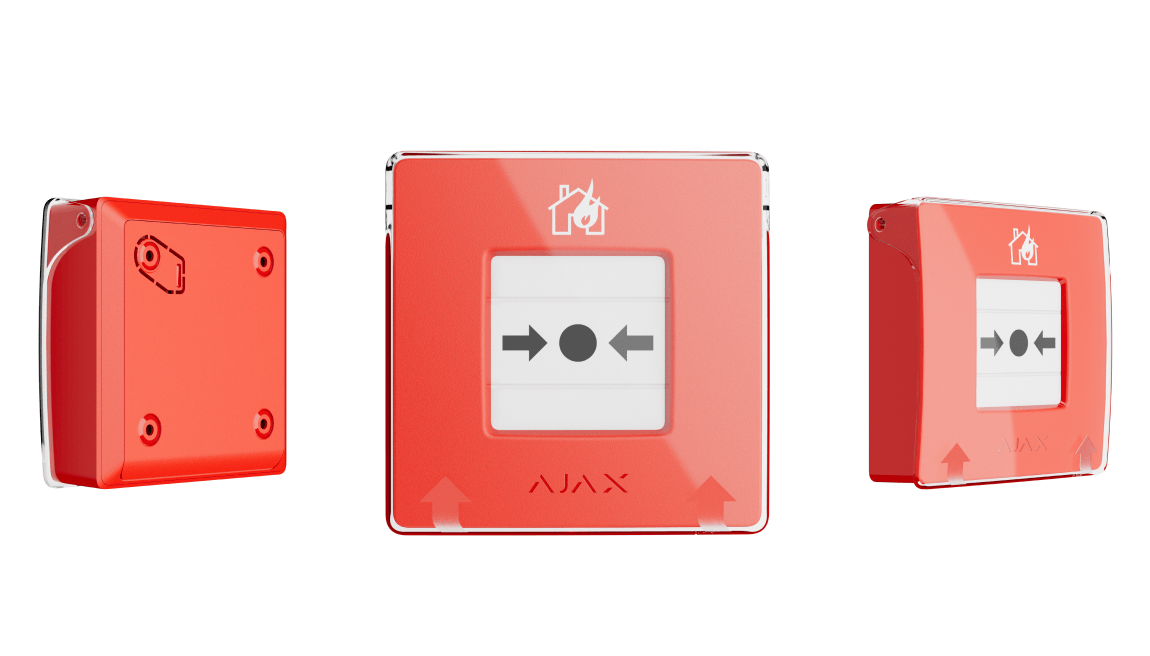
ManualCallPoint (Red) Jeweller
Compare the intended use and default settings of the red and coloured versions before selecting your button.
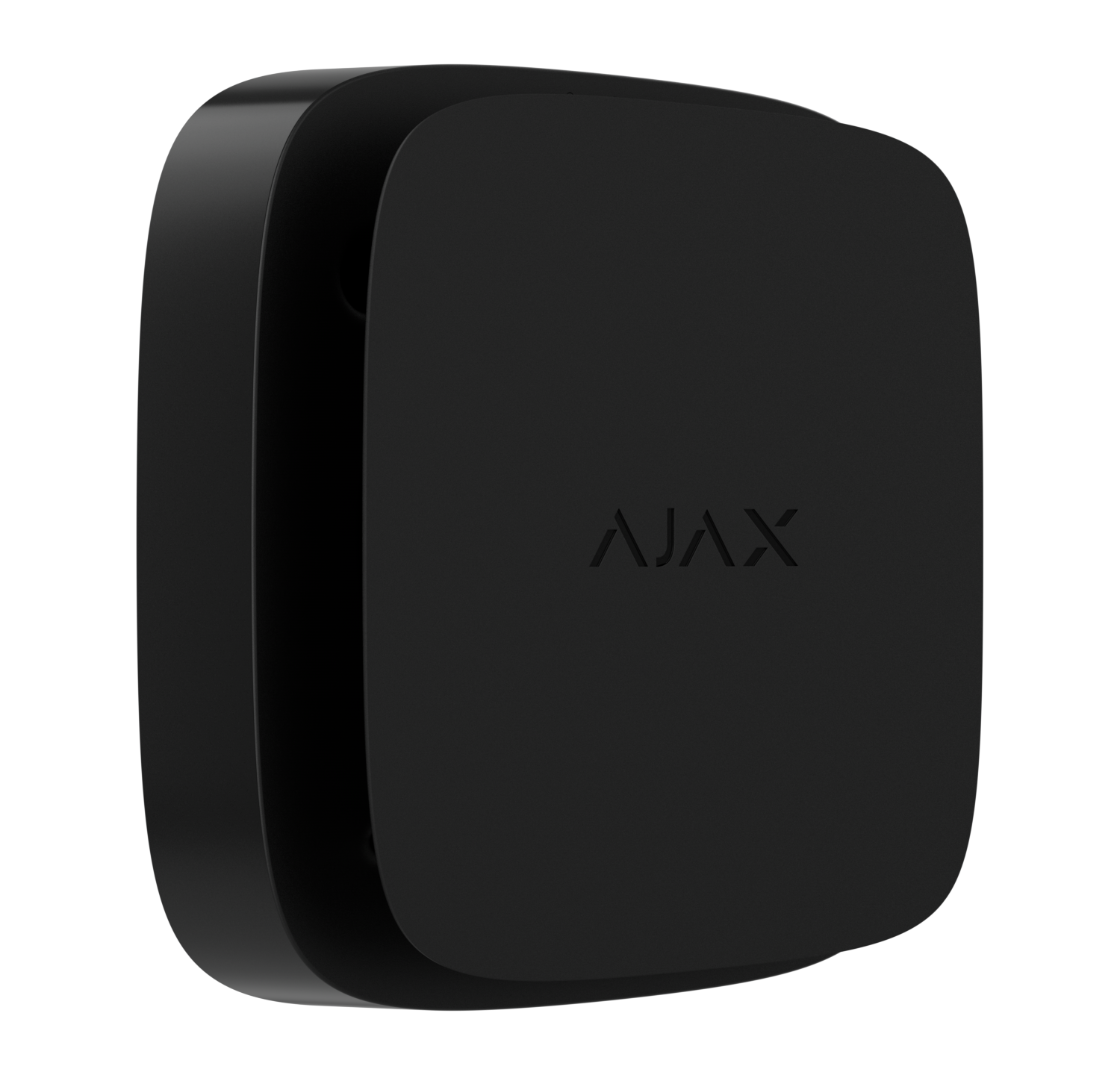
FireProtect 2 (Heat/Smoke) Jeweller
Explore the FireProtect 2 RB detector as part of a compatible planned system.