MAKE IT YOURS
LockBridge (D).
Wireless module to integrate compatible Yale Doorman smart locks (V2N/Classic and L3/L3S) into an Ajax system
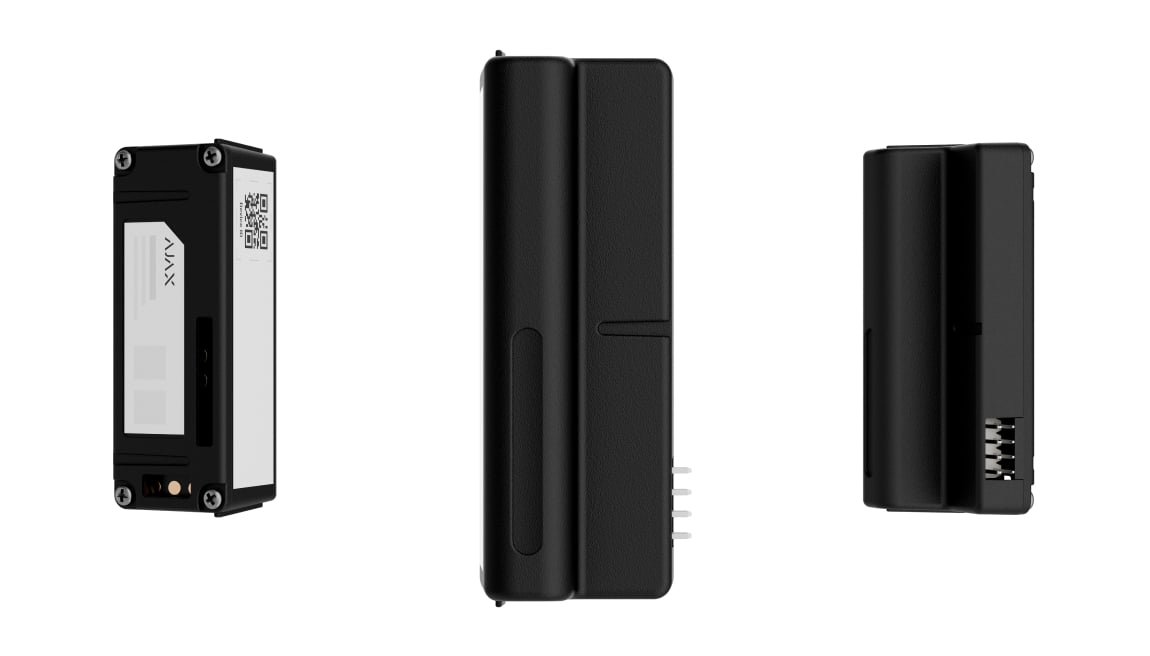
Bring a compatible Yale lock into Ajax.
LockBridge (D) Jeweller integrates supported Yale Doorman locks with an Ajax system. It connects door-lock functions with the wider system so compatible access actions can be managed together. The exact lock model and supported behaviour are checked before installation to match the entrance and its users.
Key features. At a glance.
Smart lock control via an Ajax app
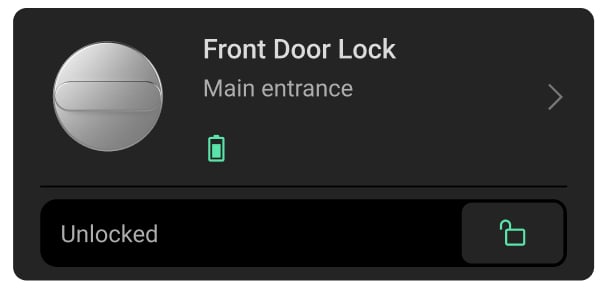

Remote configuration in Ajax apps
access codes
Yale key tags
access permissions
Auto-Lock feature
notifications
Compatibility with Yale Doorman smart locks:

V2N/Classic
L3/L3S
Up to 1,400 m of radio communication1
between the module and the hub or range extender in open space


Jeweller and Wings communication technologies

Power adjustment
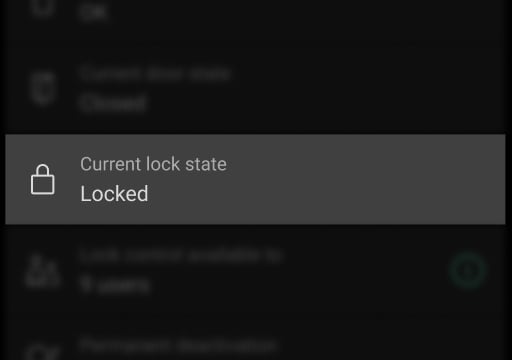
Real-time smart lock state in Ajax apps
Support for a Chime feature
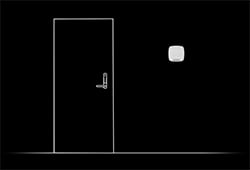
Battery charge level visible
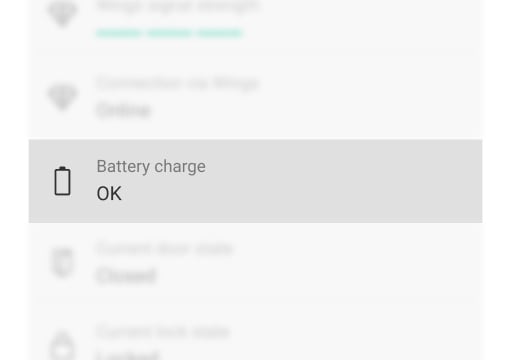
Door left open notifications

Step-by-step in-app wizard
to configure and add the smart lock to the system

Automatic firmware updates
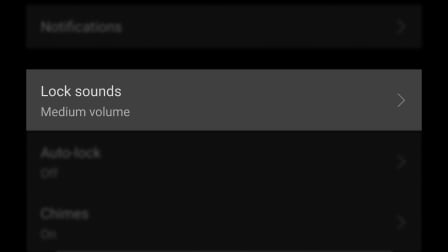
Adjustable smart lock sound volume
Informative push notifications

Instant maintenance notifications
Support for Secure mode
- 1Range is measured in open space; walls and installation conditions reduce it.
Ajax product information ↗ · LockBridge (D) Jeweller specifications ↗
Your Yale lock, within your Ajax system.
See the state. Control the lock.
LockBridge (D) fits inside a compatible Yale Doorman lock. Authorised users can lock or unlock it in the Ajax app and see separate door and lock states. The Yale lock and a compatible Ajax hub are required separately.
The module is powered by the lock’s batteries. Local manual operation remains available; remote app control requires the system’s network connection.
Access for the people you choose.
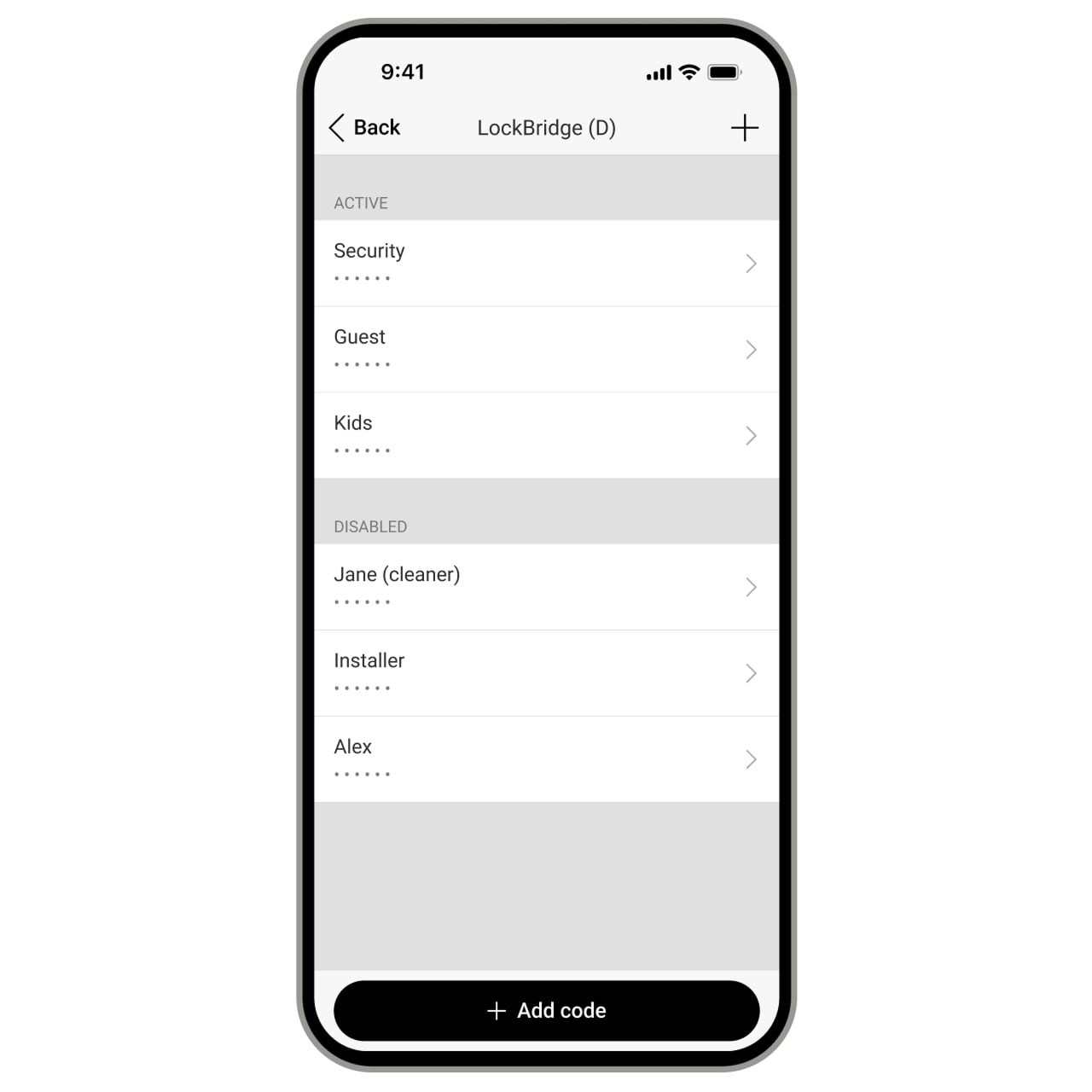
Manage permissions, codes and Yale keys.
Decide which users, installers and security companies may control the lock. Entry codes can be added, edited, disabled or removed in the app. A monitoring company can receive permanent access or access only for a specified period after an alarm.
- Use Yale key tags or cards with the Yale reader. Ajax Pass and Tag are not substitutes for Yale keys.
- The last entry code must remain on the lock; it cannot be deleted.
- In-app passcode is separate from a code entered on the door keypad. When enabled, app control requires a four-digit passcode or supported biometric authentication.
- Choose door-open, lock-state and scenario notifications, including a reminder when the door stays open longer than the configured time.
Make access part of everyday routines.
Each scenario has its own trigger and action. Adding the module does not enable these routines automatically.
Respond to the security mode.
Configure a lock response when the system is armed or disarmed. Select the relevant mode and desired door state, then test the response at the actual entrance.
Hear when someone arrives.
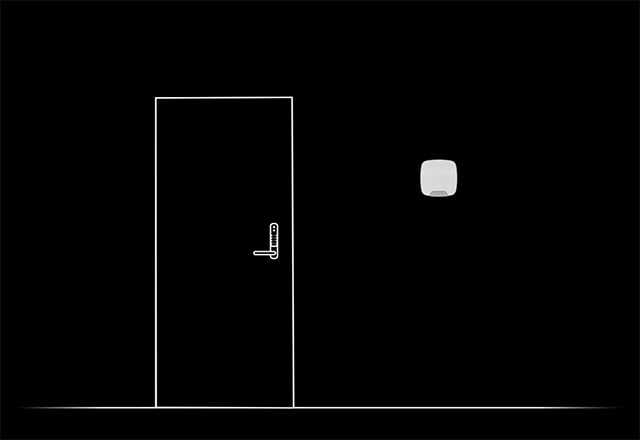
Use an Ajax siren for Chime.
When the system is disarmed, a compatible Ajax siren can announce a door opening. With Yale Doorman L3 / L3S, Chime can also respond to the lock’s built-in doorbell button.
Configure Chime both on the siren and on LockBridge. The doorbell-button function is specific to L3 / L3S. The lock’s own locking and unlocking sound volume is a separate setting.
A direct radio connection to your system.
Jeweller for events. Wings for updates.
Jeweller carries commands, alarms and events between the module and a compatible Ajax hub. Wings delivers LockBridge firmware updates over the air. The specified radio range is up to 1,400 m in open space.
Walls, metal and the lock position affect coverage. Check both signal-strength tests after installation; Ajax recommends 2–3 bars. Review available module firmware updates in the app.
Protection that also watches itself.
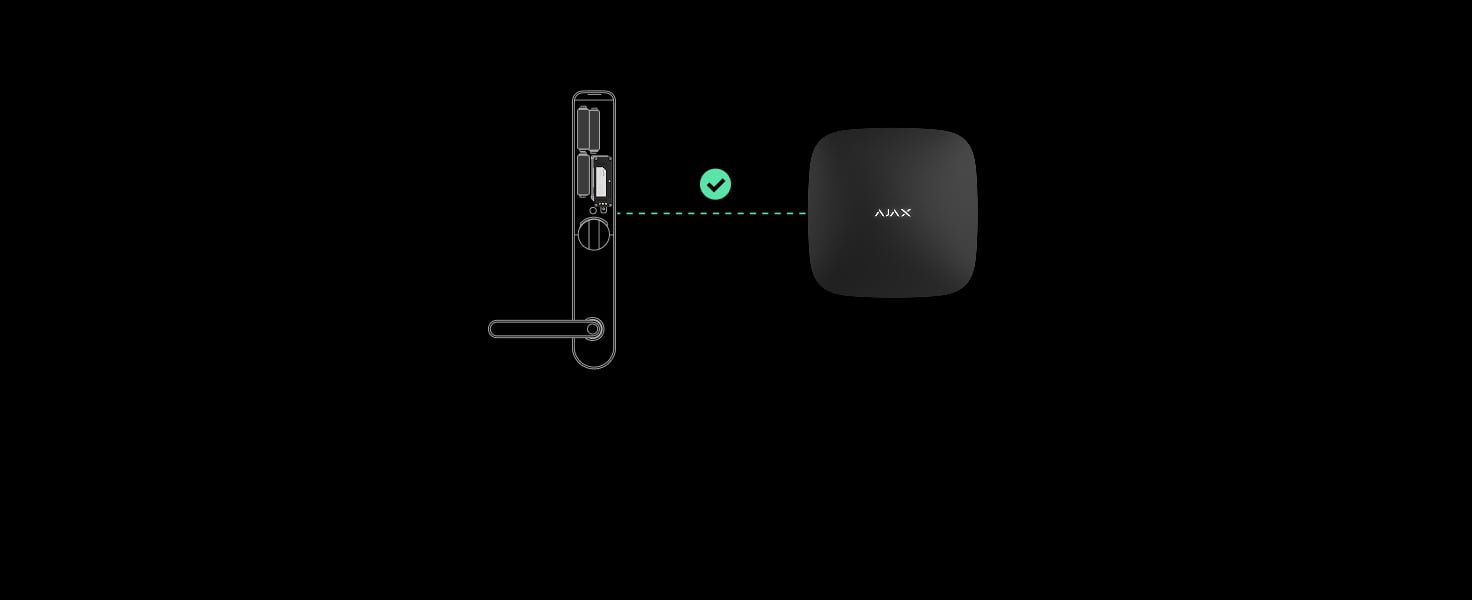
Supervise the connection.
Regular polling lets the hub detect a missing module and report the affected device. Loss-detection timing depends on the polling interval and missed-packet threshold configured in the hub.
The commonly shown 36 seconds corresponds to the default 12-second interval and three missed packets; it is not a fixed response time for every setup.
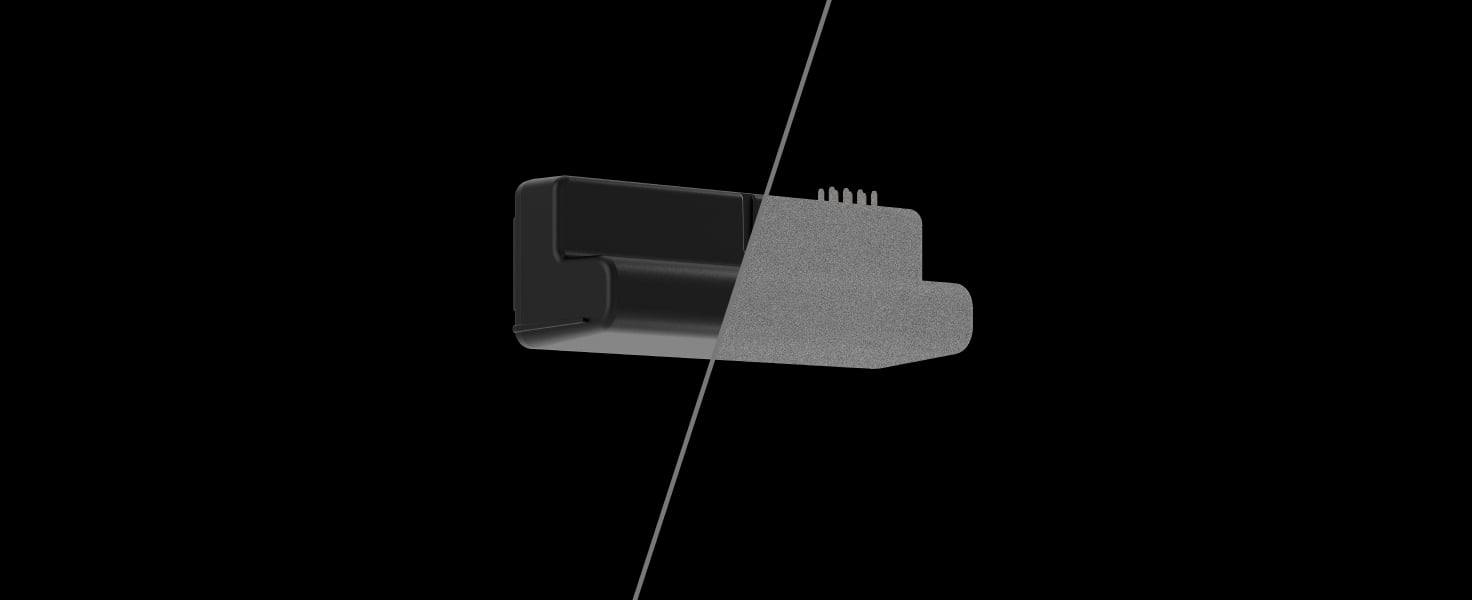
Recognise the paired module.
Device authentication helps the hub distinguish the paired LockBridge from an attempted substitute. Confirm the enrolled module and its device identity during setup.

Protect radio exchanges.
Encrypted communication protects the data exchanged with the hub. Frequency hopping helps the radio link operate in changing interference conditions; it does not remove the need to test coverage.
Know which entrance needs attention.
Ajax notifications identify the device, room, time and user for lock-state events. The app also reports maintenance issues such as a low lock battery or a lost connection.
Choose which event notifications you receive. Delivery to a third-party monitoring station depends on the configured protocol and supported event types.

Keep the Yale protections in view.
The integration reports supported Yale protection states. After three incorrect entry-code attempts, the keypad is temporarily locked for five minutes; unlocking through the Ajax app can reset this lockout.
This temporary keypad lockout is distinct from Secure mode, which is controlled on the lock. The “Codes in Secure mode” setting is unavailable on V2N / Classic; on supported L3 / L3S locks it can block entry codes while retaining app and Yale-key access.
Fit the module. Verify the entrance.
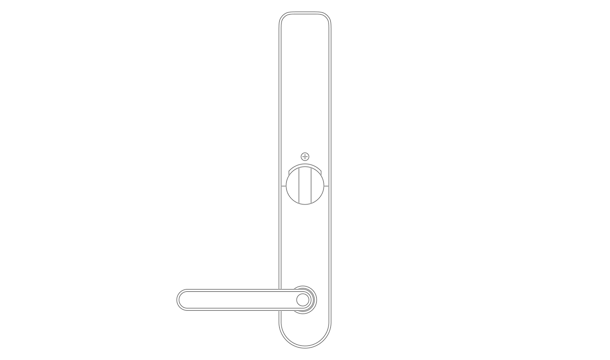
Install inside the supported lock.
Follow the exact Yale lock manual and remove its batteries before inserting or removing LockBridge. Fit the module into the designated connector, then restore power as instructed.
The module uses the Yale batteries and needs no additional power source. Its rated operating range is −10 to +50 °C, with humidity up to 75%.
Find the right lock integration module.
Check LockBridge (D) for your exact Yale Doorman lock. Review access methods, everyday locking, Ajax hub requirements and what remains available locally.
Check lock compatibility →Every detail, in one place.
Communication
- Jeweller communication technology
- Two-way radio for commands, alarms and events between LockBridge and the compatible Ajax hub.
- Radio communication range
- up to 1,400 m Between the device and a hub (or a range extender) in open space.
- Encrypted communication
- Encrypted device communication.
- Frequency hopping
- To prevent radio interference and jamming.
- Wings communication technology
- Radio delivery of LockBridge firmware updates; this module does not provide photo verification.
- Radio communication range
- up to 1,400 m Between the device and a hub (or a range extender) in an open space.
- Encrypted communication
- Encrypted device communication.
Key features
- Compatible smart locks
- Yale Doorman V2N / Classic and L3 / L3S. Yale Doorman V2 and Yale Linus are not compatible with this module. Check the model marking under the handle.
- Remote lock state management
- via Ajax apps You can control the lock via the Devices and Control tabs.
- In-app passcode
- When enabled, changing the lock state in the Ajax app requires a four-digit passcode or supported biometric authentication. Separate from the entry code on the Yale keypad.
- Access rights management
- Access to the lock can be configured for each system user in the space settings.
- Notifications
- when door open/closed when locked/unlocked when scenario executed when the door is open longer than the set time Notification types can be enabled or disabled in an Ajax app.
- Automation scenarios
- by arming/disarming The smart lock can be automatically locked or unlocked when the security system state changes. by device actuation The smart lock triggers a security state change. The smart lock triggers actions on other automation devices. by alarm The smart lock is triggered by an alarm. by alarm confirmation The smart lock is triggered by alarm confirmation in the zone. by schedule The smart lock is triggered by a schedule.
- Lock sounds
- You can select the volume of the lock sound when the door is locked or unlocked.
- Hub firmware
- Compatible Ajax hub with OS Malevich 2.35 or later.
- Chime
- Requires a compatible Ajax siren and configuration on both devices; works while disarmed. Built-in doorbell-button support applies only to Yale Doorman L3 / L3S.
- Contactless keys
- Use Yale key tags or cards with the lock reader.
- Codes in Secure mode
- The code-blocking setting is unavailable on Yale Doorman V2N / Classic. Secure mode is controlled on the lock.
Sabotage protection
- Protection against spoofing
- integration module authentication
- Detection of communication loss with the integration module
- 36 s at the default 12-second polling interval and three missed packets. Timing changes with the hub polling interval and missed-packet threshold.
Power supply
- Power supply
- Powered directly by the Yale Doorman smart lock batteries. No additional power source required.
Board
- Dimensions
- 51 × 21 × 19 mm
- Weight
- 8 g
- Operating temperature range
- from −10 °C to +50 °C
- Operating humidity
- up to 75%
- Electric shock protection
- Class II
What’s in the box
- LockBridge (D) Jeweller
- Quick start guide
For your installation
- Supports Yale Doorman V2N / Classic and L3 / L3S; not Yale Doorman V2 or Yale Linus. Check the lock marking under the handle.
- Requires a listed compatible Ajax hub with OS Malevich 2.35 or later and matching regional radio version. Test Jeweller and Wings at the installed position.
- LockBridge (D) Jeweller is installed inside the Yale Doorman smart lock. The Yale lock and Ajax hub are not included.
- Remove the lock batteries before removing or inserting the integration module.
Find the right protection.
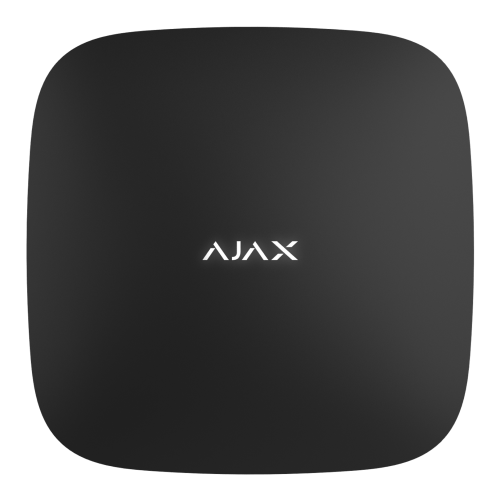
Hub 2 Plus Jeweller
Check the exact regional version and OS Malevich 2.35 or later before adding LockBridge.
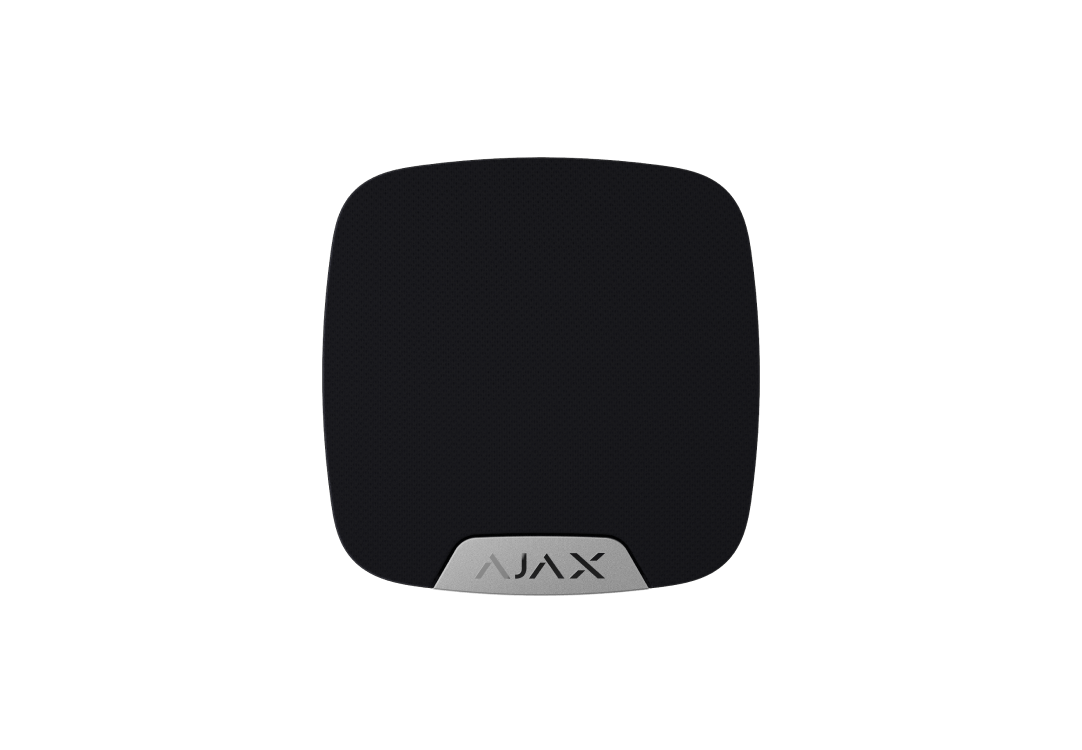
HomeSiren Jeweller
Configure a compatible Ajax siren with LockBridge to use Chime while the system is disarmed.