MAKE IT YOURS
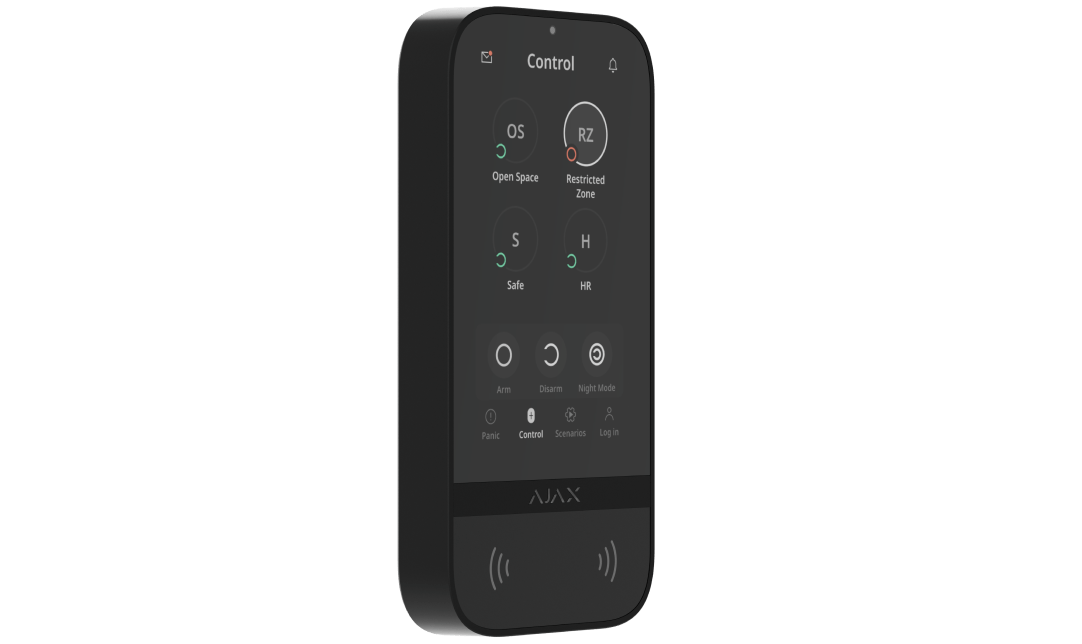
KeyPad TouchScreen.
Arming, groups, codes and automation from a single touch screen.
Standards and certifications
KeyPad TouchScreen Jeweller · KP.TS.J. Manufacturer-listed marks; regional and installation conditions apply.
See and control security on a touch screen.
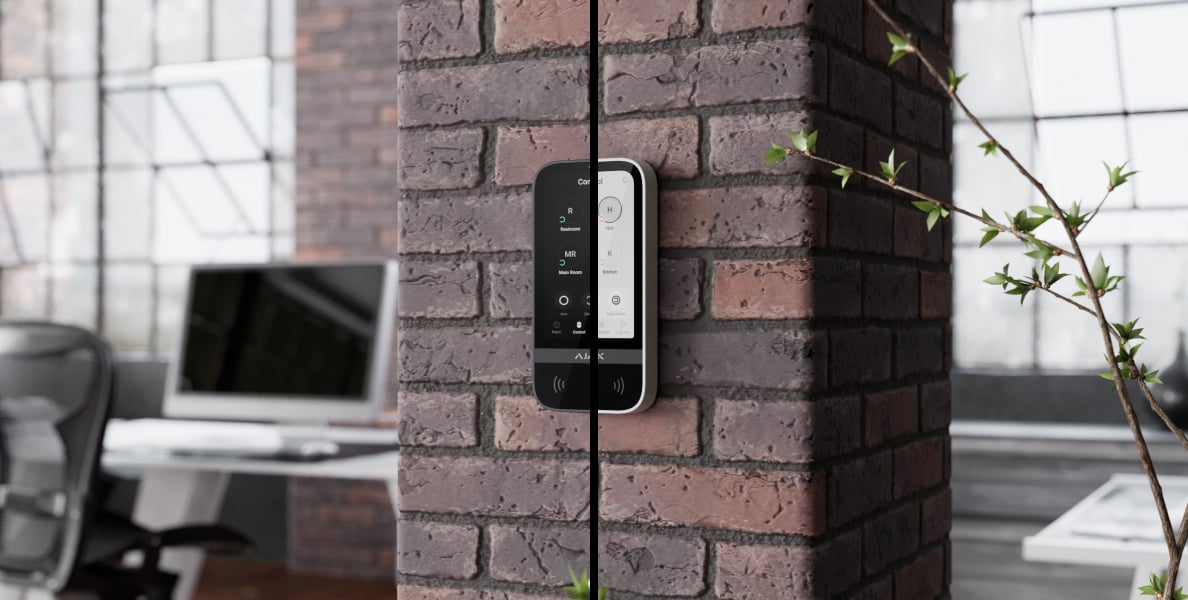
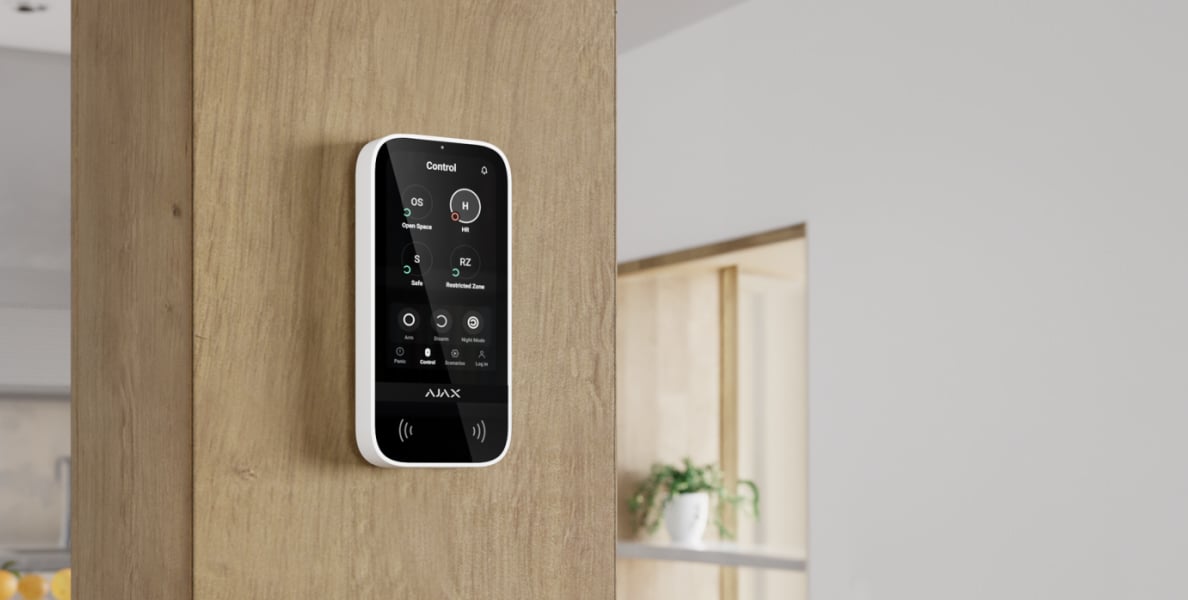
KeyPad TouchScreen Jeweller brings security groups, automation controls and system events onto a dedicated 5-inch display. Authorised users can identify themselves with a code, Pass, Tag or a supported smartphone. A compatible Ajax hub connects the keypad to the same system managed in the Ajax app.
Key features. At a glance.
5-inch touch IPS display
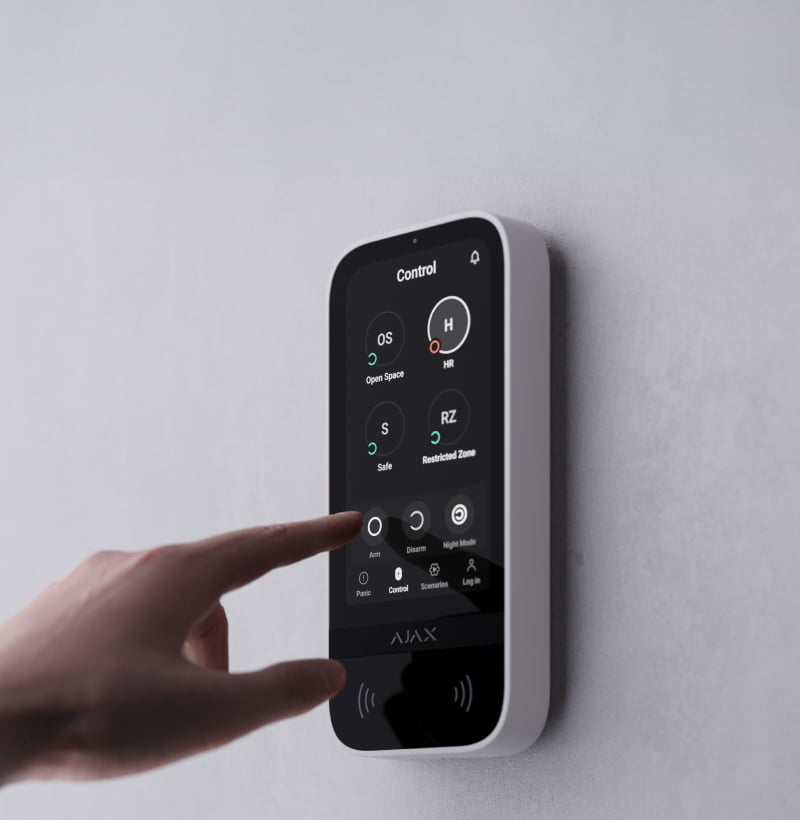
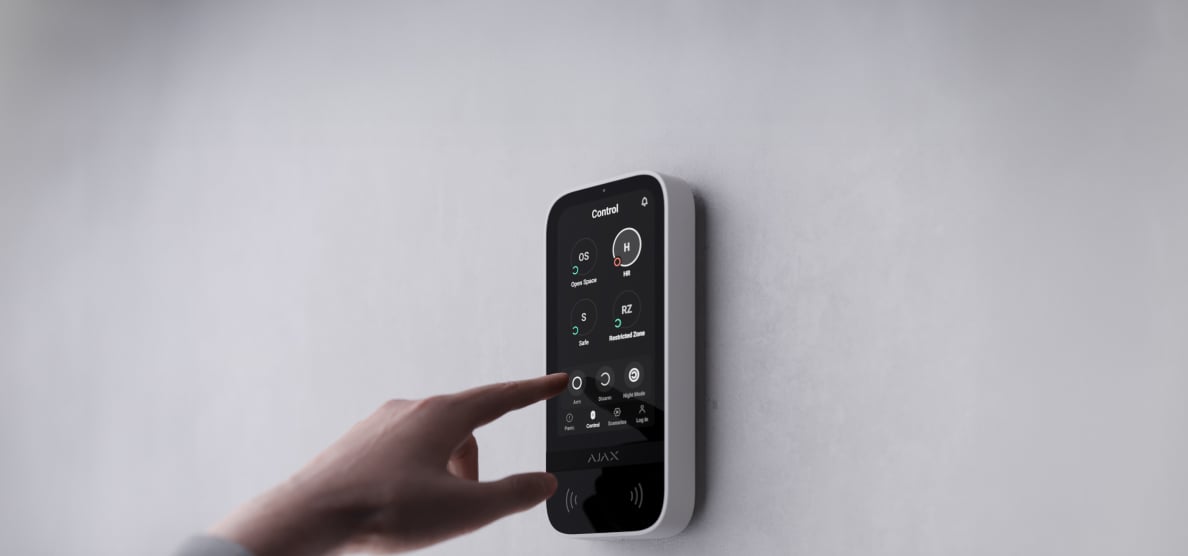


Dark and light themes
Log with latest events available directly from the keypad screen
Personal access codes and duress codes
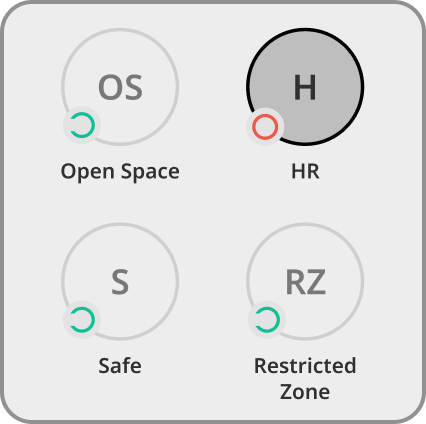
Easy security group management
Up to 1,700 m1
of radio communication with an Ajax hub or a range extender
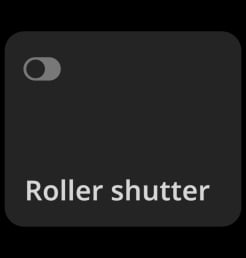
Automation control
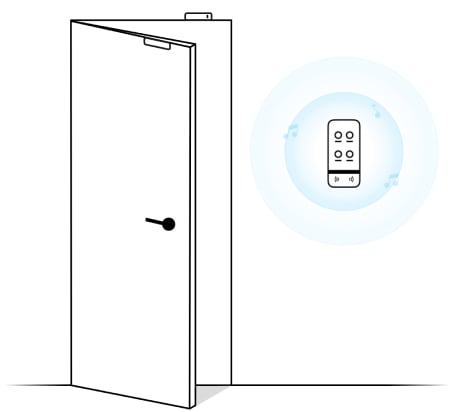
Sound notifications
of delays, opening doors, and alarms


Power adjustment
Two power supply options2


Configurable panic buttons


Informative push notifications

Reliable fixing on the mounting panel
with the bundled holding screw
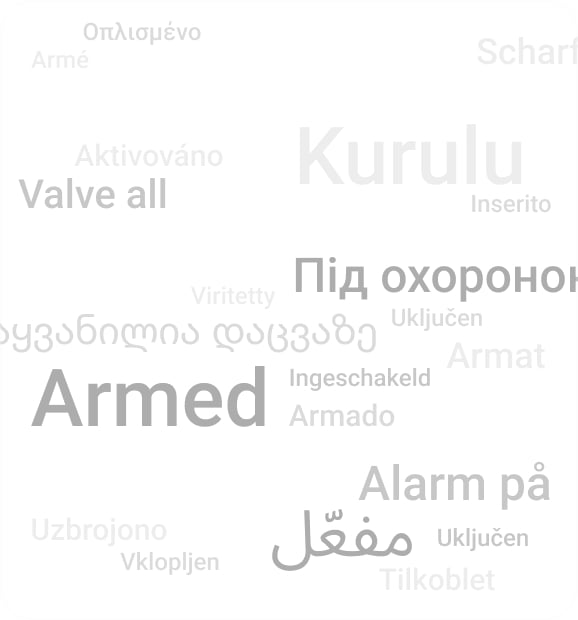
32 interface languages


Over-the-air firmware updates3

Remote control and configuration
Two colors

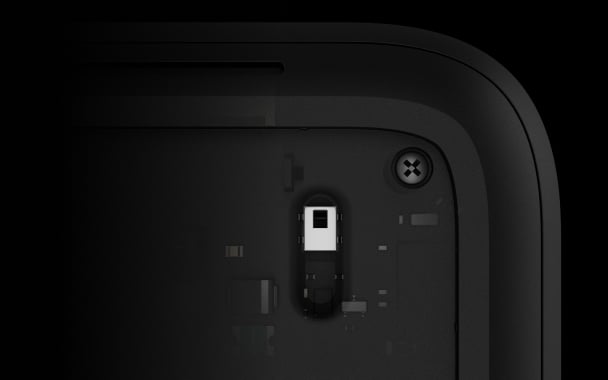
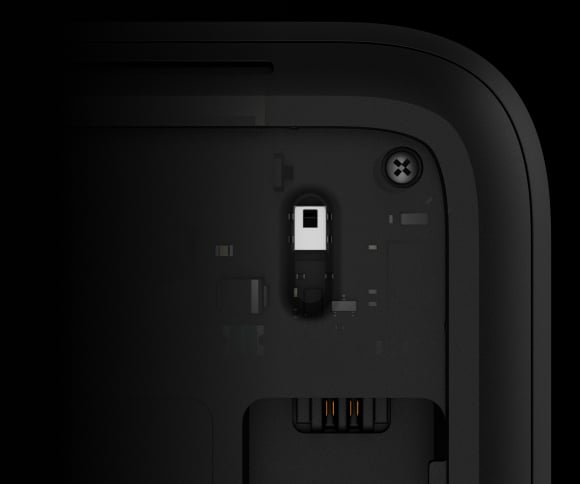
Tamper alarm
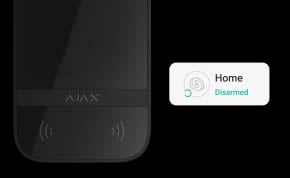
LED indication
for security modes and delays when entering/leaving
- 1In an open space. Range is measured in open space; walls and installation conditions reduce it.
- 2Battery life is specified at default settings with up to four interactions per day. External power is required for firmware updates and an always-active display; the supply is sold separately.
- 3To update the firmware, KeyPad TouchScreen Jeweller needs to be connected to the external power supply.
Protection in real places.
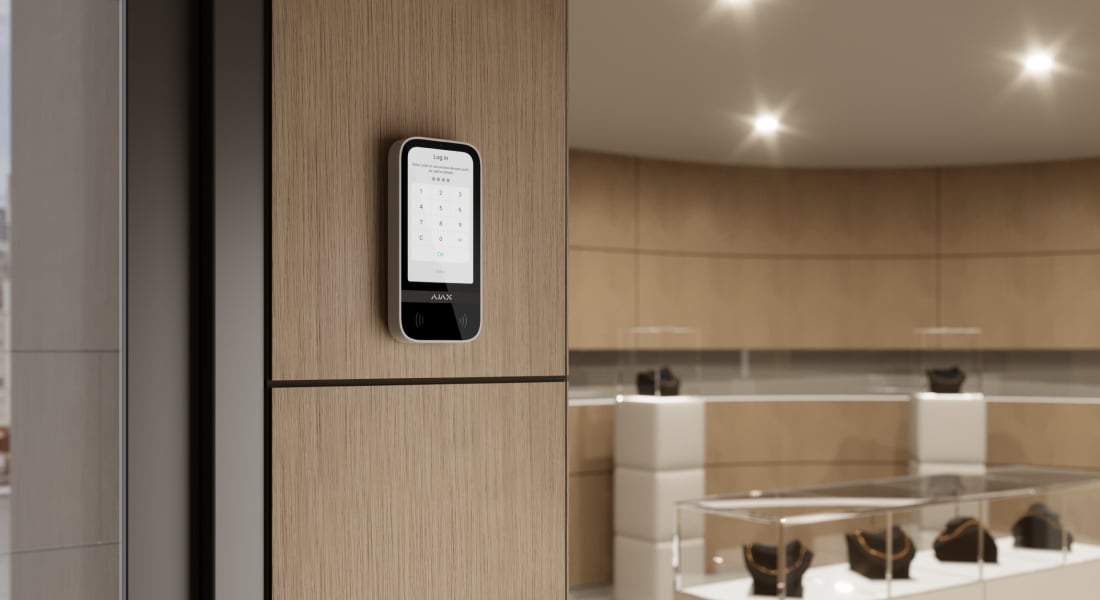
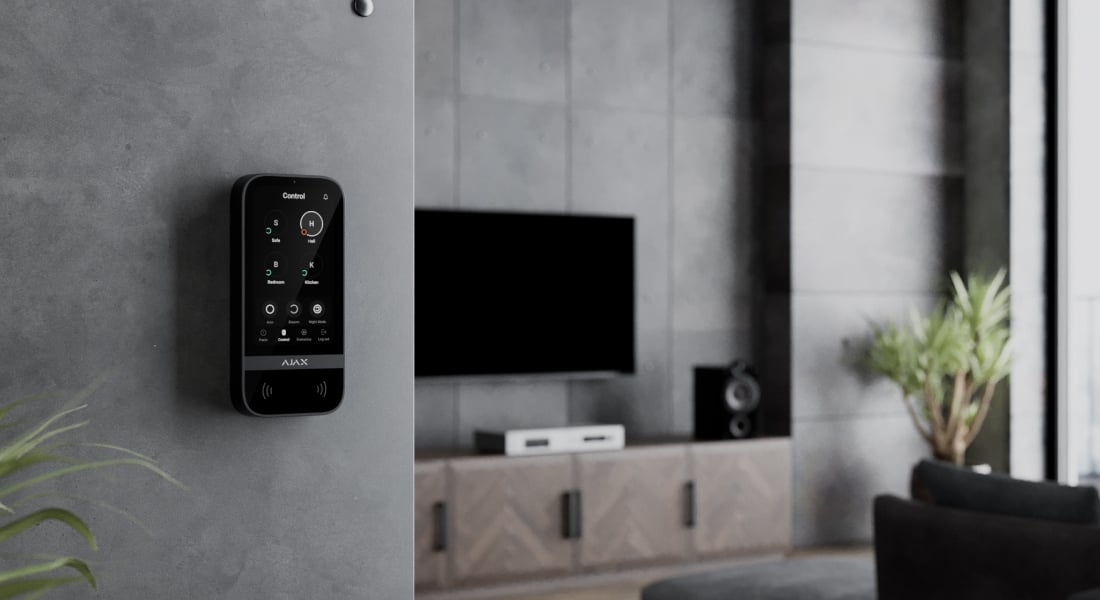
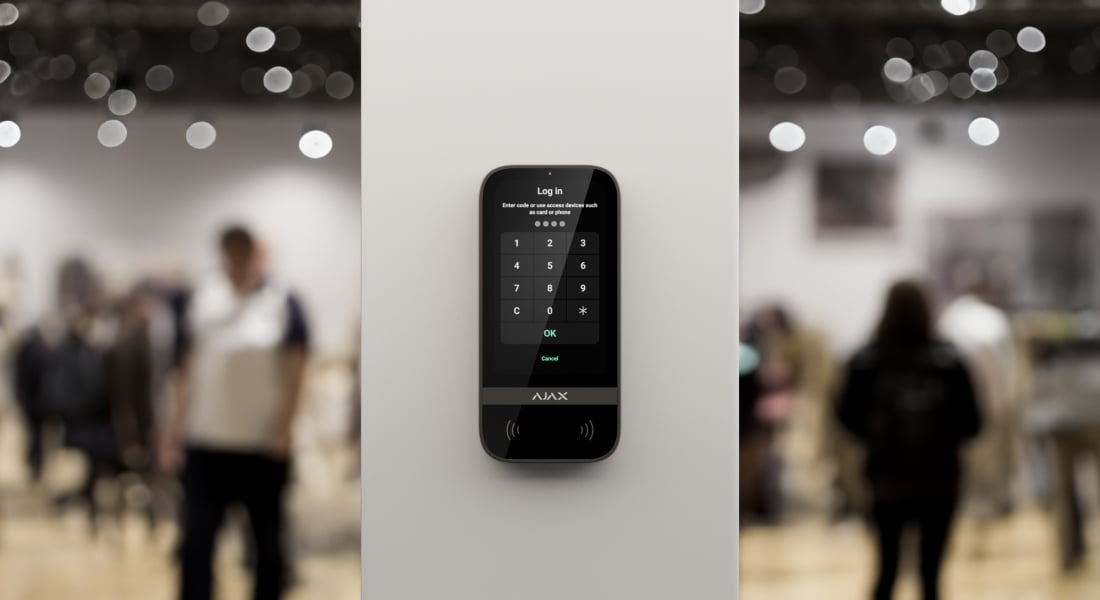
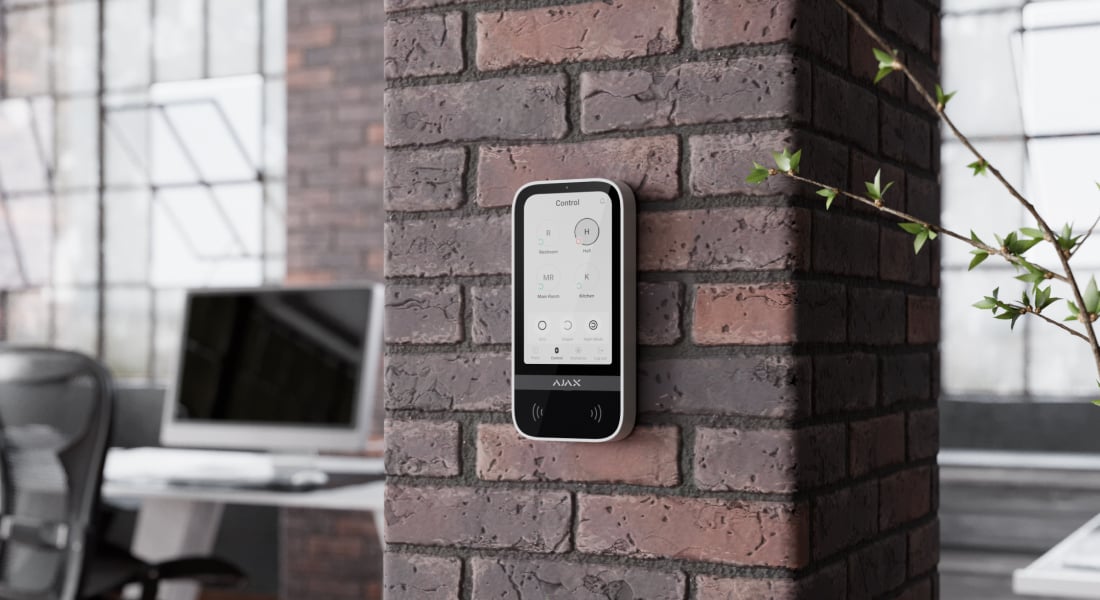
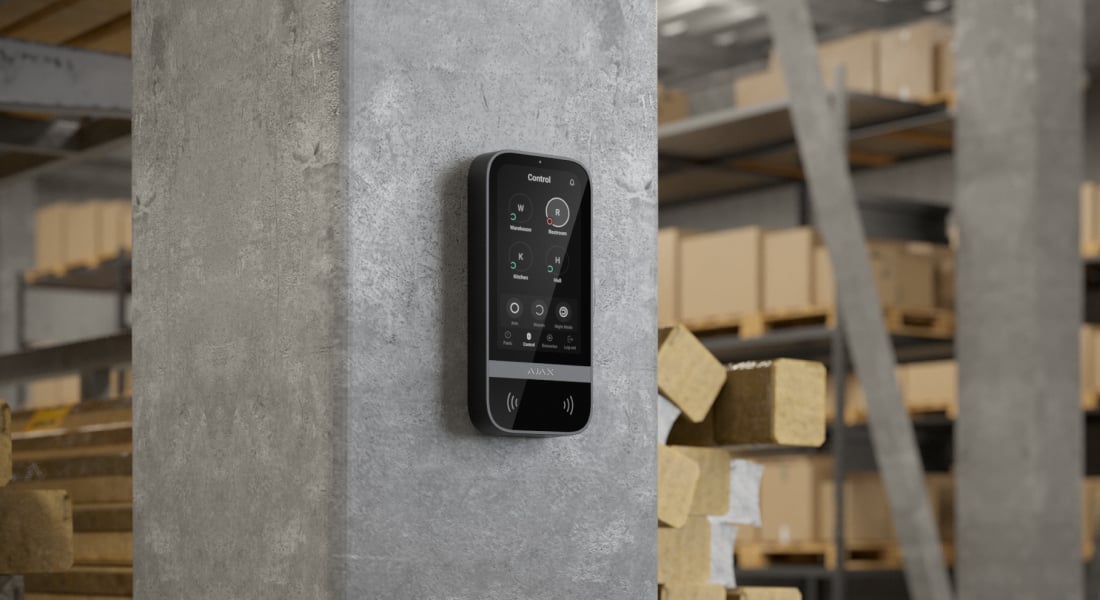
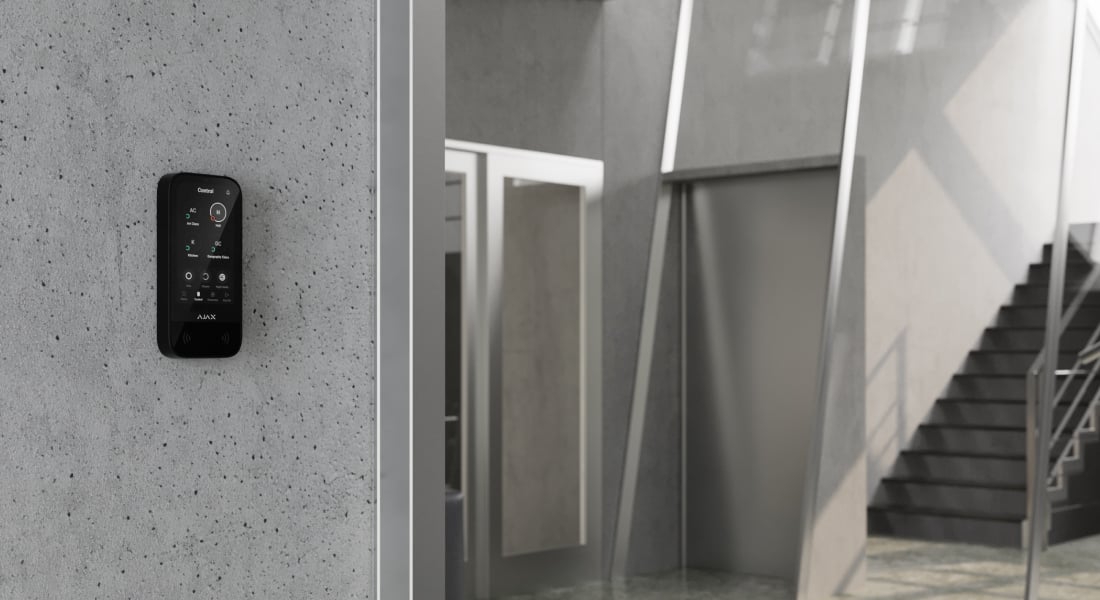
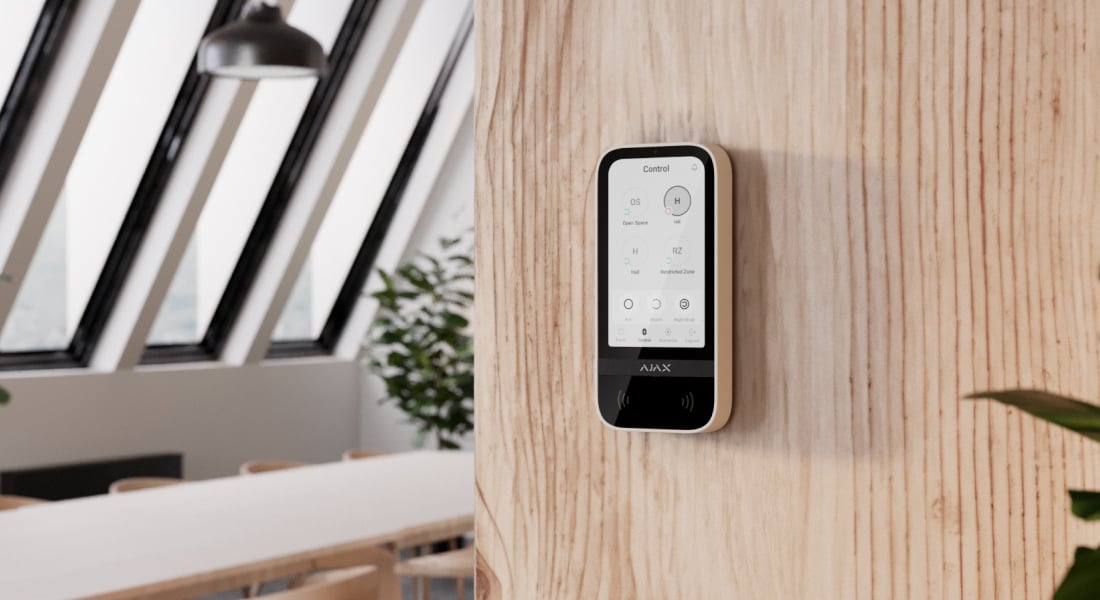
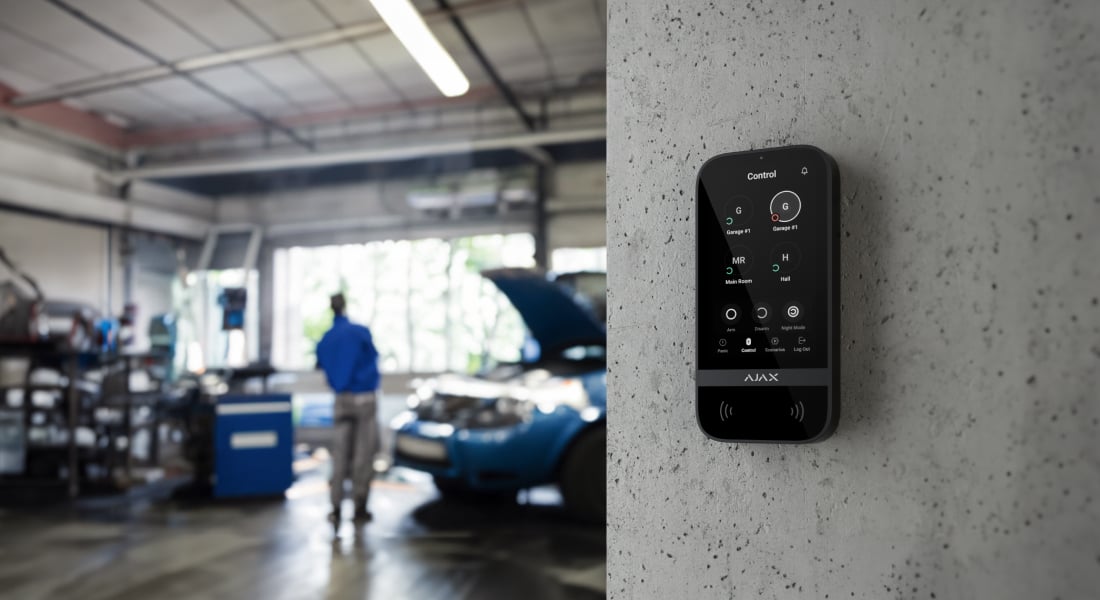
KeyPad TouchScreen Jeweller
Every detail has a purpose.
Explore everyday access, clear status and control by area.
Loading detail…
Security, automation and status on one screen.
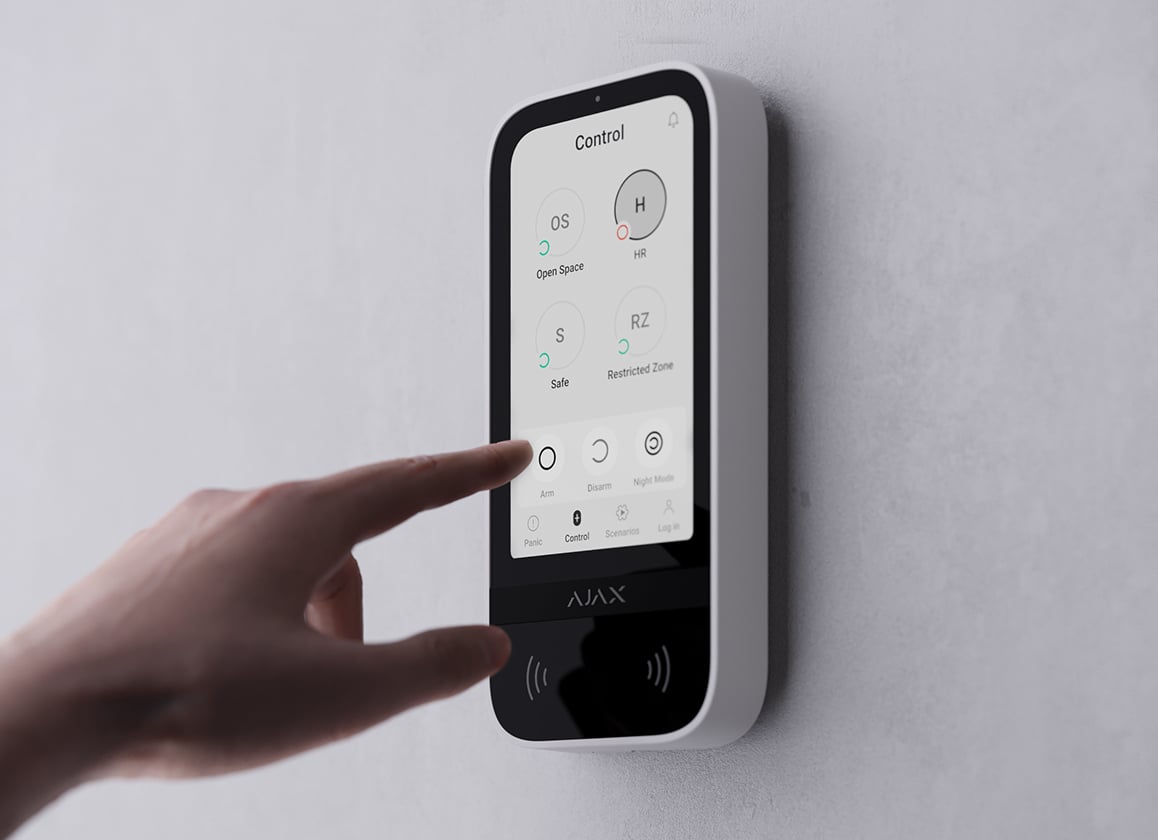
Security groups
See which groups are armed, change permitted groups or activate Night Mode. The display makes the controlled area visible before you act.
Choose how you identify yourself.
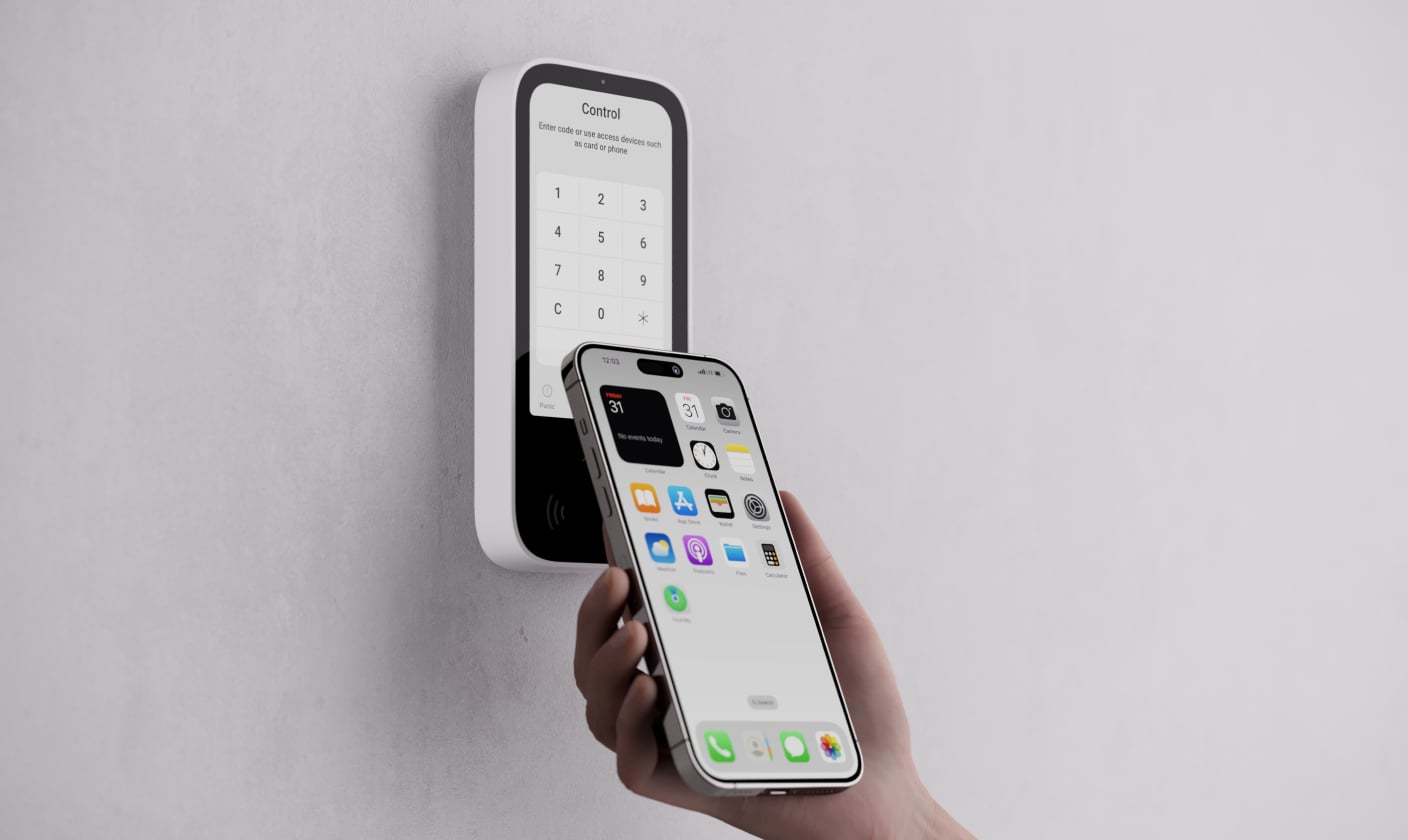
Smartphone
Use an authorised smartphone with the Ajax app and Bluetooth Low Energy. Access follows the user’s permissions; a nearby unauthorised phone cannot control the system.
Requires a compatible Android or iOS smartphone with BLE 4.2 or later and the appropriate app permissions.
Keep access rights up to date.
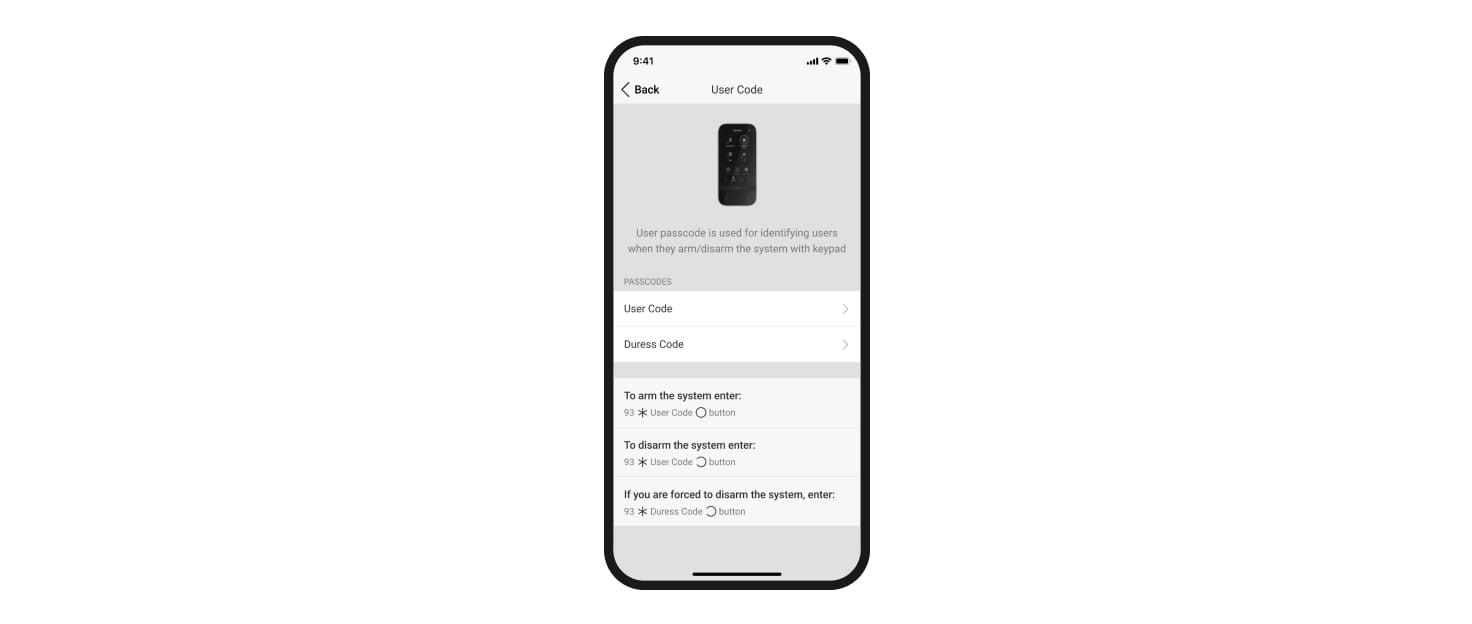
Remote permission changes
Change codes and user rights in the Ajax app, or block a lost card, key fob or authorised phone. Pre-authorisation can hide system status until the user identifies themselves.
Emergency controls with a defined response.
Panic, fire or auxiliary help
Enable the appropriate on-screen emergency buttons so users can deliberately signal the configured event. Duress codes provide a silent alarm when a person is forced to disarm.
An emergency button is a user-operated alarm control, not a smoke or medical detector. Monitoring and response arrangements are separate services.
A display that adapts to the room.

Readable by day and at night
Choose a light or dark interface and automatic or manual brightness. Proximity sensing can wake the display as a hand approaches, keeping the controls accessible without leaving the screen on continuously.
Keeping the display always active requires an external power supply.
Choose cable-free operation or external power.
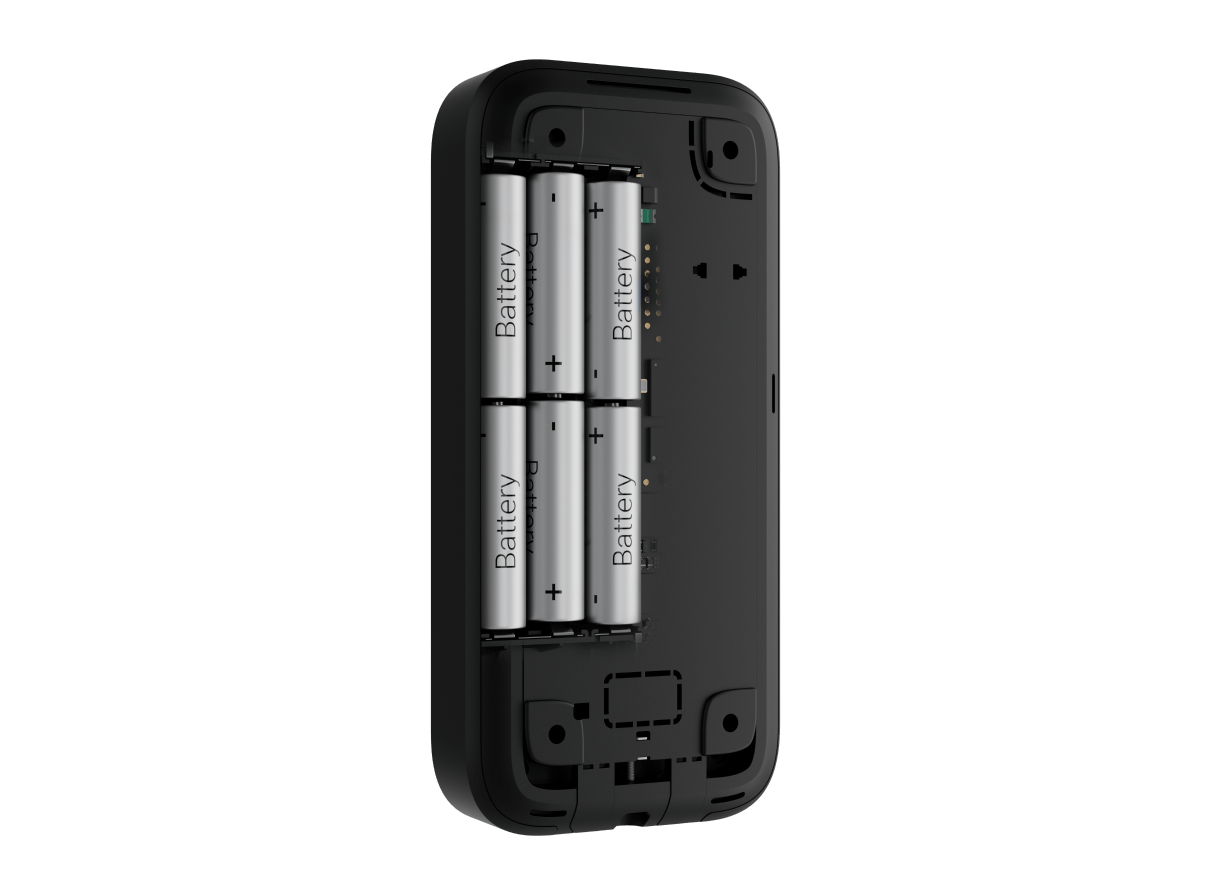
Six AA lithium batteries
Preinstalled batteries support up to 1.5 years at default settings with up to four interactions a day. The app warns when replacement is needed.
Frequent use, settings, temperature and radio conditions affect life.
A secure link to your system.
Jeweller and Wings
Jeweller carries events and commands; Wings transfers firmware and additional interface data, such as rooms and groups. This keypad uses both links, even though it is not a photo detector.
Up to 1,700 m in open space. Walls and metal reduce usable range; check operation at every intended location. Choose equipment for the same radio-frequency region.
A path through a demanding building.
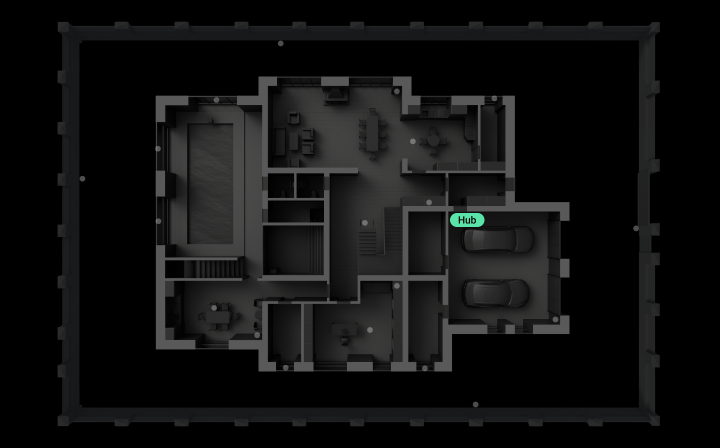
Extend the keypad’s connection
Select a compatible range extender when the intended location cannot communicate reliably with the hub. An Ethernet-equipped extender can provide an additional route through a difficult building.
Check support for both keypad radio links and the hub’s permitted extender quantity before selecting equipment.
Protection that also watches itself.
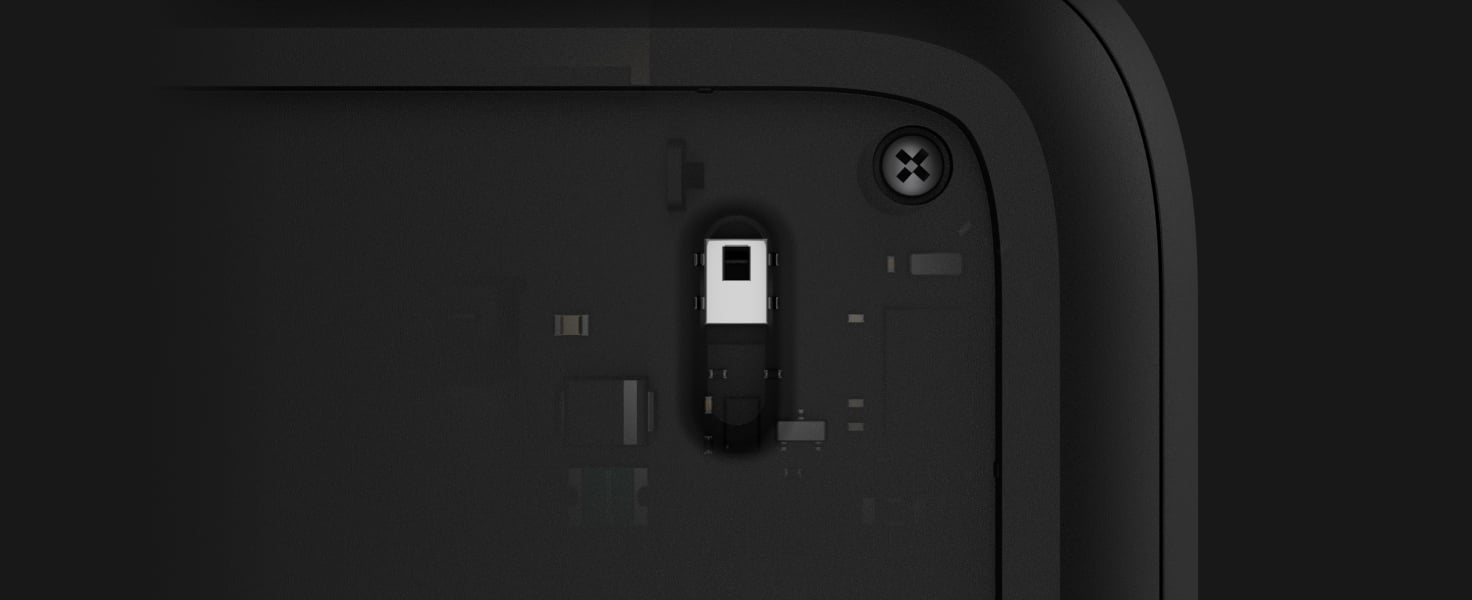
A monitored mounting point
Tamper detection reports removal from the panel or mounting surface. The holding screw secures the keypad on SmartBracket.
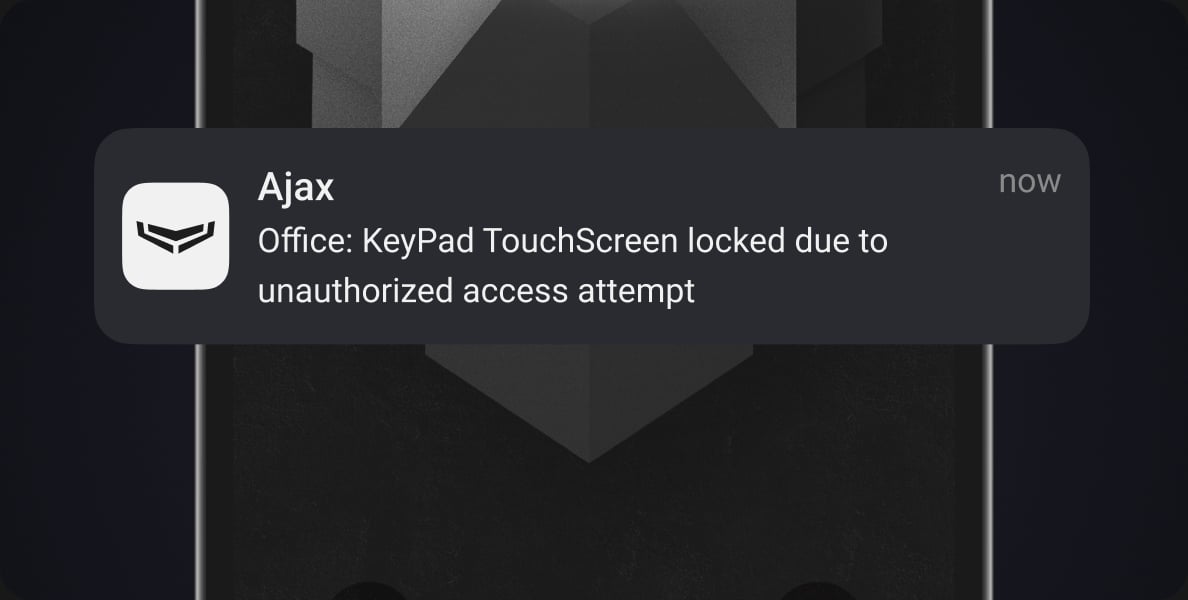
Restricted access attempts
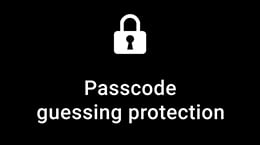
Automatic lockout responds to repeated invalid codes or access devices. Set the lock period in the app and manage credentials when staff or permissions change.
Device authentication
The hub checks the identity of the keypad during communication. Encryption helps protect system data and commands.
Connection checks
Regular hub exchanges reveal a keypad fault or lost connection. The reporting delay depends on polling settings.
Ready for everyday use.
Connect
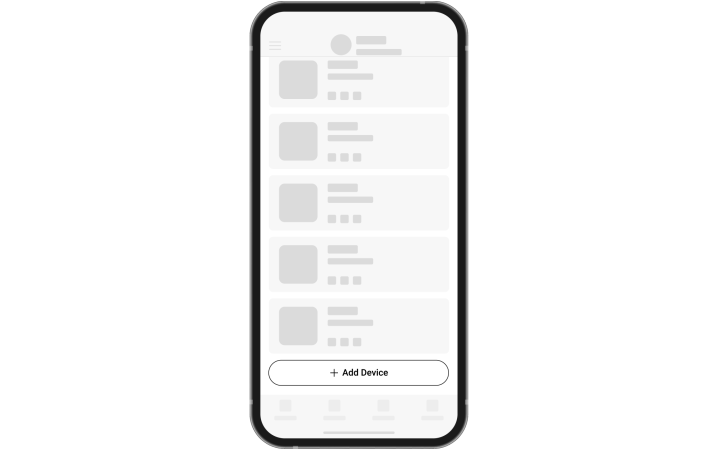
Add the device by its QR code in the Ajax app, then assign a clear name and room. Check hub compatibility and regional radio frequencies before commissioning.
Find the right control device.
Compare keypads, key fobs and panic buttons across ranges. See how people arm the system, identify themselves, operate a routine or ask for help.
Compare control devices →Every detail, in one place.
Communication
- Jeweller communication technology
- Two-way system communication for the functions specified for this model.
- Radio signal range
- up to 1,700 m Between keypad and hub (or range extender) in an open space.
- Encrypted communication
- Encrypted device communication.
- Frequency hopping
- Radio communication uses frequency hopping to prevent interception and jamming.
- Wings communication technology
- Two-way system communication for the functions specified for this model.
- Radio signal range
- up to 1,700 m Between keypad and hub (or range extender) in an open space.
- Encrypted communication
- Encrypted device communication.
Display
- Diagonal
- 5″
- Matrix type
- IPS
- Resolution
- 480 × 854 px
- Sensor
- capacitive
- Brightness settings
- automatic; manual If Auto Adjust is enabled, the display brightness depends on the light conditions. This saves battery power.
- Backlight lifetime
- 30,000 hours Guaranteed backlight lifetime when the Always Active Display toggle is enabled. It can be adjusted in Ajax apps and activates only when external power is connected.
- User interface
- Dark Light
Key features
- Panic buttons
- panic; fire; auxiliary help Sending an alarm or calling for help from the separate keypad tab.
- Control
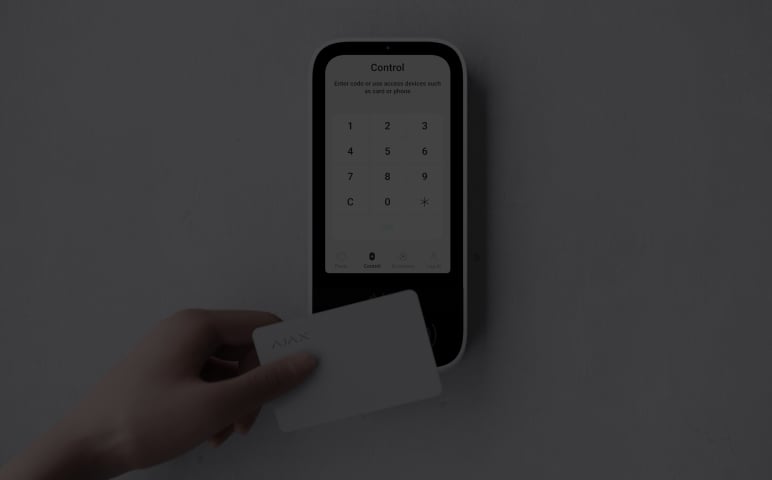
- codes; Tag key fobs; Pass cards; smartphone (Bluetooth)
- Contactless access
- DESFire® EV1, EV2 ISO14443-А (13.56 MHz)
- Access codes
- up to 200 personal codes One code per each user. The number of personal access codes depends on the hub model. 1 keypad code Per each KeyPad TouchScreen Jeweller.
- Duress codes
- up to 200 personal codes One code per each user. The number of personal duress codes depends on the hub model. 1 keypad code Per each KeyPad TouchScreen Jeweller.
- Codes for unregistered people
- up to 99 personal codes For people who are not registered in the Ajax system. The number of such codes depends on the hub model.
- Arming without entering a code
- The enabled feature allows the user to arm the system without entering a code or presenting the access device.
Sabotage protection
- Unauthorized access auto-lock
- The keypad locks if an incorrect code is entered or unverified access devices are used more than 3 times in a row within 1 minute. The lock time is adjusted by PRO or user with admin rights in the Ajax app.
- Tamper alarm
- Notifications on attempts to detach the keypad from the surface or remove it from the mounting panel.
- Holding screw
- To secure the keypad on SmartBracket.
- Protection against spoofing
- device authentication
- Communication loss detection
- after 36 s Detection time depends on the Jeweller or Jeweller/Fibra settings.
Power supply
- Battery
- 6 × AA lithium Pre-installed.
- Calculated battery life
- up to 1.5 years With default settings and up to 4 interactions with a keypad per day.
- Keypad’s operating voltage range
- 10.5–14 V⎓, up to 0.4 A The batteries serve as a backup when the external power supply is connected.
- Full battery capacity
- 2,650 mAh
Enclosure
- Dimensions
- 172 × 82 × 26 mm
- Weight of the black device
- 325 g
- Weight of the white device
- 329 g
- Operating temperature range
- from -10 °C to +40 °C
- Operating humidity
- up to 75%
What’s in the box
- KeyPad TouchScreen Jeweller
- SmartBracket mounting panel
- 6 АА batteries (pre-installed)
- Installation kit
- Quick start guide
For your installation
- Requires a compatible Ajax hub.
- Jeweller radio device. Hub, model, firmware and regional version must be checked for your exact system before ordering.
Find the right protection.
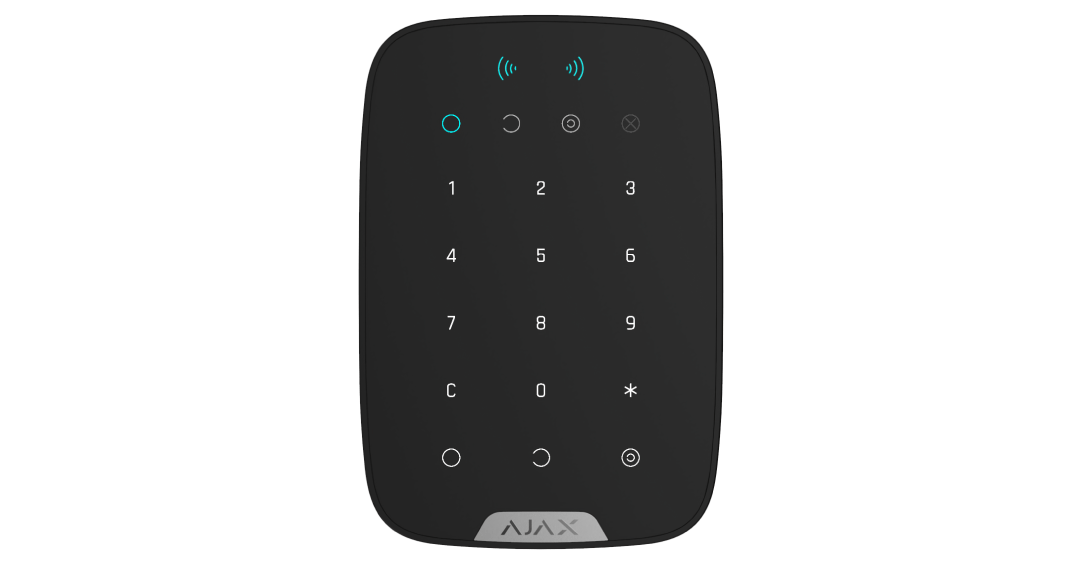
KeyPad Plus Jeweller
Compare KeyPad Plus when a display and smartphone reader are unnecessary.
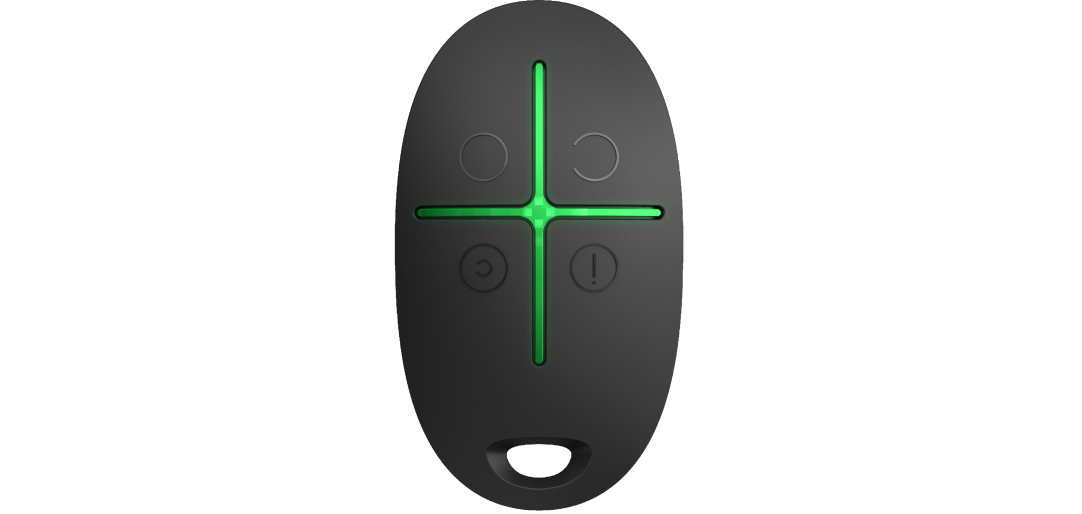
Ajax SpaceControl Jeweller
Keep arming, Night Mode and panic controls on a key ring.