Personal codes
A code associated with an Ajax user identifies who changed the security state and follows that user’s permissions.
MAKE IT YOURS
Wireless touch keypad is used to arm/disarm an Ajax security system. It is mounted in the room near the entrance door to provide quick access to the keypad.
Standards and certifications
KeyPad Jeweller · KP.Y.J. Manufacturer-listed marks; regional and installation conditions apply.
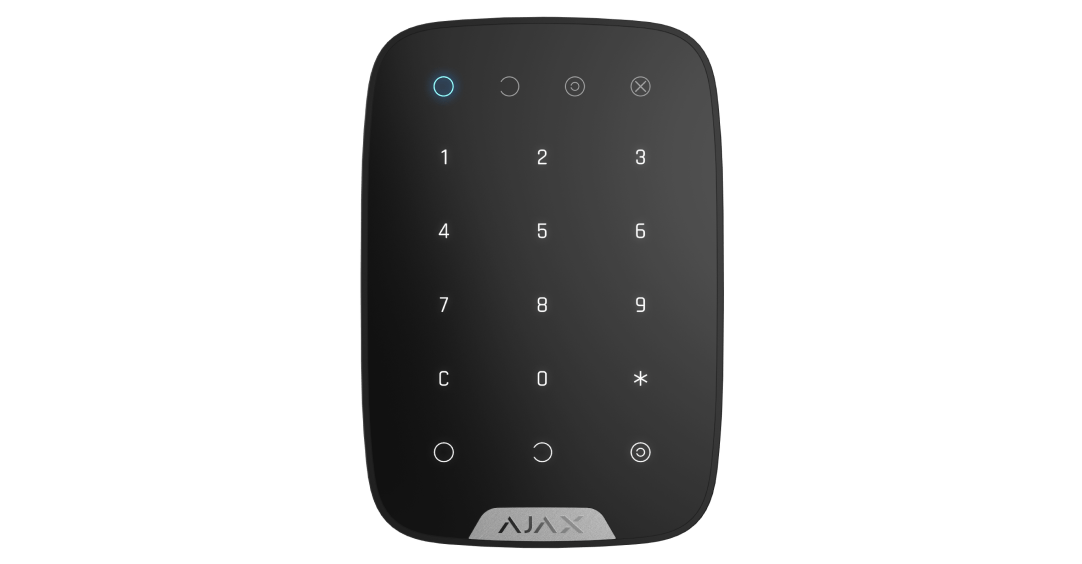
KeyPad Jeweller provides a dedicated place to arm and disarm the alarm system using a code. It is useful near an entrance where people need a clear, familiar way to change the security mode. The keypad works with the Ajax system so everyday access and system status stay connected.
Touch keys for arming, disarming and Night Mode
Identify a user or use a shared device code
Manage the assigned area
access codes for people without an account
A silent alarm while simulating disarming
Panic alarm, fire-alarm muting or disabled
Automatic lockout after repeated invalid codes
Visible while the keypad is active
on four replaceable AAA batteries
Jeweller communication in open space
Reports removal and communication loss
Configure and test in the Ajax app
Ajax product information ↗ · KeyPad Jeweller specifications ↗
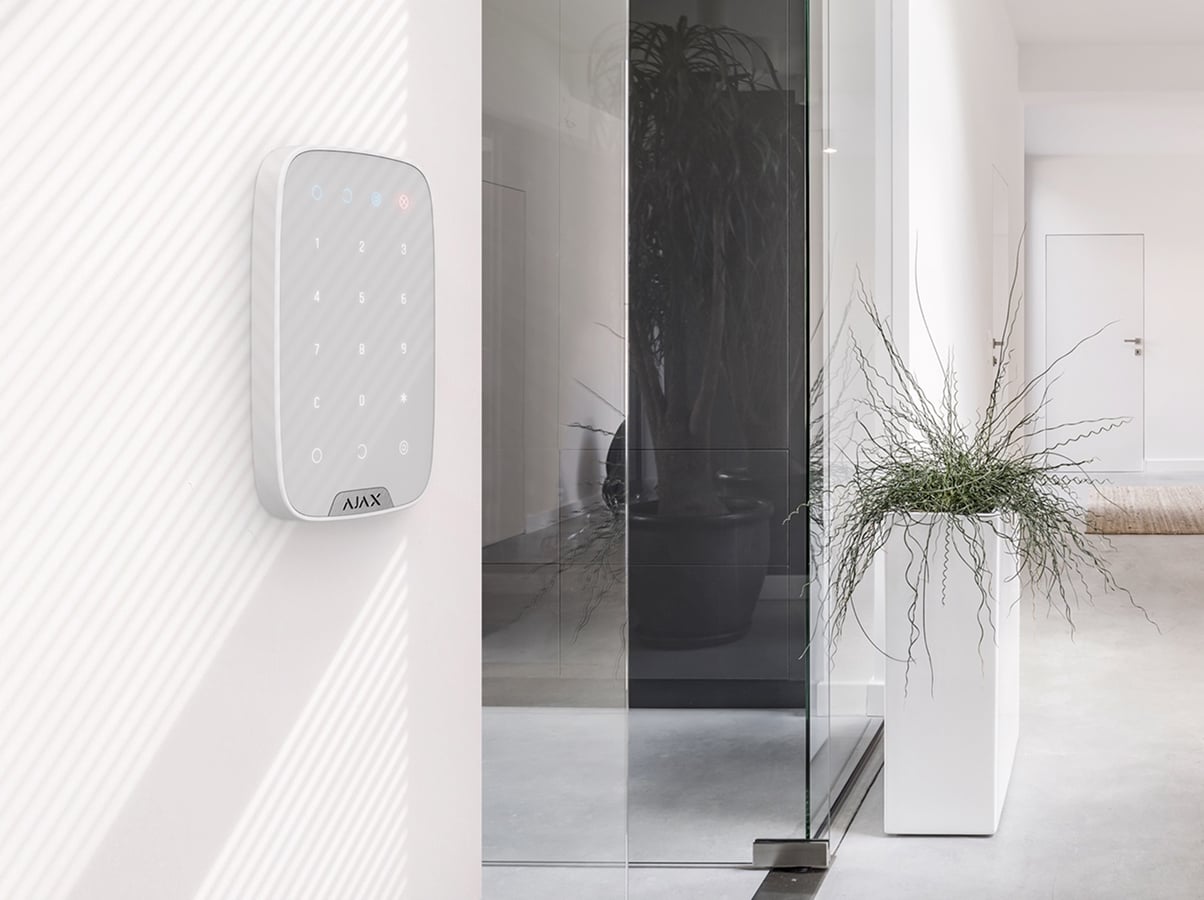
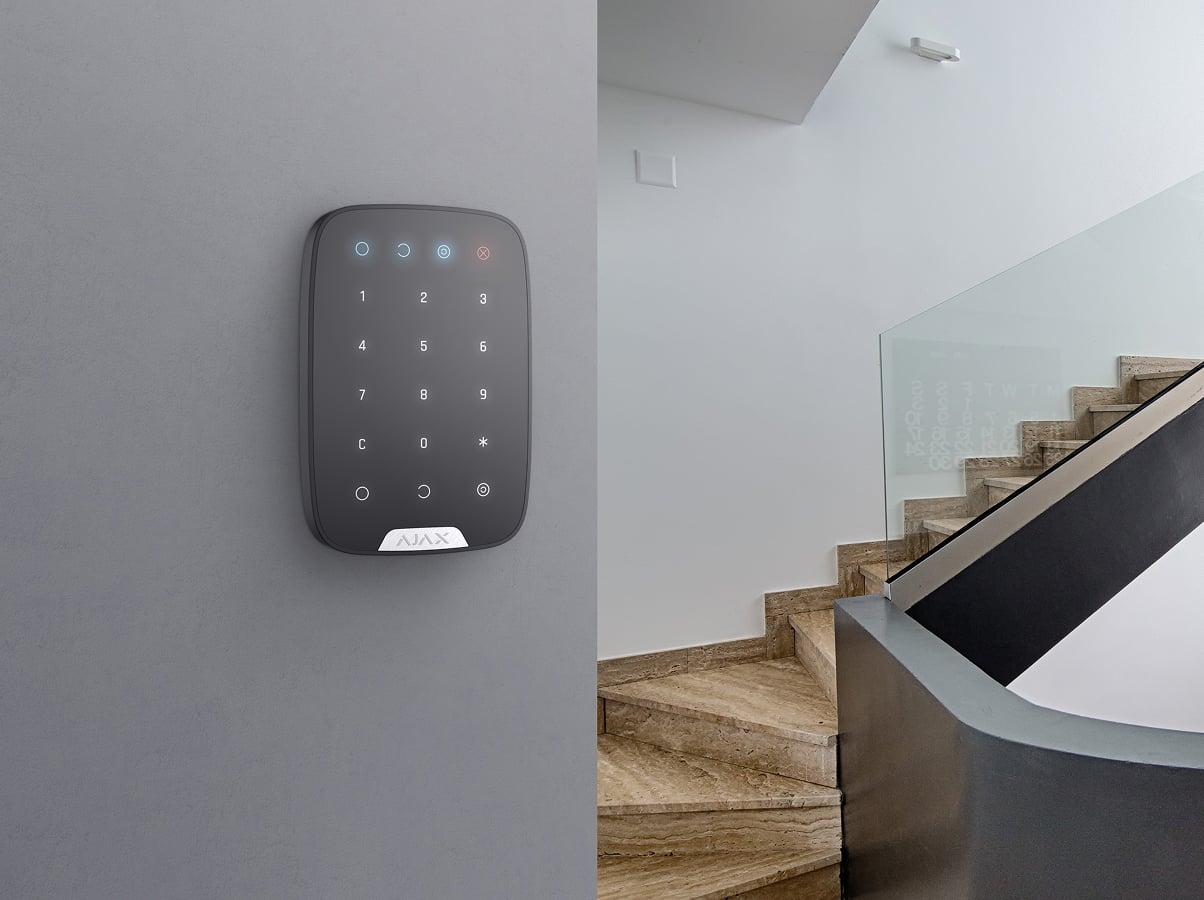
Use the touch keys to change the system’s security mode. KeyPad can control the whole system or its assigned security group; the indicators show armed, disarmed, Night Mode and malfunction states when the keypad is active.
This model uses codes. It does not read Pass cards or Tag key fobs and does not authenticate smartphones.
A code associated with an Ajax user identifies who changed the security state and follows that user’s permissions.
A shared code identifies the keypad in the event feed. Use personal codes when individual accountability is needed.
Control an assigned group, or use the documented group-ID sequence with the general code. Arming without a code can be enabled; disarming still requires authorised access.
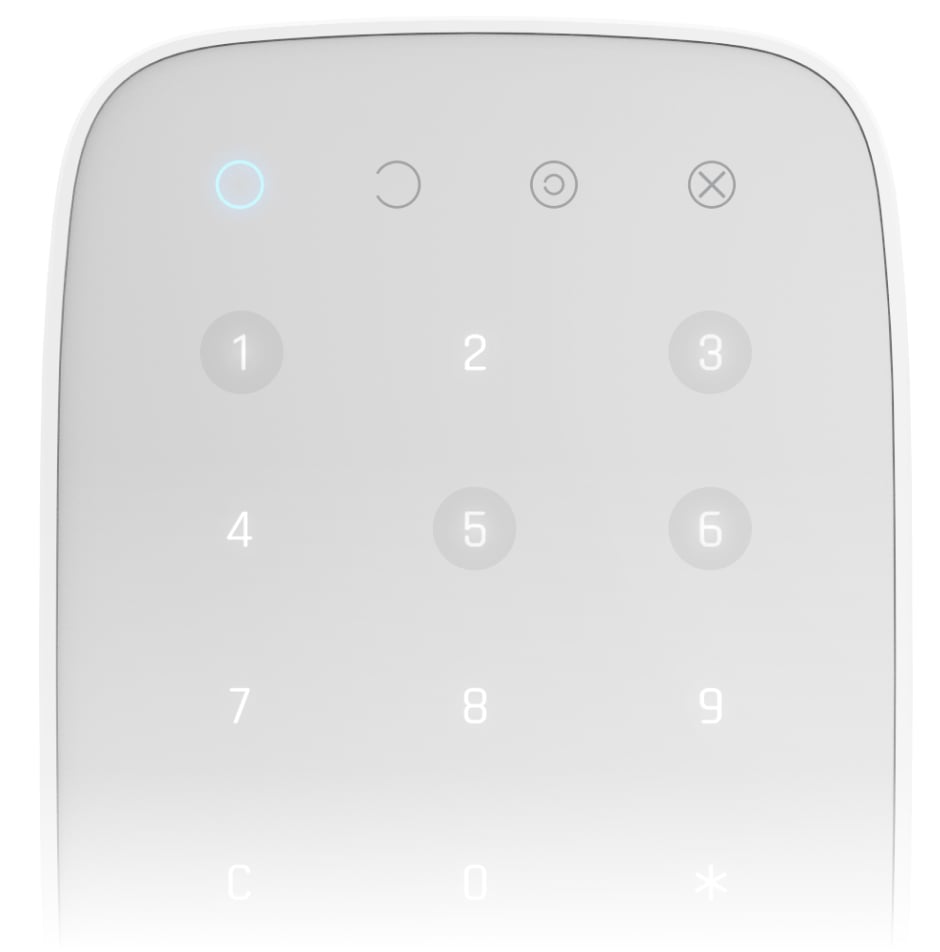
Create, change or deactivate access codes in the hub settings for people who do not have an Ajax account. Assign a clear name so their events can be identified.
Requires a compatible hub with OS Malevich 2.13.1 or later. Hub (2G) Jeweller does not support these access codes. The hub model determines the available number, up to 99.
A configured duress code appears to disarm the system while sending a silent alarm to the monitoring station. Train users in its use and agree the response with the monitoring provider.
Enable automatic locking after repeated incorrect codes. An authorised administrator can set the lock period in the app.
The tamper reports removal from SmartBracket or the mounting surface. Regular hub communication helps reveal a missing keypad; detection time depends on polling settings.
The preinstalled batteries provide up to two years of operation under the stated conditions. The app reports low battery, while adjustable backlight and beeper settings let you adapt the keypad to the room.
Operating life depends on use and settings. Indoor use only, from −10°C to +40°C.
Jeweller carries commands, alarms and device status between the control and a compatible Ajax hub or assigned range extender. Encrypted communication and device authentication help protect the exchange.
Up to 1,700 m in open space. Walls and metal reduce usable range; check operation at every intended location. Choose equipment for the same radio-frequency region.
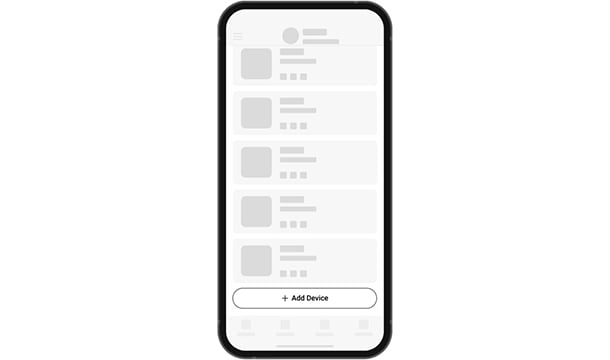
Add the device by its QR code in the Ajax app, then assign a clear name and room. Check hub compatibility and regional radio frequencies before commissioning.
Compare keypads, key fobs and panic buttons across ranges. See how people arm the system, identify themselves, operate a routine or ask for help.
Compare control devices →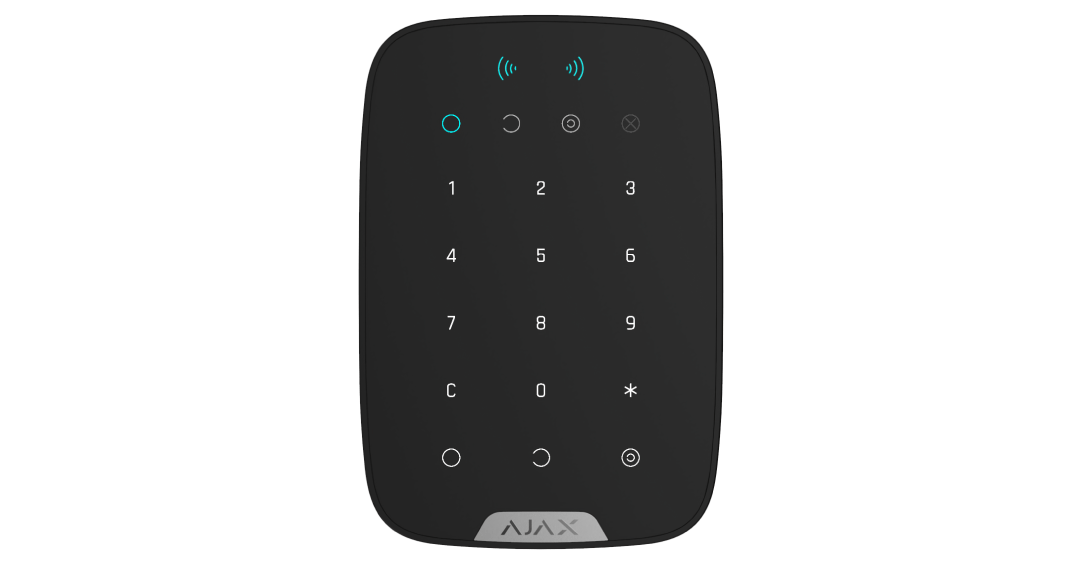
KeyPad Plus adds Pass and Tag authentication.
Compare on-screen group and automation control with KeyPad TouchScreen.