MAKE IT YOURS
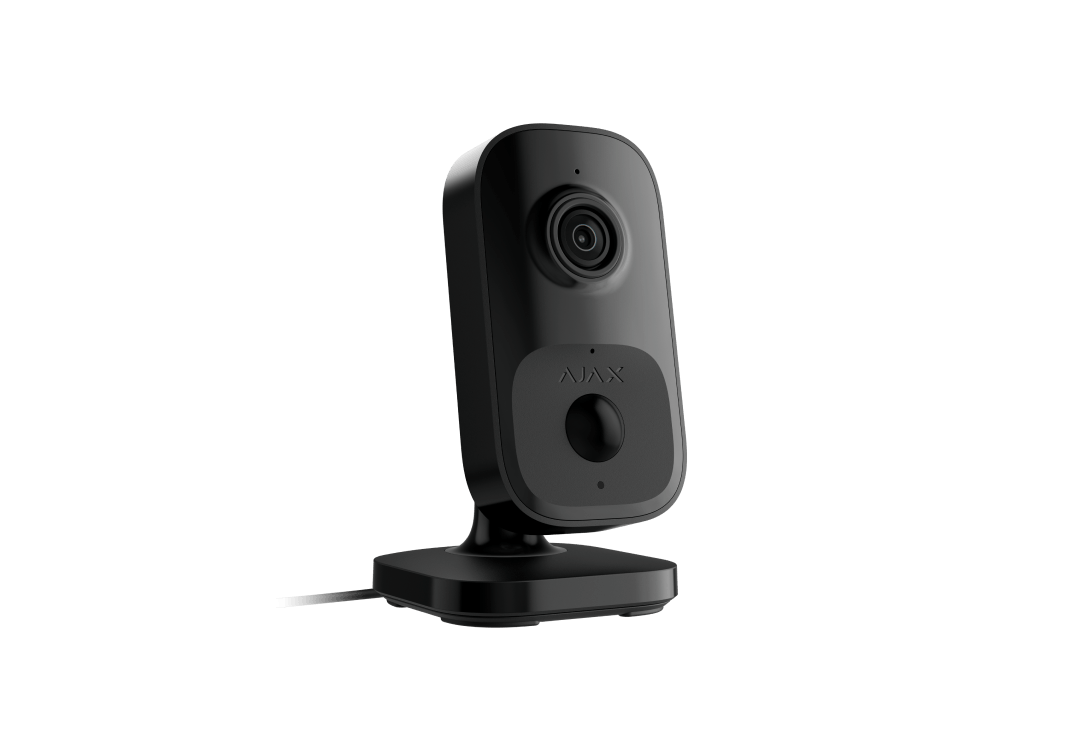
IndoorCam.
A compact indoor camera for the rooms you want to check on.
Standards and certifications
IndoorCam · IC.Y.W. Manufacturer-listed marks; regional and installation conditions apply.
Stay close to what happens at home.
IndoorCam brings a 4 MP view, two-way audio and intelligent motion detection to a room. Check live video over Wi-Fi, speak through the Ajax app and choose which events should notify you. Add recording through Ajax NVR or Ajax Cloud Storage, and connect a compatible hub when you need backup alarm and photo communication.
Key features. At a glance.
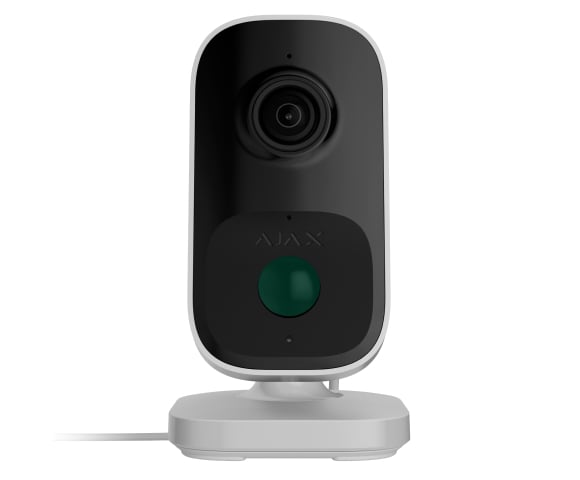
Top-grade camera
110°
4 MP
HDR
IR illumination range
up to 8 m
Precise motion detection
with a PIR sensor
Built-in AI object recognition


Clear two-way audio
with noise suppression and echo cancellation
Conformance with ONVIF Profile S and RTSP support


Informative push notifications

Customizable virtual video wall
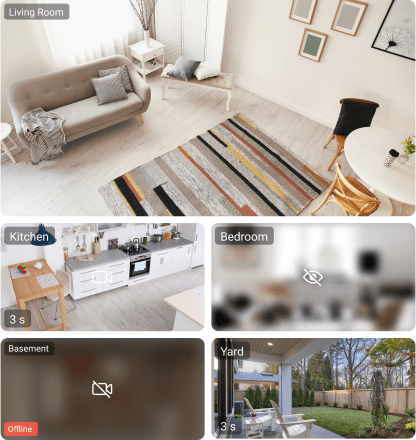
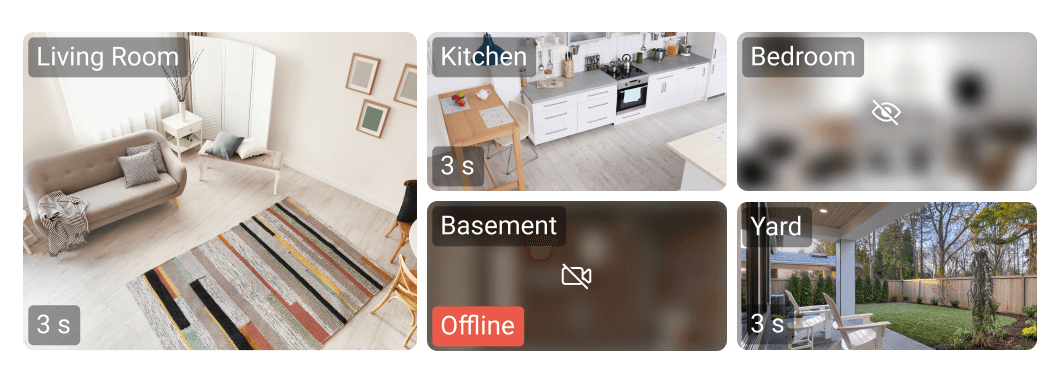


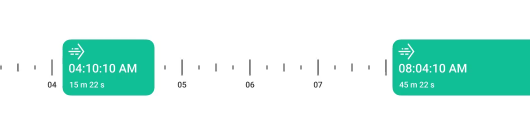
Instant access to live stream and smooth archive navigation1
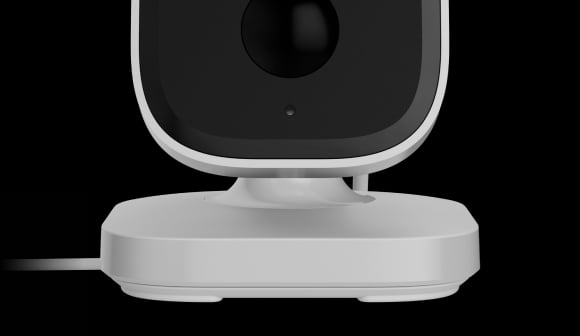
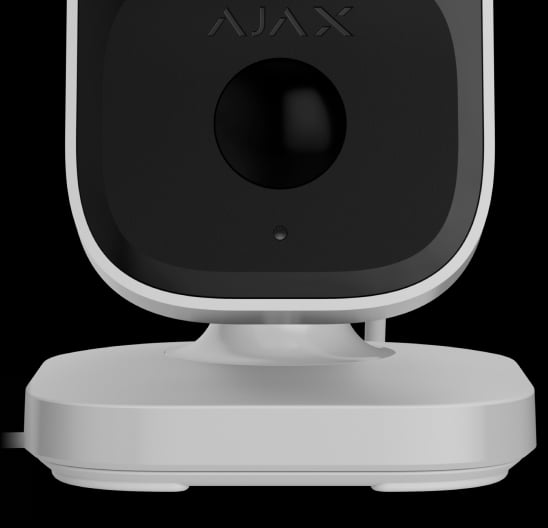
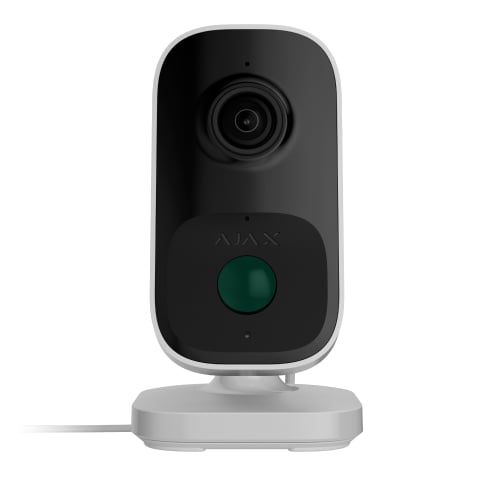
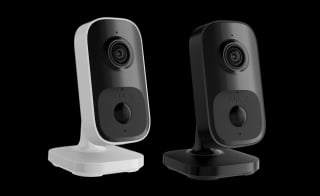
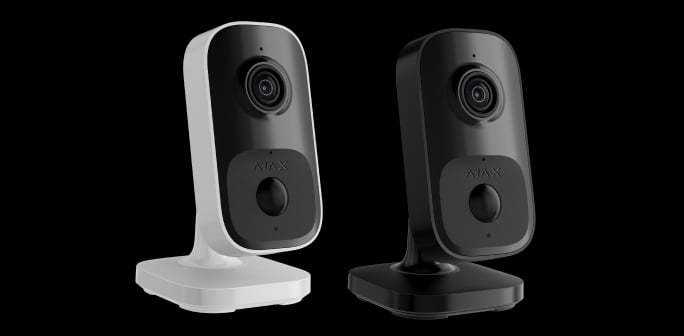
Two colors
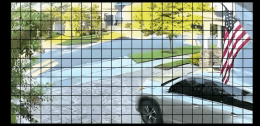
Adjustable motion detection area


Jeweller | Wings
Fallback communication channel
Secure passwordless authentication

Archive synchronization with system events2
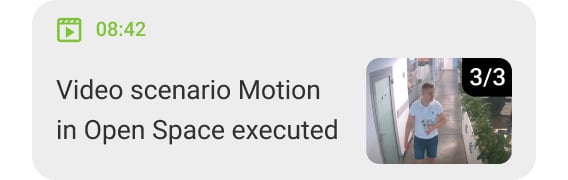
High-resolution alarm verification

Remote control and configuration

Over-the-air updates
without additional maintenance

- 1IndoorCam recordings are stored in Ajax NVR or Ajax Cloud Storage.
- 2IndoorCam recordings are stored in Ajax NVR or Ajax Cloud Storage.
Protection in real places.
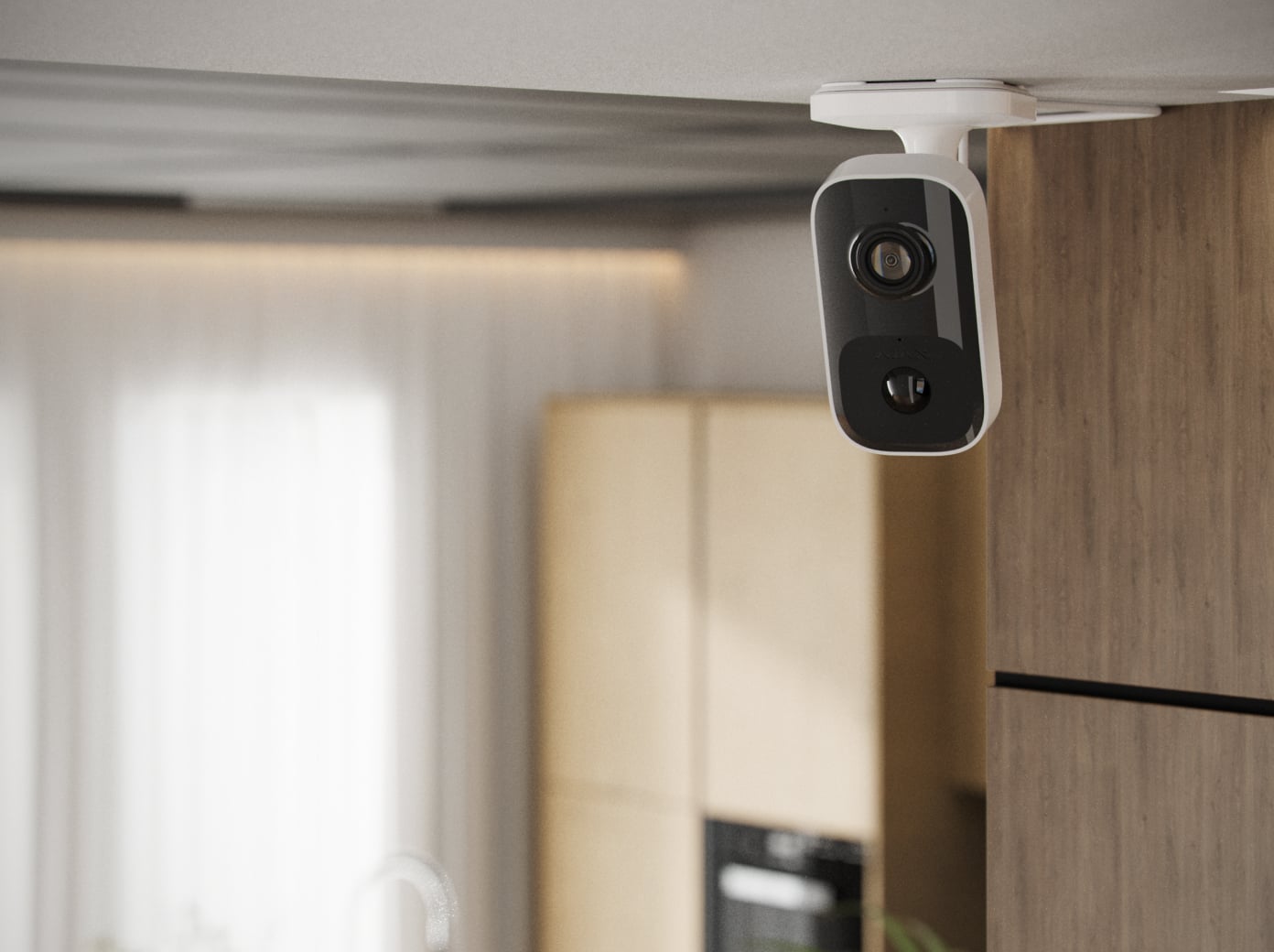
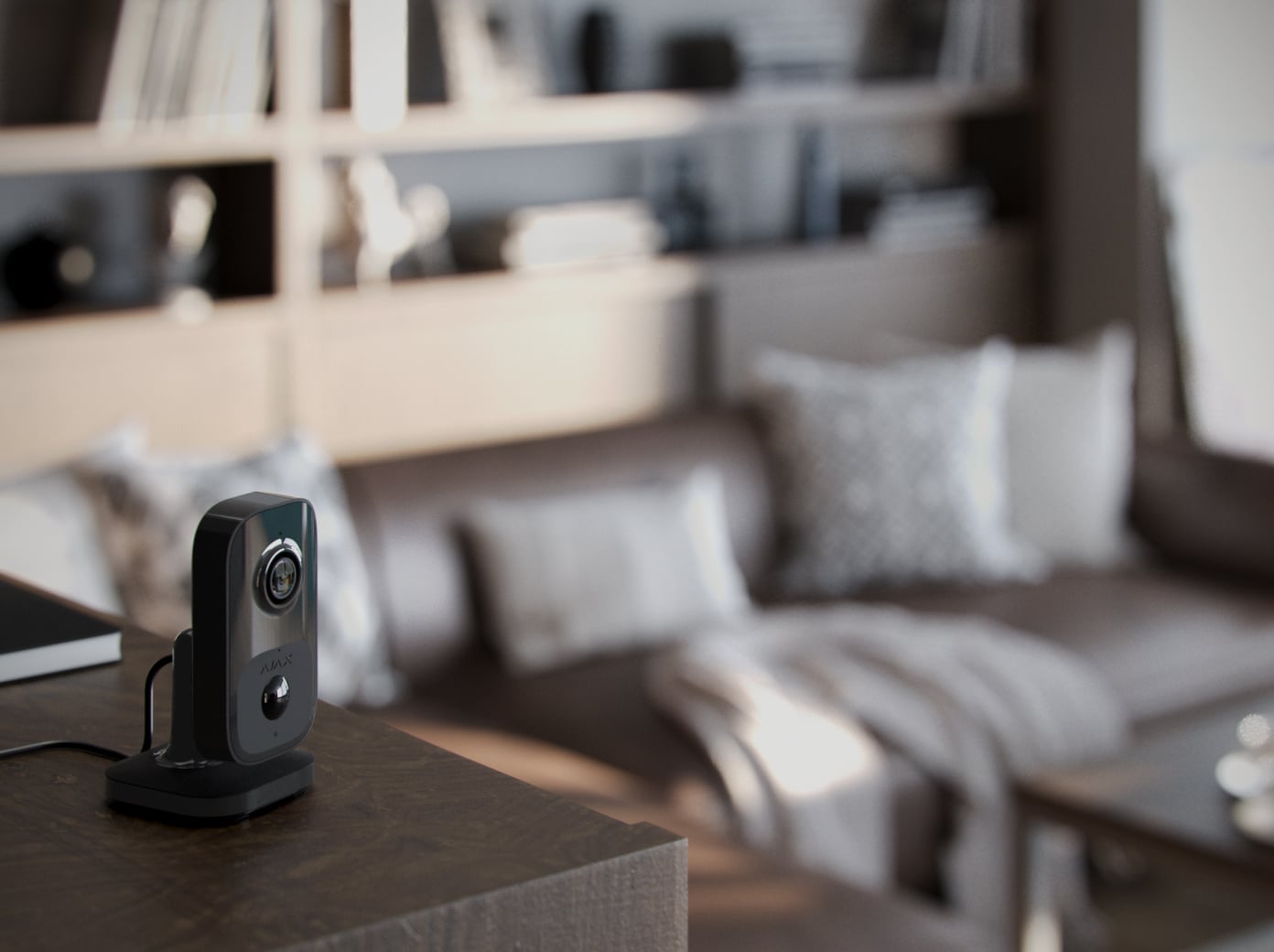
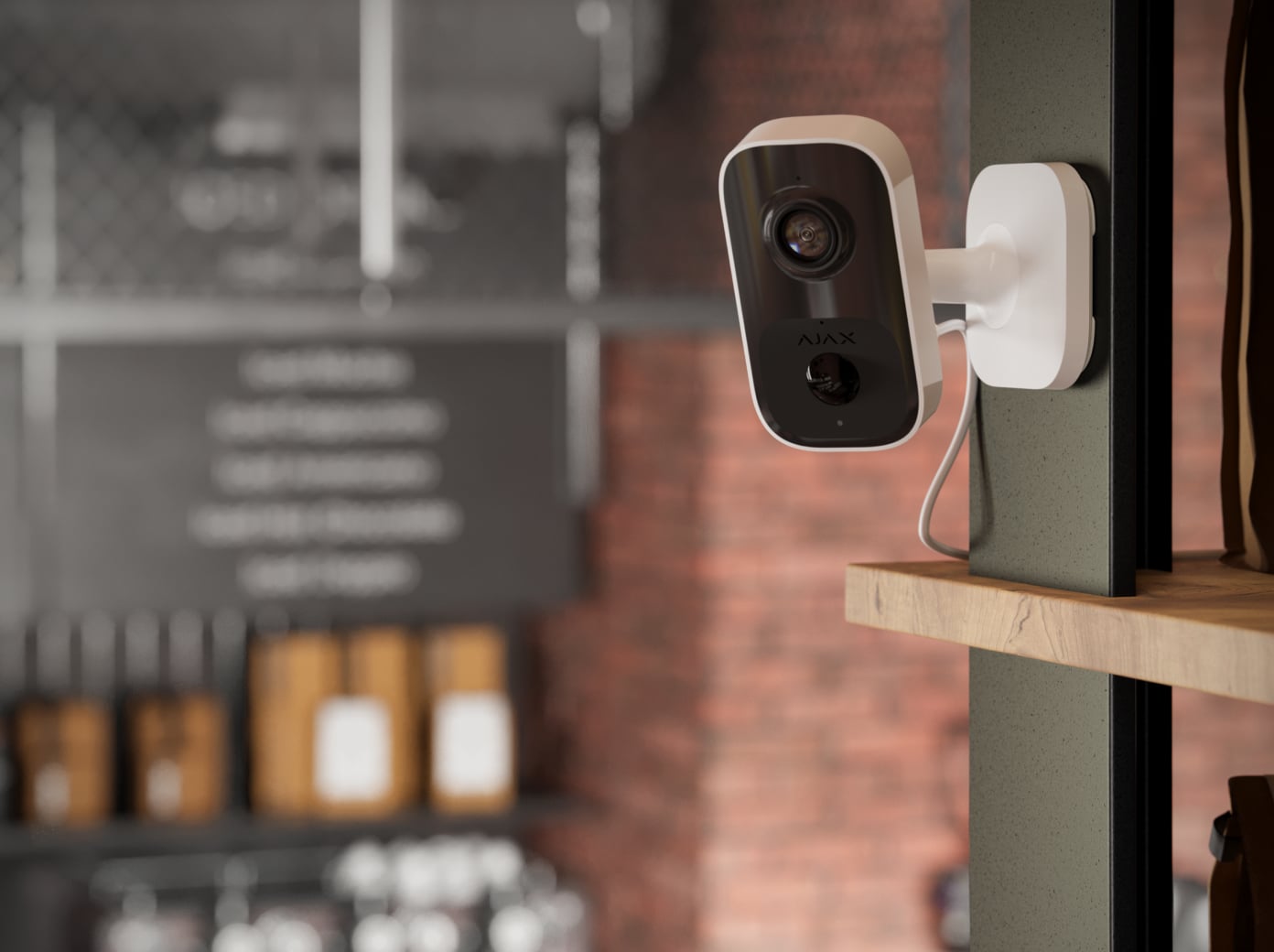
IndoorCam
Every detail has a purpose.
Explore the view, the conversation and the recording path.
Loading detail…
Look in. Talk naturally.
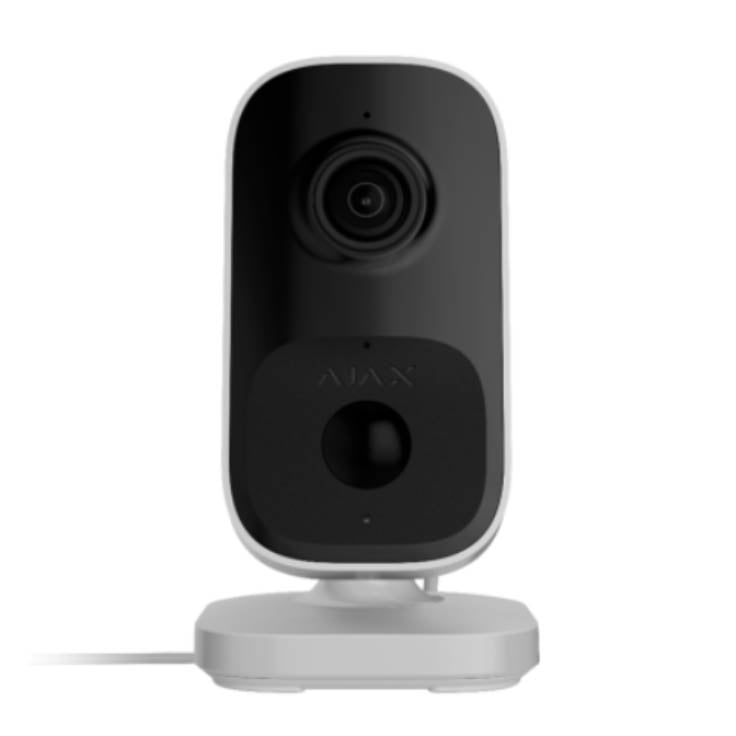
Live view and two-way audio
Open the room’s live stream in the Ajax app and speak through the built-in microphone and speaker. Noise suppression and echo cancellation help keep conversations clear.
Video and conversation use Wi-Fi and require the appropriate account permissions.
See which events matter.
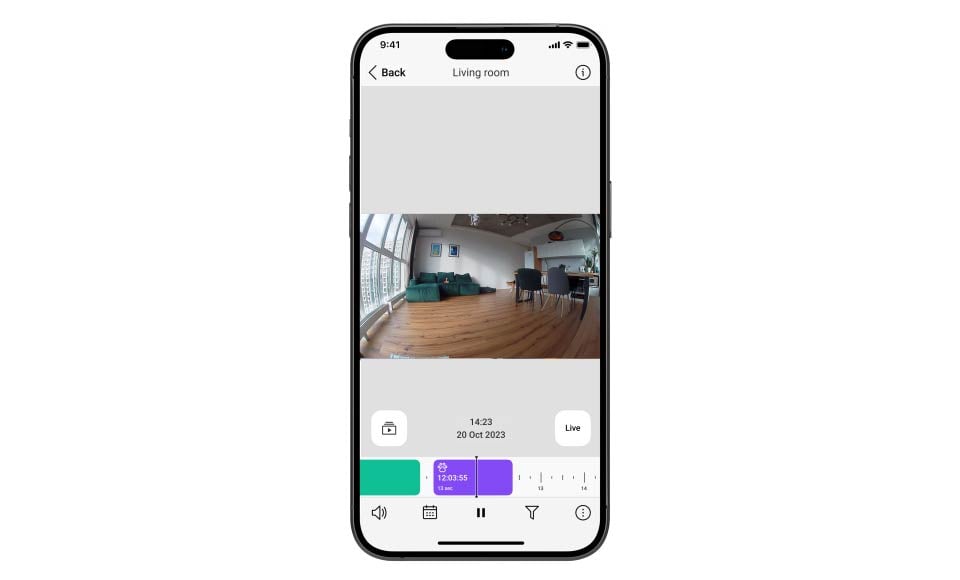
AI recognition and a PIR sensor
The camera recognises people, pets and vehicles and can notify you of selected object types. A built-in PIR sensor detects movement up to 4 m, with three sensitivity levels. Tune the settings for the room or entrance.
Object classes are not facial identification or number-plate recognition. PIR range depends on sensitivity and installation.
Keep private areas out of view.
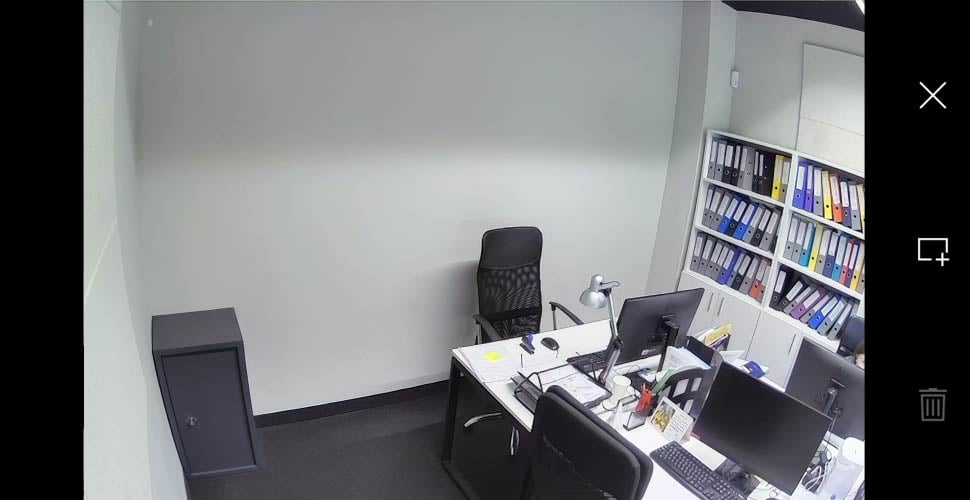
Up to four privacy zones
Mask parts of the camera image that should remain private. A privacy mask hides that area from viewing and recording; it is different from a motion detection zone.
Manage live view, recordings and audio access separately for users, installers and monitoring operators.
Choose where your recordings live.
Live viewing works without a recording archive. To save footage, configure Ajax NVR with storage or an available Ajax Cloud Storage subscription.

Record with Ajax NVR
Connect the camera and Ajax NVR to the same network and install a compatible drive in the recorder. Configure the recording schedule and event settings in Ajax apps. The recorder and drive are separate purchases.
Find the moment you need.
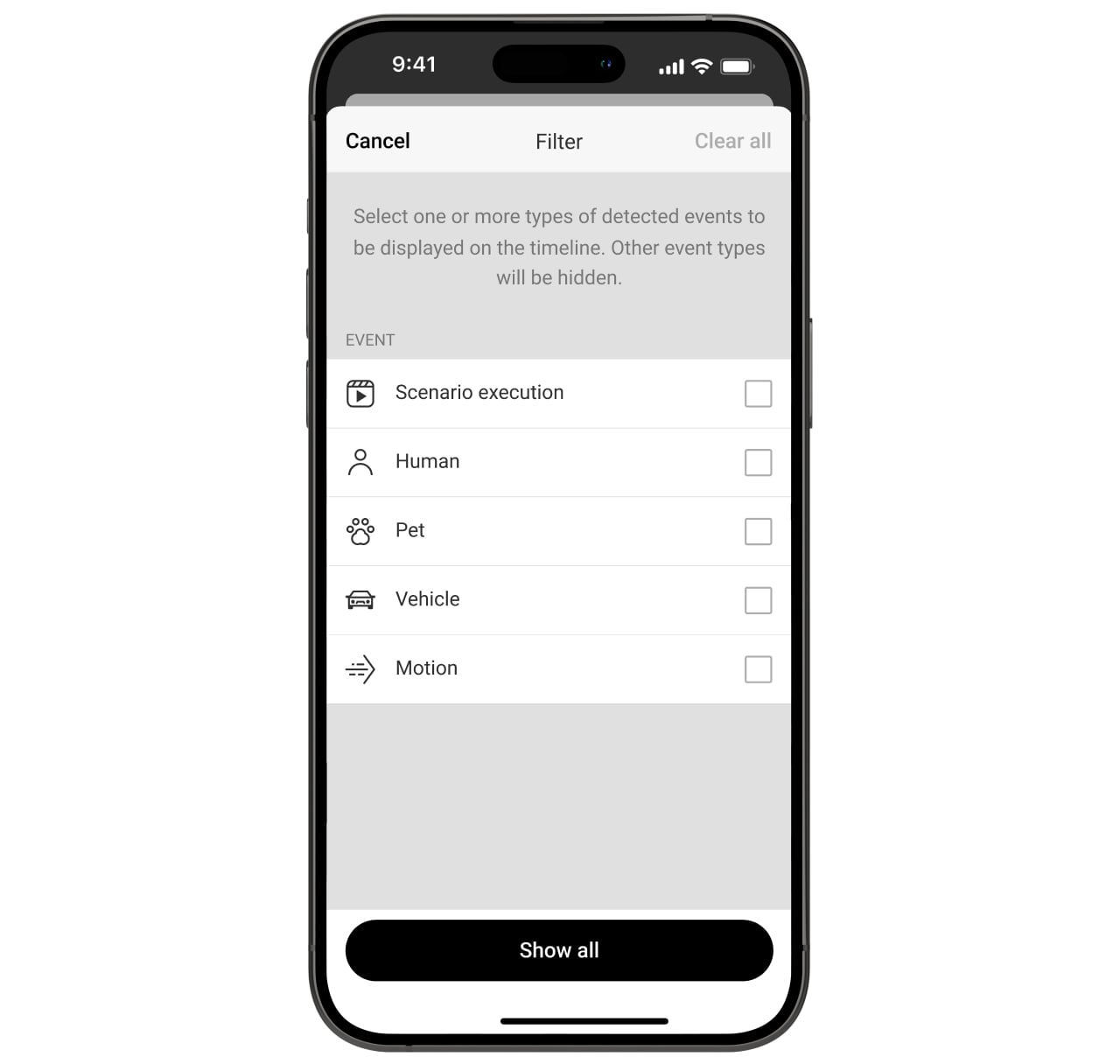
Filter the event history
Narrow recorded events by motion, recognised object type or video scenario. Move to the relevant clip instead of reviewing every recorded moment.
A second path for alarms and photos.
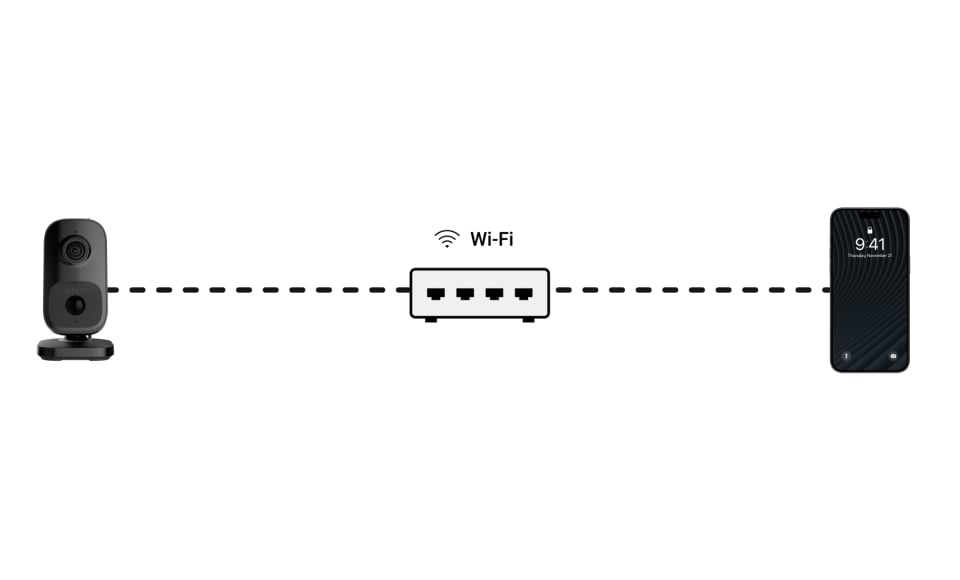
Jeweller and Wings backup
Add the camera to a compatible Ajax hub to send alarms and events through Jeweller if Wi-Fi is lost. Wings can send photo verification when Ajax Cloud Storage is activated. This connection uses one slot in the hub’s device limit.
Radio backup does not carry live video or archived recordings for the Wi-Fi outage. Check hub compatibility, firmware and the Cloud Storage subscription before relying on photo backup.
Give the video a reliable connection.

2.4 GHz Wi-Fi
Connect to an 802.11 b/g/n network with WPA2 security. Check signal strength and live video at the final mounting position before finishing installation.
WPA3 is not supported. Walls, interference and network capacity affect performance; a line-of-sight radio range is not a guaranteed distance inside a building.
Video that is easy to move through.
JetSparrow
Ajax’s video technology handles streaming and archive access with encrypted peer-to-peer transmission. It helps keep live viewing and timeline navigation responsive; the network connection and recording setup still determine the experience.
Keep the whole site in view.
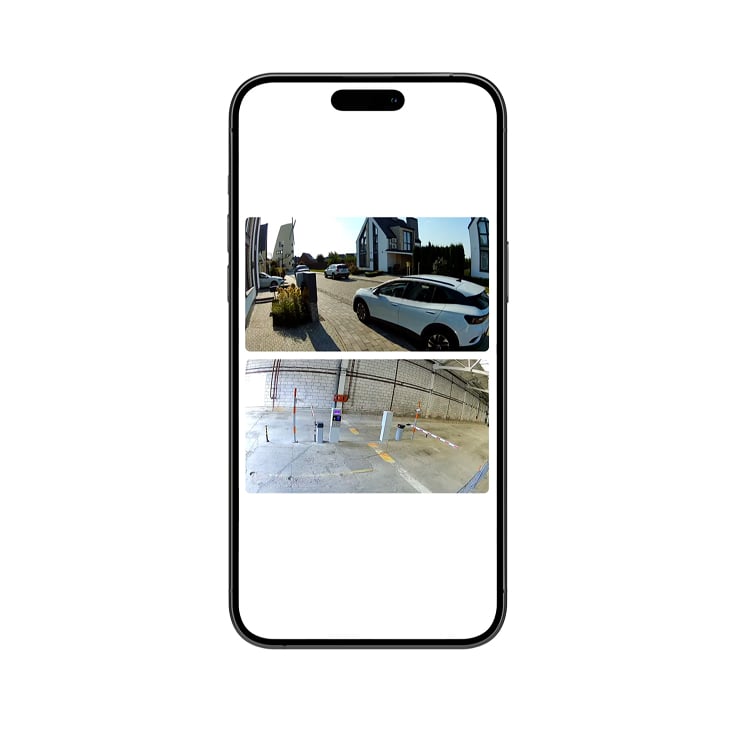
Your cameras, together
Arrange live camera views in a video wall and change their order as your priorities change. Use Ajax apps on a phone, computer or supported TV to check several viewpoints without opening each camera separately.
Give an alarm visual context.
A camera adds video to a security system. Detector-triggered scenarios also require the corresponding Ajax intrusion devices and a compatible hub.
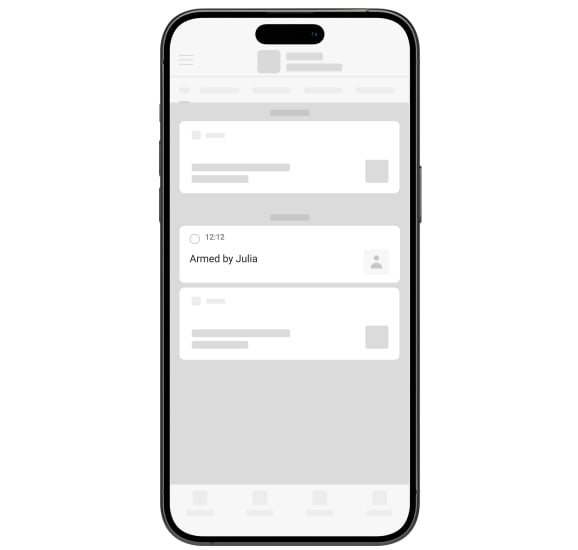
From notification to footage
Link a camera to the area it watches. A system event can take you to the relevant video so you can understand what happened at the property.
Make video part of the security response.
Activate a siren for selected events
Configure an Ajax siren to react to supported motion or object detections. Add IndoorCam and the siren to a compatible hub running OS Malevich 2.31 or later and keep all required devices online.
Access stays under your control.
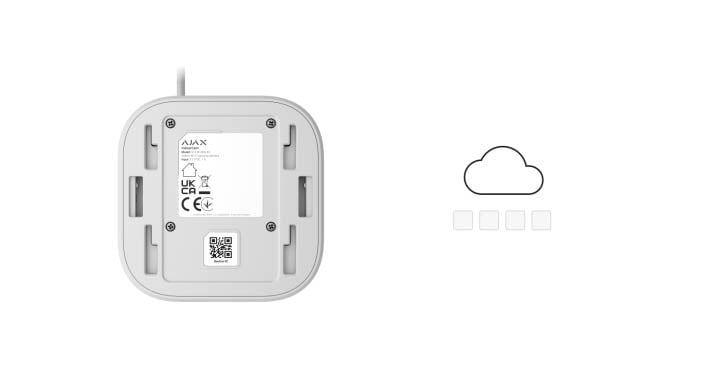
A camera without a default password
The Ajax connection uses mutual TLS certificates and binds the camera to one space. Add it through the Ajax app instead of relying on a shared factory password. Protect the account separately with two-factor authentication and session control.
Fit into a wider video system.
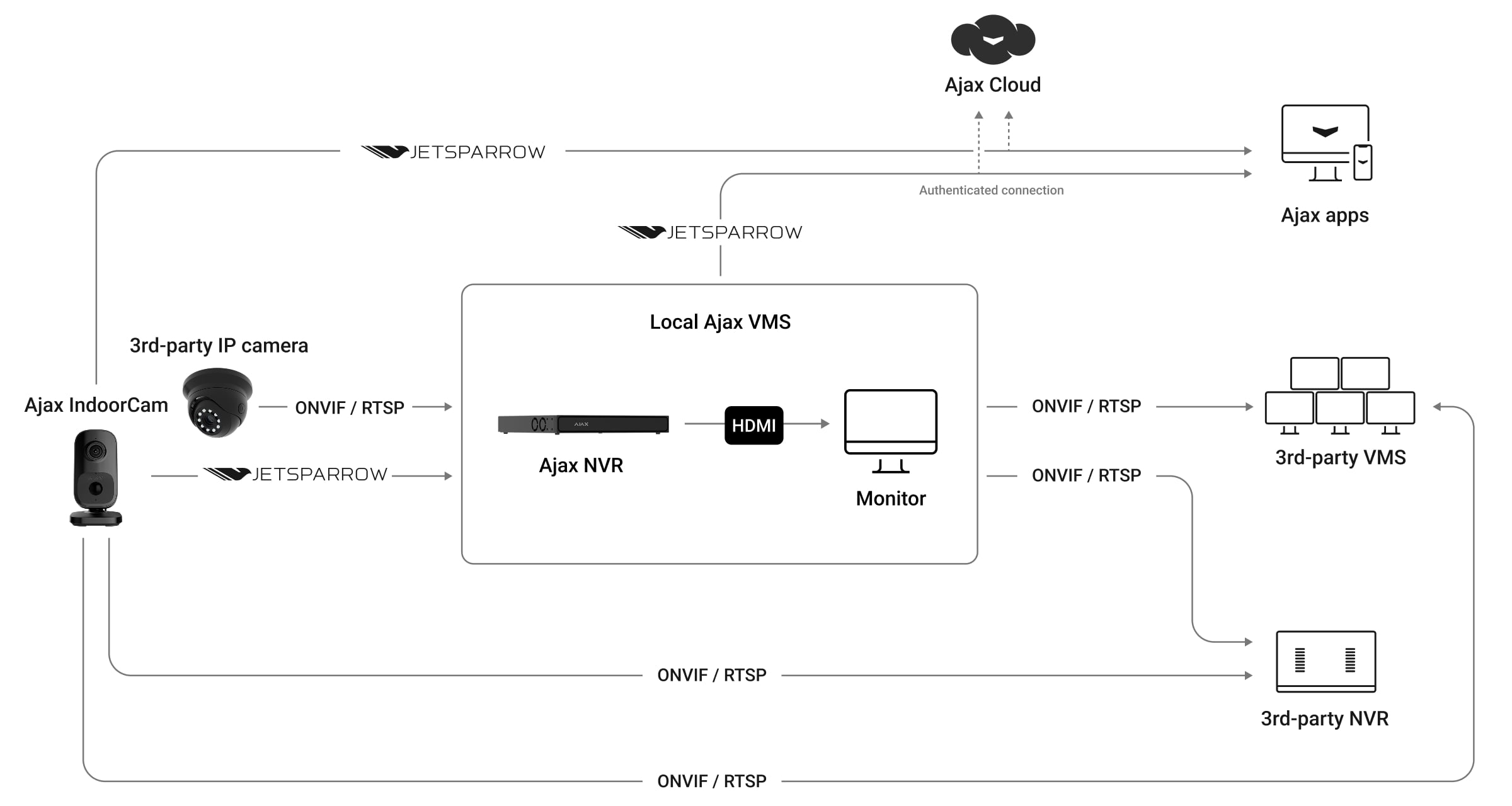
ONVIF Profile S and RTSP
Connect the camera to compatible third-party video software through ONVIF Profile S or RTSP. This model encodes video in H.264. Integration is available from firmware 2.377 with supported, up-to-date Ajax apps.
The receiving system determines which functions are available. Ajax-specific analytics, event handling and image controls are not guaranteed by Profile S conformance.
Install, check and manage.
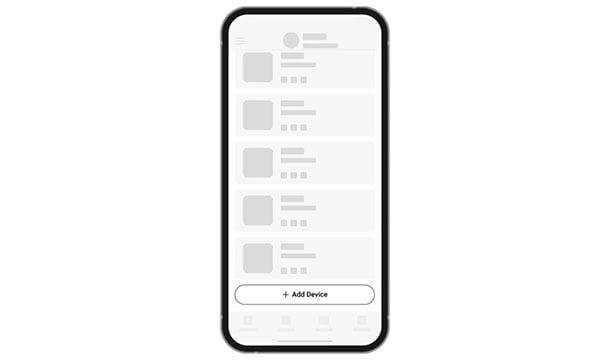
Add in the Ajax app
Scan the device QR code, choose the Ajax space and room, and connect IndoorCam to Wi-Fi. A hub is optional for standalone video but required for Jeweller/Wings backup and hub-based security functions.
For radio backup, check the compatible-hub list and use OS Malevich 2.28 or later. Other functions may require newer firmware.
Find the right camera.
Compare cameras across ranges, including IndoorCam and DoorBell. See what changes for your view, your installation and your everyday use.
Compare cameras →Every detail, in one place.
Video stream
- Camera
- 4 MP CMOS sensor
- Resolution
- up to 2688 × 1520 px
- Camera viewing angles
- horizontal: 110° vertical: 60°
- Video protocol
- JetSparrow Fast and encrypted peer-to-peer video protocol developed by Ajax Systems.
- Storage options
- NVR Ajax Cloud Storage
- Video codec
- H.264
- Dynamic range
- HDR Improves the accuracy of detail in bright and dark scenes.
- Frame rate
- 3–25 fps (selectable in Ajax apps)
Communication channel
- Wi-Fi
- 802.11 b/g/n module 2.4 GHz
- Jeweller and Wings communication technologies
- Proprietary wireless communication technologies to transmit commands, alarms, events, and photo verifications. They serve as a backup communication channel when the device is added to the hub.
Key features
- Two-way communication
- Clear and loud voice communication between users and the device.
- Motion detection
- The device detects movement using a built-in PIR sensor and software image frame analysis.
- Object detection
- using AI People. Pets. Vehicles.
- Smart IR illumination
- up to 8 m Automatic adjustment of intensity in real time to avoid overexposure. This allows you to see objects that are far away or too close to the camera in low-light conditions.
- Visual verification of Ajax alarms
- The system allows you to set up a scenario when Ajax detectors activate selected cameras to start recording. The result is immediately sent to the mobile or desktop monitoring app.
- ONVIF ®
- Conformant with ONVIF Profile S; RTSP supported. H.264 video. Available from firmware 2.377 with supported Ajax apps. Additional analytics, events and image controls are not guaranteed by Profile S conformance.
- Microphone
- For two-way communication and sound recording at the site.
- Speaker volume
- 65 dB ± 3 dB
- Audio codec
- G722
- Audio processing
- Always active noise suppression and echo cancellation.
- LED indication
- An LED indicator shows the actual state of the device.
PIR detection
- Sensitive elements
- 1 × PIR sensor
- Motion detection distance
- up to 4 m Depends on the sensitivity level adjusted in the device settings.
- Motion detection angle
- horizontal: 110° vertical: 60°
- Sensitivity
- 3 levels Adjusted by a PRO or a user with admin rights in Ajax apps.
Sabotage protection
- Holding screw
- secures the device on the mounting panel
- mTLS
- Encrypted connection for data protection.
- Authentication
- via Ajax Cloud Without local access rights.
- Secure Boot
- Protection against firmware spoofing.
- OTA signature verification
- Secure automatic firmware update.
- Privacy
- Access rights distribution for users in mobile apps and for monitoring operators in PRO Desktop.
- Communication loss detection
- Wi-Fi: can be set from 30 s Jeweller/Wings: after 36 s Detection time depends on Ajax Cloud connection and Jeweller or Jeweller/Fibra settings.
Power supply
- Power supply unit
- 12 V⎓ ± 20%, 1 А
- Device power consumption
- up to 8 W
Enclosure
- Dimensions
- 128 × 74 × 76 mm
- Weight
- 235 g
- Operating temperature range
- from 0 °C to +40 °C
- Operating humidity
- up to 90% with no condensation
- Protection class
- IP20
What’s in the box
- IndoorCam
- Power supply unit
- Installation kit
- Quick start guide
For your installation
- Needs mains power and a Wi-Fi network.
- Archive requires an NVR with a disk or a supported cloud plan.
- Radio backup for events does not maintain live video without the network.